Quick Craft + Quick Loot - Customisable
Bedrock texture pack listed for Minecraft 1.21–26.x. File opened and checked on 4 Oct 2026; installs from the MC Bedrock Mods app on Android.
⚡ Speed up your Minecraft Bedrock experience with faster crafting, instant looting, and optimized UI. Lightweight, vanilla-friendly, customizable with…
⬇ Download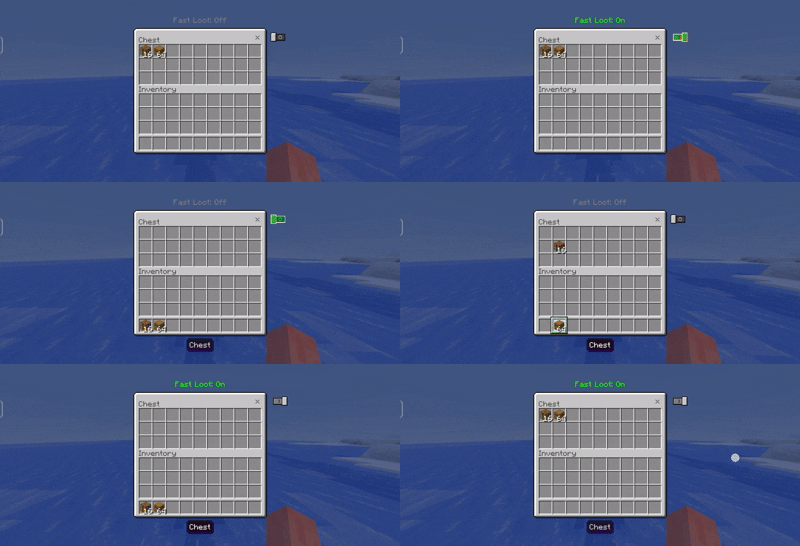
⚡ Fast Craft + Quick Craft + Quick Loot
The ultimate Minecraft Bedrock UI Pack designed to speed up crafting and inventory management while keeping the vanilla look clean and simple.
✨ Features
| Feature | Description |
|---|---|
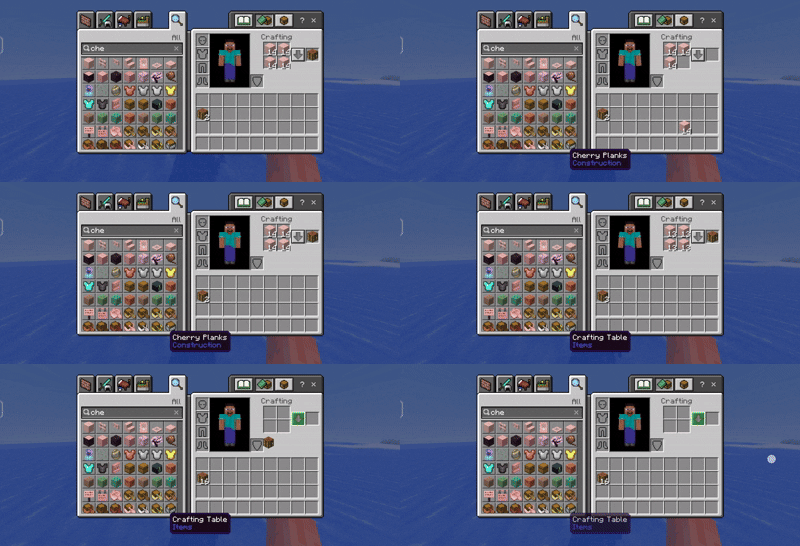
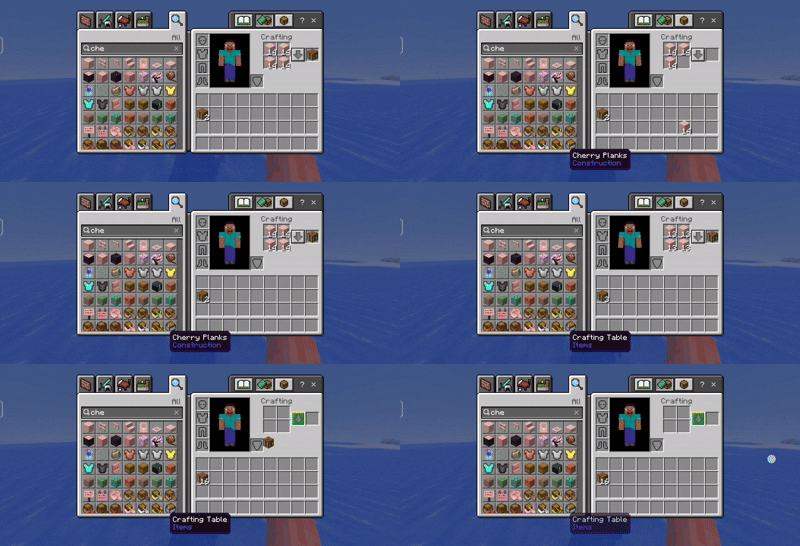
| ⚡ Quick Craft | Craft items instantly with fewer taps. |
| 📦 Quick Loot | Move items between inventories much faster. |
| 🎨 Vanilla Style | Keeps the original Minecraft UI appearance. |
| 📱 Pocket Friendly | Optimized for Minecraft Bedrock (Touch UI). |
| 🪨 Stonecutter Support | Quick actions inside the Stonecutter. |
| 🤝 Trading Support | Faster Villager Trading UI. |
| 📦 Chest Support | Improved Chest Interface. |
| 🛠️ Lightweight | No unnecessary textures or lag. |
📂 Pack Structure
| Folder | Purpose |
|---|---|
| 📁 UI | Main UI modifications |
| 🎨 Textures | Custom icons and buttons |
| 📦 Subpacks | Different versions of the pack |
| 📄 Manifest | Pack information |
📦 Subpacks
🚀 All Things
Enables every feature included in this pack.
✅ Includes
- ⚡ Quick Craft
- 📦 Quick Loot
- 🪨 Stonecutter Support
- 🤝 Trading Support
- 📦 Chest Support
- 📱 Mobile Optimized
📷 Preview
QUICK CRAFT
QUICK LOOT
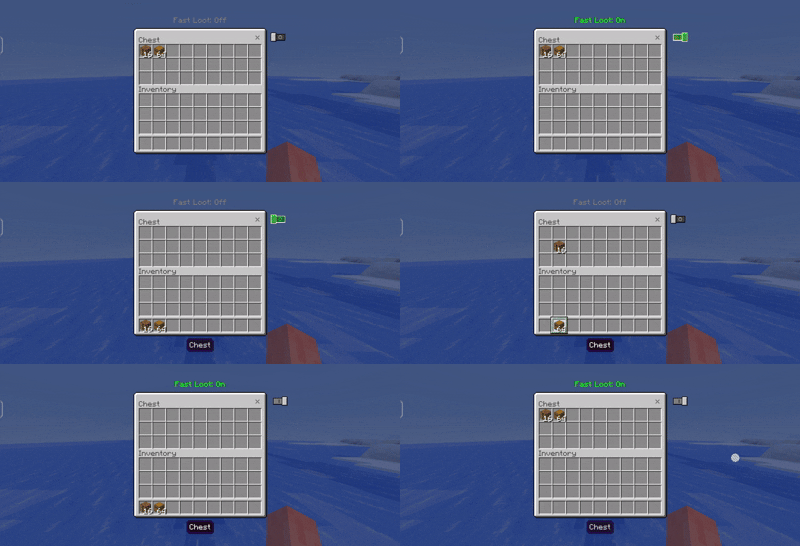
⚡ Only Quick Craft
Perfect for players who only want faster crafting without changing inventory behavior.
✅ Includes
- Faster Crafting
- Better Craft Button
- Chest Craft Support
- Vanilla Look
❌ Does NOT Include
- Quick Loot
📷 Preview
📦 Only Quick Loot
Makes inventory management much faster by allowing quick item transfers.
✅ Includes
- Quick Inventory Transfer
- Faster Chest Looting
- Trading UI Support
- Stonecutter Support
❌ Does NOT Include
- Quick Craft
📷 Preview
🖼️ UI Screens Modified
| Screen | Modified |
|---|---|
| 📦 Inventory | ✅ |
| 📦 Chest | ✅ |
| 🤝 Villager Trading | ✅ |
| 🪨 Stonecutter | ✅ |
| 📱 Pocket Containers | ✅ |
| 🎨 UI Common | ✅ |
📱 Compatibility
| Minecraft Version | Support |
|---|---|
| 1.21+ | ✅ |
| Android | ✅ |
| Windows | ✅ |
| iOS | ✅ |
⚙️ Installation
- Download the
.mcpackfile. - Open it with Minecraft.
- Import the resource pack.
- Activate the pack.
- (Optional) Select your preferred Subpack.
- Enjoy faster gameplay!
❤️ Why Use This Pack?
- ⚡ Saves Time
- 📦 Faster Inventory Management
- 🎮 Better Gameplay Experience
- 📱 Designed for Touch Controls
- 🎨 Clean Vanilla Feel
- 🚀 Lightweight & Optimized
👑 Credits
Created with ❤️ for the Minecraft Bedrock Community.
- Edition: Minecraft Bedrock
- File type: .mcpack
- Minecraft versions listed: 1.21.81, 1.21.93, 1.21.90
- How to install: Download the .mcpack. → Open it — Minecraft imports it under Resource Packs. → Activate it in Global Resources, or for one world under Resource Packs → Available.
- Where to get it: In MCModsHub, or directly above on this page.
Install steps are the general flow for this file type — How to install Minecraft Bedrock texture packs walks through it step by step.
- Pack type: .mcpack — a single pack
- Complete pack — everything it depends on is inside the file
- Download size: 758 KB
- Download link checked 22 Sept 2026 — working
These come from our own check of the pack file, not from the source page.