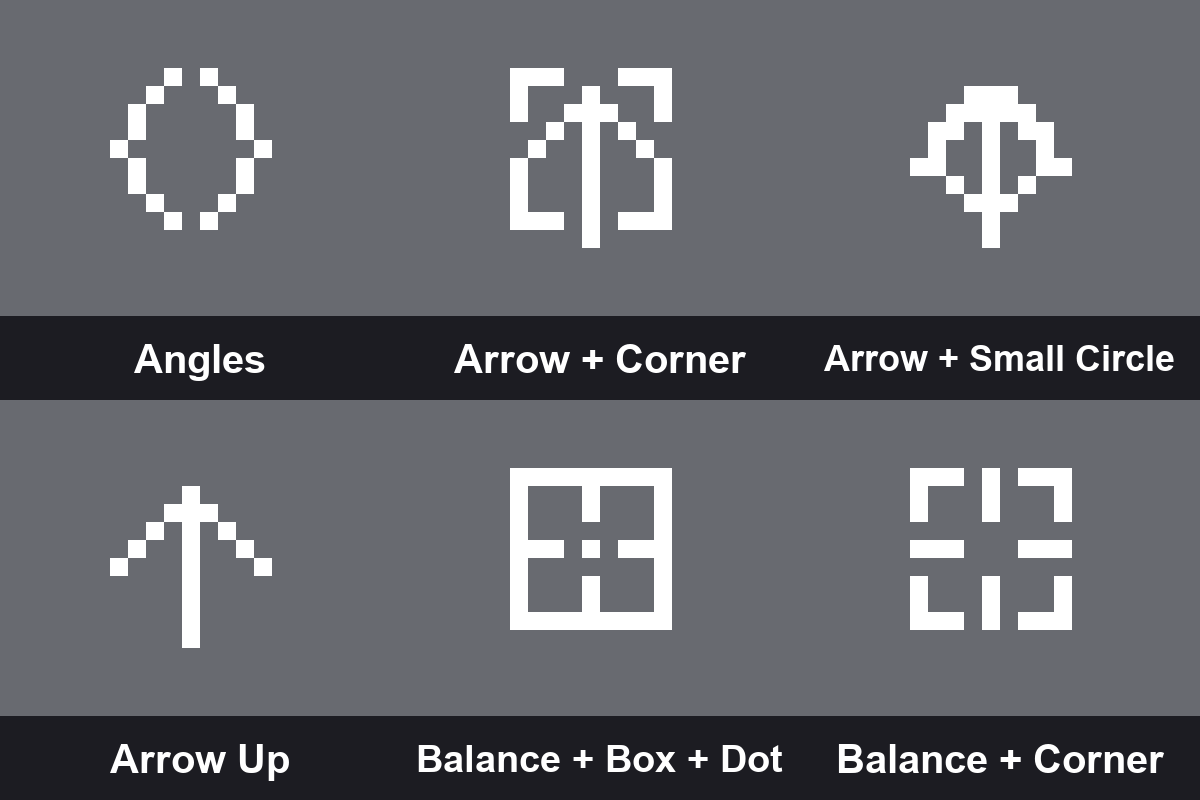
Dynamic Crosshairs
Bedrock texture pack listed for Minecraft 1.21–26.x. File opened and checked on 25 Sep 2026; installs from the MC Bedrock Mods app on Android.
200+ crosshair styles for Minecraft Bedrock — dots, circles, scopes, diamonds, hearts, skulls, combo styles and more. Pick your style via subpacks. Zero…
⬇ Download on CurseForgeThe author built this one for Minecraft 26.50. On other versions it may install and then do nothing.
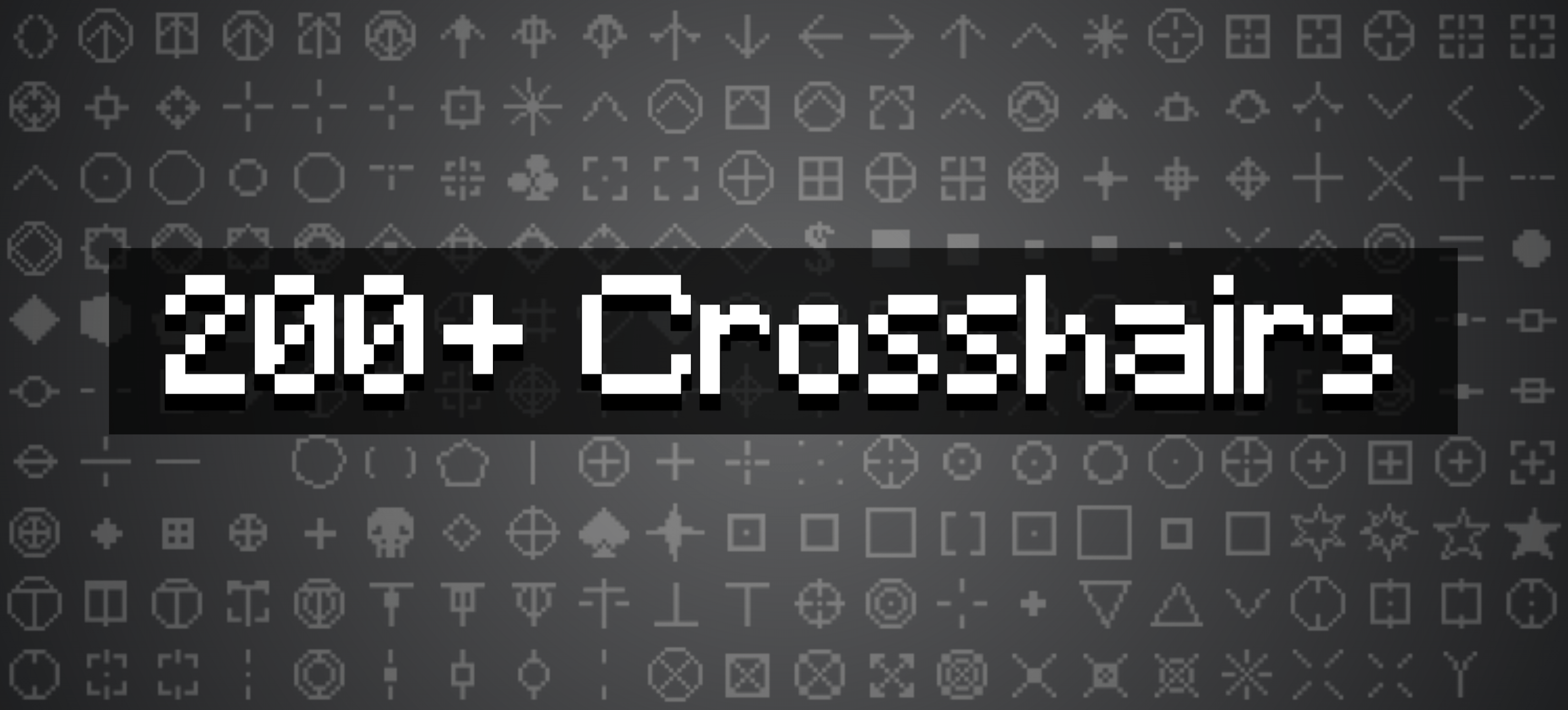
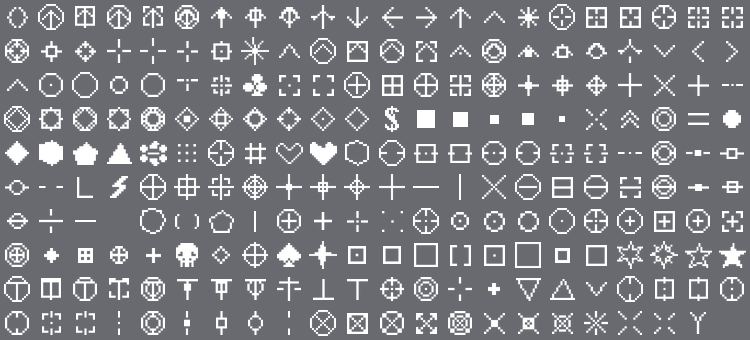
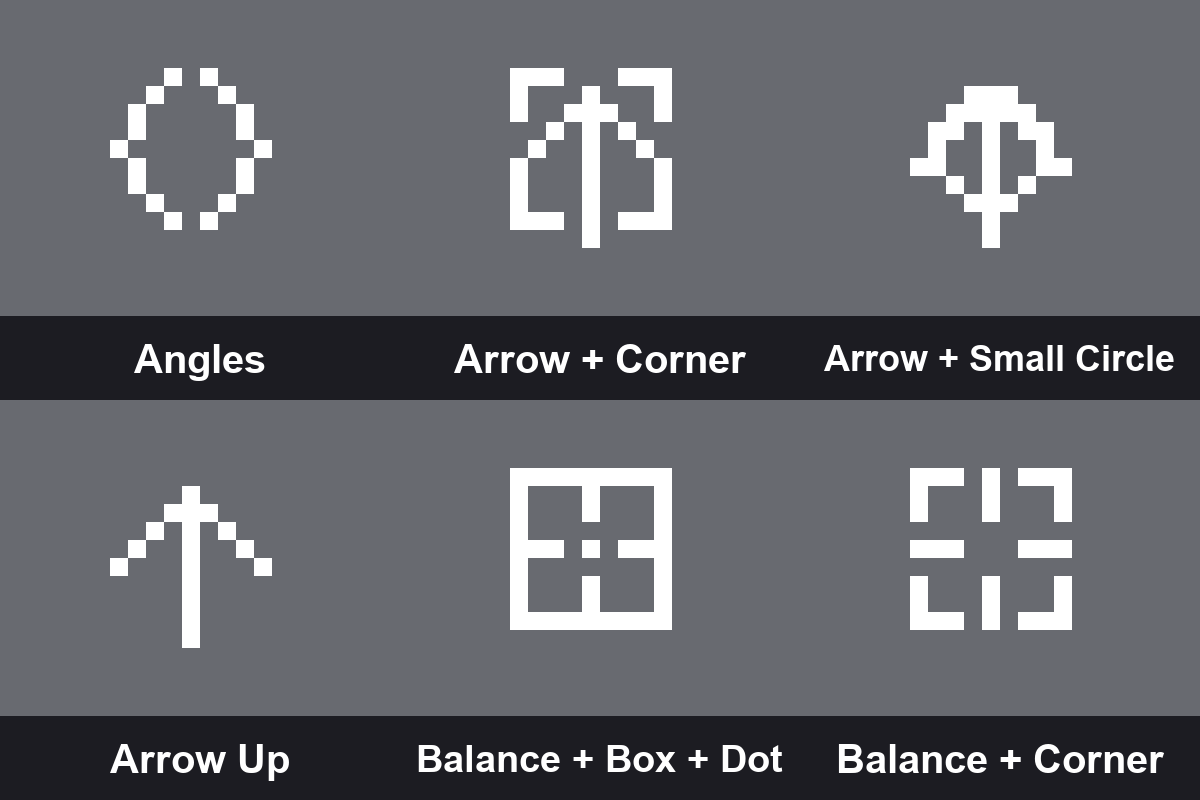
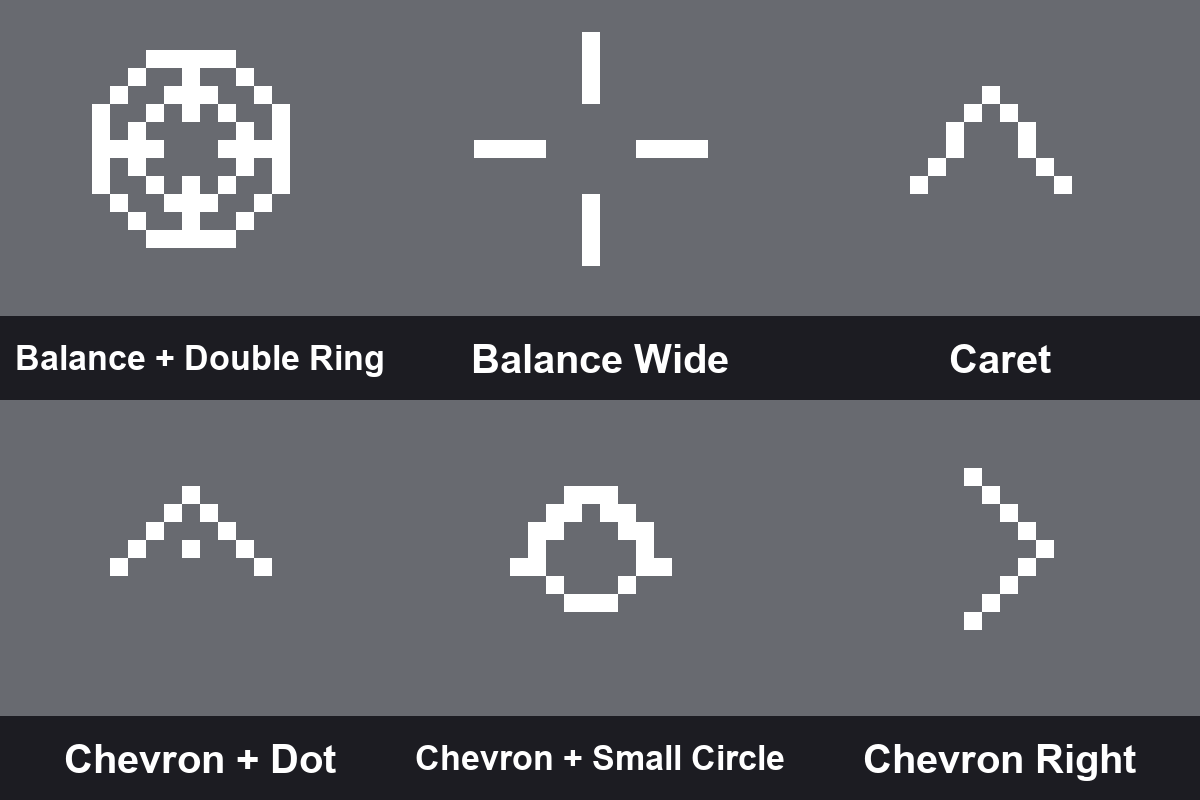
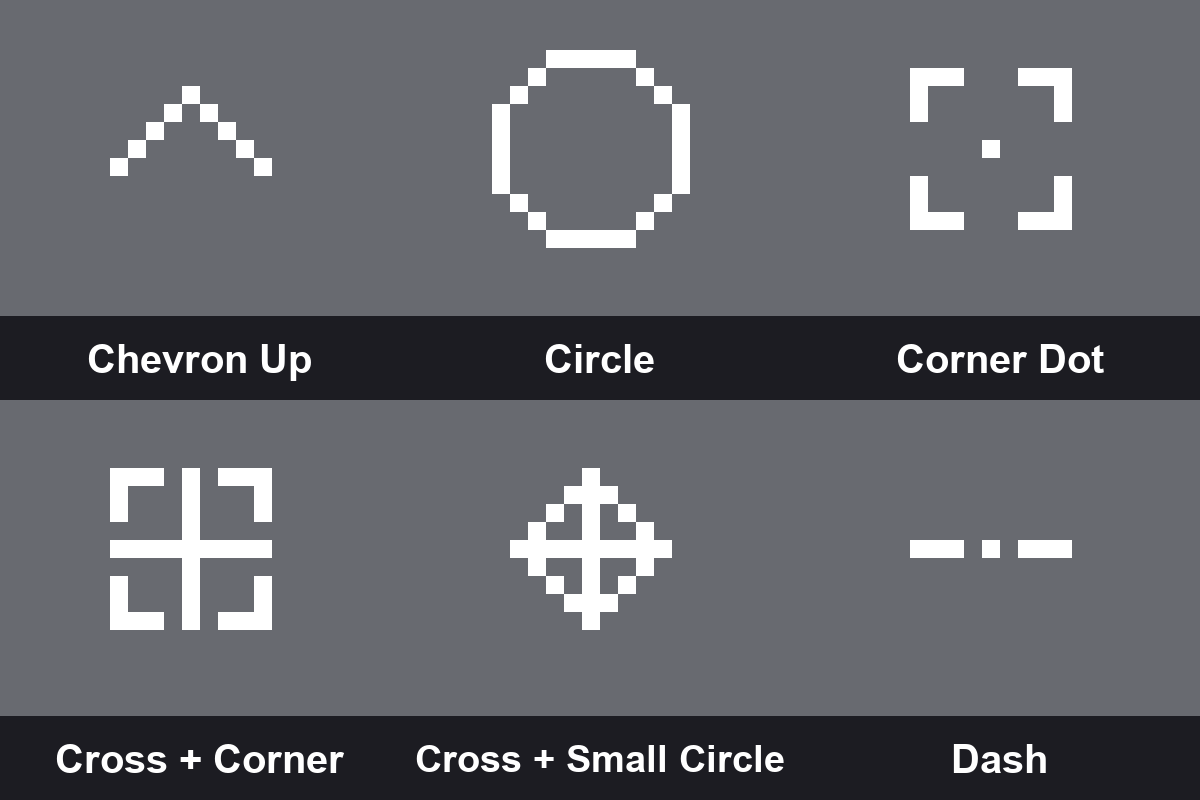
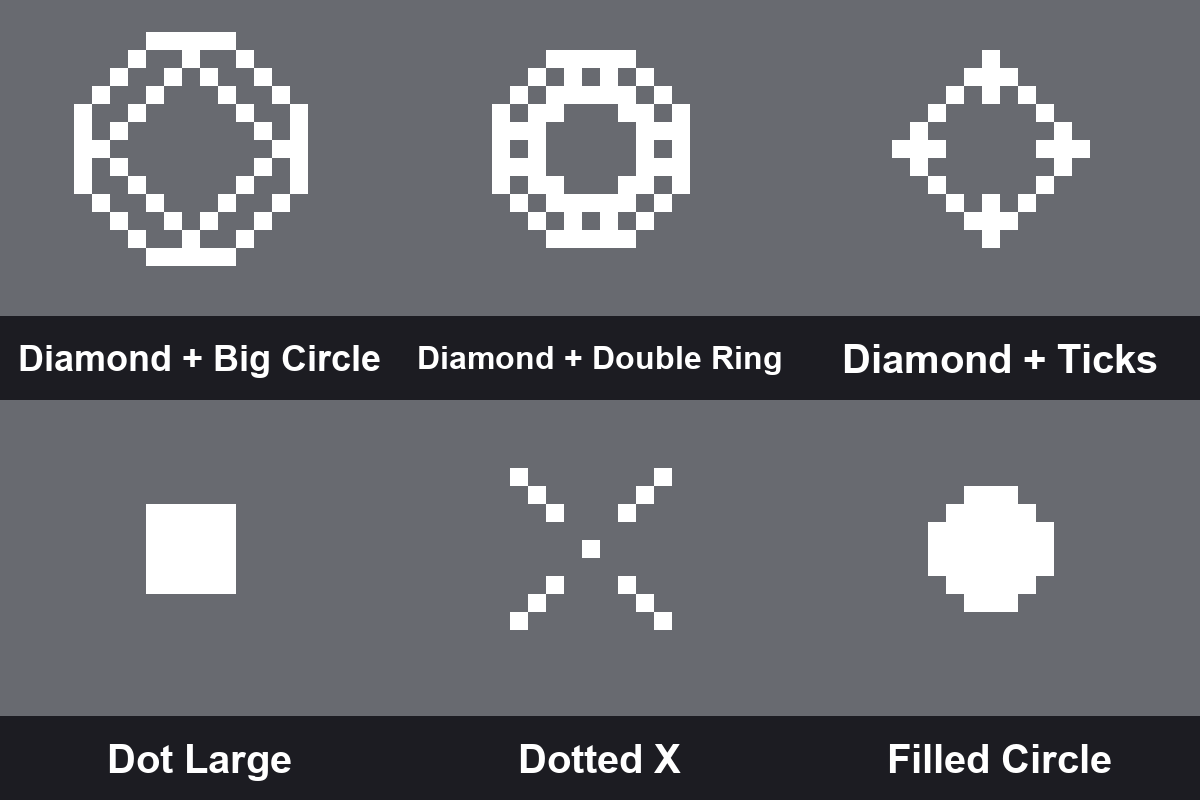
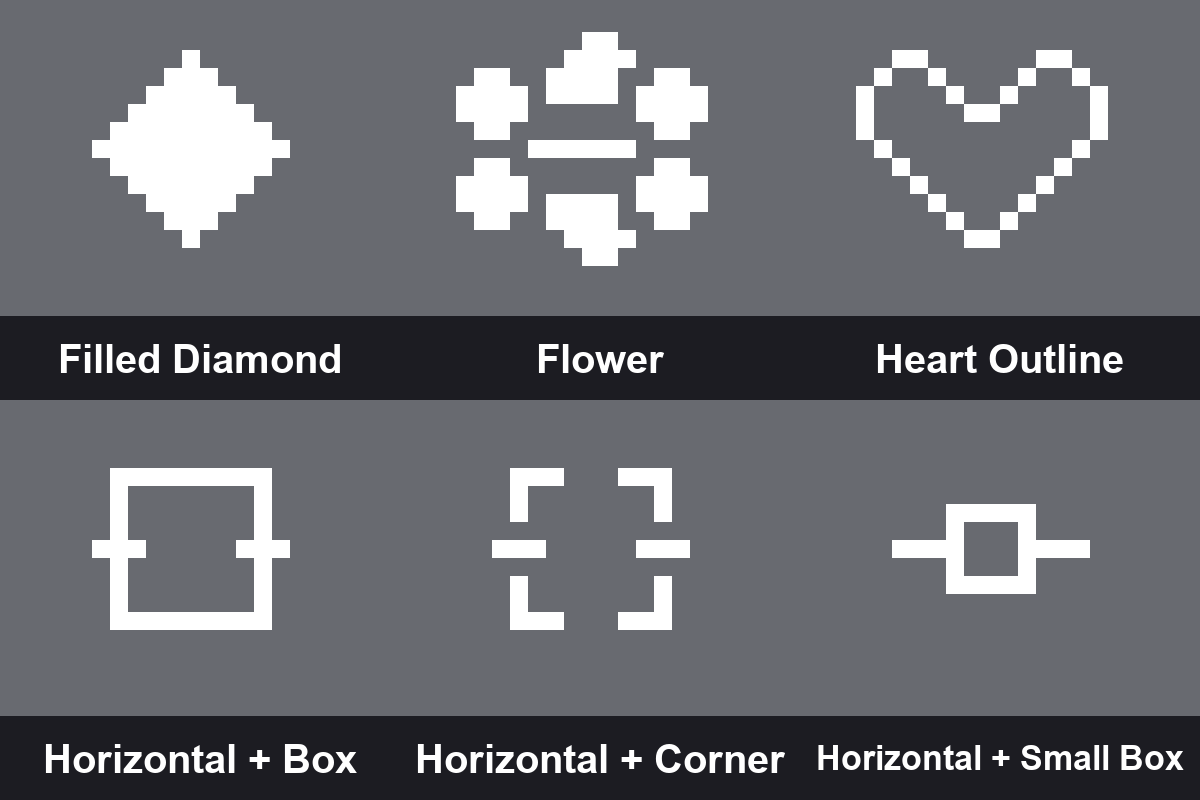
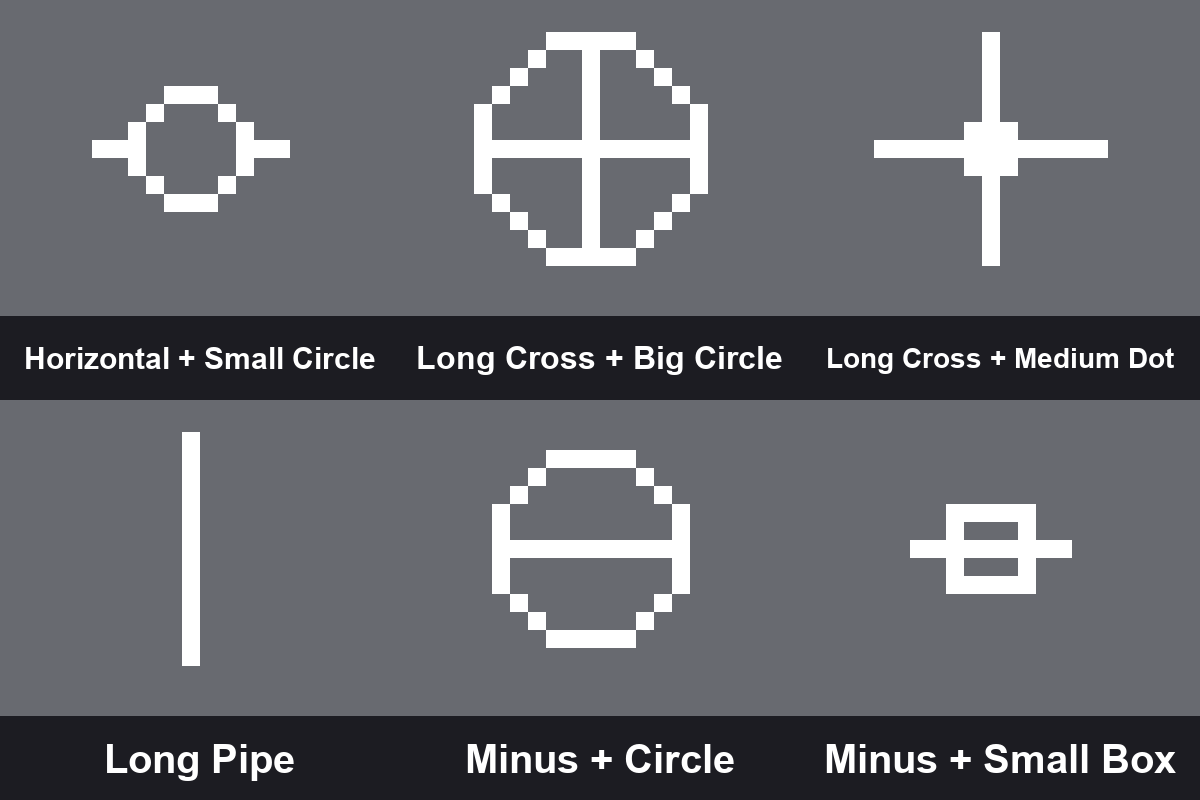
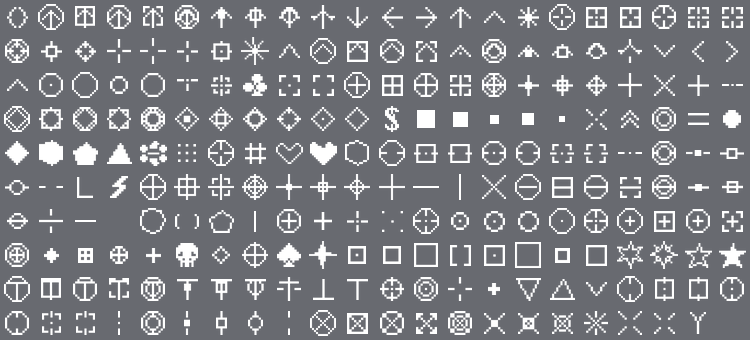
200+ unique crosshair styles for Minecraft Bedrock — all packed into a single resource pack with subpacks. Dots, circles, diamonds, scopes, hearts, skulls, arrows, reticles, and dozens of combo styles. Pick your style and get the exact crosshair you want on your screen.
✦ Features
- 200+ crosshair styles — dots, circles, diamonds, crosses, scopes, reticles, hearts, skulls, stars, arrows, chevrons, and many more
- Combo crosshairs — mix and match styles like Cross + Circle, Diamond + Double Ring, Chevron + Box, and dozens of other combinations
- PvP-ready styles — classic PvP, sniper scope, gunsight, target, and dot-only crosshairs for precise aiming
- Unique shapes — flower, lightning, sparkle, skull, spade, club, heart outline, filled pentagon, filled hexagon and more
- No Crosshair option — remove the crosshair entirely for a clean immersive look
- Subpack system — select your style directly from Global Resources in Settings, no extra tools needed
- Zero gameplay impact — purely visual, no performance hit
✦ How to Use
Apply the pack in Settings → Global Resources. Tap the pack and use the subpack selector to choose your preferred crosshair style. Change it anytime without restarting.
- Edition: Minecraft Bedrock
- File type: .mcpack
- Minecraft version listed: 26.50
- How to install: Download the .mcpack. → Open it — Minecraft imports it under Resource Packs. → Activate it in Global Resources, or for one world under Resource Packs → Available.
- Where to get it: Opens on CurseForge — not every file is mirrored on our own servers.
Install steps are the general flow for this file type — How to install Minecraft Bedrock texture packs walks through it step by step.
- Save it as Dynamic_Crosshairs.mcaddon before opening — it downloads as .mcpack, but it is a .mcaddon pack
- Manifest requires Minecraft 1.21.100 or newer
- Complete pack — everything it depends on is inside the file
- Download size: 2.1 MB
- Download link checked 30 Oct 2026 — working
These come from our own check of the pack file, not from the source page.