Home›Bedrock›Texture packs›Like The Trailers Plus Texture Pack (26.x) – Official Animated Trailer Textures
Texture packsBedrock
Like The Trailers Plus Texture Pack (26.x) – Official Animated Trailer Textures
Like The Trailers Plus Texture Pack changes your game to look exactly like the official animated videos. This pack adds beautiful textures that match the…
⬇ DownloadOpen in MCModsHubGet it on Google Play →Like The Trailers Plus Texture Pack changes your game to look exactly like the official animated videos. This pack adds beautiful textures that match the official artwork and trailers perfectly. It also brings fun extras like simple shaders and fast crafting to improve your gameplay.
Features:
- Adds a dark interface for players who prefer darker screen colors.
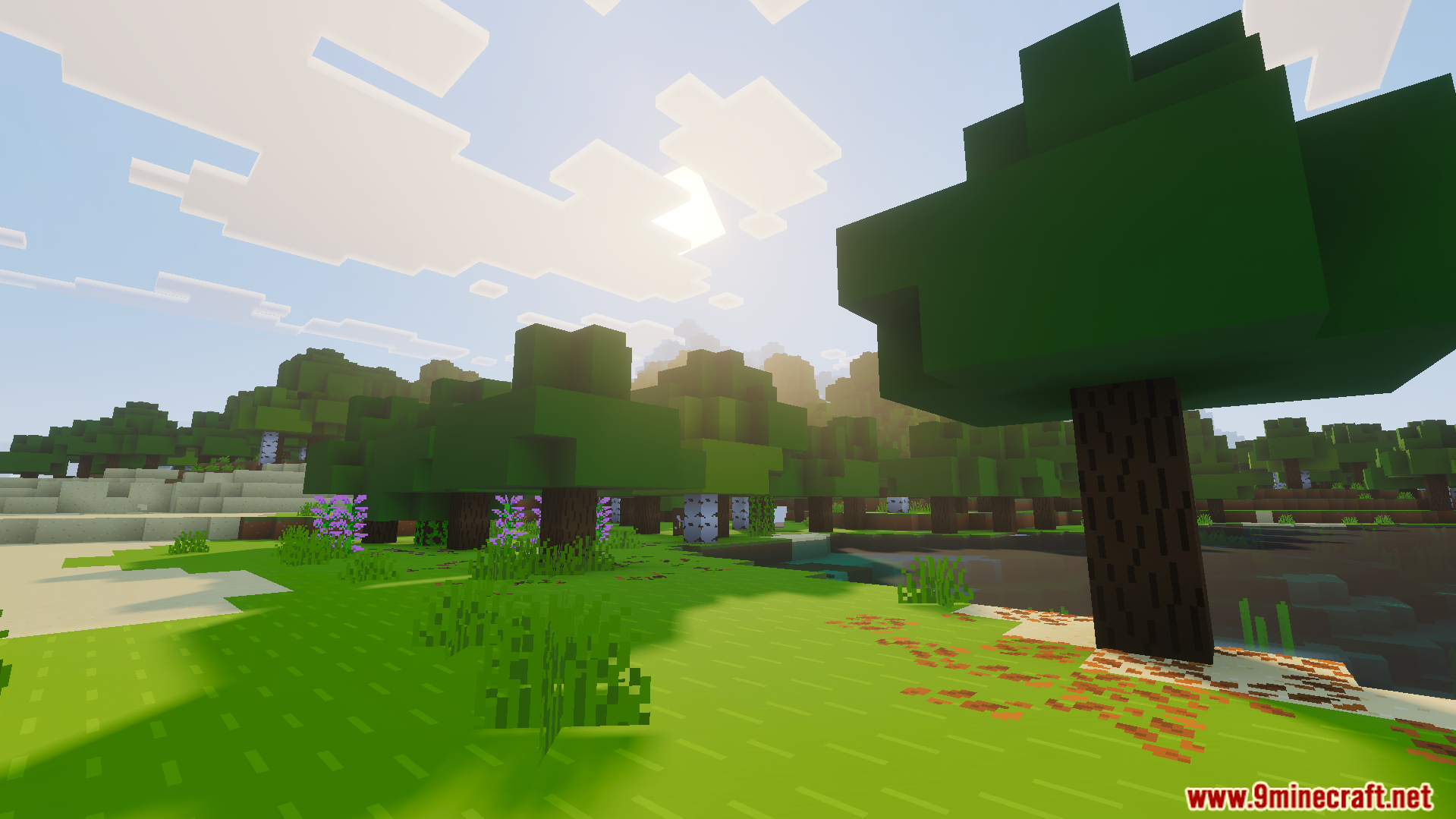
- Includes simple shaders and fog effects to make worlds look beautiful.
- Brings fast crafting and new eating animations to your daily survival.
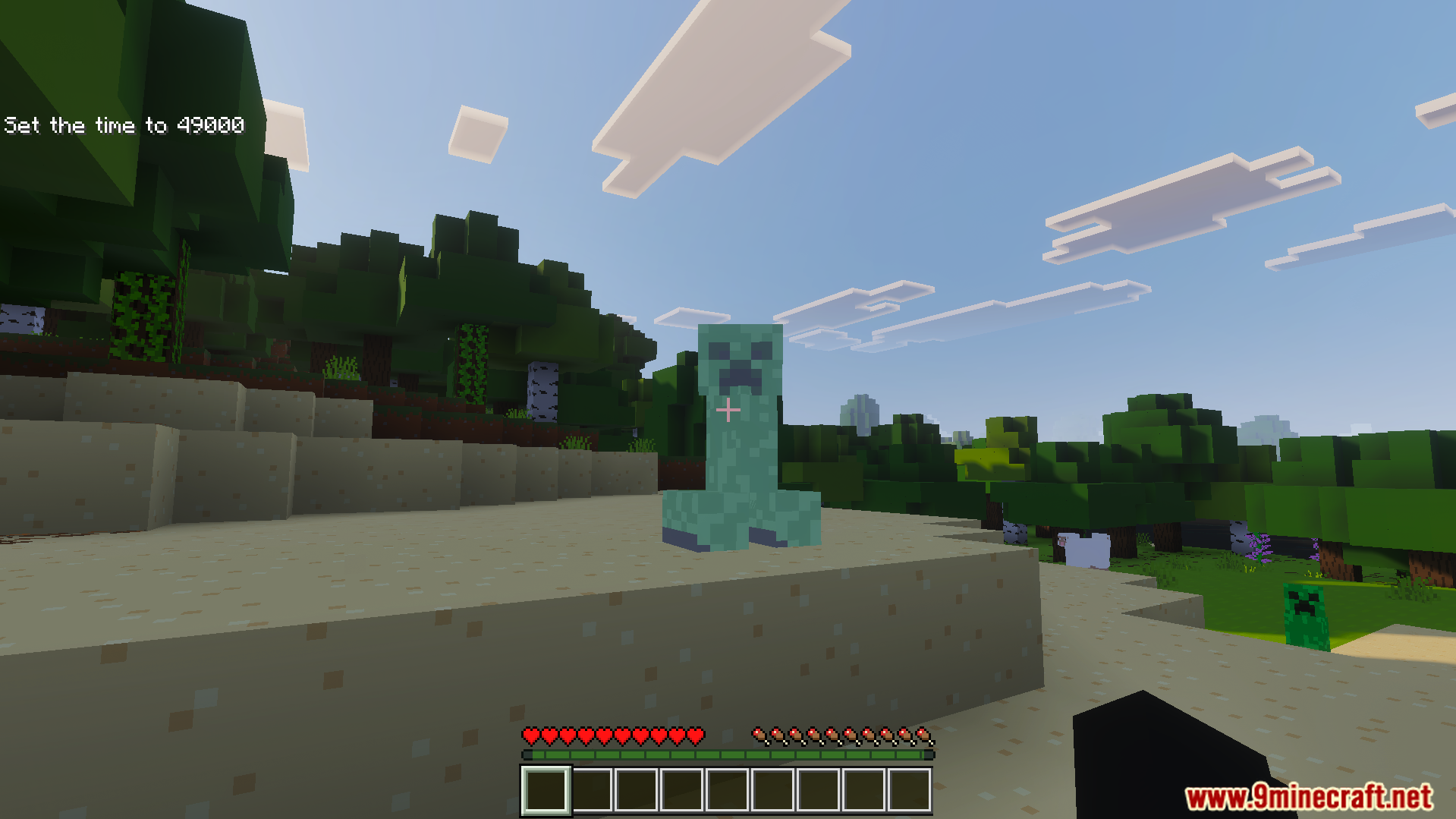
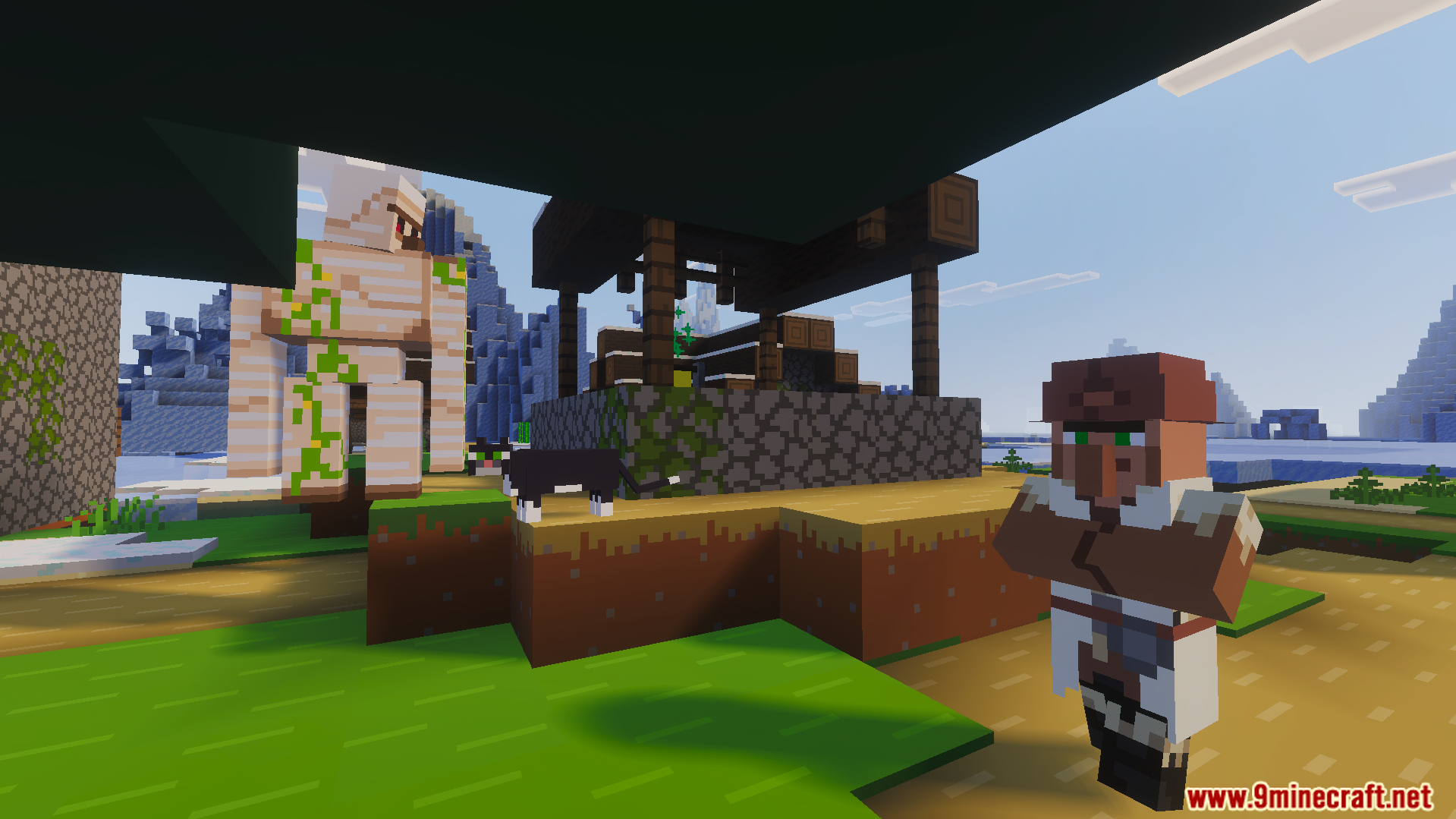
- Changes blocks and mobs to match the official animated video style.
- Shows custom loading messages and vibrant splash text on the menu.
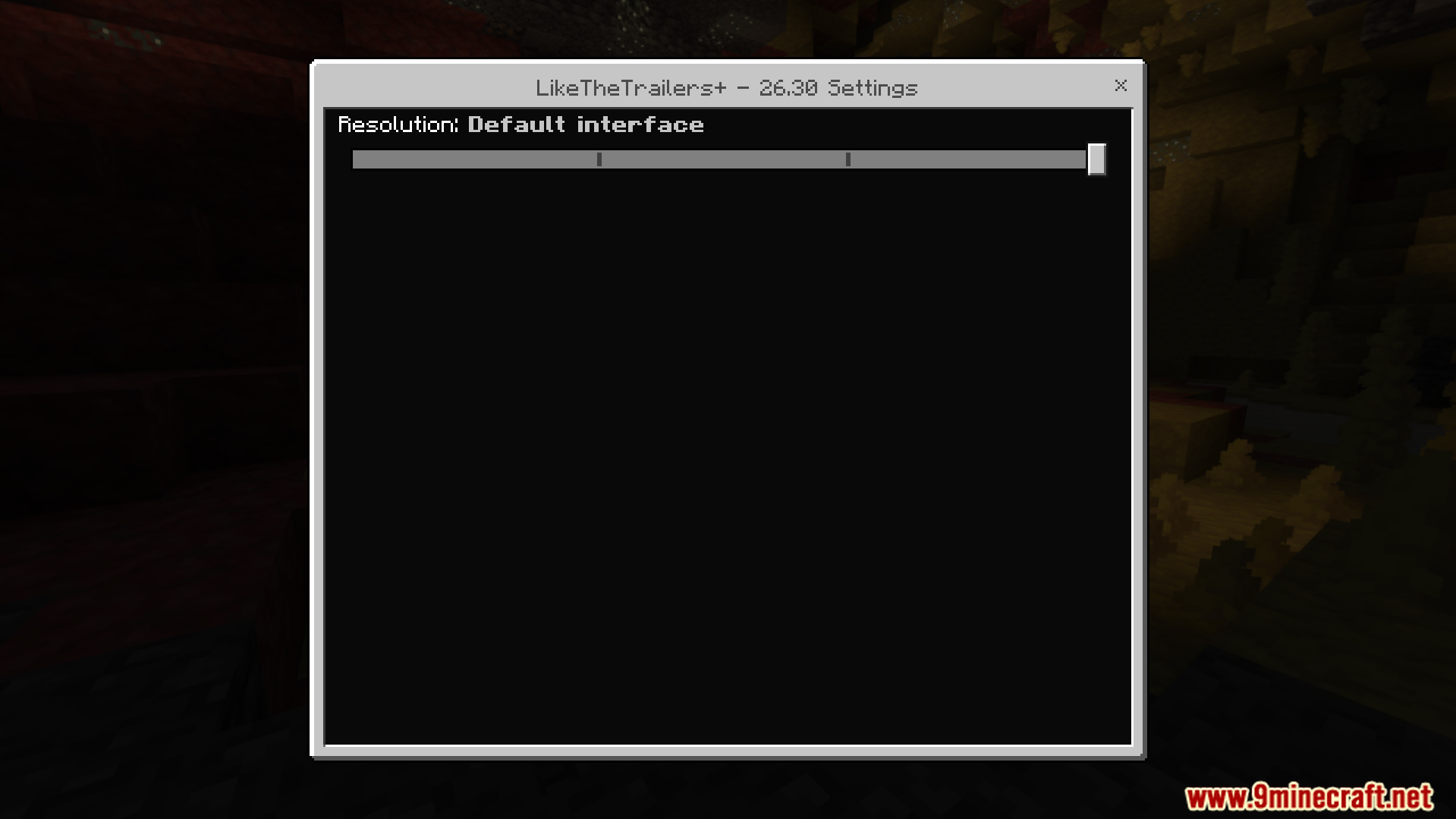
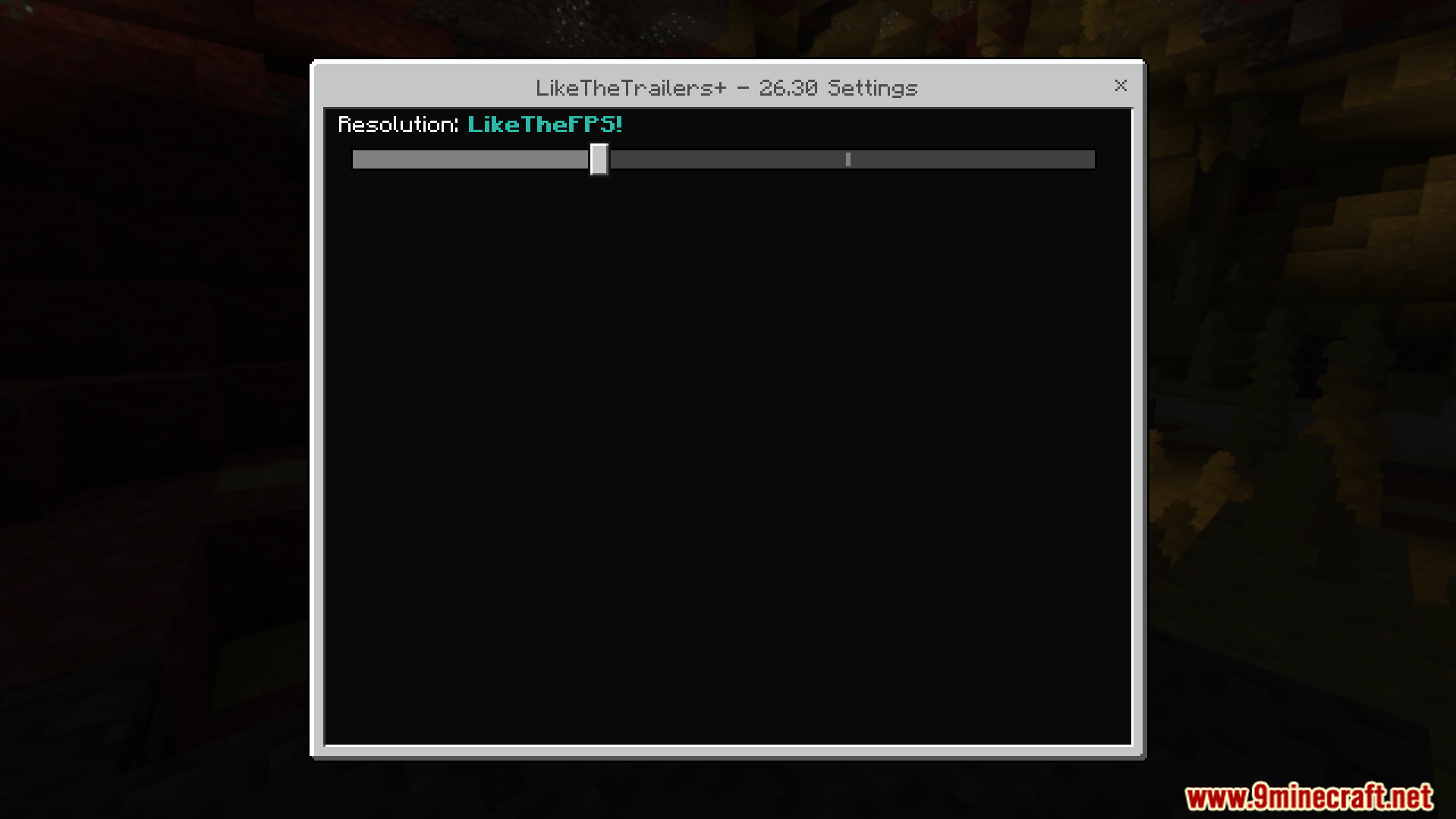
Configuration:
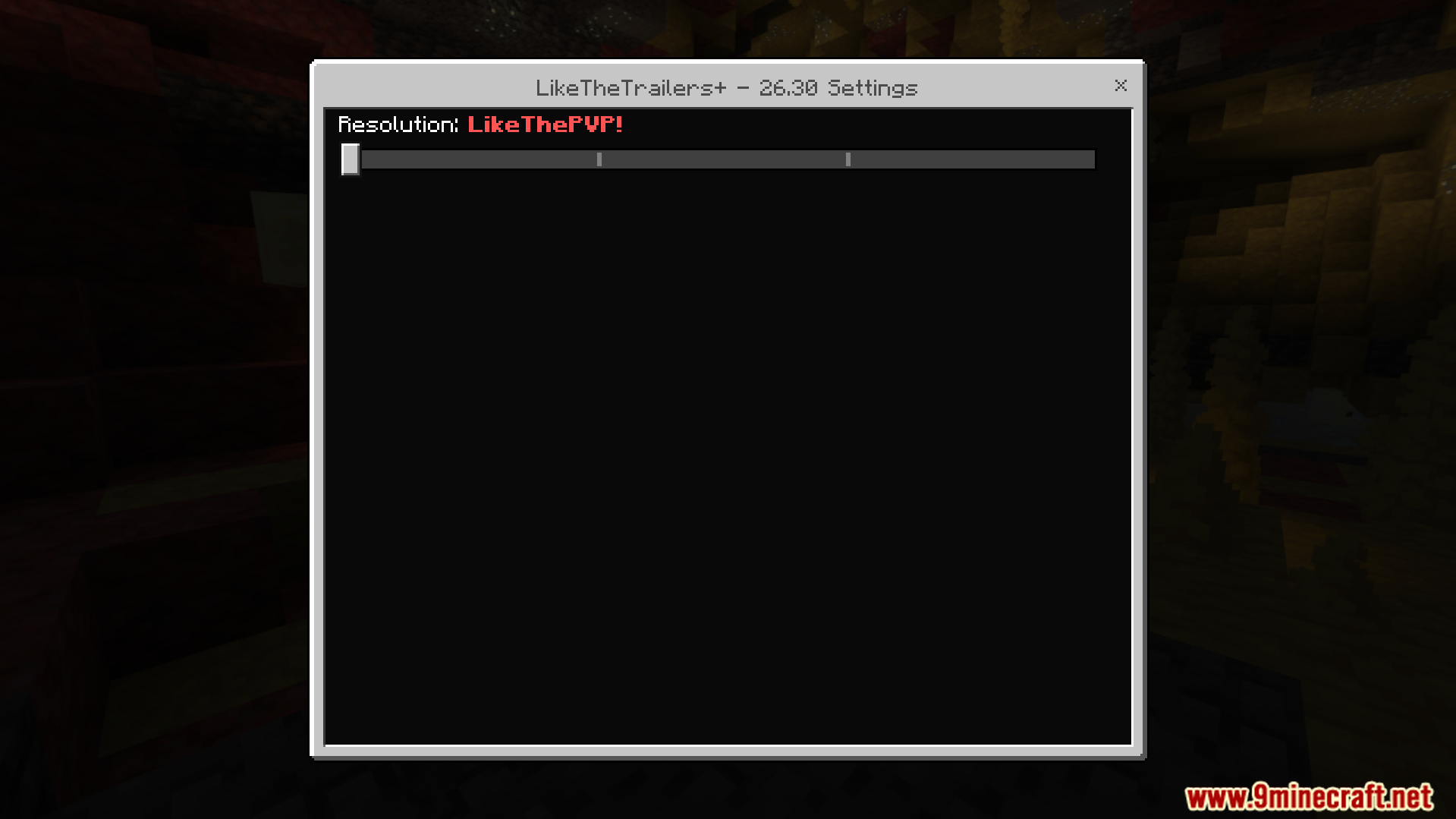
You can use the settings to turn on a special performance mode. This option removes clouds, particles, and mob animations to boost your frames per second.
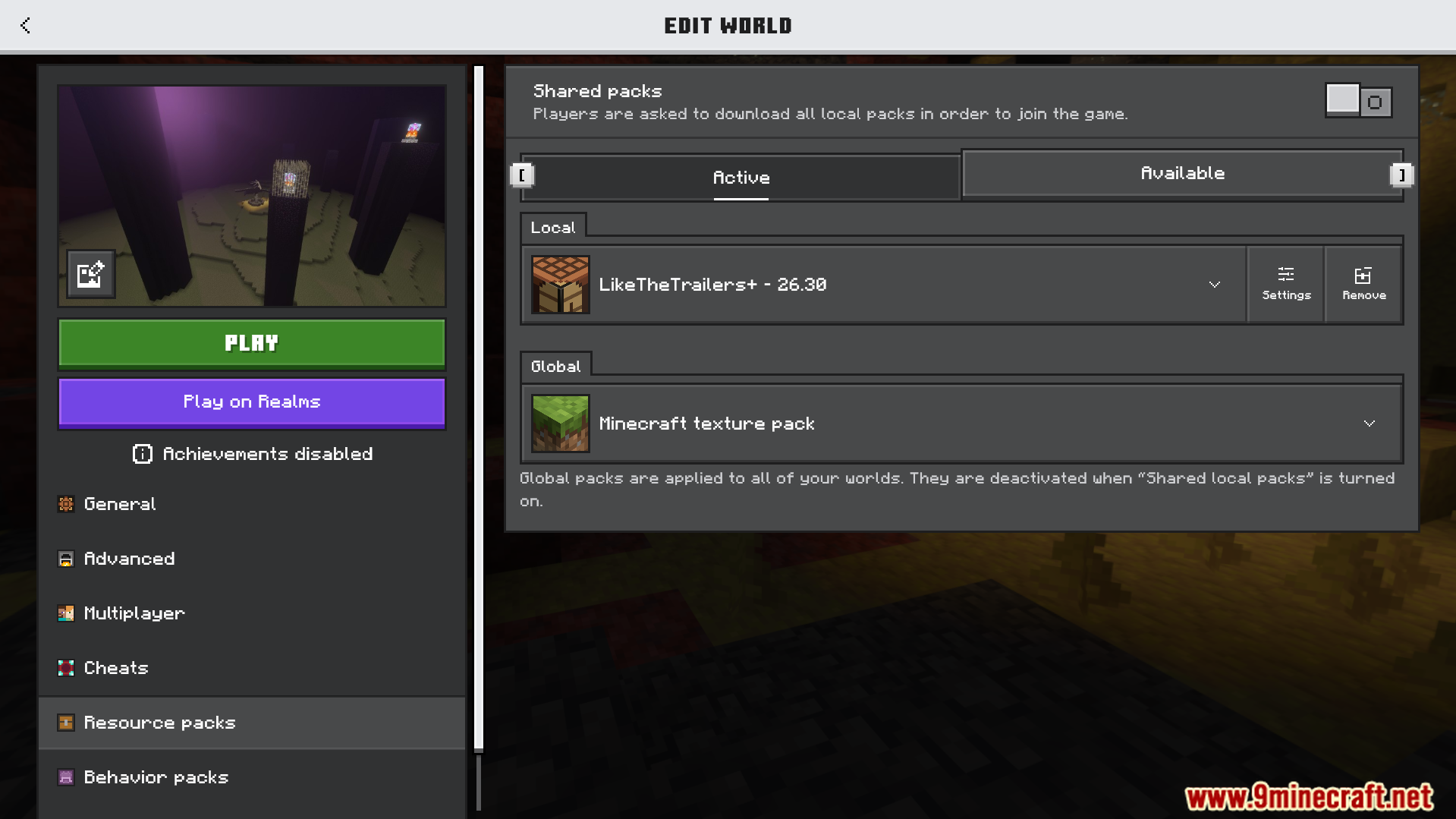
Screenshots:
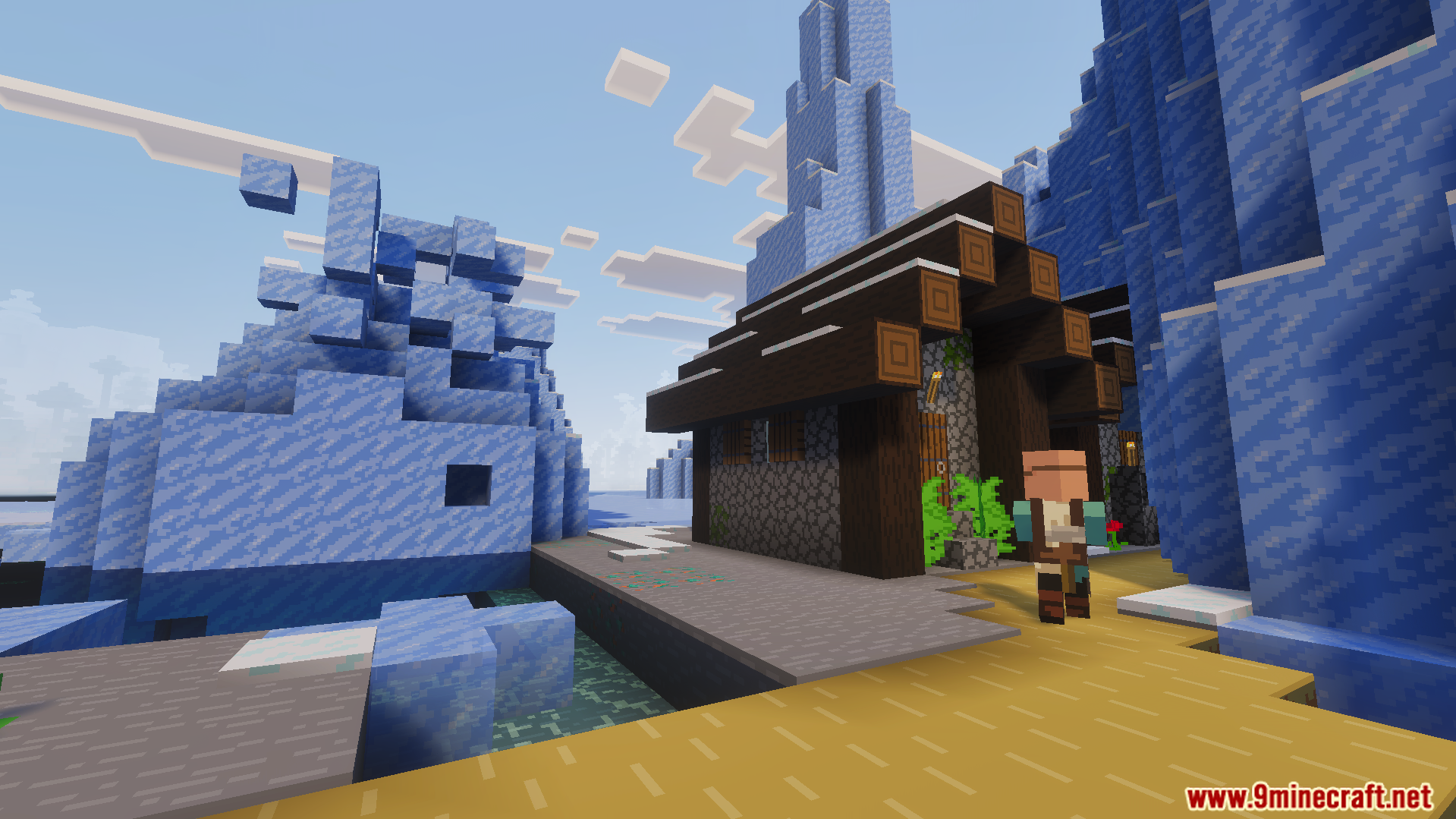
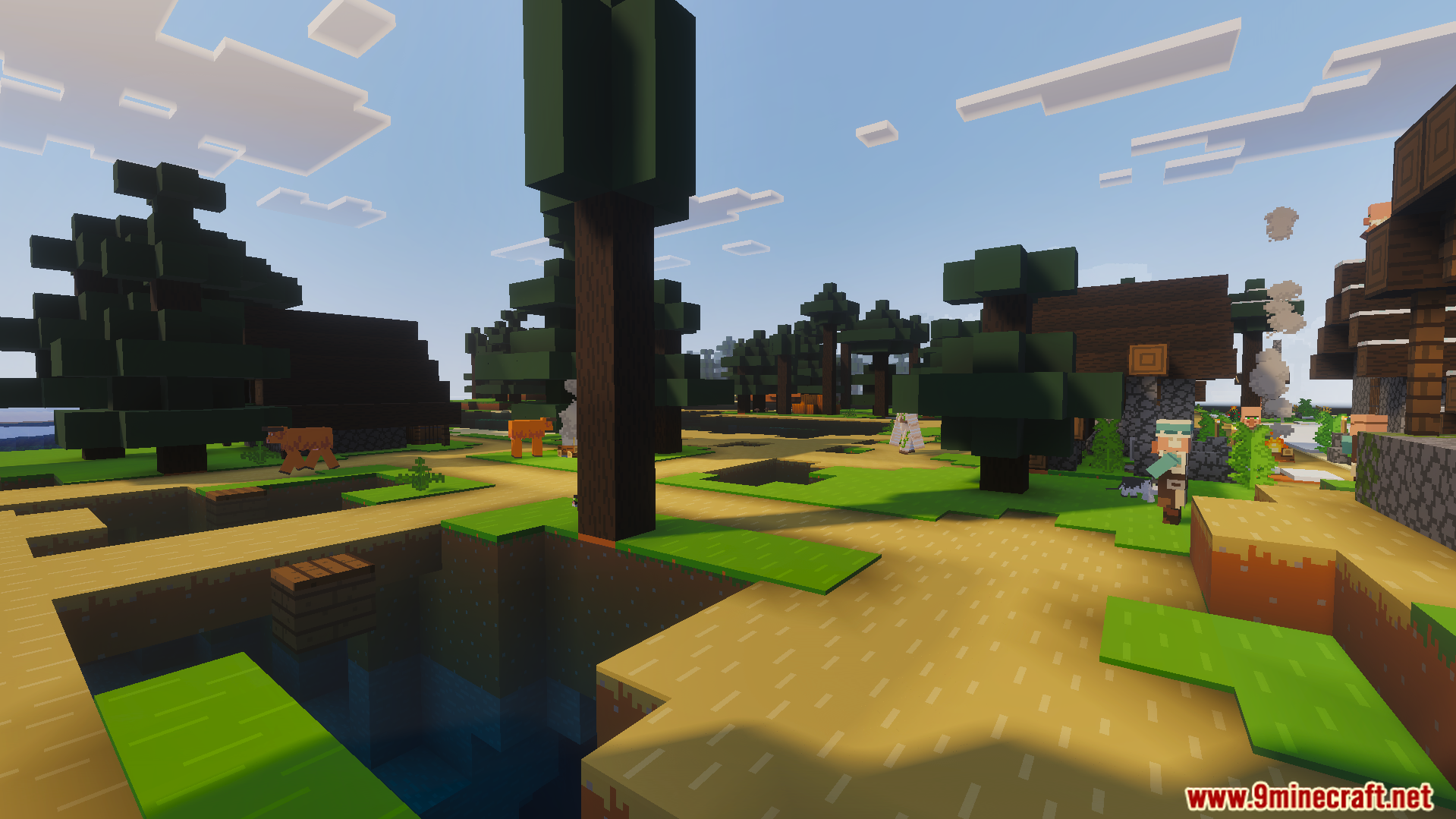
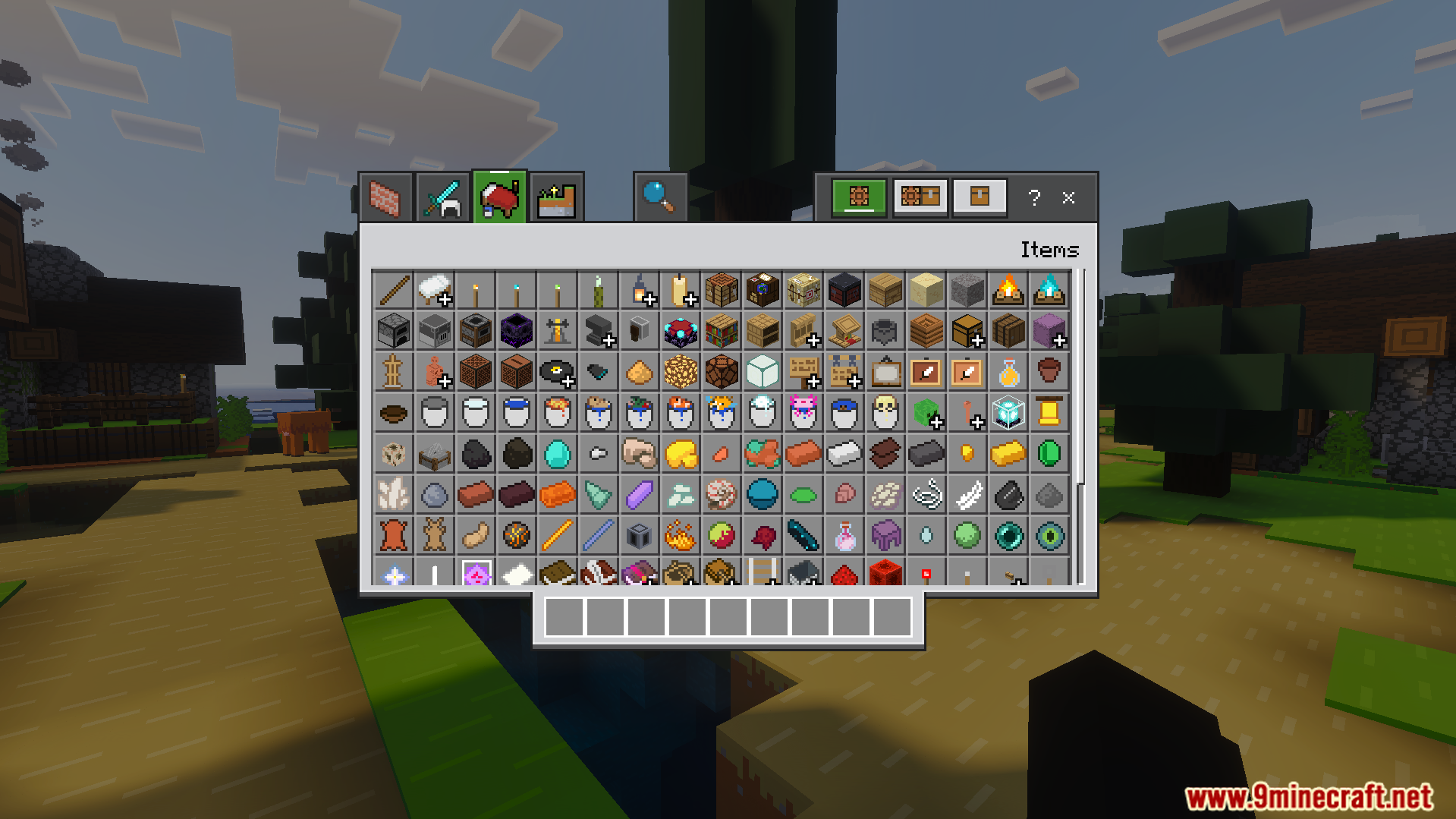
Like the Trailers Plus Texture Pack Download Links
Verified by MCModsHub
- Pack type: .mcaddon — behaviour and resource pack in one file
- Manifest requires Minecraft 1.21.0 or newer
- Complete pack — everything it depends on is inside the file
- Download link checked 22 Jul 2026 — working
- Mirrored on our own servers — the download does not depend on the original host
These come from our own check of the pack file, not from the source page.
Explore more