
Huahwi 64x
Bedrock texture pack listed for Minecraft 1.19–1.21. Installs from the MC Bedrock Mods app on Android.
⬇ DownloadMinecraft has become a cultural phenomenon, offering players an expansive, open-world sandbox to build, explore, and create. While the game's core mechanics are universally loved, one element that allows for endless customization and creativity is the use of texture packs.
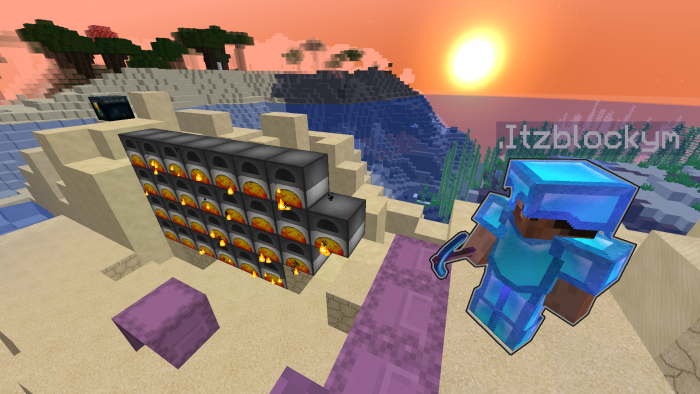
Huahwi 64x, One of the biggest reasons players use texture packs is to add a new look and feel to the game. Minecraft's default textures can become repetitive over time, so changing them can reinvigorate your gameplay. Whether you prefer high-definition textures, retro pixel art, or hand-drawn visuals, there’s something for everyone.
- Edition: Minecraft Bedrock
- File type: .mcpack
- Minecraft versions listed: 1.21.70, 1.21.50, 1.19.20
- How to install: Download the .mcpack. → Open it — Minecraft imports it under Resource Packs. → Activate it in Global Resources, or for one world under Resource Packs → Available.
- Where to get it: In MCModsHub, or directly above on this page.
Install steps are the general flow for this file type — How to install Minecraft Bedrock texture packs walks through it step by step.
- Download size: 20.7 MB
- Download link checked 3 Aug 2026 — working
- Mirrored on our own servers — the download does not depend on the original host
These come from our own check of the pack file, not from the source page.