Home›Bedrock›Texture packs›Enhanced 16x Texture Pack (26.x) – Boost FPS With Shorter Swords And A Dark UI
Texture packsBedrock
Enhanced 16x Texture Pack (26.x) – Boost FPS With Shorter Swords And A Dark UI
Bedrock texture pack listed for Minecraft 1.21. File opened and checked on 21 Sep 2026; installs from the MC Bedrock Mods app on Android.
⬇ Download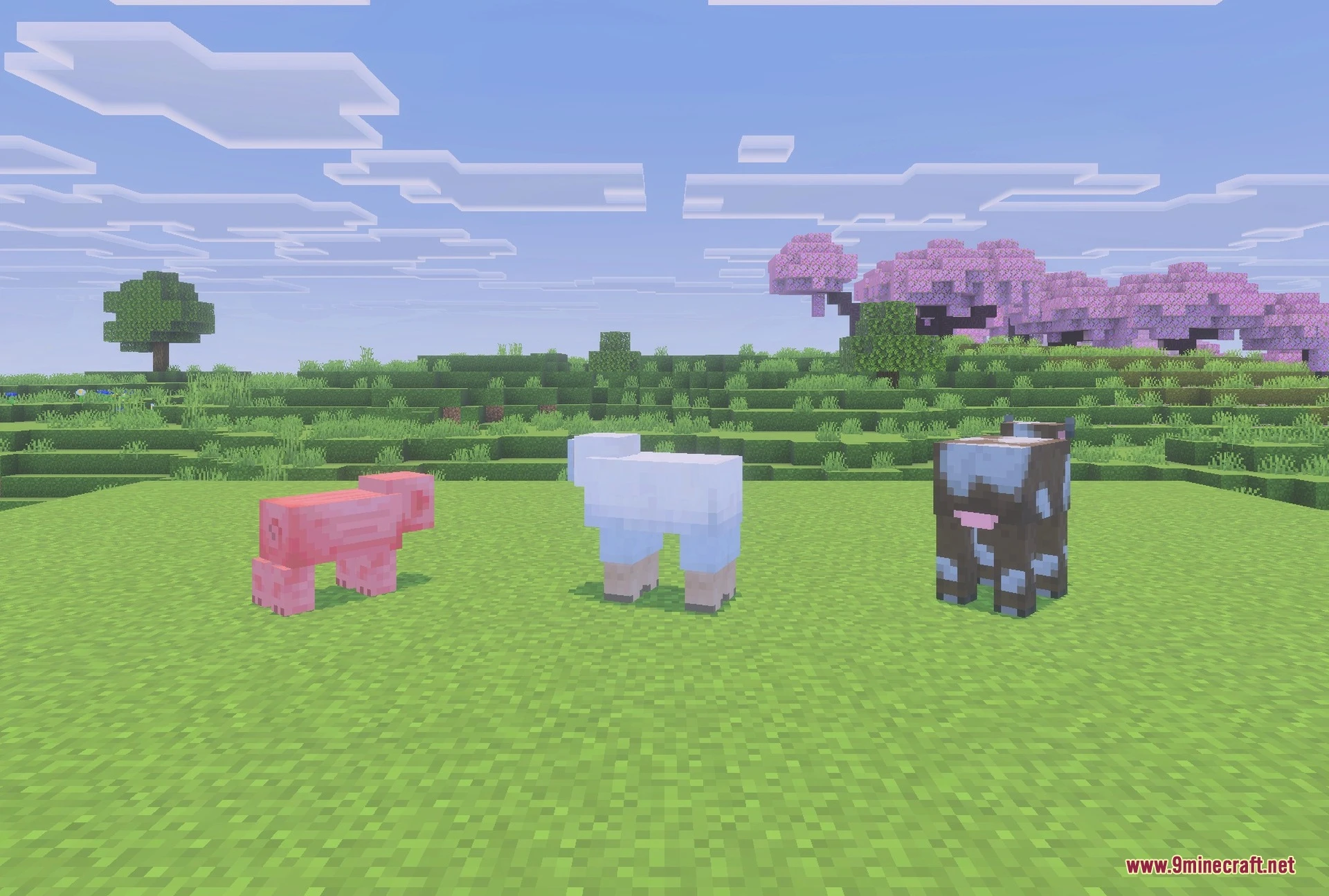
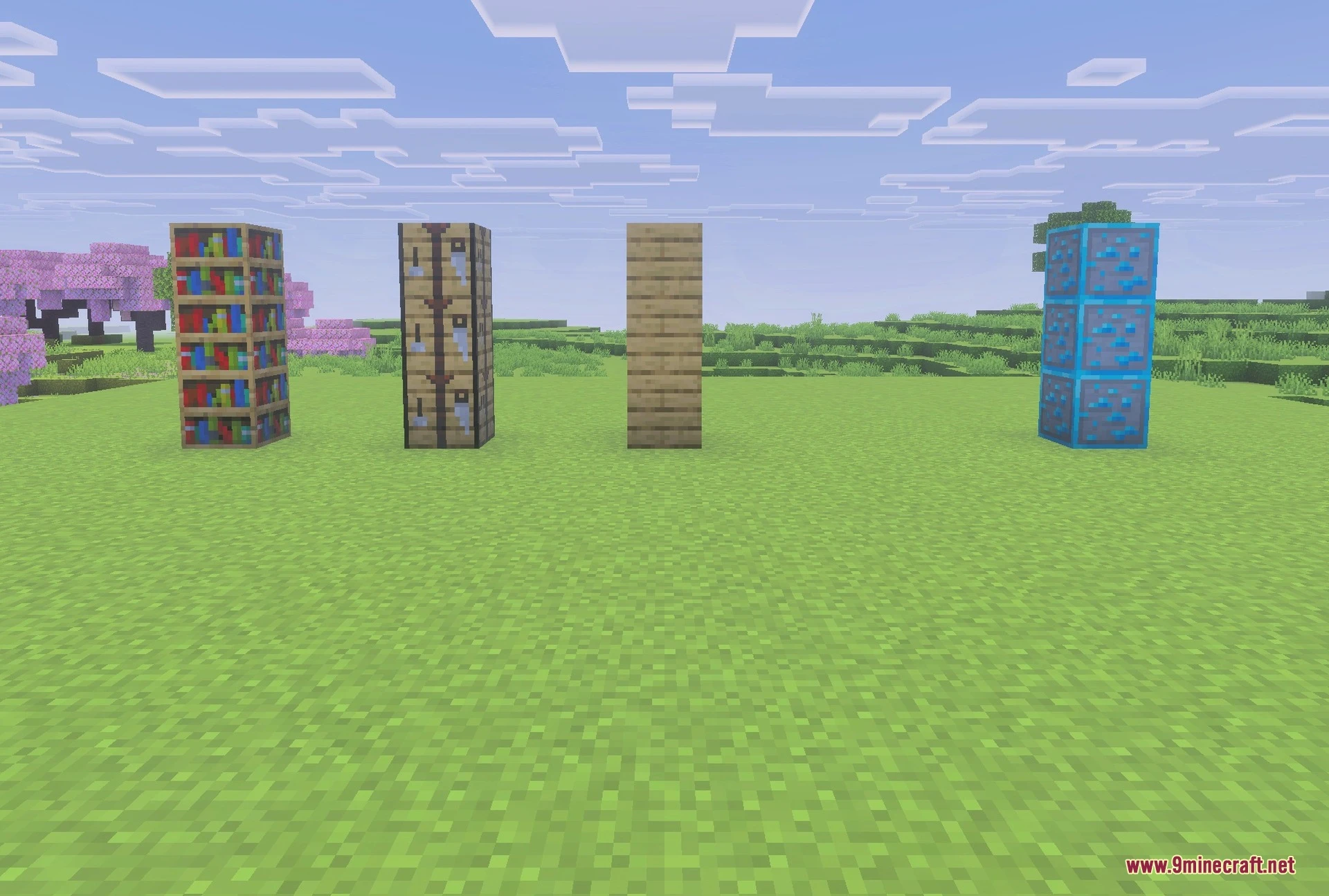
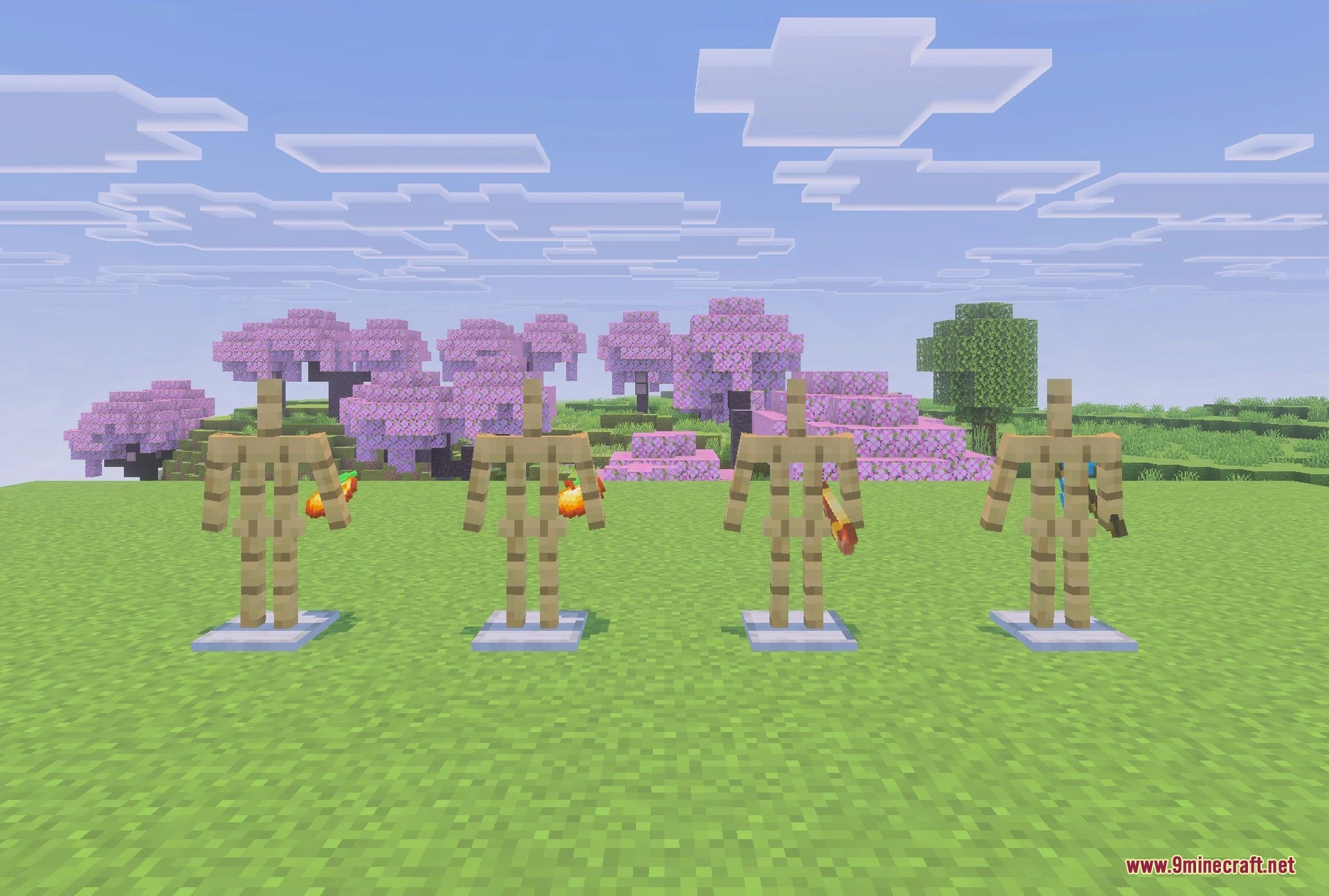
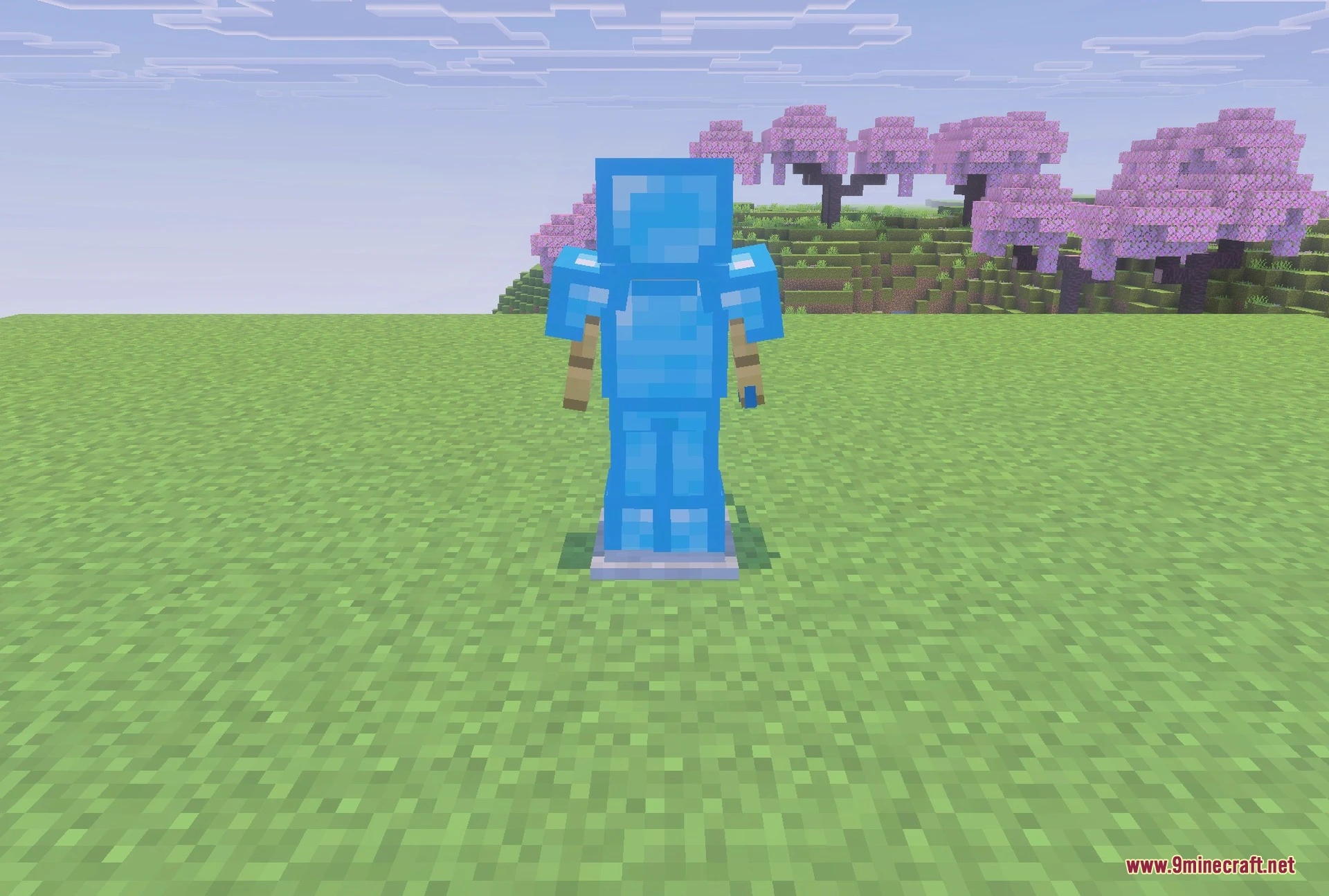

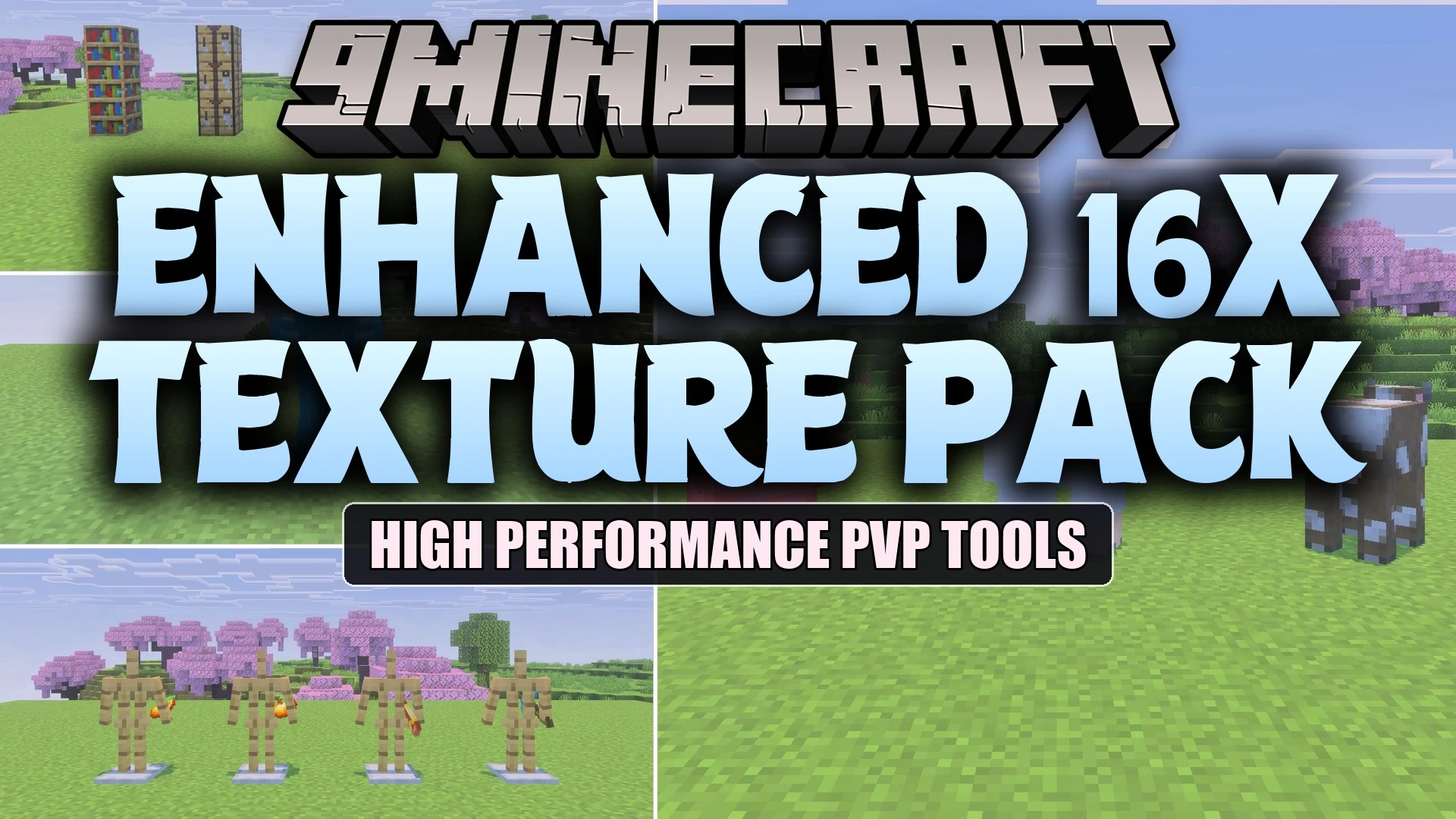
Enhanced 16x Texture Pack boosts your frames per second by removing heavy background features. It updates essential combat tools with shorter swords and cleaner designs for better matches. This pack gives you a dark interface and helpful indicators for survival blocks.
Features:
- Adds shorter swords and clean tools for combat.
- Changes the inventory to a dark and clear style.
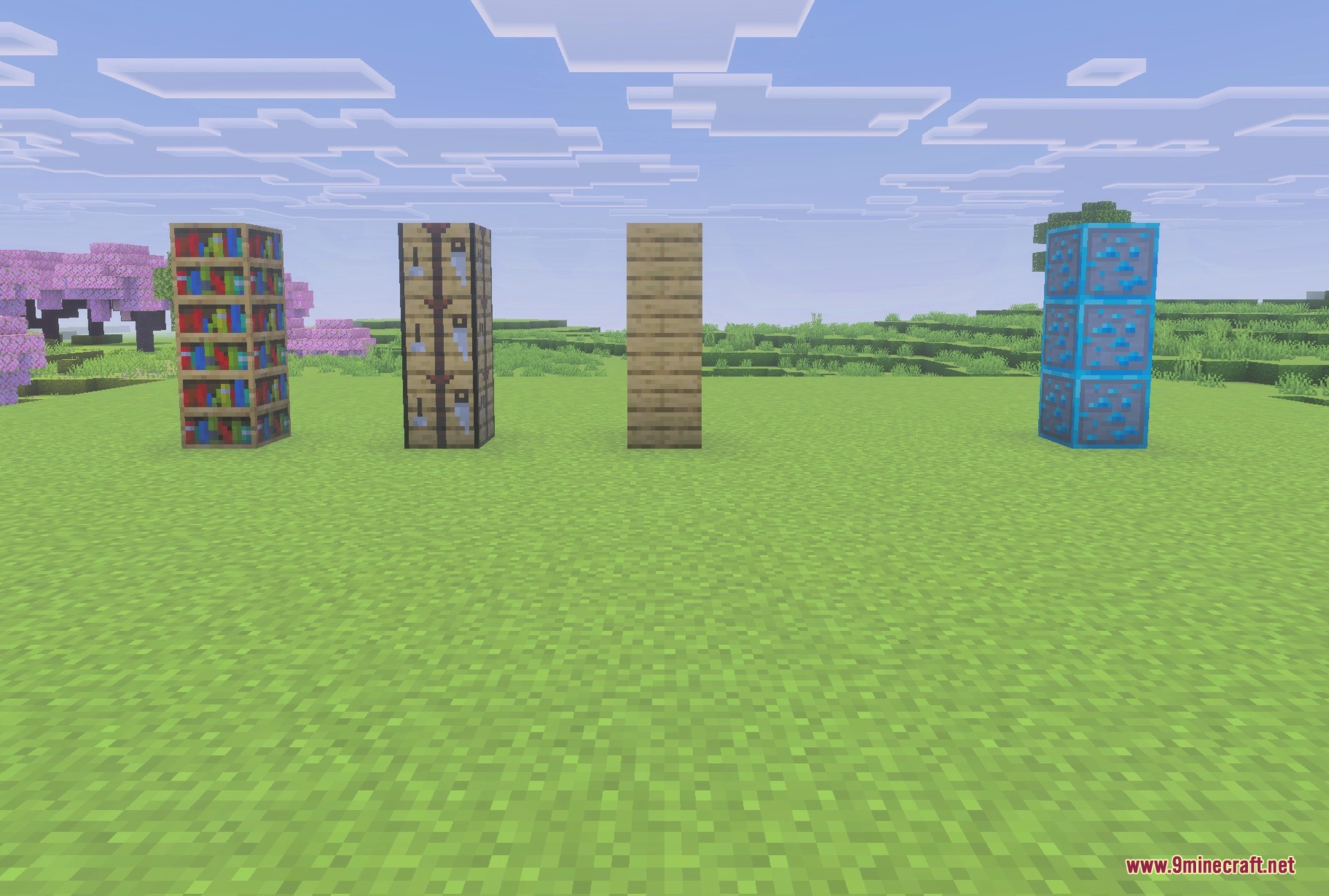
- Shows clear outlines on important ores and building blocks.
- Lowers the visual height of fire and shields.
- Places helpful markers on suspicious sand and infested blocks.
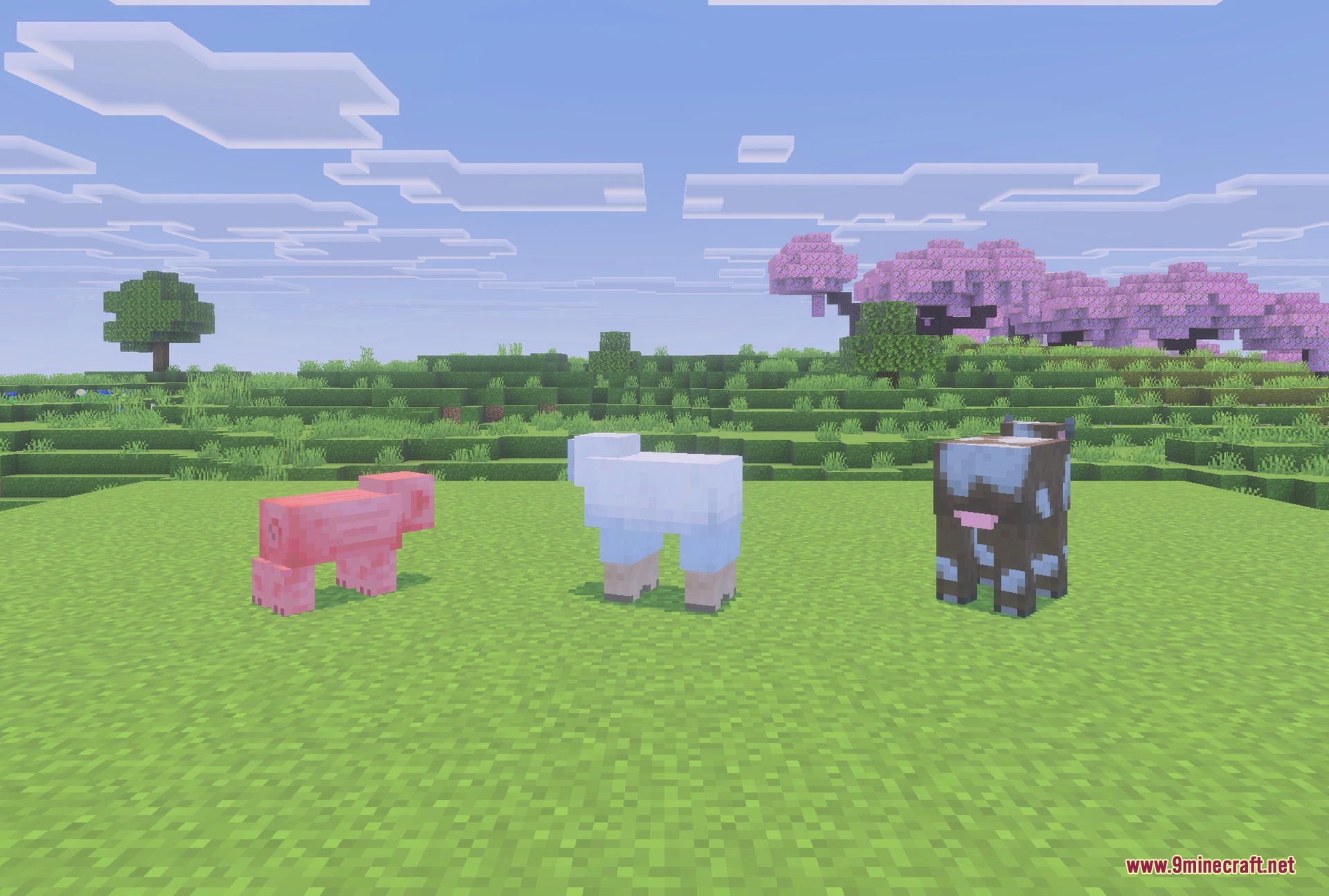
Screenshots:
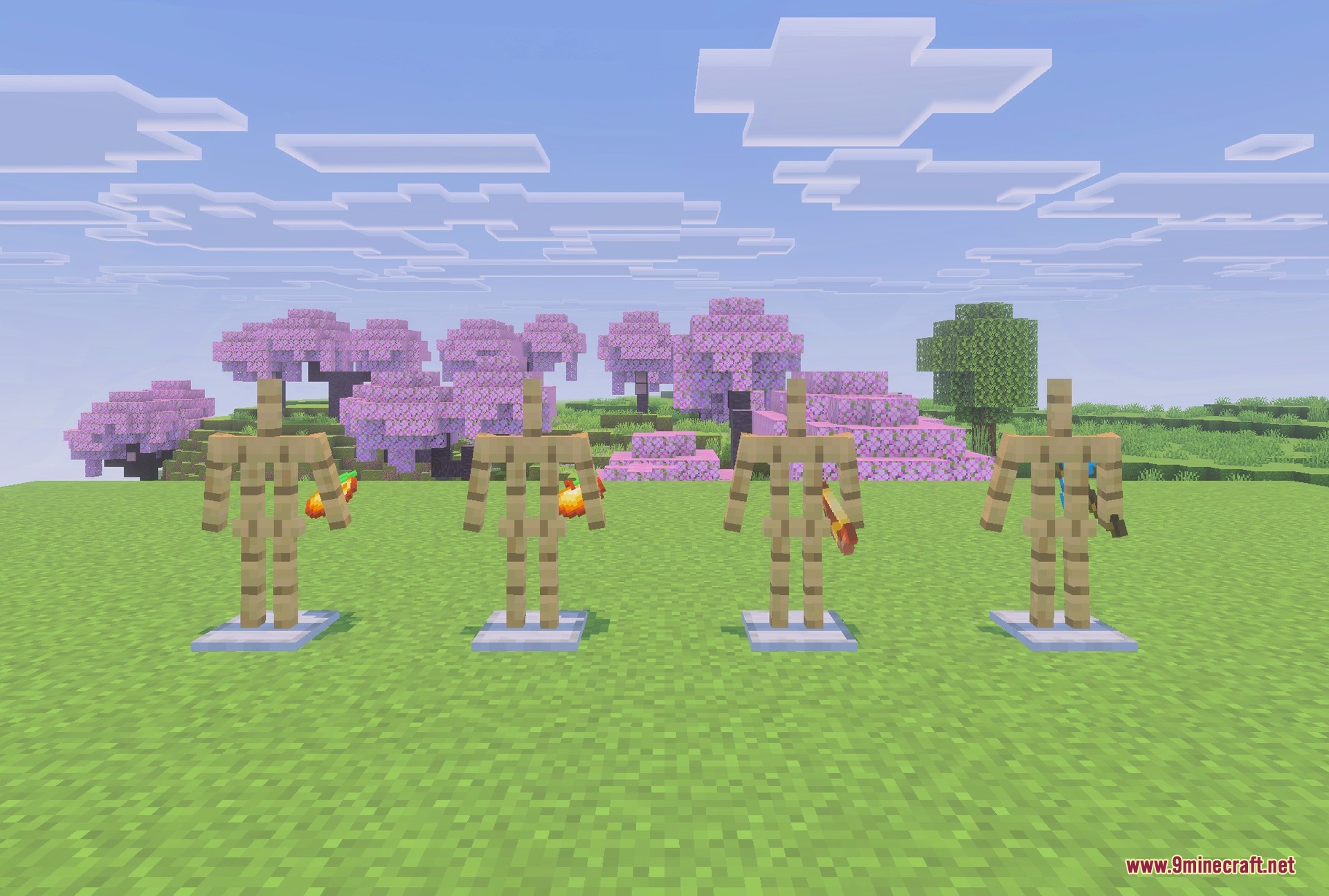
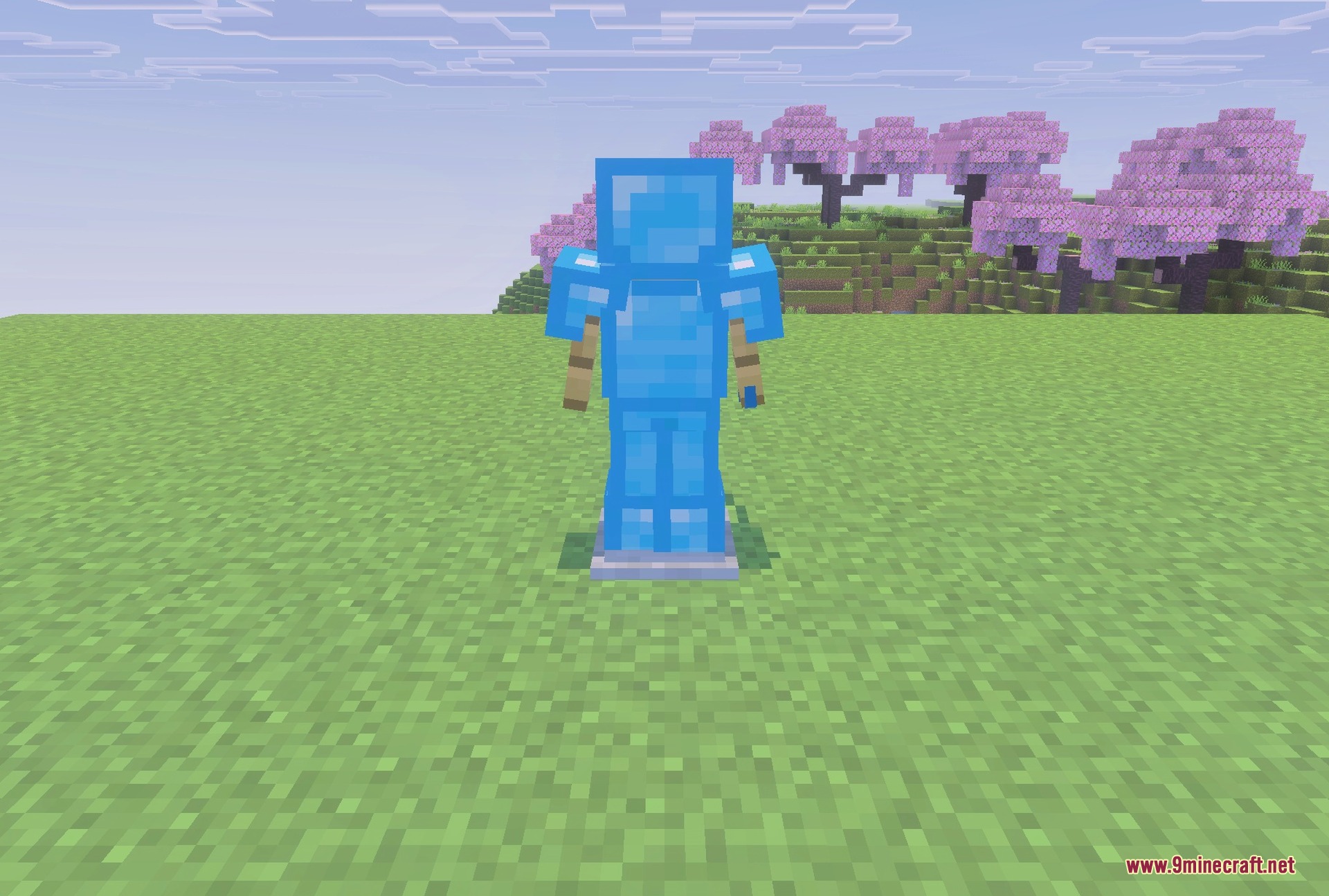

Enhanced 16x Texture Pack Download Links
Quick facts
- Edition: Minecraft Bedrock
- File type: .mcpack
- How to install: Download the .mcpack. → Open it — Minecraft imports it under Resource Packs. → Activate it in Global Resources, or for one world under Resource Packs → Available.
- Where to get it: In MCModsHub, or directly above on this page.
Install steps are the general flow for this file type — How to install Minecraft Bedrock texture packs walks through it step by step.
File checked by MCModsHub
- Pack type: .mcpack — a single pack
- Manifest requires Minecraft 1.21.0 or newer
- Complete pack — everything it depends on is inside the file
- Download link checked 22 Jul 2026 — working
- Mirrored on our own servers — the download does not depend on the original host
These come from our own check of the pack file, not from the source page.