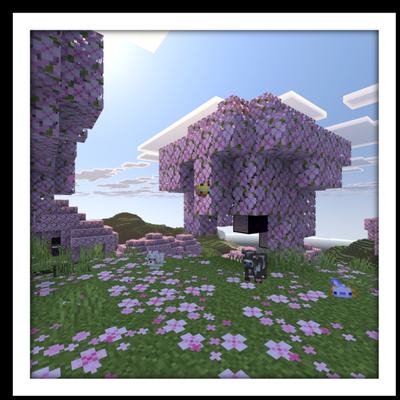
Vibrant Visuals Panorama
Bedrock texture pack listed for Minecraft 1.21–26.x. File opened and checked on 30 Sep 2026; installs from the MC Bedrock Mods app on Android.
⬇ Download on CurseForge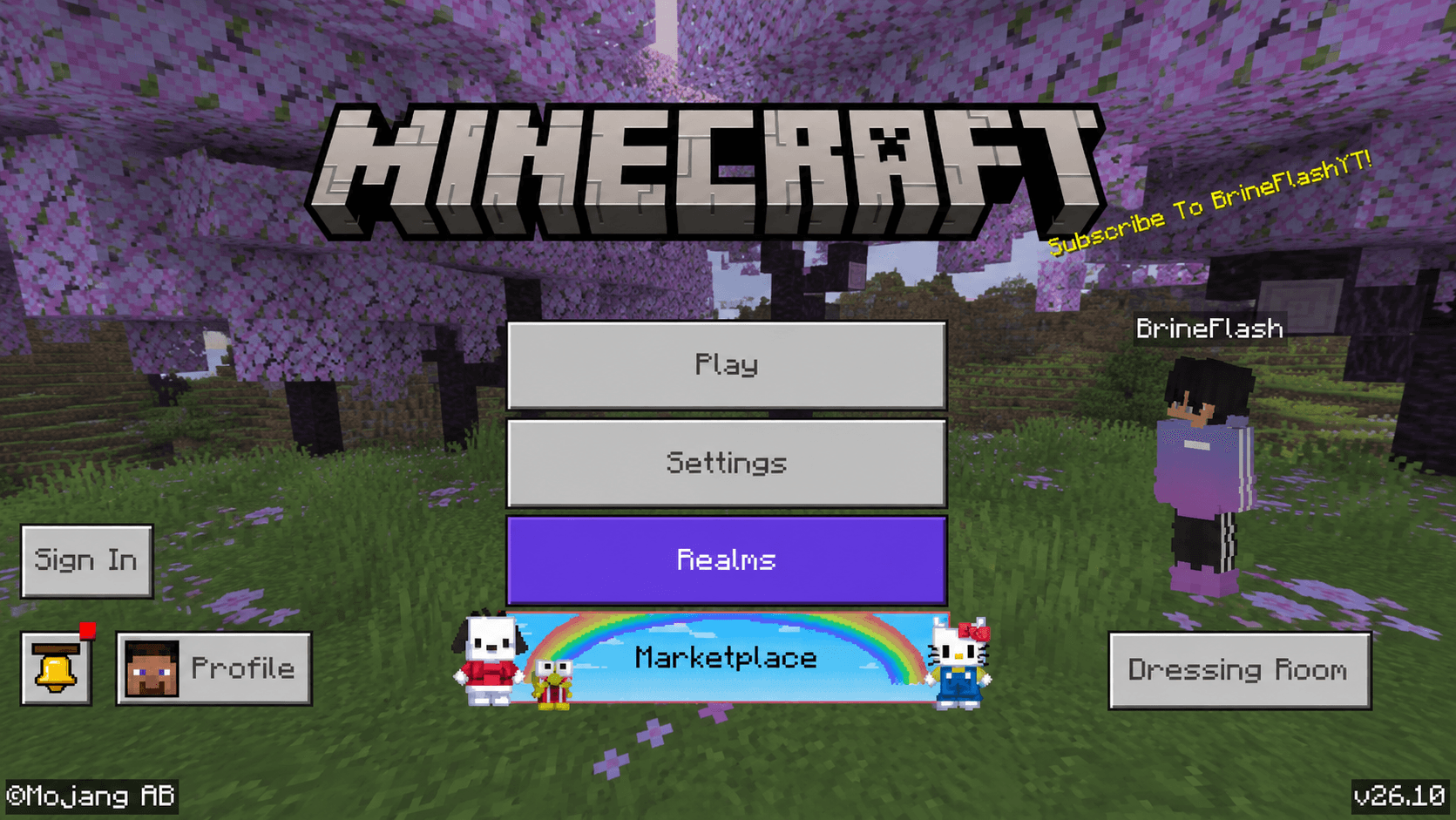
Vibrant Visuals Panorama
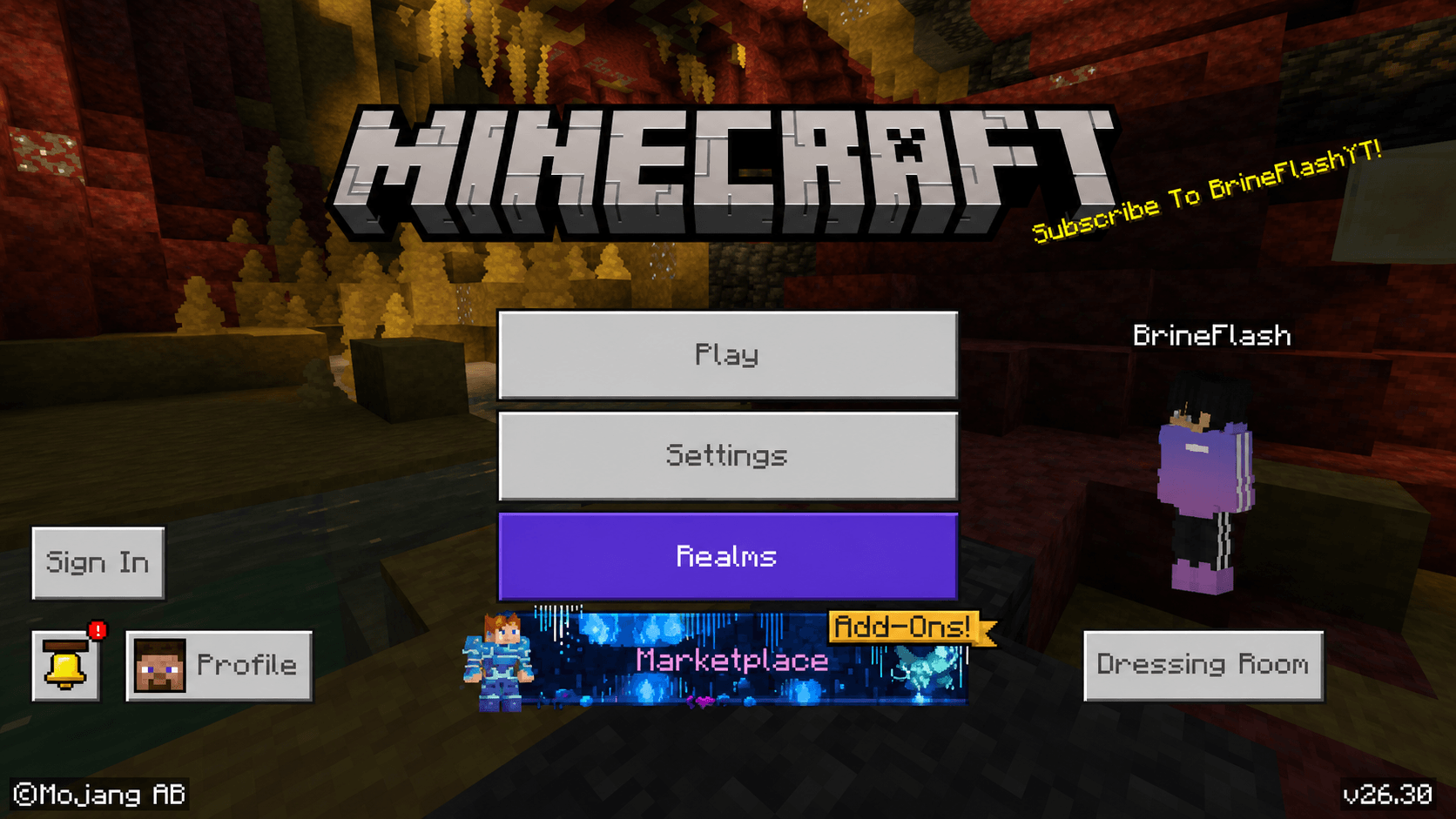
Experience the official Minecraft Vibrant Visuals menu panorama without enabling the Vibrant Visuals graphics preset.
This resource pack replaces only the main menu panorama, allowing you to enjoy the beautiful official background while keeping your current graphics settings.
⚠️ Note: This pack does NOT enable Vibrant Visuals, shaders, ray tracing, enhanced lighting, reflections, or any other in-game graphical effects. It only changes the panorama displayed on the main menu.
✨ Features
- 🖼️ Official Vibrant Visuals menu panorama
- 📦 Lightweight and easy to use
- 🎮 Multiple subpacks for different Minecraft versions
- ⚡ No performance impact during gameplay
- 🔄 Simple one-click installation
📦 Supported Versions
- Minecraft Bedrock 1.26.10
- Minecraft Bedrock 1.26.30+
Select the appropriate subpack for your Minecraft version.
📥 Installation
- Download the
.mcpackfile. - Open it with Minecraft.
- Import the resource pack.
- Activate it in Global Resources.
- Choose the correct subpack for your Minecraft version.
- Return to the main menu and enjoy the new panorama!
❓ Frequently Asked Questions
Does this enable Vibrant Visuals?
No. This pack only replaces the menu panorama background.
Does this add shaders or better graphics?
No. Gameplay graphics remain exactly the same.
Will this affect performance?
No. Since only the menu background is changed, there is virtually no impact on performance.
❤️ Credits
Resource Pack: BrineFlashYT
Original Panorama: Mojang Studios / Microsoft
The panorama textures are official Minecraft assets. All rights to the original assets belong to Mojang Studios and Microsoft.
Thank you for downloading Vibrant Visuals Panorama!
⭐ If you enjoy this pack, consider leaving a rating and sharing it with other Minecraft players.
- Edition: Minecraft Bedrock
- File type: .mcpack
- Minecraft versions listed: 1.21.100, 26.10, 26.30
- How to install: Download the .mcpack. → Open it — Minecraft imports it under Resource Packs. → Activate it in Global Resources, or for one world under Resource Packs → Available.
- Where to get it: Opens on CurseForge — not every file is mirrored on our own servers.
Install steps are the general flow for this file type — How to install Minecraft Bedrock texture packs walks through it step by step.
- Pack type: .mcpack — a single pack
- Manifest requires Minecraft 1.21.100 or newer
- Complete pack — everything it depends on is inside the file
- Download size: 10.6 MB
- Download link checked 4 Oct 2026 — working
These come from our own check of the pack file, not from the source page.