Texture packsBedrock
No Fog | FPS Booster
Bedrock texture pack listed for Minecraft 26.x. File opened and checked on 27 Sep 2026; installs from the MC Bedrock Mods app on Android.
I don't know my version
Open Minecraft and look at the bottom-left corner of the main screen — the version is printed there, like v1.26.30.
The game writes a 1. in front; the buttons above leave it off. v1.26.30 in the game is 26.30 here.
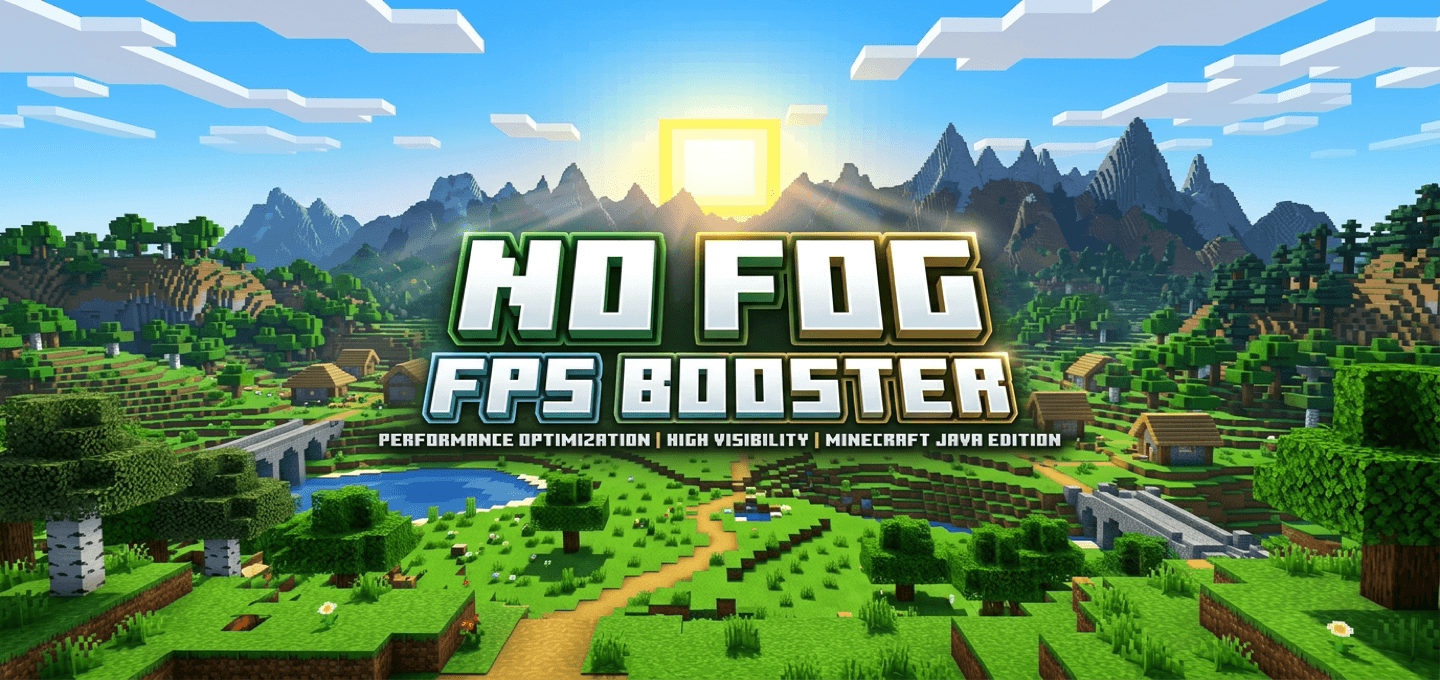
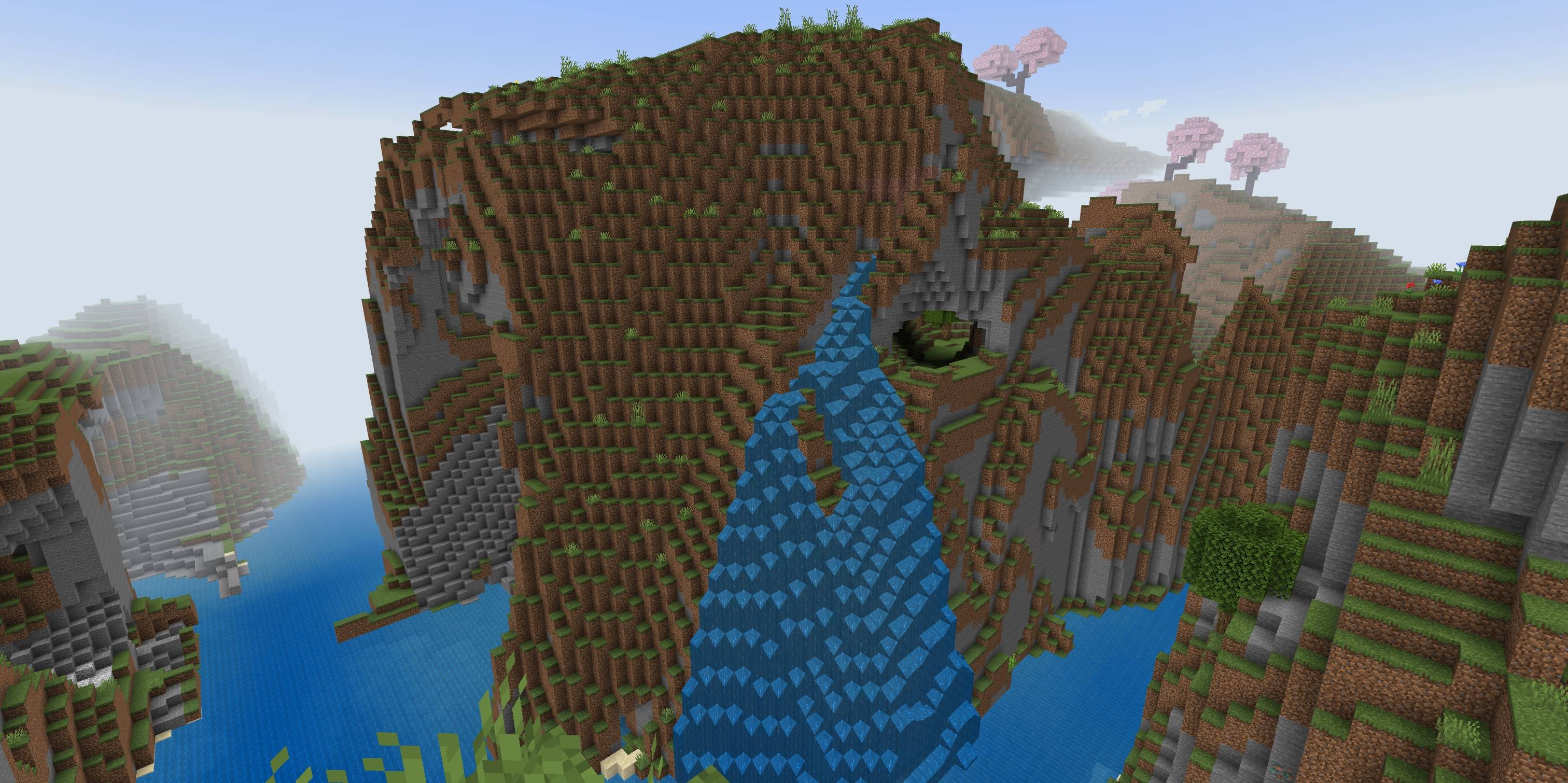
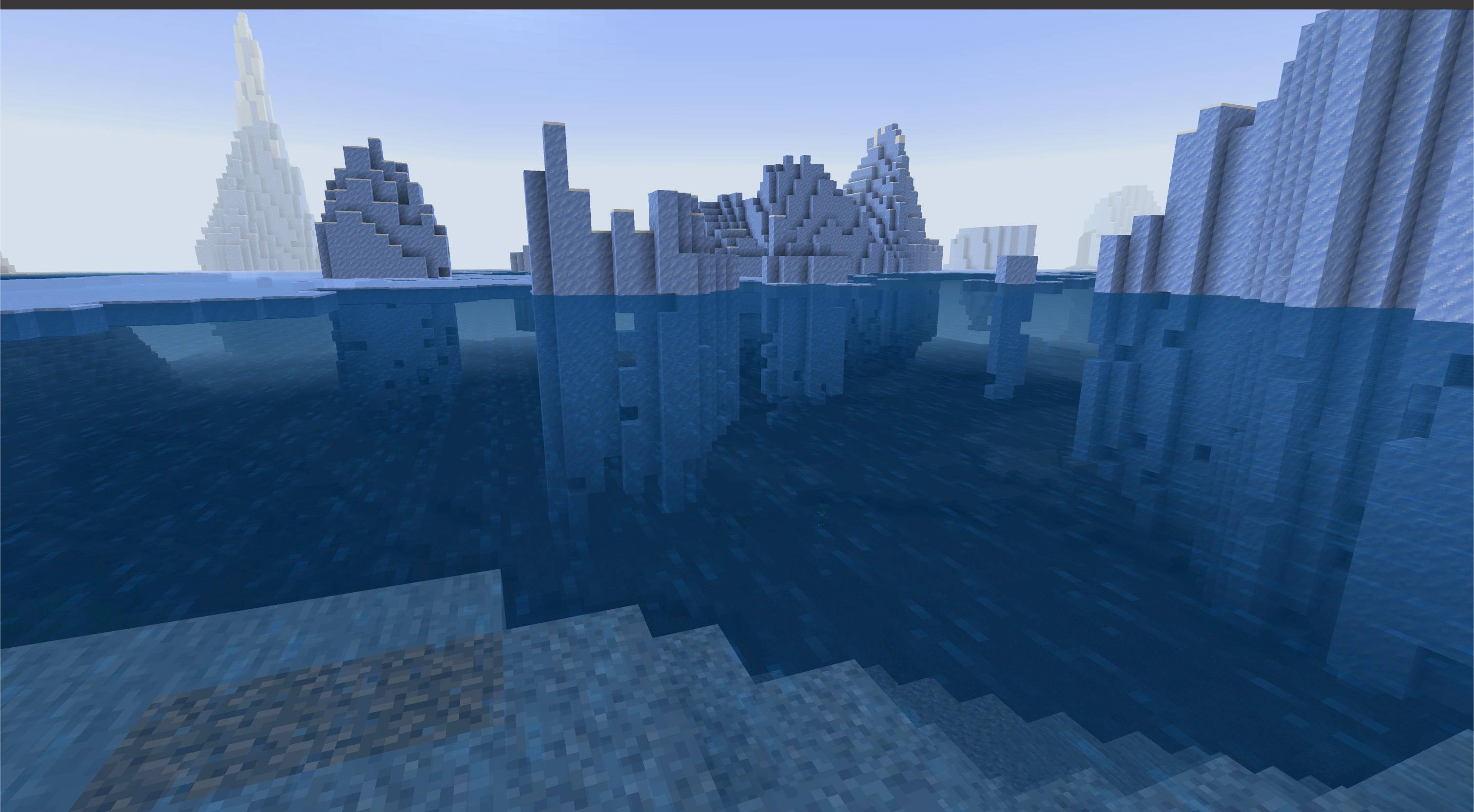
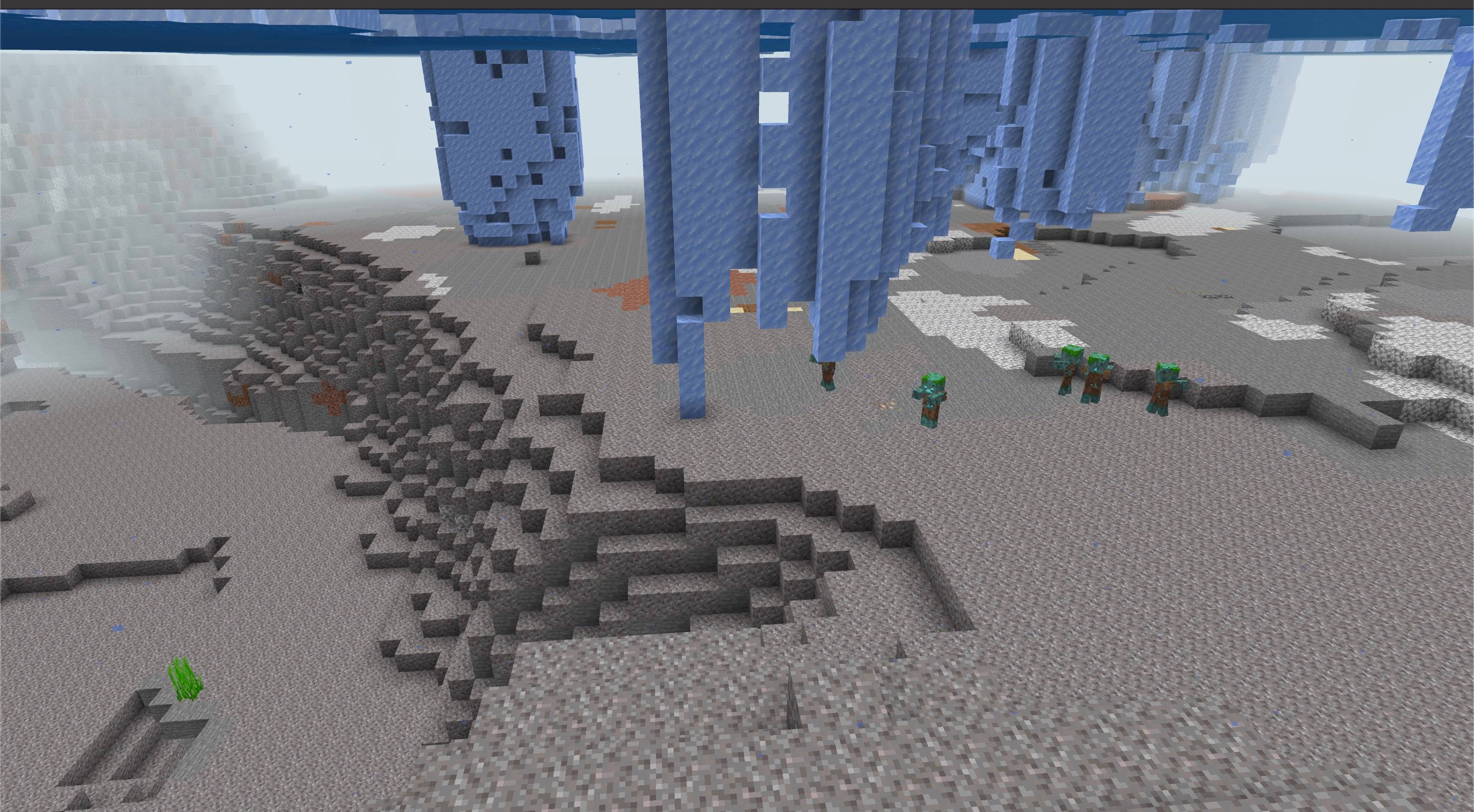
No Fog FPS Booster clears distance, weather, and underwater fog, with lighter particles and calmer animated textures for low-end devices.
It uses vanilla textures while reducing particle density, motion, and visual noise.
Features
- Fog Removal: Distance, weather, and water fog are pushed to the edge of the render distance across Overworld, Nether, and End dimensions.
- Particle Optimization: Reduced visual noise and lighter overrides for performance-heavy particles (rain splash, water splash/wake, smoke, flame, portal, explosion, and bubble column particles).
- Calmer Fluid Animations: Slower flipbook texture tick speeds for water, lava, fire, portals, sea lanterns, and kelp, reducing client-side animation load.
- Performance Focus: Lighter particle effects and slower animations may help on low-end devices; FPS gains vary by device and scene.
How to use
- Import the
.mcaddonfile into Minecraft Bedrock. - Activate the No Fog FPS Booster resource pack for your world. No behavior pack or experiments are required.
- Put the No Fog resource pack above other visual packs to ensure custom fog settings and particles load correctly.
Notes
- This is not an RTX shader.
- Performance gains depend on your device, world complexity, active entities, and render distance.
- Air, weather, and underwater fog remain only at the render-distance boundary. Lava fog is retained.
Requirements
- Minecraft Bedrock Edition 1.26.50 or higher.
- No external dependency required

Quick facts
- Edition: Minecraft Bedrock
- File type: .mcpack
- Minecraft versions listed: 26.50, 26.0.02, 26.0
- How to install: Download the .mcpack. → Open it — Minecraft imports it under Resource Packs. → Activate it in Global Resources, or for one world under Resource Packs → Available.
- Where to get it: Opens on CurseForge — not every file is mirrored on our own servers.
Install steps are the general flow for this file type — How to install Minecraft Bedrock texture packs walks through it step by step.
File checked by MCModsHub
- Pack type: .mcaddon — behaviour and resource pack in one file
- Manifest requires Minecraft 1.26.30 or newer
- Complete pack — everything it depends on is inside the file
- Download size: 100 KB
- Download link checked 15 Oct 2026 — working
These come from our own check of the pack file, not from the source page.