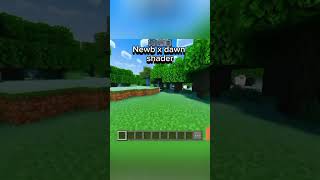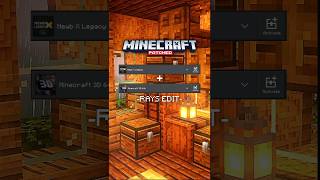
Newb X Supplementary
Bedrock texture pack listed for Minecraft 26.x. File opened and checked on 22 Oct 2026; installs from the MC Bedrock Mods app on Android.
I don't know my version
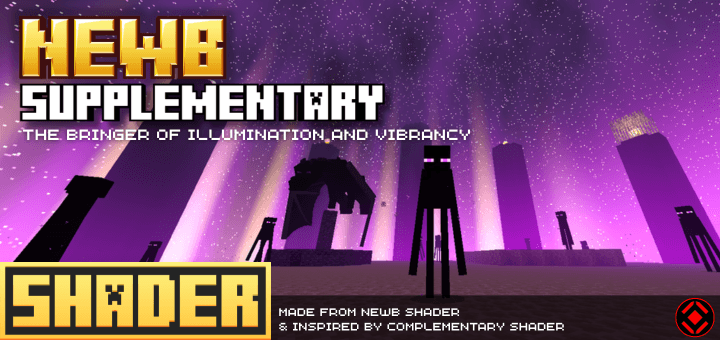
Newb X Supplementary
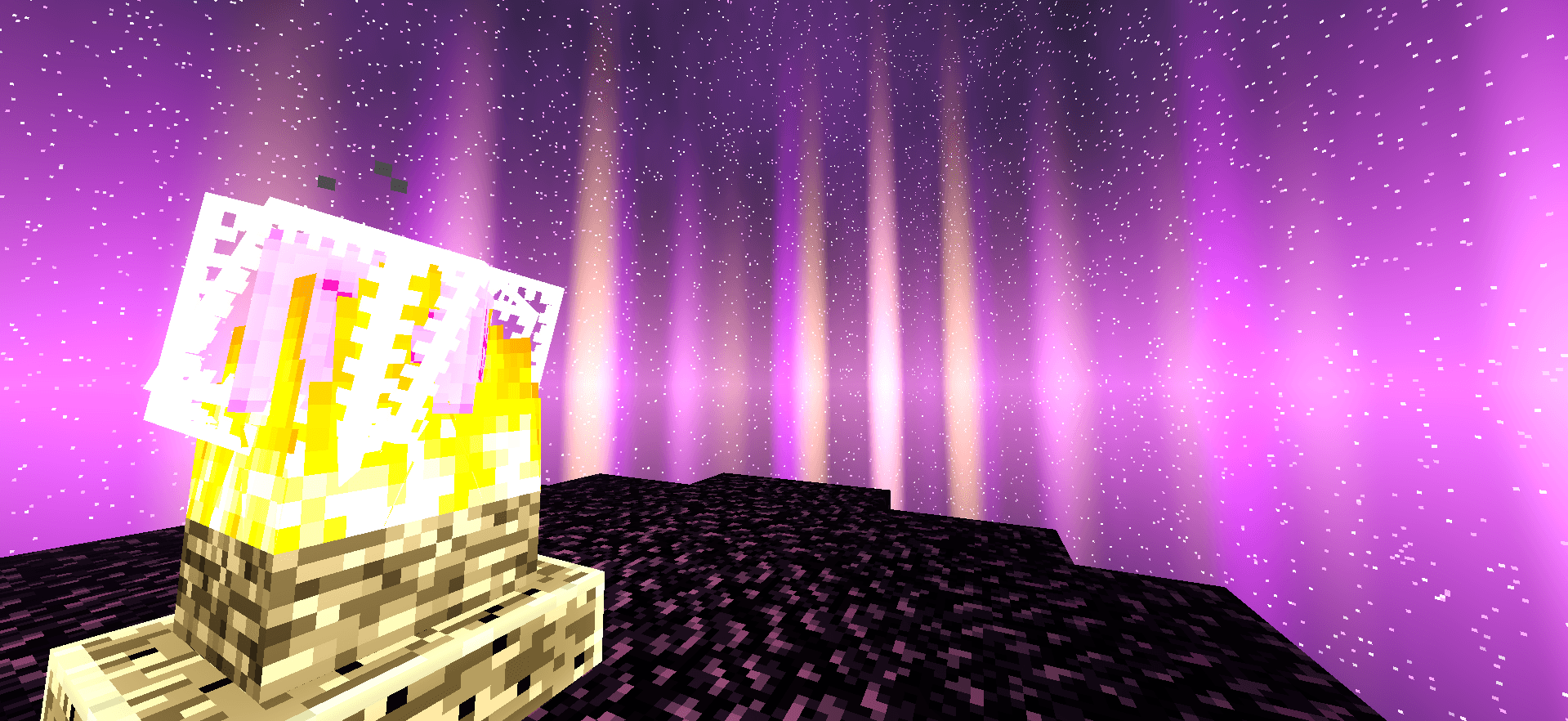
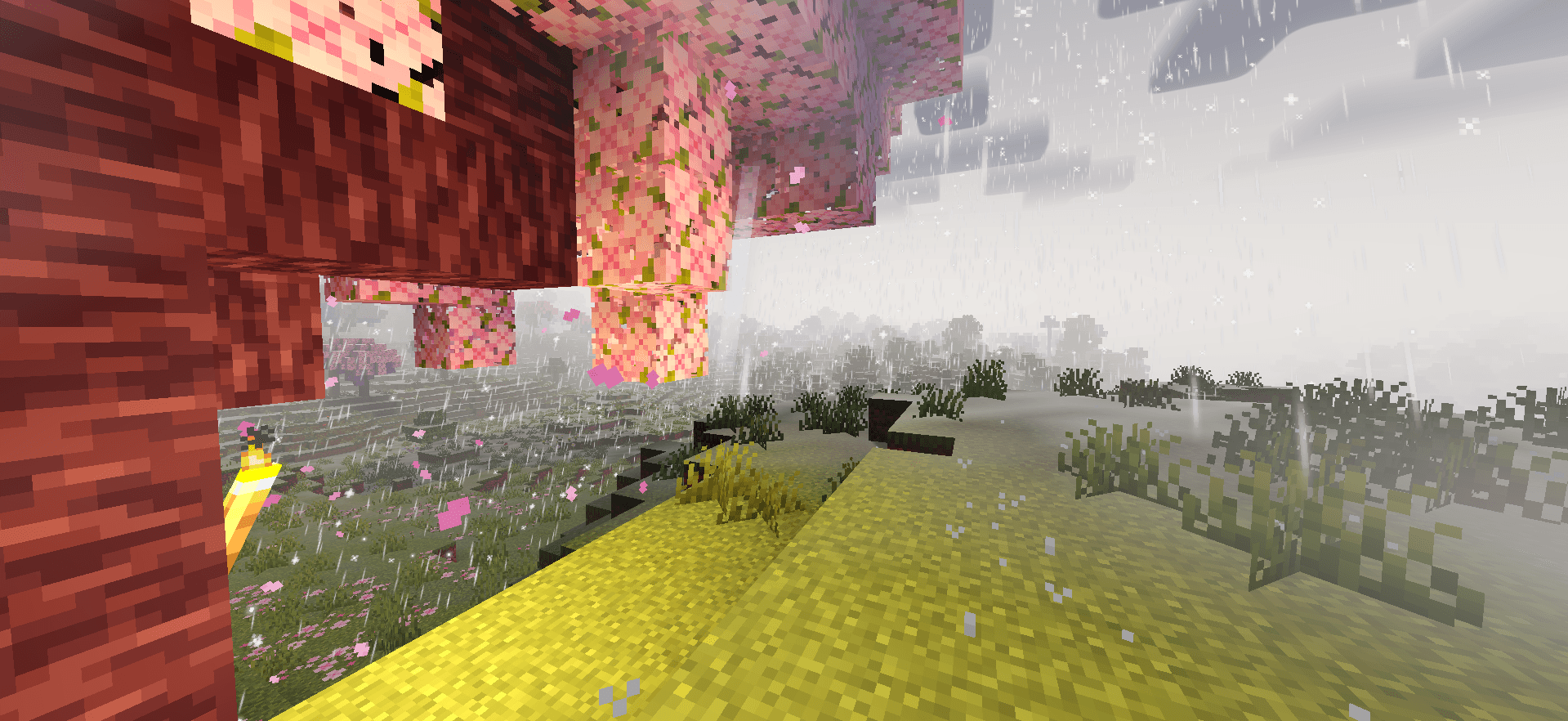
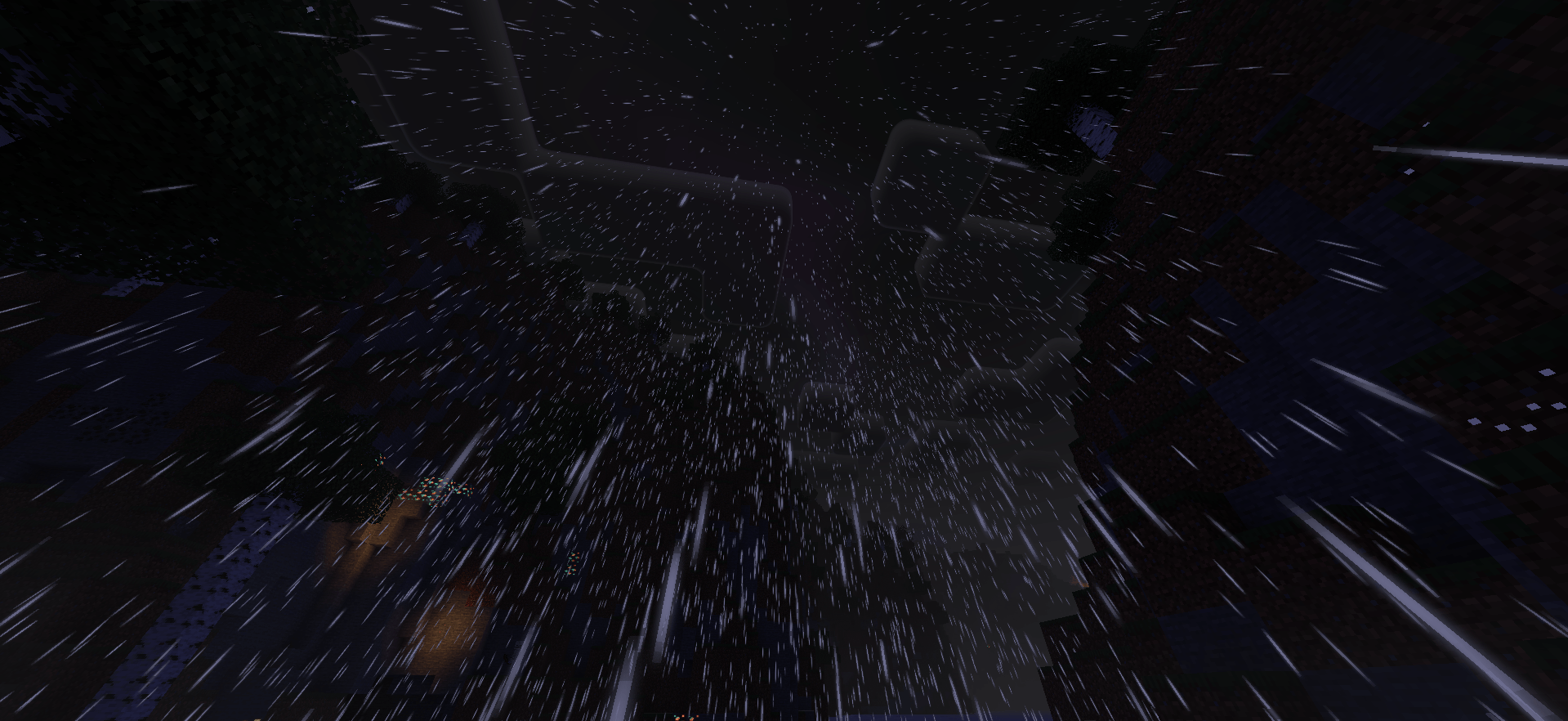
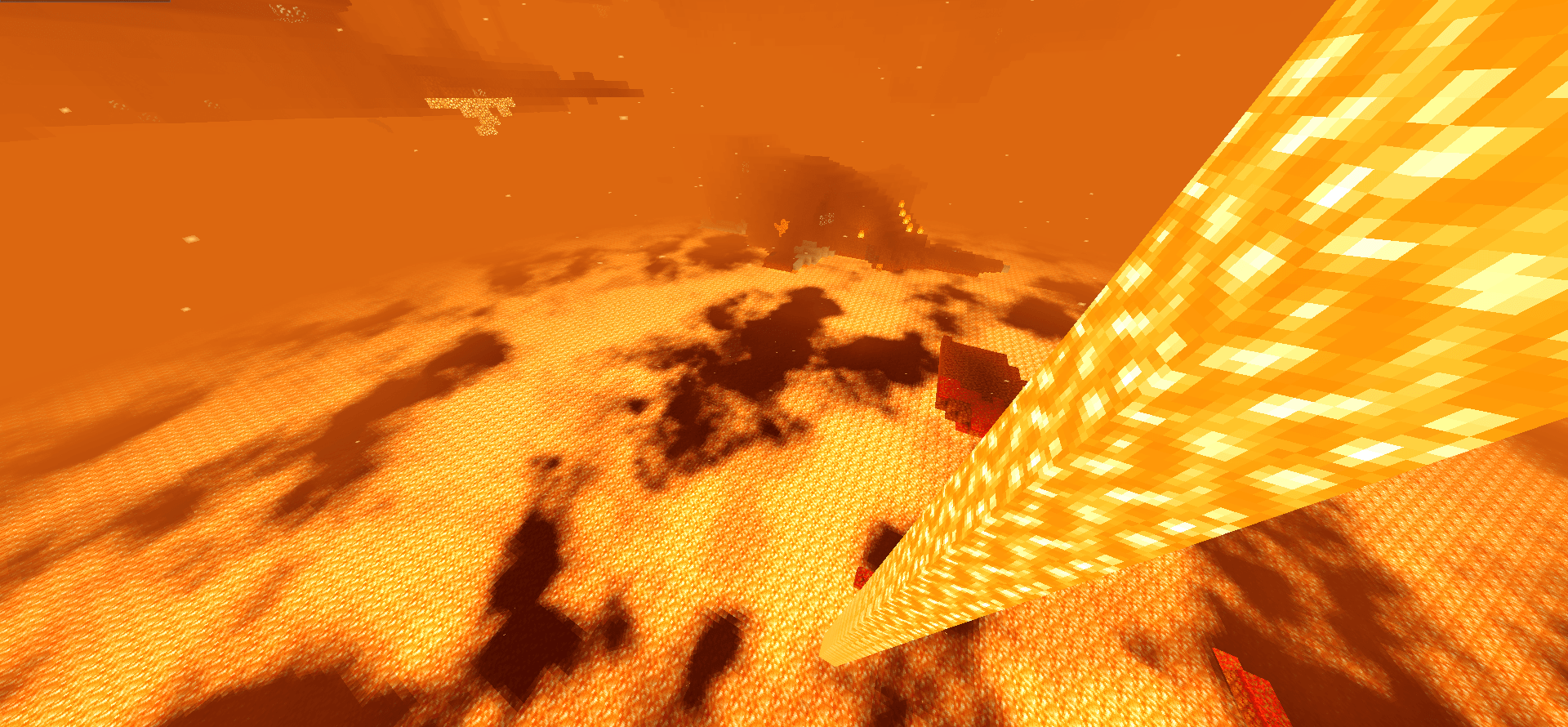
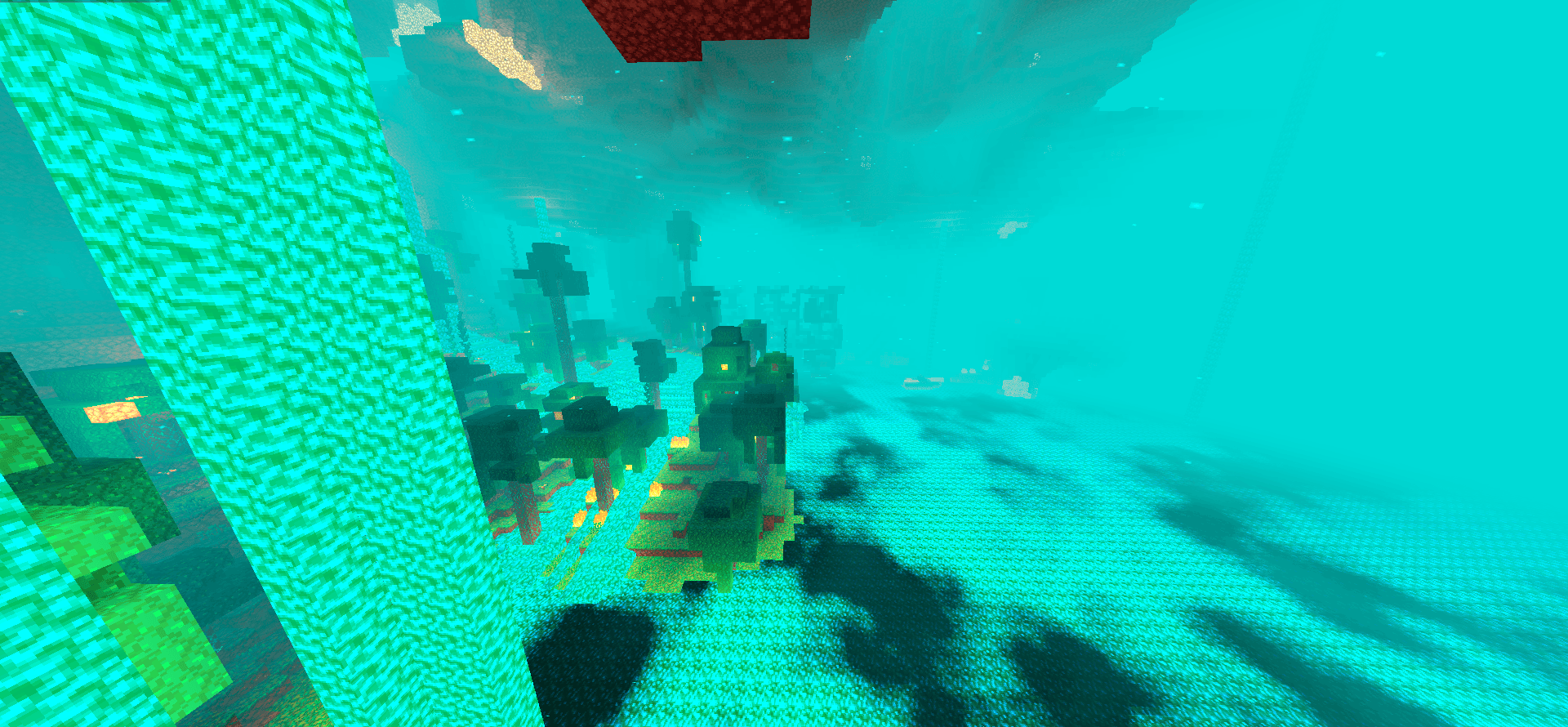
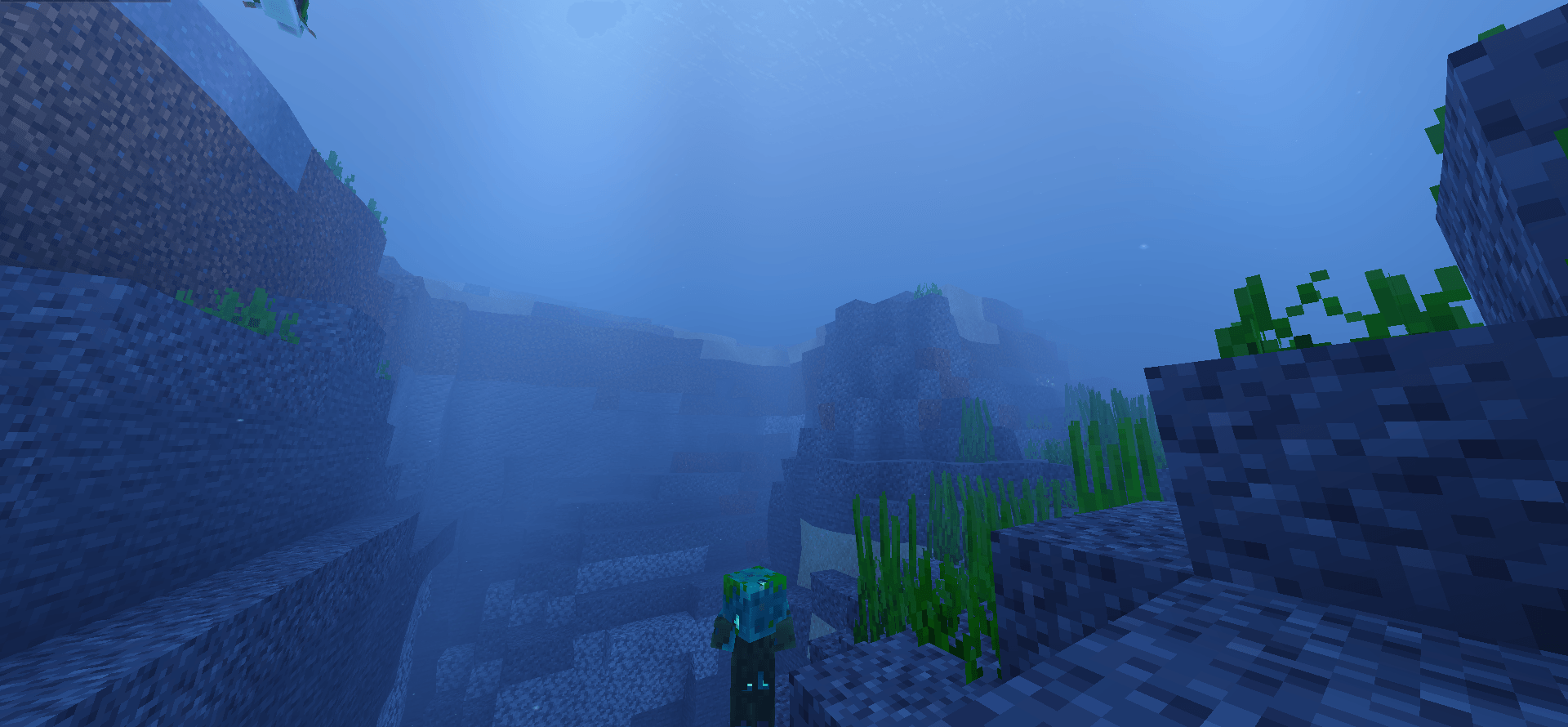
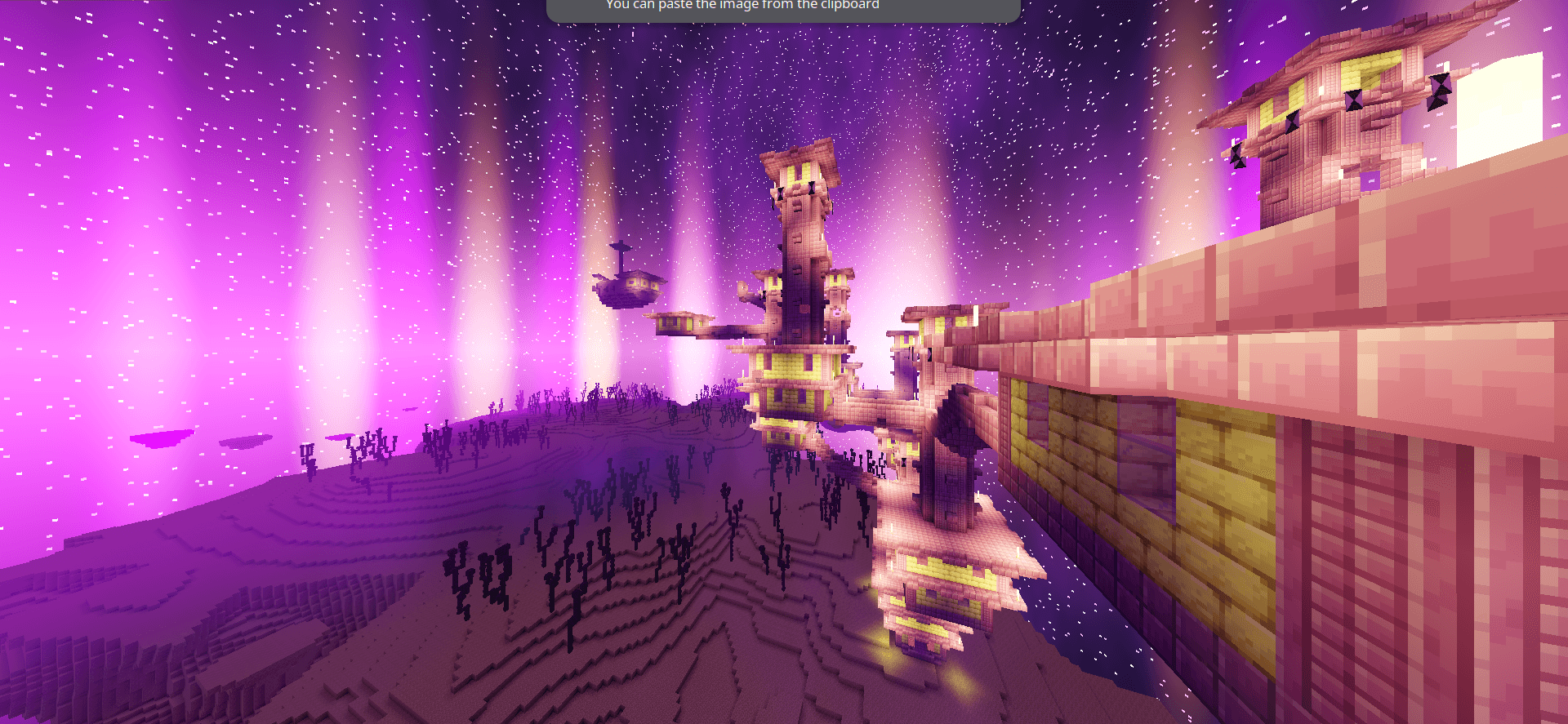
Enhance your Minecraft experience with Newb X Supplementary, a cutting-edge bedrock shader meticulously designed to complement and amplify the intricate details of Newb X Legacy. Immerse yourself in a world where textures come alive, shadows dance with realism, and every pixel is infused with enhanced vibrancy. Elevate your gaming visuals to new heights with this dynamic duo, where Supplementary seamlessly supplements the details of Legacy, creating a truly immersive and visually stunning gameplay environment.
This is a variant shader made from Newb Shader by Devendrn.
NOTICE
THIS RENDERDRAGON SHADER REQUIRES USER TO USE A SHADER LOADER TO THEIR RESPECTIVE OPERATING SYSTEM.
Features
- IMPROVED: Better vanilla water with water foam
- Replicated Complementary Reimagined's end sky
- Fake volumetric fog on nether
- Diffuse lighting on blocks.
- Rounded-shape clouds with vibrant colors.
- Rounded cloud terrain direct shadow that is dependent to the sunlight and moonlight direction.
- IMPROVED: Vibrant terrain lighting making your world lively and fun!
- Glowing vanilla minerals and blocks.
- Diagonal rain drops, and wet effect terrain at rainy weathers.
- Waving leaves and plants.
- Sun rays at sunset and sunrise.
- IMPROVED: Better lava magma effects.
- Amazing illuminations in all worlds.
- End portal vibrancy.
- Night vision subpack.
- Rounded clouds water reflection.
- IMPROVED: 3D aurora borealis.
- Minerals or any glowing blocks will now glow as dropped items or held items.
- NEW: Entities diffuse lighting effect
- IMPROVED: Water surface sky reflection
- NEW: Subsurface Scattering on tree leaves
- Edition: Minecraft Bedrock
- File type: .mcpack
- Minecraft versions listed: 26.50, 26.40, 26.30
- How to install: Download the .mcpack. → Open it — Minecraft imports it under Resource Packs. → Activate it in Global Resources, or for one world under Resource Packs → Available.
- Where to get it: In MCModsHub, or directly above on this page.
Install steps are the general flow for this file type — How to install Minecraft Bedrock texture packs walks through it step by step.
- Pack type: .mcpack — a single pack
- Complete pack — everything it depends on is inside the file
- Download size: 25.9 MB
- Download link checked 7 Aug 2026 — working
These come from our own check of the pack file, not from the source page.