Home›Bedrock›Texture packs›XRay Ultimate Outlined Ores Texture Pack (26.x, 1.21) – See Hidden Ores Through Solid Walls
Texture packsBedrock
XRay Ultimate Outlined Ores Texture Pack (26.x, 1.21) – See Hidden Ores Through Solid Walls
Bedrock texture pack listed for Minecraft 1.21. File opened and checked on 23 Sep 2026; installs from the MC Bedrock Mods app on Android.
⬇ Download
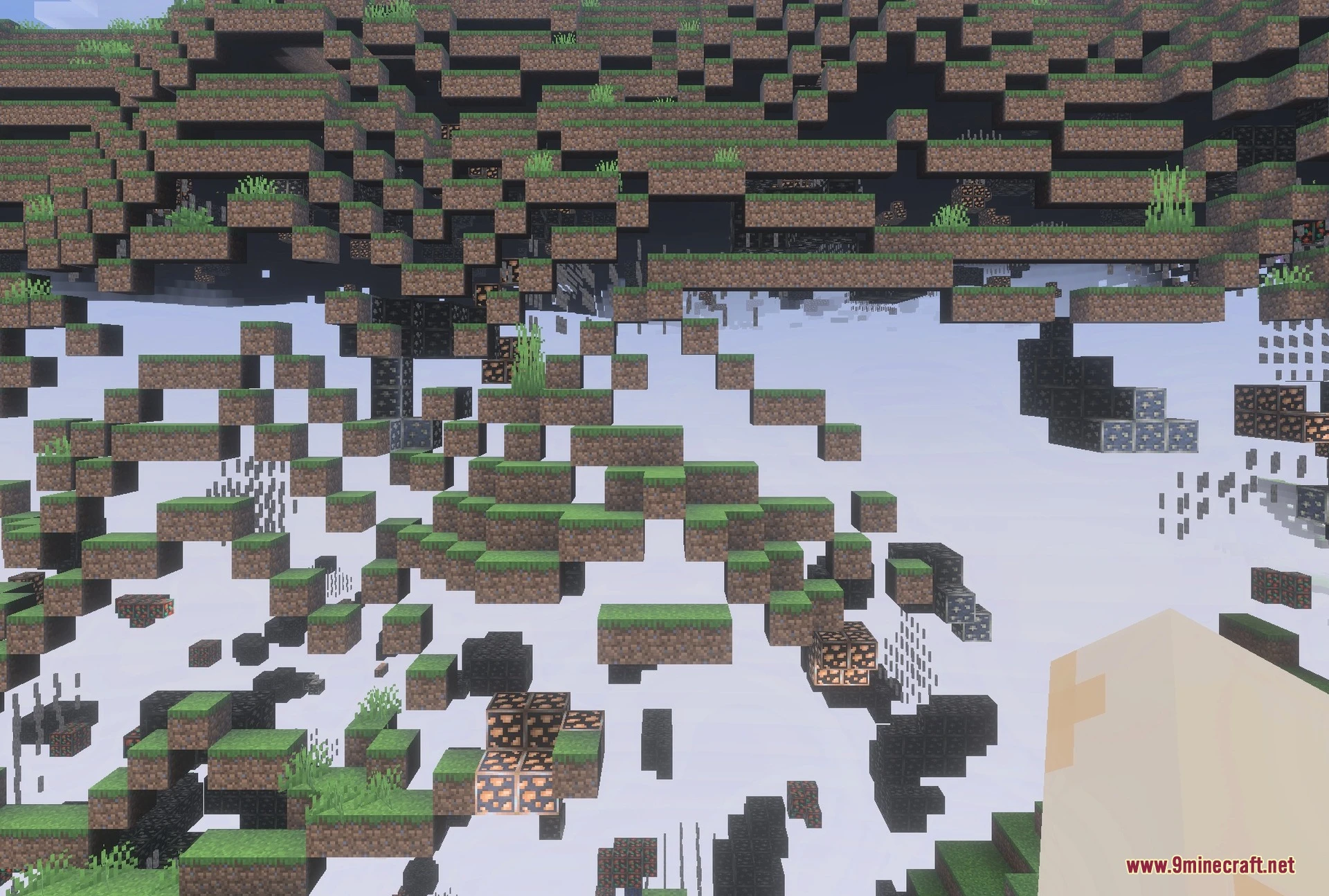
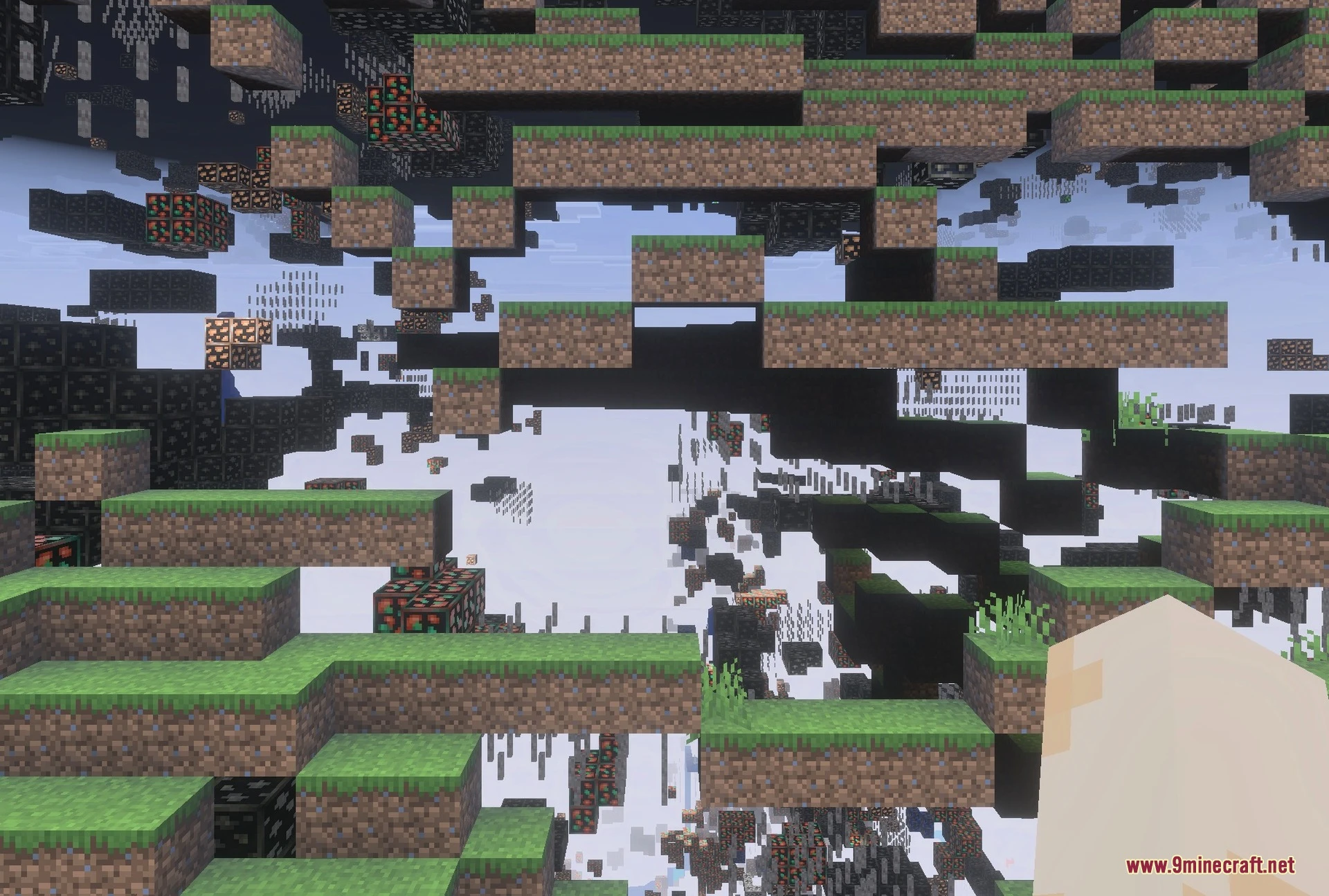
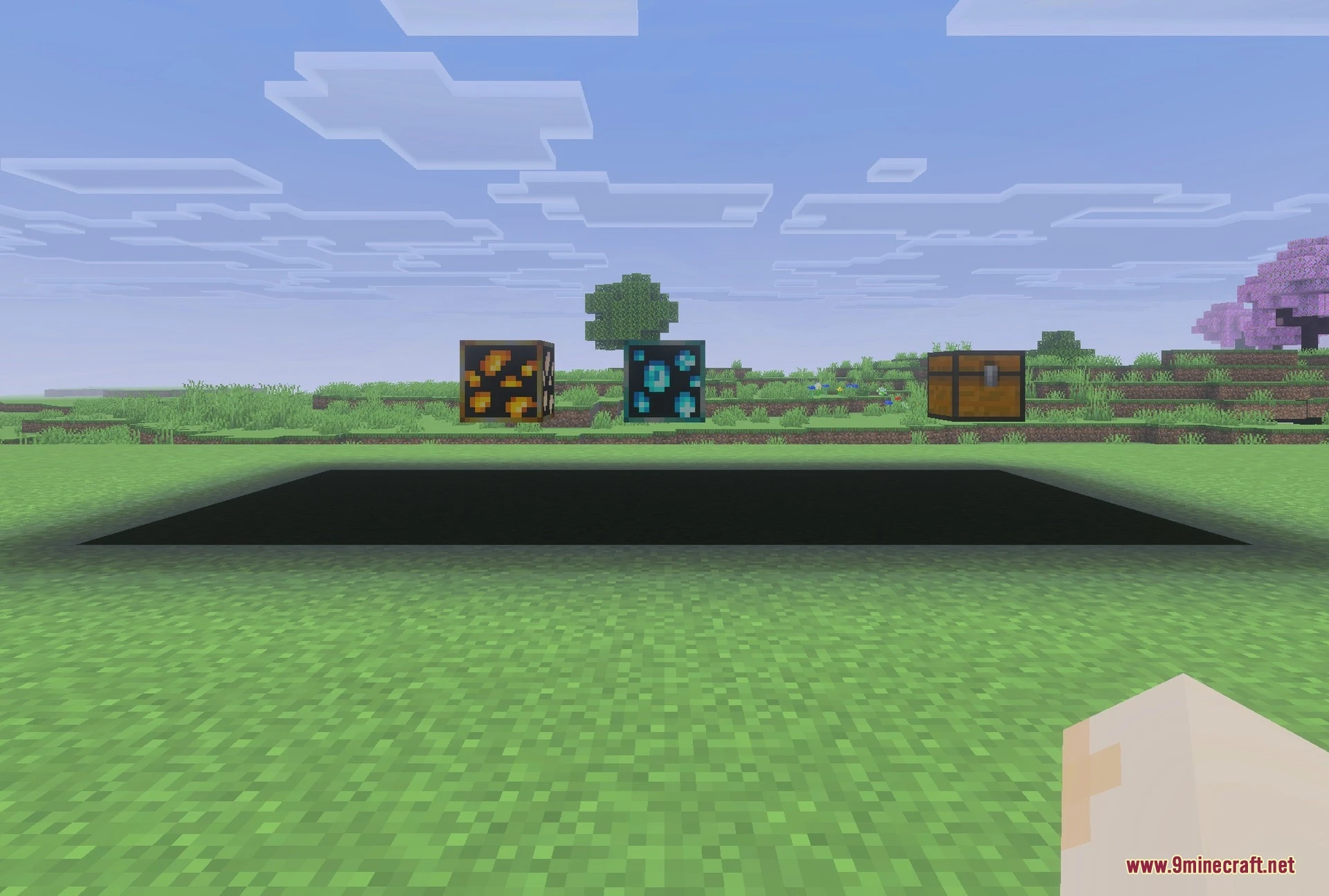
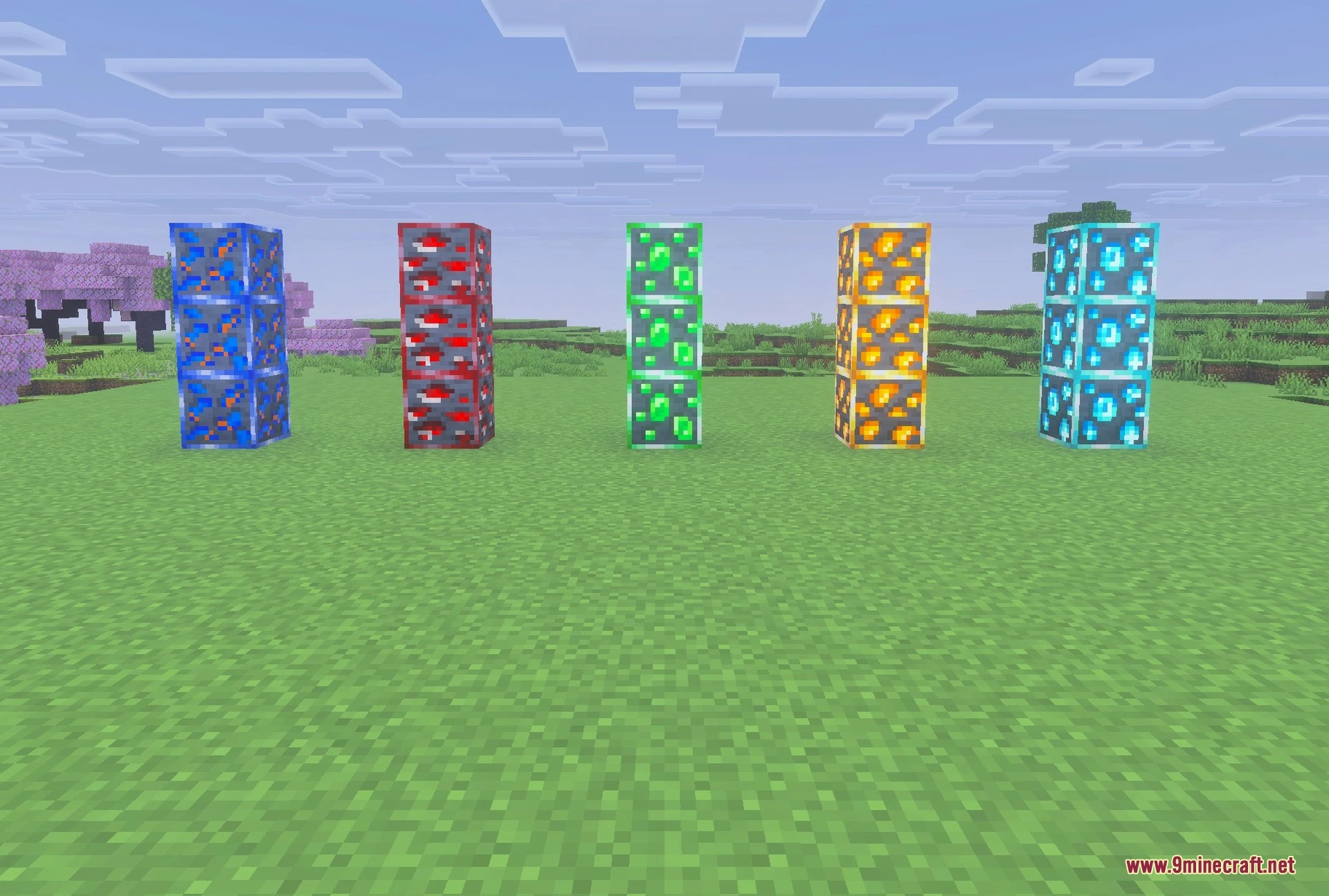
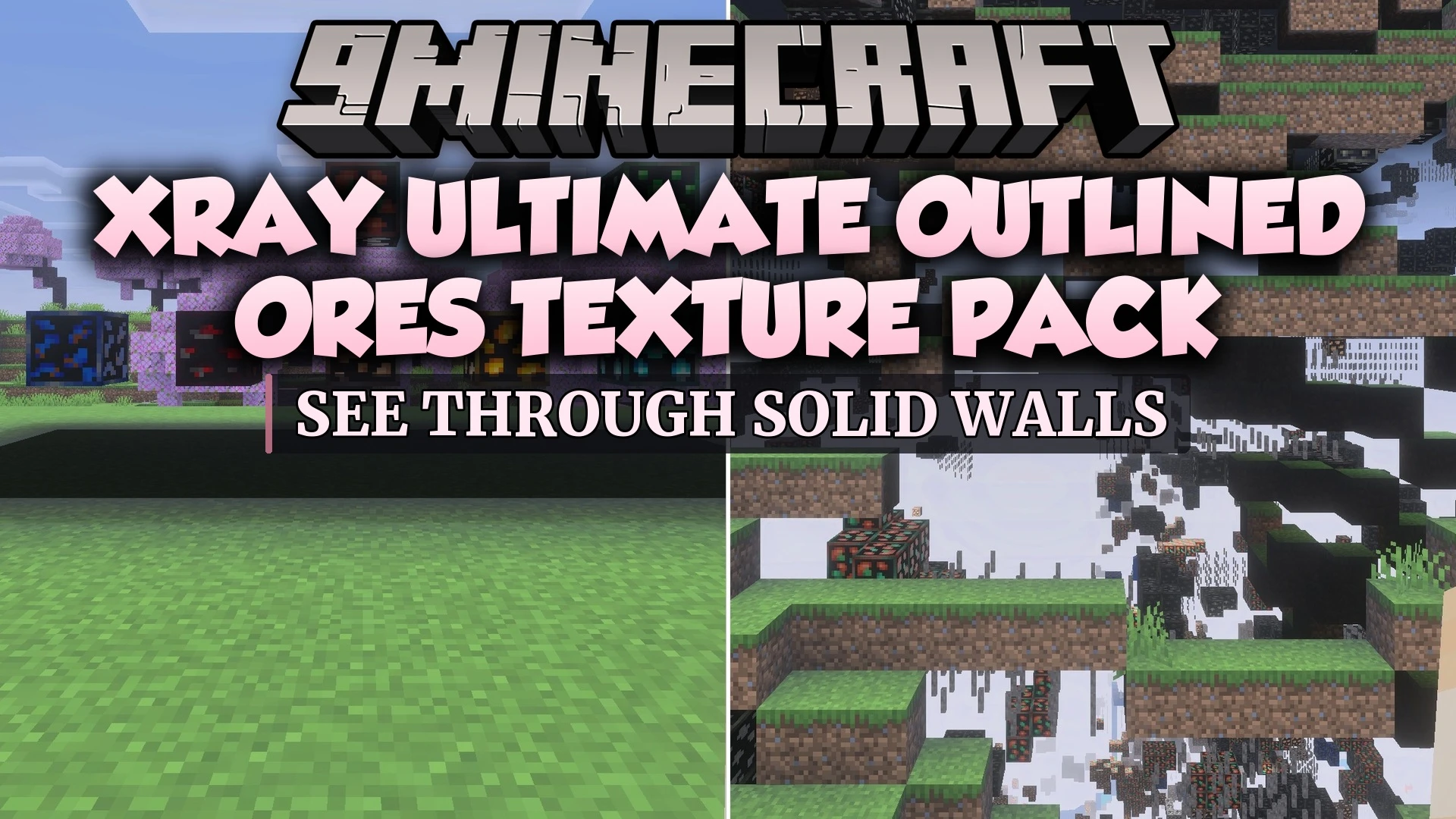
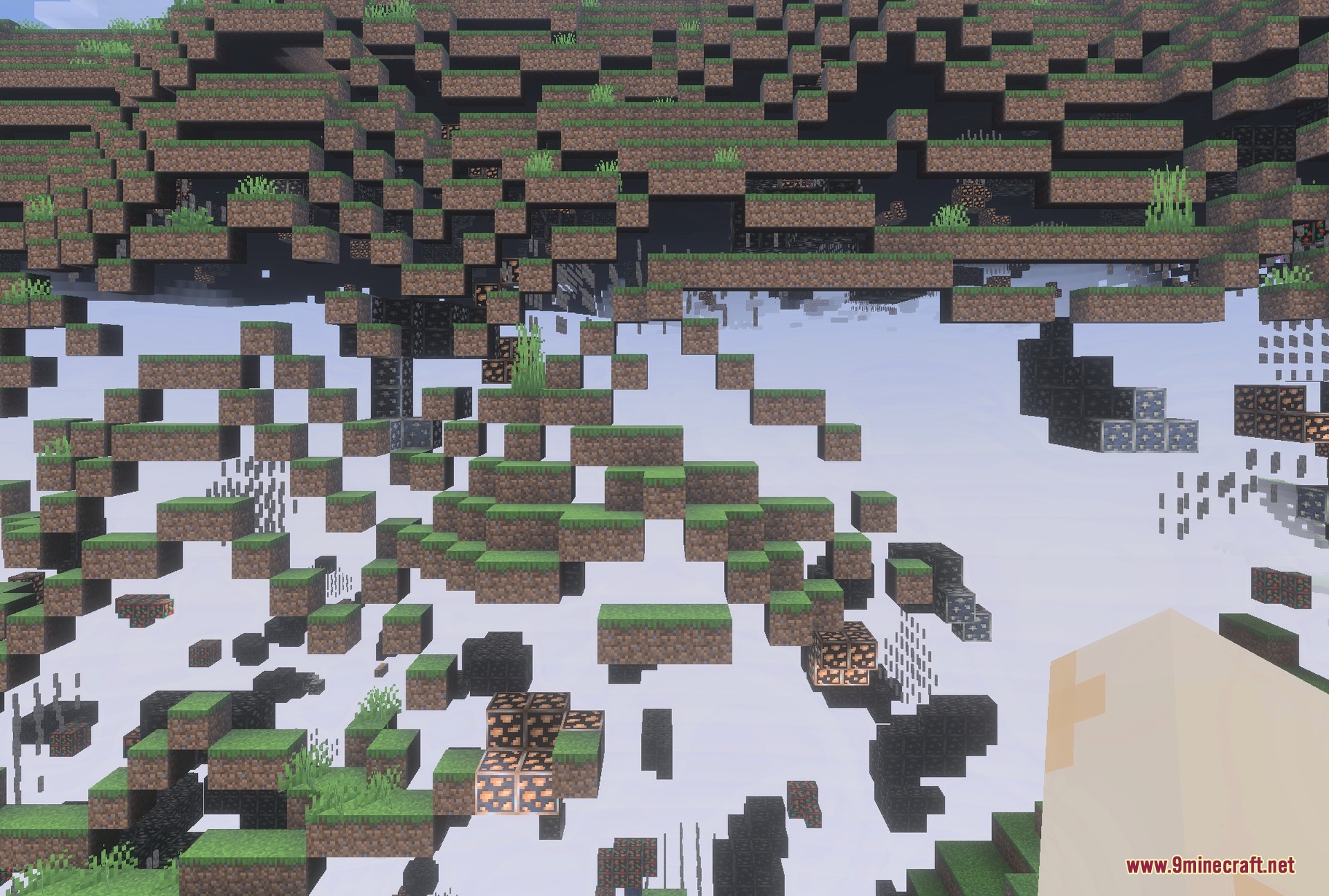
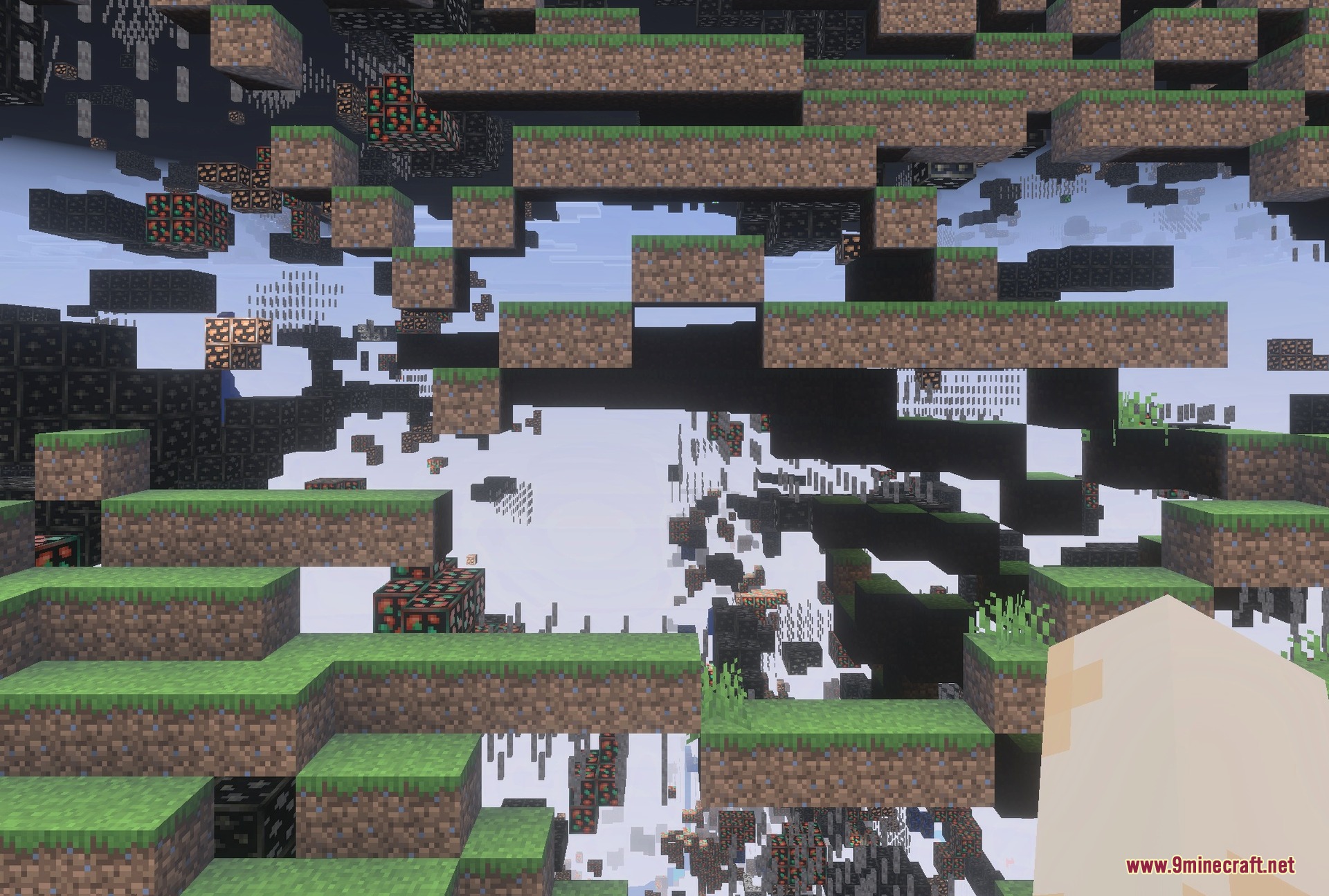
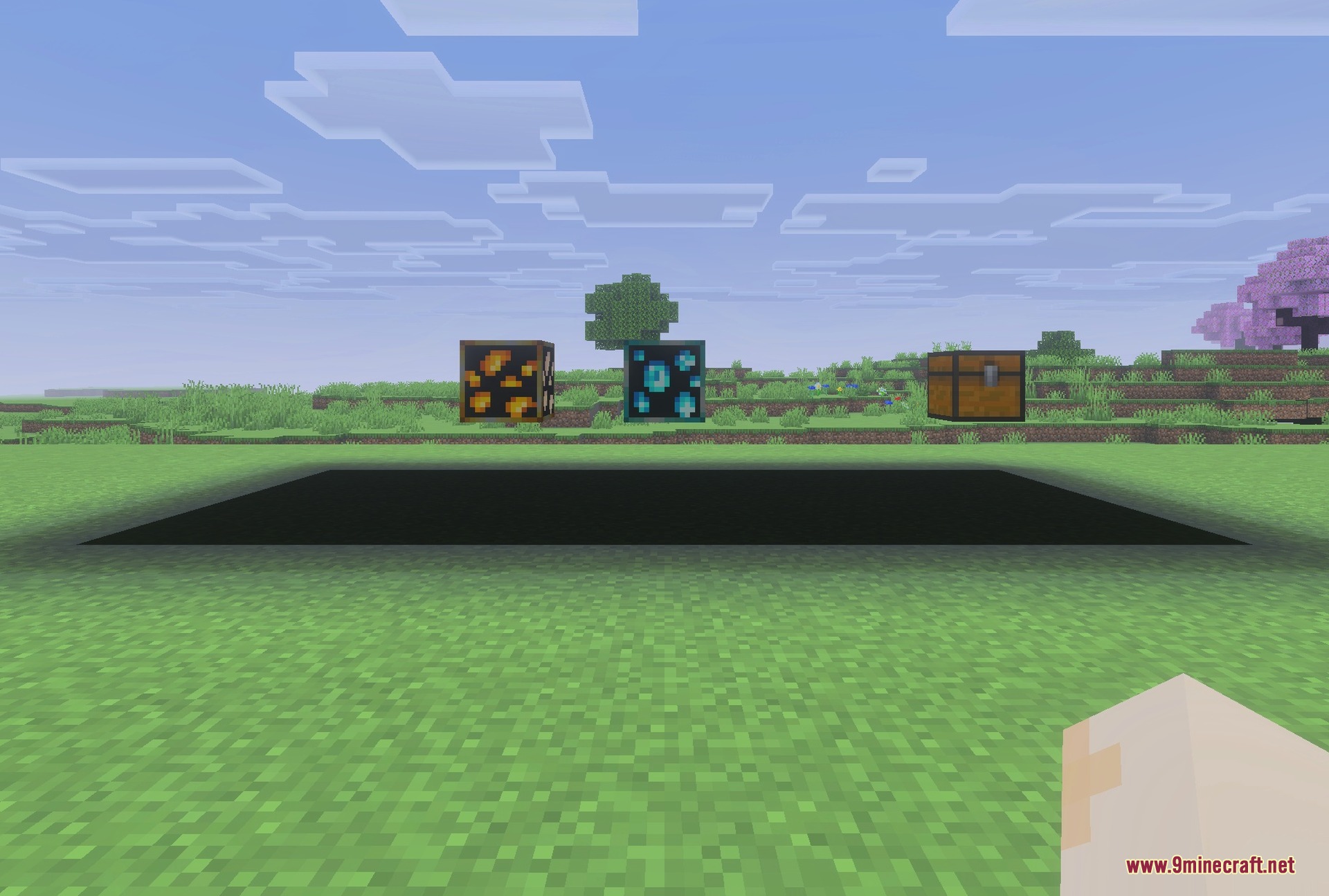
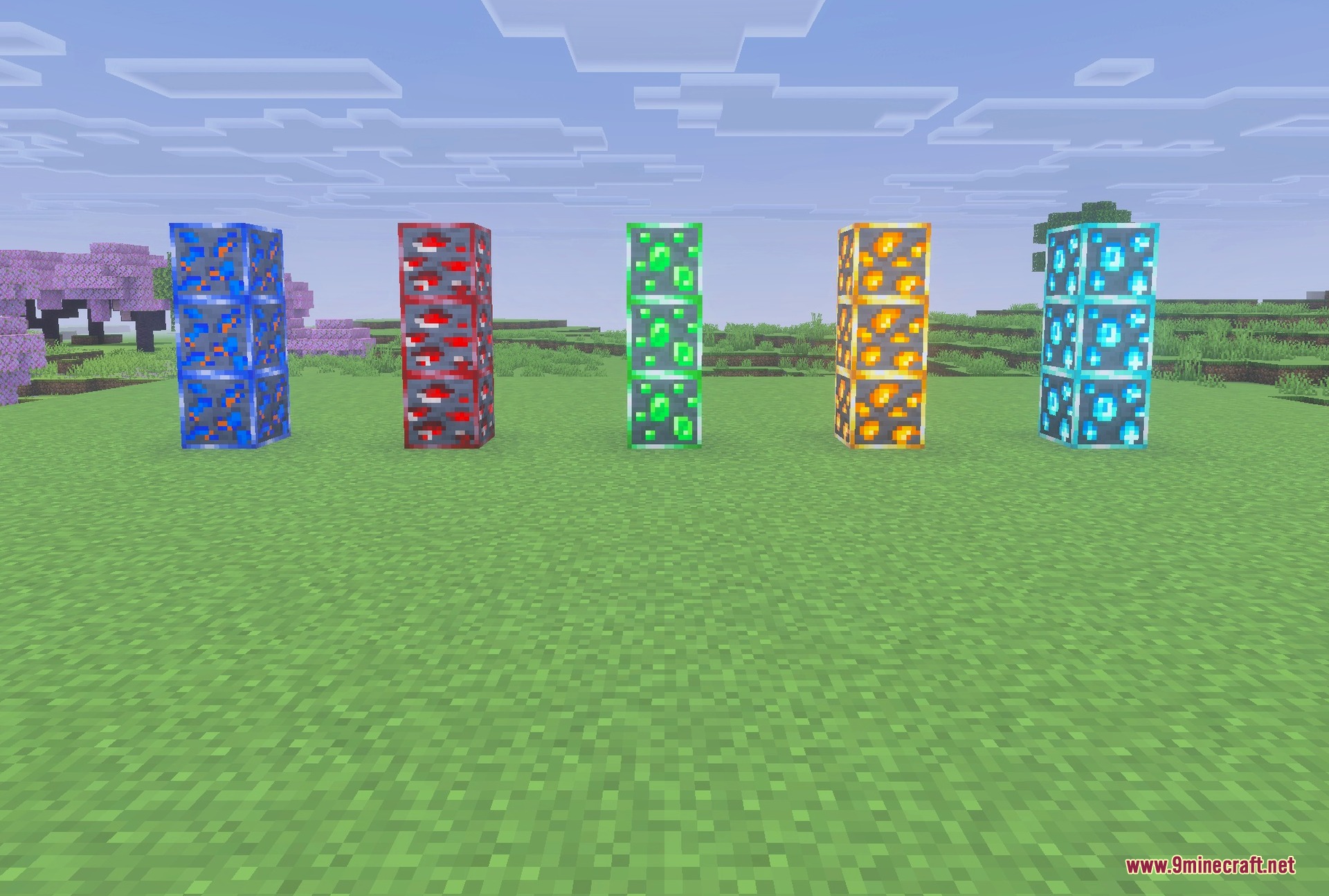
XRay Ultimate Outlined Ores Texture Pack lets you see valuable blocks and hidden caves through solid walls. It highlights ores with bright outlines so you can find diamonds and gold very quickly. This pack also changes gravel into redstone torches to help you avoid dangerous falling blocks while mining.
Features:
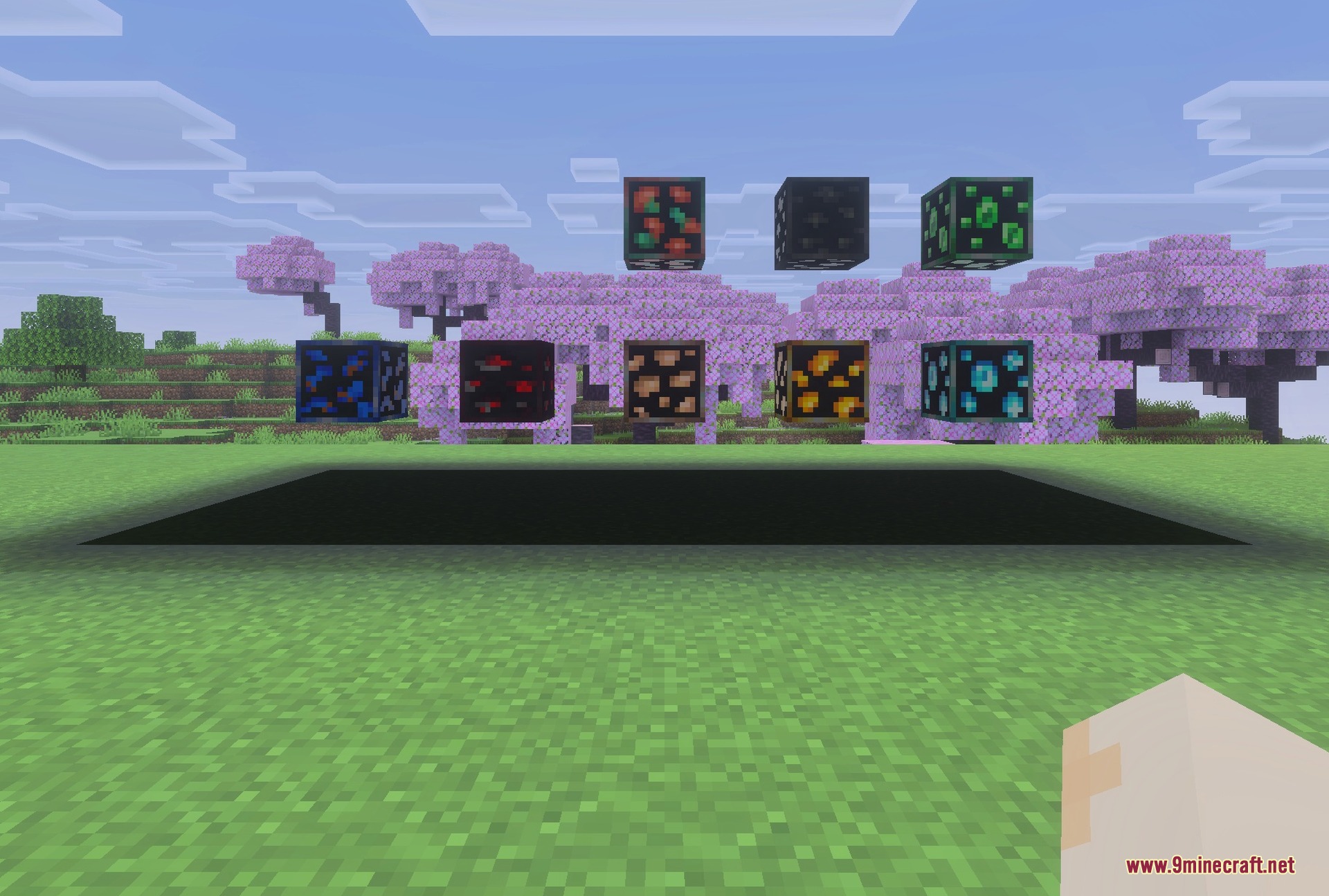
- Highlights all ores with bright outlines for easy spotting.
- Gives you clear visibility even inside very dark caves.
- Changes gravel into redstone torches to warn about cave-ins.
- Reveals hidden structures like mineshafts through solid stone blocks.
- Runs smoothly without causing any lag during your gameplay.
Recommended Settings:
- Turn off smooth lighting for the best ore visibility.
- Increase your game brightness to see everything clearly.
- Use simple or fancy graphics modes for full support.
Screenshots:
XRay Ultimate Outlined Ores Texture Pack Download Links
Quick facts
- Edition: Minecraft Bedrock
- File type: .mcpack
- Minecraft version listed: 1.21
- How to install: Download the .mcpack. → Open it — Minecraft imports it under Resource Packs. → Activate it in Global Resources, or for one world under Resource Packs → Available.
- Where to get it: In MCModsHub, or directly above on this page.
Install steps are the general flow for this file type — How to install Minecraft Bedrock texture packs walks through it step by step.
File checked by MCModsHub
- Pack type: .mcpack — a single pack
- Manifest requires Minecraft 1.21.80 or newer
- Complete pack — everything it depends on is inside the file
- Download link checked 22 Jul 2026 — working
- Mirrored on our own servers — the download does not depend on the original host
These come from our own check of the pack file, not from the source page.