Voxen's Eating Animation
Bedrock texture pack listed for Minecraft 1.20–26.x. File opened and checked on 23 Oct 2026; installs from the MC Bedrock Mods app on Android.
Smooth eating and drinking animations for every food and potion item in Minecraft Bedrock — inspired by the Java mod. No setup needed. Achievement…
⬇ Download on CurseForgeThe author built this one for Minecraft 26.50. On other versions it may install and then do nothing.
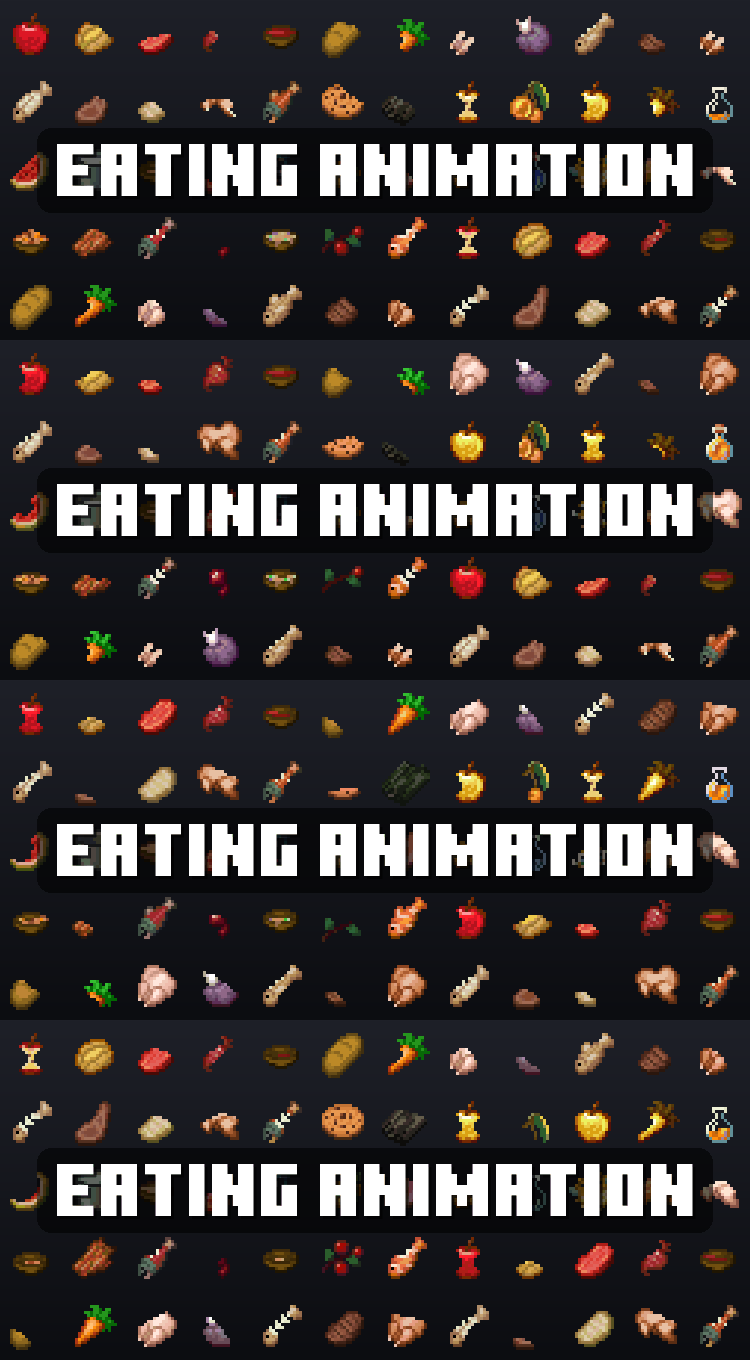
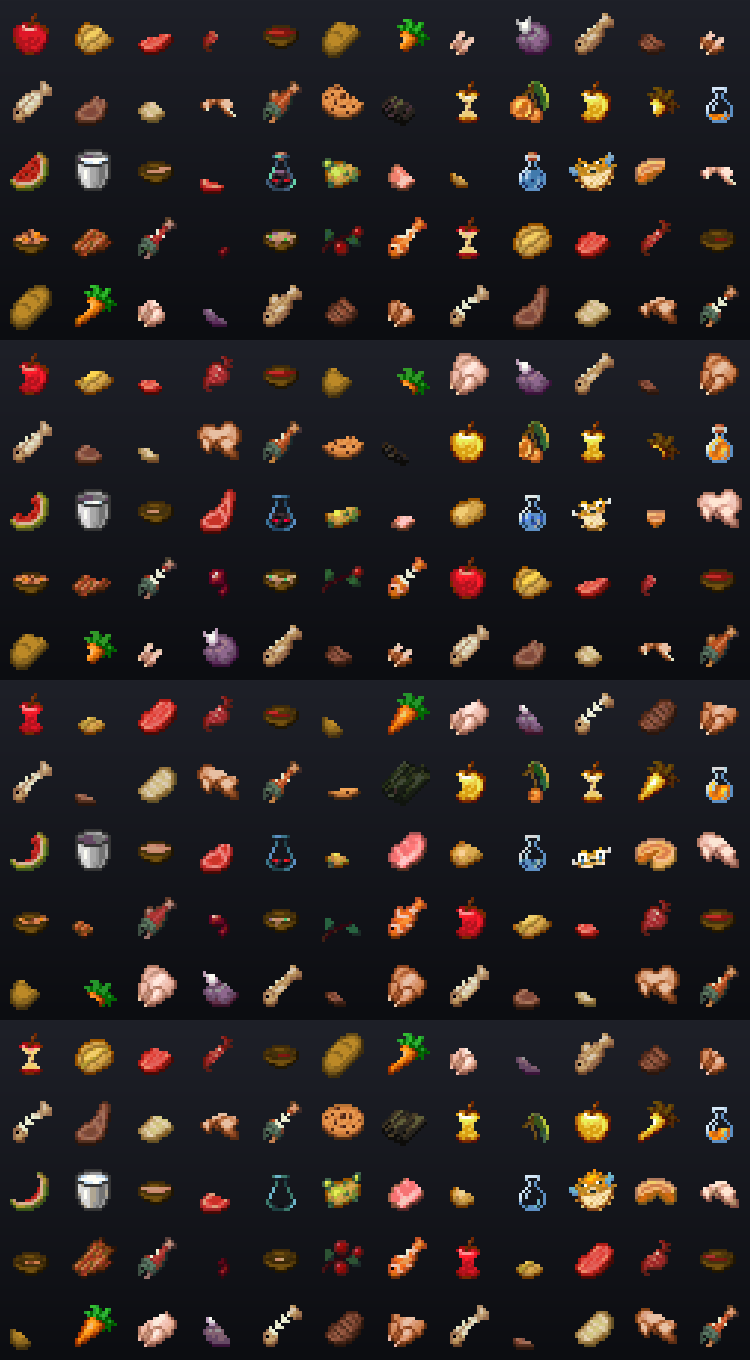
Make eating and drinking feel more natural in Minecraft Bedrock. Eating Animation adds smooth animations when you eat food or drink something, so items no longer just disappear instantly from your hand.
Features
- Food Animations - Eat bread, steak, apples, carrots, melon, porkchop, chicken and other food with a proper eating animation
- Drinking Animations - Potions, milk and other drinkable items now have smooth drinking animations
- First Person Support - See the animations directly in first person while eating or drinking
Credits
- shizotoaster1
- theoness1

- Edition: Minecraft Bedrock
- File type: .mcpack
- Minecraft version listed: 26.50
- How to install: Download the .mcpack. → Open it — Minecraft imports it under Resource Packs. → Activate it in Global Resources, or for one world under Resource Packs → Available.
- Where to get it: Opens on CurseForge — not every file is mirrored on our own servers.
Install steps are the general flow for this file type — How to install Minecraft Bedrock texture packs walks through it step by step.
- Save it as Eating_Animation.mcaddon before opening — it downloads as .mcpack, but it is a .mcaddon pack
- Manifest requires Minecraft 1.20.0 or newer
- Complete pack — everything it depends on is inside the file
- Download size: 201 KB
- Download link checked 12 Oct 2026 — working
These come from our own check of the pack file, not from the source page.