Optivisium (discontinued)
Bedrock texture pack listed for Minecraft 1.21–26.x. File opened and checked on 10 Oct 2026; installs from the MC Bedrock Mods app on Android.
I don't know my version
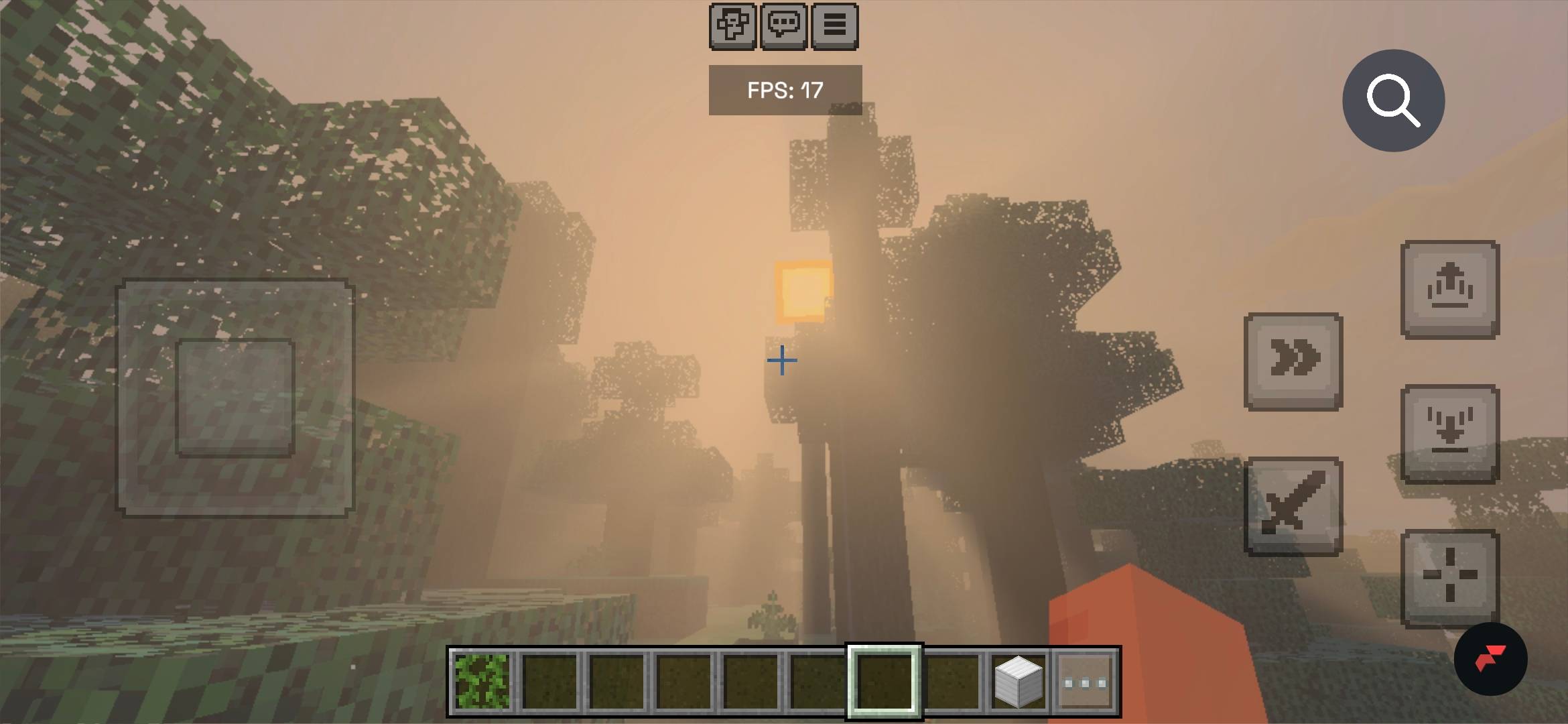
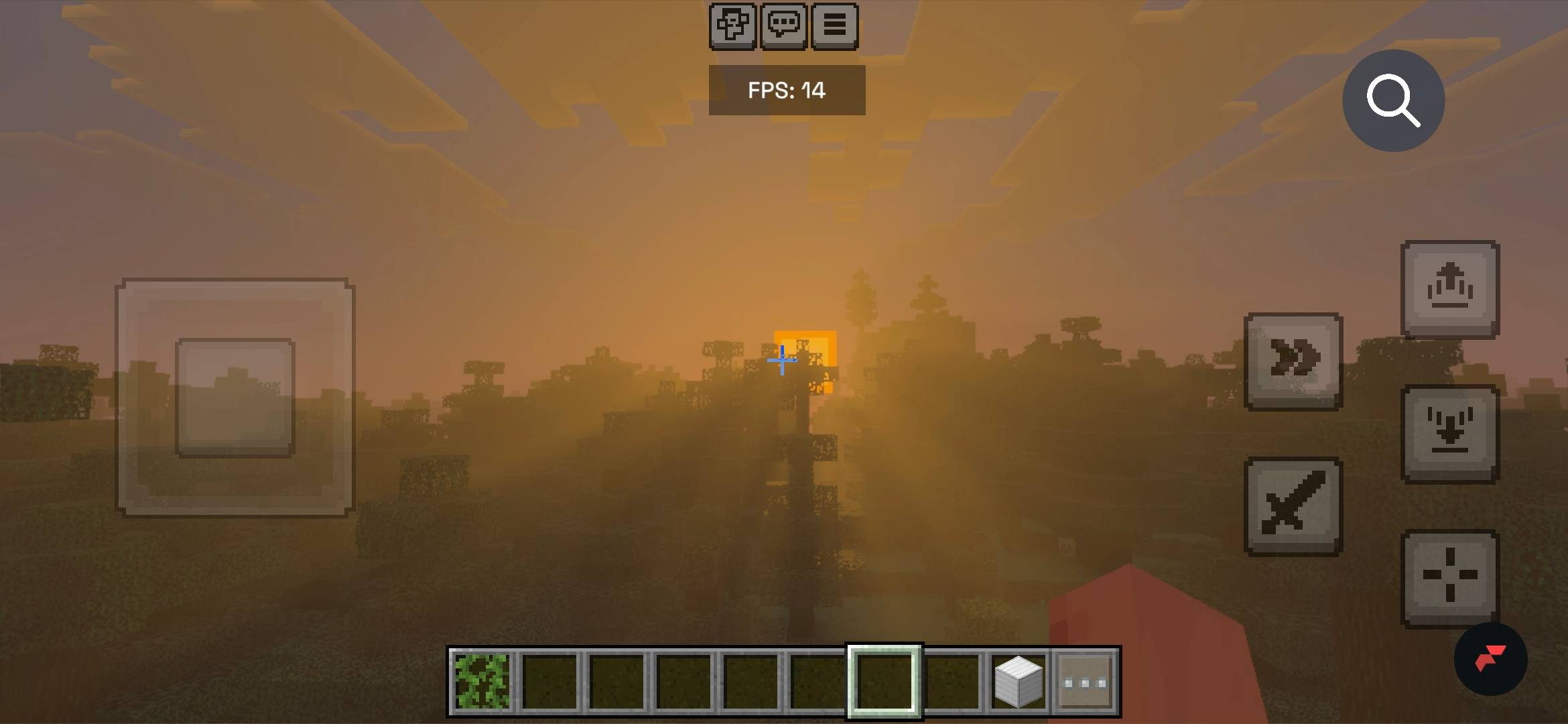
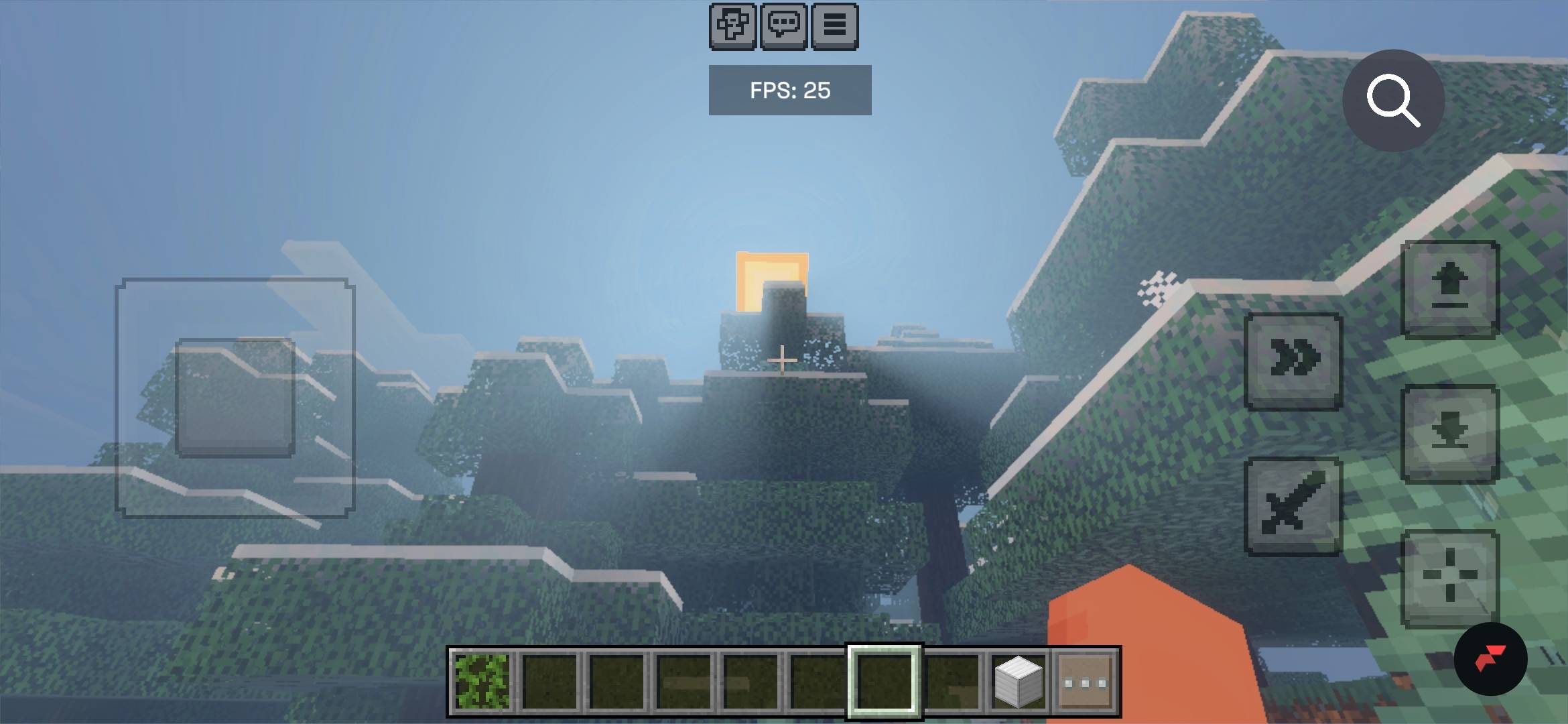
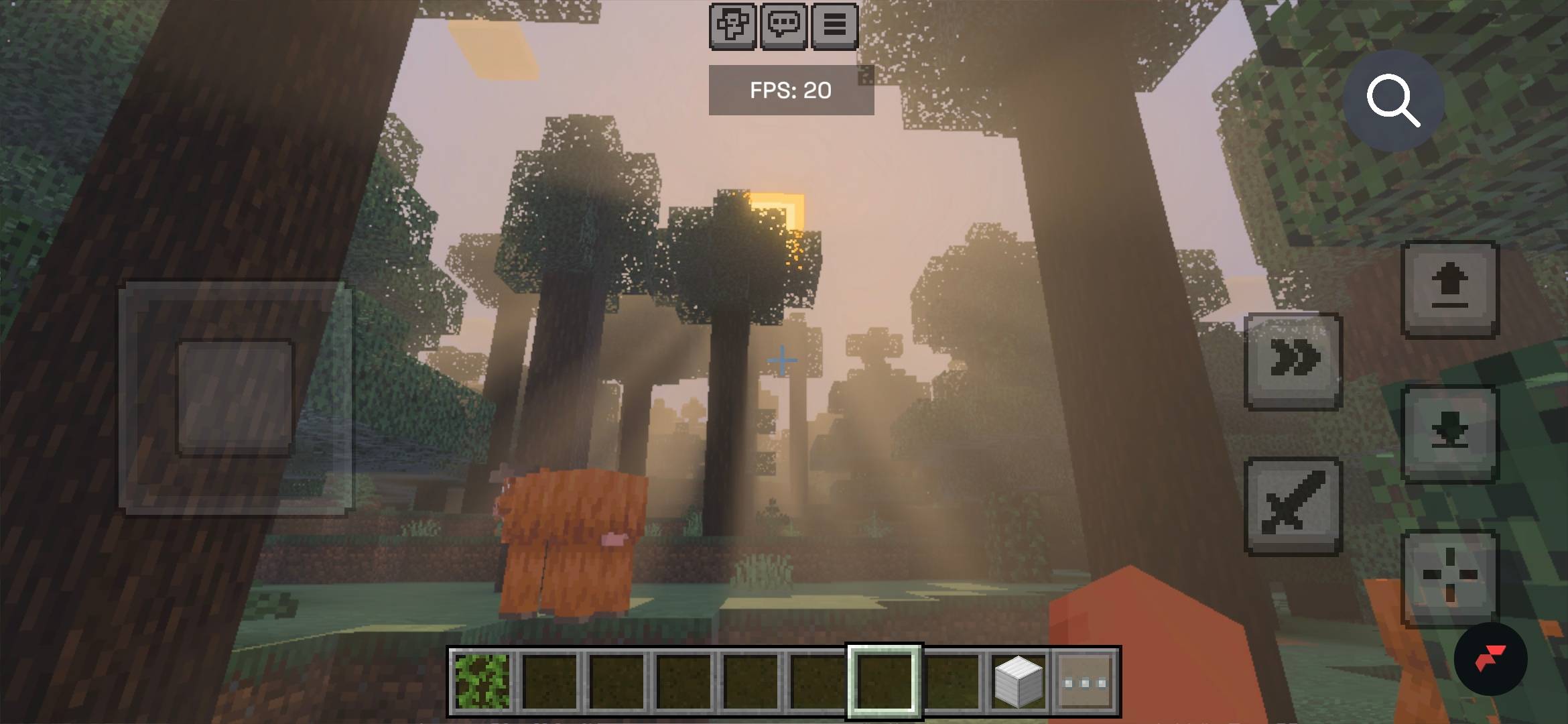
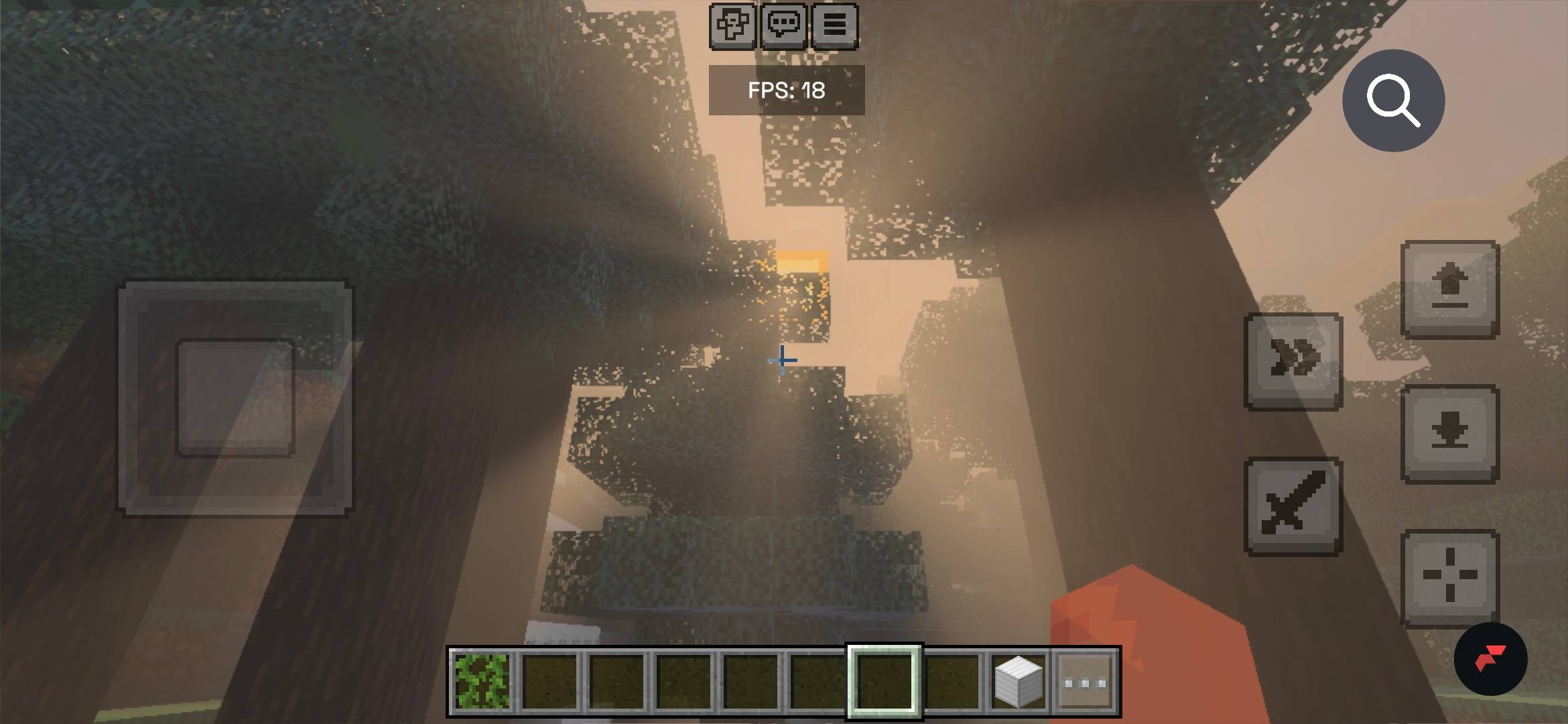
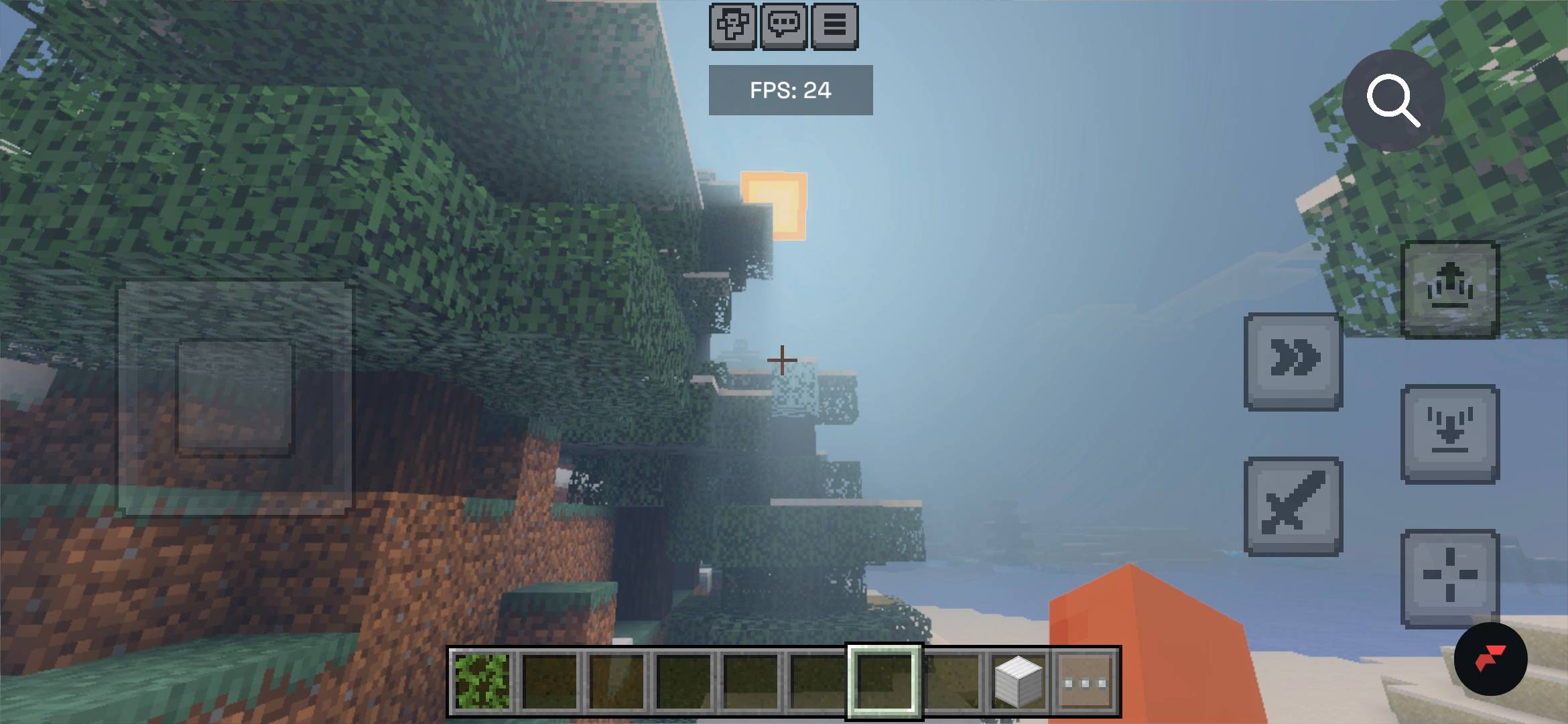
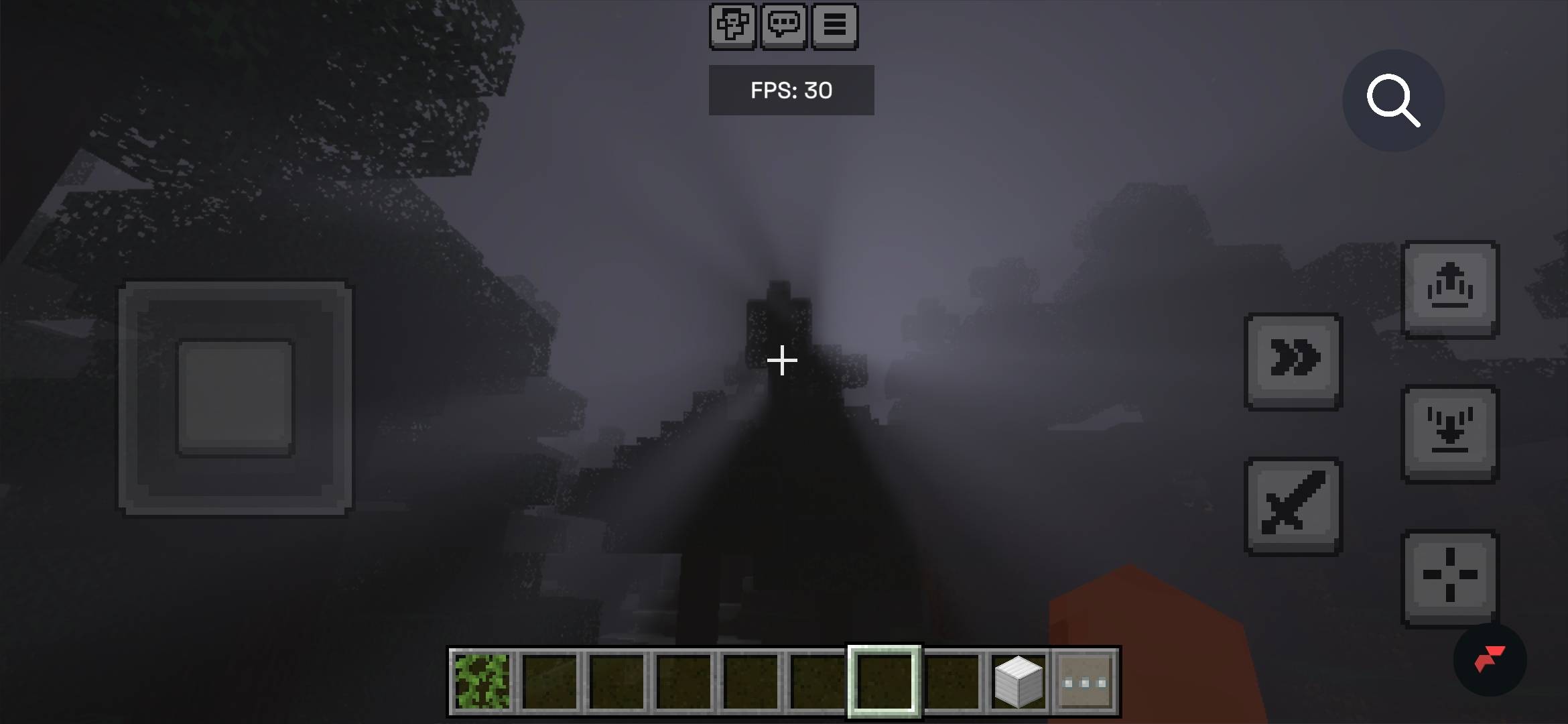
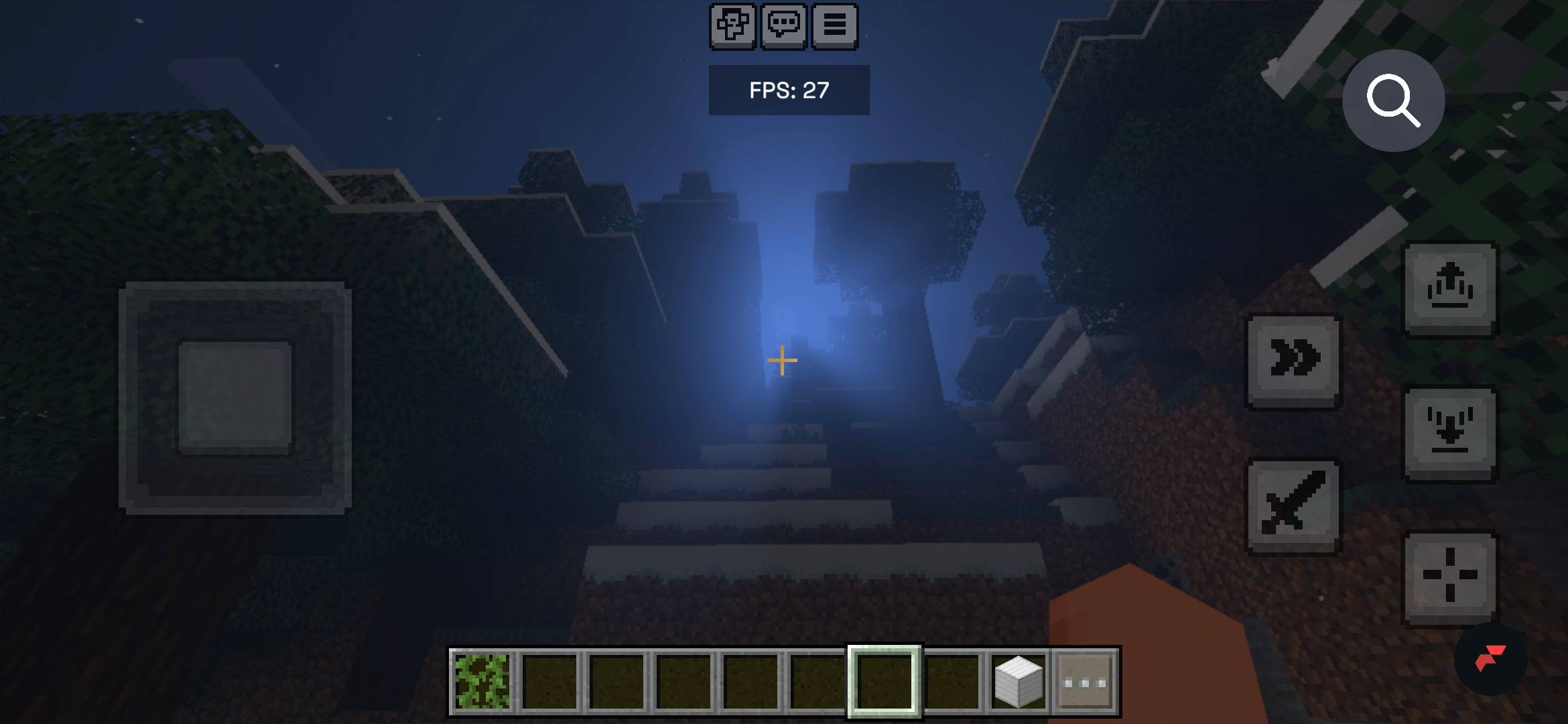
Optivium - beta 2.1!!
Have you ever wanted to have biome soecific godrays in minecraft? If yes the i introduce to you
OPTIVISIUM
!optivisium is still in very early development so expect bugs and performance isues! And vibrant visuals is needed to work!
What it adds?
Biome specific godrays
Only the following biomes have dedicated godrays cold taiga, taiga, jungle, cherry grove, roofed forest, pale garden, swamp, birch, forest, mega taiga and desert biome
All other biomes will have they own specific look
Dont forget to leave any feedback on the shader
This is all i have managed to make so enjoy ; )
- Edition: Minecraft Bedrock
- File type: .mcpack
- Minecraft versions listed: 26.40, 26.30
- How to install: Download the .mcpack. → Open it — Minecraft imports it under Resource Packs. → Activate it in Global Resources, or for one world under Resource Packs → Available.
- Where to get it: Opens on CurseForge — not every file is mirrored on our own servers.
Install steps are the general flow for this file type — How to install Minecraft Bedrock texture packs walks through it step by step.
- Pack type: .mcpack — a single pack
- Manifest requires Minecraft 1.21.0 or newer
- Complete pack — everything it depends on is inside the file
- Download size: 956 KB
- Download link checked 22 Oct 2026 — working
These come from our own check of the pack file, not from the source page.