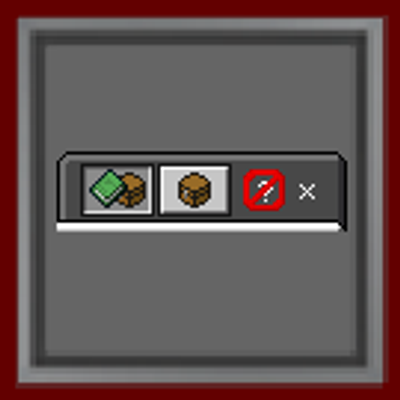
No How To Play Button
Removes the "How to Play" tab from the crafting table and inventory menus, leaving a cleaner, distraction-free interface.
⬇ Download on CurseForge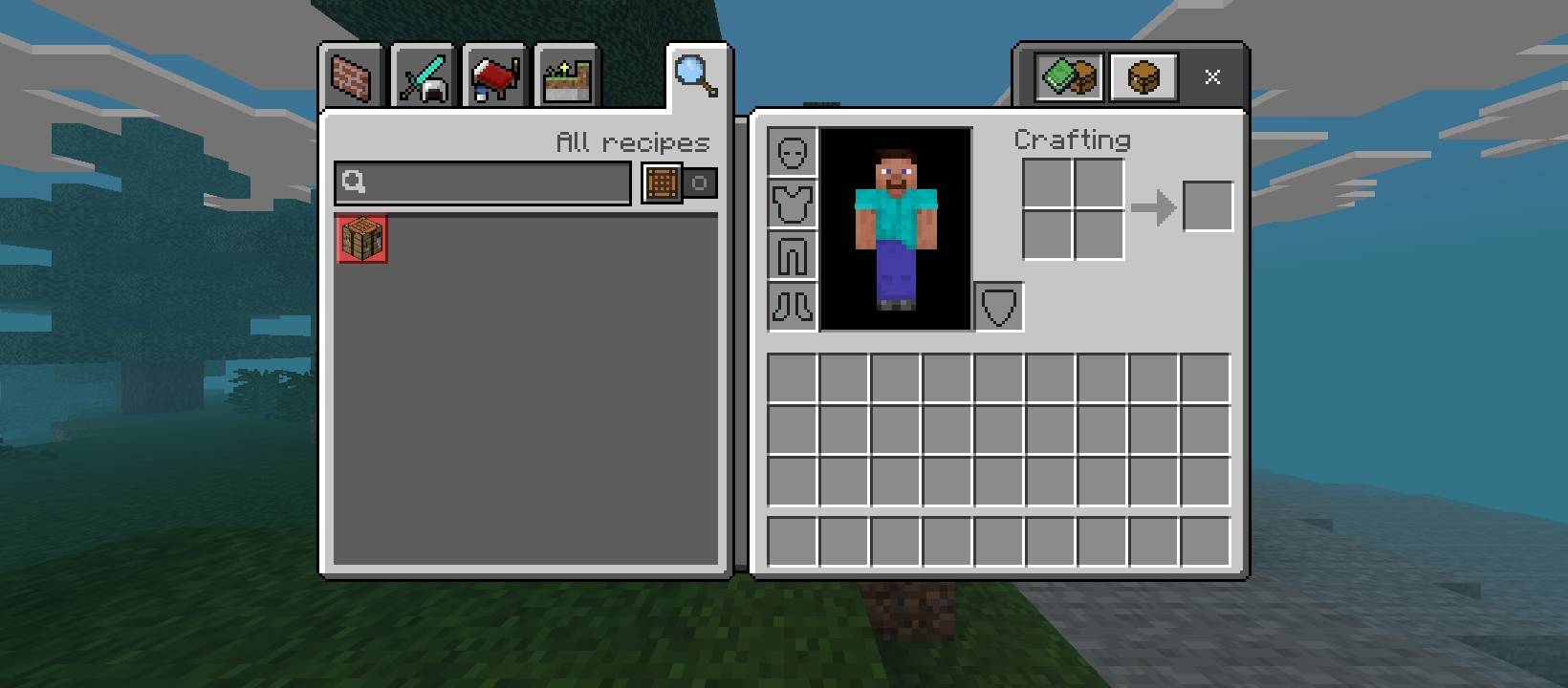
No How to Play Button is a minimal Bedrock Edition resource pack that strips out the "How to Play" tab (the magnifying glass icon) from the crafting UI, leaving just the recipe book and search bar tabs you actually use.
Features:
Removes the "How to Play" tab from the crafting table and inventory crafting menus
No impact on gameplay, recipes, or performance
Simple, lightweight resource pack — no dependencies
Compatible with survival, creative, and most other UI-focused addons
Perfect for players who:
Already know the crafting basics and don't need the tutorial tab
Want a cleaner, more compact crafting interface
Are building minimalist UI setups alongside other pack customizations
- Edition: Minecraft Bedrock
- File type: .mcpack
- Minecraft versions listed: 26.12, 26.20, 26.13
- How to install: Download the .mcpack. → Open it — Minecraft imports it under Resource Packs. → Activate it in Global Resources, or for one world under Resource Packs → Available.
- Where to get it: Opens on CurseForge — not every file is mirrored on our own servers.
Install steps are the general flow for this file type — How to install Minecraft Bedrock texture packs walks through it step by step.
- Pack type: .mcpack — a single pack
- Manifest requires Minecraft 1.26.20 or newer
- Complete pack — everything it depends on is inside the file
- Download size: 6 KB
- Download link checked 11 Sept 2026 — working
These come from our own check of the pack file, not from the source page.