![Transparent Button Addon | Minecraft Bedrock 1.21+ [Hide every touch buttons]](https://mcpeaddons.com/wp-content/uploads/2024/07/transparent-button-addon-thumbnail-300x141.png)
Transparent Button Addon | Minecraft Bedrock 1.21+ [Hide every touch buttons]
![Transparent Button Addon | Minecraft Bedrock 1.21+ [Hide every touch buttons] — screenshot 1](https://mcpeaddons.com/wp-content/uploads/2024/07/transparent-button-addon-01.jpeg)
![Transparent Button Addon | Minecraft Bedrock 1.21+ [Hide every touch buttons] — screenshot 2](https://mcpeaddons.com/wp-content/uploads/2024/07/transparent-button-addon-02.jpeg)
![Transparent Button Addon | Minecraft Bedrock 1.21+ [Hide every touch buttons] — screenshot 3](https://mcpeaddons.com/wp-content/uploads/2024/07/transparent-button-addon-03.jpeg)
![Transparent Button Addon | Minecraft Bedrock 1.21+ [Hide every touch buttons] — screenshot 4](https://mcpeaddons.com/wp-content/uploads/2024/07/transparent-button-addon-04.jpeg)
![Transparent Button Addon | Minecraft Bedrock 1.21+ [Hide every touch buttons] — screenshot 5](https://mcpeaddons.com/wp-content/uploads/2024/07/transparent-button-addon-05.jpeg)
![Transparent Button Addon | Minecraft Bedrock 1.21+ [Hide every touch buttons] — screenshot 6](https://mcpeaddons.com/wp-content/uploads/2024/07/transparent-button-addon-06.jpeg)
![Transparent Button Addon | Minecraft Bedrock 1.21+ [Hide every touch buttons] — screenshot 7](https://mcpeaddons.com/wp-content/uploads/2024/07/transparent-button-addon-07.jpeg)
![Transparent Button Addon | Minecraft Bedrock 1.21+ [Hide every touch buttons] — screenshot 8](https://mcpeaddons.com/wp-content/uploads/2024/07/transparent-button-addon-08.jpeg)
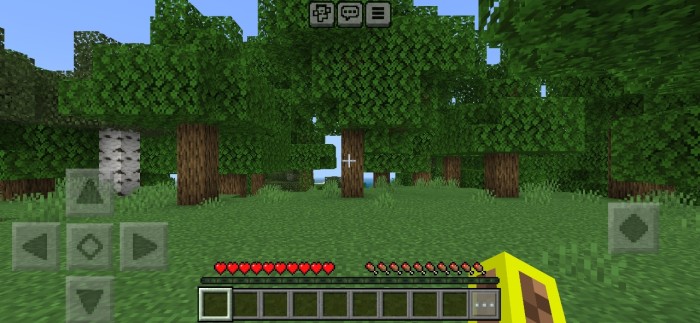
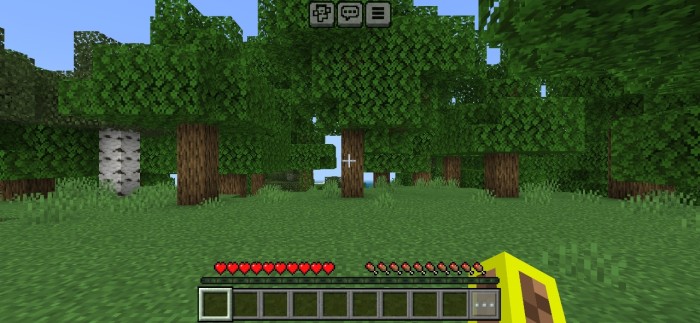
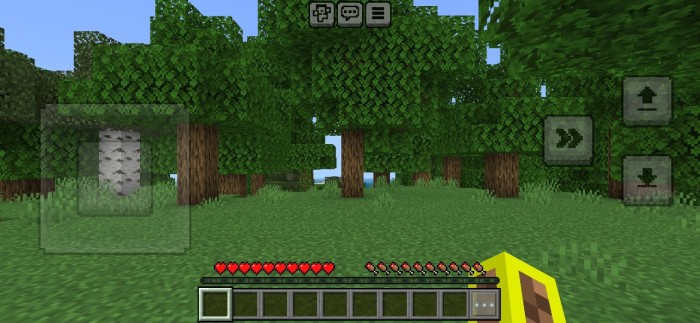
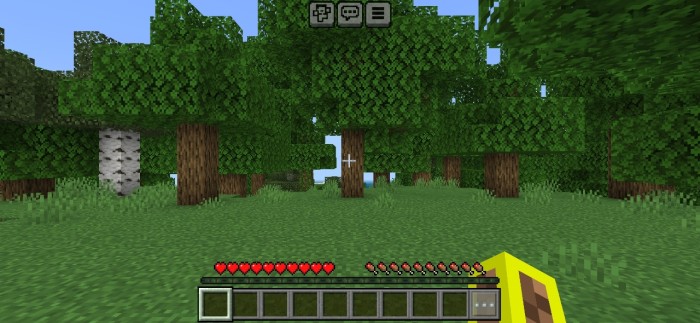
Transparent Button Addon is a resource pack hides all touch buttons (such as D-pad, joystick, chat, emote, menu, jump, crouch, atack, interact……,etc.) If you don’t like, how touch button reduce your visibility in Minecraft PE, then this pack is for you.
Creator: DarkBlock Gaming
Transparent Button Addon
As you know, that we can Customize touch controls in 1.20, but in that way we cannot make buttons 100% transparent, and it only works for few buttons, that’s why you should use this pack even in 1.20+, because this pack makes all buttons transparent (such as chat, emote & menu buttons)
- You can use this pack is servers, SMP’s
- Works with other packs
- Survival world friendly (it’s an RP)
- Hides every single touch button
- Has setting options for customisation
This pack only makes buttons transparent, which means all buttons will perfectly work and you can use them normally.
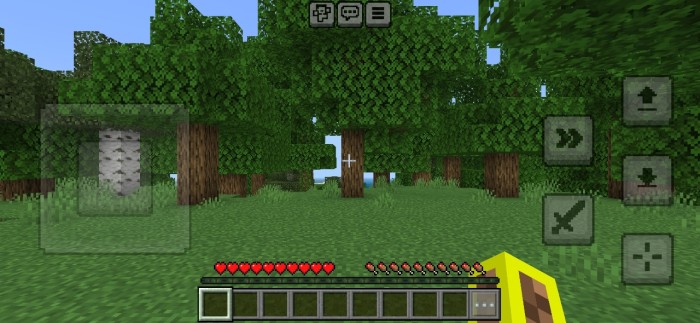
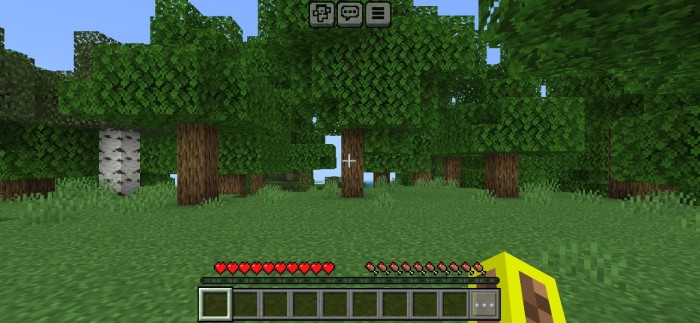
Installation
- Download the pack
- You will get an zip file, extract that file and
- You will get an mcpack file,
- Click on mcpack file and import it in Minecraft, and enjoy!

↳Download Transparent Button Addon
- Edition: Minecraft Bedrock
- File type: .mcpack
- Minecraft versions listed: 1.21, 1.20
- How to install: Download the .mcpack. → Open it — Minecraft imports it under Resource Packs. → Activate it in Global Resources, or for one world under Resource Packs → Available.
- Where to get it: Opens on the file's original source — not every file is mirrored on our own servers.
Install steps are the general flow for this file type — How to install Minecraft Bedrock texture packs walks through it step by step.
Transparent Button Addon | Minecraft Bedrock 1.21+ [Hide every touch buttons] is a free Minecraft Bedrock texture pack. Compatible with Minecraft 1.21, 1.20. Download it and open it directly in the game.