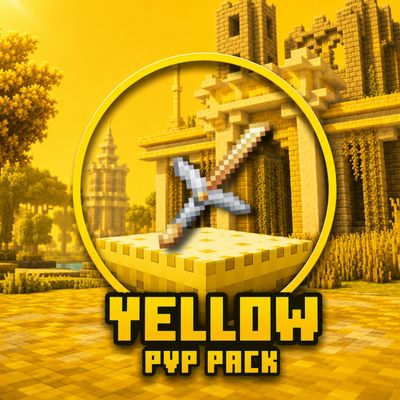
Yellow PvP Pack
Bedrock texture pack listed for Minecraft 1.21–26.x. File opened and checked on 13 Oct 2026; installs from the MC Bedrock Mods app on Android.
A clean, high-FPS Yellow-themed PvP texture pack featuring custom transparent dark UIs, short swords, outlined ores, and a breathtaking custom golden sky…
⬇ Download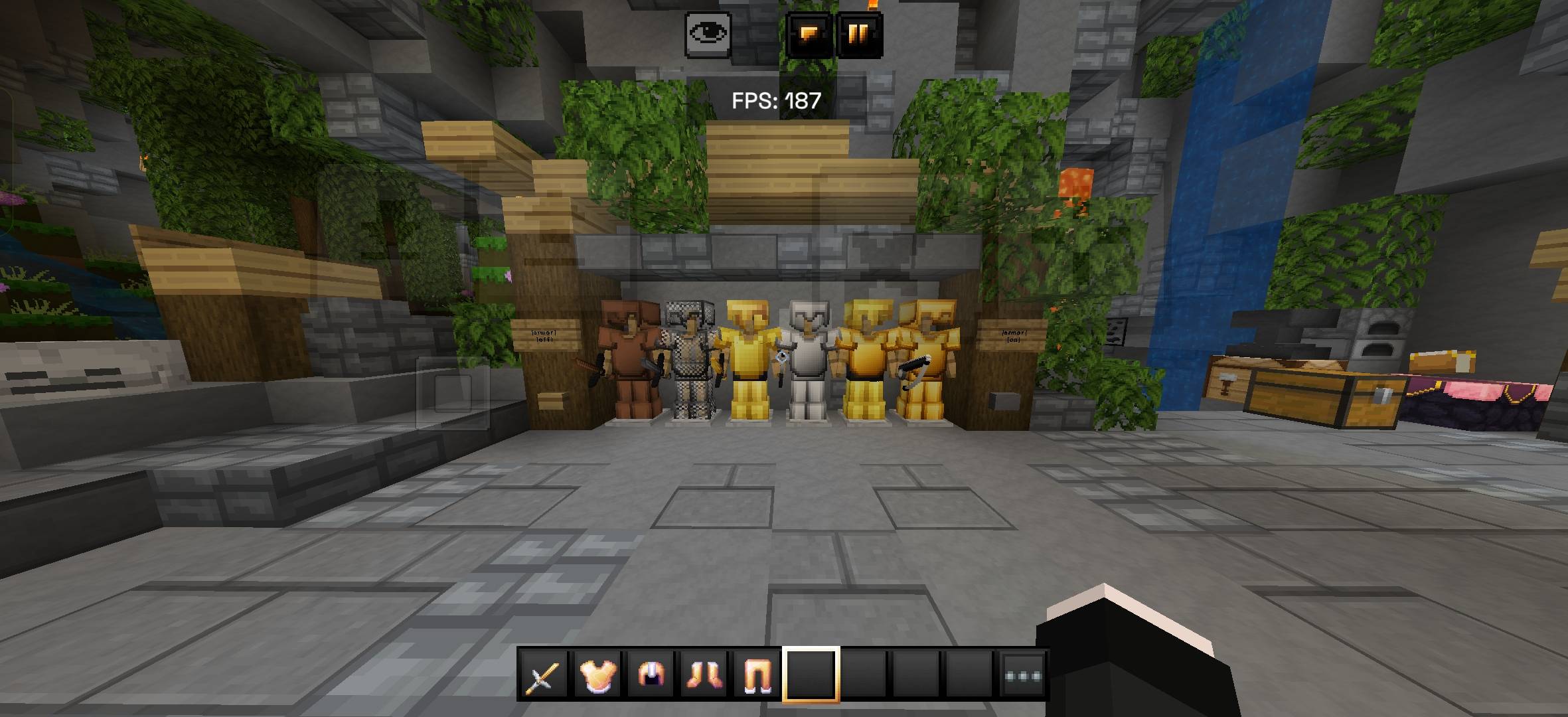
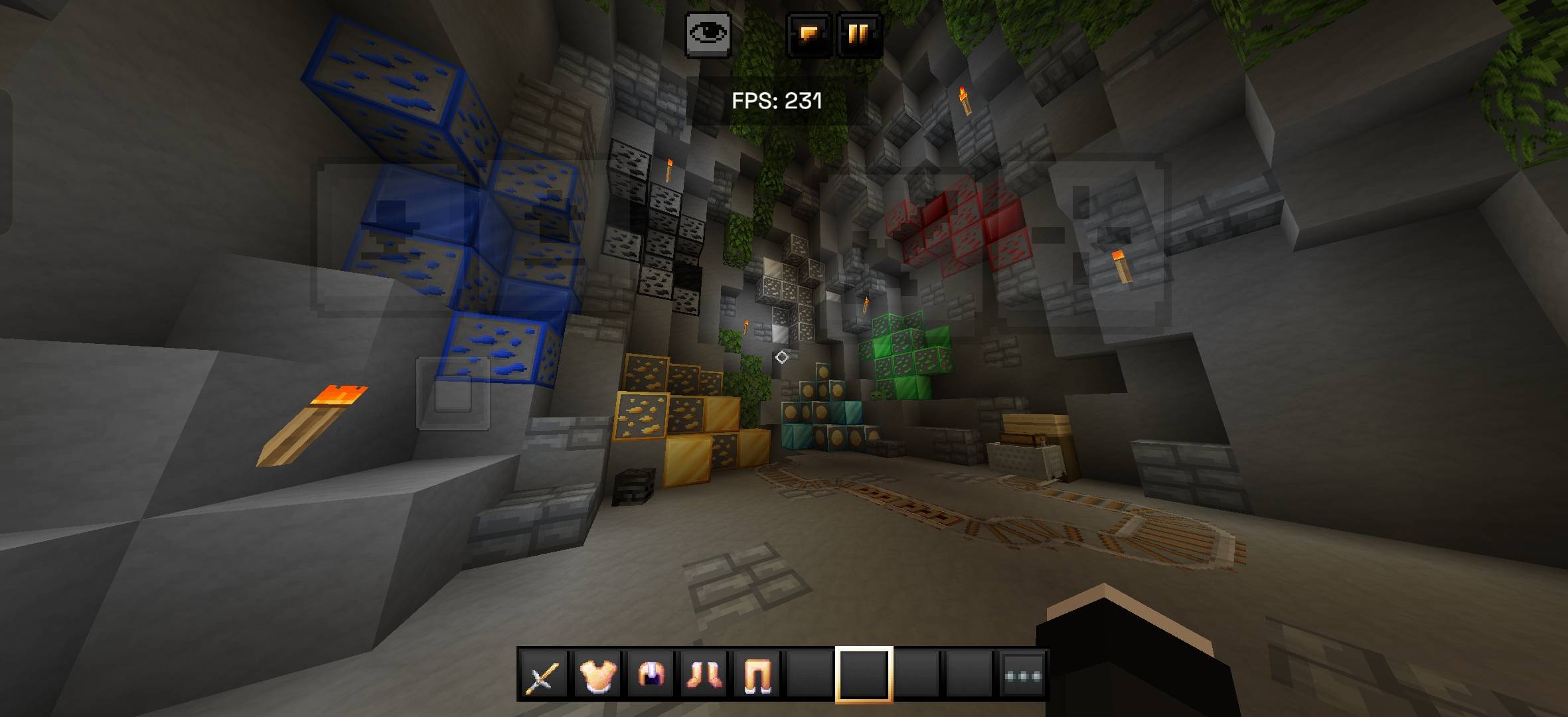
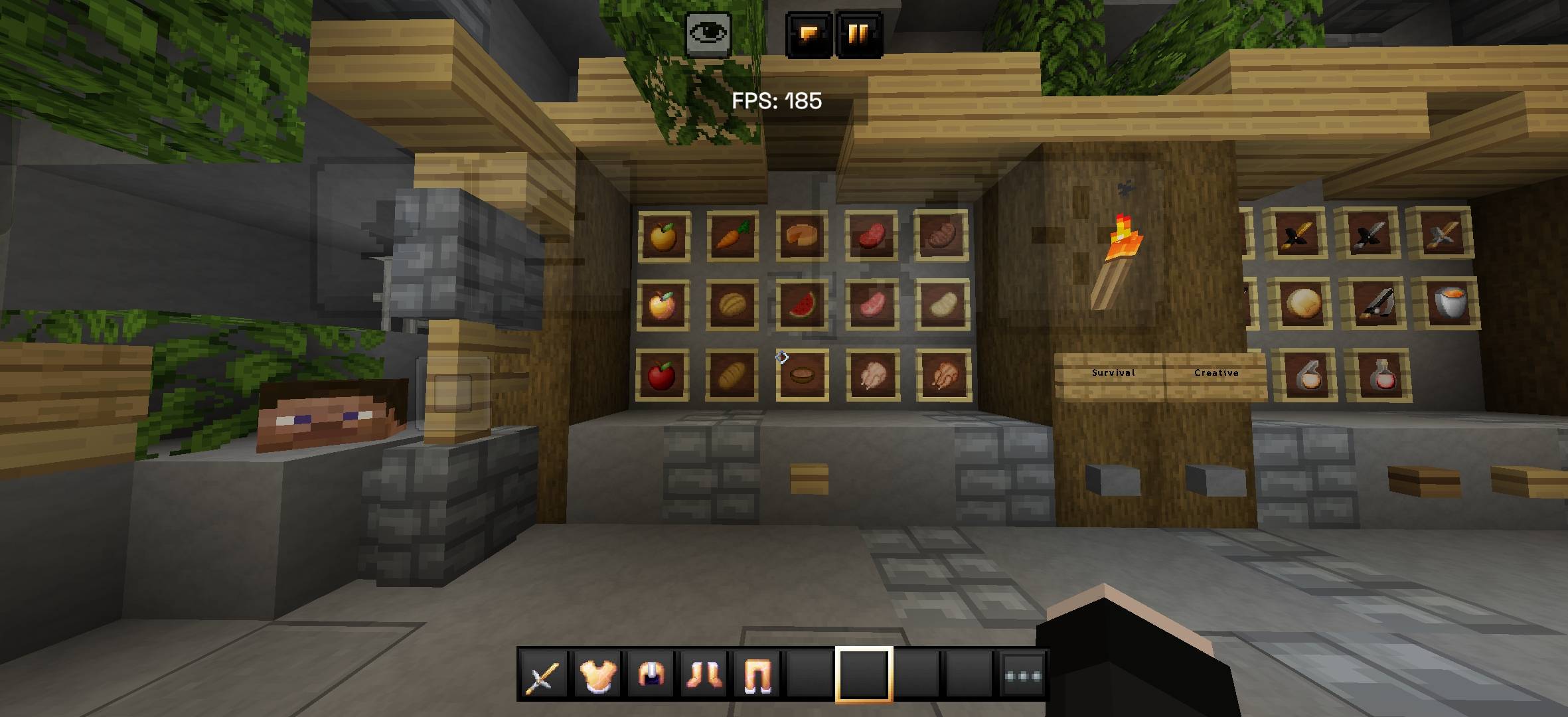
⚡ Yellow PvP Pack – Ultimate Performance & Aesthetics
Welcome to the Yellow PvP Pack, a texture pack meticulously crafted for competitive Minecraft players who love a vibrant, clean, and dominant yellow theme. Whether you are rushing beds in Bedwars, bridging in SkyWars, or sweating in Duels, this pack is optimized to give you maximum FPS and crystal-clear visibility.
✨ Key Features:
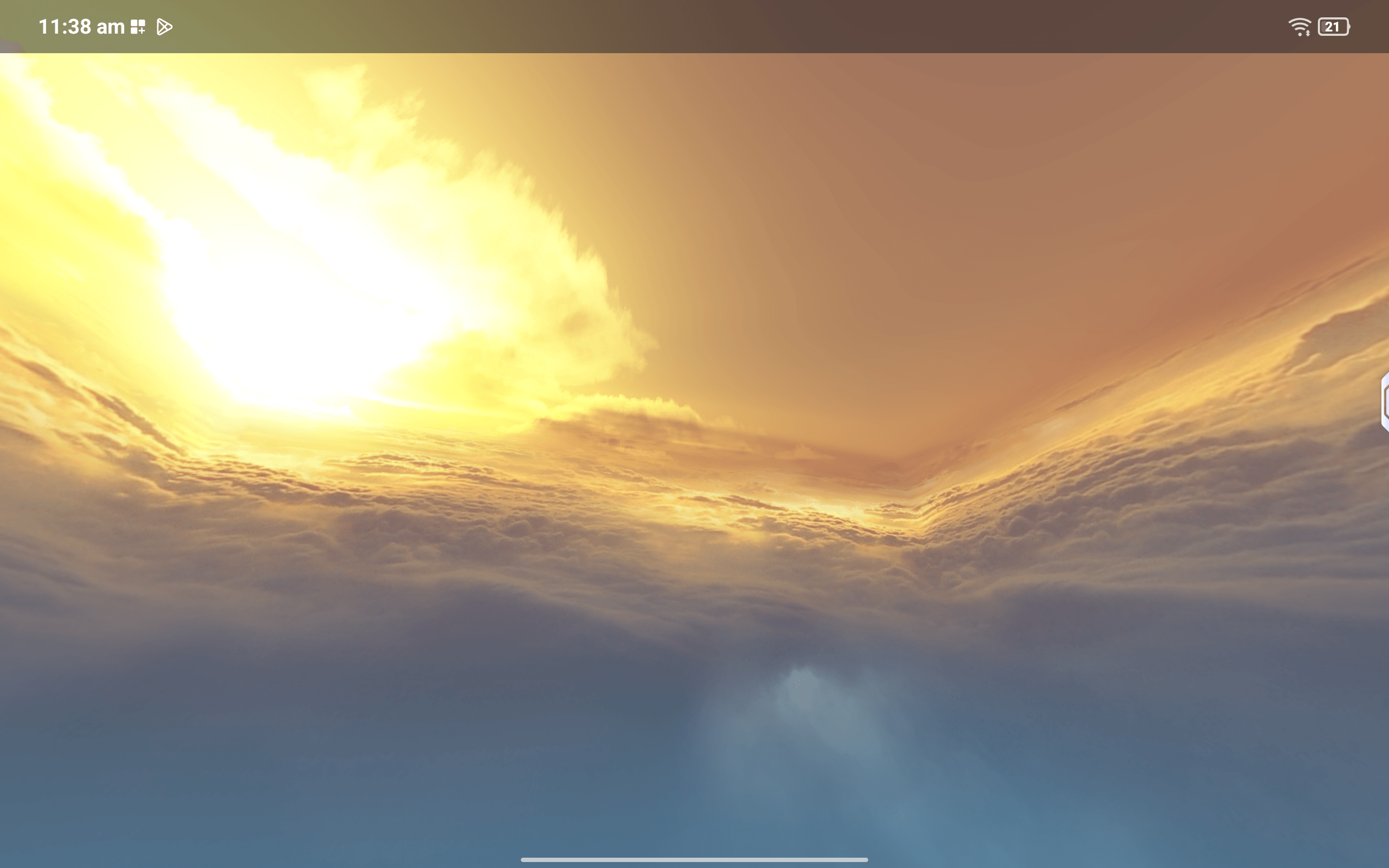
🌌 Breathtaking Custom Sky: Experience a gorgeous, realistic golden sun setting over a sea of soft clouds. It completely changes the vibe of your game.
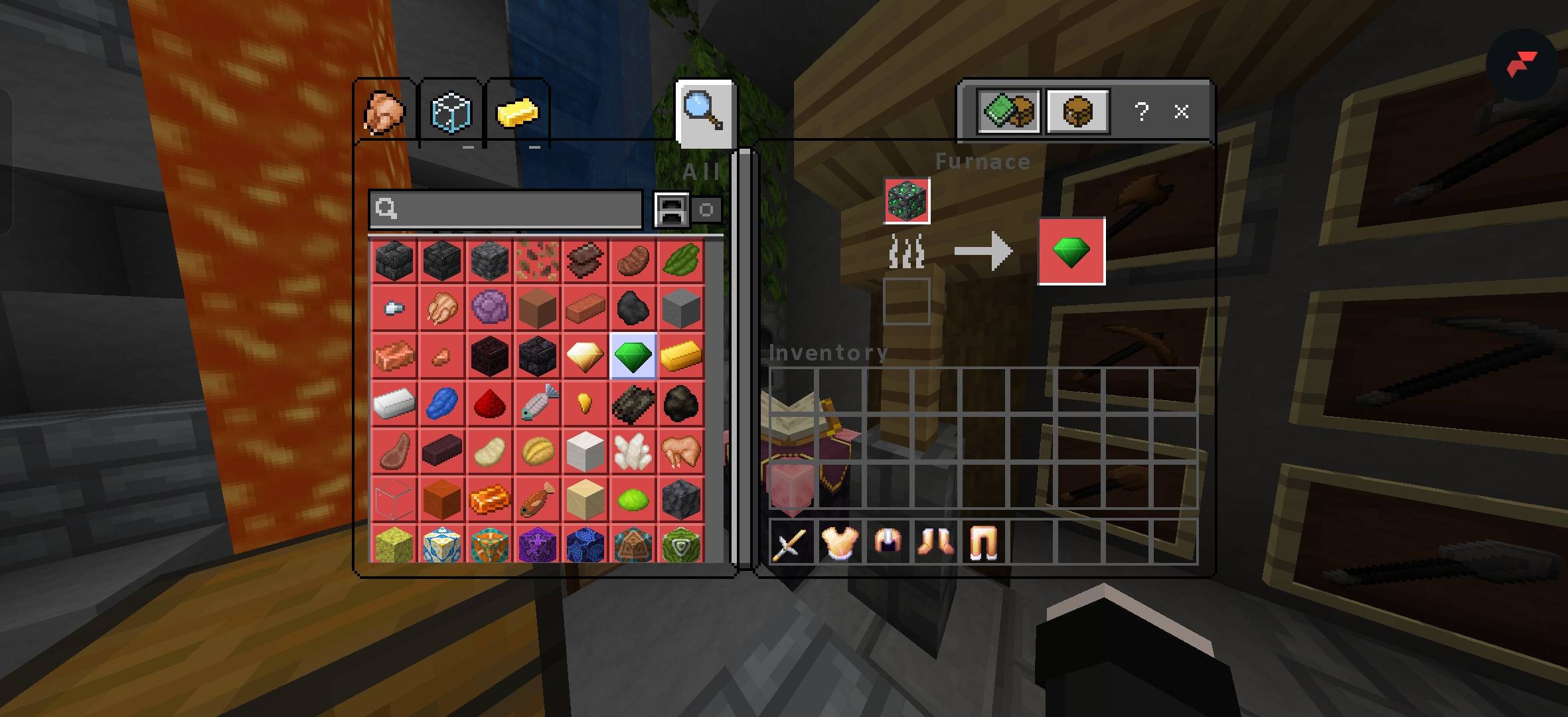
🖤 Custom Dark transparent UI: All containers (Inventory, Chests, Furnace, Anvil, and Enchanting Table) feature a modern, sleek dark-transparent theme with custom icons. Less clutter, more focus!
⚔️ Optimized PvP Weapons & Tools: Features shorter, non-intrusive swords and clean tool designs that won't block your field of view during intense combos.
🛡️ Vibrant Armor Variants: Beautifully tweaked armor sets (especially the golden and iron sets) to make you stand out on the battlefield.
💎 Outlined Ores for Easy Mining: Ores like Diamond, Gold, Iron, Redstone, and Lapis come with distinct colored borders, making them incredibly easy to spot in dark caves.
🚀 FPS Boosted: Lightweight textures designed to keep your frames high and gameplay buttery smooth, even during heavy particle fights.
- Edition: Minecraft Bedrock
- File type: .mcpack
- Minecraft versions listed: 1.21.130, 1.21.131, 1.21.132
- How to install: Download the .mcpack. → Open it — Minecraft imports it under Resource Packs. → Activate it in Global Resources, or for one world under Resource Packs → Available.
- Where to get it: In MCModsHub, or directly above on this page.
Install steps are the general flow for this file type — How to install Minecraft Bedrock texture packs walks through it step by step.
- Save it as YellowPvP Pack.mcaddon before opening — it downloads as .mcpack, but it is a .mcaddon pack
- Complete pack — everything it depends on is inside the file
- Download size: 7.3 MB
- Download link checked 28 Sept 2026 — working
These come from our own check of the pack file, not from the source page.