
OreUi Exporter
Bedrock texture pack listed for Minecraft 26.x. File opened and checked on 1 Oct 2026; installs from the MC Bedrock Mods app on Android.
🌍 OreUI World Exporter 🚀 Unlock the native "Export World" button in the new Bedrock UI 💎 Requires MBL2/Draco, LeviLauncher, or a modded Minecraft. Save…
⬇ Download on CurseForge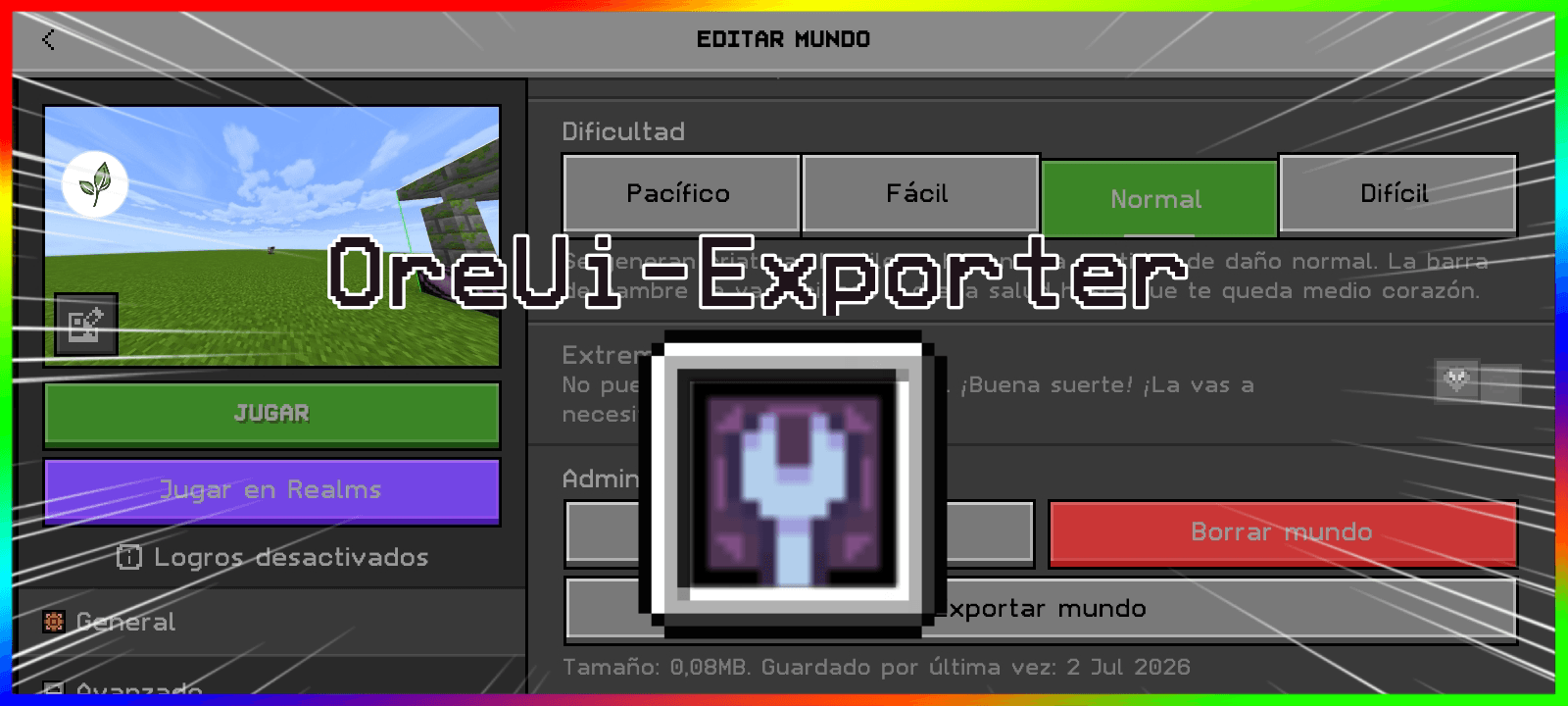

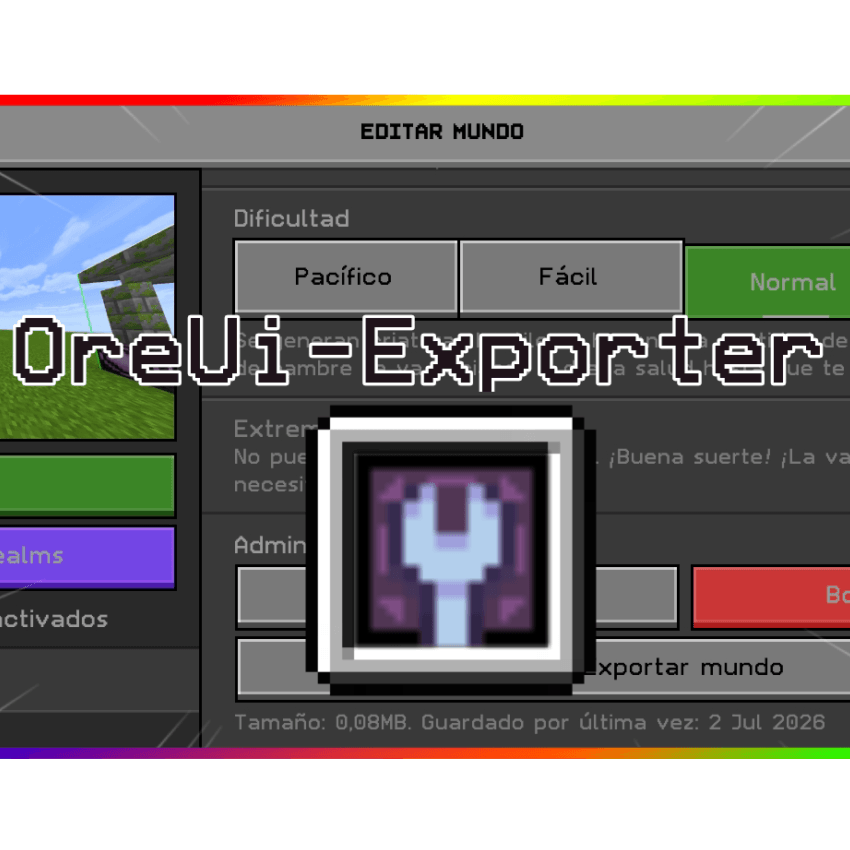
OreUI World Exporter | Resource Pack (Requires MBL2/Draco, LeviLauncher, or a modded Minecraft)
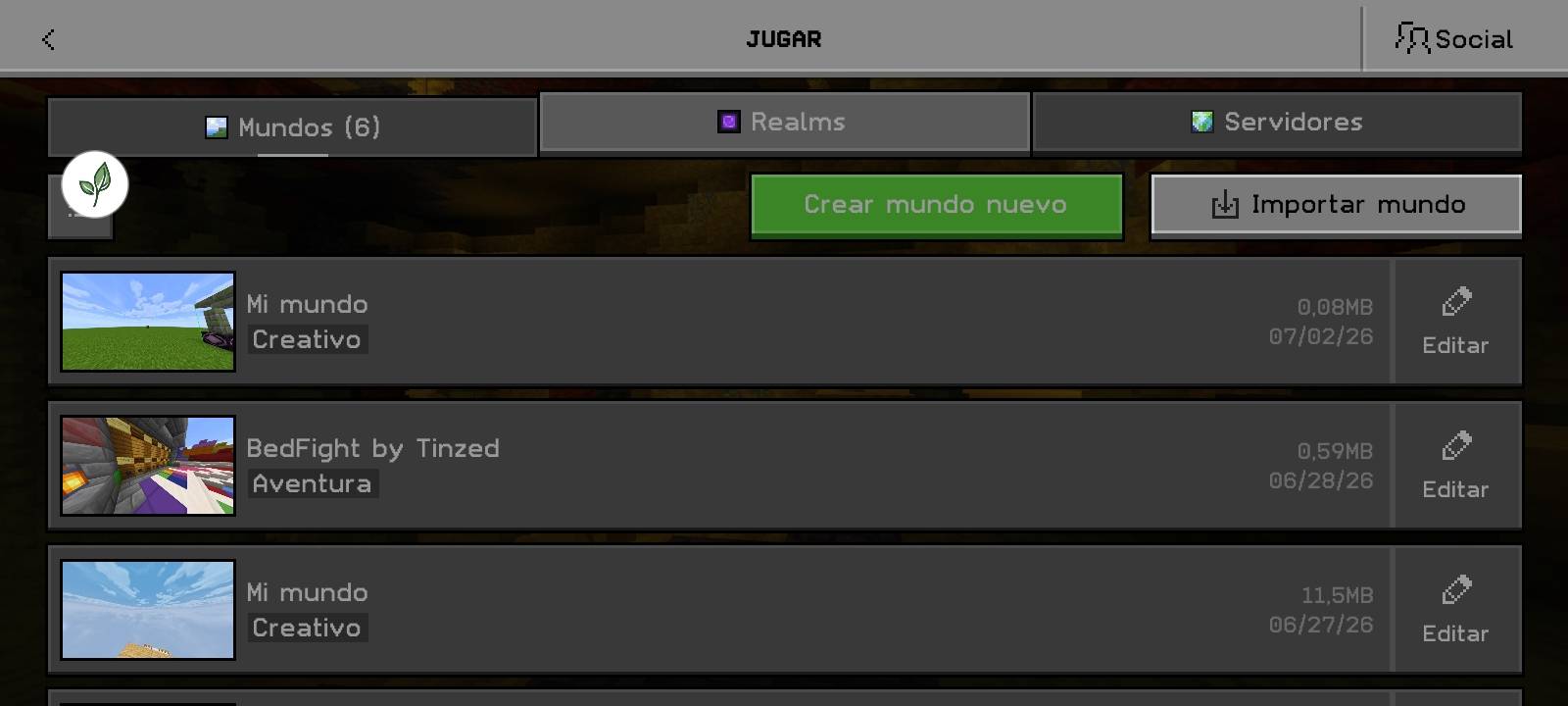
OreUI World Exporter is a utility resource pack designed specifically for Minecraft Bedrock Edition. Its main function is to natively enable the option to export worlds directly from the new OreUI interface, allowing you to back up your adventures with a single click.
🚀 Main Features
Direct Export: Adds/enables the "Export World" button within the world editing settings in the OreUI interface.
Native Integration: Designed to blend seamlessly with the new visual style of Minecraft Bedrock, appearing as an official game feature.
Ideal for Creators: Perfect if you need to constantly back up your survival maps, command-line projects, or creative worlds.
Lightweight and Efficient: Does not affect game performance; it only modifies the interface's layout files (.json) to unlock the export functionality.
EXPORT WINDOW
- Edition: Minecraft Bedrock
- File type: .mcpack
- Minecraft version listed: 26.30
- How to install: Download the .mcpack. → Open it — Minecraft imports it under Resource Packs. → Activate it in Global Resources, or for one world under Resource Packs → Available.
- Where to get it: Opens on CurseForge — not every file is mirrored on our own servers.
Install steps are the general flow for this file type — How to install Minecraft Bedrock texture packs walks through it step by step.
- Save it as OreUi-Exporter.mcaddon before opening — it downloads as .mcpack, but it is a .mcaddon pack
- Manifest requires Minecraft 1.26.30 or newer
- Complete pack — everything it depends on is inside the file
- Download size: 736 KB
- Download link checked 19 Oct 2026 — working
These come from our own check of the pack file, not from the source page.