3D скин очень крутая штука! Только с этими 3D скинами для Майнкрафт 1.6 вы украсите свой скин по максимуму. Ведь с этими скинами вы сможете надеть портфель или когти и ваши друзья будут удивлены.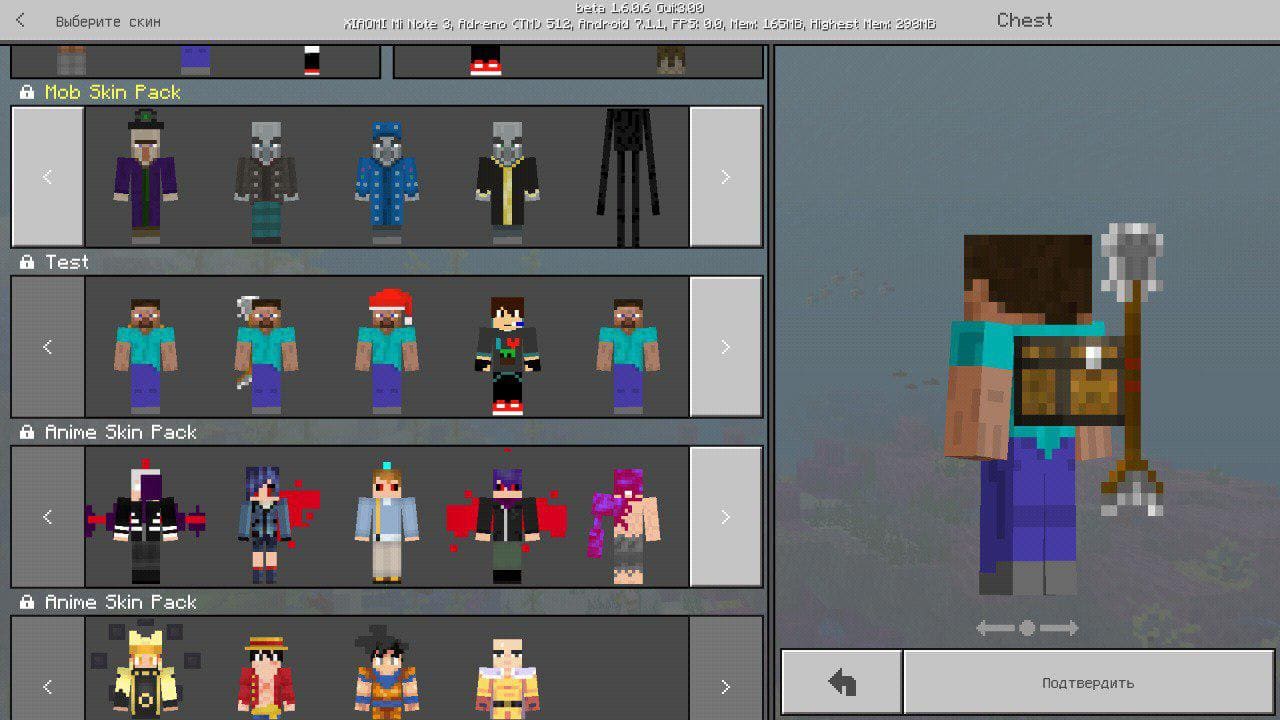 Как установить 3D скин?
-В папке Games/Com.mojang создайте папку skin_packs
-Скопируйте в скачаном файле "content.zipe" и "manifest.json"
(Если хотите изменить скин, то скачайте PS touch и из архива "content.zipe" выберите ваш любимый скин путем убирания из архива буквы "e", потом накройте в фотошопе тот скин вашим и закиньте в архив, потом снова добавьте букву"e".)
-Вставьте эти файлы в папку skin_packs.
SkinsBedrock
3D Skin for Minecraft 1.6 Cape, Briefcase
Only with these 3D skins for Minecraft 1.6 you can decorate your skin to the maximum. With these skins you can wear a briefcase or claws and your friends…
⬇ Download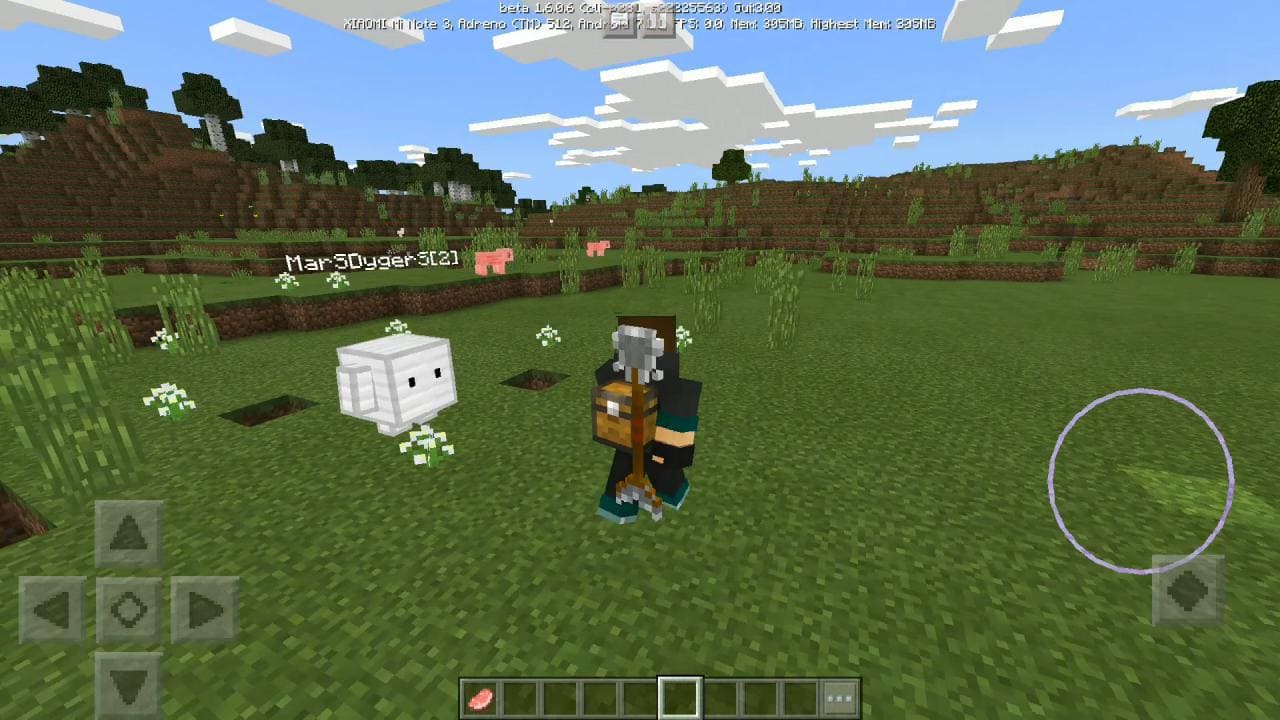
Quick facts
- Edition: Minecraft Bedrock
- File type: .mcpack
- How to install: Download the .mcpack skin pack. → Open it — Minecraft imports it. → Open the Dressing Room and select the skin.
- Where to get it: In MC Skins, or directly above on this page.
Install steps are the general flow for this file type — How to apply a custom Minecraft skin walks through it step by step.
Verified by MCModsHub
- Save it as 331545.mcaddon before opening — it downloads as .mcpack, but it is a .mcaddon pack
- Complete pack — everything it depends on is inside the file
- Download size: 45 KB
- Download link checked 16 Jul 2026 — working
- Mirrored on our own servers — the download does not depend on the original host
These come from our own check of the pack file, not from the source page.