3D скины для Майнкрафт 1.6 способны добавить под ваш ник особую уникальность. На серверах вы привлечете много внимания, или даже поднимите шумиху.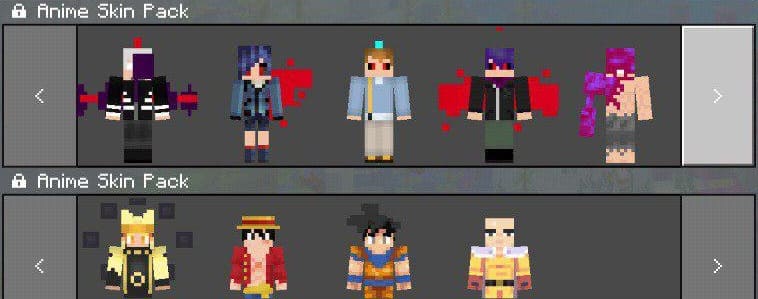 Также с помощью фотошопа можно накрыть стандартные скины вашими оставляя только лишь объекты для 3D моделей. И 3D модели будут встроены не в стандартный скин, а в ваш.
Как установить 3D скин?
-В папке Games/Com.mojang создайте папку skin_packs
-Скопируйте в скачанном файле "content.zipe" и "manifest.json"
(Если хотите изменить скин, то скачайте PS touch и из архива "content.zipe" выберите ваш любимый скин путем убирания из архива буквы "e", потом накройте в фотошопе тот скин вашим и закиньте в архив, потом снова добавьте букву"e".)
-Вставьте эти файлы в папку skin_packs.
SkinsBedrock
3D Skins for Minecraft 1.6 Anime
3D skins for Minecraft 1.6 are able to add special uniqueness under your nickname. On servers you will attract a lot of attention, or even create a stir…
⬇ Download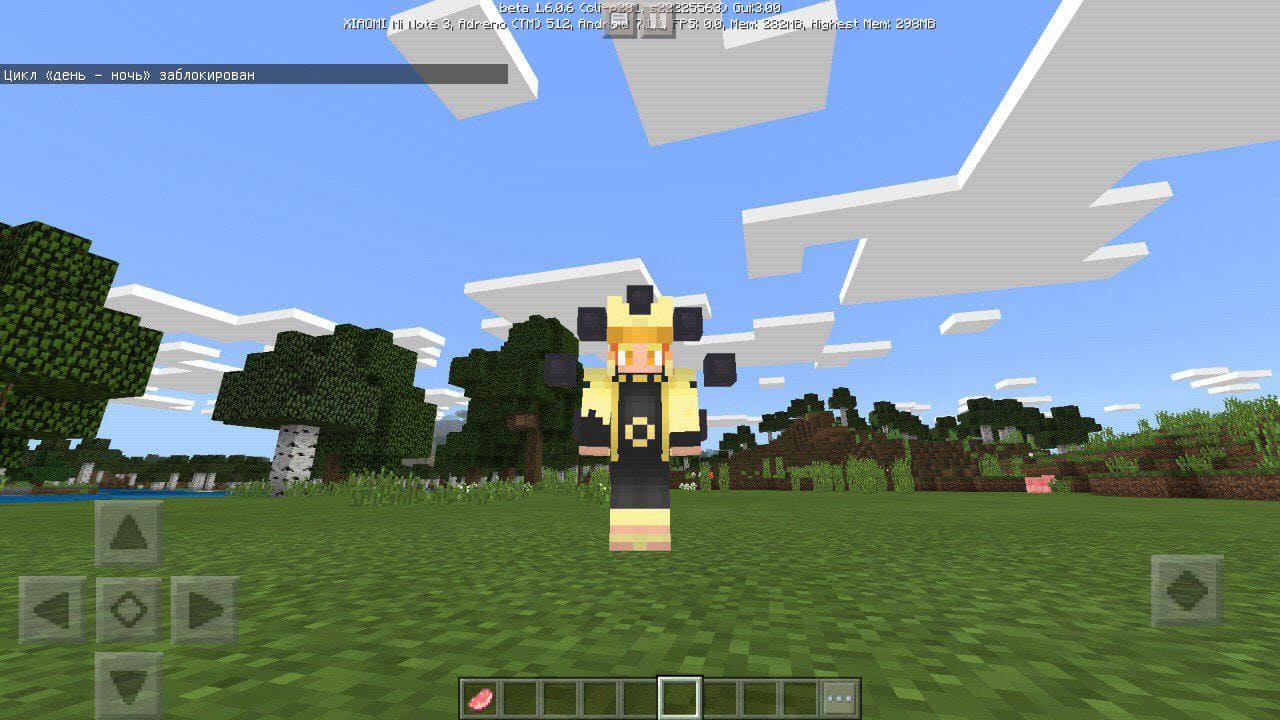
Quick facts
- Edition: Minecraft Bedrock
- File type: .mcpack
- How to install: Download the .mcpack skin pack. → Open it — Minecraft imports it. → Open the Dressing Room and select the skin.
- Where to get it: In MC Skins, or directly above on this page.
Install steps are the general flow for this file type — How to apply a custom Minecraft skin walks through it step by step.
Verified by MCModsHub
- Save it as 331547.mcaddon before opening — it downloads as .mcpack, but it is a .mcaddon pack
- Complete pack — everything it depends on is inside the file
- Download size: 12 KB
- Download link checked 16 Jul 2026 — working
- Mirrored on our own servers — the download does not depend on the original host
These come from our own check of the pack file, not from the source page.