Home›Bedrock›Texture packs›Dark UI Mode Texture Pack (26.x, 1.21) – Friendly Dark Theme For All Game Menus
Texture packsBedrock
Dark UI Mode Texture Pack (26.x, 1.21) – Friendly Dark Theme For All Game Menus
Bedrock texture pack listed for Minecraft 1.21. File opened and checked on 24 Sep 2026; installs from the MC Bedrock Mods app on Android.
⬇ Download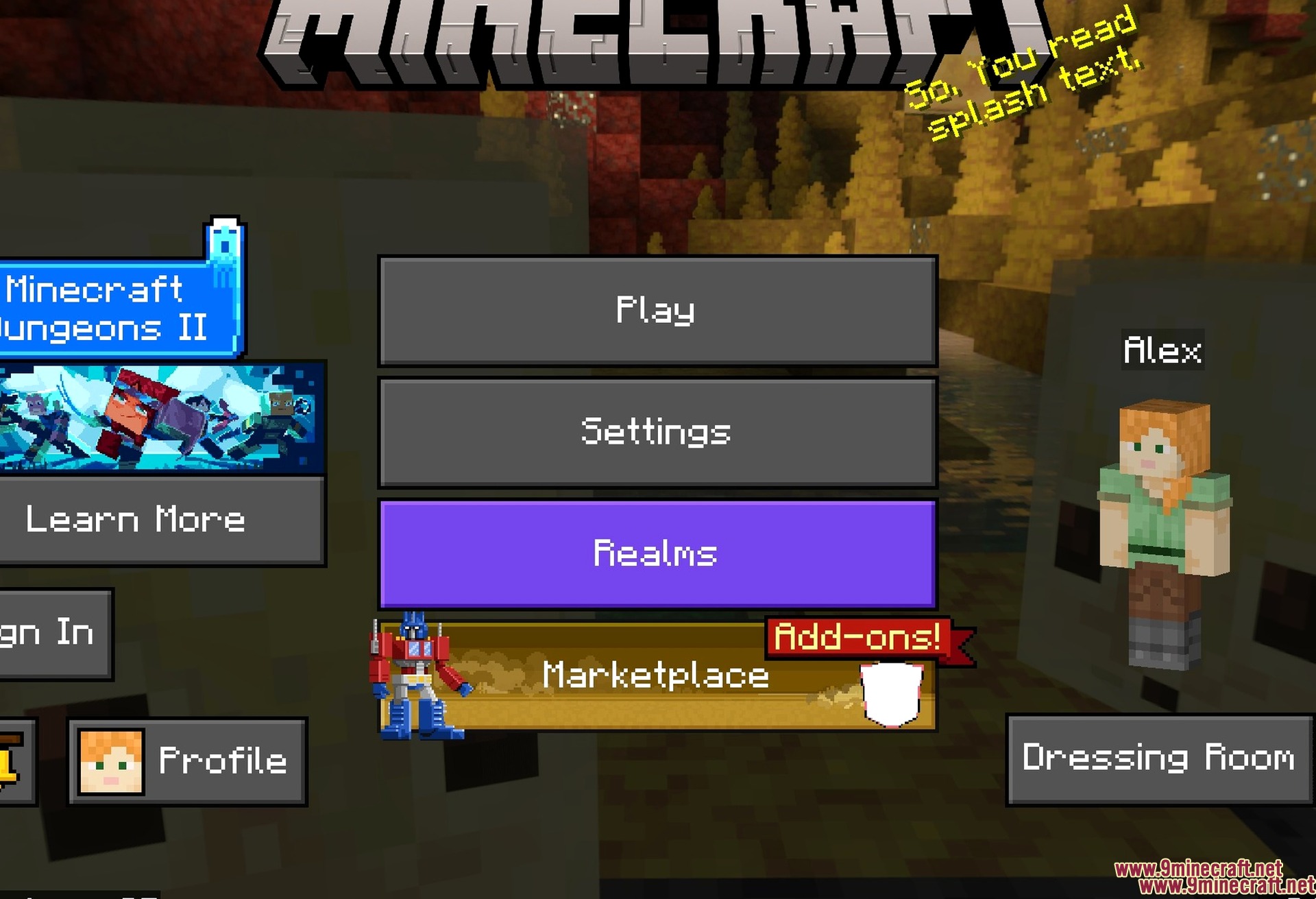
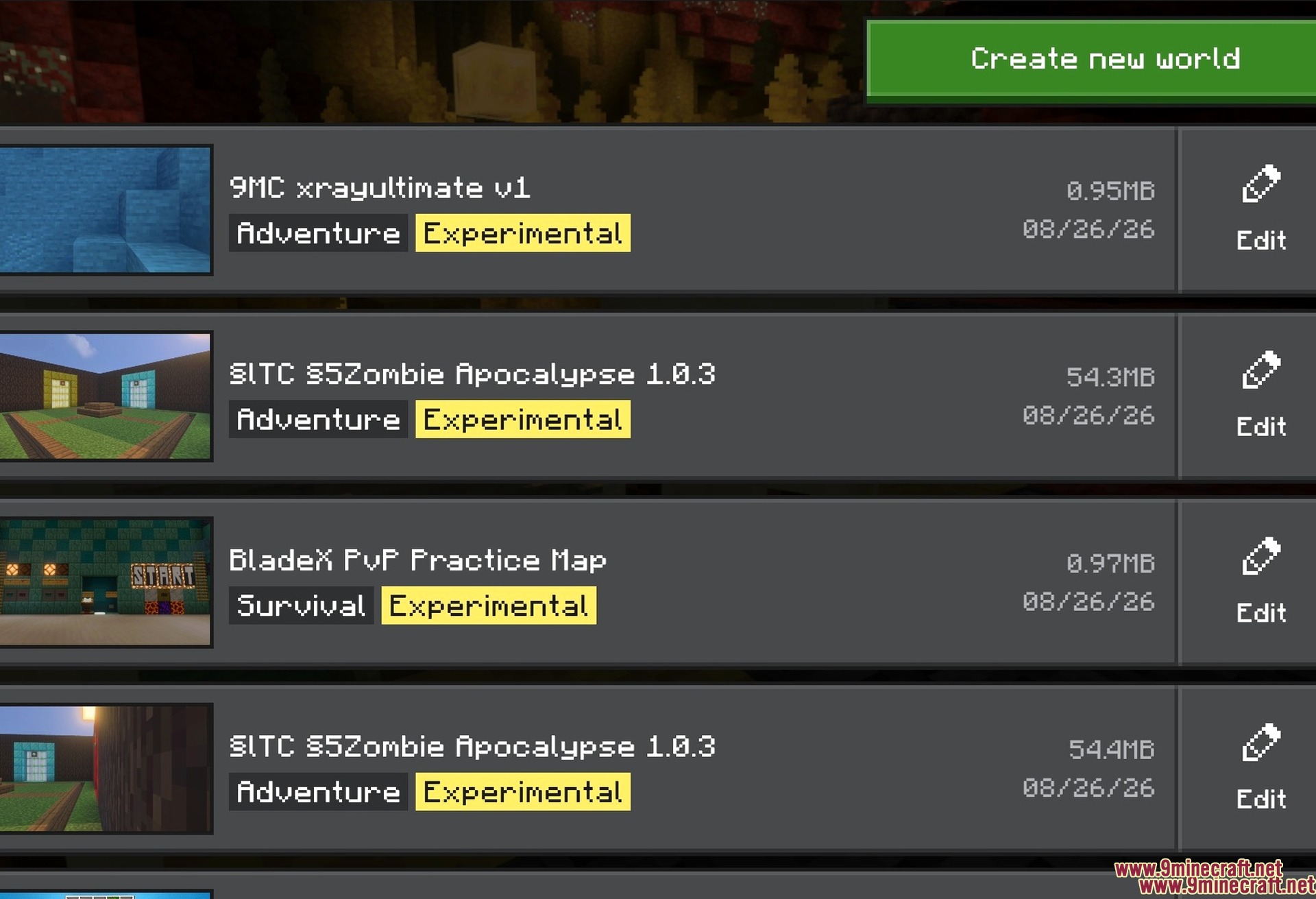
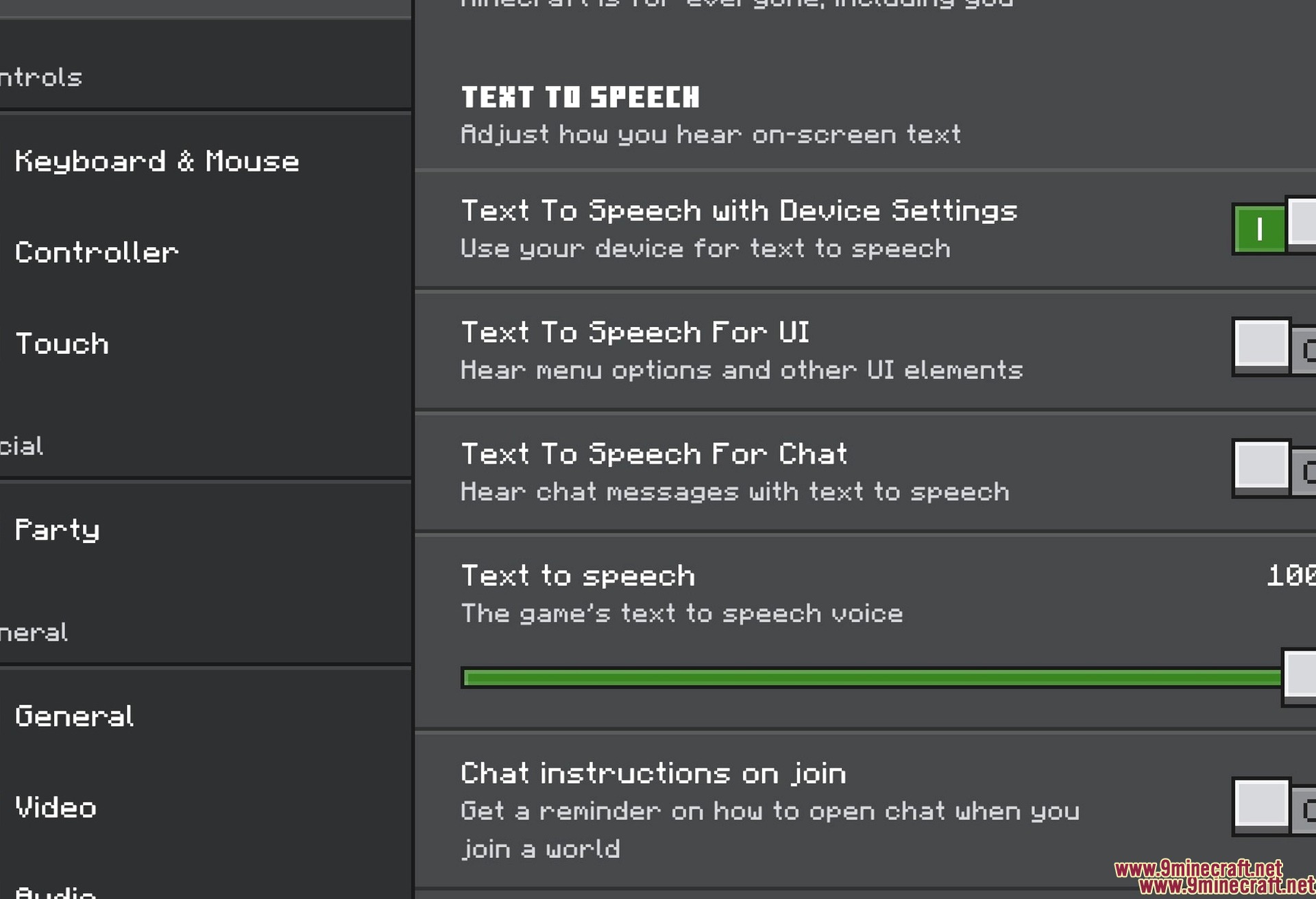
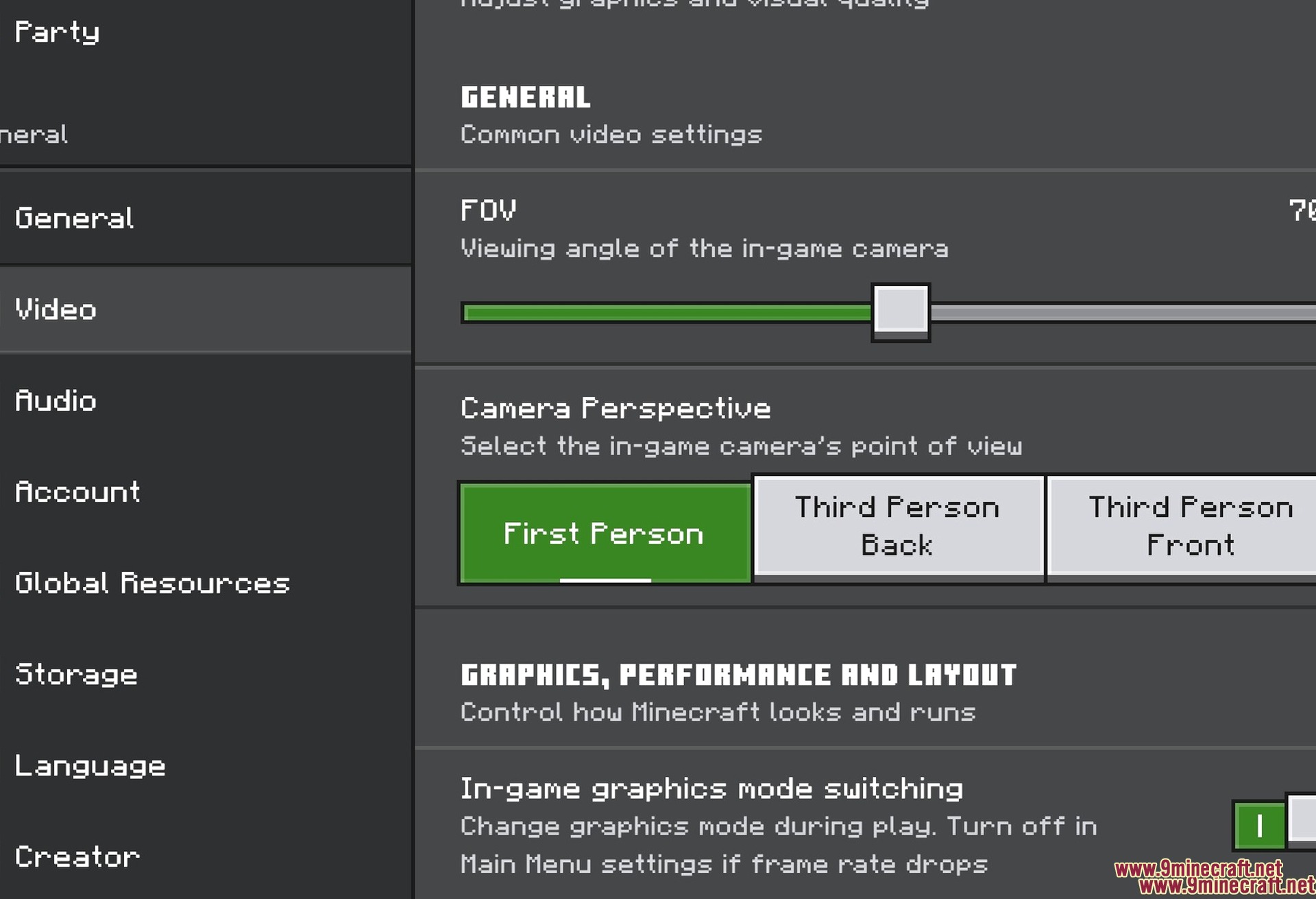
Dark UI Mode Texture Pack changes your game screens to a dark color theme. It lets you play at night without bright lights hurting your eyes. This pack updates every menu and inventory screen to match the dark style.
Features:
- Changes the main home screen to a dark grey color.
- Updates the chest inventory and pause menus to dark mode.
- Works with all other resource packs on your device.
- Adds a dark background to the multiplayer server list.
- Needs no experimental features to work in your game.
Screenshots:
Dark UI Mode Texture Pack Download Links
Quick facts
- Edition: Minecraft Bedrock
- File type: .mcpack
- Minecraft version listed: 1.21
- How to install: Download the .mcpack. → Open it — Minecraft imports it under Resource Packs. → Activate it in Global Resources, or for one world under Resource Packs → Available.
- Where to get it: In MCModsHub, or directly above on this page.
Install steps are the general flow for this file type — How to install Minecraft Bedrock texture packs walks through it step by step.
File checked by MCModsHub
- Pack type: .mcpack — a single pack
- Manifest requires Minecraft 1.21.100 or newer
- Complete pack — everything it depends on is inside the file
- Download link checked 22 Jul 2026 — working
- Mirrored on our own servers — the download does not depend on the original host
These come from our own check of the pack file, not from the source page.