Home›Bedrock›Texture packs›PandaMine's Glowing Ores | Emissive Ores | Radiant Ores | Simple, Fancy + Vibrant Visuals mode
Texture packsBedrock
PandaMine's Glowing Ores | Emissive Ores | Radiant Ores | Simple, Fancy + Vibrant Visuals mode
Bedrock texture pack listed for Minecraft 26.x. File opened and checked on 22 Sep 2026; installs from the MC Bedrock Mods app on Android.
I don't know my version
Open Minecraft and look at the bottom-left corner of the main screen — the version is printed there, like v1.26.30.
The game writes a 1. in front; the buttons above leave it off. v1.26.30 in the game is 26.30 here.
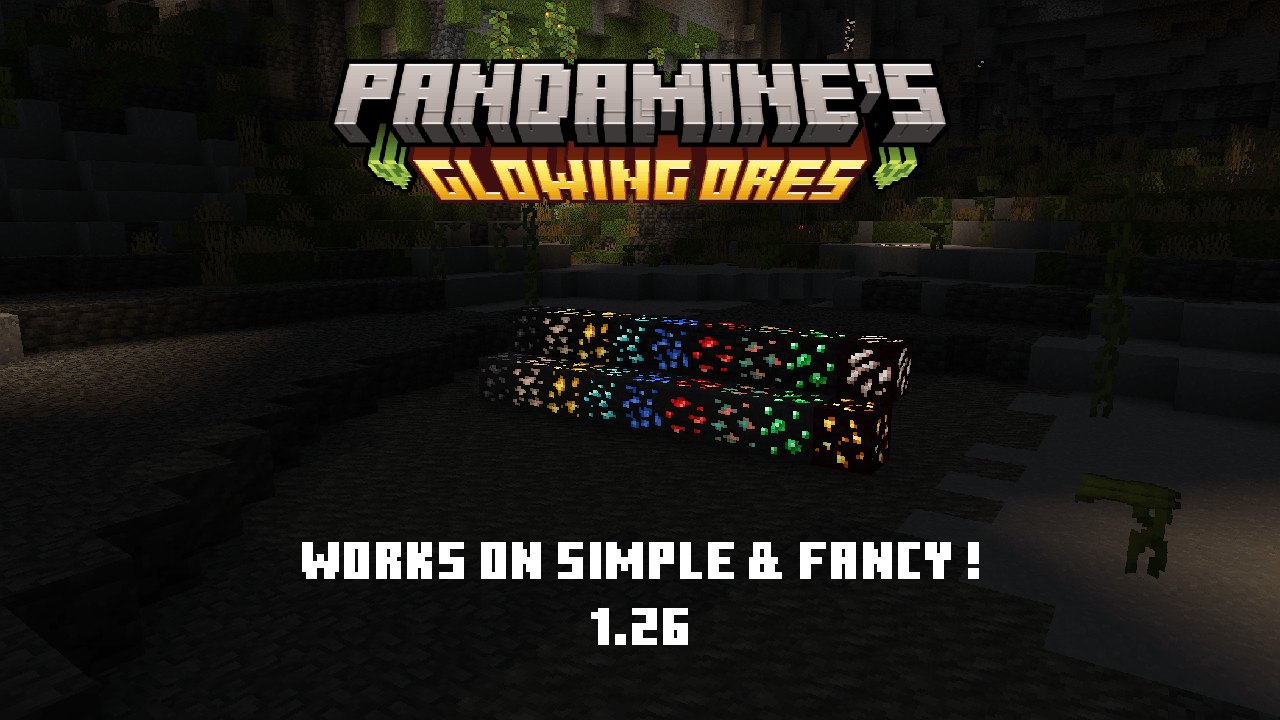
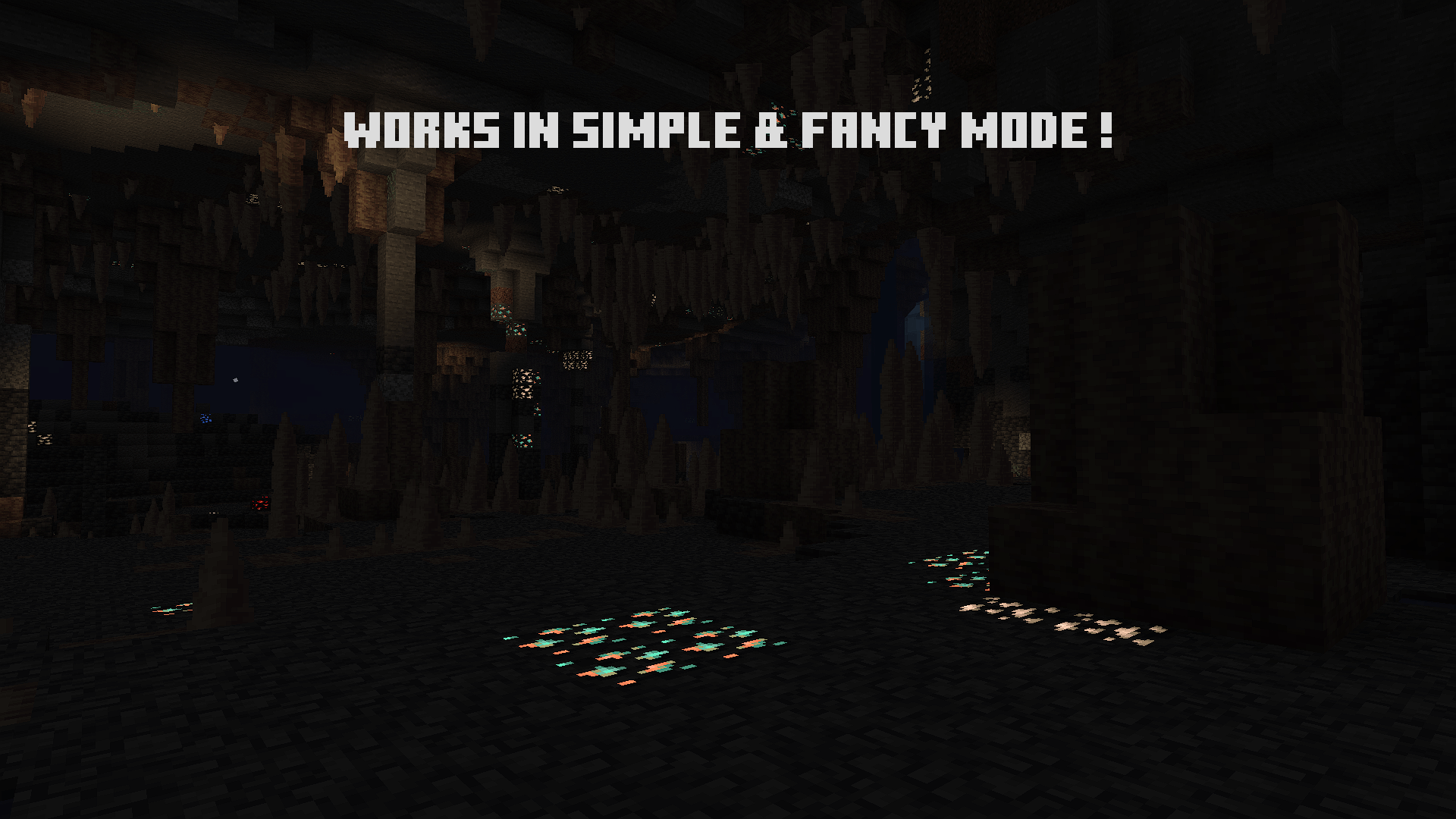
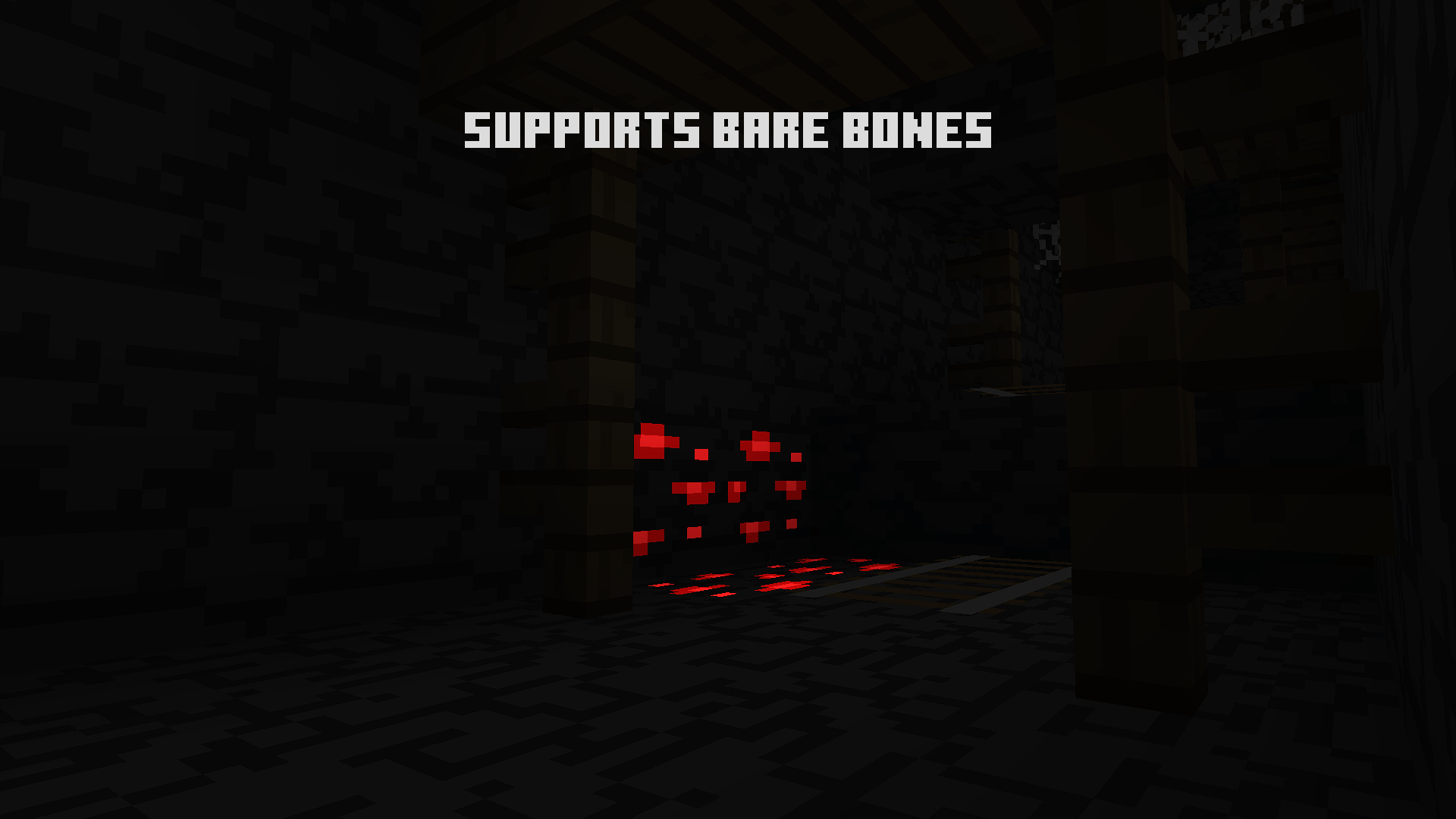
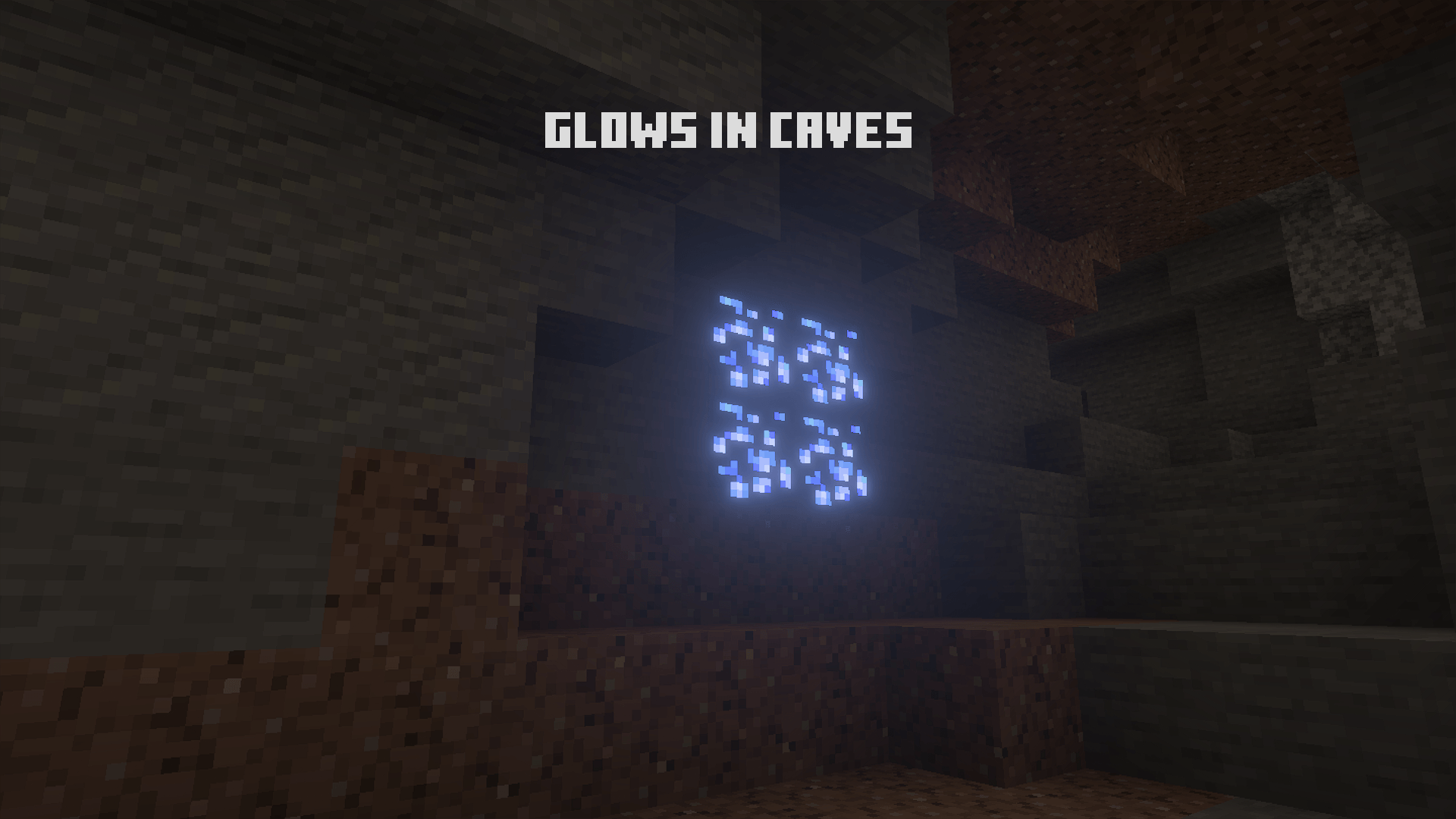
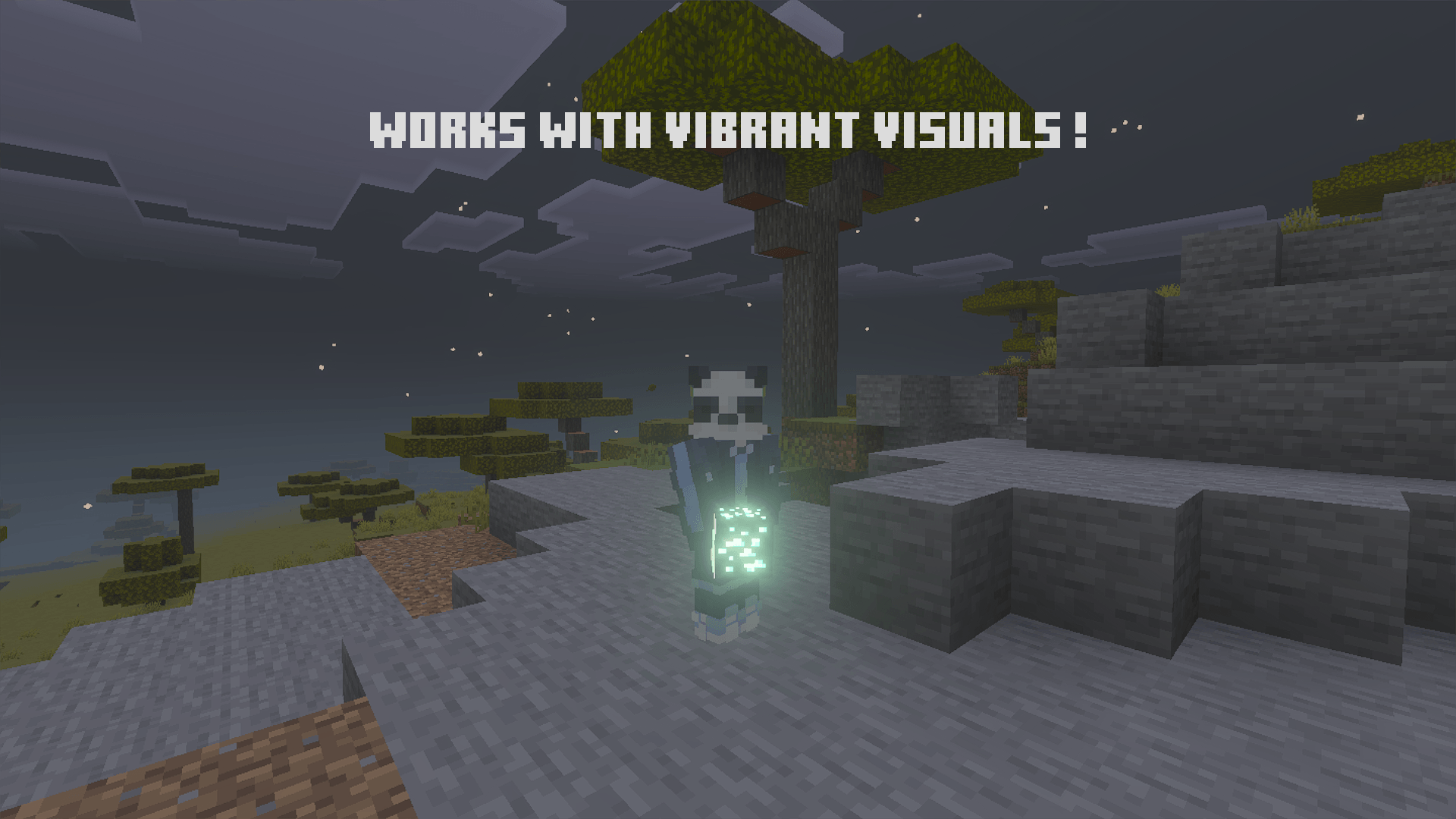
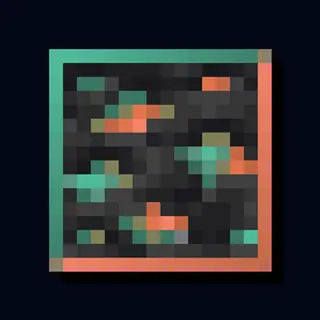
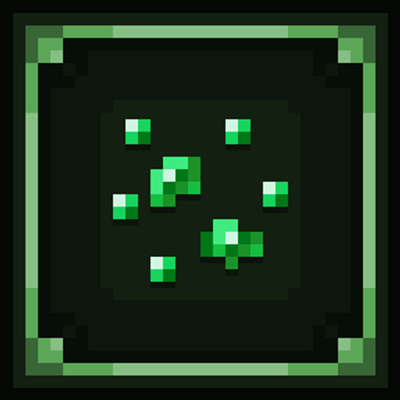
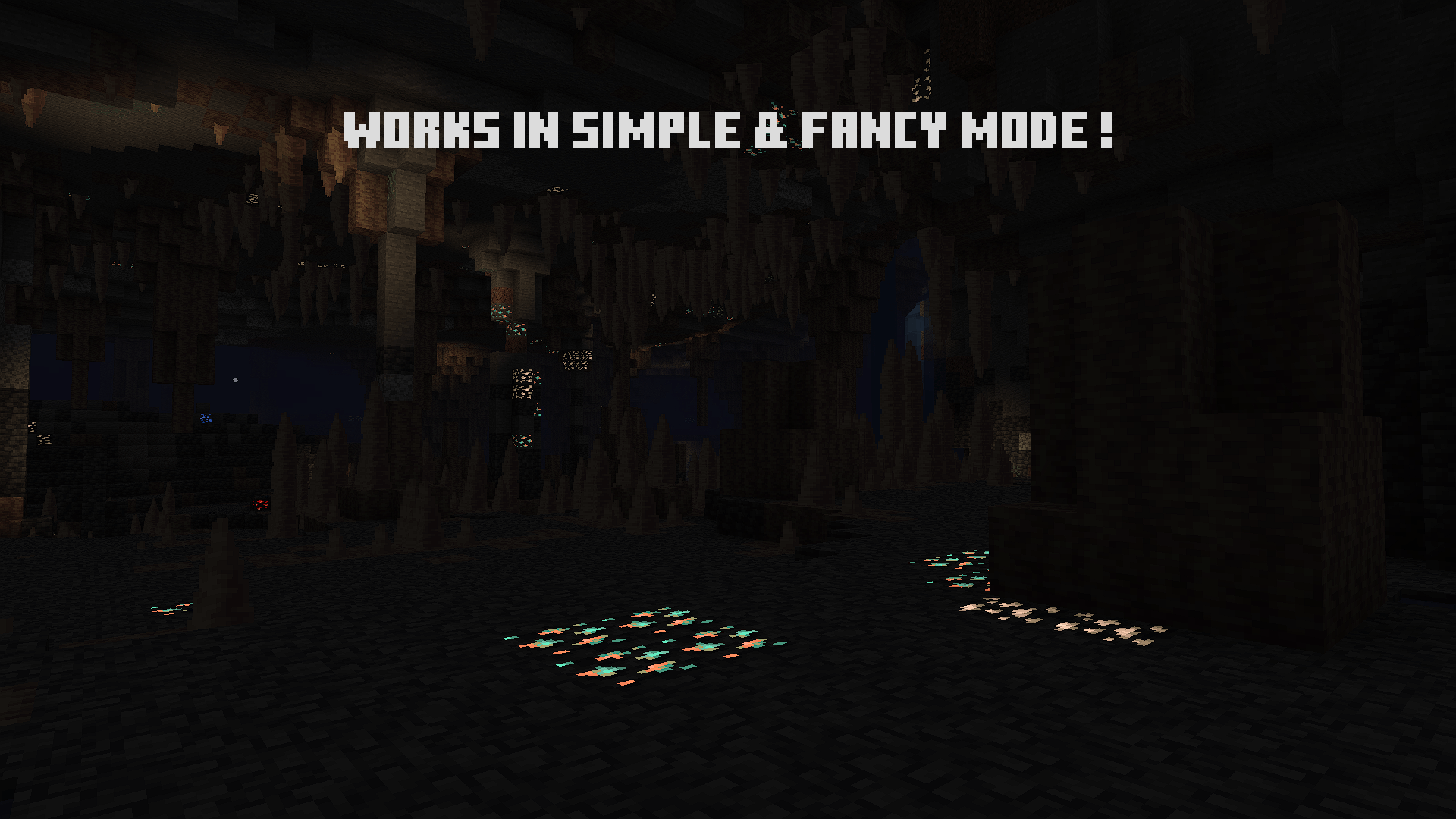
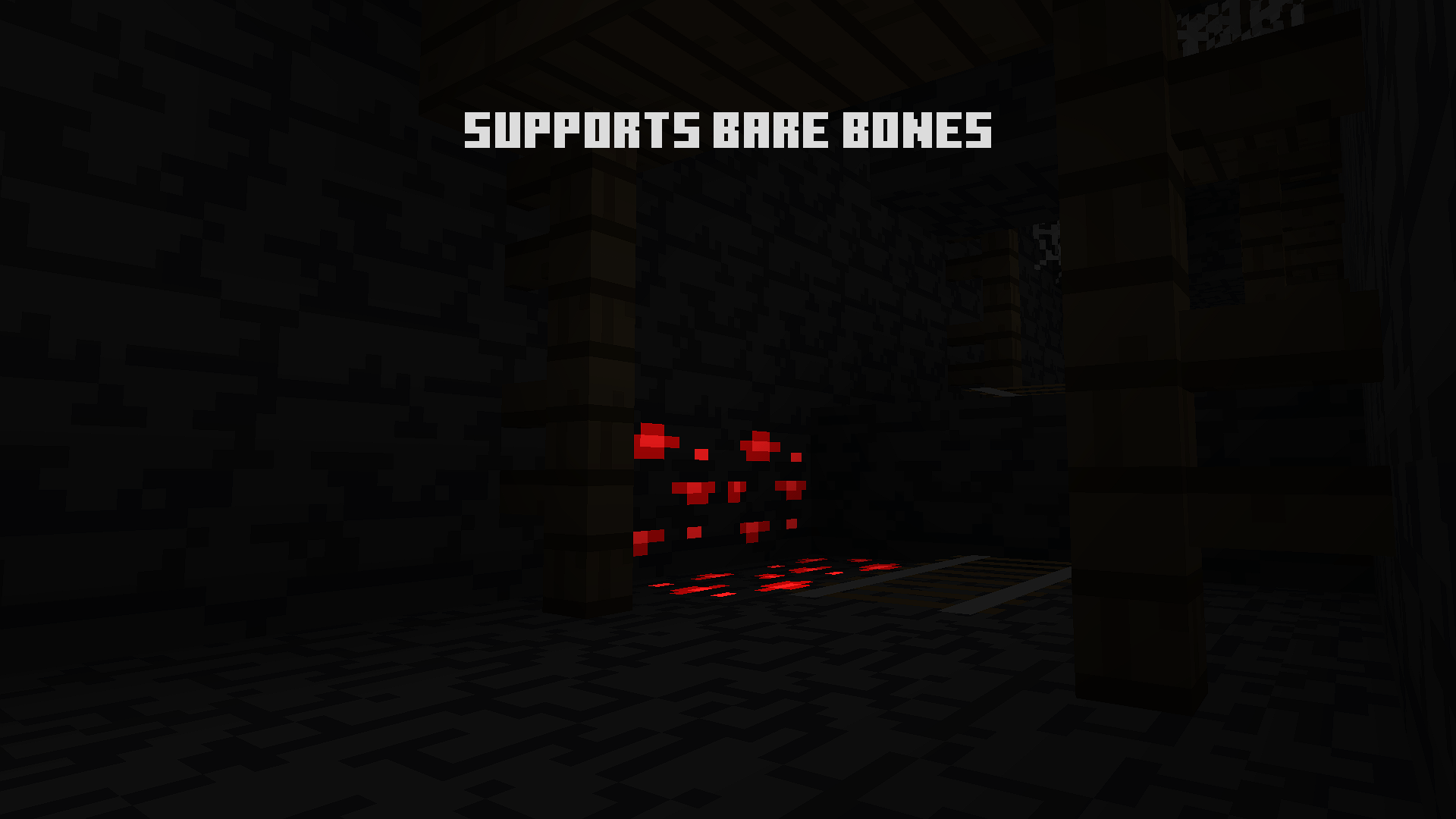
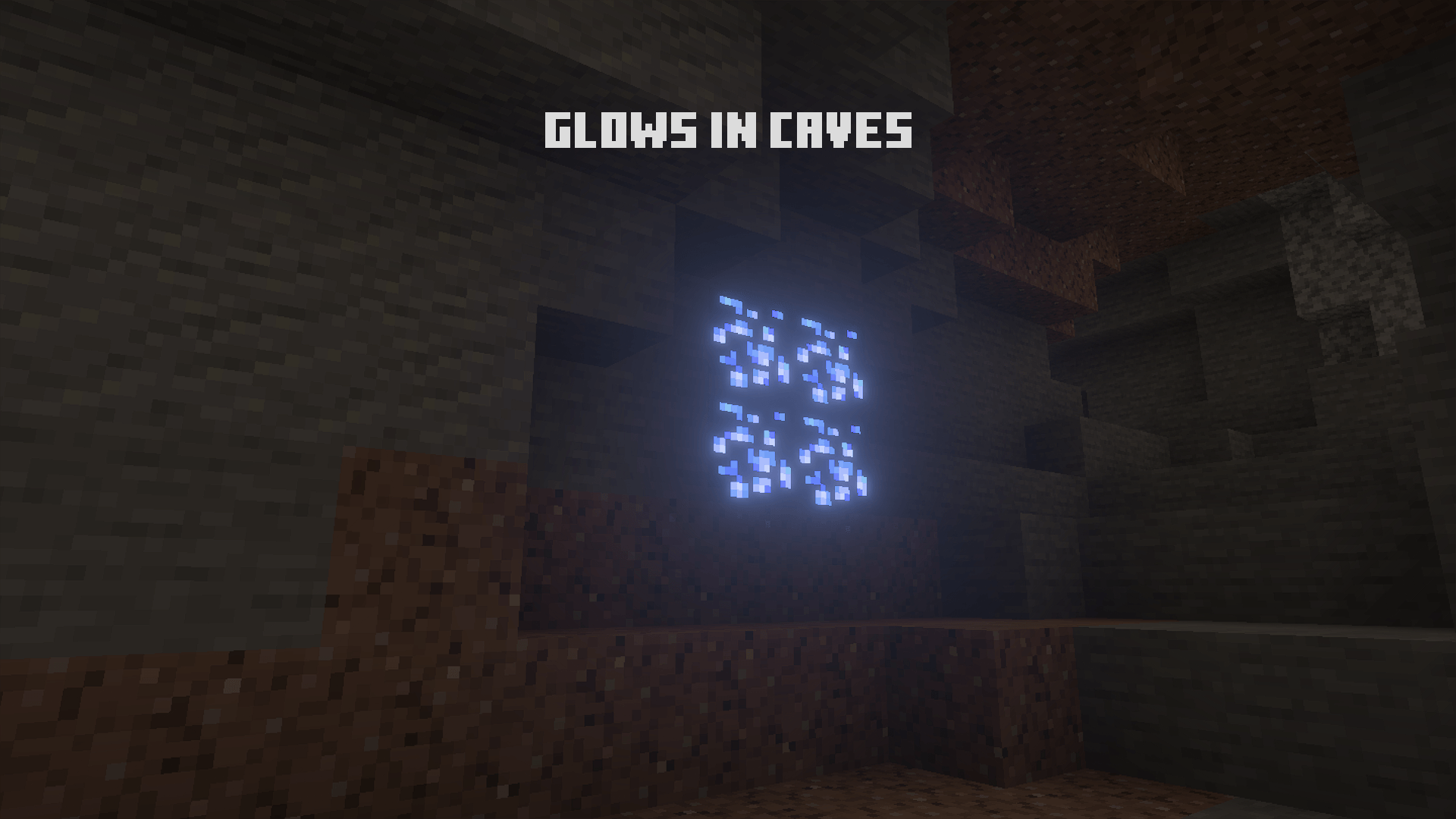
A QoL shader that makes all Ores glow in the dark, includes Outlined, Bare Bones subpack.
Gives upto 25% better FPS and Supports: 1.26.30 - 1.26.50.
Features:
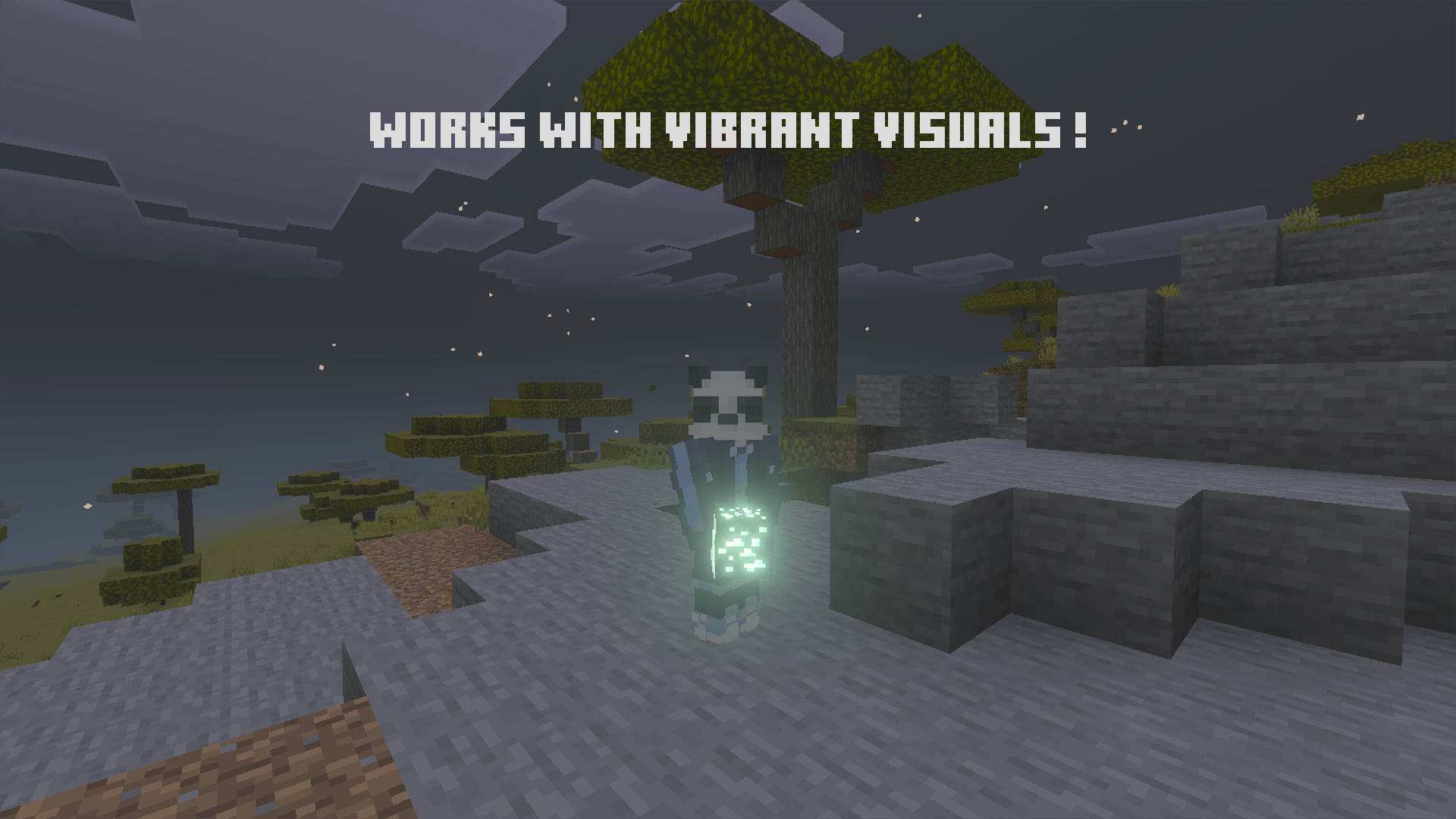
- Works on Simple, Fancy, Vibrant Visuals mode.
- Works on Android, IOS, Windows.
- Achievement friendly
Read the installation guide, before of commenting "It does not work"
Requires:
- PandaMine's Mip Mapper
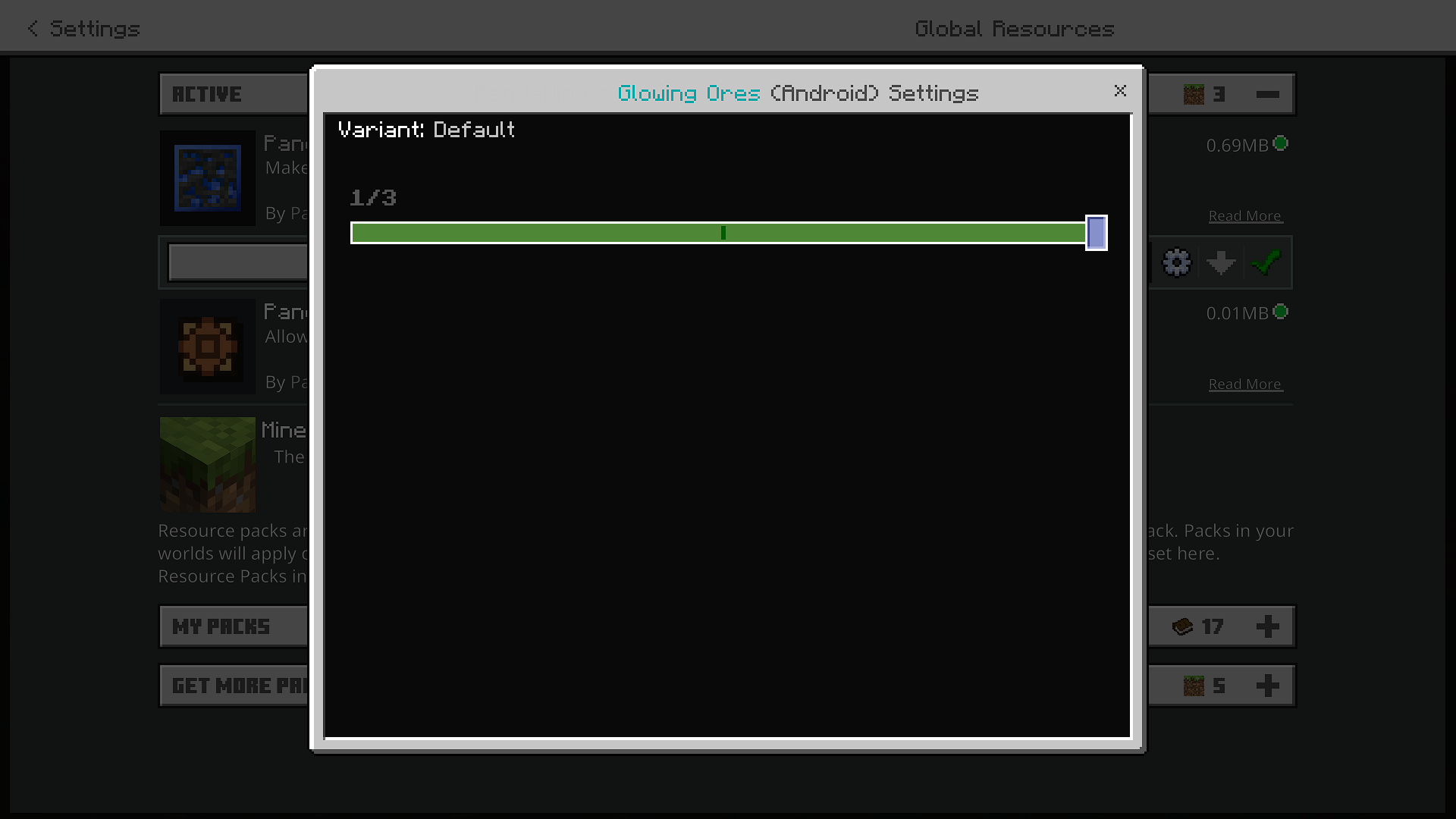
- PandaMine's Glowing Ores activated in Global Resources
- MB Loader or Hynis IOS Loader
Use PandaMine's Luminous Trims together for best gameplay!
Simple & Fancy Support
Vibrant Visuals
Installation Guide
Android:
- Activate Glowing Ores + Mip Mapper in Global Packs
- You need to use MBLoader (Draco) or Patched APK
Windows:
- Activate Glowing Ores + Mip Mapper in Global Packs
- Use Wyvern or Matject or manually replace
".material.bin" - Have DirectX 10+
IOS:
- Use Hynis Loader IPA or custom Patched IPA that supports shaders
Custom Glowing block (Tutorial)
- Open block texture, set specific pixel's opacity to 0.97, save the texture.
- Activate in Global Packs and enjoy!
Inspired by Spryzeen's Living Ores
Allowed ✅
- Showcase the pack in any video as long there's this Curseforge or MCPEDL link.
Not Allowed ❌
- Steal any code or assets (like icons, textures..) for any addon or texture pack and claim as own.
- Monetize for own benefit.
- Upload and share on any 3rd-party website.
- Violating this will get you DMCA takedowns, and upto 80% revenue share if it was monetized.
Violators will face DMCA takedowns, legal claims.
Contact
Discord: pandamine5x
Follow for more packs!

Quick facts
- Edition: Minecraft Bedrock
- File type: .mcpack
- Minecraft versions listed: 26.50, 26.40, 26.30
- How to install: Download the .mcpack. → Open it — Minecraft imports it under Resource Packs. → Activate it in Global Resources, or for one world under Resource Packs → Available.
- Where to get it: In MCModsHub, or directly above on this page.
Install steps are the general flow for this file type — How to install Minecraft Bedrock texture packs walks through it step by step.
File checked by MCModsHub
- Pack type: .mcpack — a single pack
- Complete pack — everything it depends on is inside the file
- Download size: 87 KB
- Download link checked 12 Sept 2026 — working
These come from our own check of the pack file, not from the source page.