SIXSEVEN UI
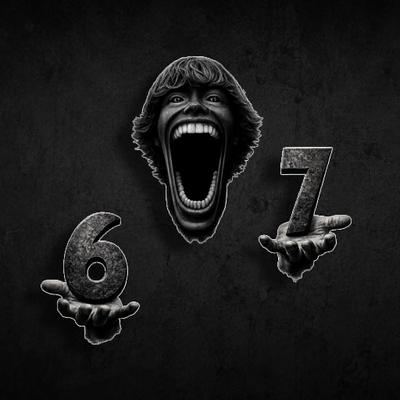
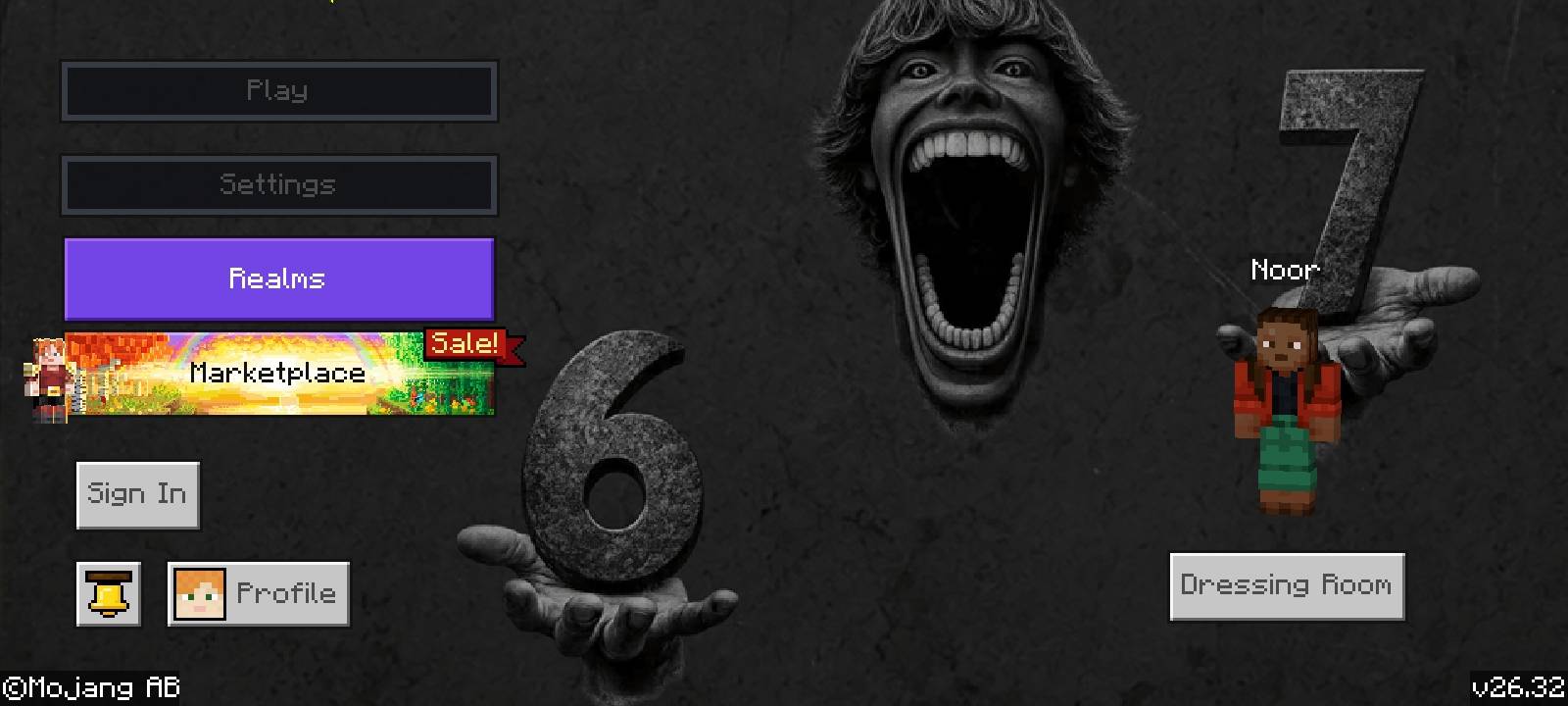
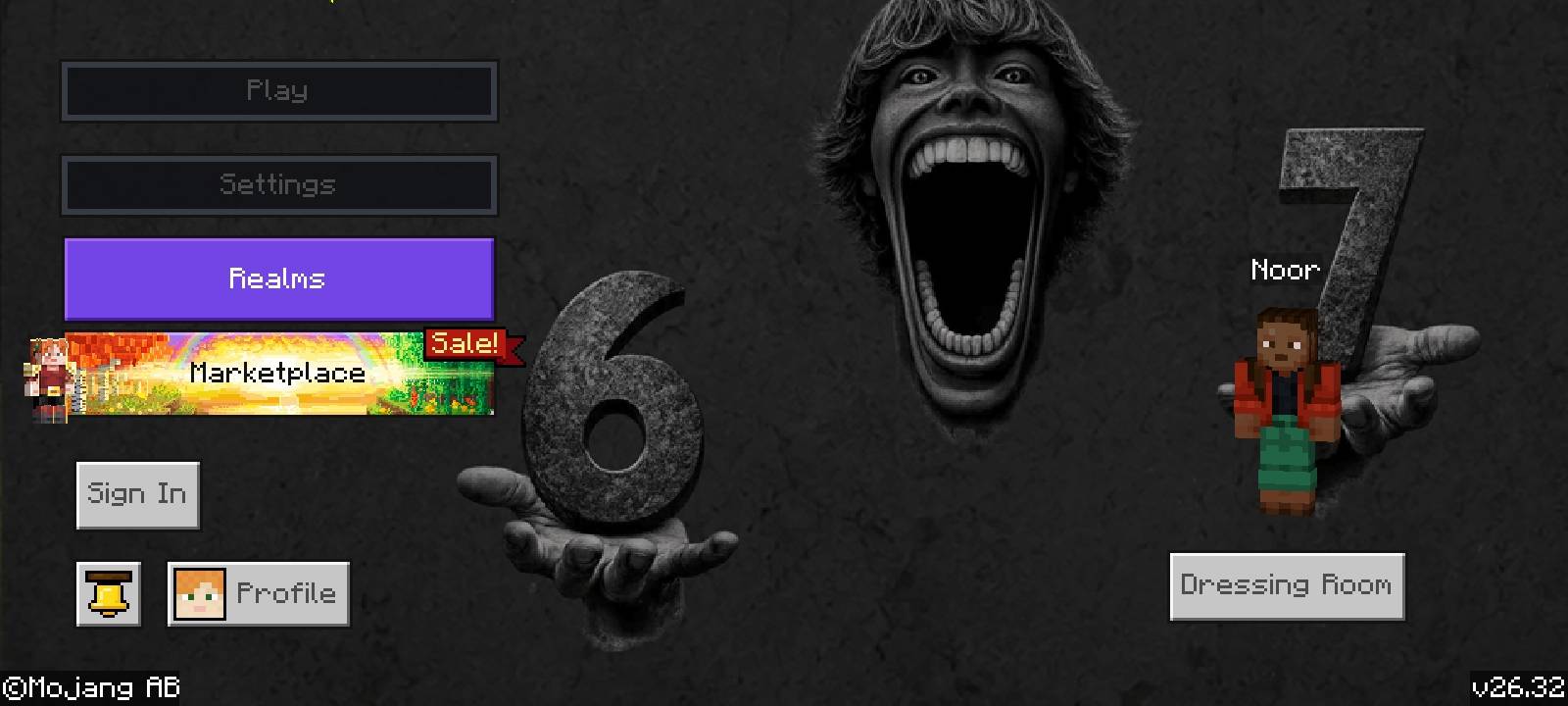
A custom interface transformation for your main menu, themed around the mysterious SIXSEVEN aesthetic.
Features
- Animated Background: A smooth, frame-by-frame looping background that changes your entire main menu experience.
- Minimalist Layout: Clean, left-aligned navigation buttons designed for better visibility and a modern look.
- Optimized Spacing: Improved button proportions and positioning to ensure a balanced, non-cluttered screen.
How to Install
- Download the
.mcpackfile. - Open/double-click the file to automatically import it into Minecraft.
- In-game, go to Settings > Global Resources and activate SIXSEVEN UI.
Quick facts
- Edition: Minecraft Bedrock
- File type: .mcpack
- Minecraft versions listed: 26.10, 26.11, 26.12
- How to install: Download the .mcpack. → Open it — Minecraft imports it under Resource Packs. → Activate it in Global Resources, or for one world under Resource Packs → Available.
- Where to get it: Opens on CurseForge — not every file is mirrored on our own servers.
Install steps are the general flow for this file type — How to install Minecraft Bedrock texture packs walks through it step by step.
Verified by MCModsHub
- Pack type: .mcpack — a single pack
- Manifest requires Minecraft 1.20.0 or newer
- Complete pack — everything it depends on is inside the file
- Download size: 22.4 MB
- Download link checked 11 Sept 2026 — working
These come from our own check of the pack file, not from the source page.