Dynamic Fonts
Bedrock texture pack listed for Minecraft 1.21–26.x. File opened and checked on 30 Sep 2026; installs from the MC Bedrock Mods app on Android.
54 custom font styles in one pack — Minecraft classics, anime, manga, comic, pixel gamer, Japanese brush, and dyslexia-friendly fonts. Pick via subpacks…
⬇ Download on CurseForge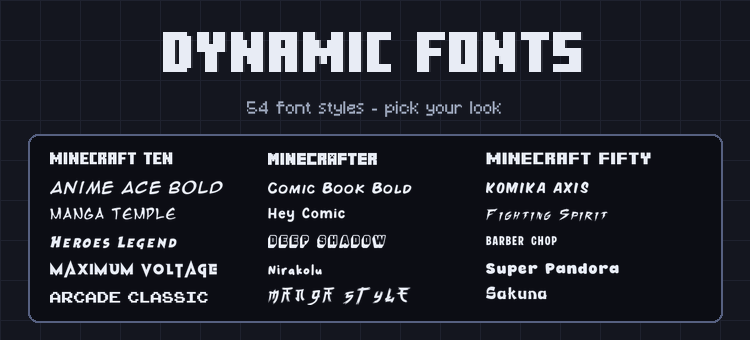
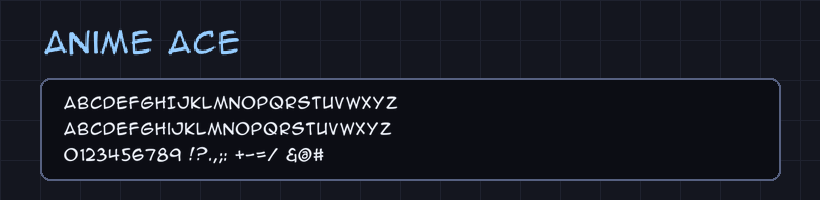
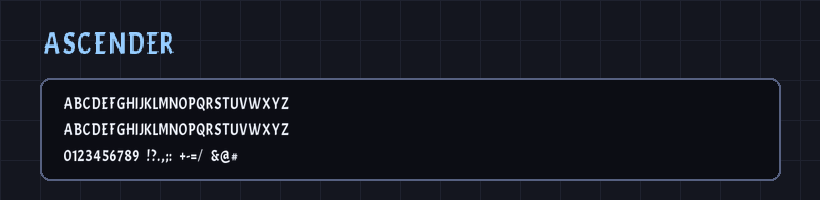
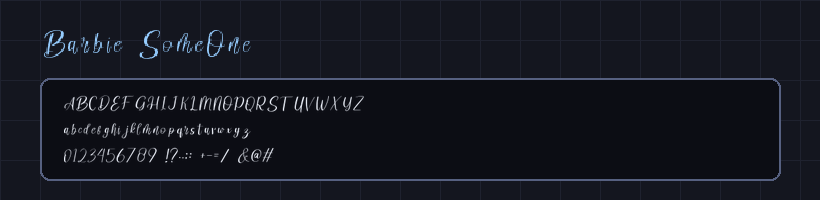
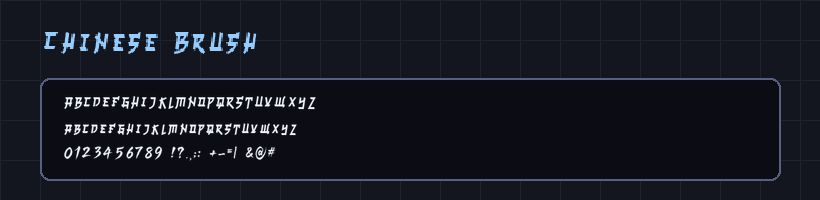
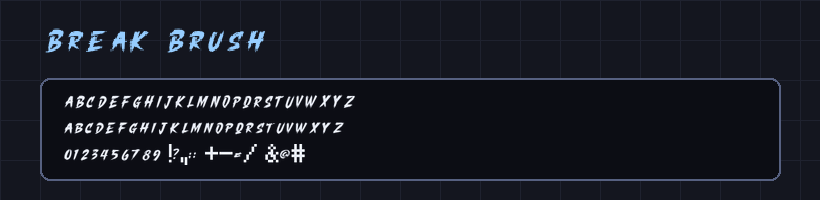
54 custom font styles for Minecraft Bedrock — all in a single pack with subpacks. Minecraft classics, anime styles, comic book fonts, pixel gamer fonts, Japanese brush styles, and more. Pick your font from the subpack list and every text in the game changes instantly.
✦ Features
- 54 font styles — the largest font collection in a single Bedrock pack
- Minecraft classics — Minecraft Ten, Minecraft PE, Minecrafter, Minecrafter Alt, Minecraft Evenings, Minecraft Fifty
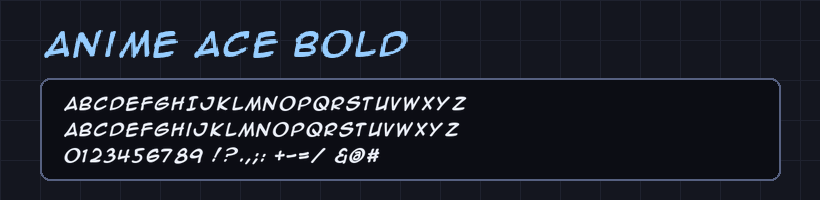
- Anime and Manga styles — Anime Ace, Manga Temple, Manga Style, Fighting Spirit, Heroes Legend, Modern Tokyo, Hoshiko Satsuki, and more
- Comic and creative fonts — Comic Book, Komika Axis, Hey Comic, Hey August, Break Brush, Maximum Voltage, Ultra Fresh, and more
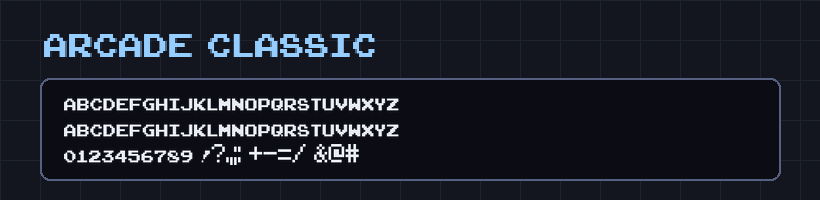
- Pixel and gamer fonts — Pixel Gamer, Arcade Classic, Game Over, Gameplay, Gang Of Three, and more
- Japanese styles — Chinese Brush, Onsen Japan, The Last Shuriken, Karate, Zenzai Itachi, Sakuna, and more
- Dyslexia-friendly fonts — Open Dyslexic, Open Dyslexic Bold, and Open Dyslexic Mono included for accessibility
- Subpack system — select your font directly from Global Resources in Settings, no extra tools needed
✦ How to Use
Apply the pack in Settings → Global Resources. Tap the pack and use the subpack selector to choose your font style. Every text in the game — chat, menu, hotbar, signs — updates instantly.
- Edition: Minecraft Bedrock
- File type: .mcpack
- Minecraft version listed: 26.30
- How to install: Download the .mcpack. → Open it — Minecraft imports it under Resource Packs. → Activate it in Global Resources, or for one world under Resource Packs → Available.
- Where to get it: Opens on CurseForge — not every file is mirrored on our own servers.
Install steps are the general flow for this file type — How to install Minecraft Bedrock texture packs walks through it step by step.
- Save it as Dynamic_Fonts.mcaddon before opening — it downloads as .mcpack, but it is a .mcaddon pack
- Manifest requires Minecraft 1.21.0 or newer
- Complete pack — everything it depends on is inside the file
- Download size: 1.6 MB
- Download link checked 21 Oct 2026 — working
These come from our own check of the pack file, not from the source page.