Texture packsBedrock
Shaded Fonts
The author built this one for Minecraft 26.40. On other versions it may install and then do nothing.
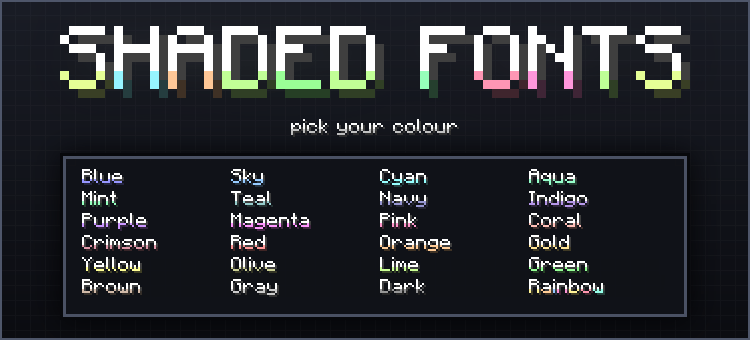
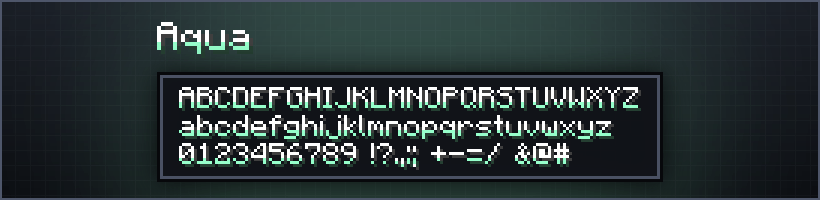
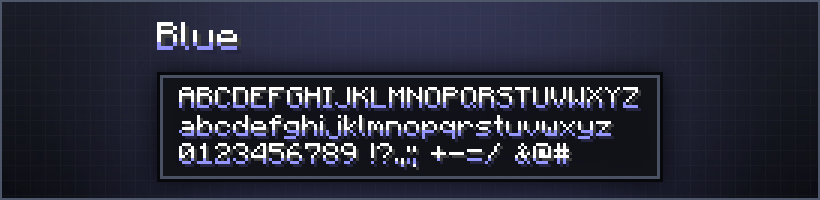
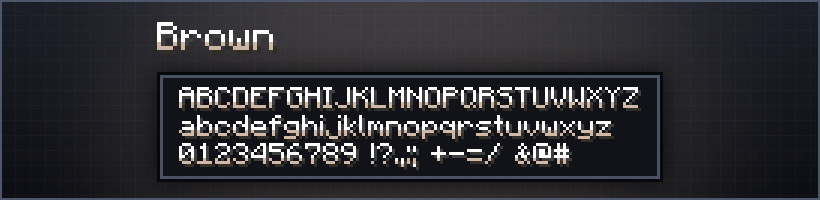
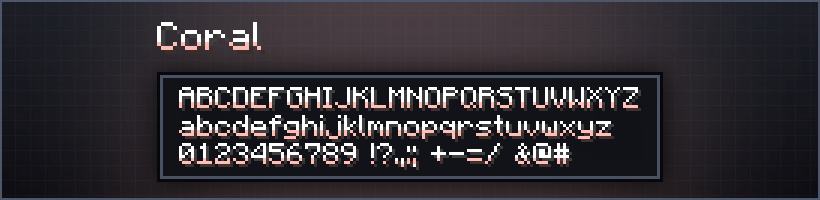
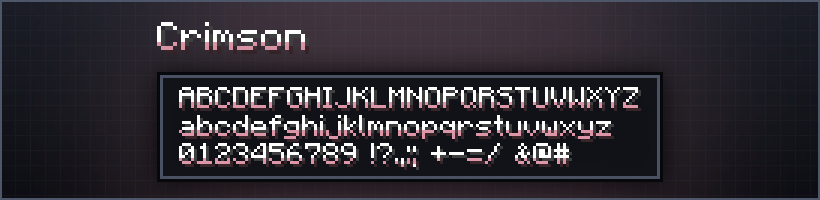
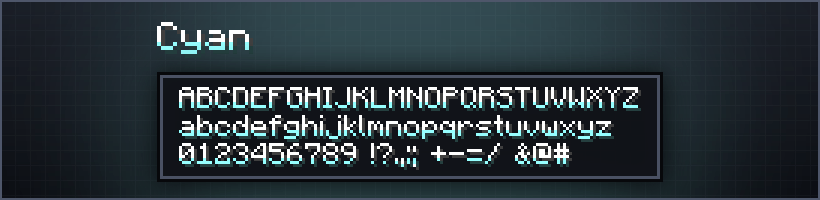
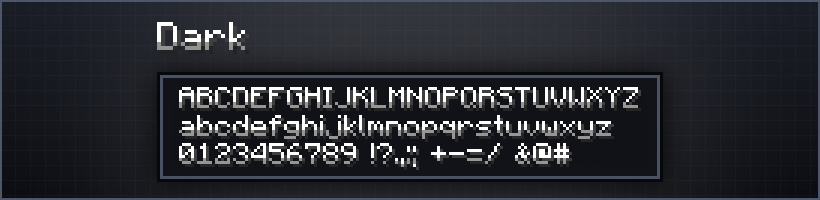
Shaded Fonts adds a soft coloured shade to Minecraft's text. Same crisp pixel font, now with a tint. Activate the pack, click it again and pick your colour from the subpack list - Blue, Gold, Crimson, or Rainbow for a different hue on every letter.
Quick facts
- Edition: Minecraft Bedrock
- File type: .mcpack
- Minecraft version listed: 26.40
- How to install: Download the .mcpack. → Open it — Minecraft imports it under Resource Packs. → Activate it in Global Resources, or for one world under Resource Packs → Available.
- Where to get it: Opens on CurseForge — not every file is mirrored on our own servers.
Install steps are the general flow for this file type — How to install Minecraft Bedrock texture packs walks through it step by step.
Verified by MCModsHub
- Save it as Shaded_Fonts.mcaddon before opening — it downloads as .mcpack, but it is a .mcaddon pack
- Manifest requires Minecraft 1.21.0 or newer
- Complete pack — everything it depends on is inside the file
- Download size: 114 KB
- Download link checked 11 Sept 2026 — working
These come from our own check of the pack file, not from the source page.