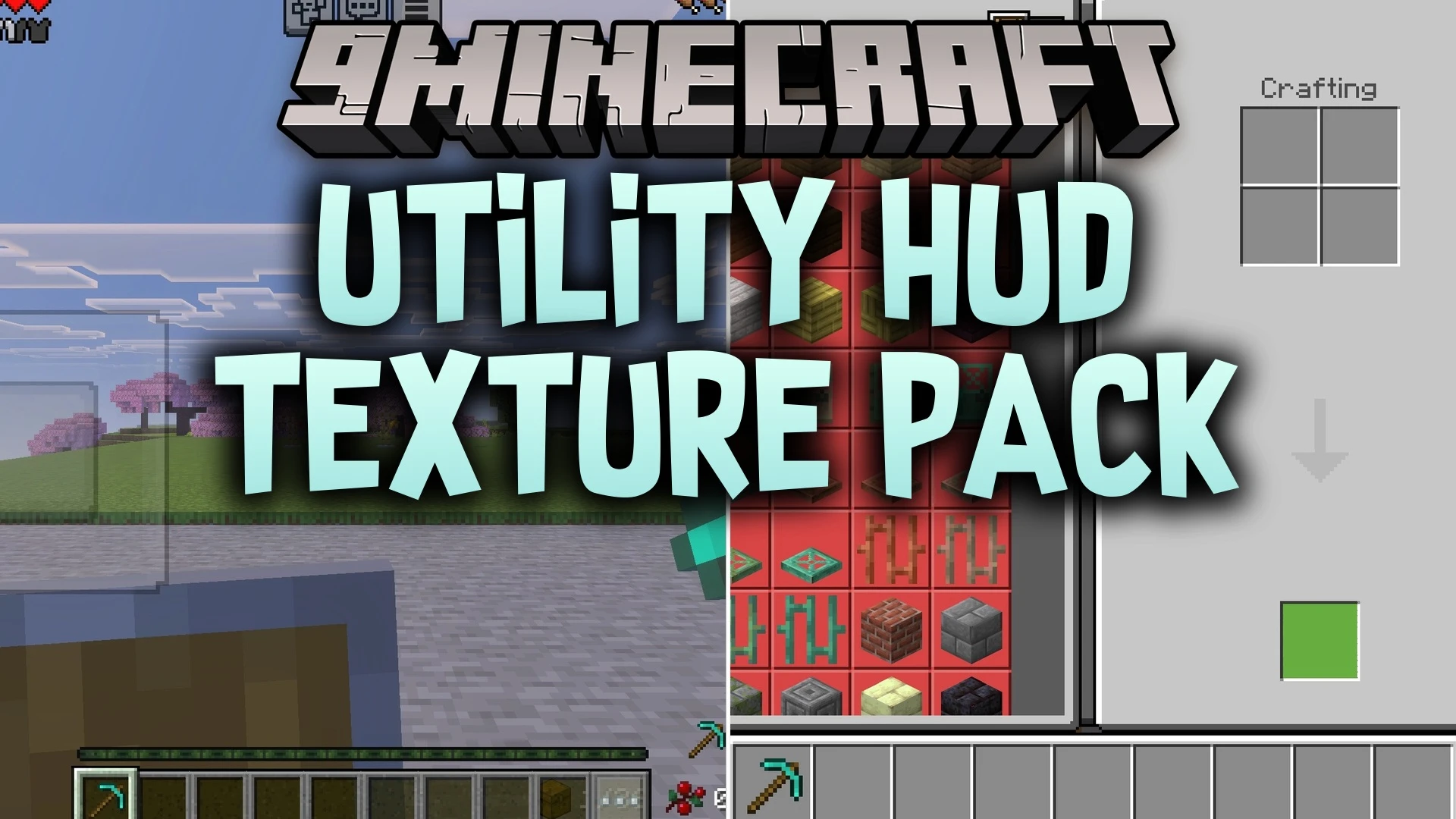
Utility HUD Texture Pack (26.x, 1.21) – Track Armor Durability And Potion Effects
Bedrock texture pack listed for Minecraft 1.21. File opened and checked on 18 Sep 2026; installs from the MC Bedrock Mods app on Android.
⬇ Download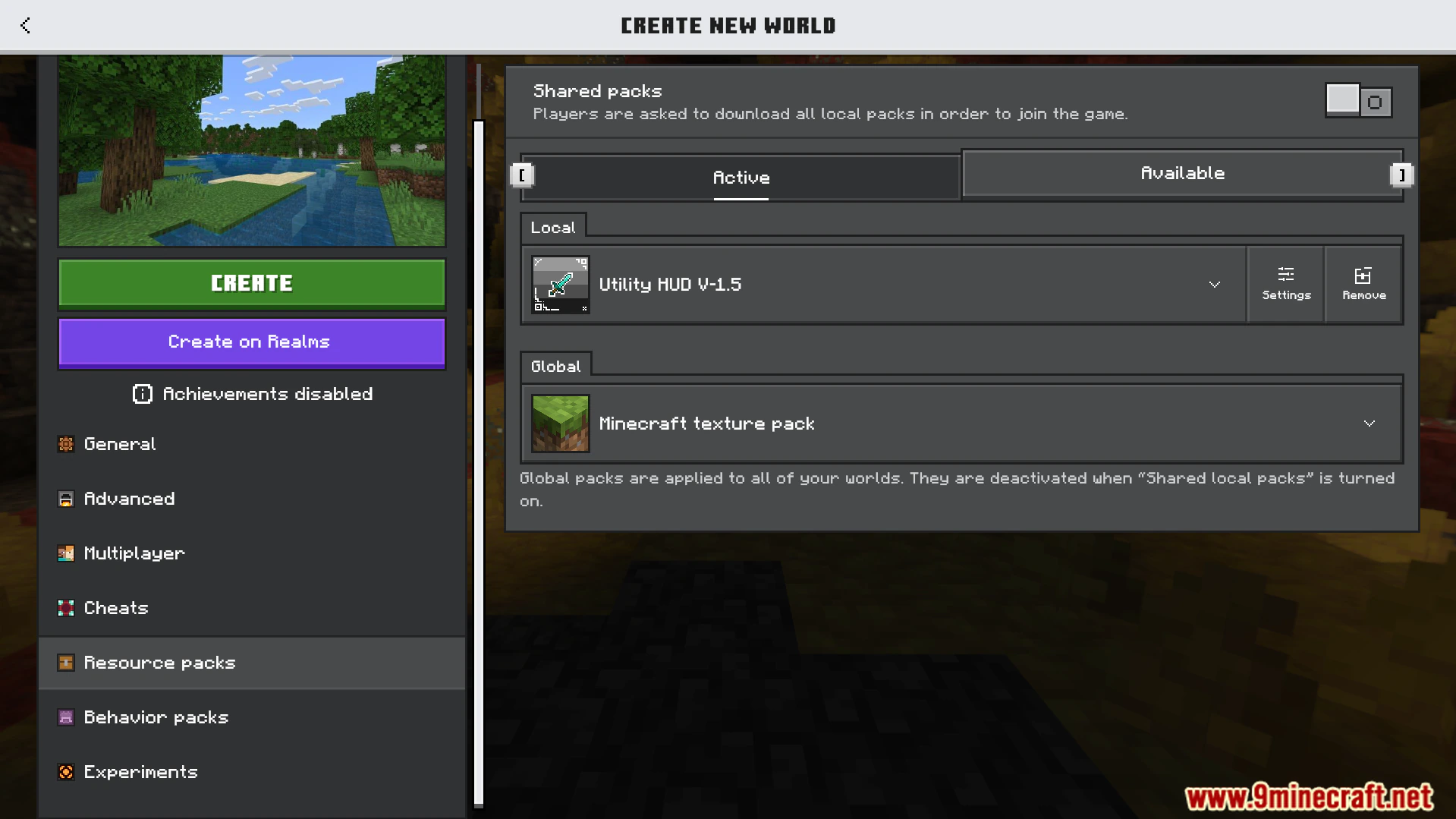
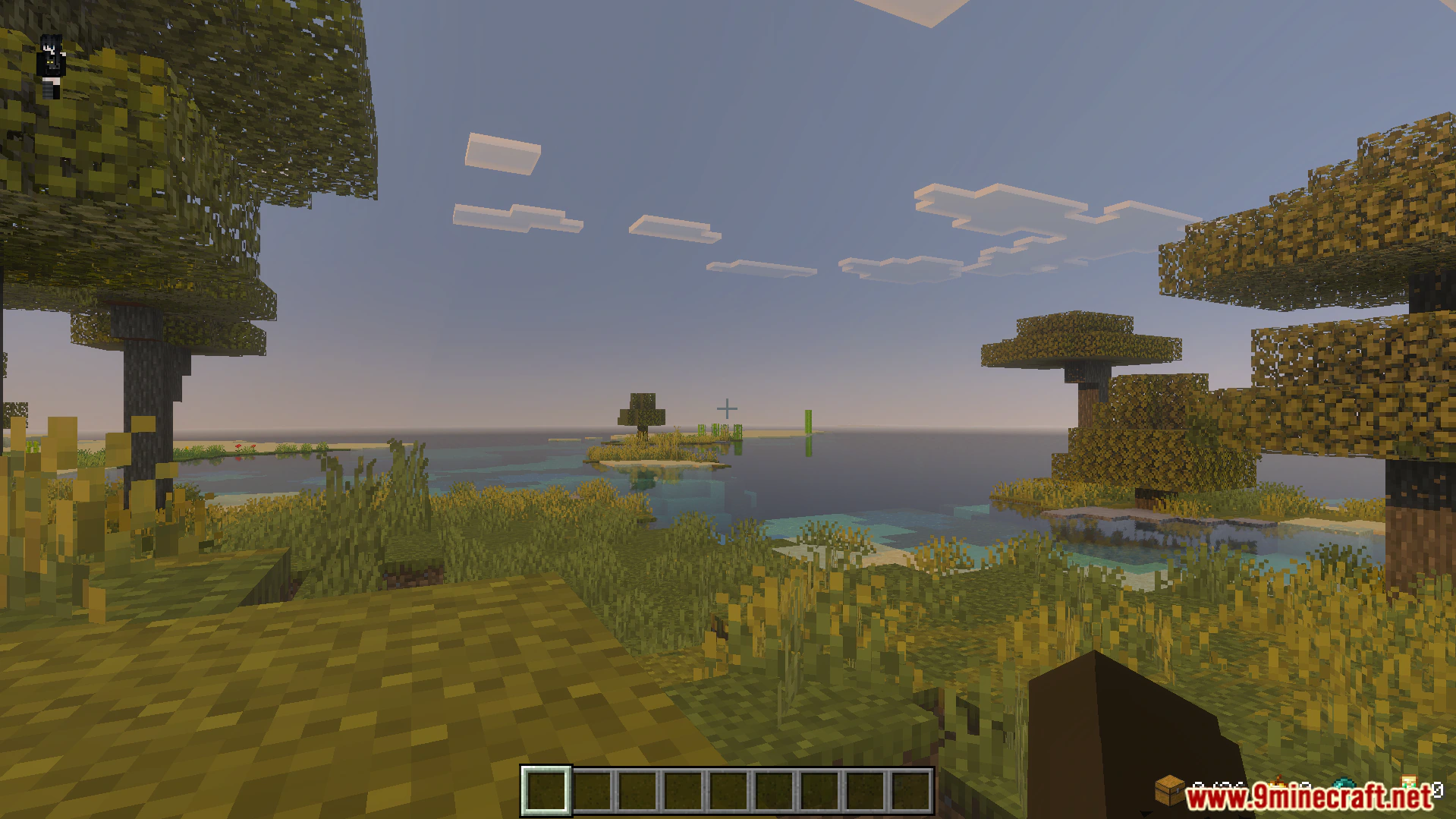
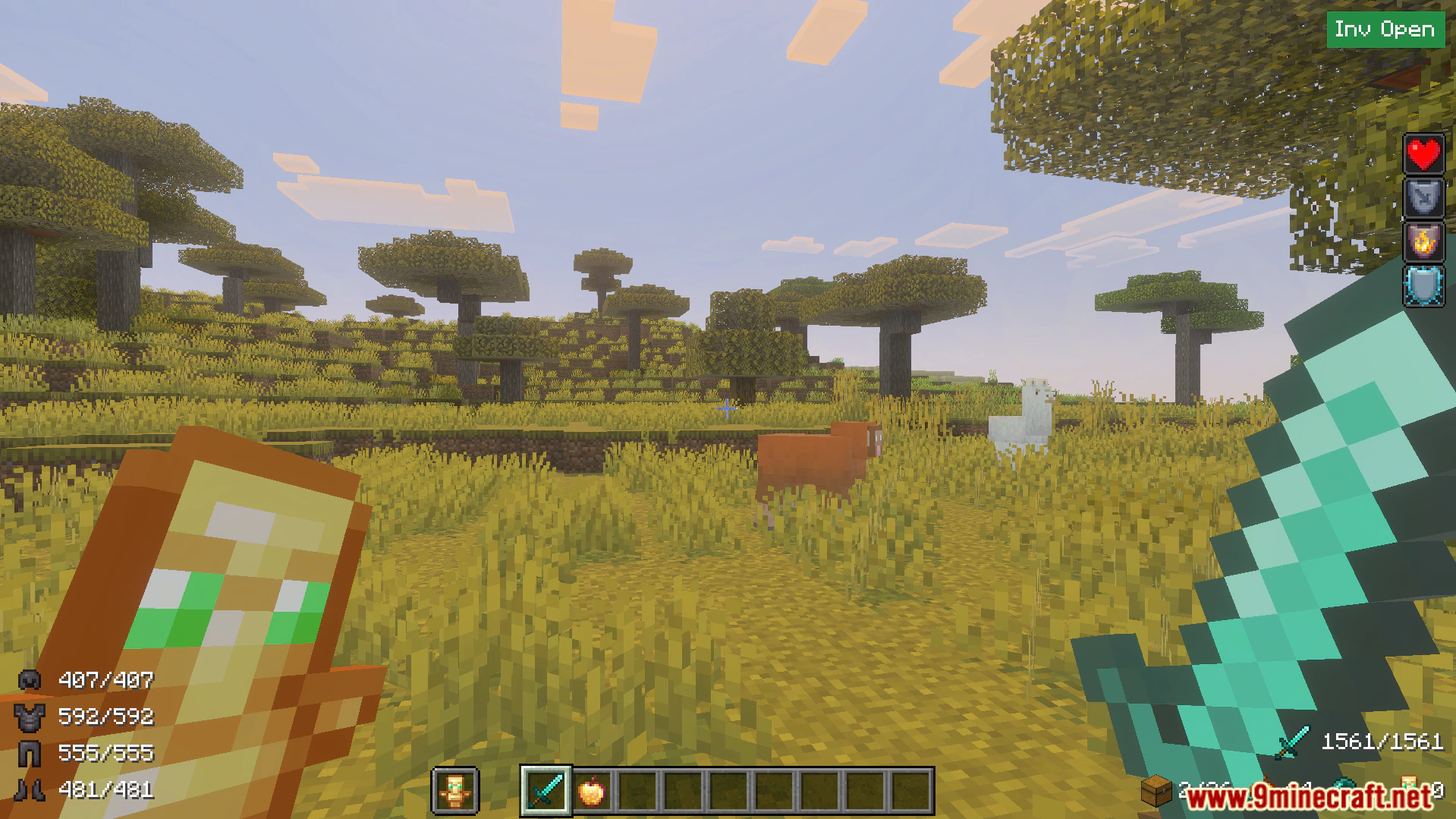
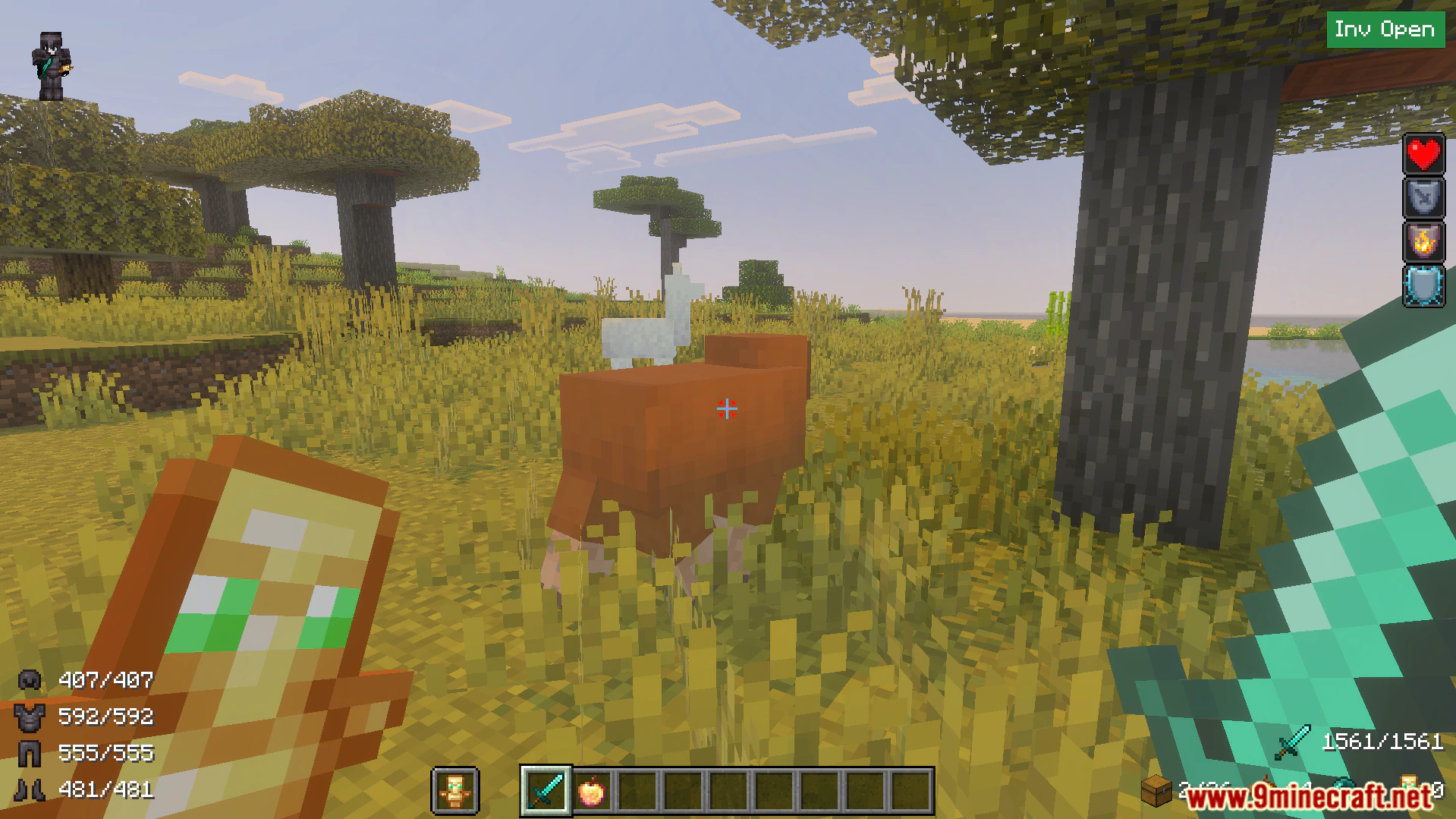
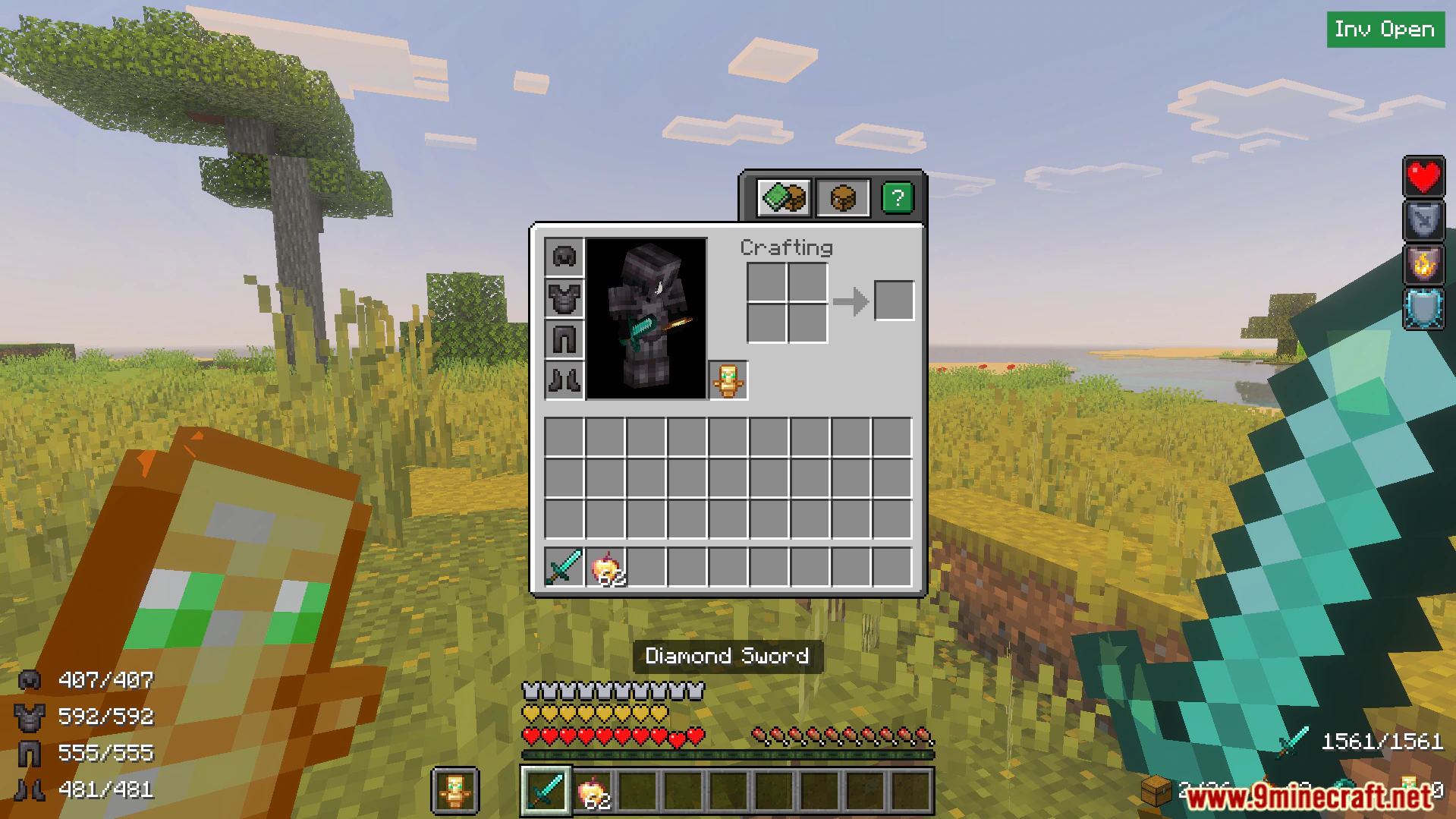
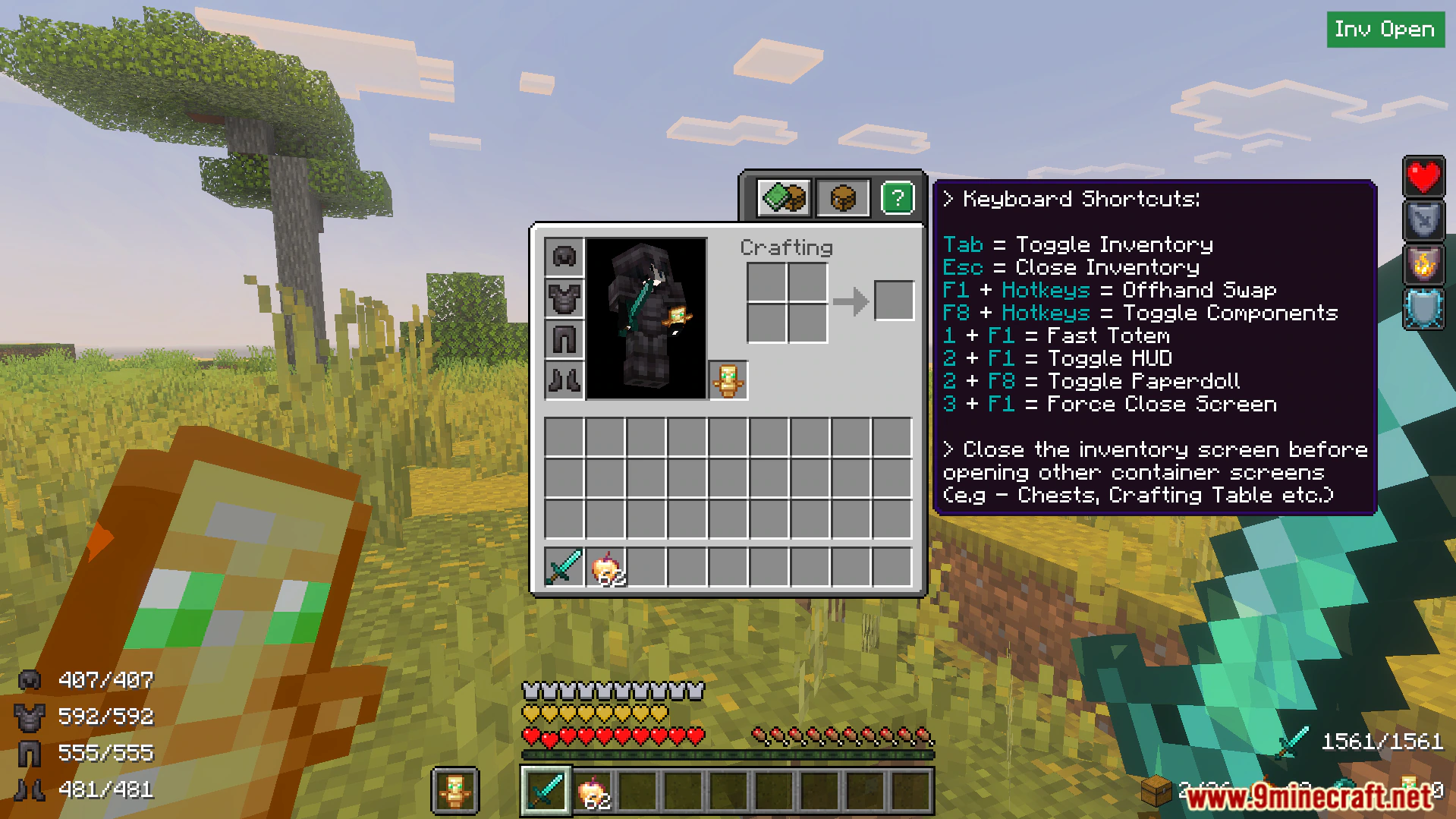
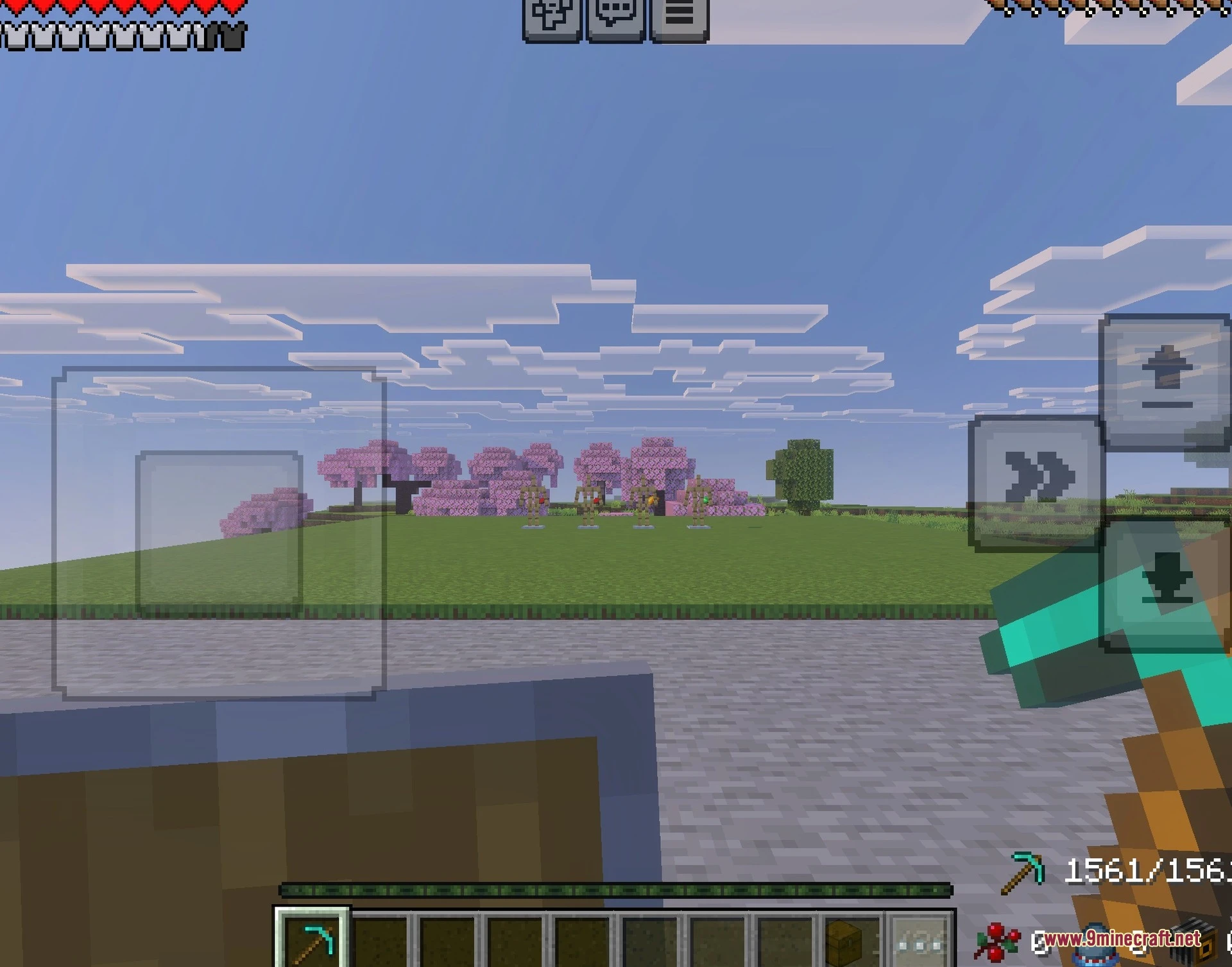
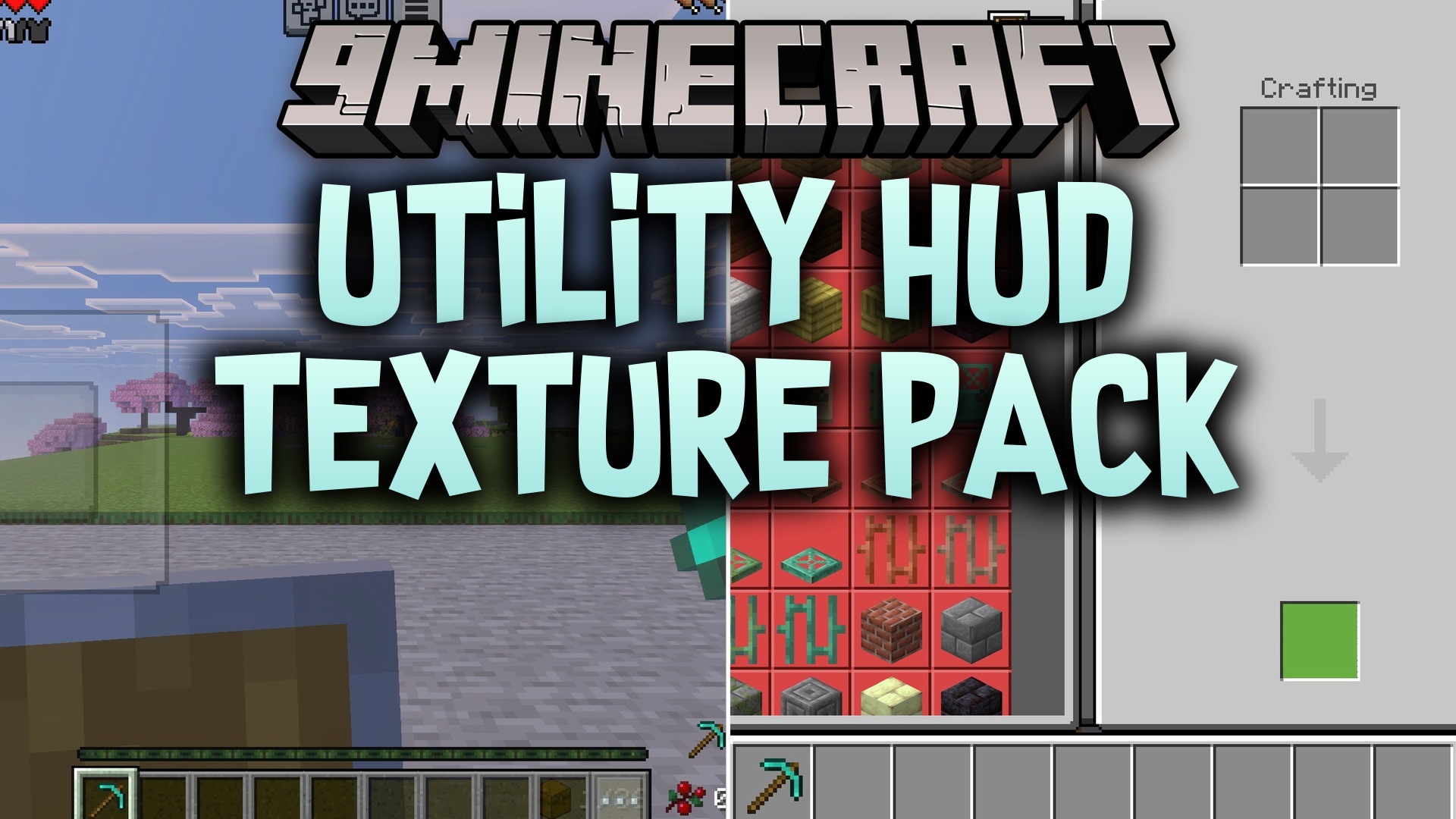
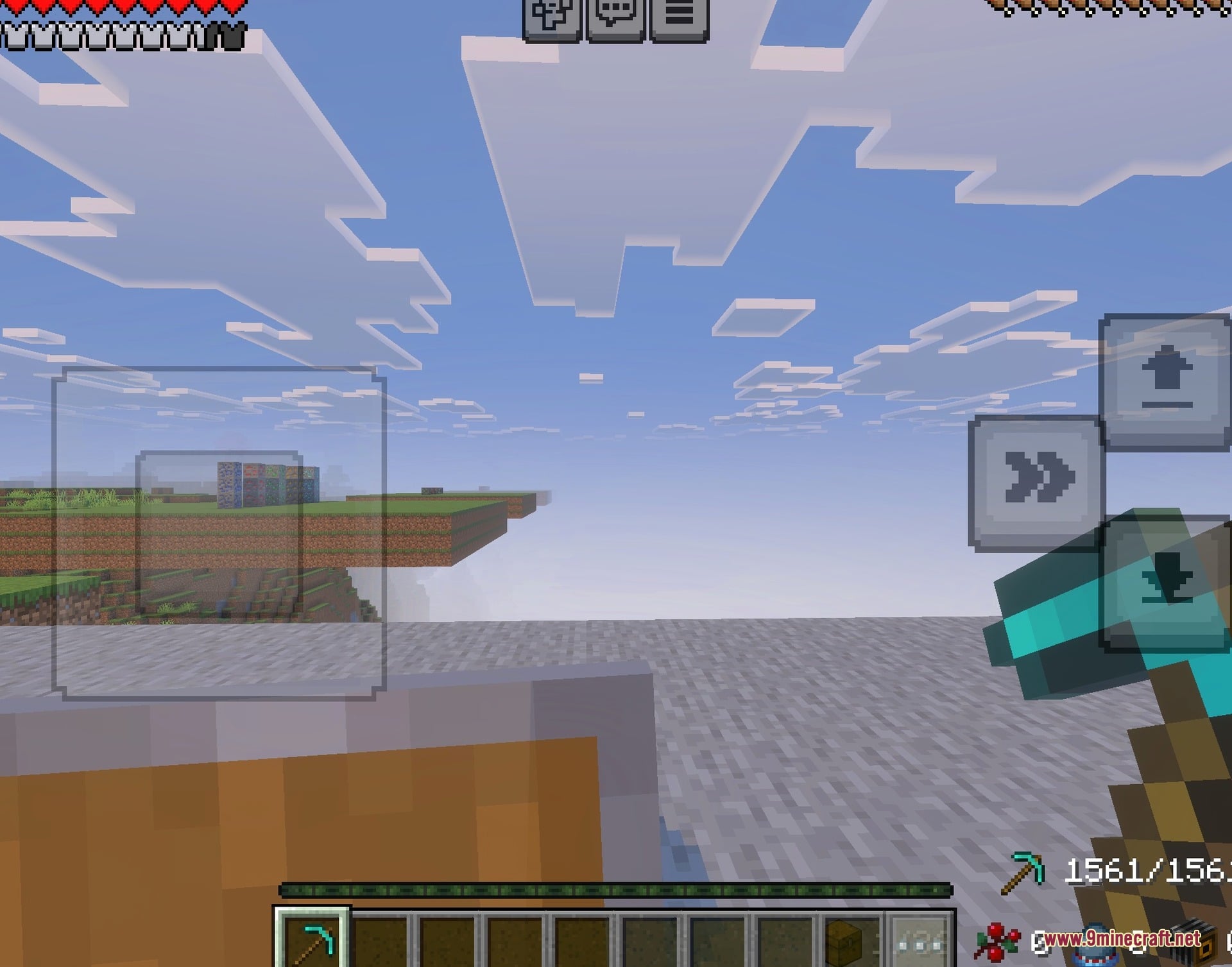
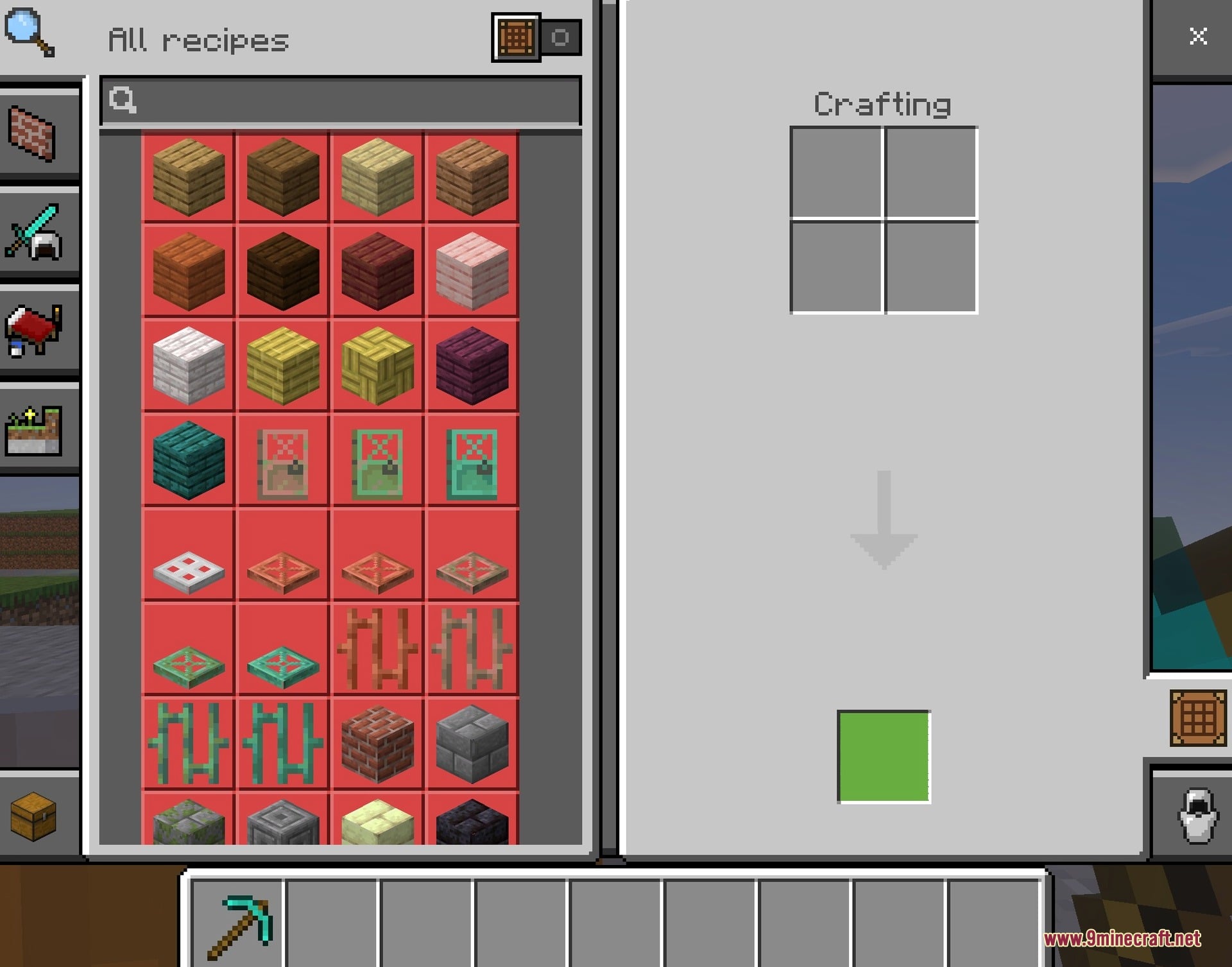
Utility HUD Texture Pack adds helpful quality of life features directly to your screen. It lets you see important details like armor durability and potion effects without opening menus. This pack allows players on both computer and mobile devices to enjoy a better interface for combat and survival.
Features:
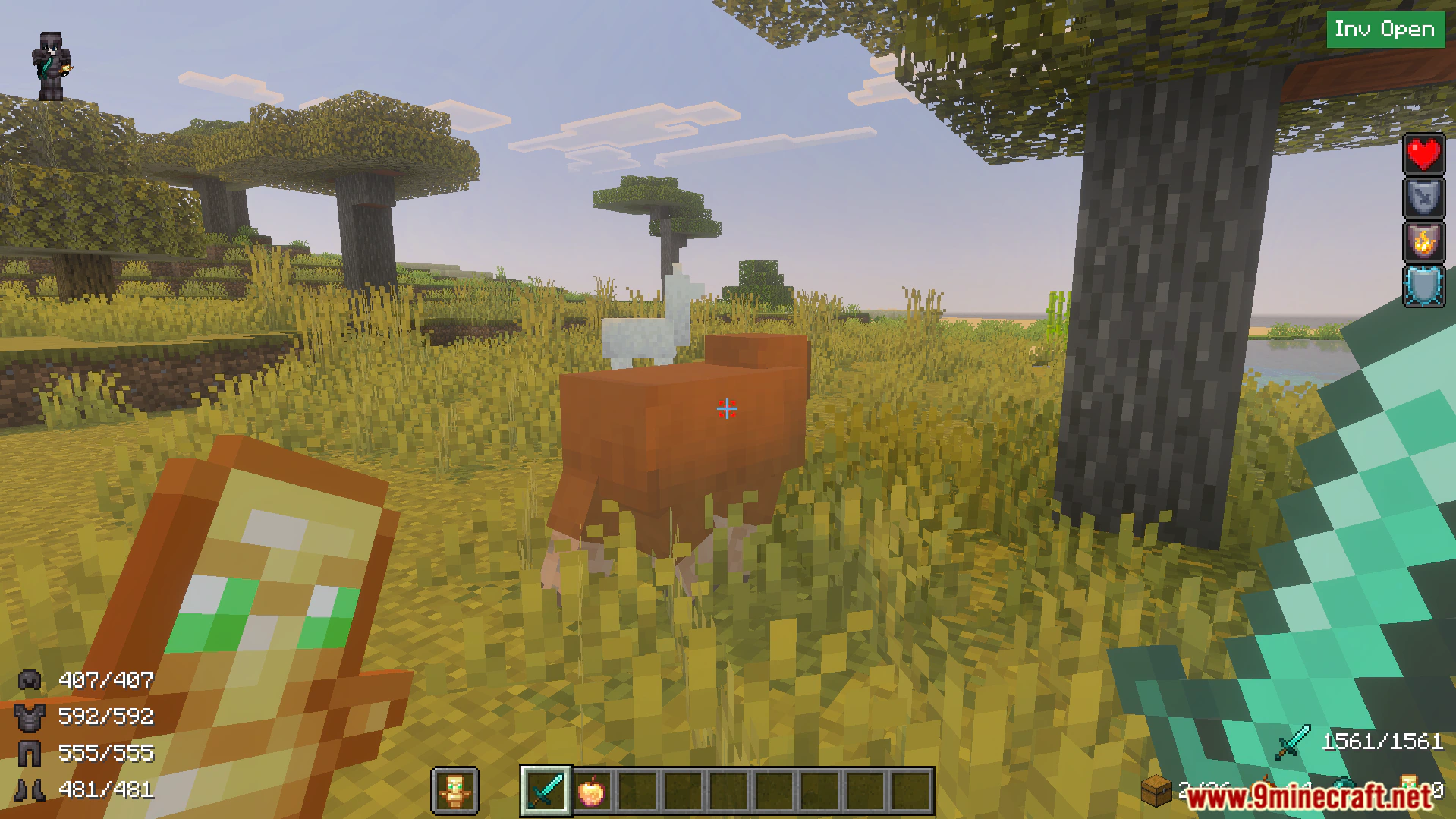
- Displays your current armor durability on the main screen.
- Adds an item counter for golden apples and totems.
- Lets you quickly swap items into your offhand slot.
- Shows your active potion effects in a clear overlay.
- Allows you to equip a totem of undying instantly.
Controls:
- Press the E key on a computer to activate features.
- Use the F1 key with numbers to swap offhand items.
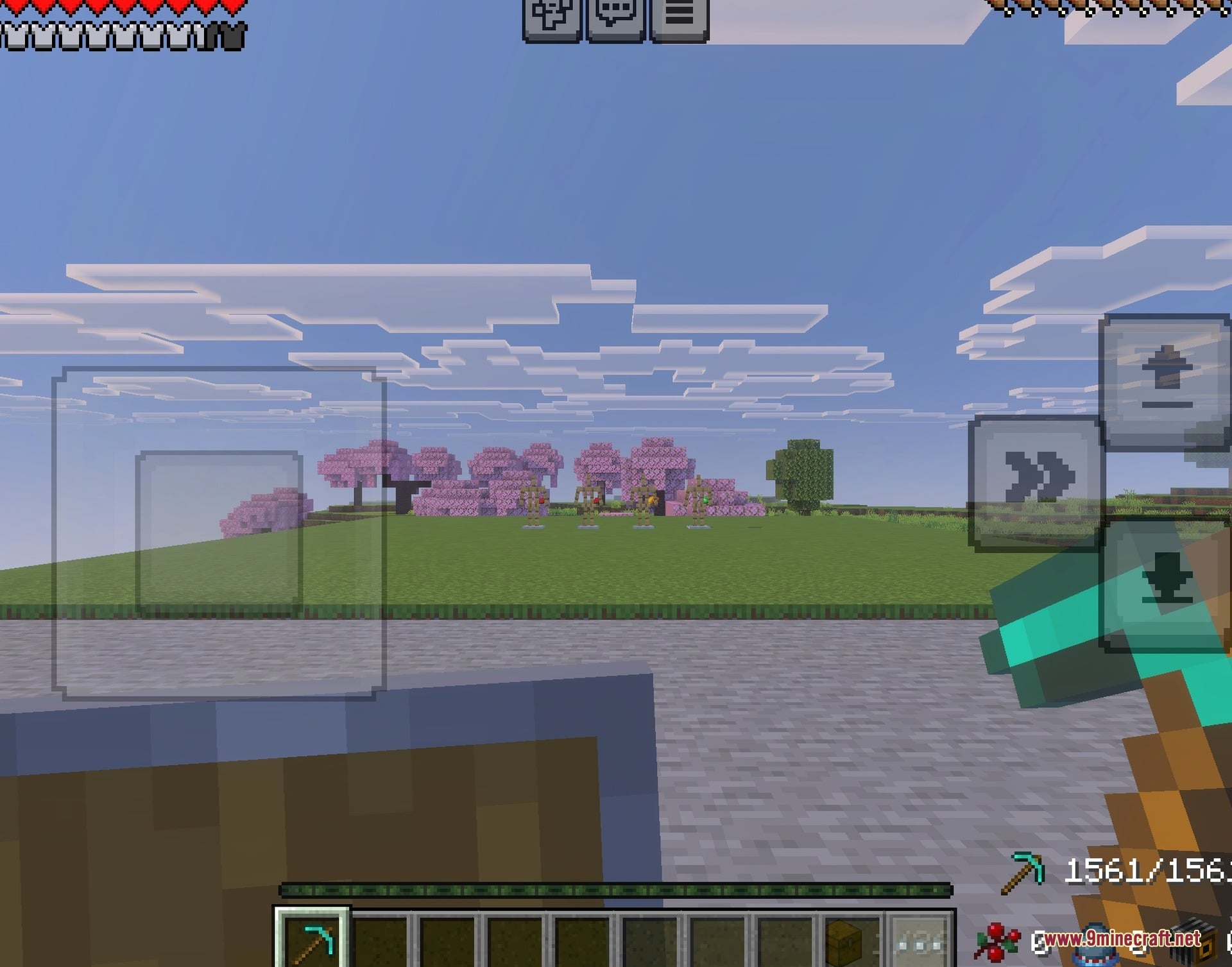
- Mobile players get special screen buttons for easy swapping.
Configuration:
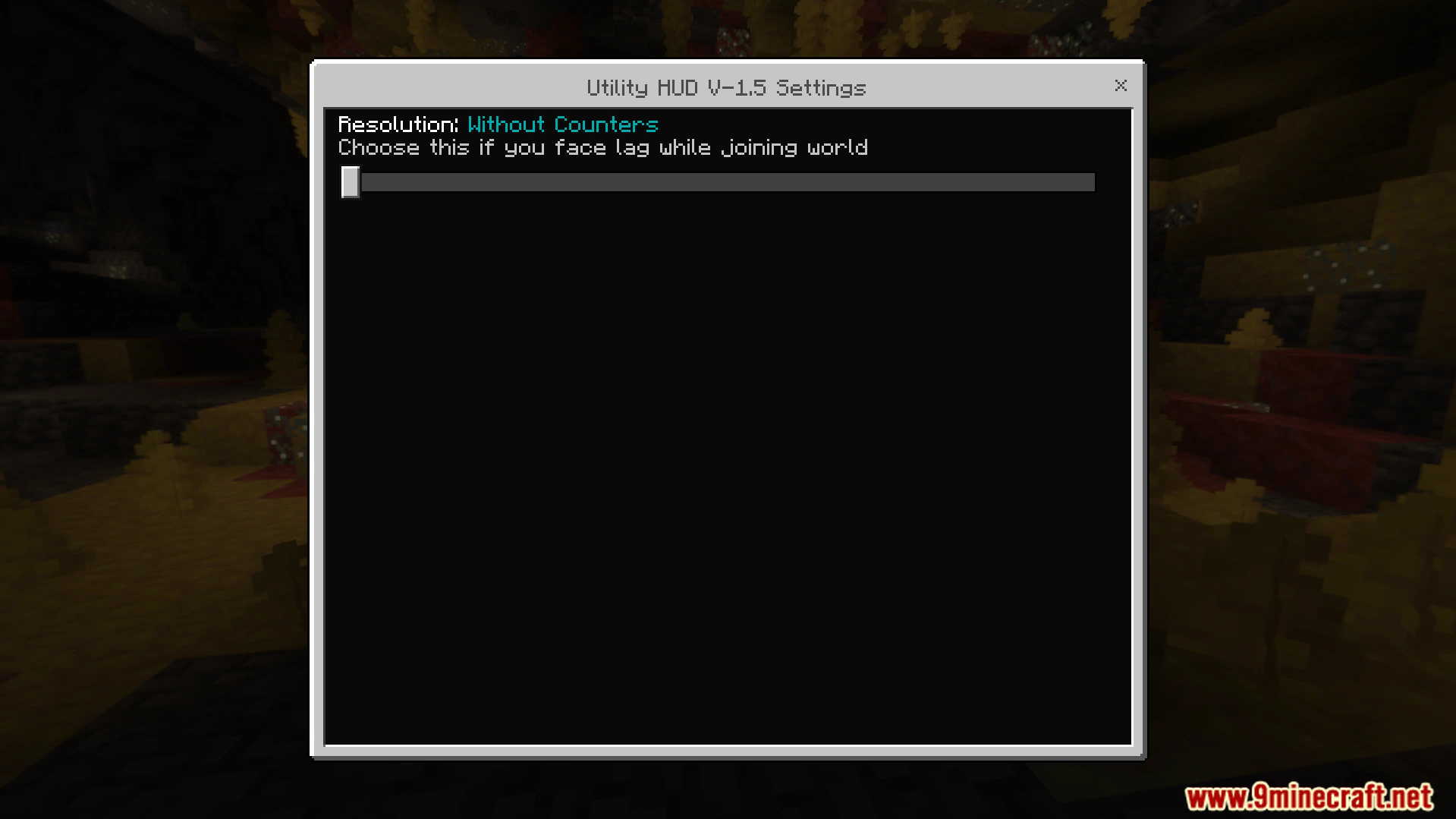
You can change pack options using the global variables file.
This settings file lives inside the user interface folder.




Screenshots:
Utility HUD Texture Pack Download Links
- Edition: Minecraft Bedrock
- File type: .mcpack
- Minecraft version listed: 1.21
- How to install: Download the .mcpack. → Open it — Minecraft imports it under Resource Packs. → Activate it in Global Resources, or for one world under Resource Packs → Available.
- Where to get it: In MCModsHub, or directly above on this page.
Install steps are the general flow for this file type — How to install Minecraft Bedrock texture packs walks through it step by step.
- Pack type: .mcpack — a single pack
- Manifest requires Minecraft 1.21.0 or newer
- Complete pack — everything it depends on is inside the file
- Download link checked 22 Jul 2026 — working
- Mirrored on our own servers — the download does not depend on the original host
These come from our own check of the pack file, not from the source page.