Basic Glowing Ores
Bedrock texture pack listed for Minecraft 1.21–26.x. File opened and checked on 18 Sep 2026; installs from the MC Bedrock Mods app on Android.
Basic Glowing Ores — gives every vanilla ore (including deepslate and ancient debris) true PBR emissive glow via MER maps, so veins light up under RTX…
⬇ DownloadThe author built this one for Minecraft 1.21–26.50. On other versions it may install and then do nothing.
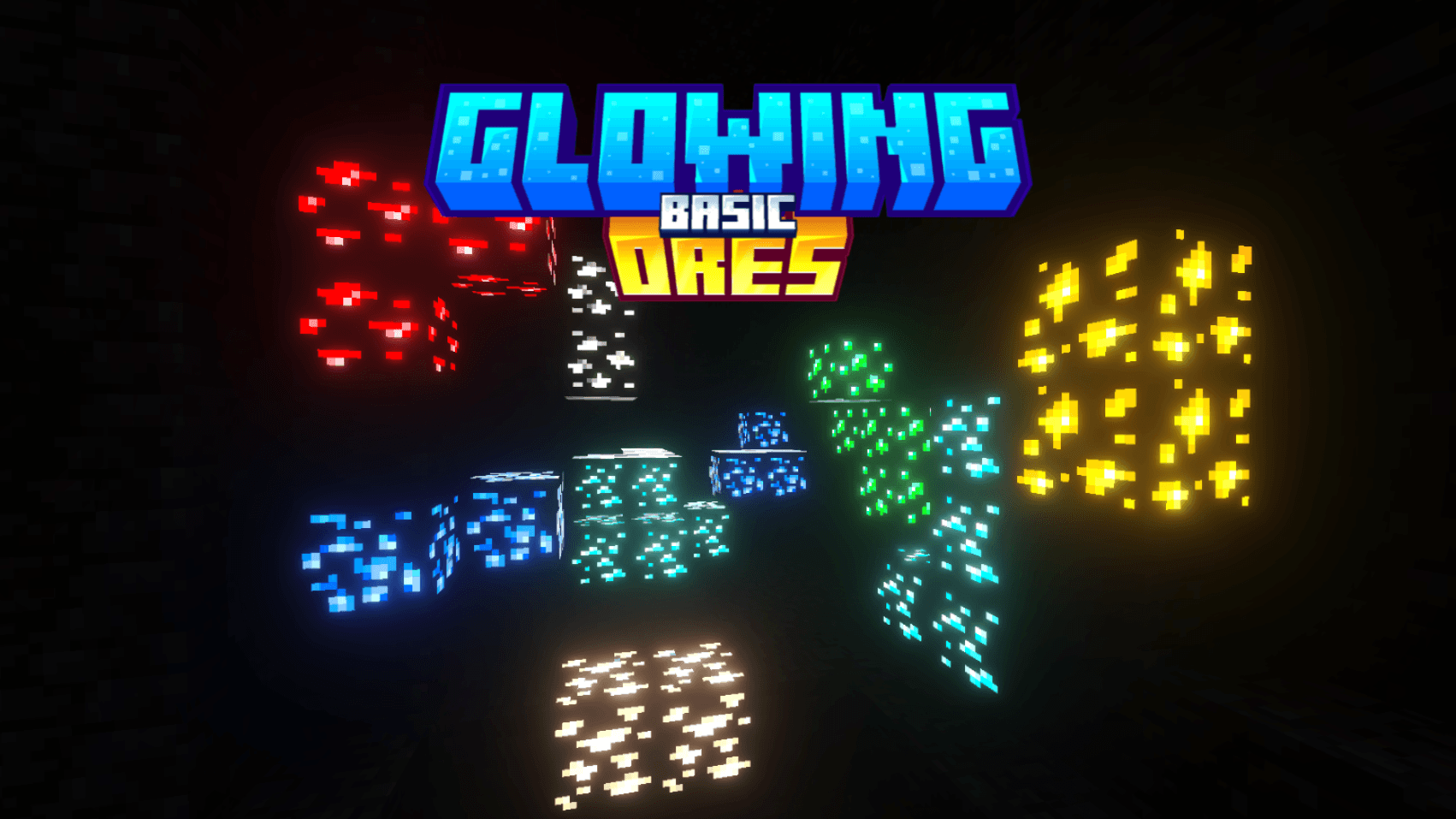
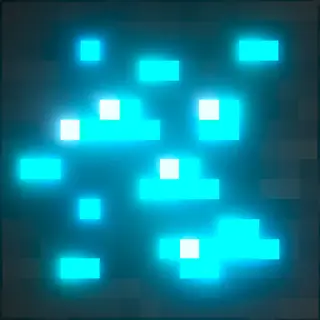
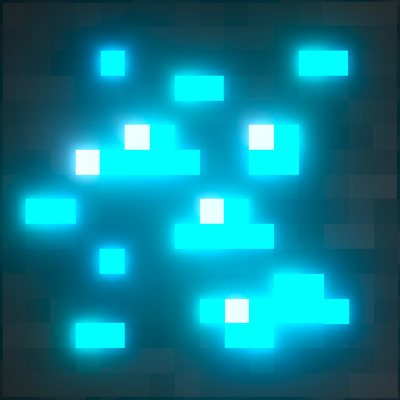
This lightweight PBR resource pack adds proper emissive glow to every vanilla ore block — coal, iron, copper, gold, redstone, lapis, emerald, diamond, quartz, nether gold, and ancient debris — including all deepslate variants. Using true metalness/emissive/roughness (MER) maps, ores now light themselves up under RTX/PBR lighting instead of relying on texture tricks, so caves and mineshafts feel more alive and ore spots are impossible to miss.

Features:
- Full vanilla ore coverage, overworld + deepslate + nether
- Real emissive lighting via PBR MER maps (RTX-ready)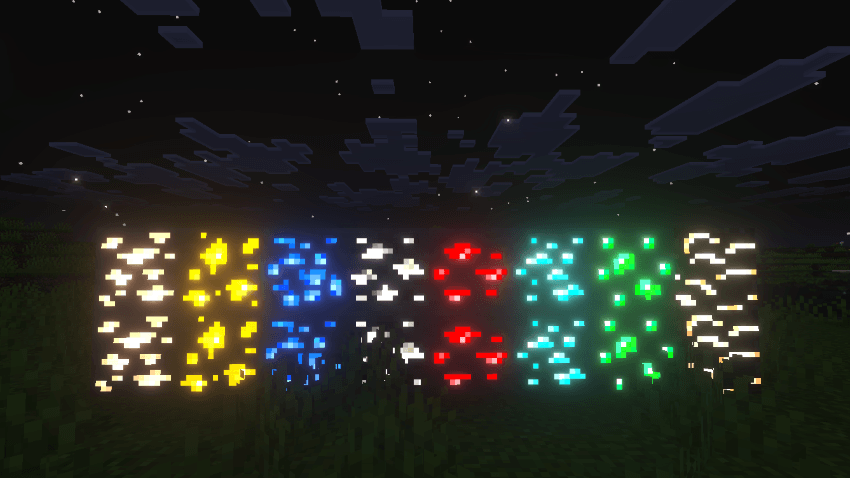
- Original block silhouettes and color identity preserved — no visual overhaul, just enhancement
- Lightweight, no performance impact on non-RTX devices
Perfect for survival players, cave explorers, and anyone who wants mining to feel a little more rewarding.
- Edition: Minecraft Bedrock
- File type: .mcpack
- Minecraft versions listed: 1.21.50, 1.21.2, 1.21.90
- How to install: Download the .mcpack. → Open it — Minecraft imports it under Resource Packs. → Activate it in Global Resources, or for one world under Resource Packs → Available.
- Where to get it: In MCModsHub, or directly above on this page.
Install steps are the general flow for this file type — How to install Minecraft Bedrock texture packs walks through it step by step.
- Pack type: .mcpack — a single pack
- Complete pack — everything it depends on is inside the file
- Download size: 168 KB
- Download link checked 12 Sept 2026 — working
These come from our own check of the pack file, not from the source page.