
Quick Totem
Bedrock texture pack listed for Minecraft 1.18–26.x. File opened and checked on 27 Sep 2026; installs from the MC Bedrock Mods app on Android.
⬇ Download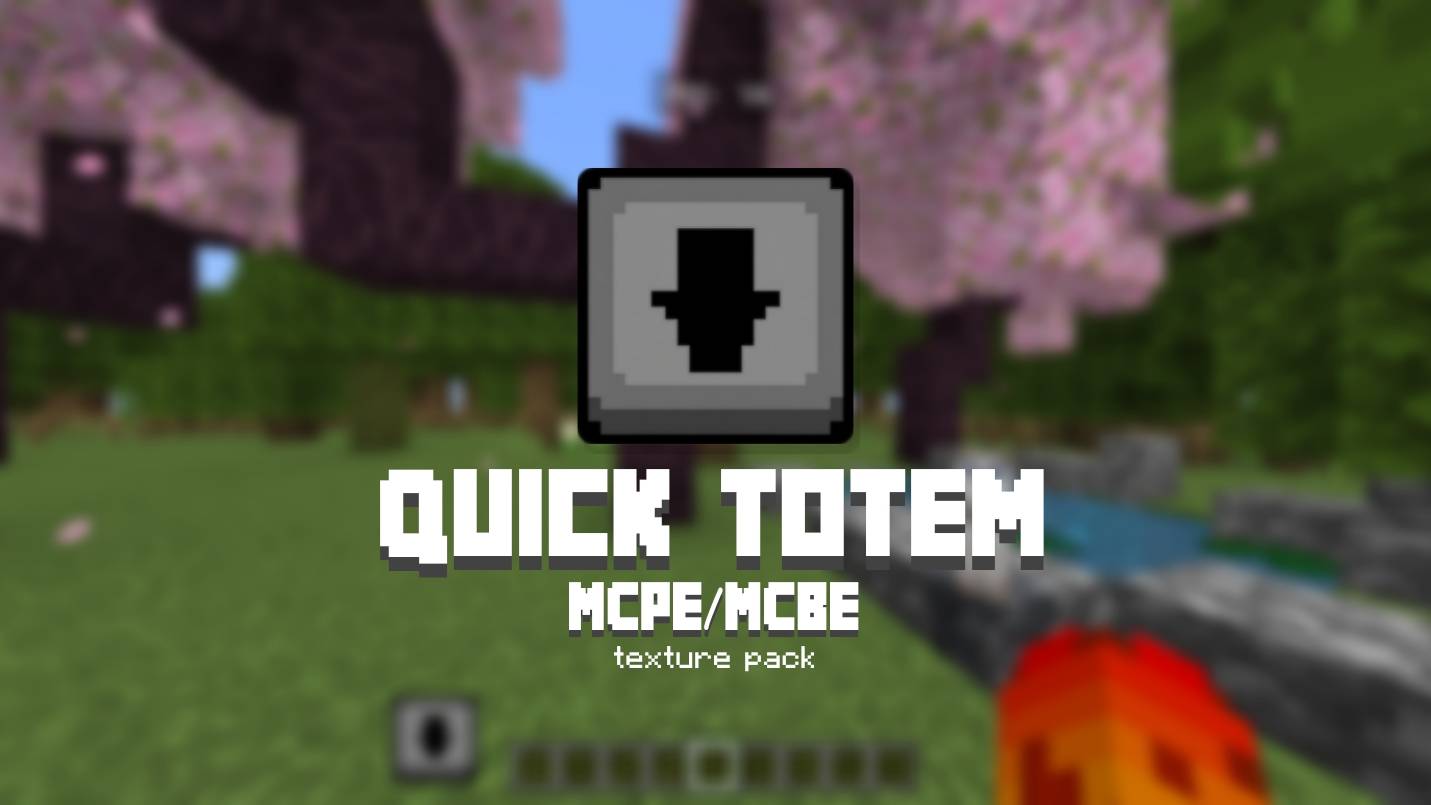
Quick Totem — Equip Your Totem of Undying in Seconds
Tired of digging through your inventory mid-fight to grab your Totem of Undying? Quick Totem adds a fast, touch-friendly button system that lets you equip your totem in just a few taps — no commands, no behavior packs, no scripting required. Pure resource pack magic.
How it works:
Tap the totem icon on your HUD to open your inventory.
Tap the totem icon again to auto-equip it to your offhand.
Tap the X to close your inventory — done.
Features:
🎮 Touch-optimized — built specifically for mobile/touch controls
📍 5 selectable button positions via in-game subpacks: Top Right, Top Left, Bottom Right, Bottom Left, and Hotbar Left (Java-style)
⚡ No lag, no scripting, no behavior pack — just JSON UI
🧭 Smart detection — the button automatically shows the right icon depending on whether a totem is already equipped
Requirements:
Minecraft Bedrock Edition
Minimum engine version 1.21.0
Choose your favorite button position from the pack's subpack settings and never fumble through your inventory during a fight again.
- Edition: Minecraft Bedrock
- File type: .mcpack
- Minecraft versions listed: 1.20.40, 1.21.30, 1.18.2
- How to install: Download the .mcpack. → Open it — Minecraft imports it under Resource Packs. → Activate it in Global Resources, or for one world under Resource Packs → Available.
- Where to get it: In MCModsHub, or directly above on this page.
Install steps are the general flow for this file type — How to install Minecraft Bedrock texture packs walks through it step by step.
- Pack type: .mcpack — a single pack
- Complete pack — everything it depends on is inside the file
- Download size: 12 KB
- Download link checked 13 Sept 2026 — working
These come from our own check of the pack file, not from the source page.