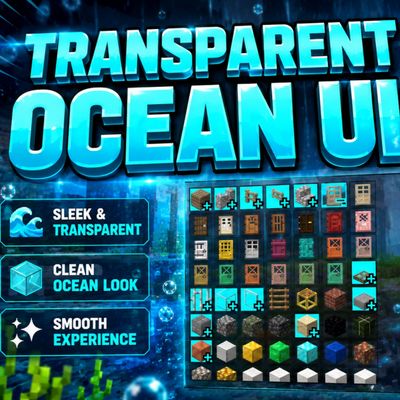
Transparent Ocean UI Pack
Bedrock texture pack listed for Minecraft 1.21–26.x. File opened and checked on 25 Sep 2026; installs from the MC Bedrock Mods app on Android.
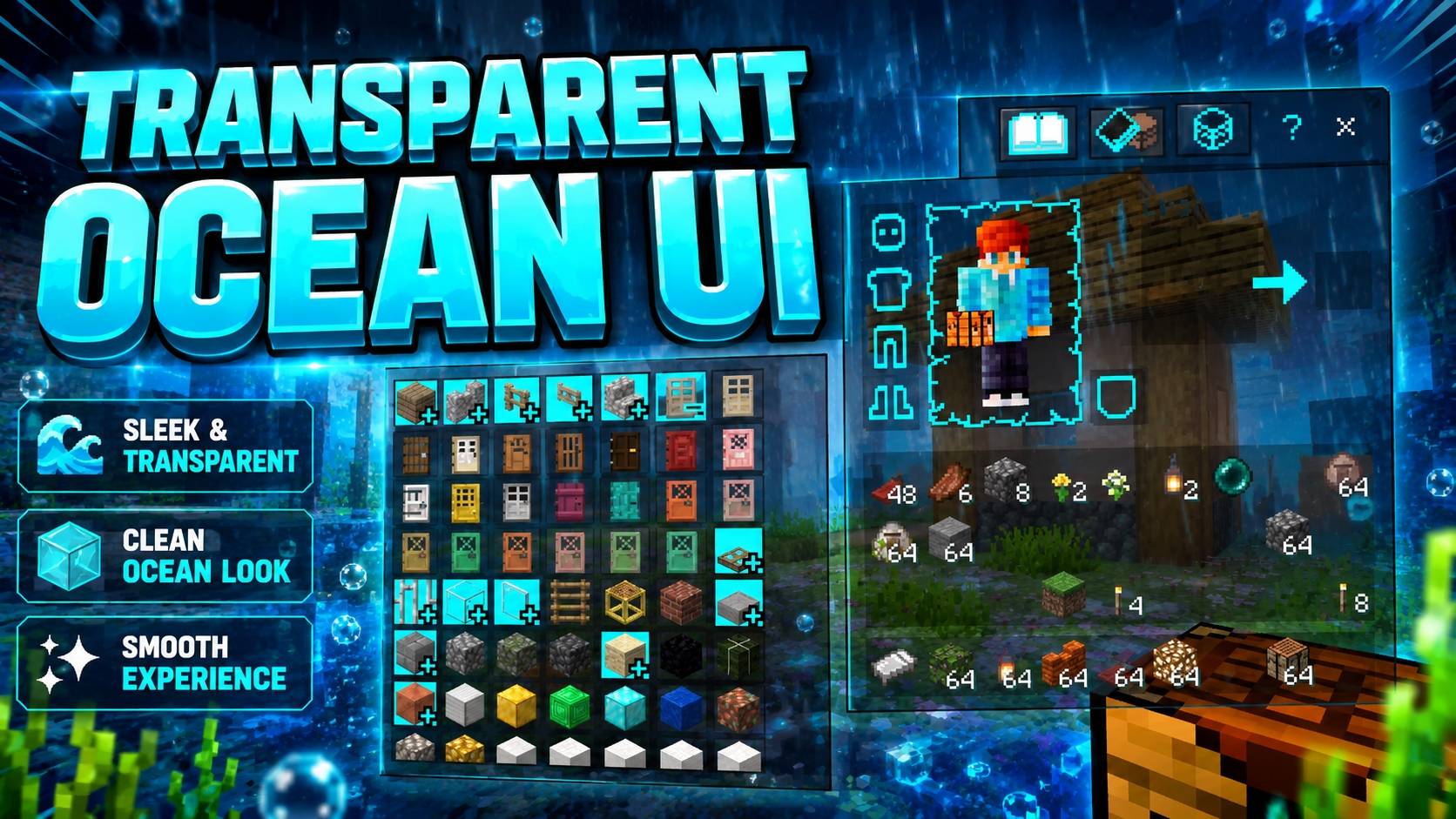
Transparent Ocean UI Pack gives Minecraft Bedrock a clean, ocean-inspired transparent interface with a smooth, modern look.
I don't know my version
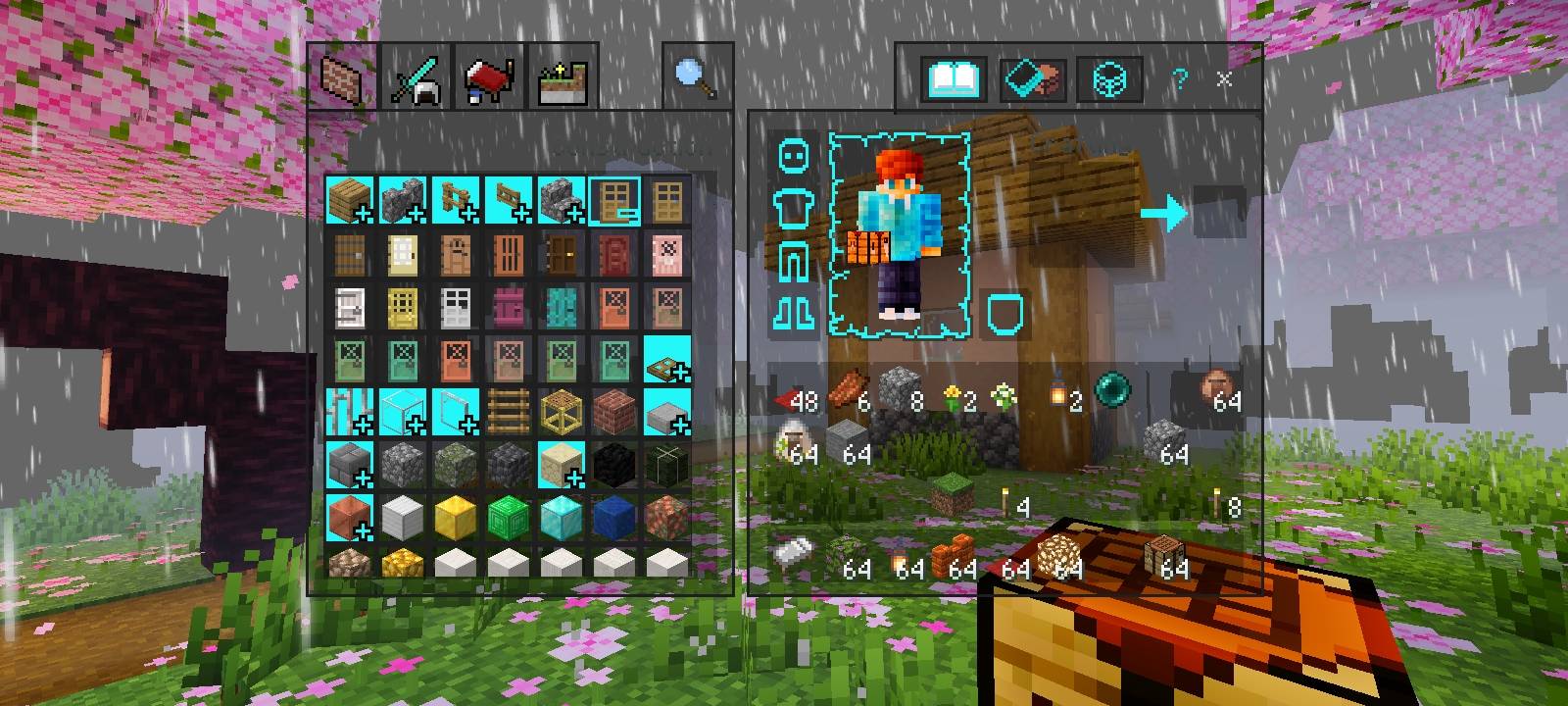
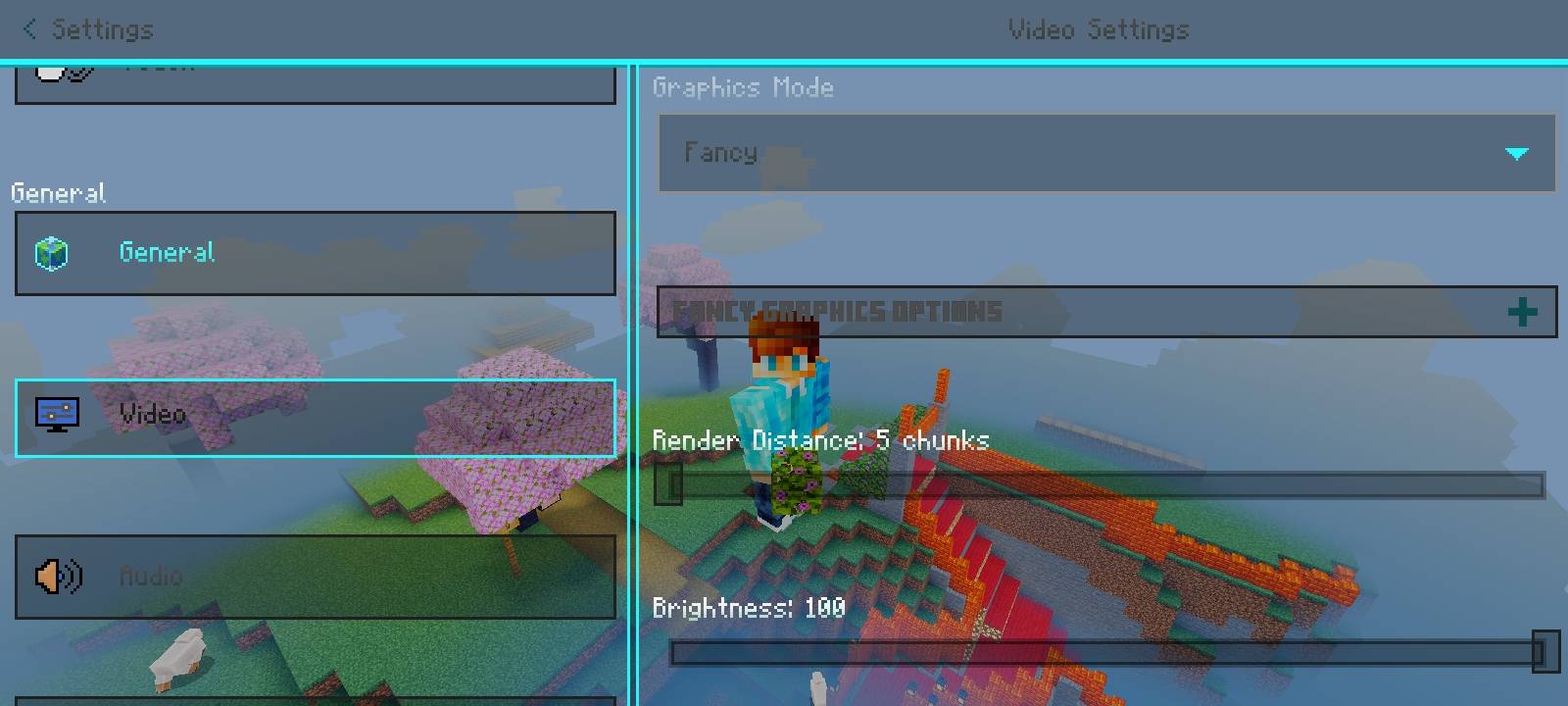
🌊 Transparent Ocean UI Pack
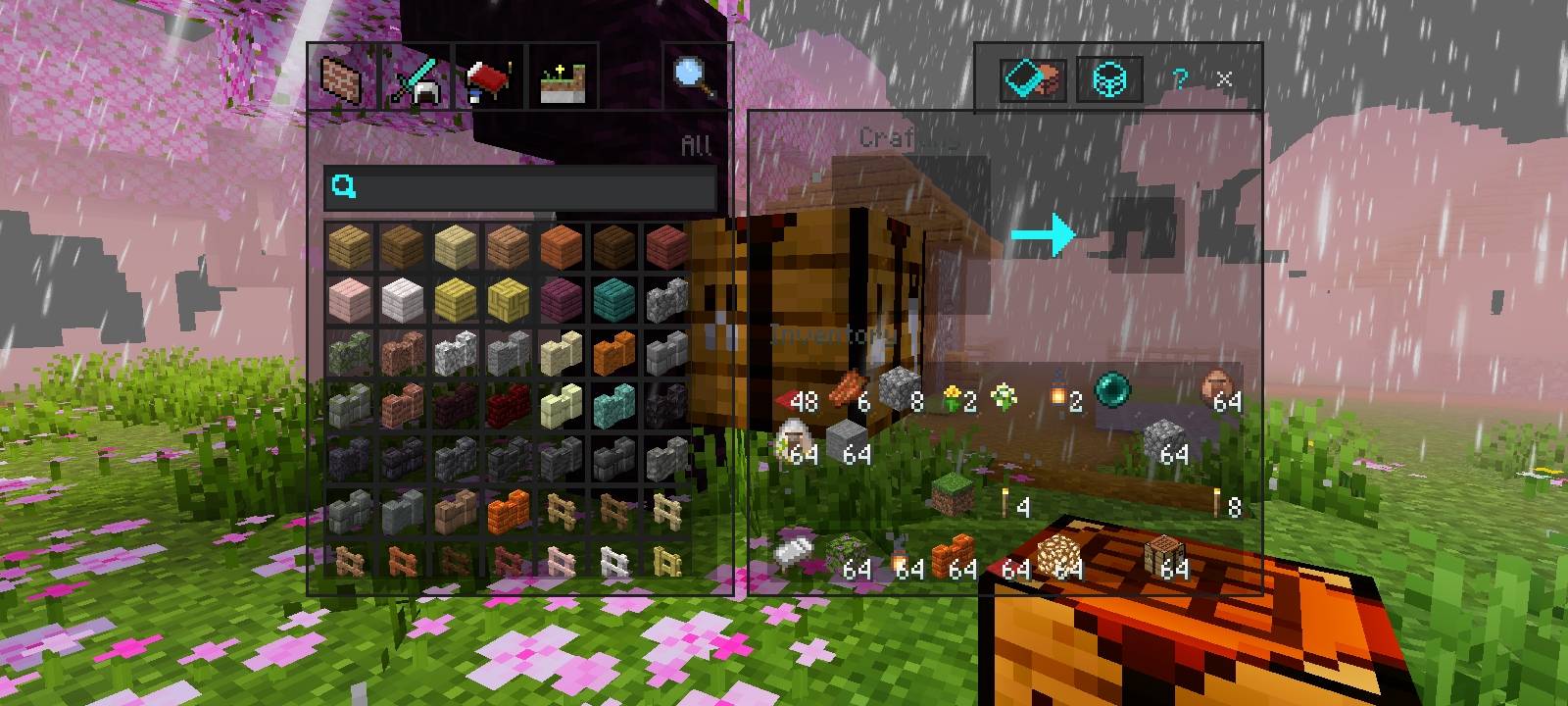
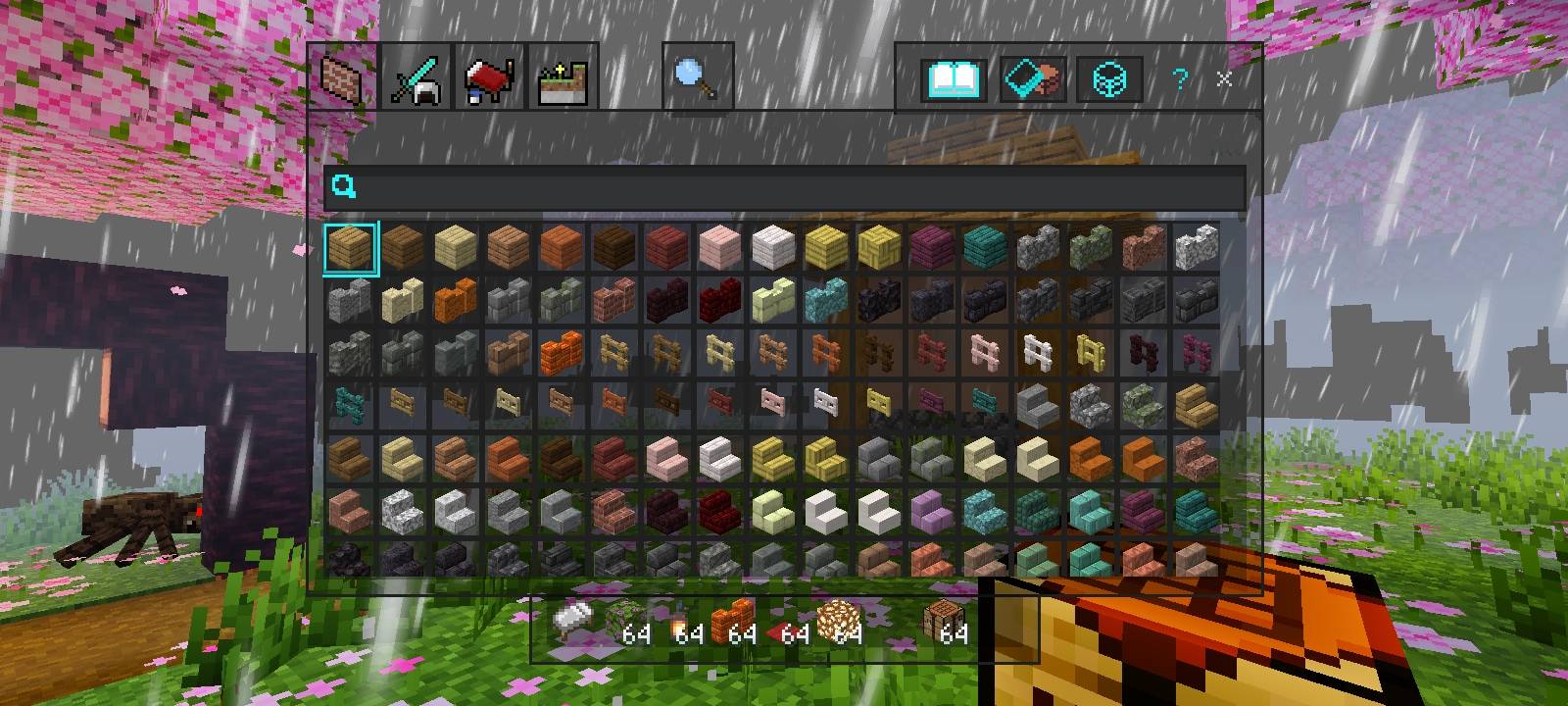
Transform your Minecraft Bedrock Edition interface with the Transparent Ocean UI Pack! This resource pack gives your game's UI a beautiful ocean-inspired transparent appearance while maintaining excellent visibility and performance. Enjoy a clean, modern, and immersive interface without changing Minecraft's core gameplay.
✨ Features
- 🌊 Ocean-themed transparent UI design
- 🎨 Clean and modern interface
- 📱 Optimized for Minecraft Bedrock Edition
- ⚡ Lightweight and performance-friendly
- 👀 Better gameplay visibility
- 🎮 Compatible with Survival, Creative, and Adventure modes
- 📦 Easy to install and use
- 🔄 Supports Minecraft Bedrock 1.21.80+
📥 Installation
- Import the
.mcpackfile. - Activate the resource pack from Global Resources or your world settings.
- Move the pack to the top of the active resource packs list.
- Enter your world and enjoy the refreshed transparent ocean-style UI.
👤 Creator
Neq Gamerz
📜 Redistribution Policy
- ❌ Do NOT redistribute this resource pack or any of its files as your own.
- ❌ Do not re-upload this pack to any website, app, forum, or social media platform.
- ❌ Do not modify, decompile, extract, copy, or redistribute any part of this pack without prior permission from the creator.
- ❌ Do not include this pack or any of its files in another resource pack, add-on, mod, or compilation without authorization.
- ❌ Do not claim ownership of this project or any assets contained within it.
- ✅ YouTube creators are welcome to showcase or review this pack.
- ❌ Do not provide or share a direct download link in videos, websites, or social media posts. Instead, direct users to the official download source.
- ⚠️ Unauthorized redistribution, re-uploading, modification, or claiming this work as your own may result in copyright enforcement and legal action.
© Neq Gamerz. All Rights Reserved.
💡 Notes
- This pack is a resource pack and does not modify gameplay mechanics.
- Compatible with Minecraft Bedrock Edition 1.21.80 and newer.
- Works best when placed at the top of your active resource pack list.
Thank you for downloading Transparent Ocean UI Pack!
If you enjoy this pack, consider supporting Neq Gamerz by sharing your feedback and showcasing the pack through the official download source.
- Edition: Minecraft Bedrock
- File type: .mcpack
- Minecraft versions listed: 1.21.131, 1.21.132, 26.0.02
- How to install: Download the .mcpack. → Open it — Minecraft imports it under Resource Packs. → Activate it in Global Resources, or for one world under Resource Packs → Available.
- Where to get it: Opens on CurseForge — not every file is mirrored on our own servers.
Install steps are the general flow for this file type — How to install Minecraft Bedrock texture packs walks through it step by step.
- Pack type: .mcpack — a single pack
- Manifest requires Minecraft 1.21.90 or newer
- Complete pack — everything it depends on is inside the file
- Download size: 4.5 MB
- Download link checked 25 Oct 2026 — working
These come from our own check of the pack file, not from the source page.