Monster Madness
How long can you survive the Madness? Fight endless waves of monsters in this new addictive, action-heavy, Horde Mode game!
⬇ Download on CurseForge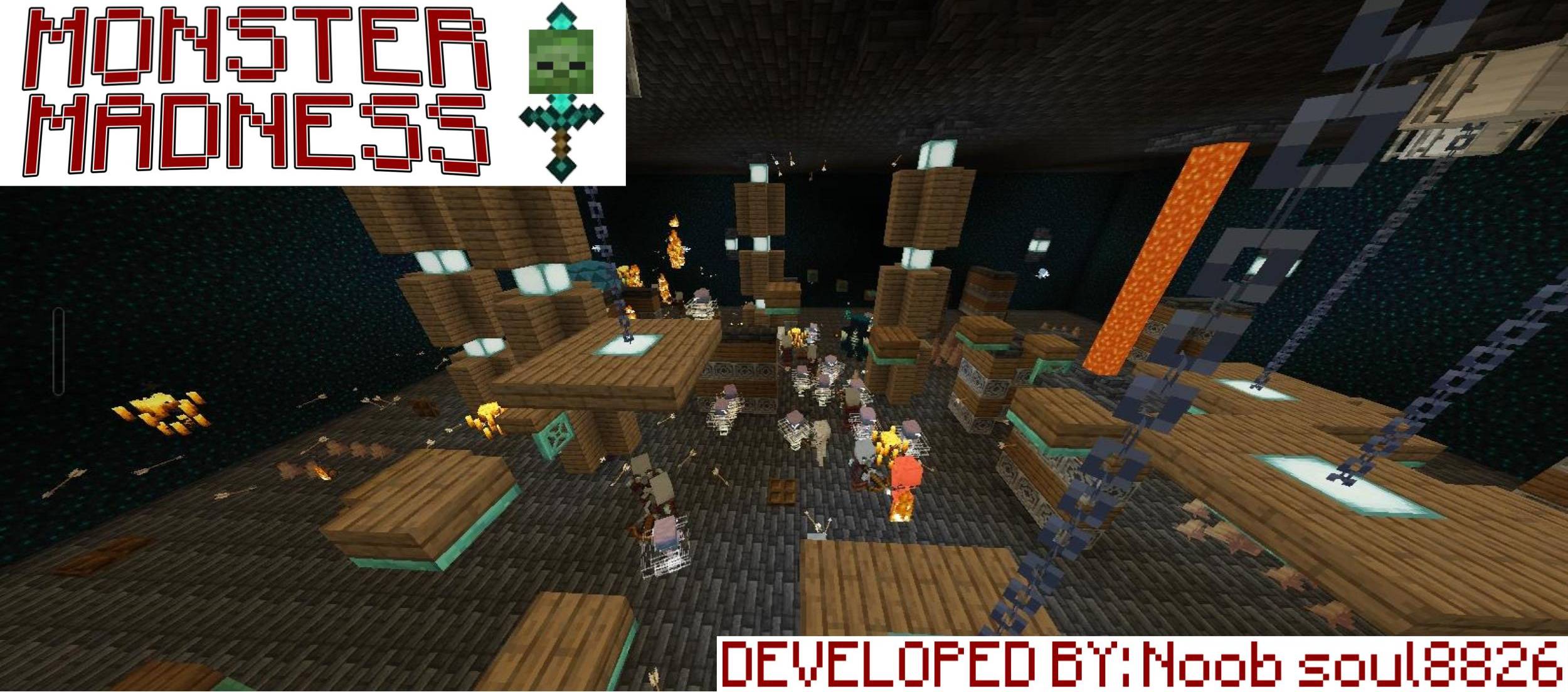
MONSTER MADNESS
Welcome to Monster Madness, an intense, action-packed Minecraft survival map! Grab your gear, choose your class, and prepare to fight back against endless waves of monsters in a giant dungeon. Can you survive the madness?
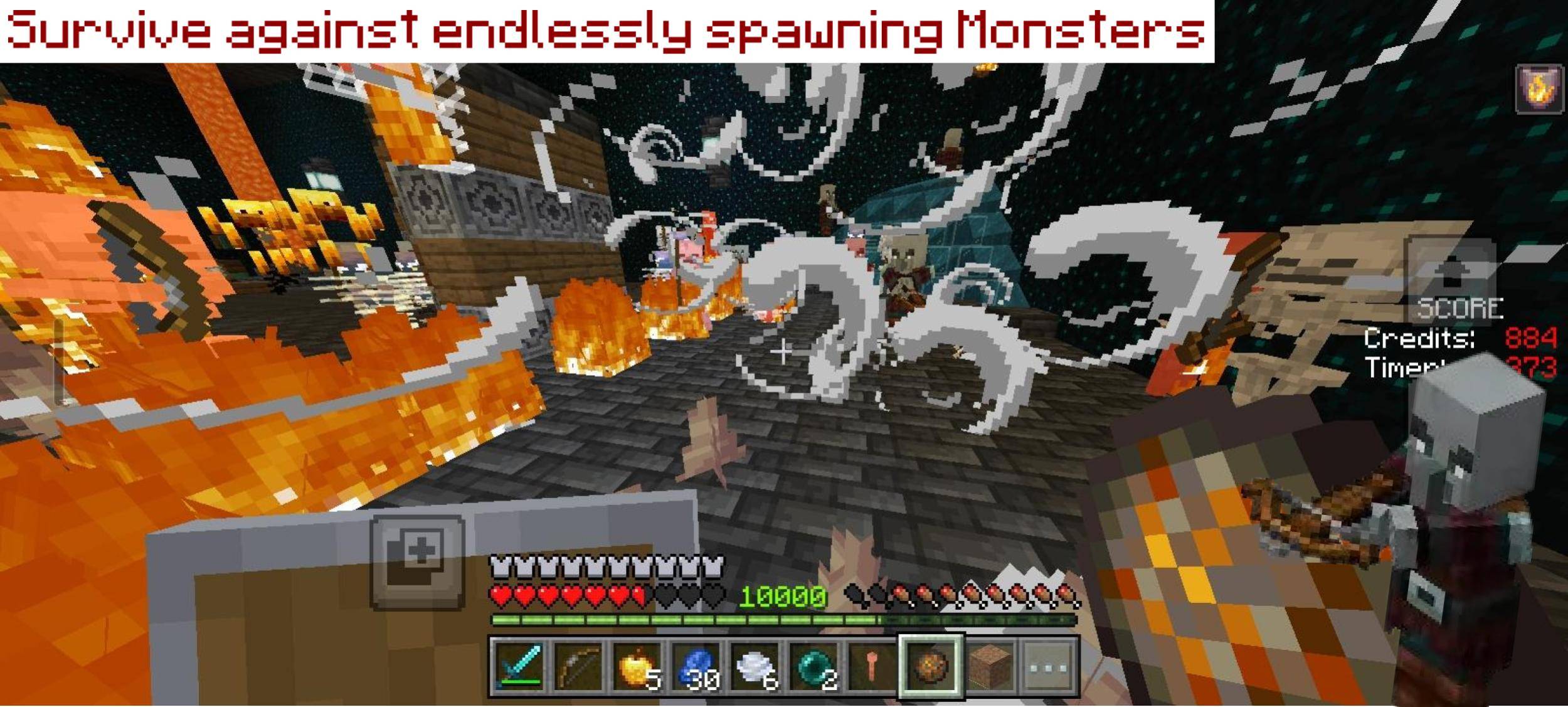
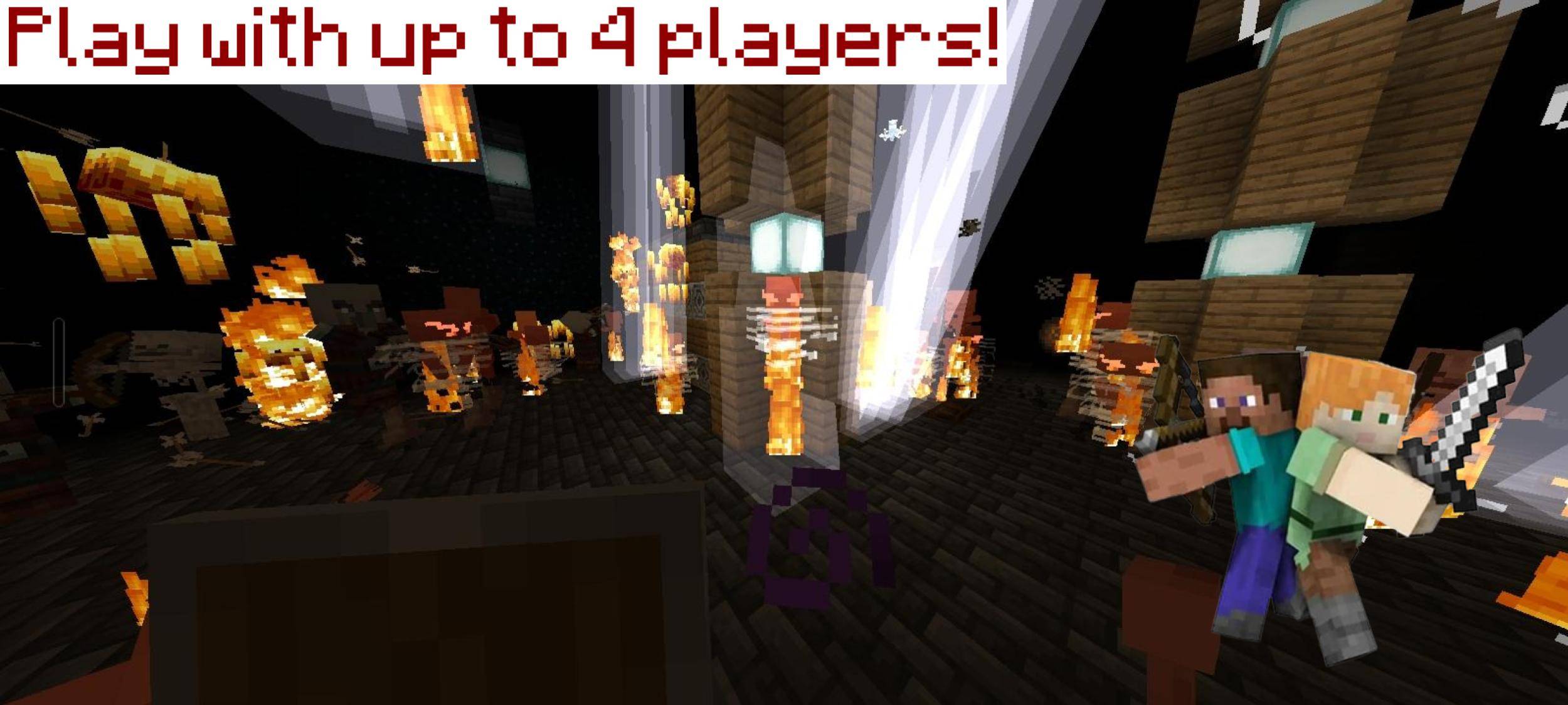
How to Play: Survive for as long as possible against endlessly spawning waves of monsters.
Players: 1 to 4 players (Great for solo play or co-op with friends!).
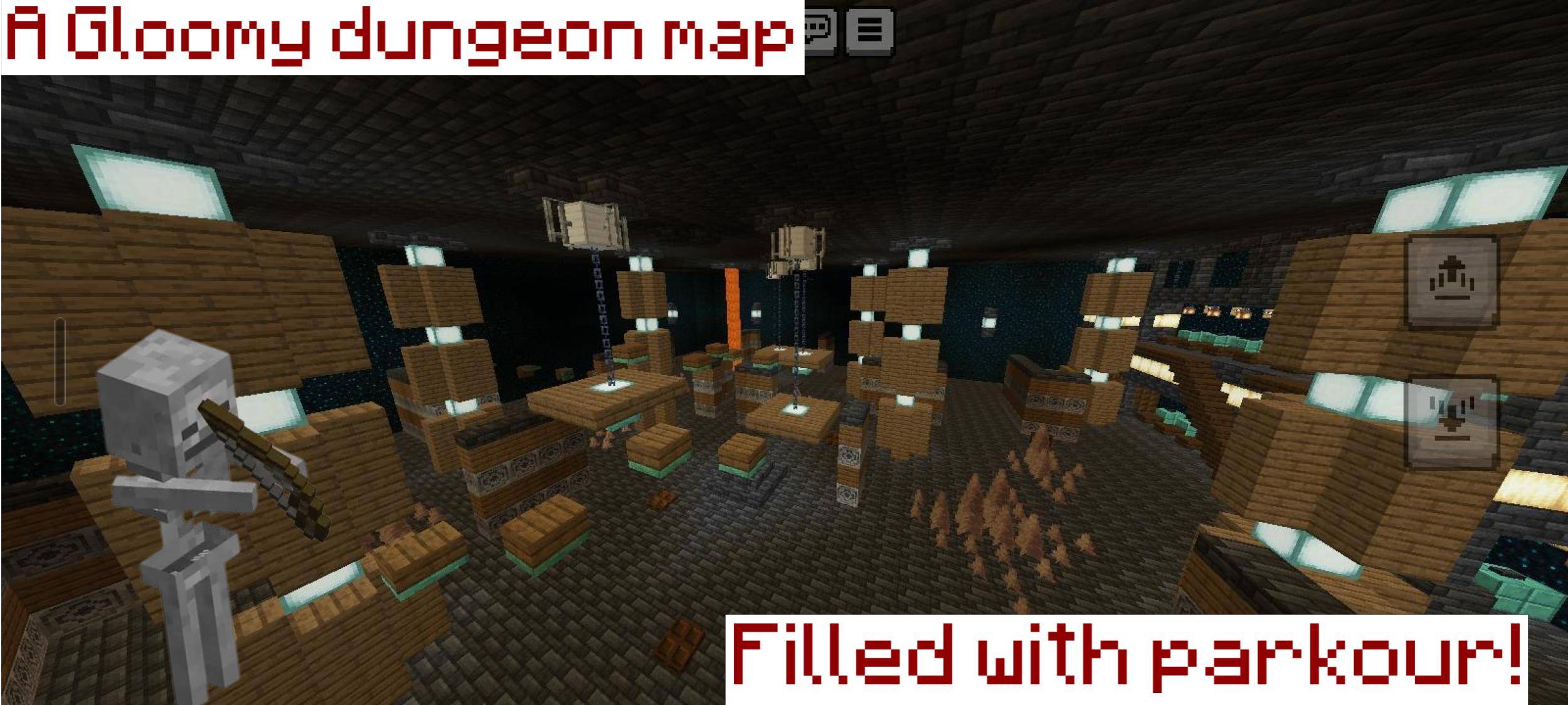
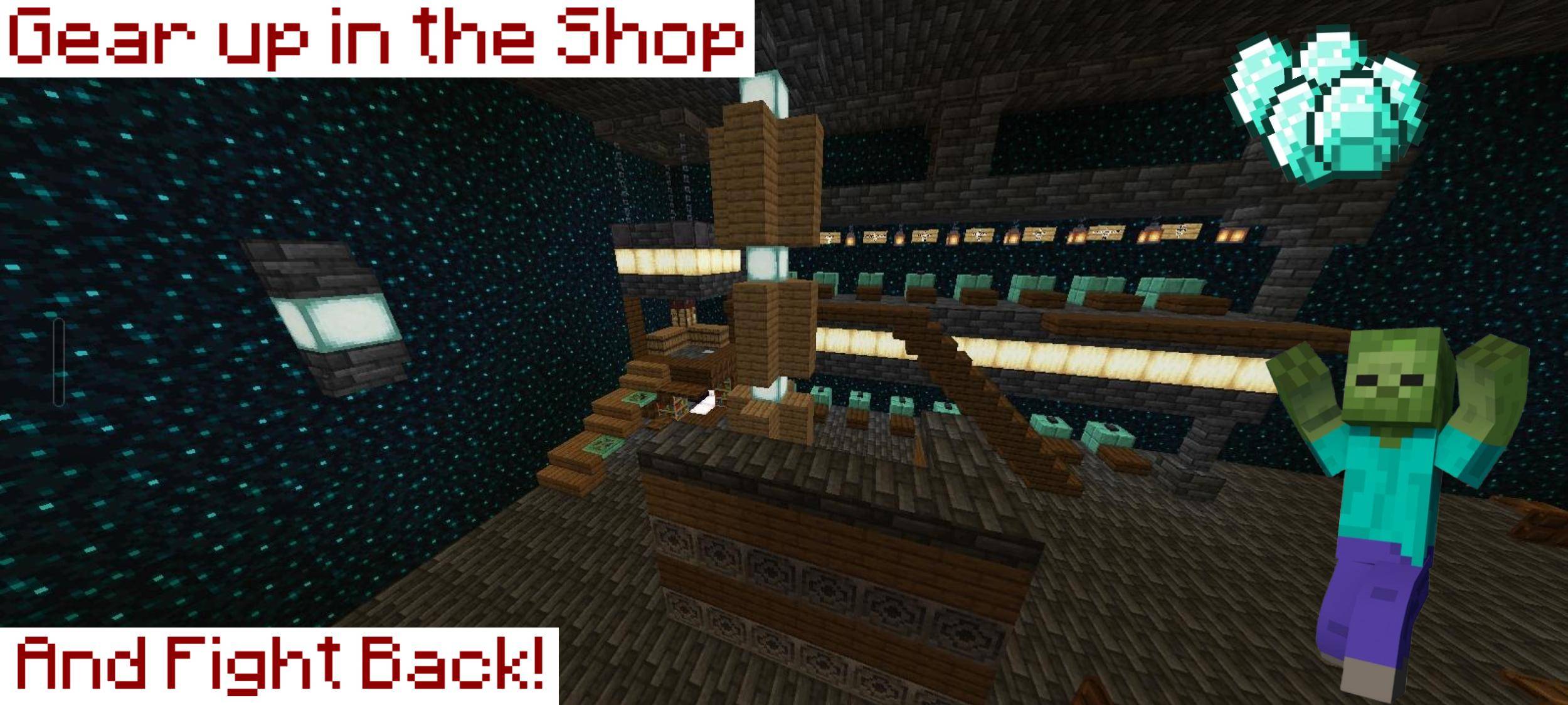
The Arena: A massive dungeon map complete with parkour challenges to keep you on your toes.
Runs can take up to 45 minutes
The 12 Levels of Danger
As time goes on, the monsters get stronger and faster. Fight your way through 12 escalating difficulty levels:
Levels 1 & 2: Zombies
Levels 3, 4 & 5: Skeletons
Level 6: Breezes
Level 7: Blazes
Level 8: Pillagers
Level 9: Vexes
Level 10: Evokers
Level 11: Ravagers
Level 12: Wardens
Choose Your Class
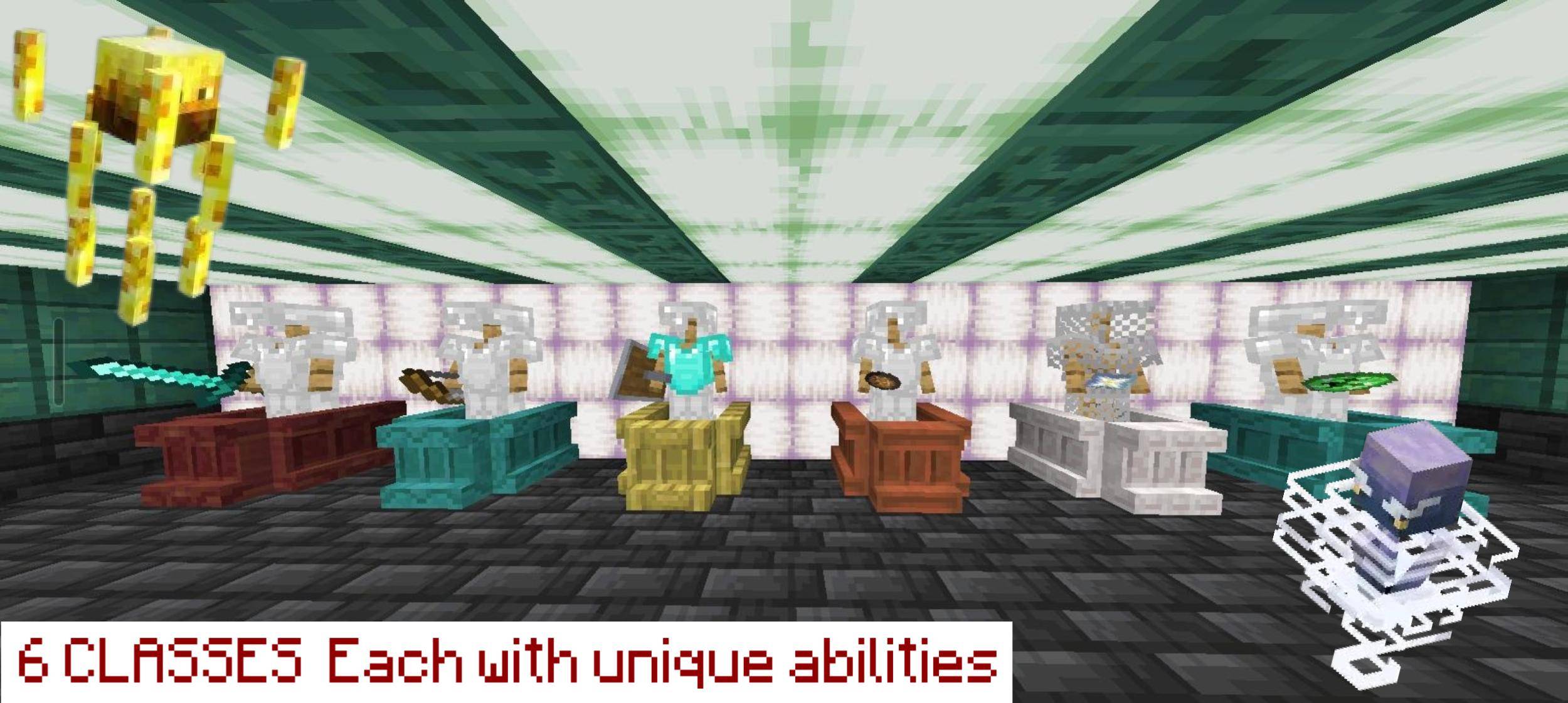
Pick the playstyle that suits you best! There are 6 unique classes to choose from:
Basic Classes:
Warrior: Balanced, reliable melee combat.
Archer: Dominate the arena from a distance.
Knight: High defense to soak up damage.
Advanced Classes:
Elemental Master: Use 3 powerful elemental abilities.
Grinder: Earn double the money to gear up faster.
Bomber: Blow up hordes of enemies with custom bombs.
Shop & Lootboxes
The Mega Shop: Spend your hard-earned money at a huge shop. Buy raw materials and gear to craft, enchant, and upgrade your equipment.
Lootboxes: Keep an eye out! Lootboxes will spawn around the map containing powerful loot and game-changing powerups.
How to import on Android
If simply tapping on the file does not work then follow these steps:
- Install and open google files
- Create a new folder in internal storage called "com.mojang"
- Create a new folder in com.mojang called "resource_packs"
- Move the file to resource_packs
- Tapping on it will auto import it and open Minecraft
- Edition: Minecraft Bedrock
- File type: .mcworld
- Minecraft versions listed: 1.21.130, 1.21.131, 1.21.132
- How to install: Download the .mcworld file. → Open it — Minecraft imports it as a new world. → Find it in your Worlds list and play.
- Where to get it: Opens on CurseForge — not every file is mirrored on our own servers.
Install steps are the general flow for this file type — How to install Minecraft Bedrock maps walks through it step by step.
- Save it as MONSTER MADNESS V1.35.mcworld before opening — it downloads as .mctemplate, but it is a .mcworld pack
- Complete pack — everything it depends on is inside the file
- Download size: 969 KB
- Download link checked 27 Aug 2026 — working
These come from our own check of the pack file, not from the source page.