FaZStudios Easy Titles
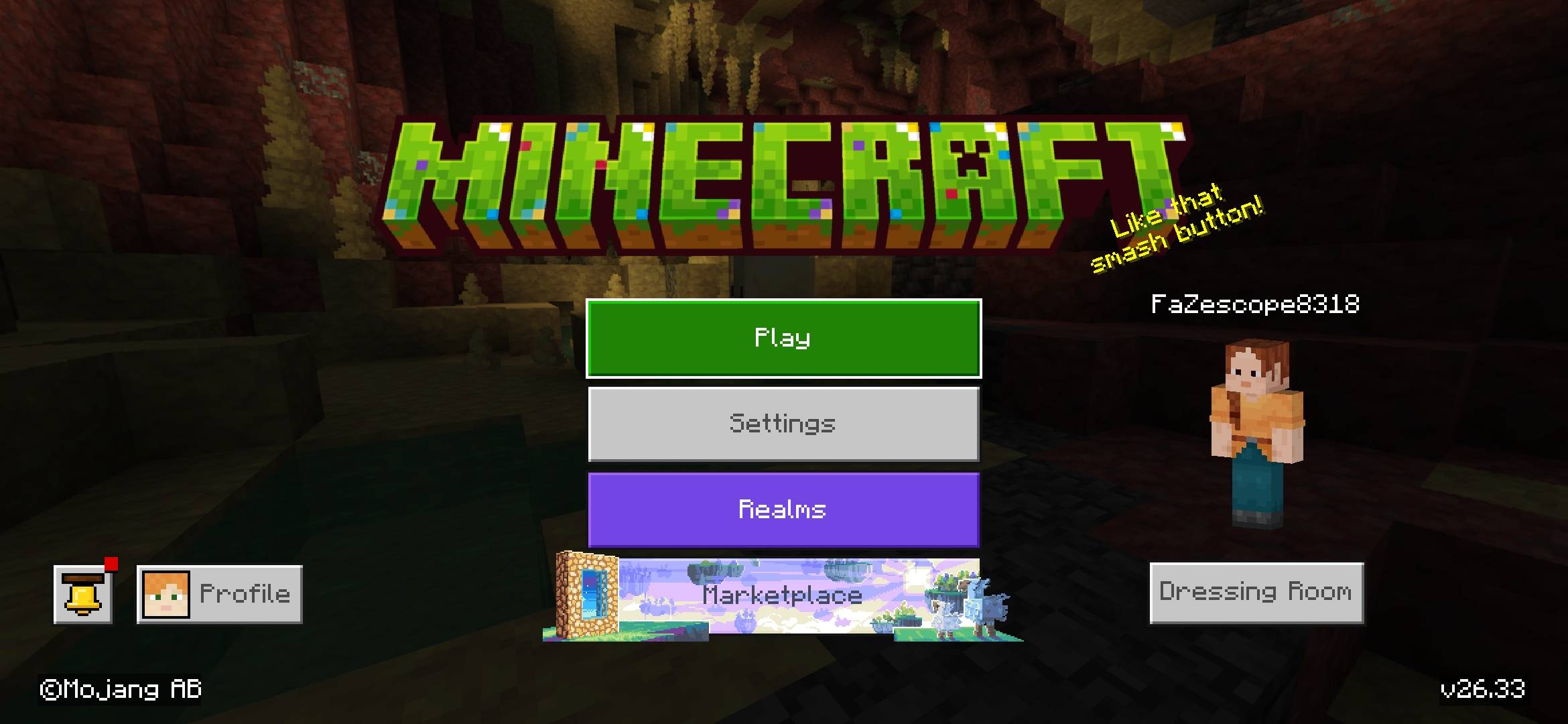
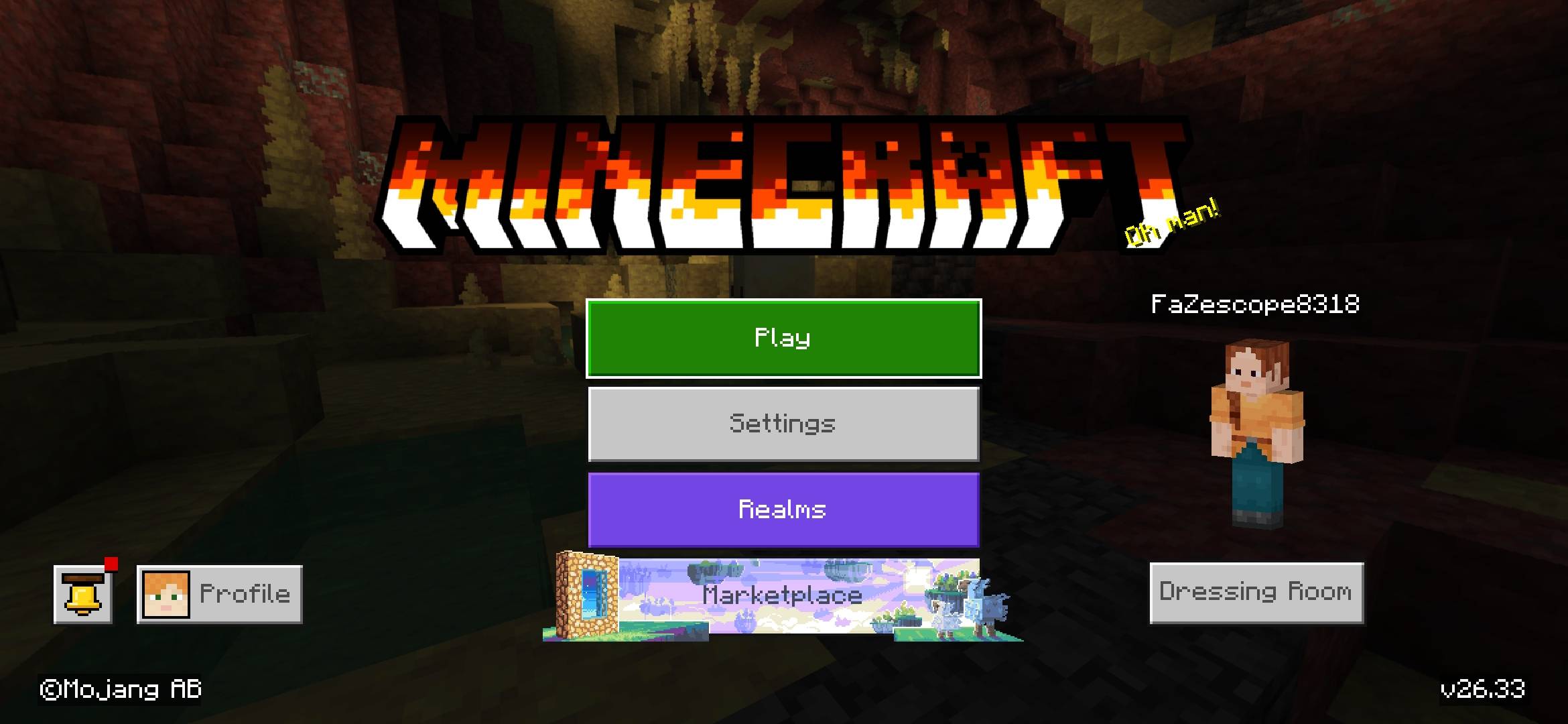
Did u ever feel that minecrafts title is too boring, mabye u want it customize to your liking or u feel its too basic, Well this Texturepack saves u the time and let's you customize, change the minecraft title to any how u like by the bunch of preset custom titles included such as, Snow, sky, any is possible
Then if u cant find one that u don't like u can make your own, and replace it with the 2 slots i added were u can add your own,
To your own do this
Step 1 > Go to BlockBench and install the title maker plugin , make ur own and download it
Step 2 > Rename to title.png and extract my files using a extractor tool like zarchiver then go through my addon like this : Easytitles.mcpack *(as a folder)* > subpacks > Custom1 or custom2 : then override the one u made and your done, just make sure u archive it again , MAKE SURE .. that when u archive it u don't archive the file the extractor tool made because if u do the path will be : folder > easytitles.mcpack *(as a folder)* > subpacks : when archiving it select the files inside the easytitle folder then rename it to *anyname*.mcpack
Step 3 > Enjoy
Notes >
The titles were made using BlockBench
- Edition: Minecraft Bedrock
- File type: .mcpack
- Minecraft version listed: 26.30
- How to install: Download the .mcpack. → Open it — Minecraft imports it under Resource Packs. → Activate it in Global Resources, or for one world under Resource Packs → Available.
- Where to get it: Opens on CurseForge — not every file is mirrored on our own servers.
Install steps are the general flow for this file type — How to install Minecraft Bedrock texture packs walks through it step by step.
- Pack type: .mcpack — a single pack
- Manifest requires Minecraft 1.17.0 or newer
- Complete pack — everything it depends on is inside the file
- Download size: 1.3 MB
- Download link checked 17 Sept 2026 — working
These come from our own check of the pack file, not from the source page.