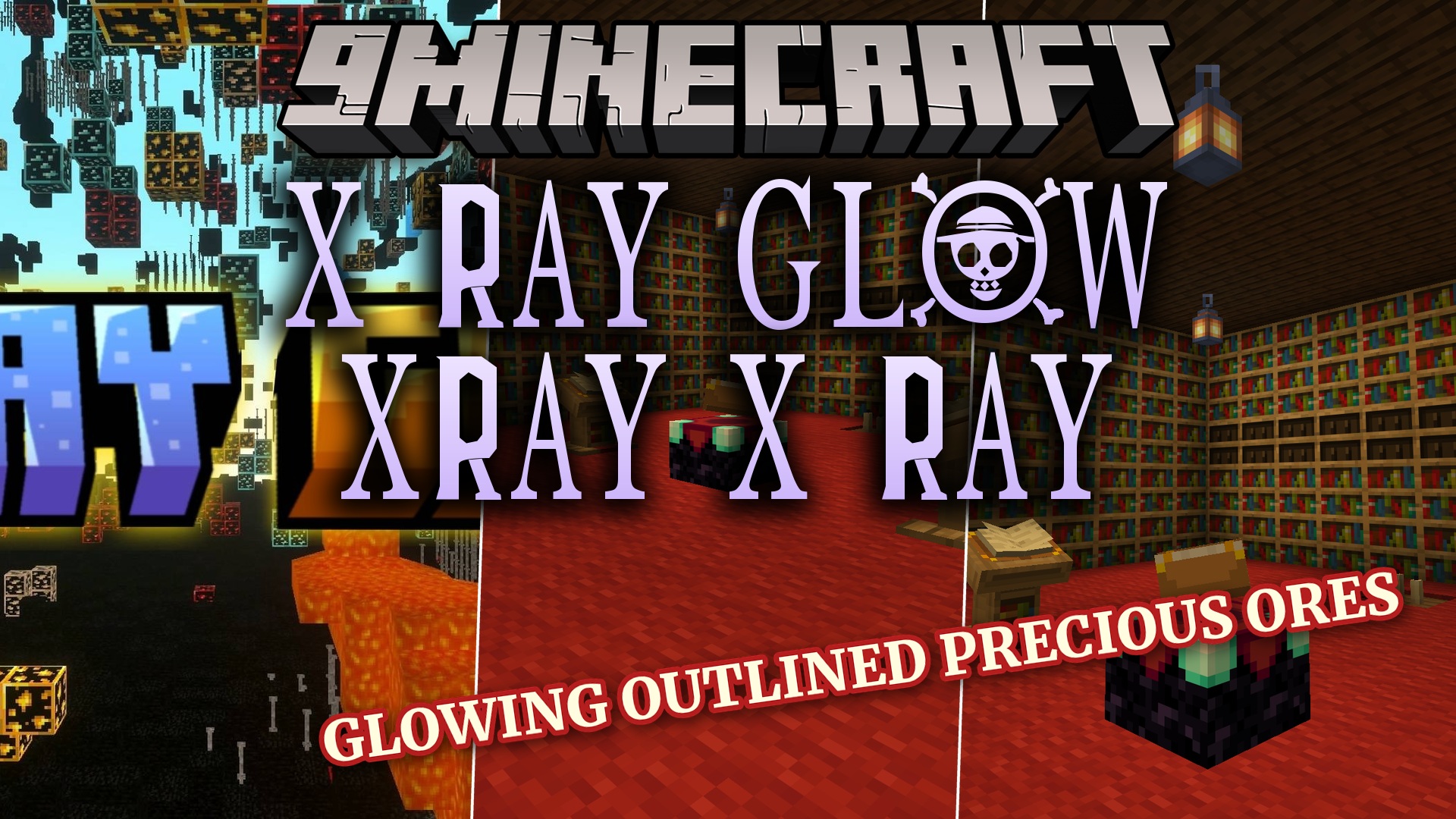
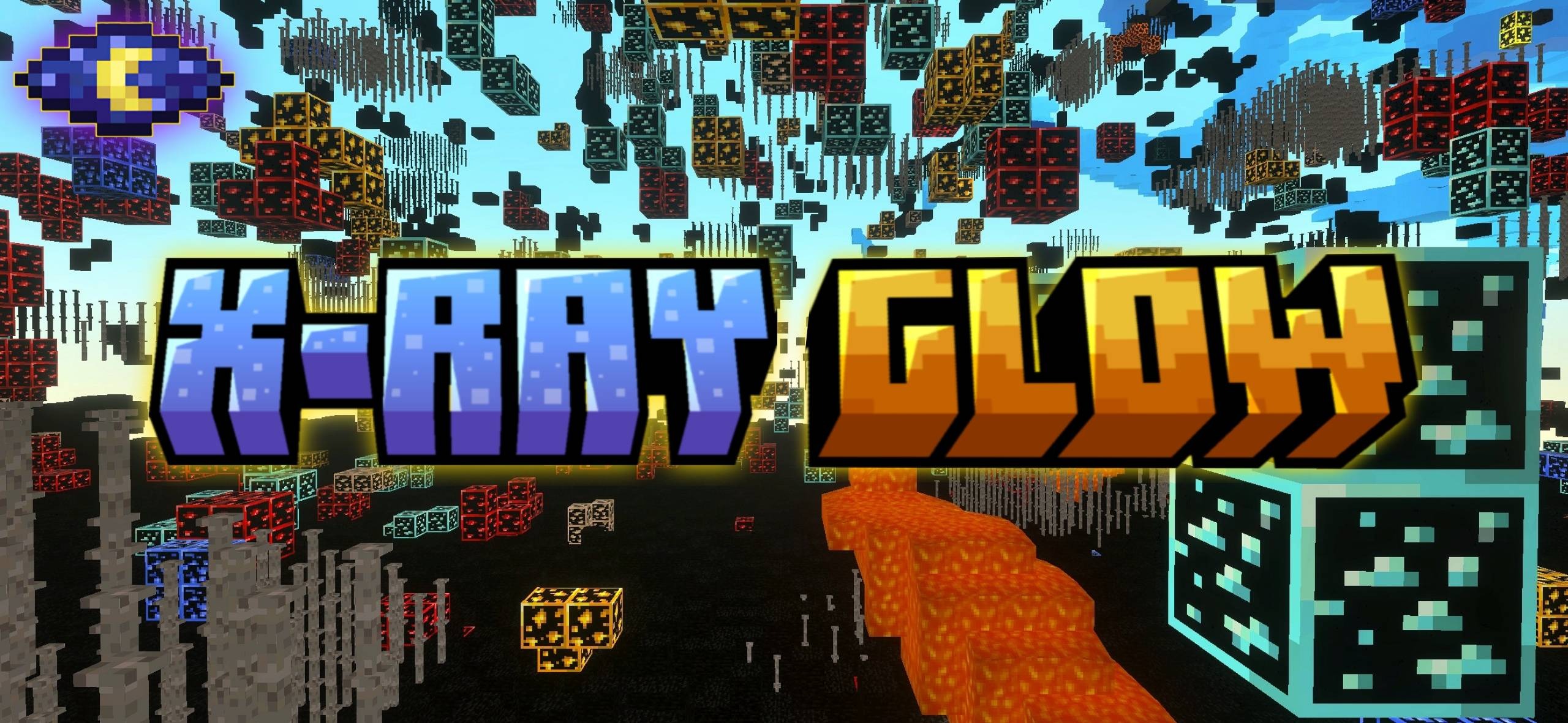
X Ray Glow XRay X Ray Texture Pack helps you find hidden ores easily without disabling your achievements. This pack adds bright outlines to valuable blocks and lets you see through solid ground. It gives you an advantage while playing on servers or exploring dark caves.
Features:
- Shows clear outlines around all precious ores.
- Lets you see structures under the ground.
- Keeps your world achievements turned on safely.
- Works perfectly on multiplayer servers.
- Adds bright glowing effects to hidden blocks.
Configuration:
You need to change some video settings for this pack to work. Turn off smooth lighting in your game menu. Keep your screen brightness at maximum. Turn on vibrant visuals to see the glowing effects properly.
Screenshots:
X Ray Glow Xray X Ray Texture Pack Download Links
- Edition: Minecraft Bedrock
- File type: .mcpack
- Minecraft version listed: 1.21
- How to install: Download the .mcpack. → Open it — Minecraft imports it under Resource Packs. → Activate it in Global Resources, or for one world under Resource Packs → Available.
- Where to get it: Opens on the file's original source — not every file is mirrored on our own servers.
Install steps are the general flow for this file type — How to install Minecraft Bedrock texture packs walks through it step by step.
X-Ray Glow Texture Pack (26.x, 1.21) – MCPE/Bedrock is a free Minecraft Bedrock texture pack. Compatible with Minecraft 1.21. Download it and open it directly in the game.