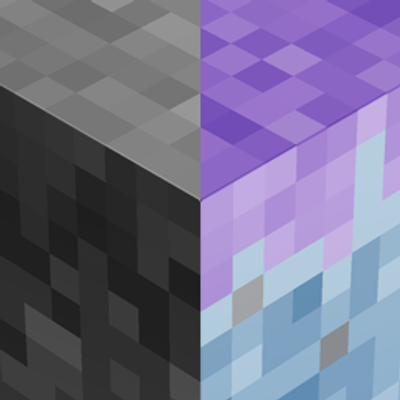
Color Filter is a simple Minecraft: Bedrock Edition texture pack that applies a full visual color effect to the game while keeping the interface readable.
Features
- 2 Subpacks
- Grayscale – Converts the game's textures to black and white.
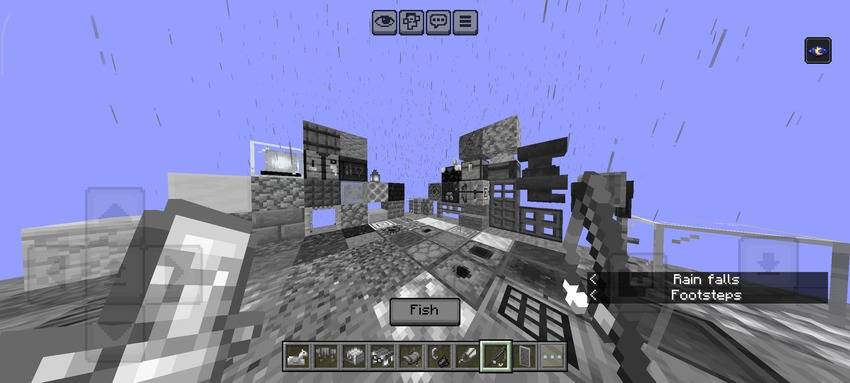
- Inverted – Inverts the colors of the game's textures for a unique visual experience.
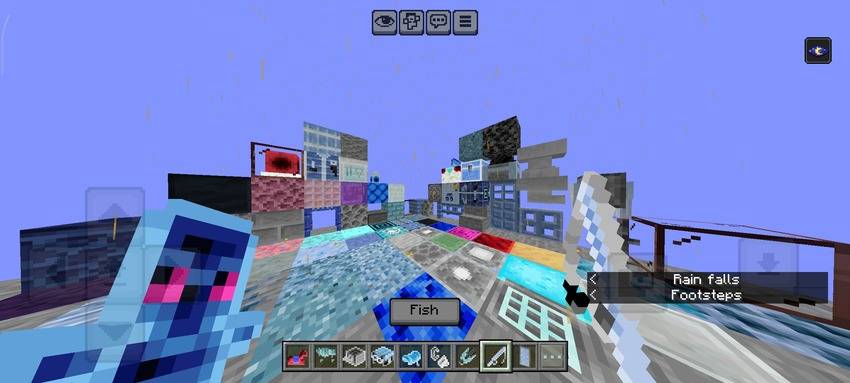
- Modifies all game textures except the GUI and UI, so menus and HUD remain unchanged.
- Compatible with Minecraft: Bedrock Edition resource packs.
Choose your preferred filter in the Subpacks menu before activating the pack.
Quick facts
- Edition: Minecraft Bedrock
- File type: .mcpack
- Minecraft versions listed: 1.15, 1.18, 1.19
- How to install: Download the .mcpack. → Open it — Minecraft imports it under Resource Packs. → Activate it in Global Resources, or for one world under Resource Packs → Available.
- Where to get it: Opens on CurseForge — not every file is mirrored on our own servers.
Install steps are the general flow for this file type — How to install Minecraft Bedrock texture packs walks through it step by step.
Verified by MCModsHub
- Save it as Color Filters.mcaddon before opening — it downloads as .mcpack, but it is a .mcaddon pack
- Manifest requires Minecraft 1.13.0 or newer
- Complete pack — everything it depends on is inside the file
- Download size: 6.6 MB
- Download link checked 18 Sept 2026 — working
These come from our own check of the pack file, not from the source page.