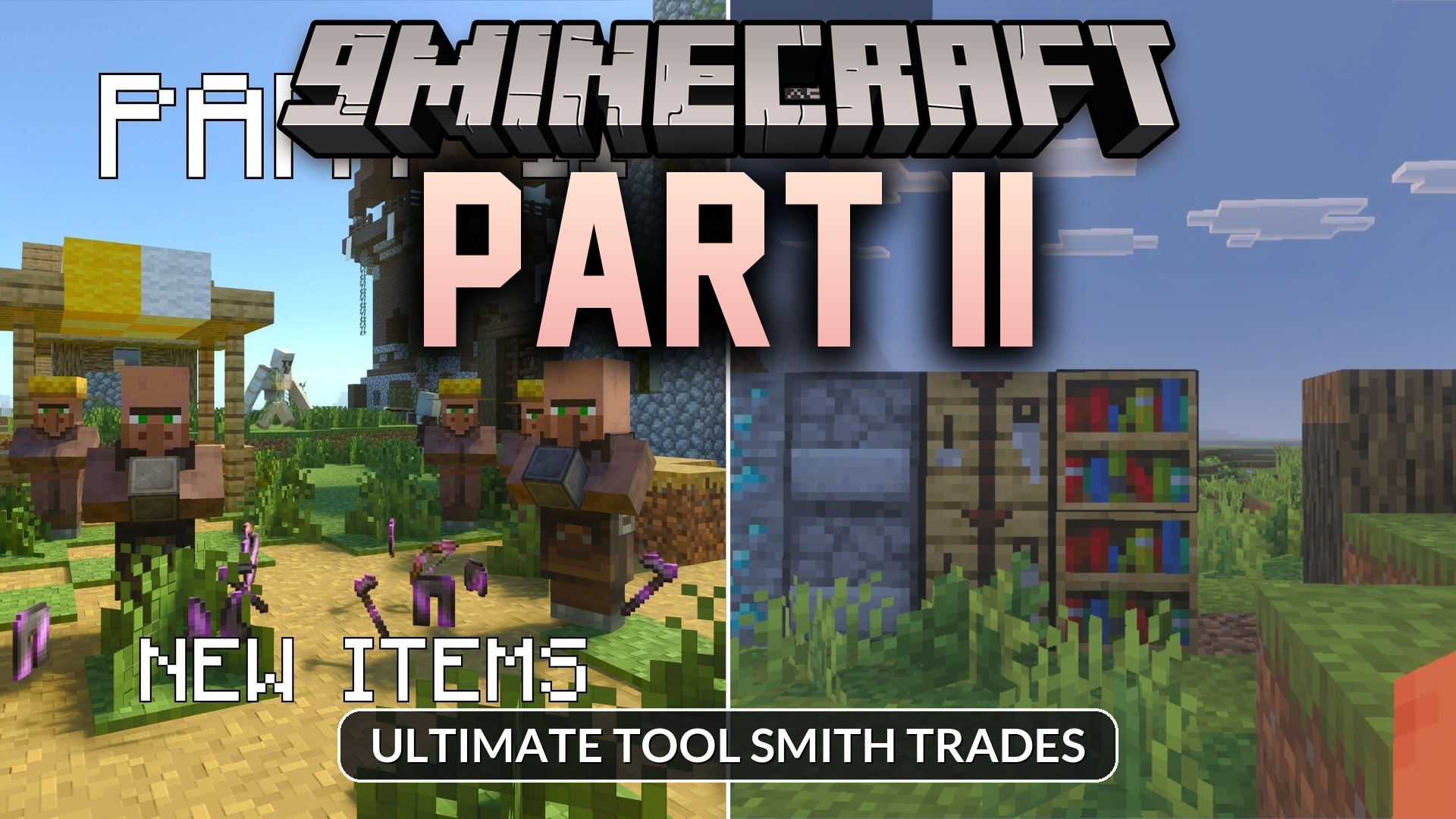
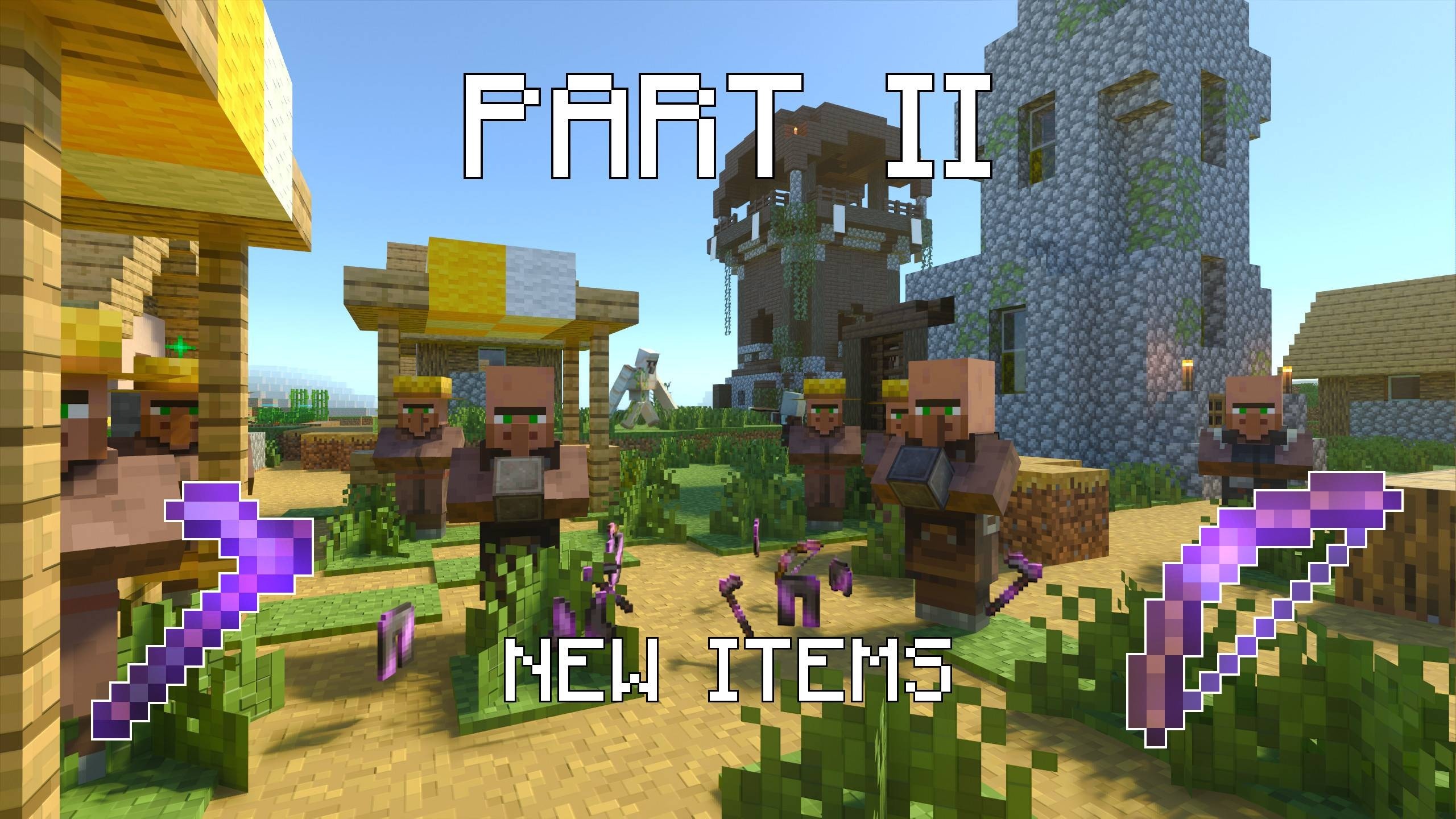
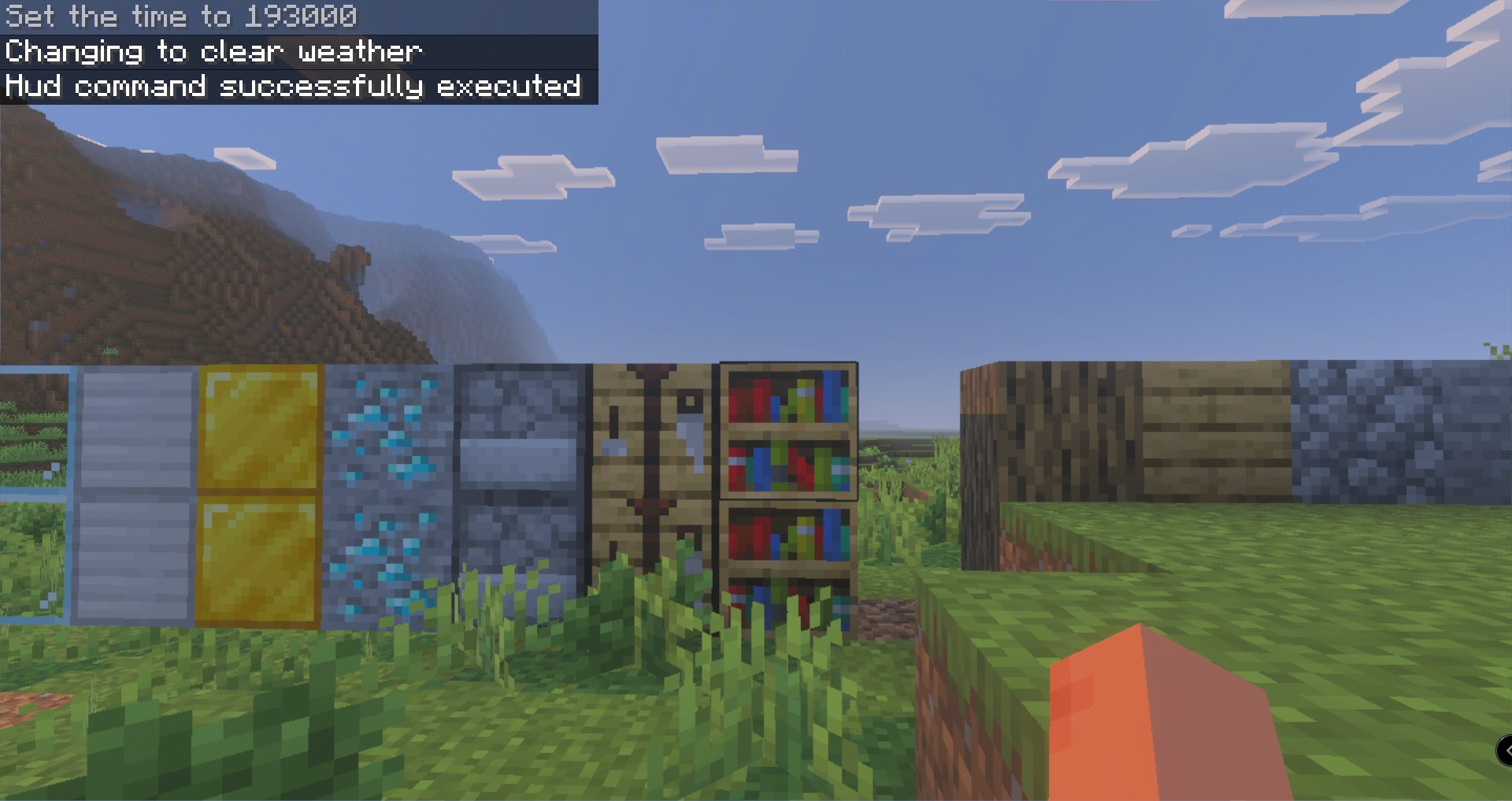
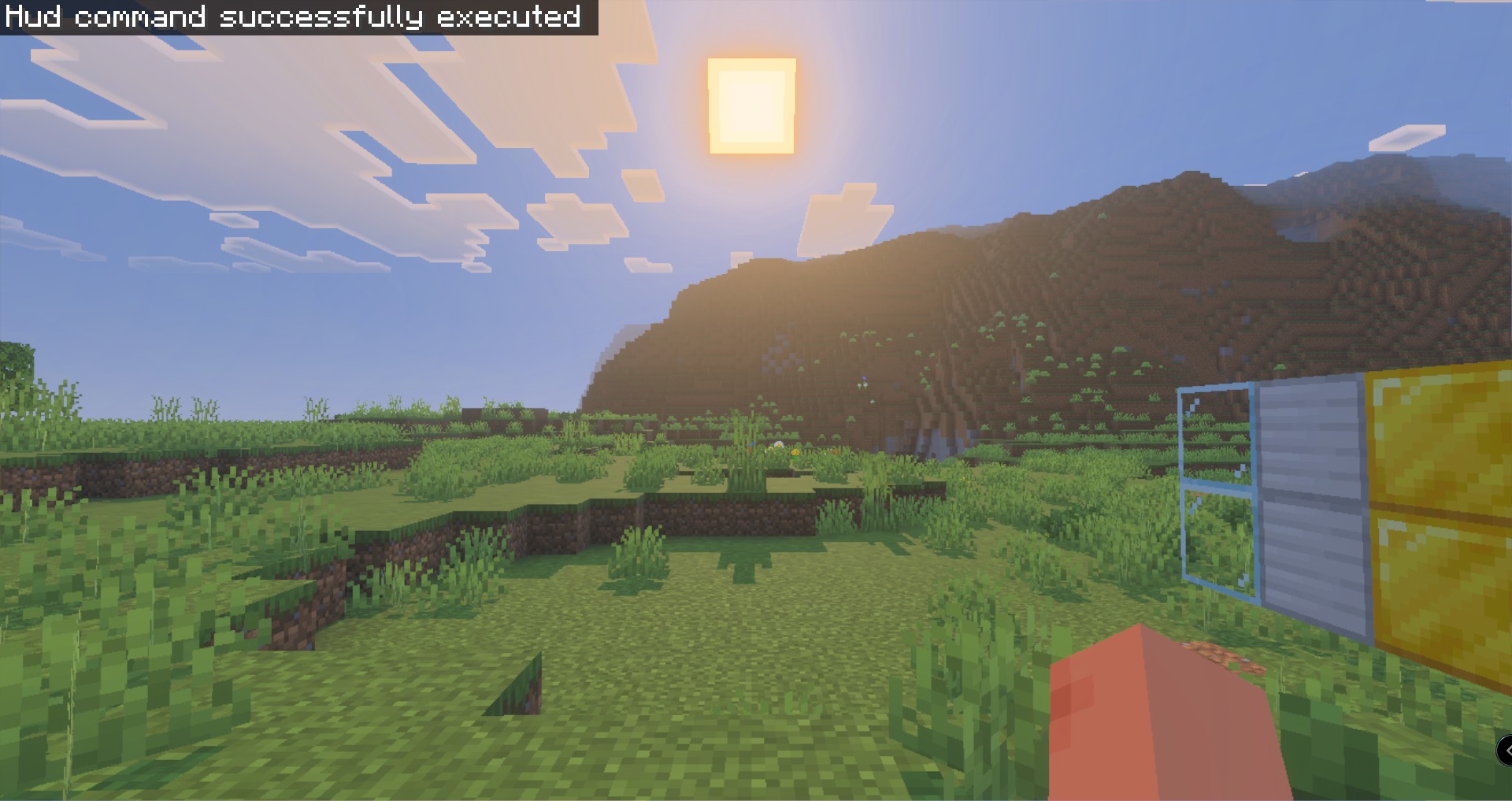
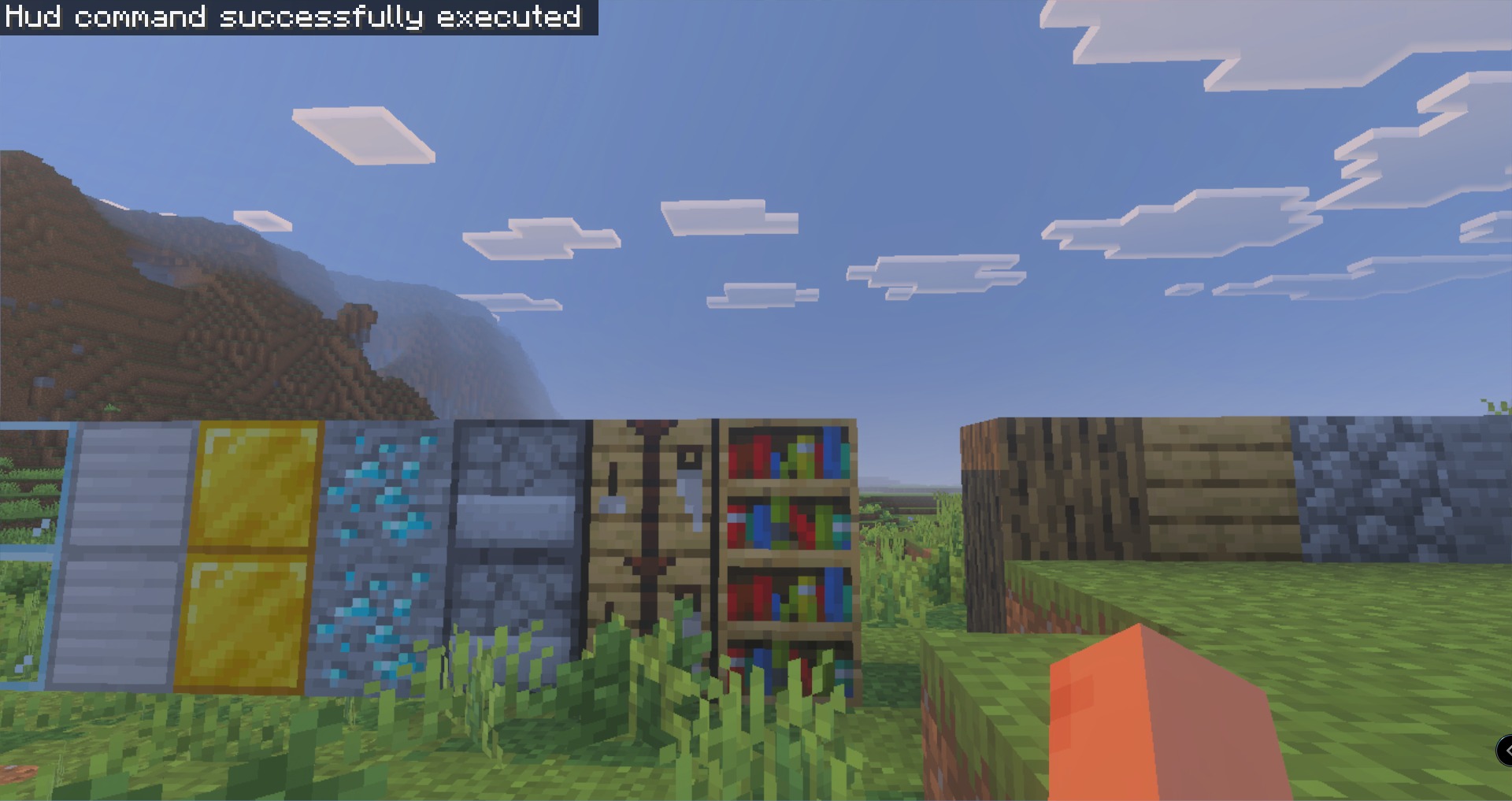
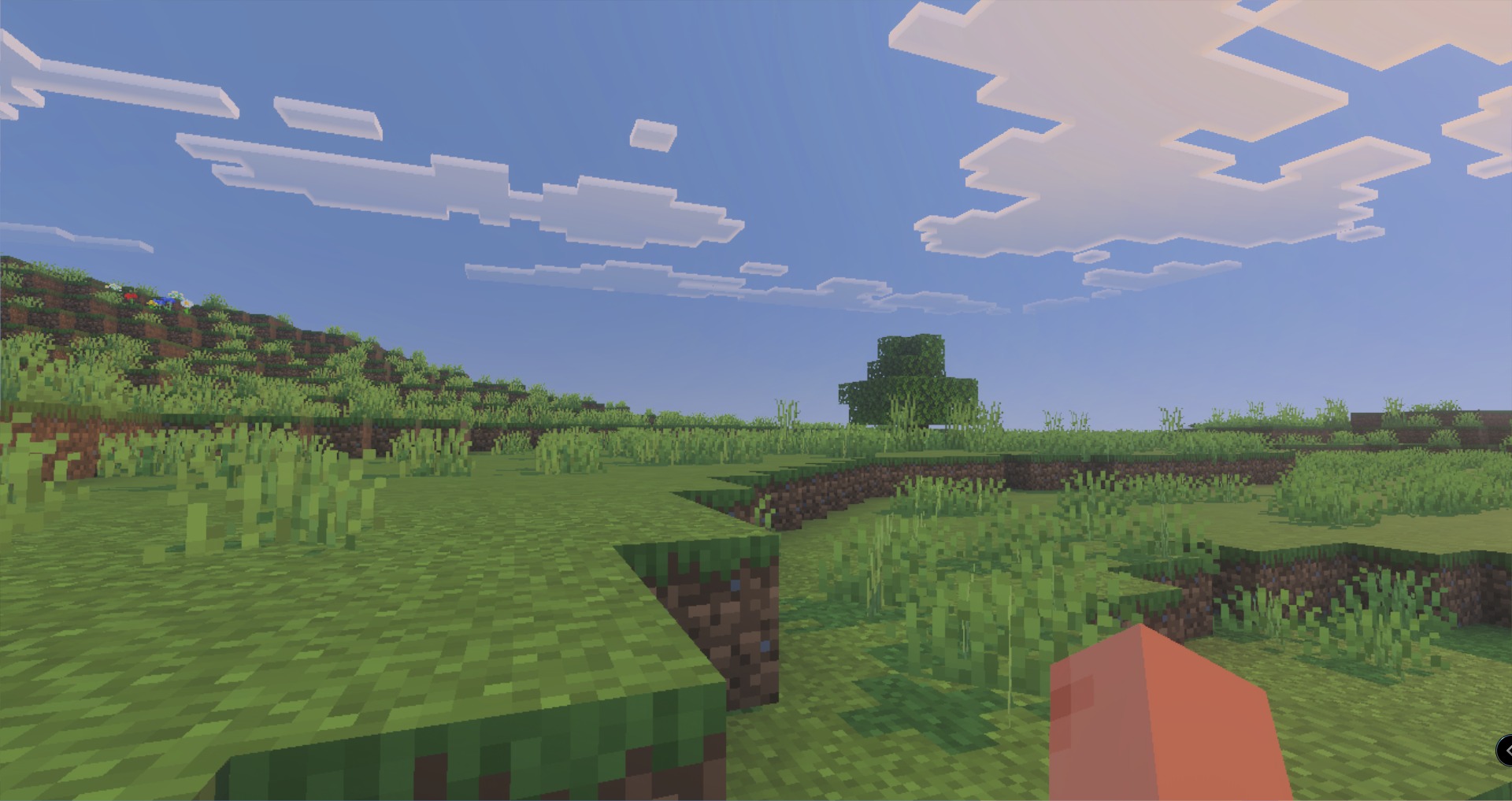
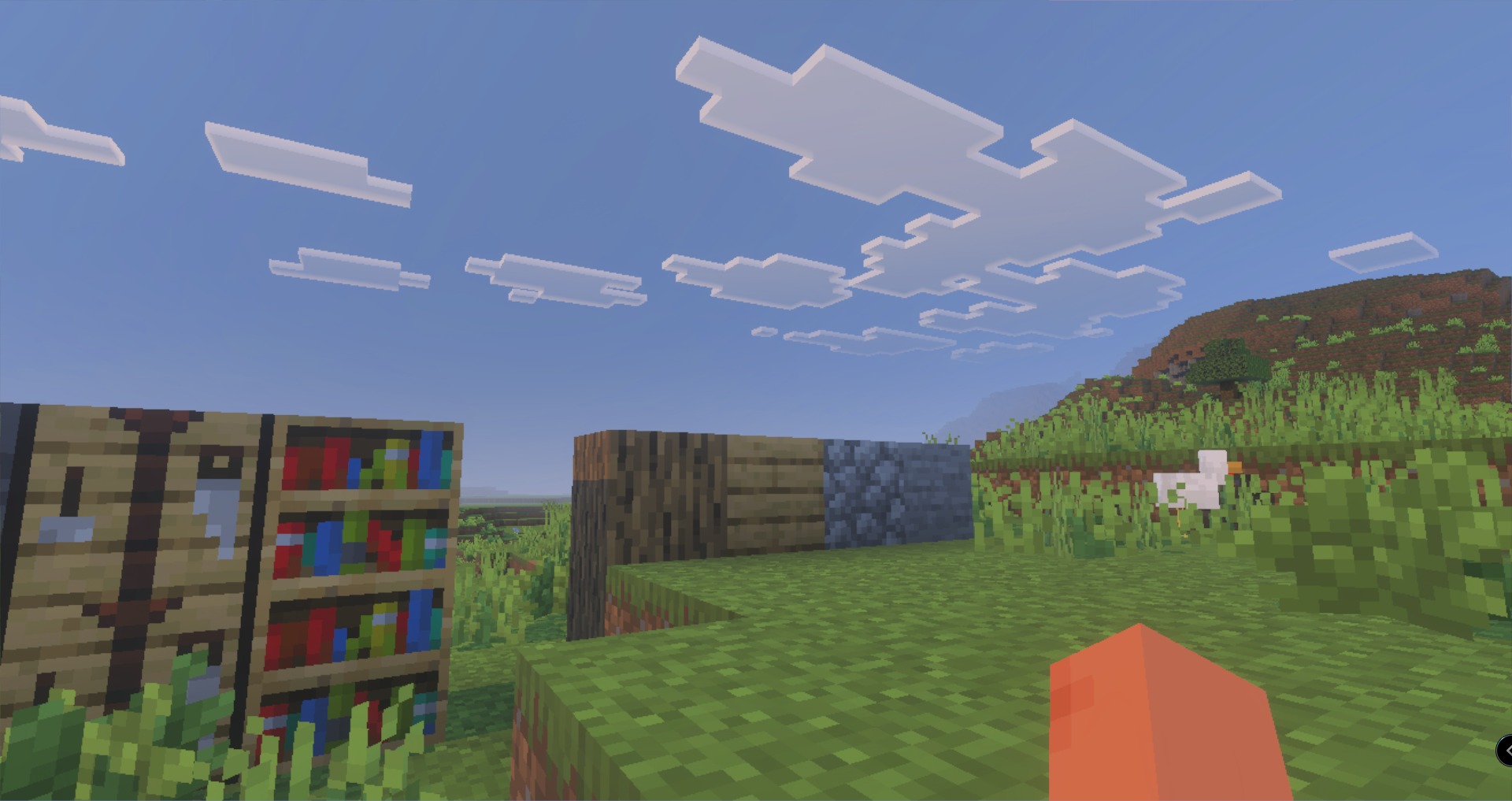
Part II Map brings a new village challenge where you must protect a special blacksmith from enemy attacks. This map lets you unlock a fifth trading tier to buy incredibly powerful enchanted weapons and tools. You can explore the town, fight off monsters, and build a safe home for your valuable trader.
Features:
- Defend the local blacksmith from dangerous pillager attacks.
- Unlock the fifth trade tier to buy overpowered gear.
- Explore a custom village featuring a new tool house.
- Battle monsters near the winding river and outpost tower.
- Earn achievements while playing this custom survival world.
Commands:
- Type .villager in the chat box to summon a new trader.
Configuration:
- Enable the Beta APIs experimental toggle in your world settings.
Screenshots:
Part II Map Download Links
Quick facts
- Edition: Minecraft Bedrock
- File type: .mcworld
- Minecraft version listed: 1.21
- How to install: Download the .mcworld file. → Open it — Minecraft imports it as a new world. → Find it in your Worlds list and play.
- Where to get it: In MCModsHub, or directly above on this page.
Install steps are the general flow for this file type — How to install Minecraft Bedrock maps walks through it step by step.
Verified by MCModsHub
- Save it as 371177.mcaddon before opening — it downloads as .mcworld, but it is a .mcaddon pack
- Manifest requires Minecraft 1.26.30 or newer
- Needs Beta APIs switched on in the world settings
- Complete pack — everything it depends on is inside the file
- Download size: 581 KB
- Download link checked 22 Jul 2026 — working
- Mirrored on our own servers — the download does not depend on the original host
These come from our own check of the pack file, not from the source page.