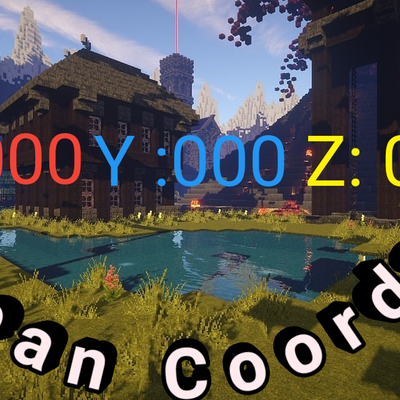
Clean Coords
Bedrock texture pack listed for Minecraft 1.16–26.x. File opened and checked on 9 Oct 2026; installs from the MC Bedrock Mods app on Android.
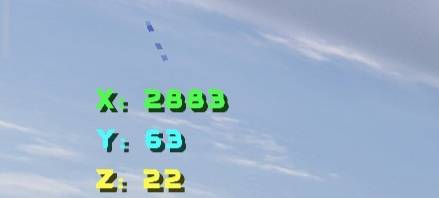
It is a straightforward, no-frills texture pack that displays your coordinates in the top-left corner, split vertically and even color-coded.
⬇ Download on CurseForge
How To Active?
Why problem?
Step 1: Activate the pack in the "Resource Packs" section of your game world and place it at the very top of the list. Step 2: Game > Settings > Resource Packs – Activate it and position it at the top. Solution! If you encounter any bugs, glitches, or issues, try the following: - Disable the pack and then re-enable it. - Save and exit the game or world, then re-enter. Note: Works with all modded versions of the Bedrock edition. (APK/XAPK/Beta/Final/Xbox/PlayStation/PC Bedrock/MCPE) Requires version 1.16.100 or higher.
- Edition: Minecraft Bedrock
- File type: .mcpack
- Minecraft versions listed: 1.21.81, 1.21.90, 1.21.82
- How to install: Download the .mcpack. → Open it — Minecraft imports it under Resource Packs. → Activate it in Global Resources, or for one world under Resource Packs → Available.
- Where to get it: Opens on CurseForge — not every file is mirrored on our own servers.
Install steps are the general flow for this file type — How to install Minecraft Bedrock texture packs walks through it step by step.
- Pack type: .mcaddon — behaviour and resource pack in one file
- Manifest requires Minecraft 1.16.100 or newer
- Complete pack — everything it depends on is inside the file
- Download size: 1.2 MB
- Download link checked 9 Oct 2026 — working
These come from our own check of the pack file, not from the source page.