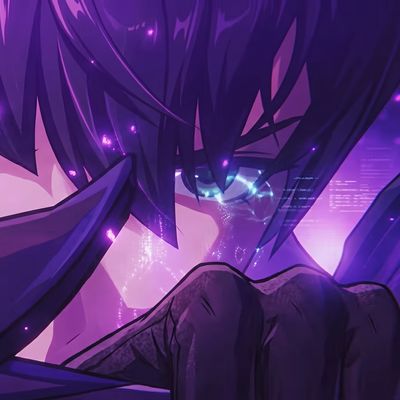
Solo Leveing Fight UI
Bedrock texture pack listed for Minecraft 1.17–26.x. File opened and checked on 20 Sep 2026; installs from the MC Bedrock Mods app on Android.
Solo Leveling Animated UI Pack brings an epic anime battle to Minecraft's UI. Enjoy animated backgrounds across the Home Screen, Settings, and menus…
⬇ Download on CurseForge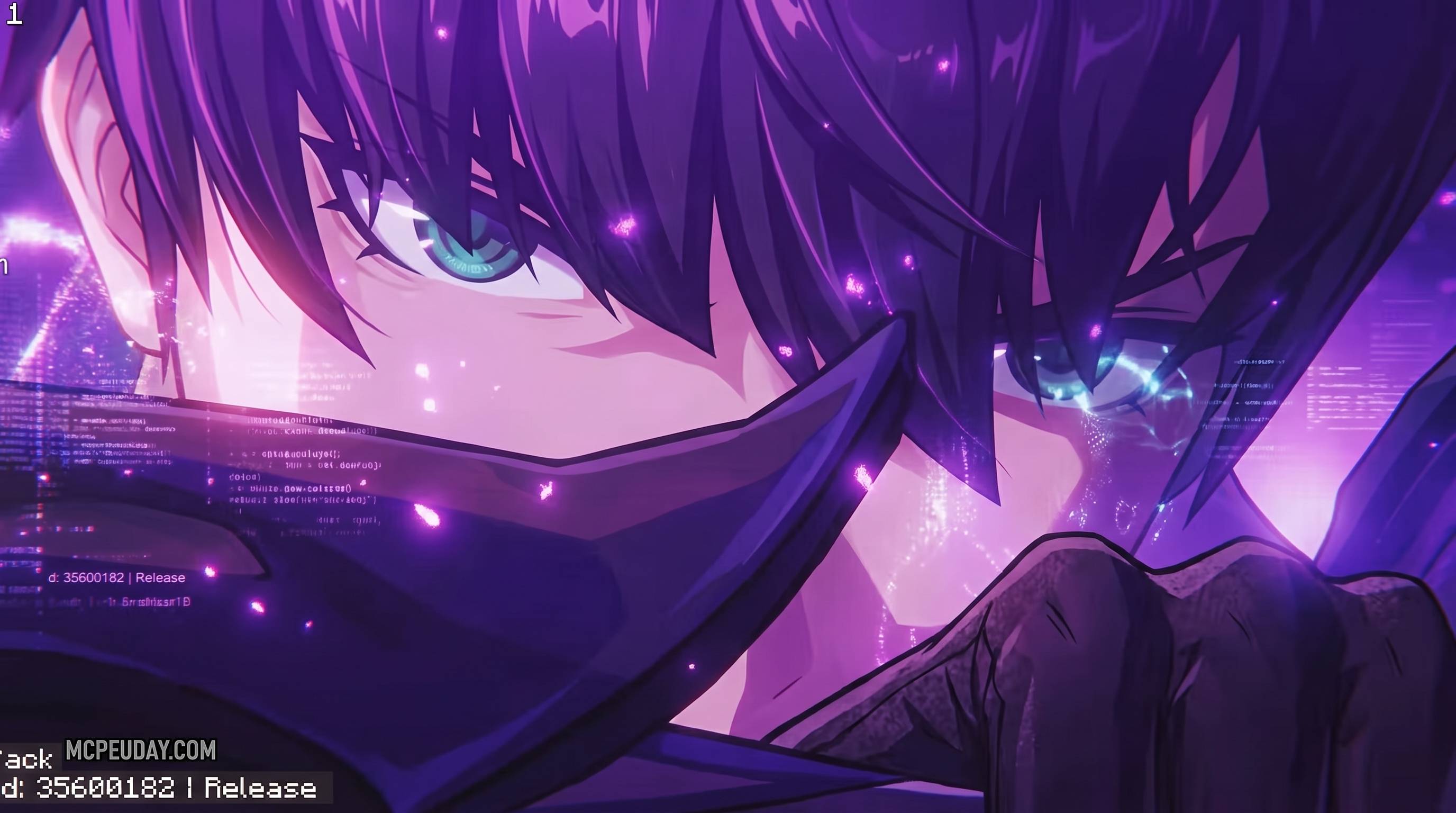
Solo Leveling Animated UI Pack
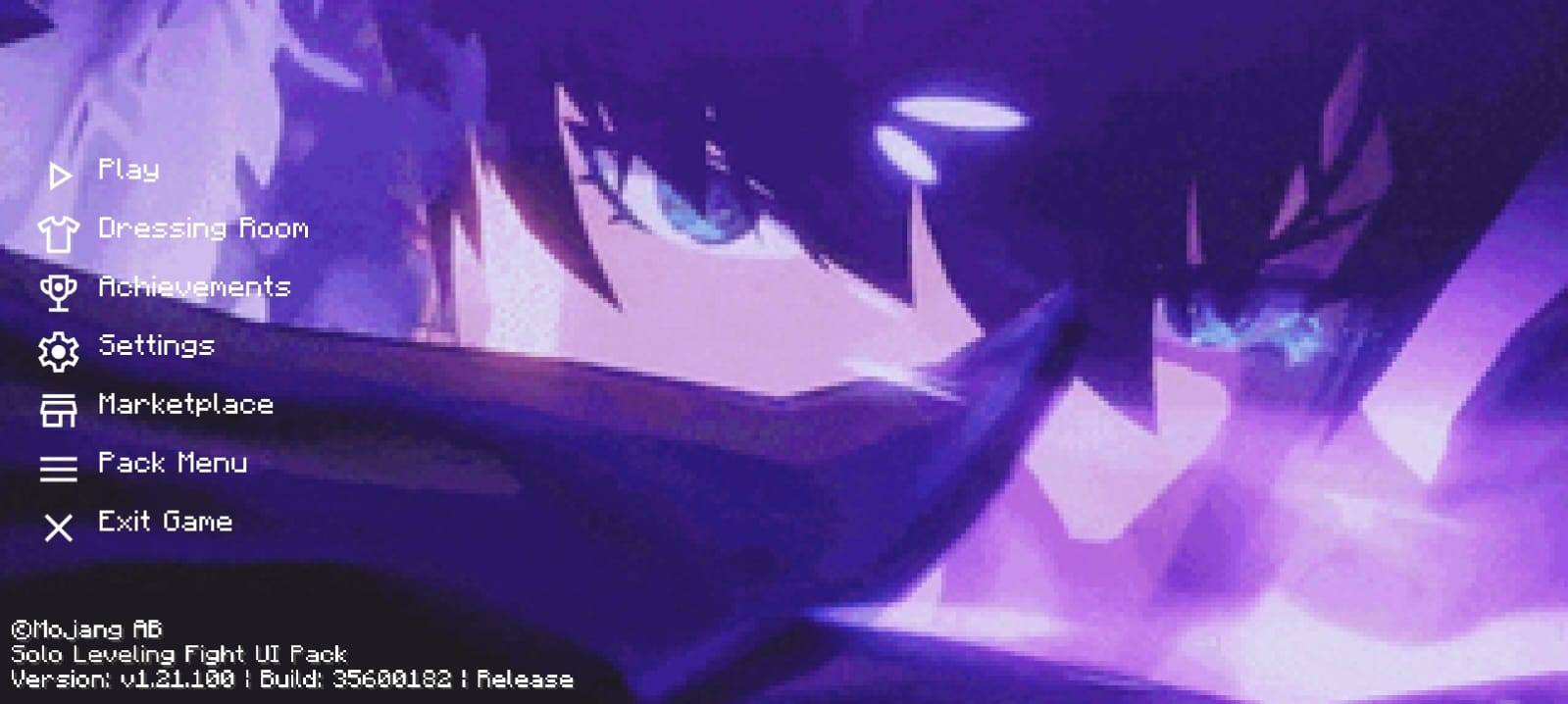
Transform your Minecraft Bedrock Edition experience with the Solo Leveling Animated UI Pack, a unique interface overhaul inspired by the legendary Solo Leveling anime. Instead of a static menu, this pack brings your game to life with a smooth animated battle scene playing across the background of the UI.
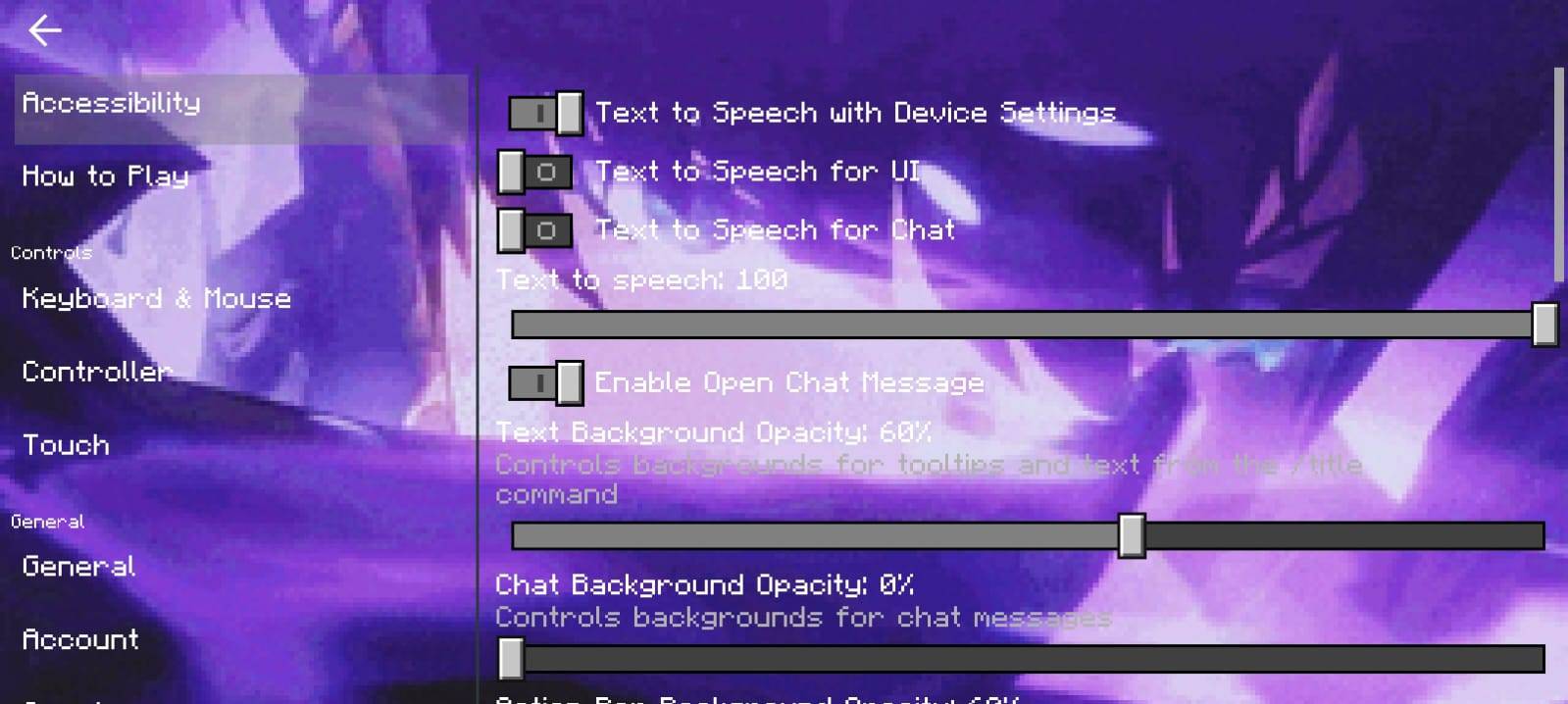
From the moment you launch Minecraft, you'll be welcomed by an action-packed animated theme that continues throughout the interface. The Home Screen, Settings, Play Menu, Profile, and other UI screens feature the same immersive animated background, giving your game a modern anime-inspired look without affecting gameplay.
Features
-
High-quality animated Solo Leveling-inspired battle background.
-
Animated Home Screen with a dynamic visual experience.
-
Animated backgrounds across Settings and other menu screens.
-
Smooth UI animation designed for Minecraft Bedrock Edition.
-
Lightweight and optimized for a clean, responsive interface.
-
Easy to install and use.
-
Compatible with the latest supported Minecraft Bedrock versions.
Why You'll Love It
If you're a fan of anime-inspired themes and want your Minecraft menus to feel more exciting, this UI pack is a perfect choice. Every time you open the game, you'll be greeted by an energetic animated interface that makes the menus feel fresh, stylish, and immersive while keeping the original Minecraft functionality intact.
Installation
-
Download the UI Pack.
-
Import it into Minecraft Bedrock Edition.
-
Enable the pack from Settings → Global Resources.
-
Restart the game if required.
-
Enjoy your new animated Solo Leveling-inspired interface.
Disclaimer: This UI pack is a fan-made project inspired by the visual style of Solo Leveling. It is not affiliated with, endorsed by, or associated with the creators or rights holders of the anime or its related properties.
- Edition: Minecraft Bedrock
- File type: .mcpack
- Minecraft versions listed: 1.21.131, 1.21.132, 26.0
- How to install: Download the .mcpack. → Open it — Minecraft imports it under Resource Packs. → Activate it in Global Resources, or for one world under Resource Packs → Available.
- Where to get it: Opens on CurseForge — not every file is mirrored on our own servers.
Install steps are the general flow for this file type — How to install Minecraft Bedrock texture packs walks through it step by step.
- Pack type: .mcpack — a single pack
- Manifest requires Minecraft 1.17.0 or newer
- Complete pack — everything it depends on is inside the file
- Download size: 17.1 MB
- Download link checked 10 Oct 2026 — working
These come from our own check of the pack file, not from the source page.