More Sounds Realistic
Bedrock texture pack listed for Minecraft 1.20–26.x. File opened and checked on 19 Sep 2026; installs from the MC Bedrock Mods app on Android.
More Sounds Realistic is a massive audio overhaul for Minecraft Bedrock Edition designed to replace dull, robotic vanilla sound effects with…
⬇ Download on CurseForge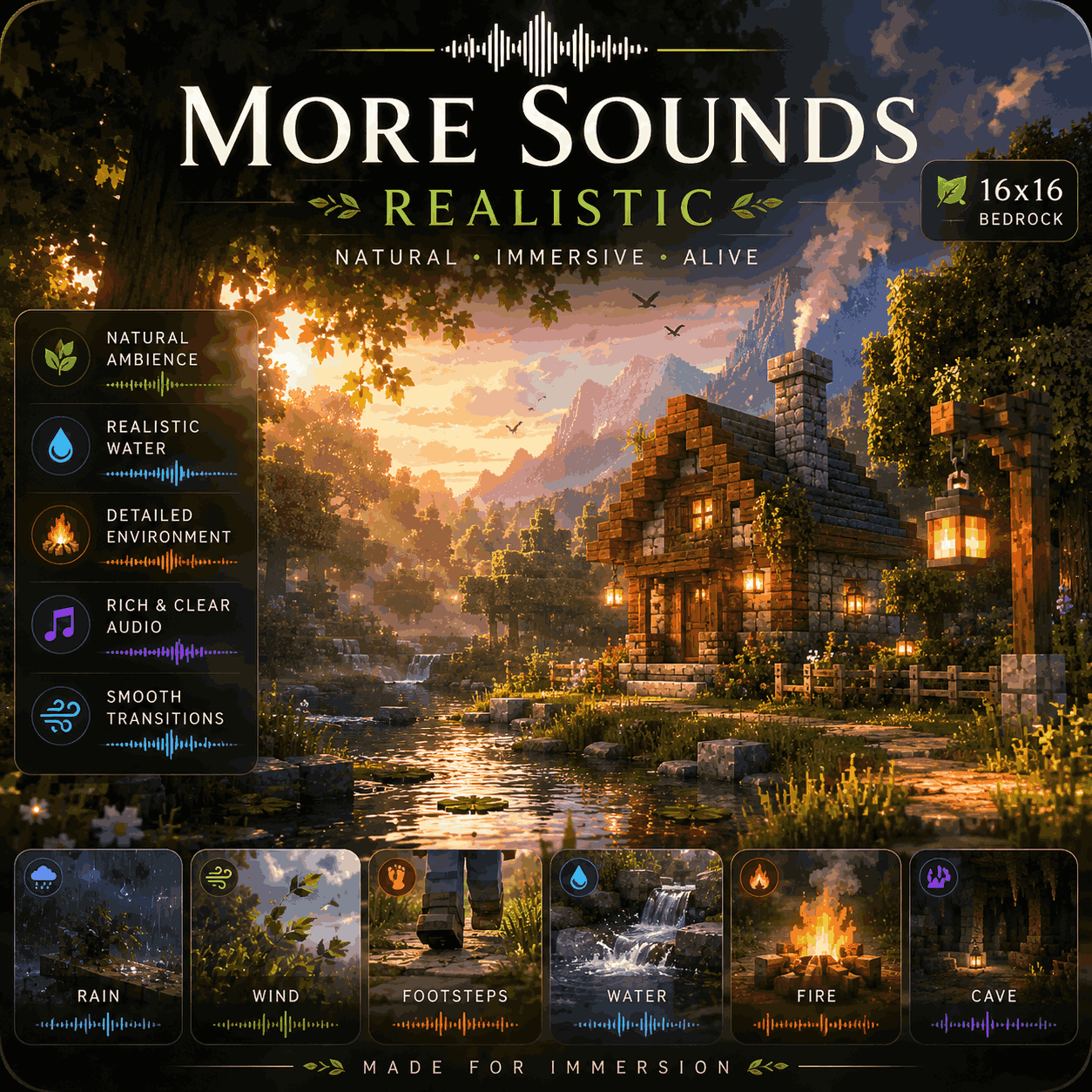
More Sounds Realistic — Bedrock Edition
Immerse yourself completely in a world that sounds richer, deeper, and more alive than ever before!
More Sounds Realistic is a massive audio overhaul for Minecraft Bedrock Edition designed to replace dull, robotic vanilla sound effects with high-definition, realistic audio. From crisp footstep echoes on different terrains, satisfying block breaking and placement feedback, to natural environmental ambience, dynamic mob sounds, and punchy combat impacts—this pack turns every action into an immersive ASMR experience!
Say goodbye to flat sound effects and enjoy an unprecedented level of audio immersion on Pocket Edition (Android/iOS), Windows 10/11, and Consoles!
✨ Features
-
Expanded Realistic Audio Library: Hundreds of multi-layered, high-quality real-world sound effects across combat, blocks, items, and environments.
-
Dynamic Footsteps & Movement: Distinctive, crisp walking and running sounds tailored for grass, stone, wood, sand, gravel, and metal.
-
Punchy Combat & Tools: Satisfying weapon swings, impactful hit sounds, realistic bow draws, and sharp shield blocks.
-
Rich Block Interactions: Deep, tactile audio feedback when mining, placing blocks, opening doors, or interacting with chests and mechanisms.
-
Seamless Ambient Audio: Natural environmental ambience that brings caves, forests, nether wastes, and underwater depths to life.
-
100% Lag-Free & Lightweight: Encoded natively for Bedrock (
.ogg/.fsb), ensuring zero memory overhead or audio delay on any device.
🛠️ How to Install
-
Download: Download the
.mcpackfile from the "Files" tab on this CurseForge page. -
Import to Minecraft:
-
Windows 10/11: Double-click the
.mcpackfile. Minecraft will launch automatically and import it. -
Android / iOS: Open the file using your preferred File Manager app and select "Open with Minecraft".
-
-
Activation: Go to
Settings>Global Resources> Find More Sounds Realistic under "My Packs" and click Activate. (Note: Make sure to turn up your game sound sliders in Settings → Audio for the best experience!)
📜 Credits & Usage Policy
-
Pack Creator: Created completely by me! Built with passion to give Minecraft Bedrock players a truly immersive soundscape.
-
Feedback: Since this is my custom creation, feel free to drop a comment or review if you have sound requests or volume suggestions for future updates!
- Edition: Minecraft Bedrock
- File type: .mcpack
- Minecraft versions listed: 1.21.130, 1.21.131, 1.21.132
- How to install: Download the .mcpack. → Open it — Minecraft imports it under Resource Packs. → Activate it in Global Resources, or for one world under Resource Packs → Available.
- Where to get it: Opens on CurseForge — not every file is mirrored on our own servers.
Install steps are the general flow for this file type — How to install Minecraft Bedrock texture packs walks through it step by step.
- Pack type: .mcpack — a single pack
- Manifest requires Minecraft 1.20.20 or newer
- Complete pack — everything it depends on is inside the file
- Download size: 20.4 MB
- Download link checked 10 Oct 2026 — working
These come from our own check of the pack file, not from the source page.