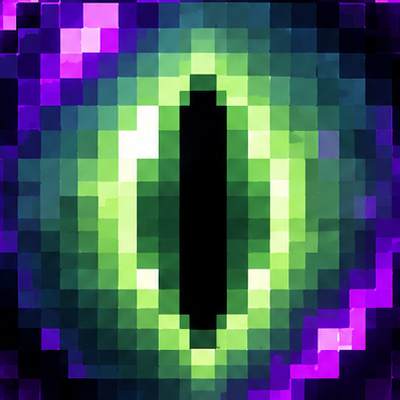
Blinking Ender Eyes Animation
Bedrock texture pack listed for Minecraft 1.21–26.x. File opened and checked on 20 Sep 2026; installs from the MC Bedrock Mods app on Android.
Give the most mysterious item in Minecraft a creepy, mesmerizing glow-up! Blinking Ender Eyes Animation brings the Eye of Ender and Ender Chests to life…
⬇ Download on CurseForge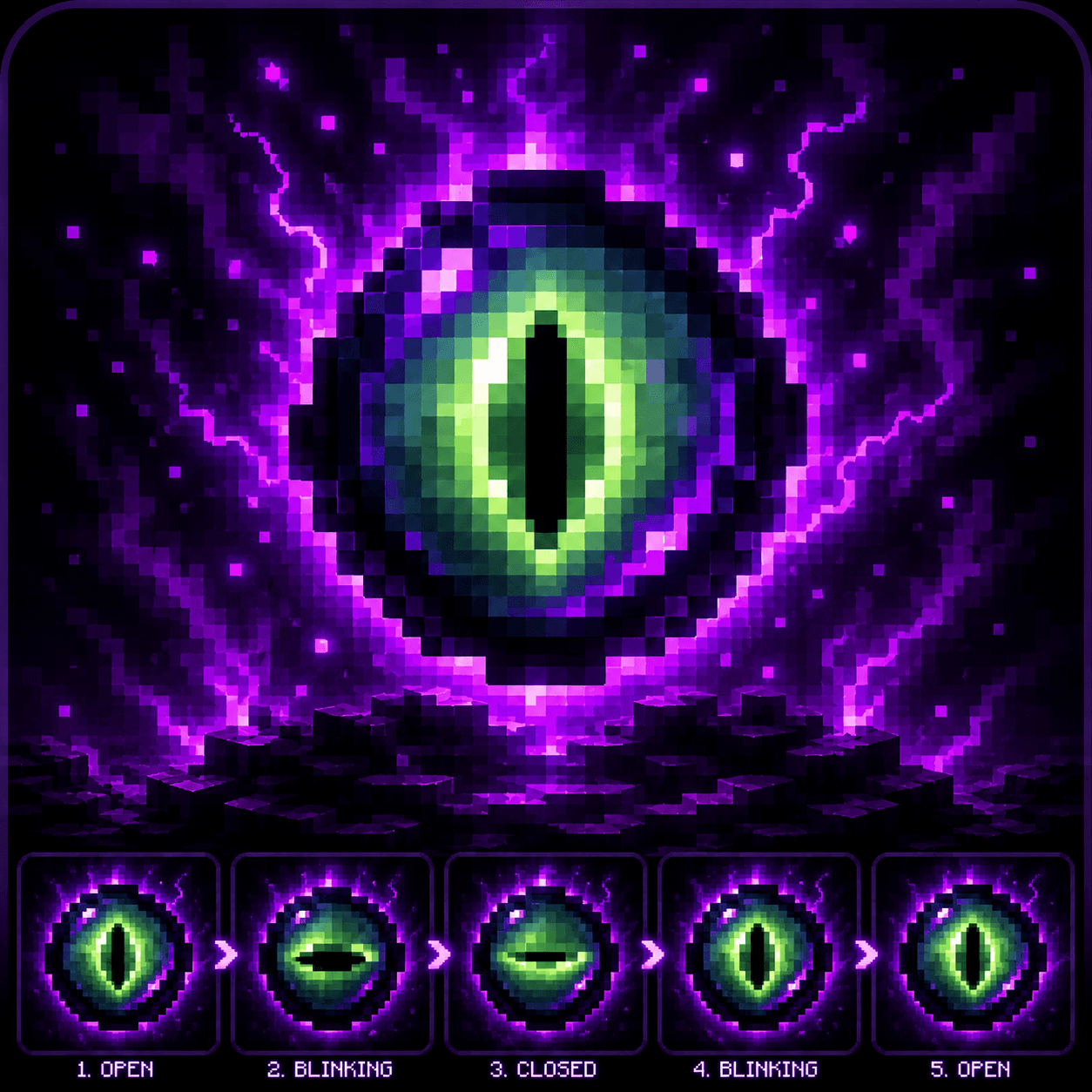
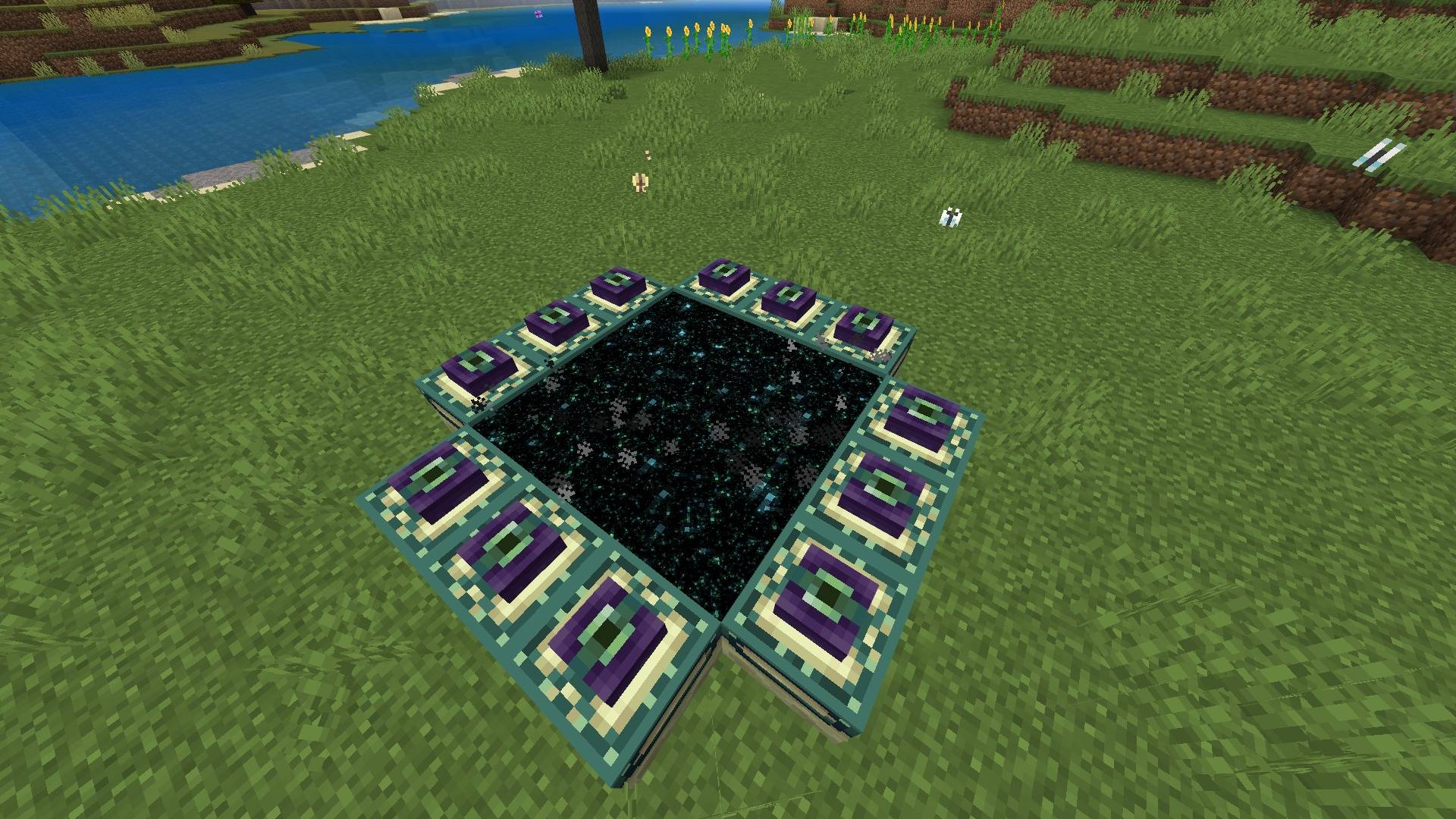
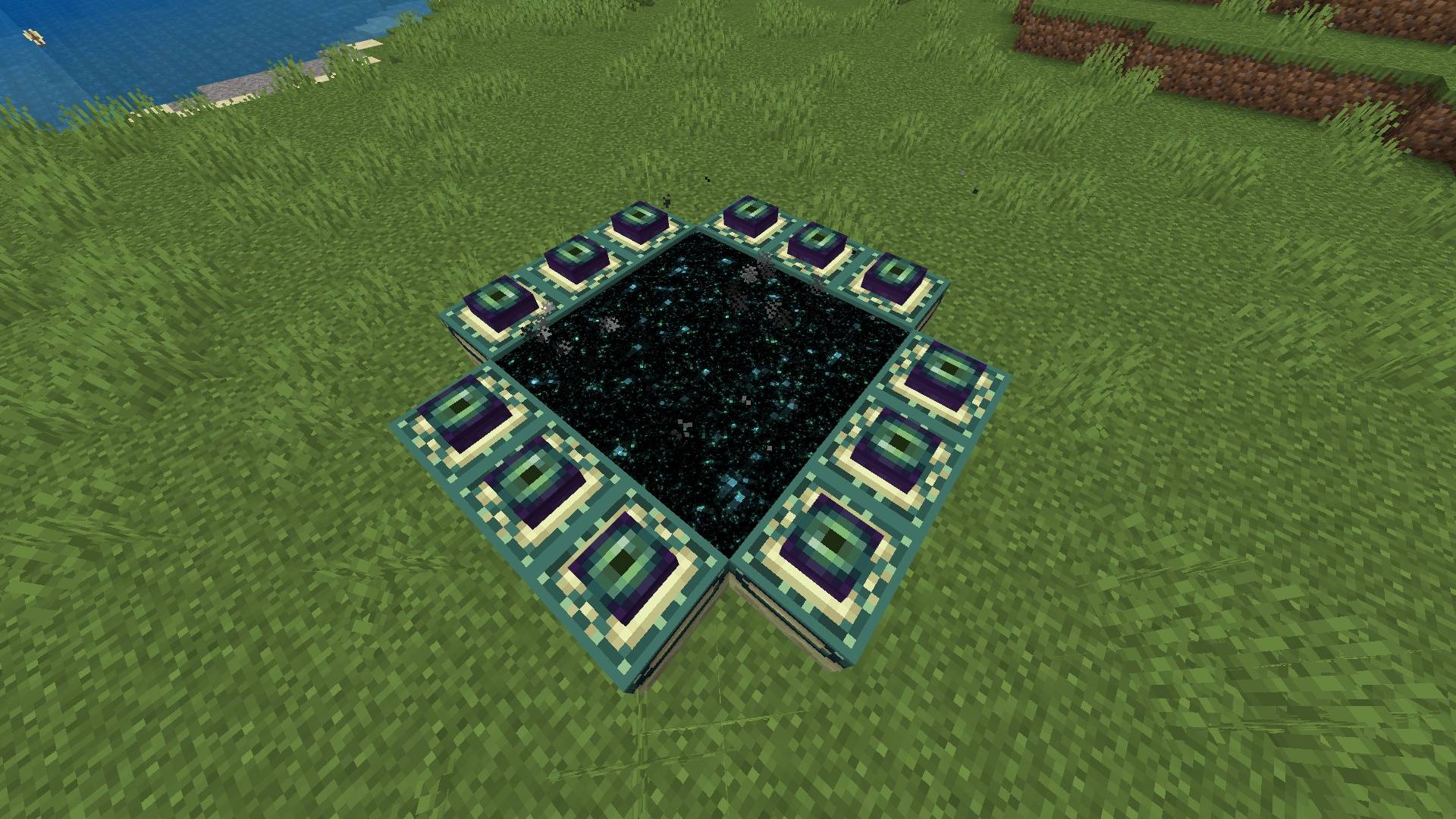
Blinking Ender Eyes Animation — Bedrock Edition
Give the most mysterious item in Minecraft a creepy, mesmerizing glow-up!
Blinking Ender Eyes Animation brings the Eye of Ender and Ender Chests to life by adding smooth, custom blinking animations and subtle cosmic glowing effects. No longer are your Eyes of Ender static, lifeless textures—now, they stare back at you, blink naturally while in your hand, inventory, or item frames, and pulse with dark void energy as you search for the Stronghold!
Perfect for survival adventurers, fantasy lovers, and anyone who wants a more atmospheric, immersive Bedrock experience!
✨ Features
-
Animated Blinking Eyes: Smooth, realistic blinking cycles for the Eye of Ender, both as an inventory item and when held in hand.
-
Living Ender Chests: The Eye of Ender embedded in the center of Ender Chests now blinks and glows dynamically!
-
Atmospheric Void Glow: Subtle emissive lighting effects that make the eye pupil pulse with mystical End energy in dark environments.
-
First-Person & Third-Person Ready: Fully animated across all perspectives, armor stands, and item frames.
-
100% Vanilla Friendly: Completely compatible with other resource packs, custom UI packs, and multiplayer servers/realms.
-
Maximum Performance: Lightweight frame-by-frame animation system designed to ensure zero FPS drops on any mobile device or console.
🛠️ How to Install
-
Download: Download the
.mcpackfile from the "Files" tab on this CurseForge page. -
Import to Minecraft:
-
Windows 10/11: Double-click the
.mcpackfile. Minecraft will launch automatically and import it. -
Android / iOS: Open the file using your preferred File Manager app and select "Open with Minecraft".
-
-
Activation: Go to
Settings>Global Resources> Find Blinking Ender Eyes Animation under "My Packs" and click Activate. (Note: Place this pack near the top of your Active Resource Packs list for the best visual priority!)
📜 Credits & Usage Policy
-
Pack Creator: Created completely by me! Designed to add extra atmospheric polish to Bedrock survival gameplay.
-
Feedback: Since this is my custom creation, feel free to leave a comment or review if you have suggestions for future animated item packs!
- Edition: Minecraft Bedrock
- File type: .mcpack
- Minecraft versions listed: 1.21.130, 1.21.131, 1.21.132
- How to install: Download the .mcpack. → Open it — Minecraft imports it under Resource Packs. → Activate it in Global Resources, or for one world under Resource Packs → Available.
- Where to get it: Opens on CurseForge — not every file is mirrored on our own servers.
Install steps are the general flow for this file type — How to install Minecraft Bedrock texture packs walks through it step by step.
- Pack type: .mcpack — a single pack
- Manifest requires Minecraft 1.21.0 or newer
- Complete pack — everything it depends on is inside the file
- Download size: 1.7 MB
- Download link checked 10 Oct 2026 — working
These come from our own check of the pack file, not from the source page.