Ultimate UI Pack by Srkuls
Bedrock texture pack listed for Minecraft 1.20–26.x. File opened and checked on 30 Sep 2026; installs from the MC Bedrock Mods app on Android.
Customize your Minecraft Bedrock UI with 5 premium themes: Vanilla, Dark Slate, OLED Black, Anime Sakura, and Chess Classic. Choose your style in settings!
⬇ Download on CurseForge
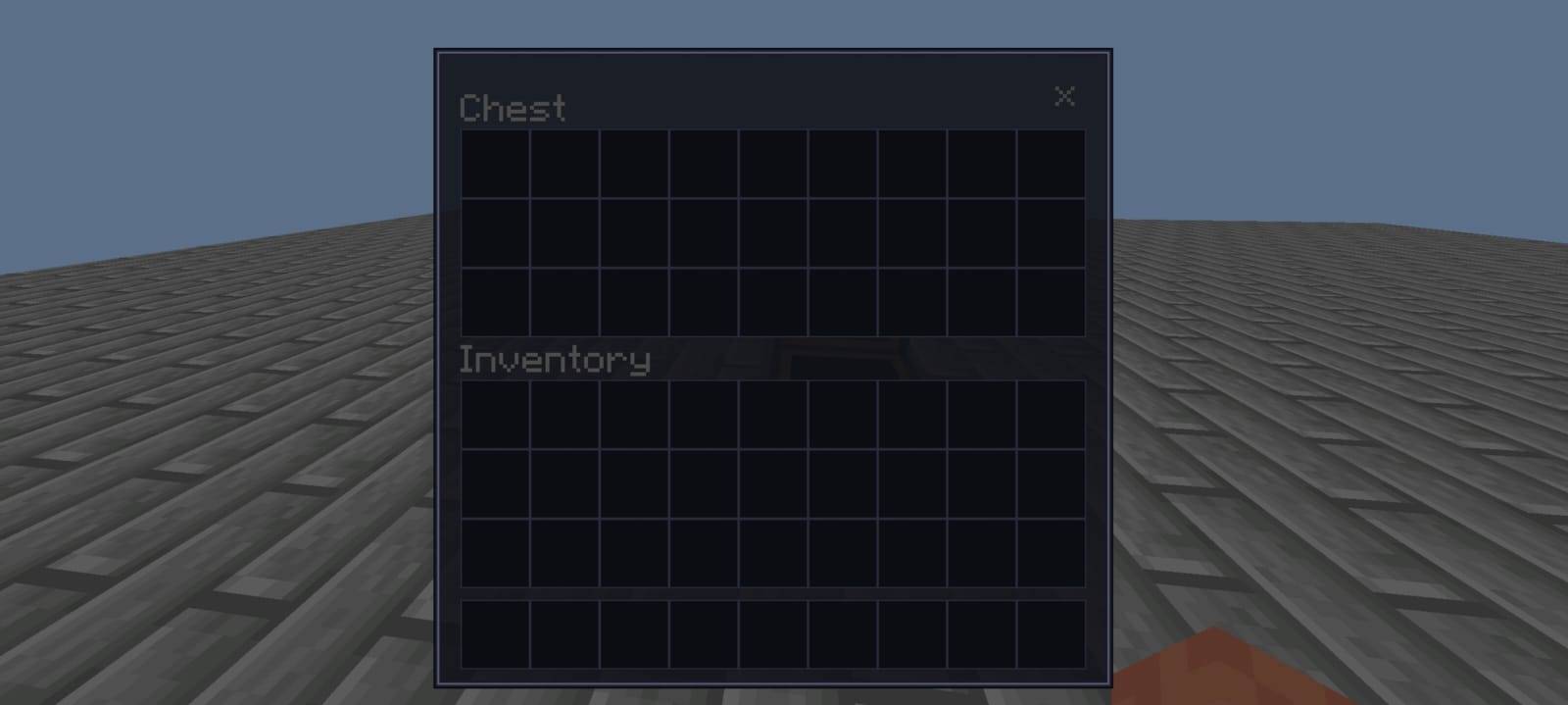
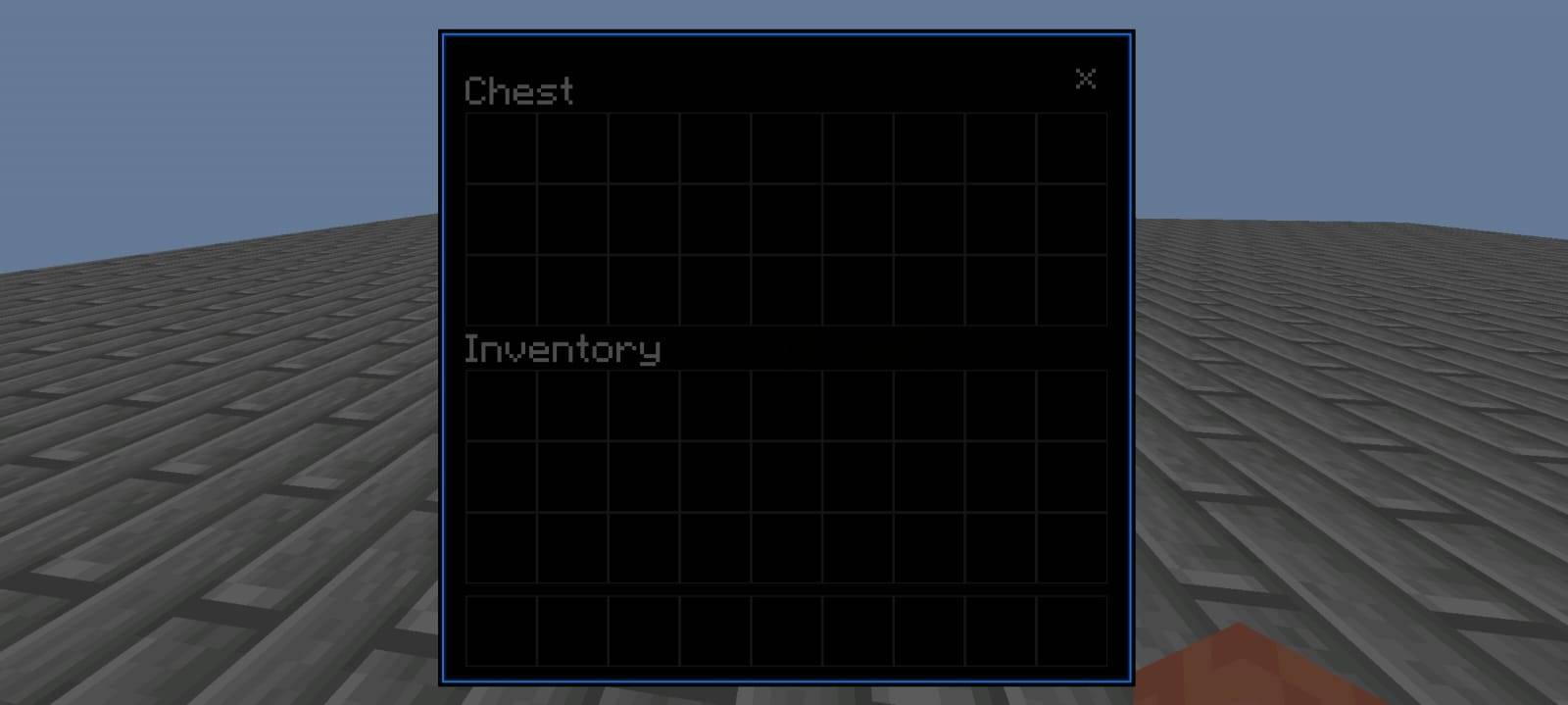
# Ultimate UI Pack by Srkuls
Enhance your Minecraft Bedrock interface with **Ultimate UI Pack**! This resource pack allows you to fully customize your in-game screens, menus, inventories, and chests using Bedrock's native subpacks feature. No complicated setups—just pure visual aesthetics!
> ⚠️ **Disclaimer / Note on Logo Artwork**:
> Please note that the main logo artwork is promotional/concept art designed for display purposes.
---
## 🎨 5 Unique UI Themes Included:
* ⚙️ **Default (Vanilla):** Keeps the classic, original Minecraft interface textures.
* 🌑 **Dark Slate:** A clean, eye-friendly dark mode styled with a subtle grey-blue tone and beautiful lavender highlights.
* ⬛ **OLED Black:** Pitch-black panels combined with glowing neon blue details—perfect for OLED displays and high-contrast lovers.
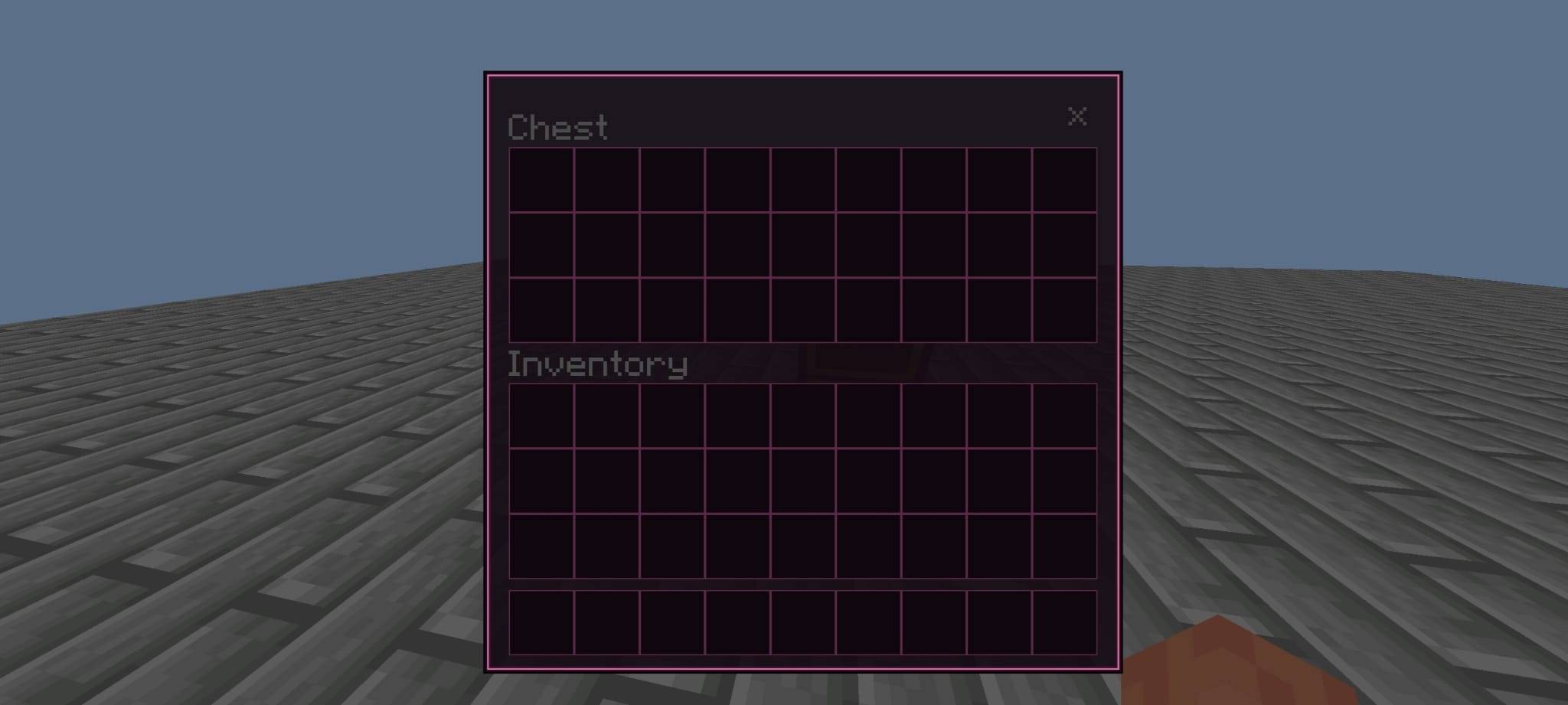
* 🌸 **Anime Sakura:** A gorgeous wenge-purple theme highlighted with vibrant cherry blossom pink borders and glowing slots.
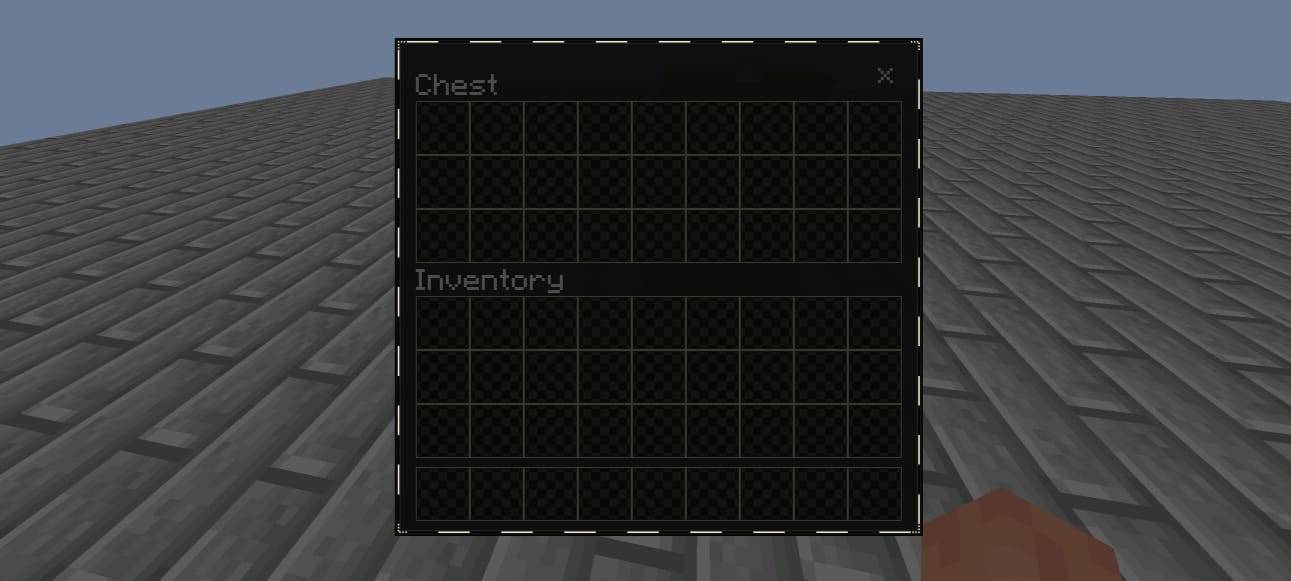
* ♟️ **Chess Classic:** An absolute premium design featuring a pixel-perfect checkerboard (black & ivory) border and 2x2 chess-patterned item slots.
---
## ✨ Key Features:
* **100% Stable & Safe:** Unlike other UI packs that modify layout files and break your inventory, this pack only uses texture-swapping. It will never make your screens disappear and is fully compatible with future Minecraft updates!
* **Subpack Customization:** Switch between all 5 themes easily in-game using the configuration settings slider.
* **Premium Quality:** All borders feature detailed 9-slice bevels, custom transparencies, and color-matching glowing borders for selected item slots.
---
## ⚙️ How to Choose Your Theme:
1. Activate the pack in your **Global Resources** or **World Resources**.
2. Click on the pack and tap the **Gear/⚙️ Icon** (Settings).
3. Slide the bar to select your preferred UI theme.
4. Restart your game (or reload resources) to apply!
- Edition: Minecraft Bedrock
- File type: .mcpack
- Minecraft versions listed: 1.21.132, 26.0.02, 26.0
- How to install: Download the .mcpack. → Open it — Minecraft imports it under Resource Packs. → Activate it in Global Resources, or for one world under Resource Packs → Available.
- Where to get it: Opens on CurseForge — not every file is mirrored on our own servers.
Install steps are the general flow for this file type — How to install Minecraft Bedrock texture packs walks through it step by step.
- Pack type: .mcpack — a single pack
- Manifest requires Minecraft 1.20.0 or newer
- Complete pack — everything it depends on is inside the file
- Download size: 734 KB
- Download link checked 10 Oct 2026 — working
These come from our own check of the pack file, not from the source page.