Srkuls's Custom Totems
Bedrock texture pack listed for Minecraft 1.20–26.x. File opened and checked on 28 Sep 2026; installs from the MC Bedrock Mods app on Android.
Srkuls's Custom Totems allows you to choose from 4 unique pixel-art Totem of Undying designs! Features custom settings slider for Bedrock and…
⬇ Download on CurseForge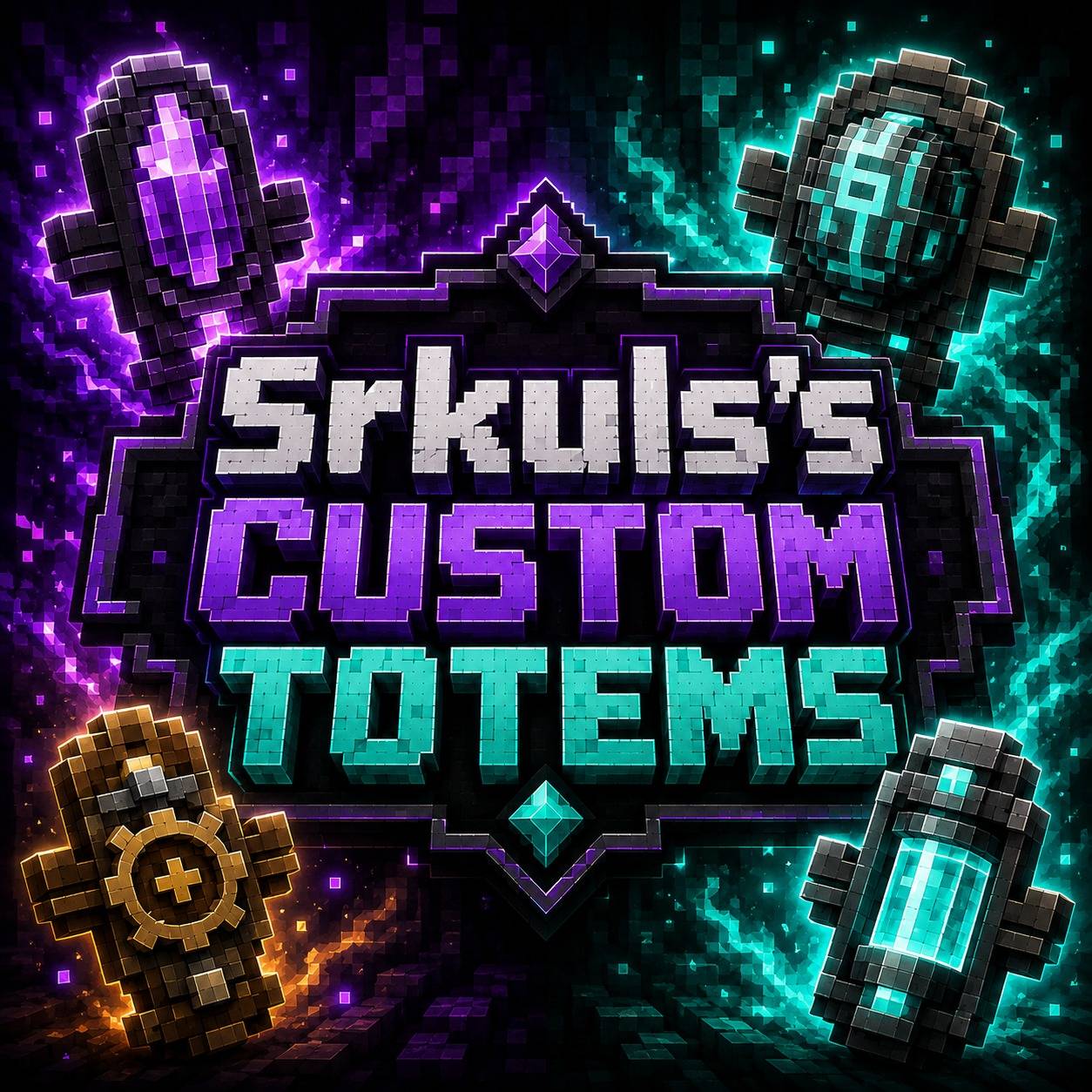
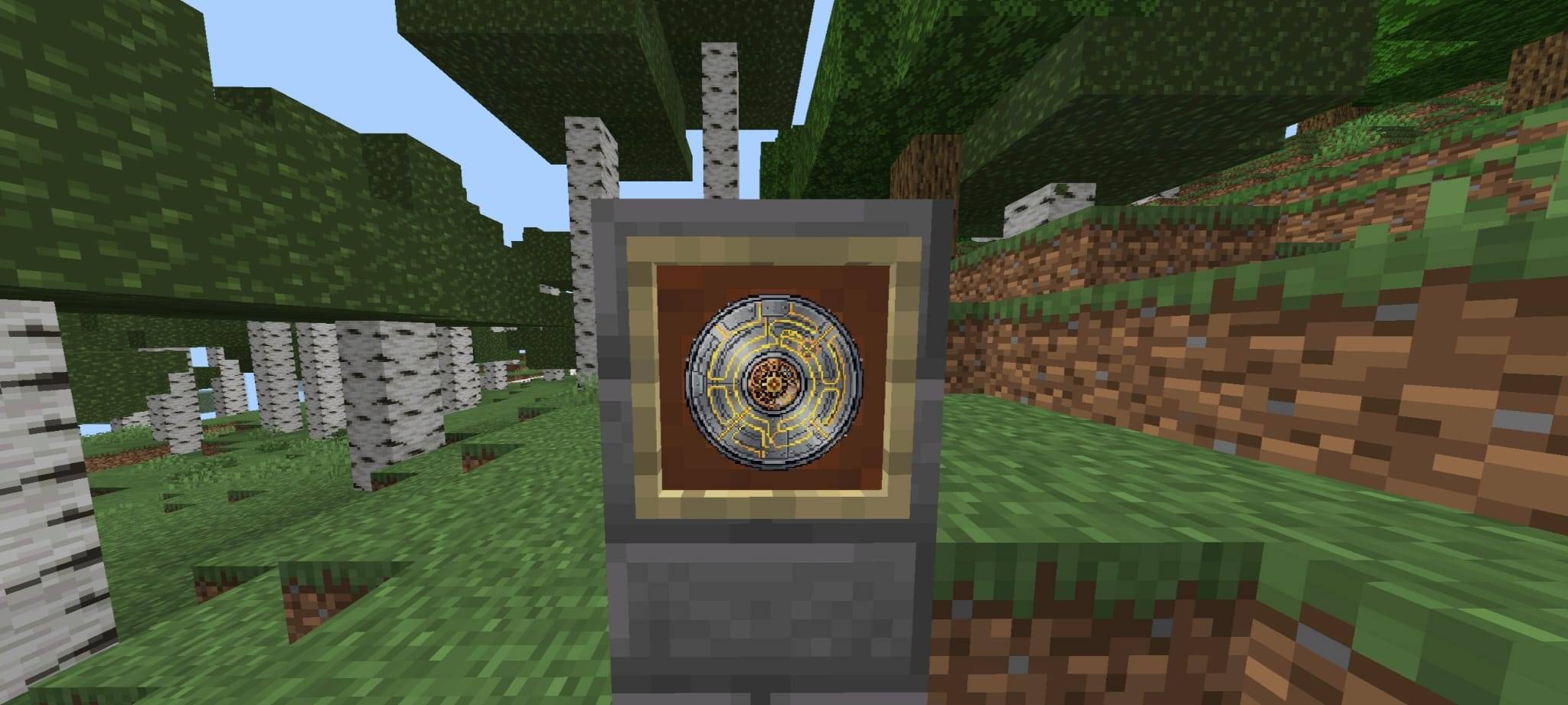
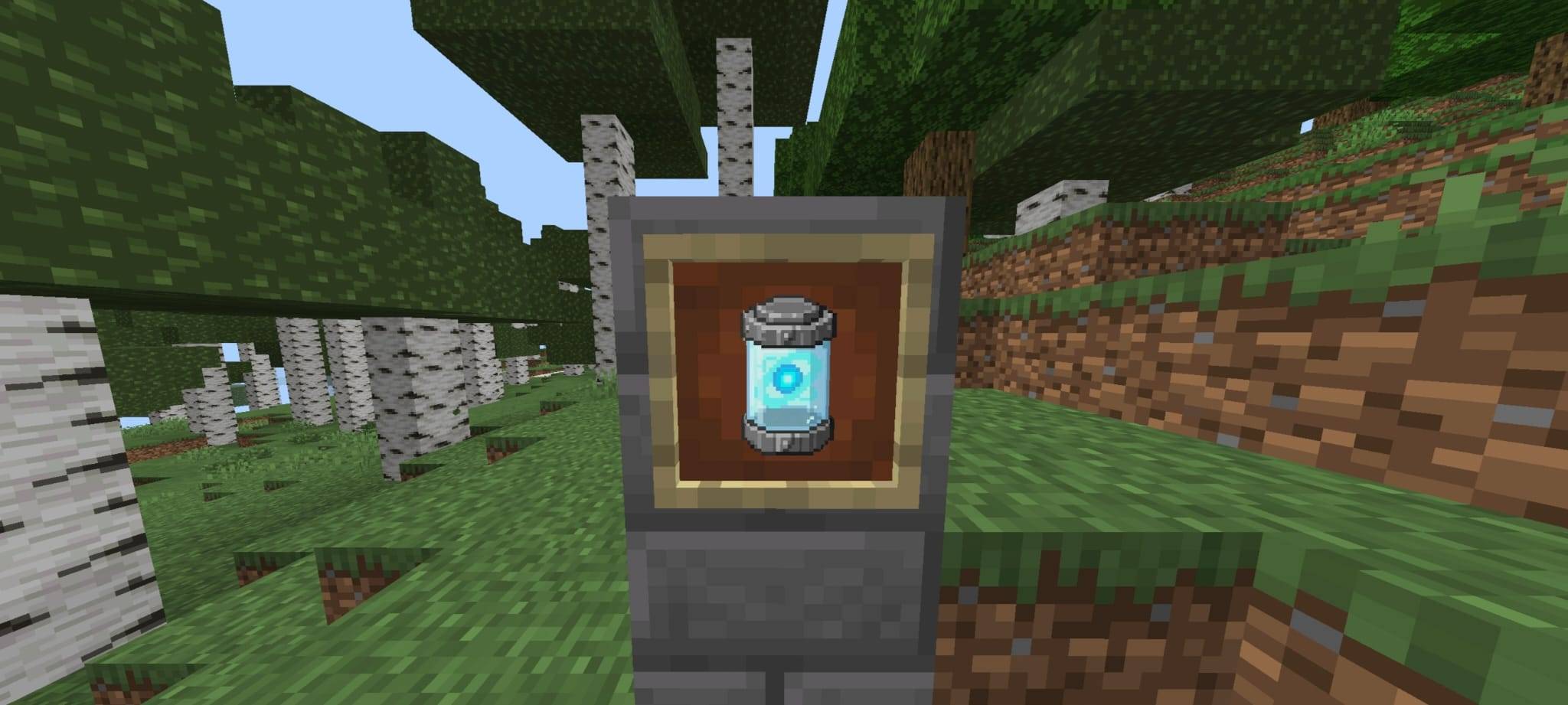
# 🛡️ Srkuls's Custom Totems
Upgrade your default **Totem of Undying** with **Srkuls's Custom Totems**!
Choose your favorite totem design from 4 handcrafted pixel-art styles. Whether you prefer magic runes, mysterious void crystals, mechanical steampunk gears, or futuristic energy cells, this pack has you covered!
> ⚠️ **Disclaimer / Note on Logo Artwork**:
> Please note that the main logo artwork is promotional/concept art designed for display purposes. The actual in-game textures are crisp 2D pixel-art totems as showcased in the subpack settings and screenshots.
---
## ✨ Features
- **4 Custom Handcrafted Totems**:
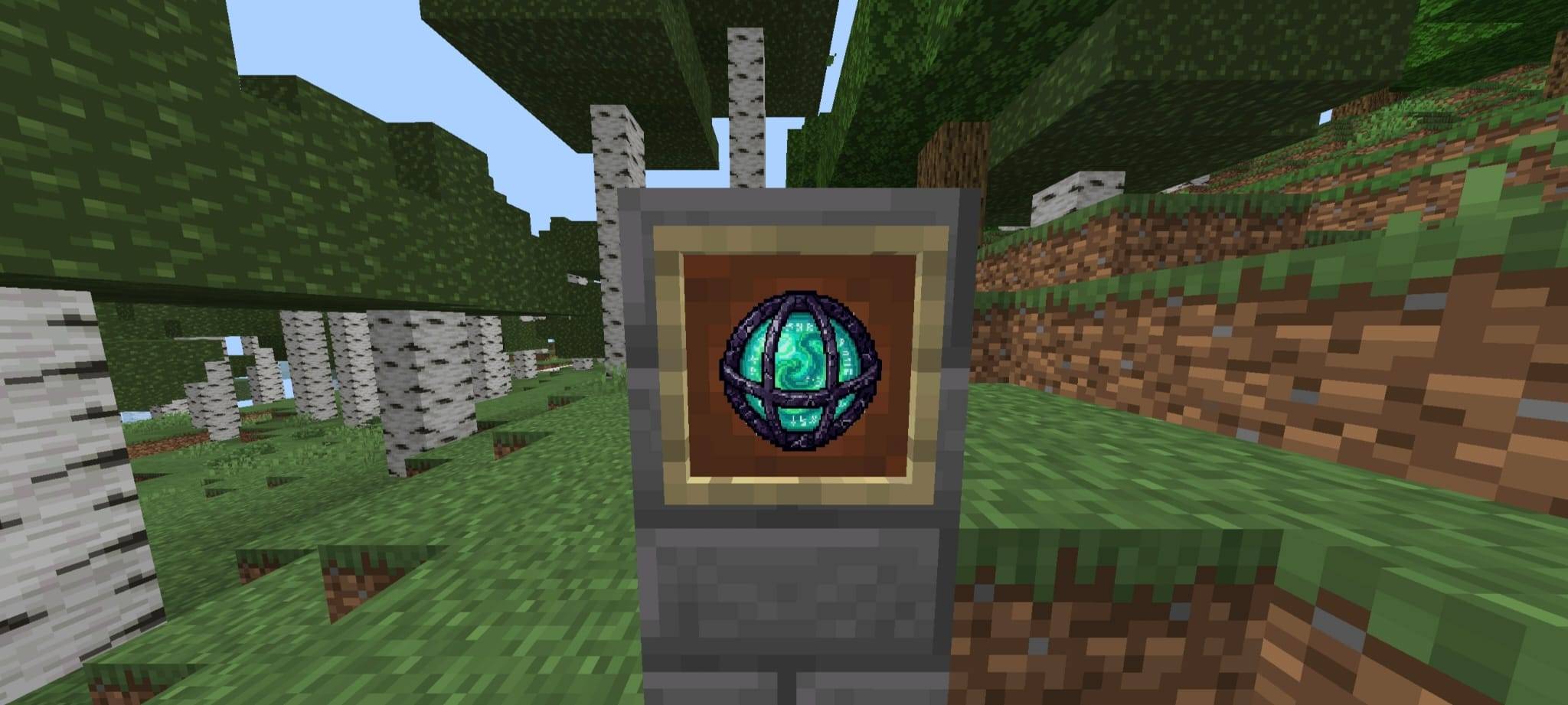
- 🟢 **Rune Sphere**: A glowing magical orb encased in ancient dark stone runes.
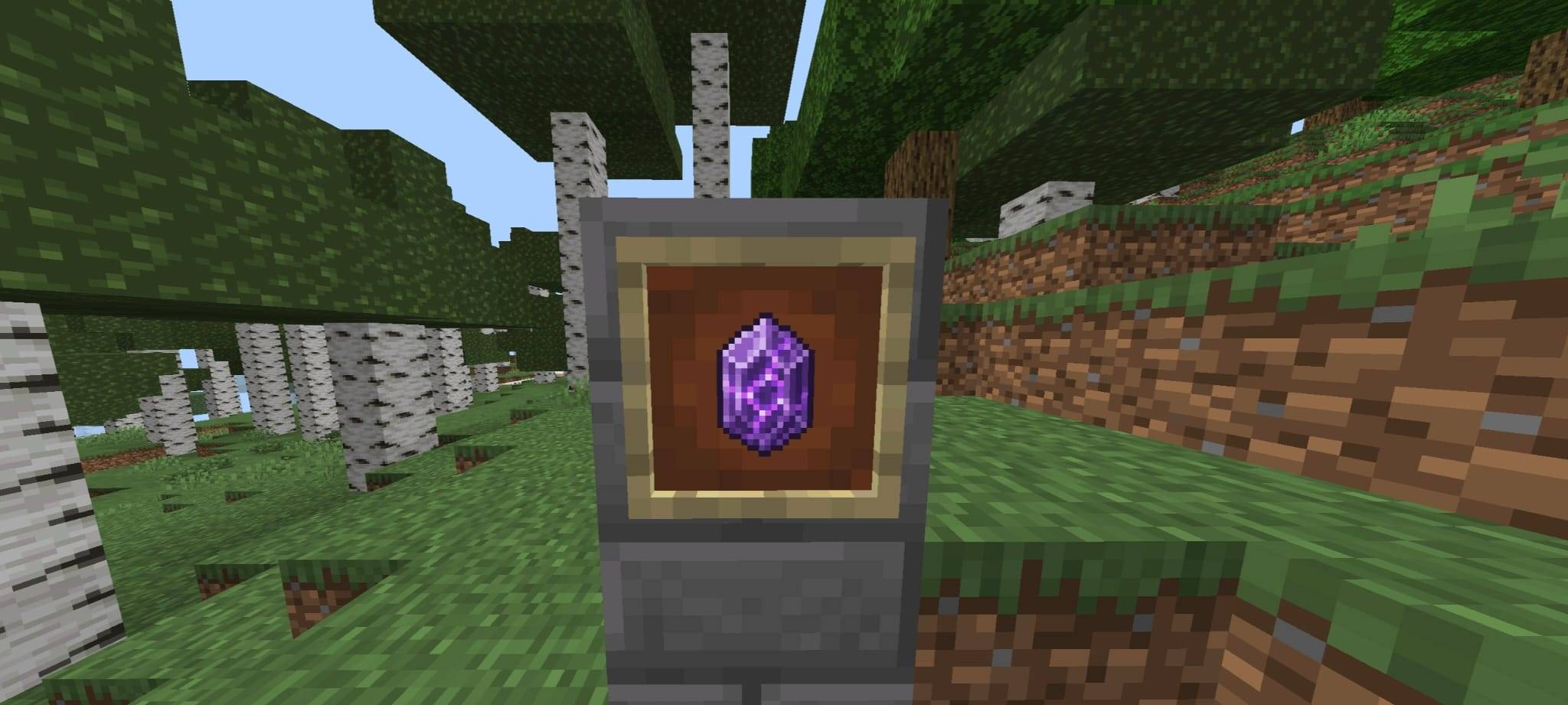
- 🟣 **Purple Crystal**: A glowing void crystal infused with arcane energy.
- ⚙️ **Steampunk Gear**: A heavy mechanical shield core with golden circuits & gears.
- 🧪 **Energy Capsule**: A futuristic sci-fi power core canister.
- **Easy Configuration (Subpacks)**:
- Built-in **⚙️ Resource Pack Settings Slider** allows you to pick and switch your favorite totem design anytime with one click!
- **Clean & High-Quality**: Pure, crisp 128x pixel art optimized for high FPS and maximum visibility during PvP or survival gameplay.
---
## ⚙️ How to Select Your Totem in Minecraft Bedrock
1. Activate **Srkuls's Custom Totems** in **Global Resources** or **World Settings**.
2. Click the **⚙️ Gear Icon (Resource Pack Settings)**.
3. Drag the slider to select your desired totem design:
- `1. Rune Sphere`
- `2. Purple Crystal`
- `3. Steampunk Gear`
- `4. Energy Capsule`
4. Close the settings menu and enjoy your custom totem in-game!
---
## 📥 Installation
1. Download the `.mcpack` file.
2. Double-click or open the `.mcpack` file on your device to automatically import it into Minecraft.
3. Enable the pack in your **Global Resources** or **World Settings**.
---
**Created by Srkul** | Enjoy your custom totems!
- Edition: Minecraft Bedrock
- File type: .mcpack
- Minecraft versions listed: 1.21.130, 1.21.131, 1.21.132
- How to install: Download the .mcpack. → Open it — Minecraft imports it under Resource Packs. → Activate it in Global Resources, or for one world under Resource Packs → Available.
- Where to get it: Opens on CurseForge — not every file is mirrored on our own servers.
Install steps are the general flow for this file type — How to install Minecraft Bedrock texture packs walks through it step by step.
- Pack type: .mcpack — a single pack
- Manifest requires Minecraft 1.20.0 or newer
- Complete pack — everything it depends on is inside the file
- Download size: 628 KB
- Download link checked 11 Oct 2026 — working
These come from our own check of the pack file, not from the source page.