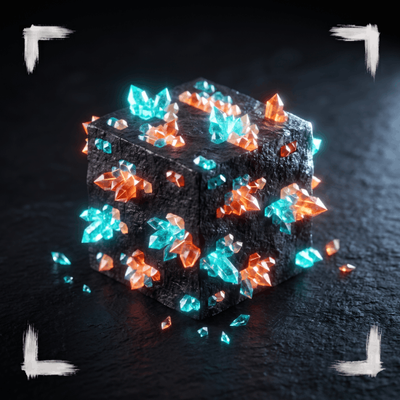
Glowing Ores Pro
Bedrock texture pack listed for Minecraft 1.20–26.x. File opened and checked on 30 Aug 2026; installs from the MC Bedrock Mods app on Android.
⬇ DownloadThe author built this one for Minecraft 1.20–1.21.124. On other versions it may install and then do nothing.
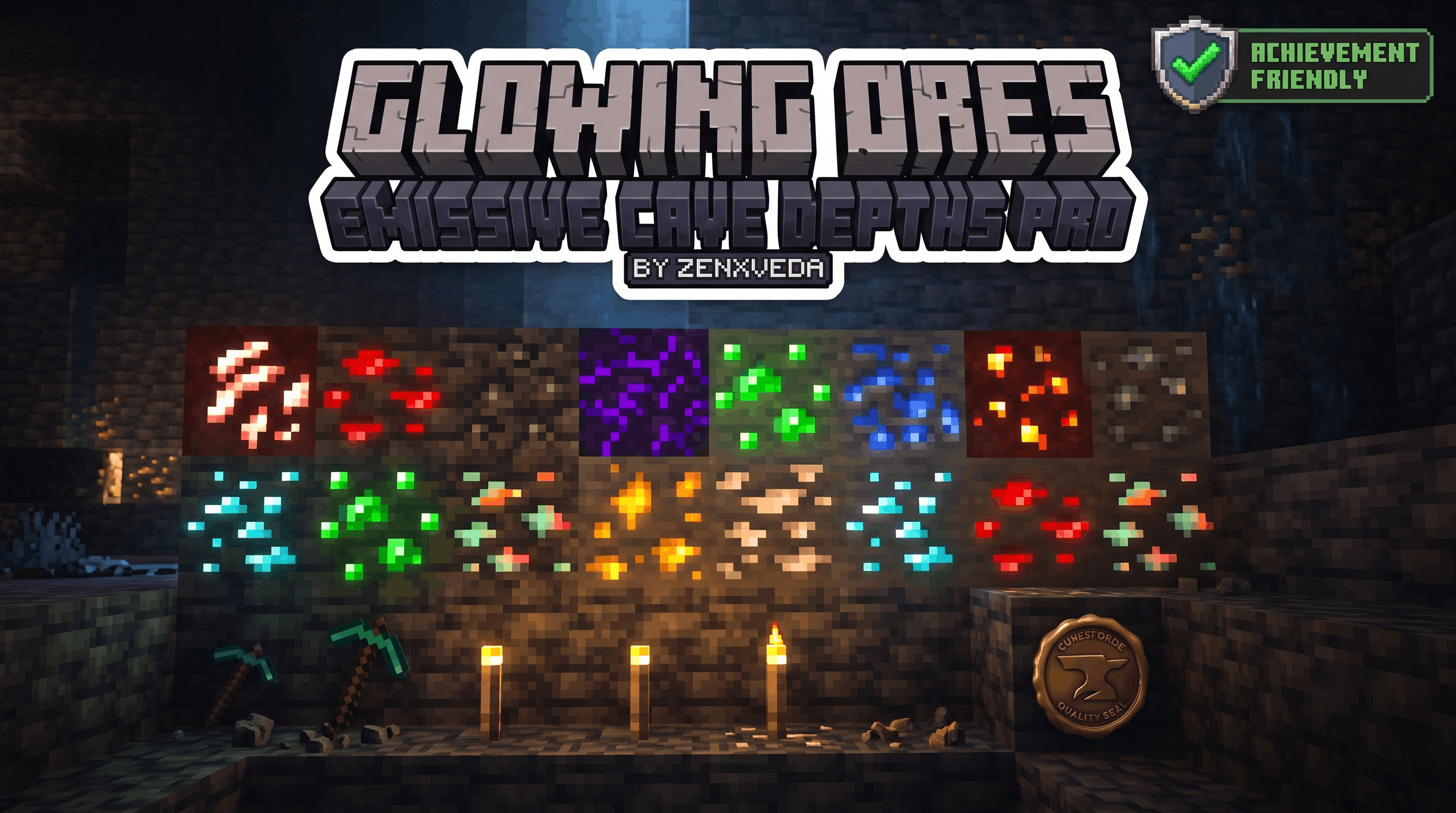
GLOWING ORES BY zenXveda

Make your ores pop in the darkest of caves!
💎 NEVER MISS A DIAMOND AGAIN
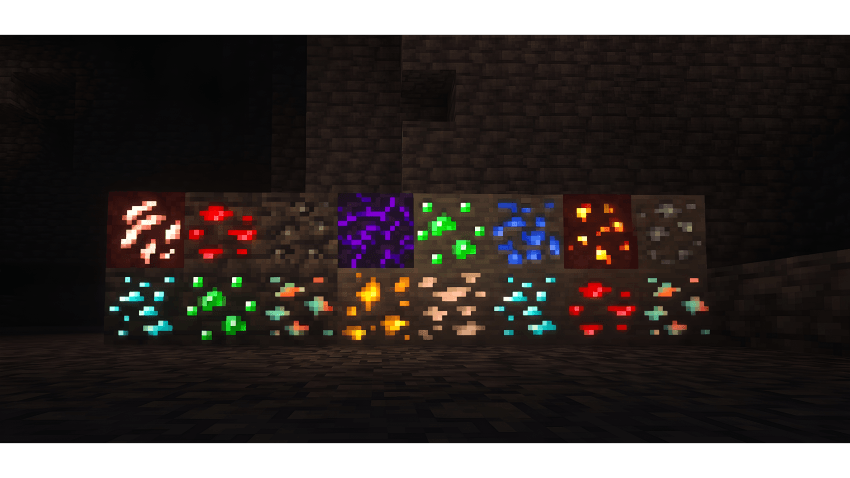
Tired of walking past rare ores because the caves are too pitch-black? Glowing Ores fixes that by giving every single ore a vibrant, radiant glow. Whether you are deep-slate mining or exploring giant caverns, the ores will shine through the darkness making your mining trips 10x more efficient!
✨ PACK FEATURES
- ✅ Works on Bedrock Edition: Fully compatible with the newest updates (26.30+)!
- ✅ Survival Friendly: Safe to use in survival without breaking your world!
- ✅ Complete Coverage: Diamonds, Gold, Iron, Redstone, Lapis, Coal, Emeralds, and Copper!
- ✅ Zero Lag: Highly optimized so it won't drop your frames.
Made with ❤️ by ZenXveda
🌐 Join the Community
Support our work and stay updated on our latest projects:






- Edition: Minecraft Bedrock
- File type: .mcpack
- Minecraft versions listed: 1.20.40, 1.21.30, 1.21.50
- How to install: Download the .mcpack. → Open it — Minecraft imports it under Resource Packs. → Activate it in Global Resources, or for one world under Resource Packs → Available.
- Where to get it: In MCModsHub, or directly above on this page.
Install steps are the general flow for this file type — How to install Minecraft Bedrock texture packs walks through it step by step.
- Pack type: .mcpack — a single pack
- Complete pack — everything it depends on is inside the file
- Download size: 42 KB
- Download link checked 30 Aug 2026 — working
These come from our own check of the pack file, not from the source page.


