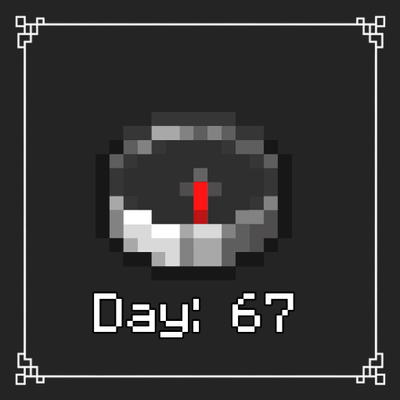
Day and Coords
Bedrock texture pack listed for Minecraft 26.x. Download on the author's site.
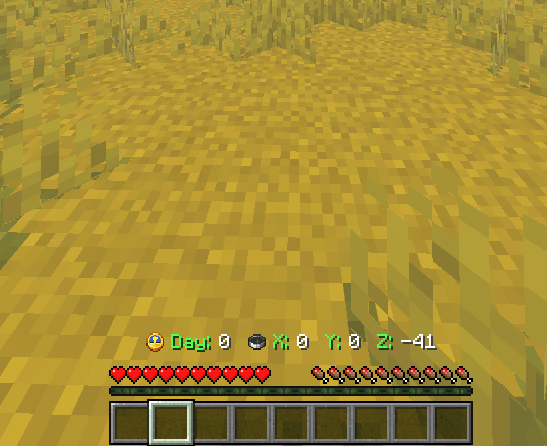
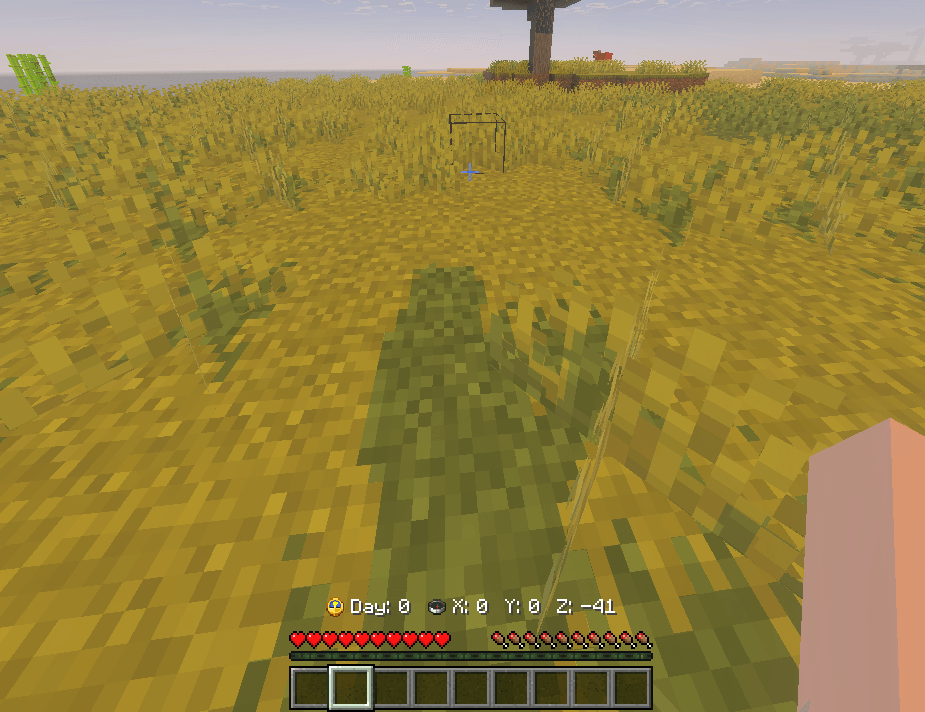
This pack enhances the appearance of the Day Played and Coordinates display while remaining compatible with every Minecraft language
⬇ Download on CurseForge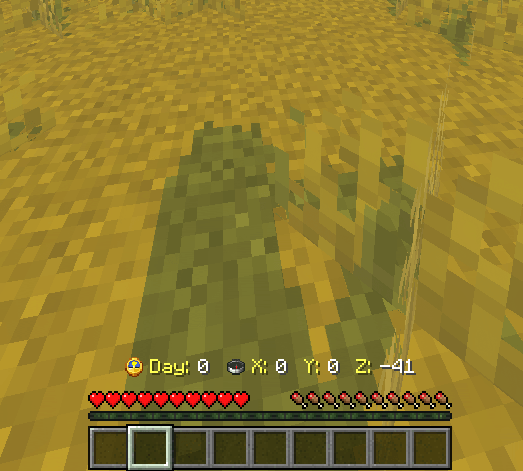
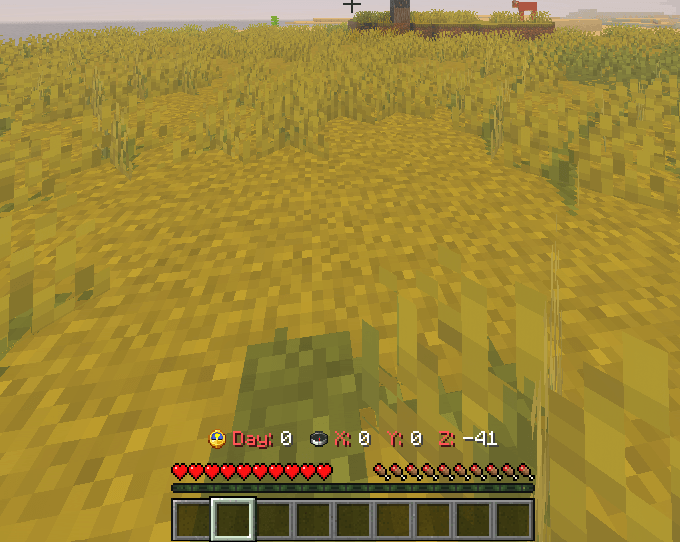
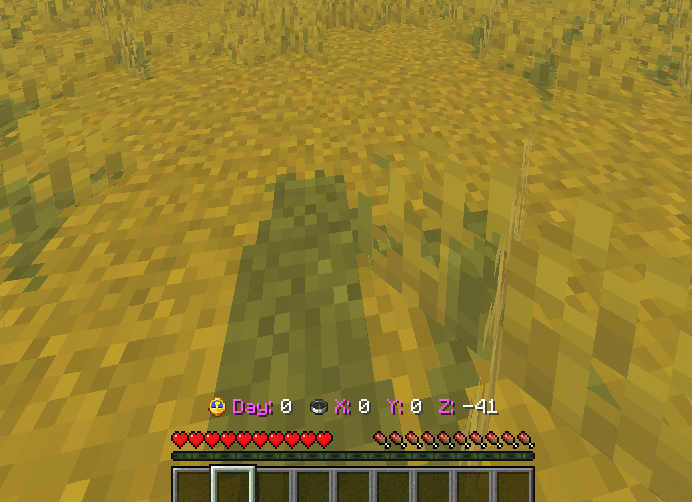
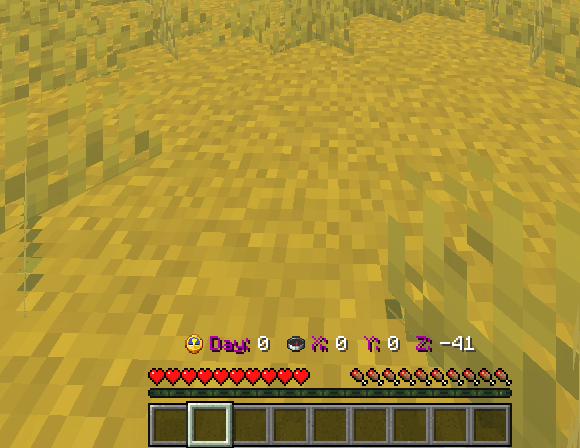
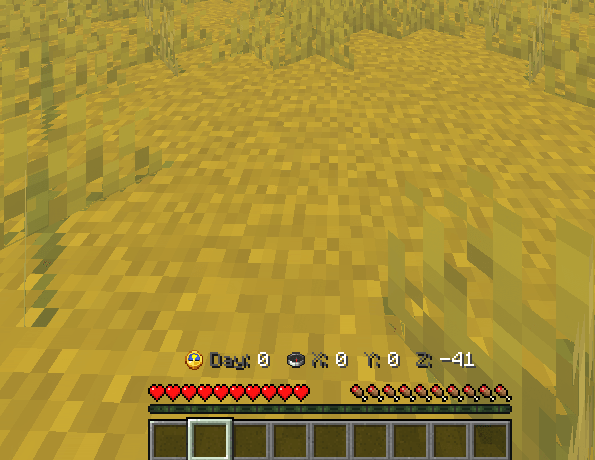
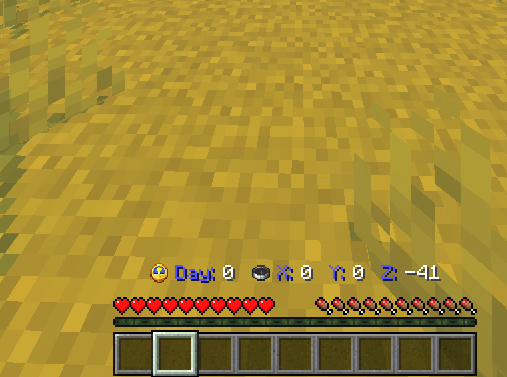
#Coordinates & Day
Give your Minecraft Bedrock HUD a fresh look with a simple yet polished text pack.
This resource pack changes the Coordinates (XYZ) and Day labels by offering a wide selection of color variations through subpacks. Every color is included, allowing you to choose the style that best matches your UI, texture pack, or personal preference.
Unlike language-specific packs, this one is designed to be fully compatible with every Minecraft language. No matter which language you use, the modified texts will display correctly.
Features
🎨 Subpacks with a complete selection of colors.
🌍 Compatible with every Minecraft language.
⚡ Lightweight and optimized.
🖥️ Clean and minimal design.
📦 Easy to install and switch between colors.
✅ Multiplayer friendly.
🔄 Compatible with future language changes without requiring another version.
Installation
Import the resource pack into Minecraft Bedrock Edition.
Enable the pack.
Open the Resource Pack settings.
Select your favorite color subpack.
Launch your world and enjoy your new HUD.
Whether you want your interface to stand out or simply prefer a specific color, this pack offers a simple way to personalize your Minecraft experience while keeping the original style of the game.
Thank you for downloading, and enjoy your adventure!
Coordenadas & Dia
Dê um novo visual à interface do Minecraft Bedrock com um pacote de texto simples, elegante e totalmente personalizável.
Este pacote altera os textos de Coordenadas (XYZ) e Dia, disponibilizando uma grande variedade de cores por meio de subpacks. Todas as cores estão incluídas, permitindo que você escolha a que melhor combina com sua interface, texture pack ou estilo de jogo.
Diferente de muitos pacotes semelhantes, este foi desenvolvido para ser 100% compatível com todos os idiomas do Minecraft, funcionando corretamente independentemente da linguagem utilizada no jogo.
Recursos
🎨 Subpacks com uma ampla variedade de cores.
🌍 Compatível com todos os idiomas do Minecraft.
⚡ Leve e otimizado.
🖥️ Visual limpo e minimalista.
📦 Fácil de instalar e trocar de cor.
✅ Compatível com multiplayer.
🔄 Continue usando o mesmo pack mesmo ao mudar o idioma do jogo.
Instalação
Importe o pacote para o Minecraft Bedrock Edition.
Ative o pacote de recursos.
Abra as configurações do pacote.
Escolha a cor desejada no subpack.
Entre em um mundo e aproveite sua nova interface.
Se você gosta de personalizar a interface sem alterar a essência do Minecraft, este pacote é uma opção leve, prática e compatível com qualquer idioma.
Obrigado por baixar o pack. Espero que ele deixe sua experiência no Minecraft ainda melhor!
- Edition: Minecraft Bedrock
- File type: .mcpack
- Minecraft version listed: 26.30
- How to install: Download the .mcpack. → Open it — Minecraft imports it under Resource Packs. → Activate it in Global Resources, or for one world under Resource Packs → Available.
- Where to get it: Opens on CurseForge — not every file is mirrored on our own servers.
Install steps are the general flow for this file type — How to install Minecraft Bedrock texture packs walks through it step by step.
Day and Coords is a free Minecraft Bedrock texture pack. Compatible with Minecraft 26.30. Downloaded 3,910 times (via CurseForge). Download it and open it directly in the game.