🎯 Crosshair Indicator [Bedrock Edition]
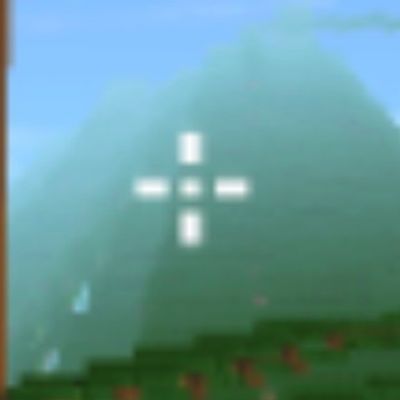
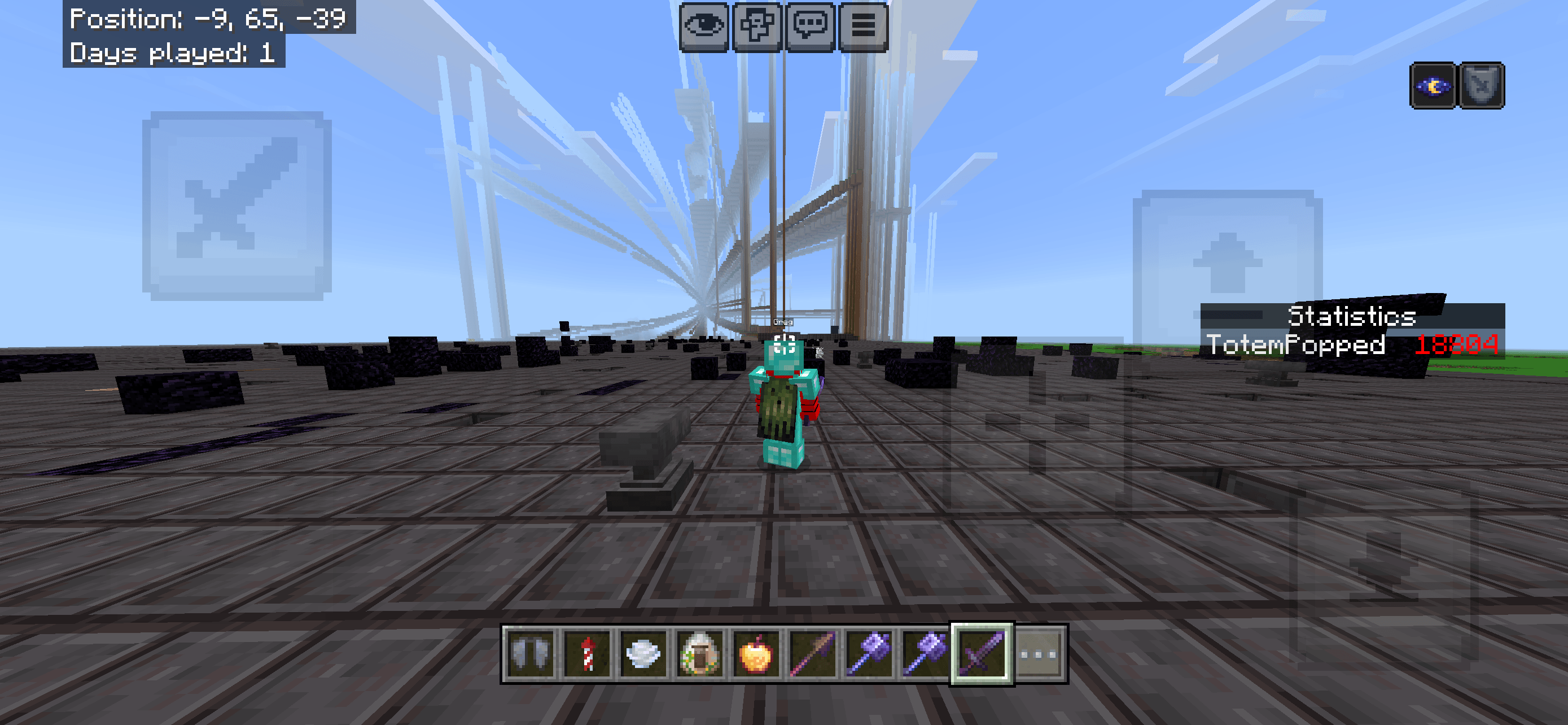
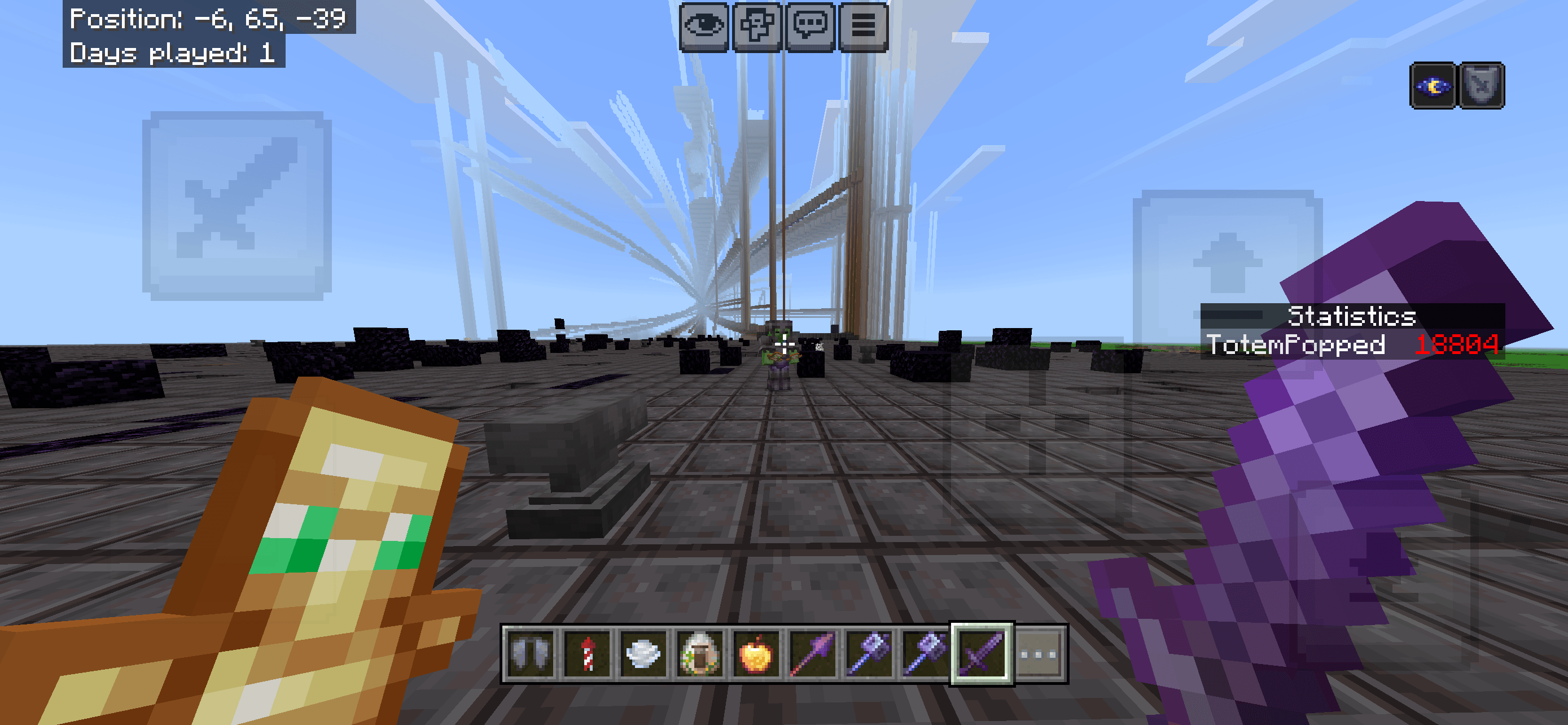
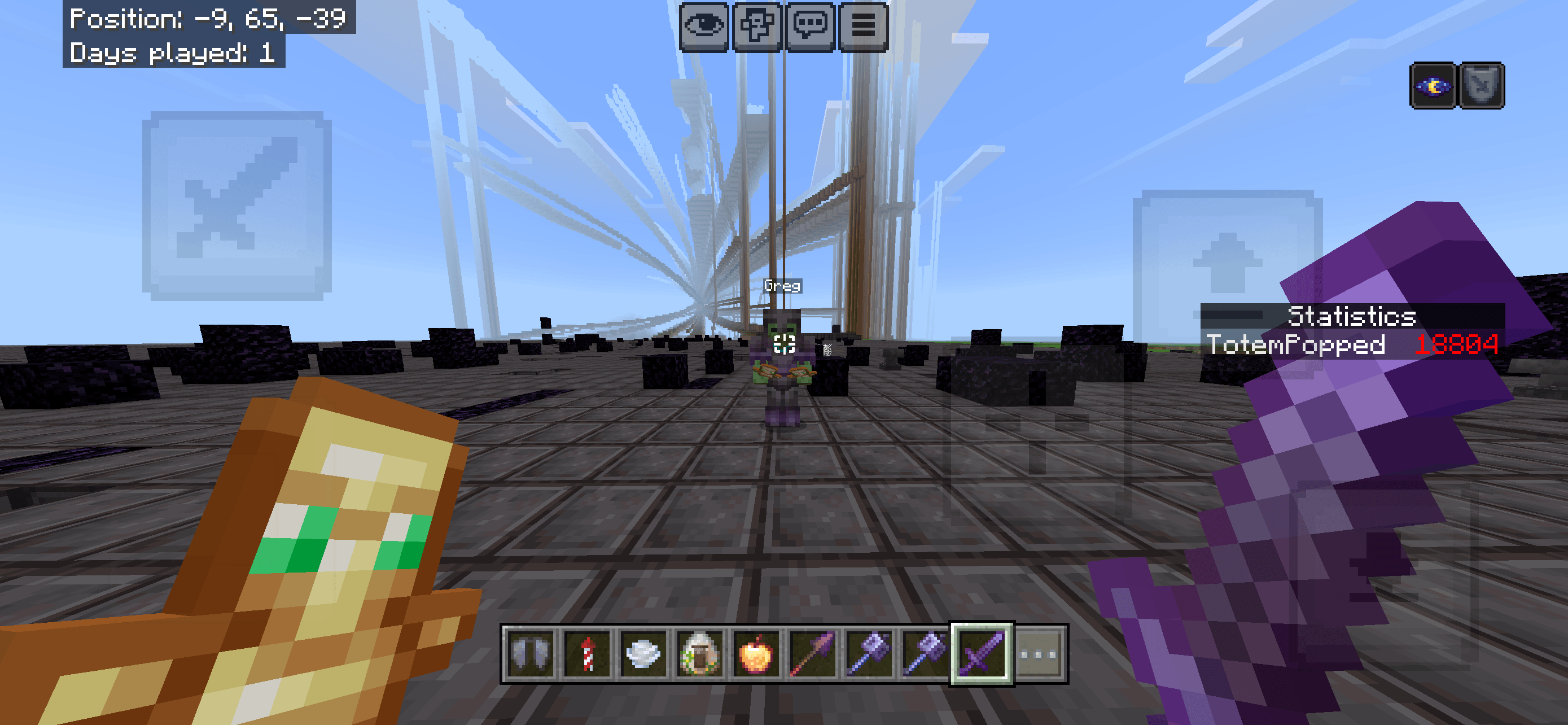
Tired of losing track of your crosshair during intense PvP battles or chaotic night fights? The Crosshair Indicator texture pack replaces the boring, hard-to-see default crosshair with a highly visible, dynamic indicator designed to improve your aiming precision, hit accuracy, and screen awareness.
Perfect for PvP, survival, and bow sniping!
🚀 Key Features
- High-Contrast Design: Never lose your crosshair against bright snow, sand, or dark cave walls.
- Pixel-Perfect Alignment: Center-locked design ensures 100% accurate projectile and block placement.
- Bedrock Optimized: Ultra-lightweight file size ensures zero FPS drops or performance lag.
- Global Resource Friendly: Works perfectly on servers (The Hive, CubeCraft), Realms, and local worlds.
- No Behavior Packs Required: Purely visual texture pack that does not disable Xbox/PlayStation Achievements.
🛠️ How to Install (Minecraft Bedrock)
- Download the
.mcpackfile from the Files tab. - Double-click (or tap) the downloaded file to automatically launch Minecraft and import the pack.
- Go to Settings > Global Resources > My Packs.
- Select Crosshair Indicator and click Activate.
- Restart your world or server to apply the changes!
📝 Compatibility & Terms
- Supported Versions: Works on all recent versions of Minecraft Bedrock (Windows 10/11, Mobile, and Consoles).
- Feedback: Found a bug or want a different color variation? Let me know in the comments section below!
Quick facts
- Edition: Minecraft Bedrock
- File type: .mcpack
- Minecraft versions listed: 26.11, 26.12, 26.20
- How to install: Download the .mcpack. → Open it — Minecraft imports it under Resource Packs. → Activate it in Global Resources, or for one world under Resource Packs → Available.
- Where to get it: Opens on CurseForge — not every file is mirrored on our own servers.
Install steps are the general flow for this file type — How to install Minecraft Bedrock texture packs walks through it step by step.
Verified by MCModsHub
- Save it as Crosshair indicator 64x.mcaddon before opening — it downloads as .mcpack, but it is a .mcaddon pack
- Manifest requires Minecraft 1.21.0 or newer
- Complete pack — everything it depends on is inside the file
- Download size: 23 KB
- Download link checked 30 Aug 2026 — working
These come from our own check of the pack file, not from the source page.