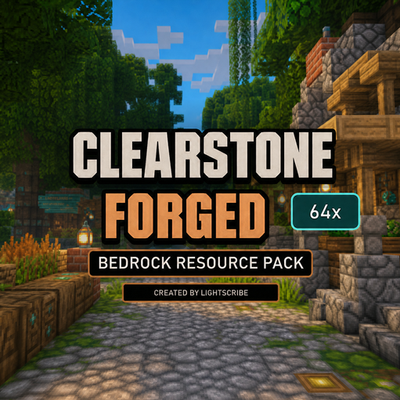
Faithful Style Bedrock Clearstone Forged 64x – Texture Pack
Bedrock texture pack listed for Minecraft 1.19–26.x. File opened and checked on 30 Aug 2026; installs from the MC Bedrock Mods app on Android.
A detailed Faithful-style 64x texture pack for Minecraft Bedrock with enhanced blocks, items, villages, landscapes and a medieval-inspired look.
⬇ Download on CurseForge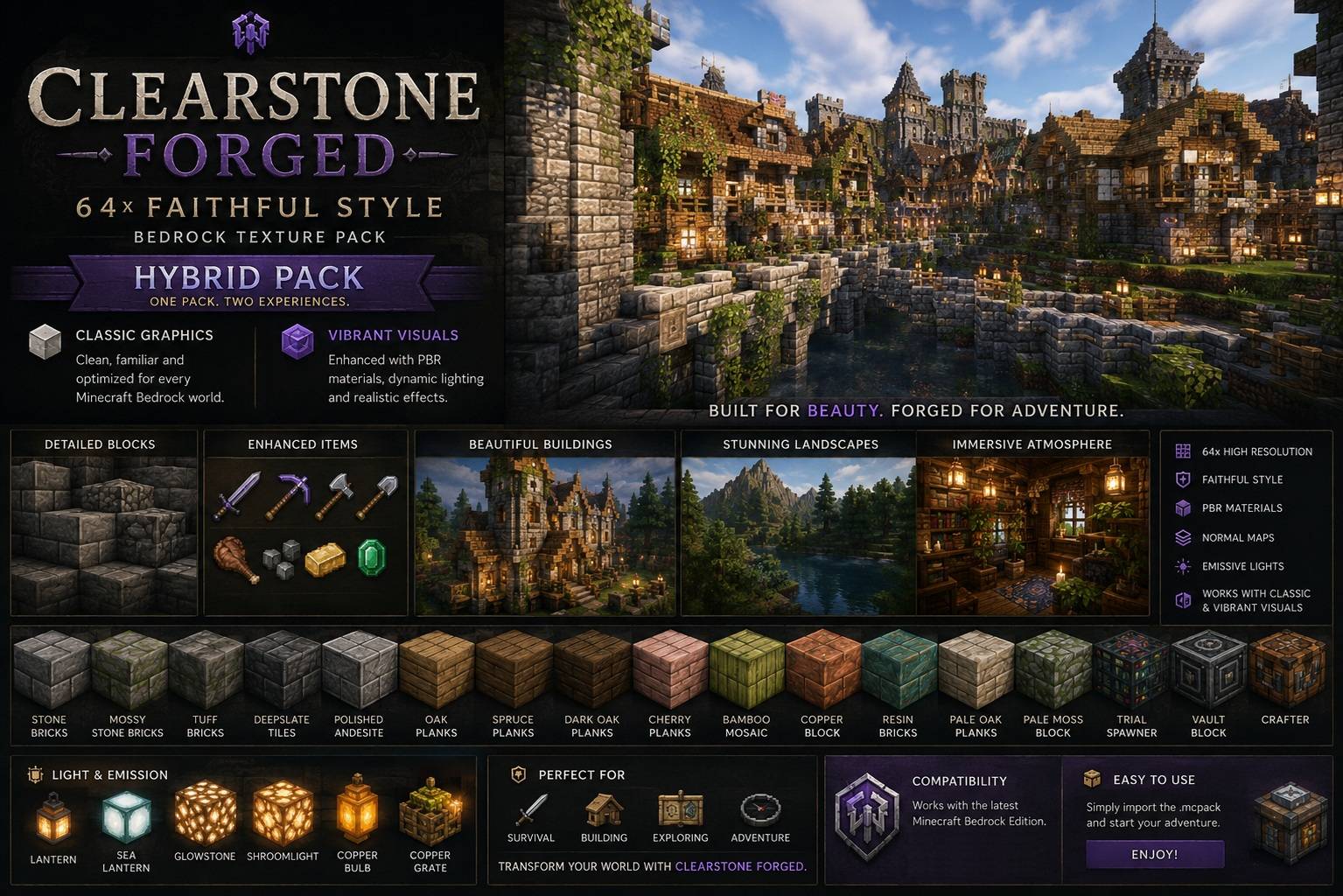
Clearstone Forged 64x – Faithful Style Bedrock Texture Pack
Clearstone Forged 64x is a high-resolution Minecraft Bedrock resource pack inspired by the familiar Faithful-style look, while adding its own detailed medieval and forged aesthetic.
The pack keeps Minecraft recognizable while improving blocks, materials, villages, interiors and landscapes with sharper 64x textures and additional detail.
Hybrid Graphics Support
Starting with v1.2.0, Clearstone Forged combines Classic Bedrock graphics and Vibrant Visuals support in one single resource pack.
On supported devices with Vibrant Visuals enabled, selected textures can use additional PBR material information such as surface depth, metallic properties and emissive effects.
With the normal Bedrock graphics mode, the regular 64x textures remain available without needing a separate edition.
Features
- 64x high-resolution textures
- Faithful-style Minecraft appearance
- Classic Bedrock graphics support
- Vibrant Visuals / PBR support
- Normal maps for selected materials
- Improved stone, wood and metal surfaces
- Enhanced lanterns and light-emitting blocks
- Detailed village and building textures
- Improved interiors and decorative blocks
- Enhanced terrain and landscape textures
- Updated textures for newer Minecraft content
- Refined medieval / forged visual style
- Single Hybrid pack — no separate Vibrant download required
Vibrant Visuals
When Vibrant Visuals is available and enabled, the pack adds enhanced material effects to selected textures, including:
- Surface depth
- Improved material definition
- Metallic surfaces
- Roughness differences
- Selected emissive blocks
- Enhanced lighting response
Compatibility
Designed for Minecraft Bedrock Edition.
The Hybrid version requires a Bedrock version supporting the current Vibrant Visuals resource-pack format.
Vibrant Visuals itself is optional. You can still use the pack with the normal graphics mode.
Installation
- Download the
.mcpackfile. - Open the file with Minecraft.
- Wait for Minecraft to import the resource pack.
- Open your world settings.
- Activate Clearstone Forged 64x under Resource Packs.
- Start the world.
For supported devices, Vibrant Visuals can additionally be enabled in Minecraft's video settings.
- Edition: Minecraft Bedrock
- File type: .mcpack
- Minecraft versions listed: 1.19, 1.20, 1.21
- How to install: Download the .mcpack. → Open it — Minecraft imports it under Resource Packs. → Activate it in Global Resources, or for one world under Resource Packs → Available.
- Where to get it: Opens on CurseForge — not every file is mirrored on our own servers.
Install steps are the general flow for this file type — How to install Minecraft Bedrock texture packs walks through it step by step.
- Pack type: .mcpack — a single pack
- Manifest requires Minecraft 1.21.120 or newer
- Complete pack — everything it depends on is inside the file
- Download size: 12.2 MB
- Download link checked 10 Oct 2026 — working
These come from our own check of the pack file, not from the source page.