Steve Skin Pack for Minecraft Bedrock
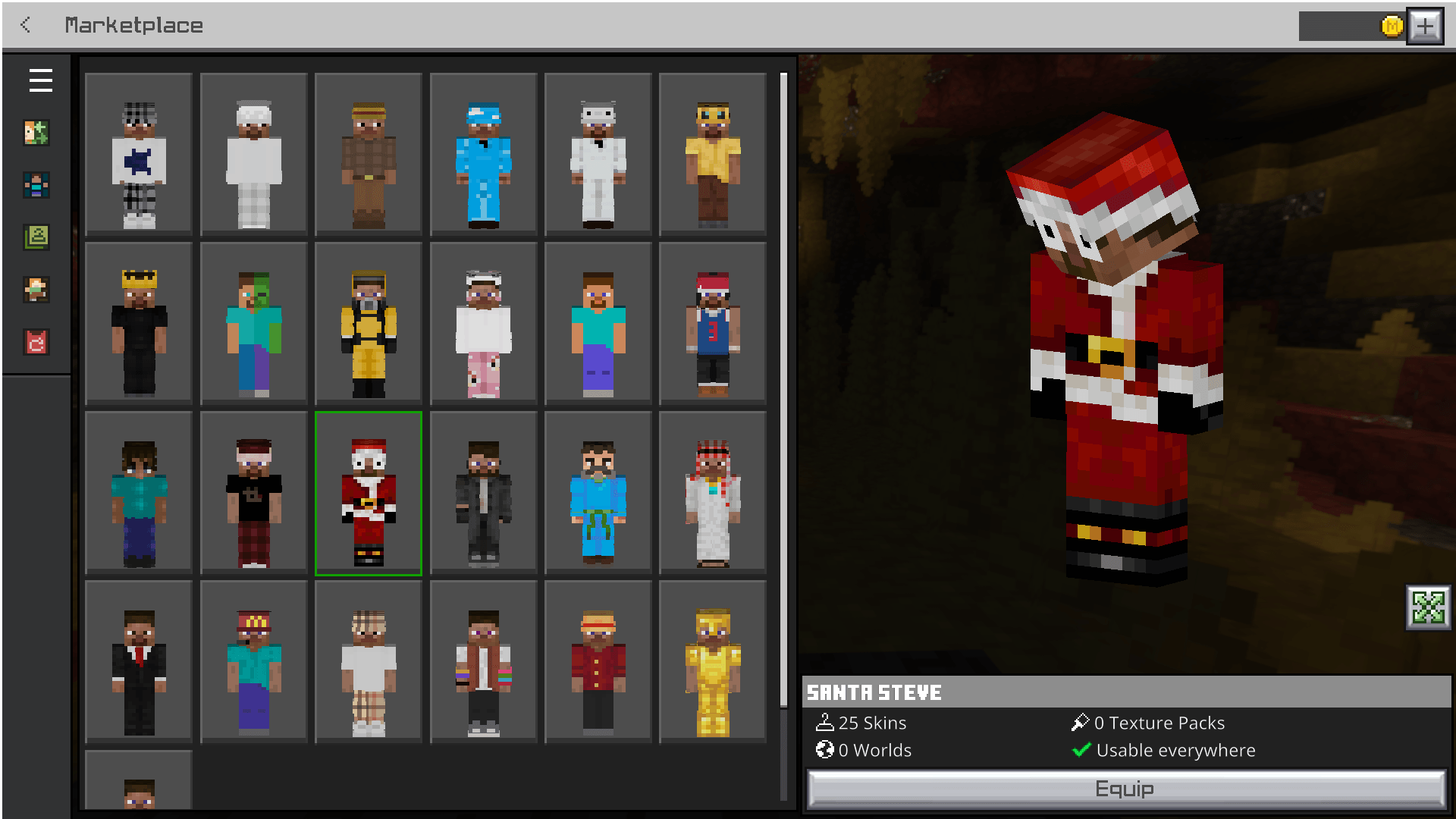
Give the classic Steve a fresh new look with this custom skin pack for Minecraft Bedrock Edition. Featuring a collection of unique Steve-inspired skins, this pack lets you customize your character while staying true to Minecraft's iconic style.
Features
-
👕 Multiple custom Steve-themed skins
-
🎨 Vanilla-inspired designs
-
📱 Compatible with Minecraft Bedrock Edition
-
⚡ Easy to install and use
-
🎮 Perfect for Survival, Creative, and Multiplayer
Installation
-
Download the latest
.mcpackfile. -
Open it with Minecraft Bedrock Edition.
-
Minecraft will automatically import the skin pack.
-
Go to Profile → Edit Character → Owned Skins and select your favorite Steve skin.
Compatibility
-
Minecraft Bedrock Edition
-
Works on supported Bedrock platforms
Future Plans
-
More Steve variants
-
Seasonal and themed skins
-
Community-requested designs
-
Regular updates and improvements
Feedback
Found a bug or have an idea for a new skin? Feel free to open an issue or submit a pull request. Suggestions and feedback are always welcome!
- Edition: Minecraft Bedrock
- File type: .mcpack
- Minecraft versions listed: 1.21.132, 26.0.02, 26.0
- How to install: Download the .mcpack skin pack. → Open it — Minecraft imports it. → Open the Dressing Room and select the skin.
- Where to get it: Opens on CurseForge — not every file is mirrored on our own servers.
Install steps are the general flow for this file type — How to apply a custom Minecraft skin walks through it step by step.
- Pack type: .mcpack — a single pack
- Complete pack — everything it depends on is inside the file
- Download size: 39 KB
- Download link checked 30 Aug 2026 — working
These come from our own check of the pack file, not from the source page.