Low Fire Texture Pack (26.x, 1.21) – Adjustable Fire Height Sliders
Bedrock texture pack listed for Minecraft 1.21–26.x. File opened and checked on 22 Sep 2026; installs from the MC Bedrock Mods app on Android.
⬇ Download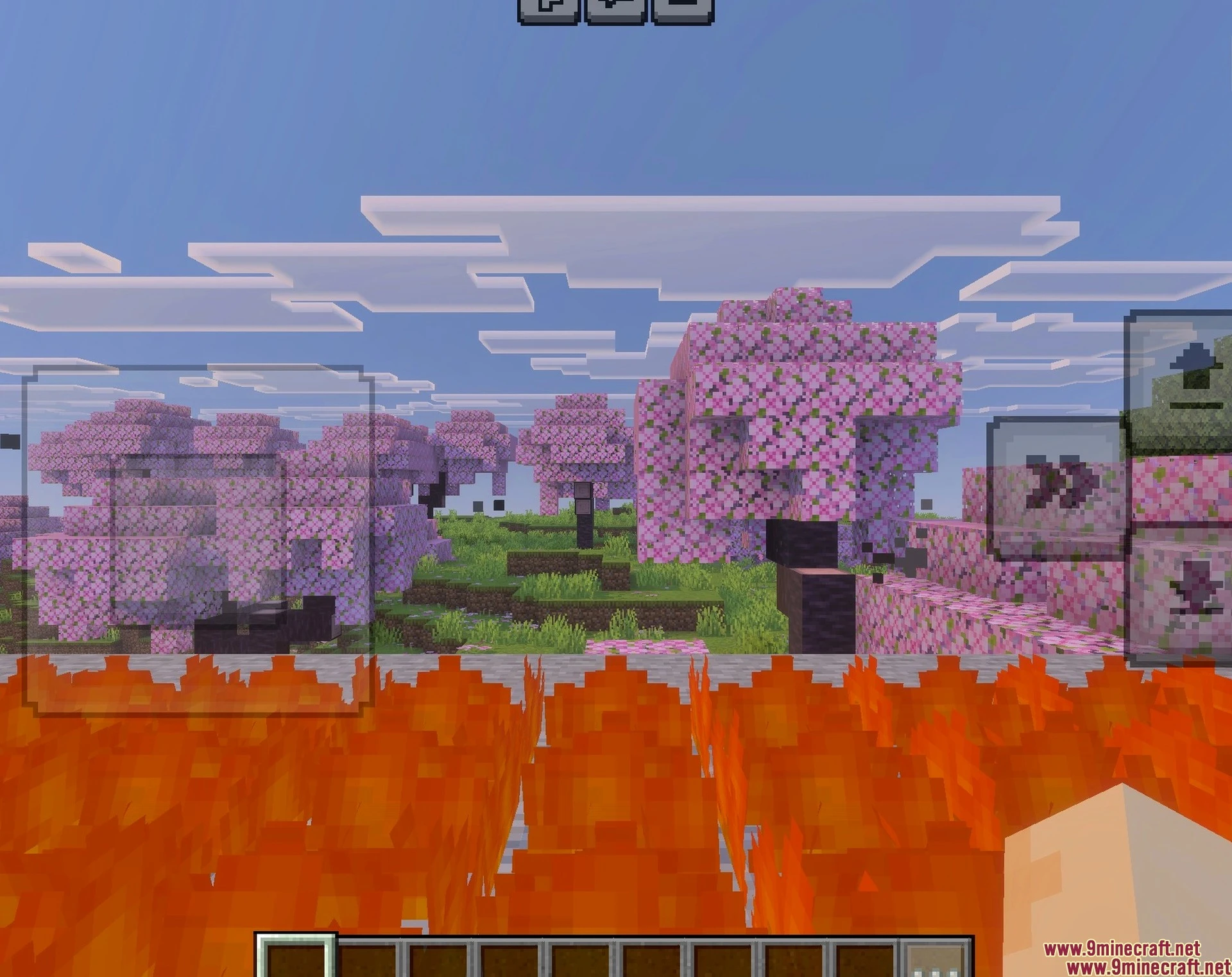
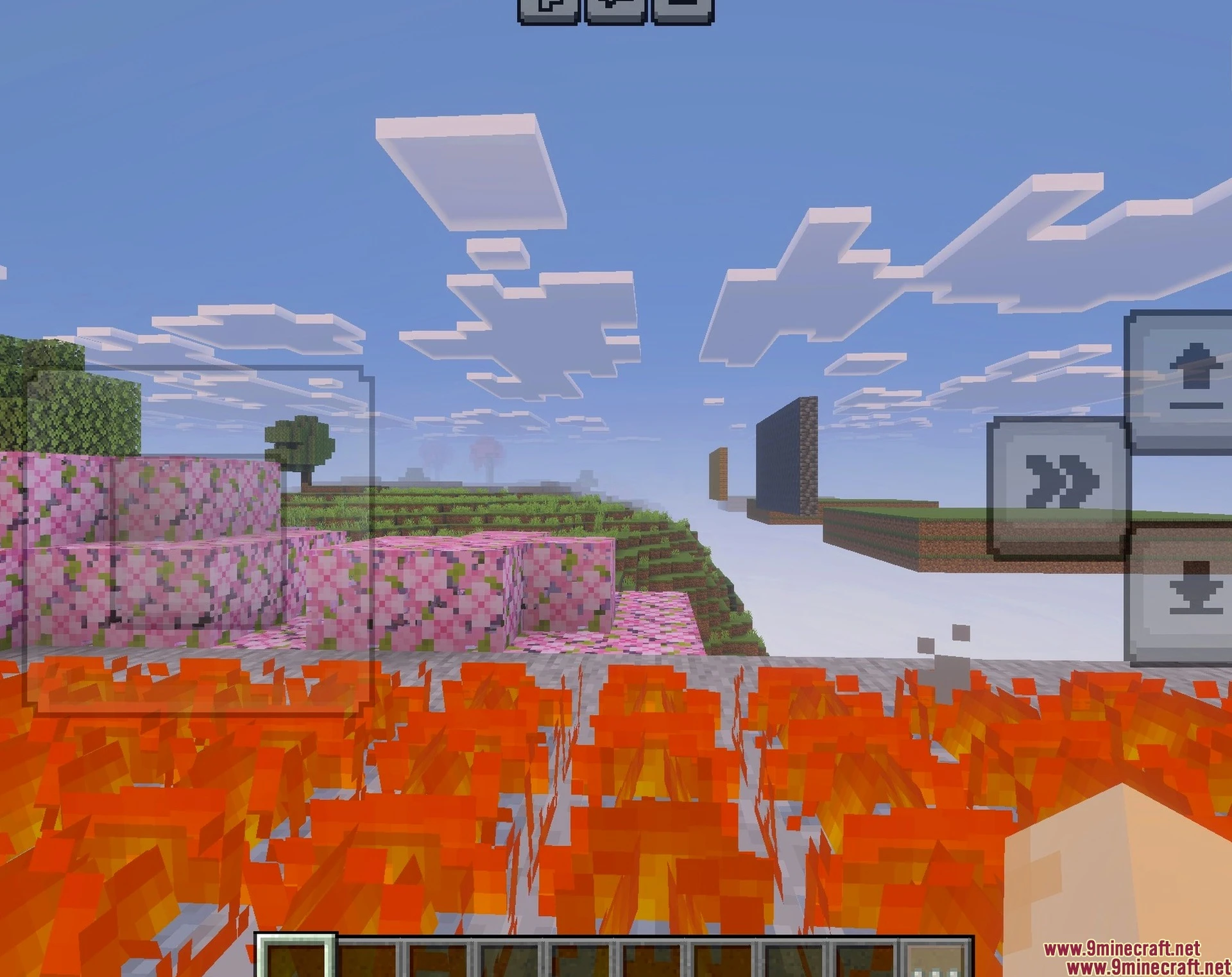
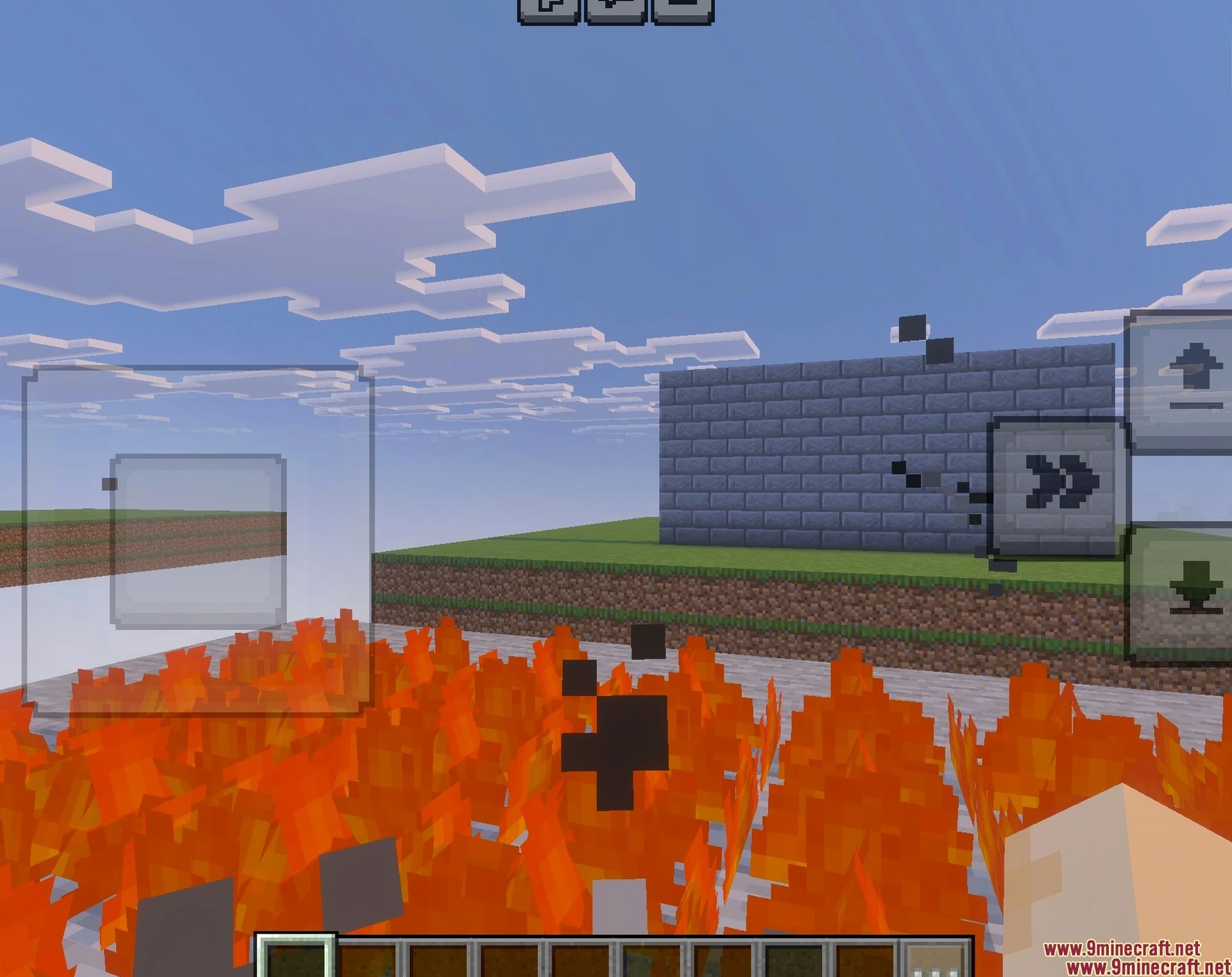
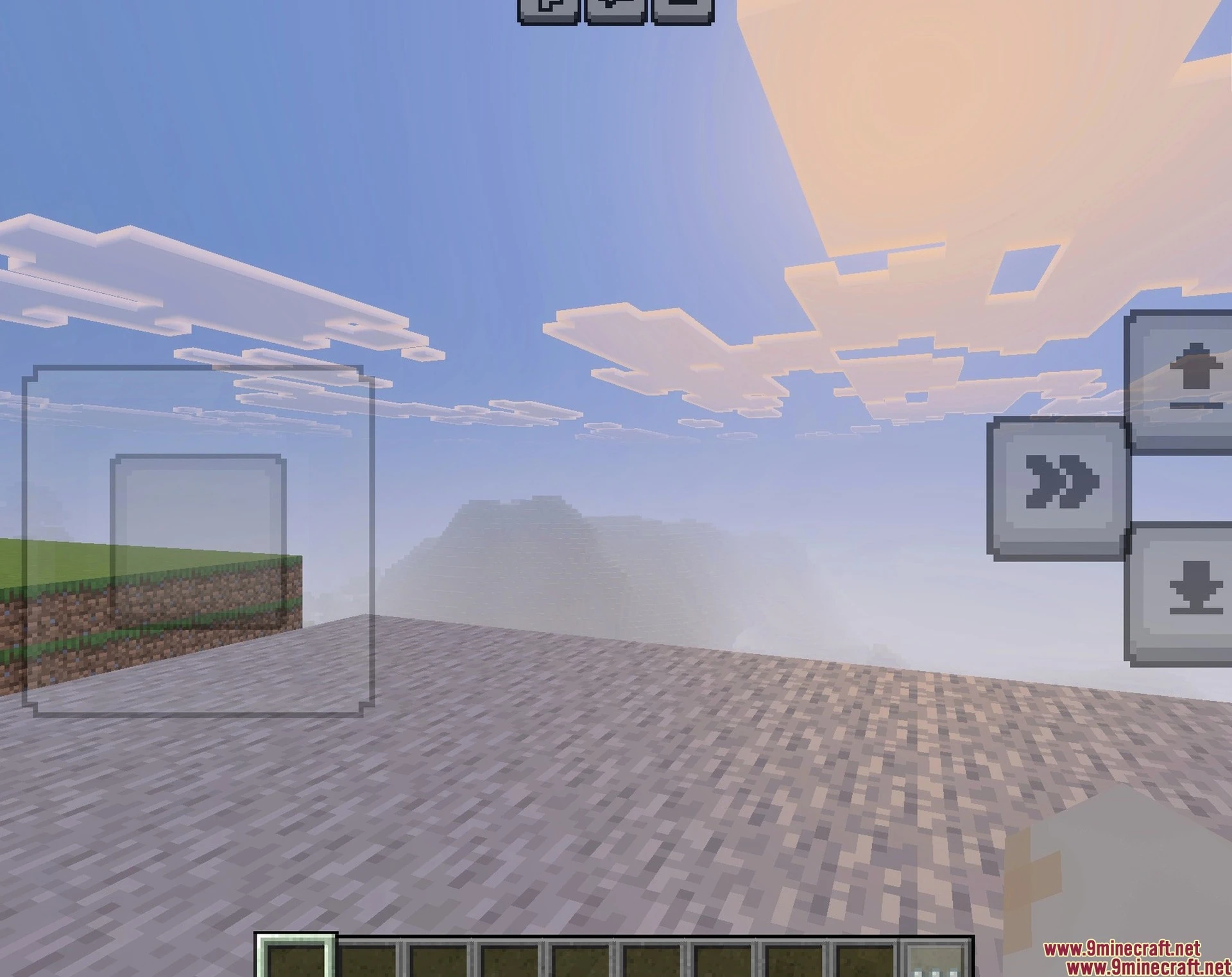
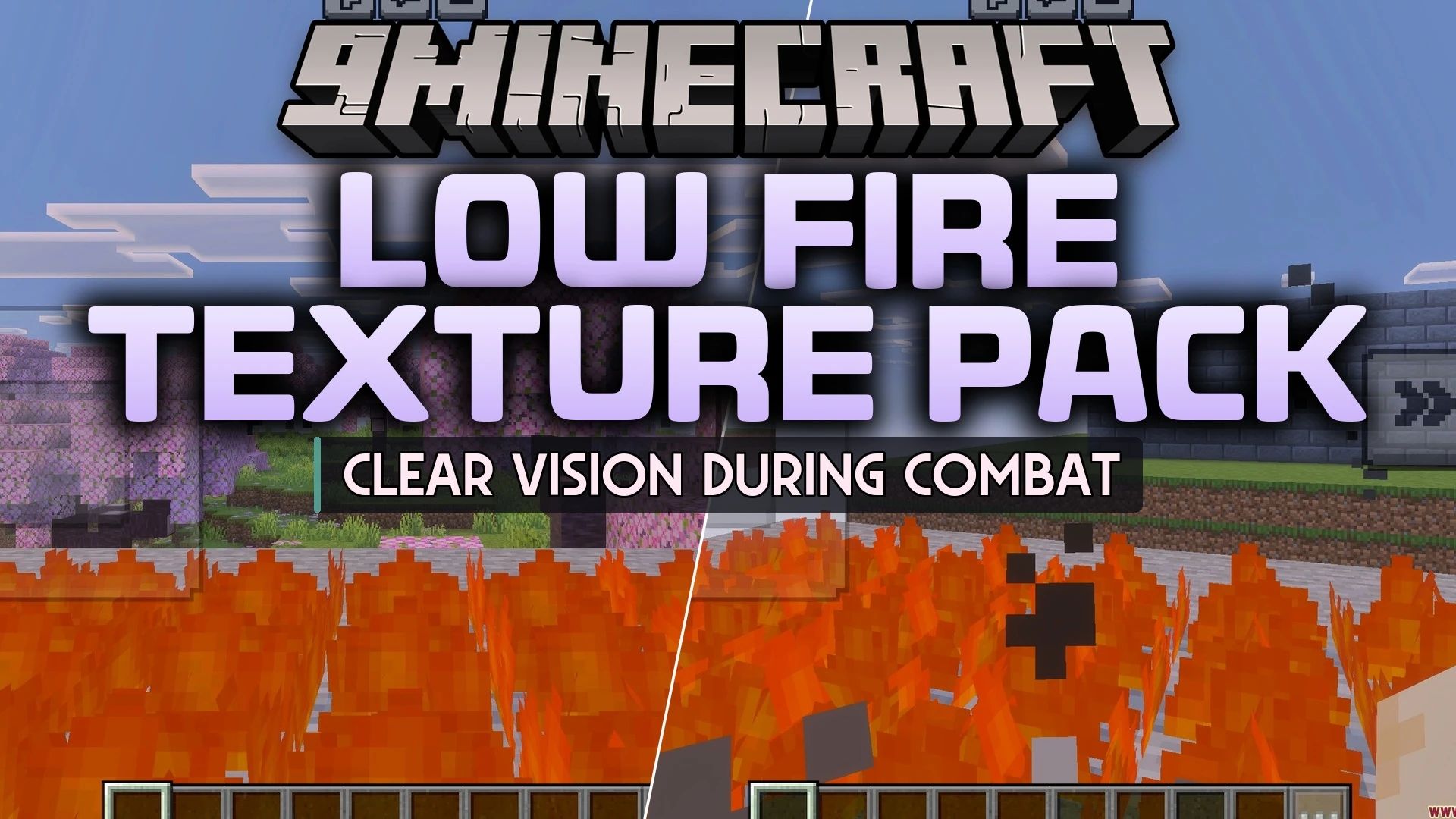
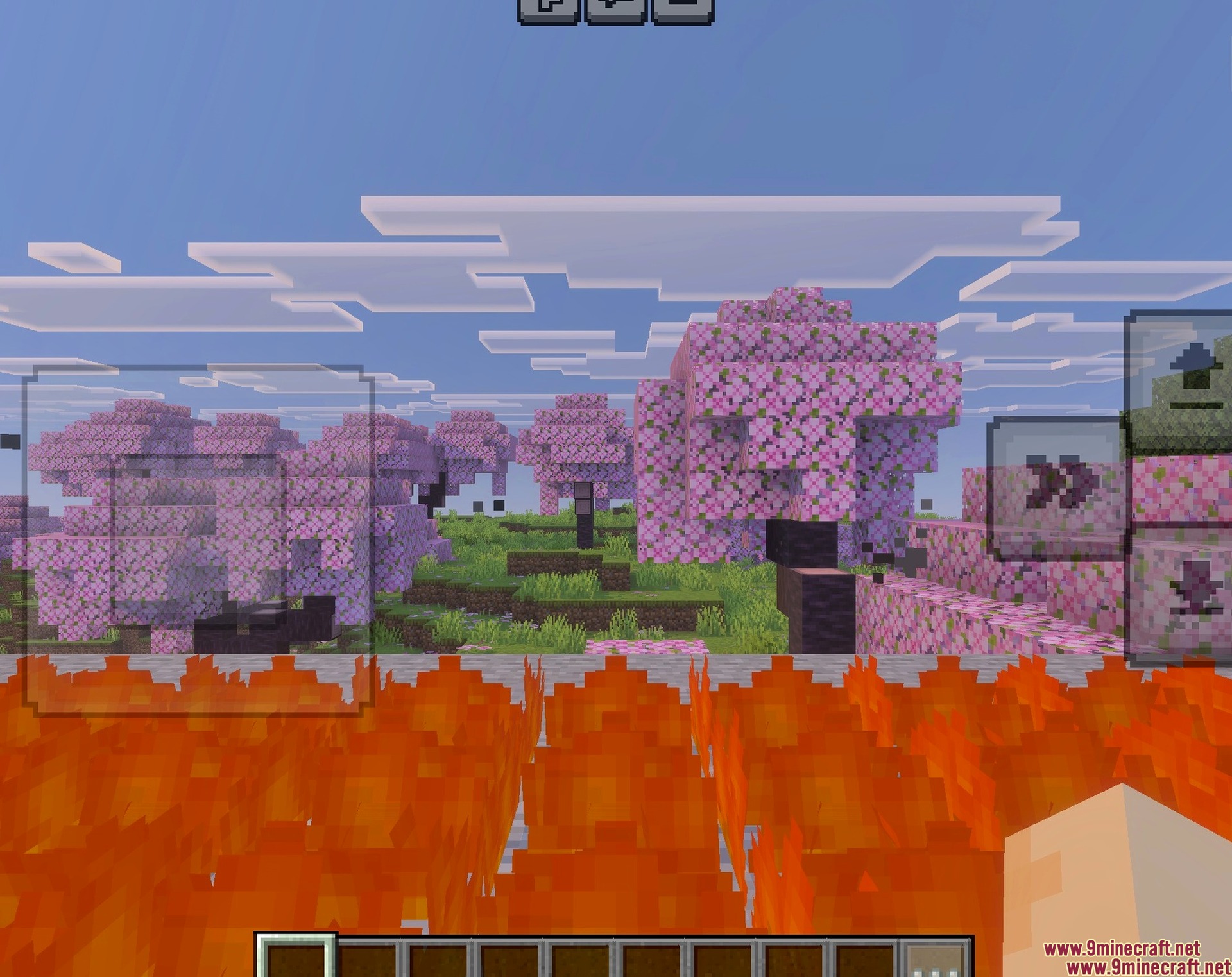
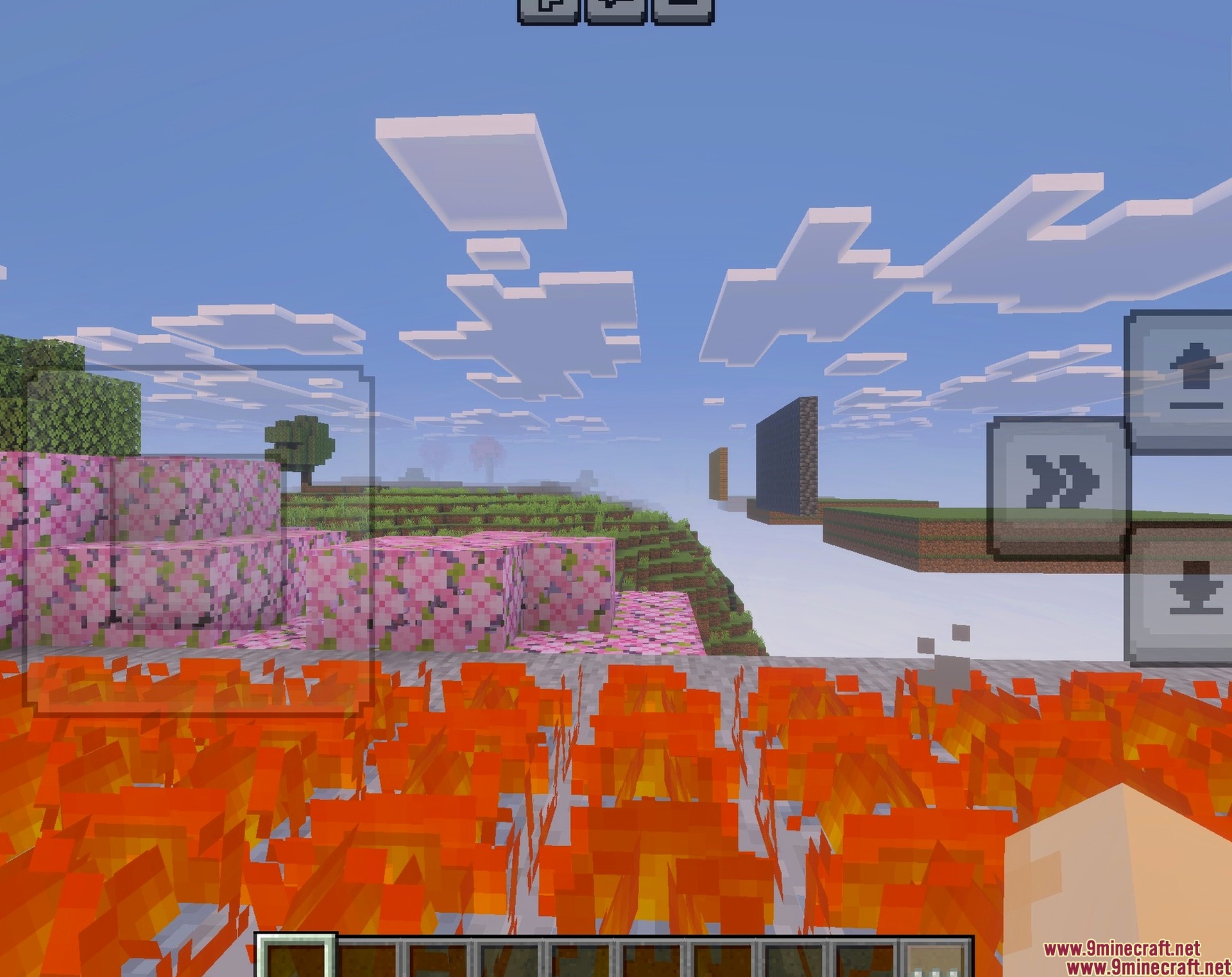
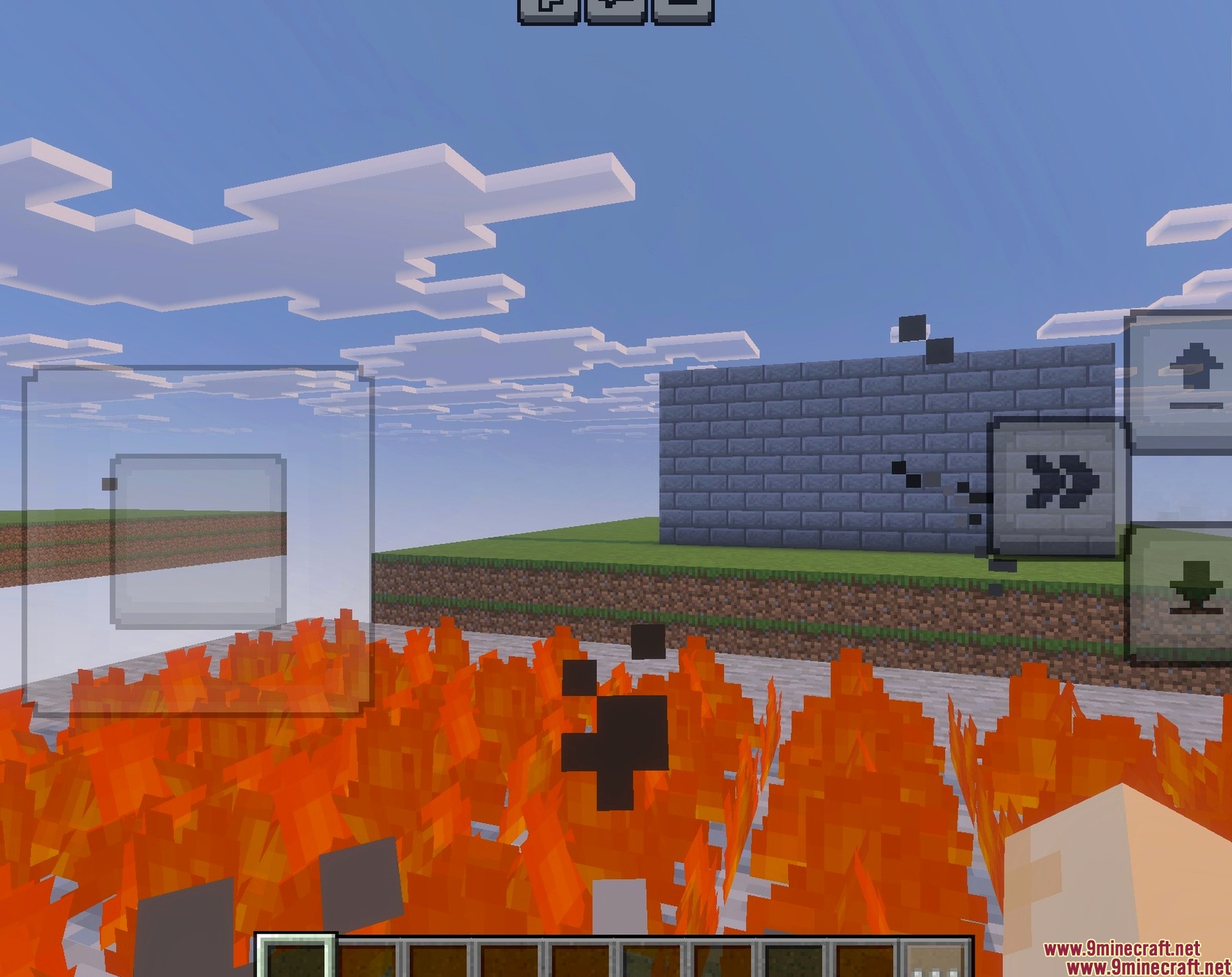
Low Fire Texture Pack lowers the flames on your screen to give you better visibility while playing. This pack lets you see clearly during combat and survival situations when your character catches on fire. It also allows you to adjust the exact height of the flames to match your personal preference.
Features:
- Reduces the height of fire on your screen.
- Improves your vision during combat and survival gameplay.
- Works perfectly with vibrant visual settings.
- Includes a new pixelated fire icon for fuel indicators.
- Adjusts easily from the resource pack menu.
Configuration:
You can change the fire height by clicking the settings gear icon next to the resource pack. A slider bar lets you adjust the fire resolution up to level nine.
Screenshots:
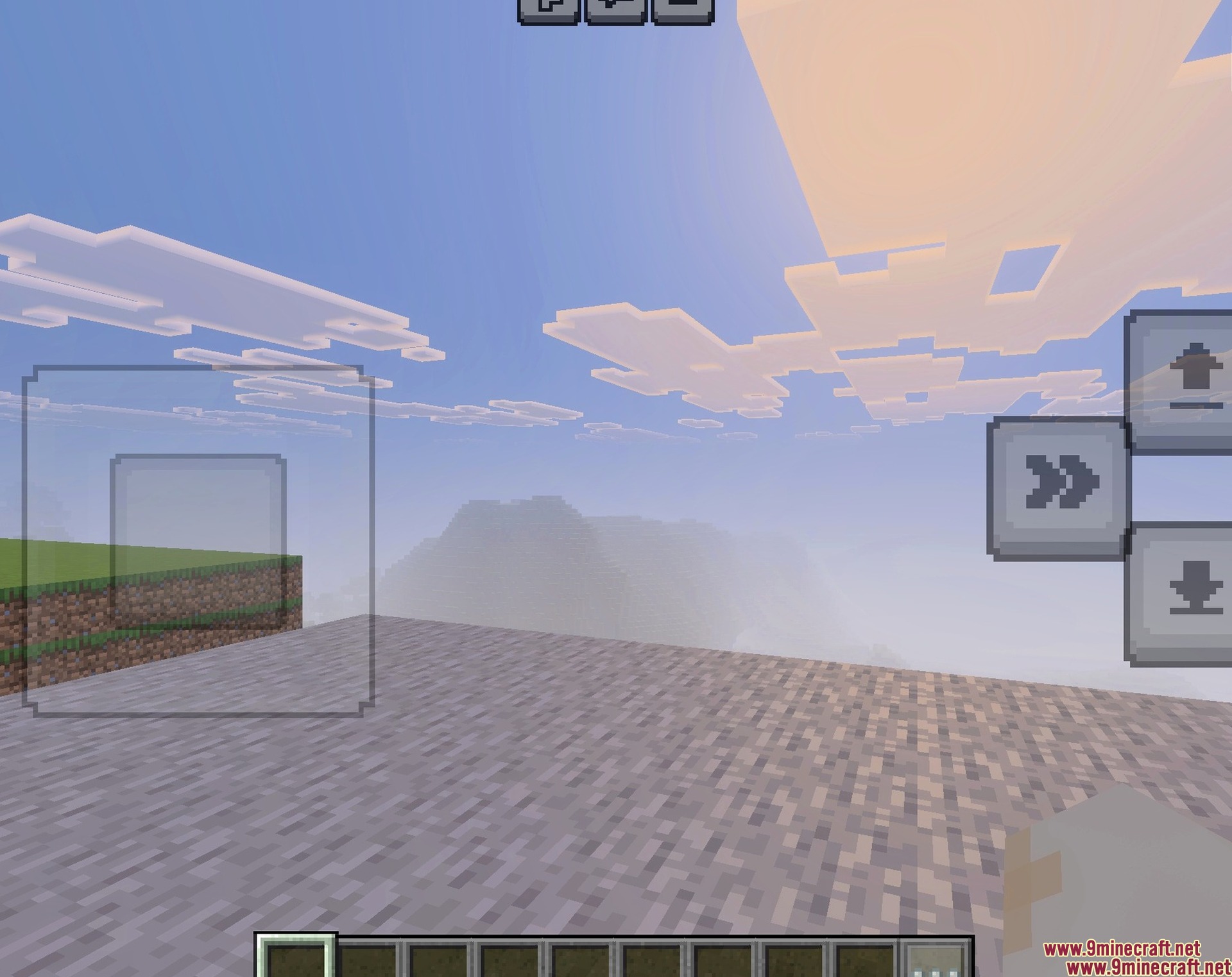
Low Fire Texture Pack Download Links
- Edition: Minecraft Bedrock
- File type: .mcpack
- Minecraft version listed: 1.21
- How to install: Download the .mcpack. → Open it — Minecraft imports it under Resource Packs. → Activate it in Global Resources, or for one world under Resource Packs → Available.
- Where to get it: In MCModsHub, or directly above on this page.
Install steps are the general flow for this file type — How to install Minecraft Bedrock texture packs walks through it step by step.
- Pack type: .mcaddon — behaviour and resource pack in one file
- Manifest requires Minecraft 1.26.21 or newer
- Complete pack — everything it depends on is inside the file
- Download link checked 24 Jul 2026 — working
- Mirrored on our own servers — the download does not depend on the original host
These come from our own check of the pack file, not from the source page.