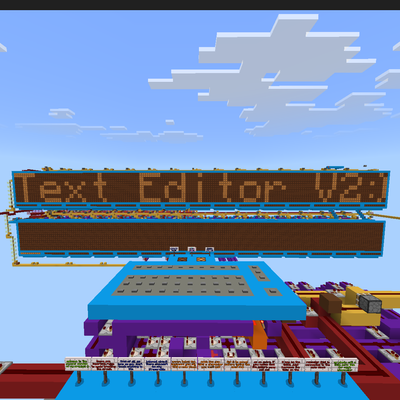
Advanced Redstone Text Editor (70 Characters & High Speed)
A high-speed, compact vanilla Redstone text editor for Minecraft Bedrock featuring an advanced TDM demultiplexer and 30 customizable layout cels.
⬇ Download on CurseForgeThe author built this one for Minecraft 26.30. On other versions it may install and then do nothing.
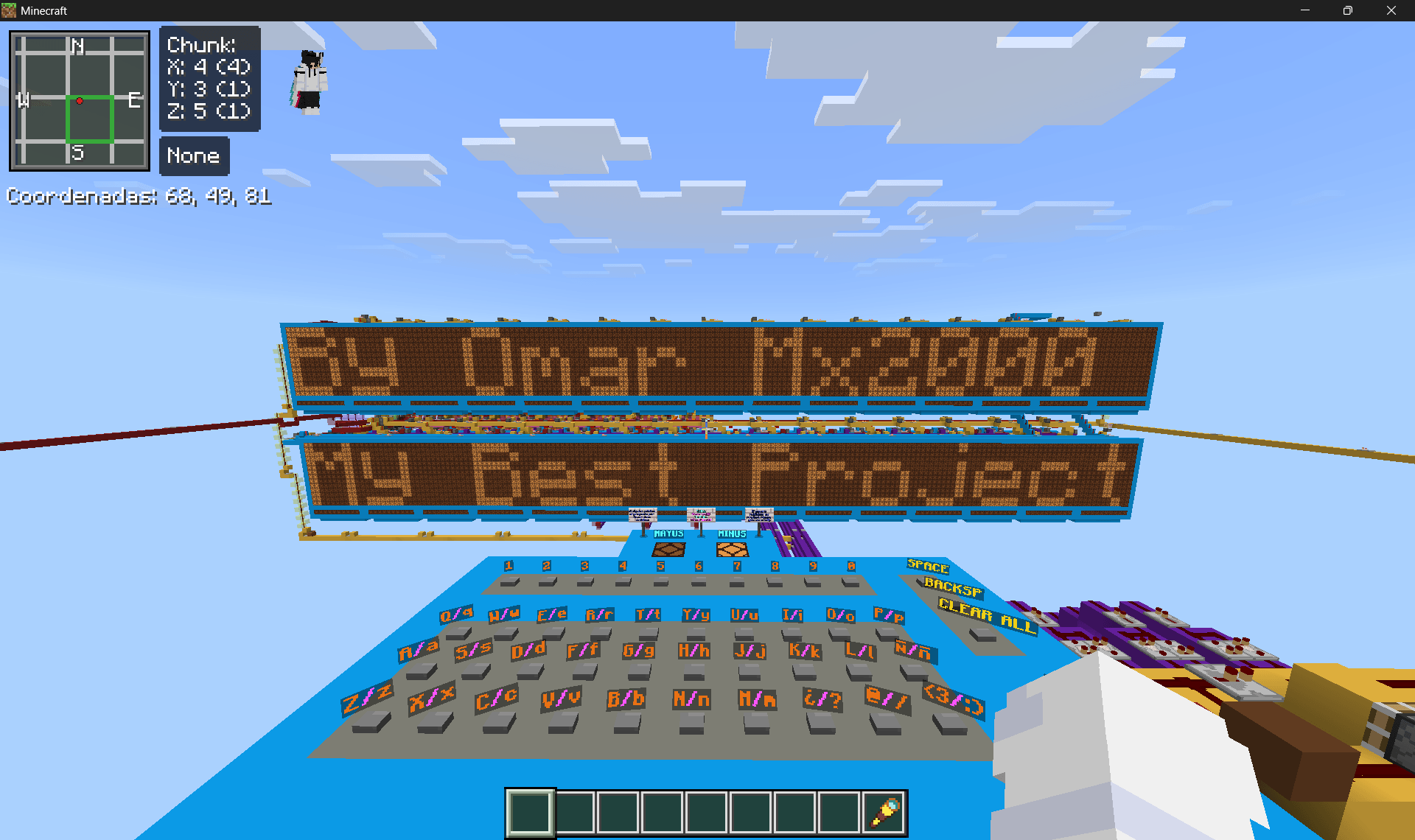
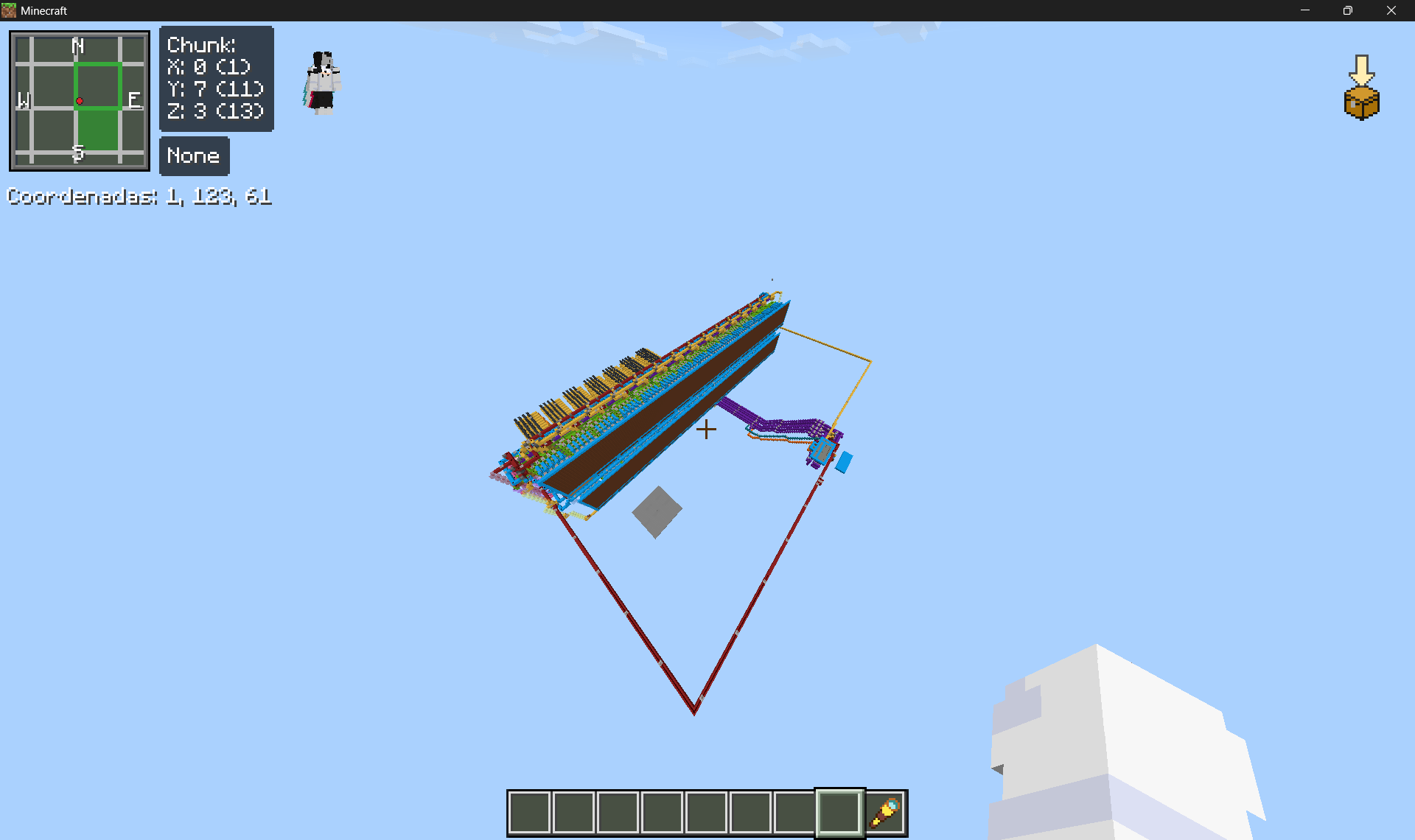
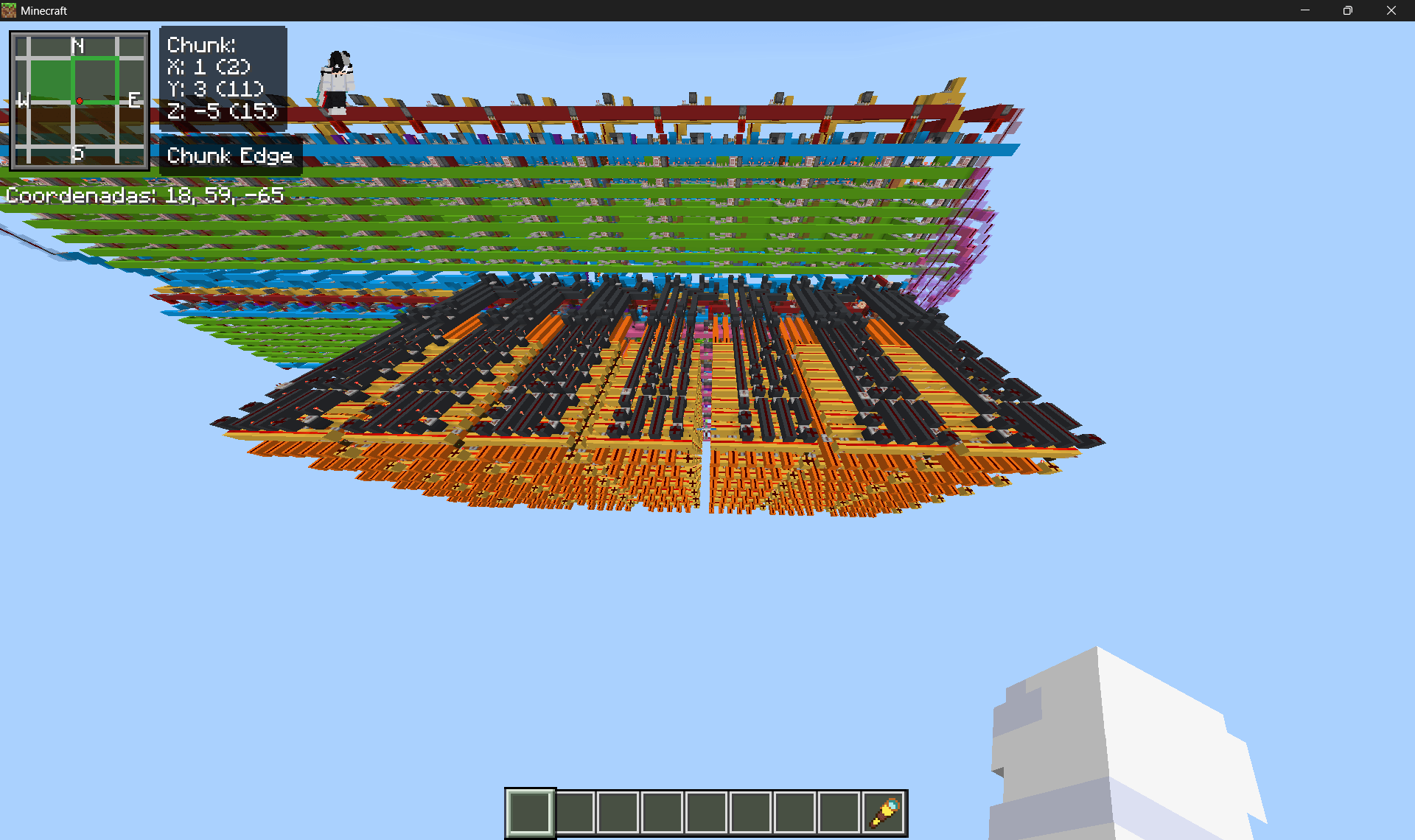
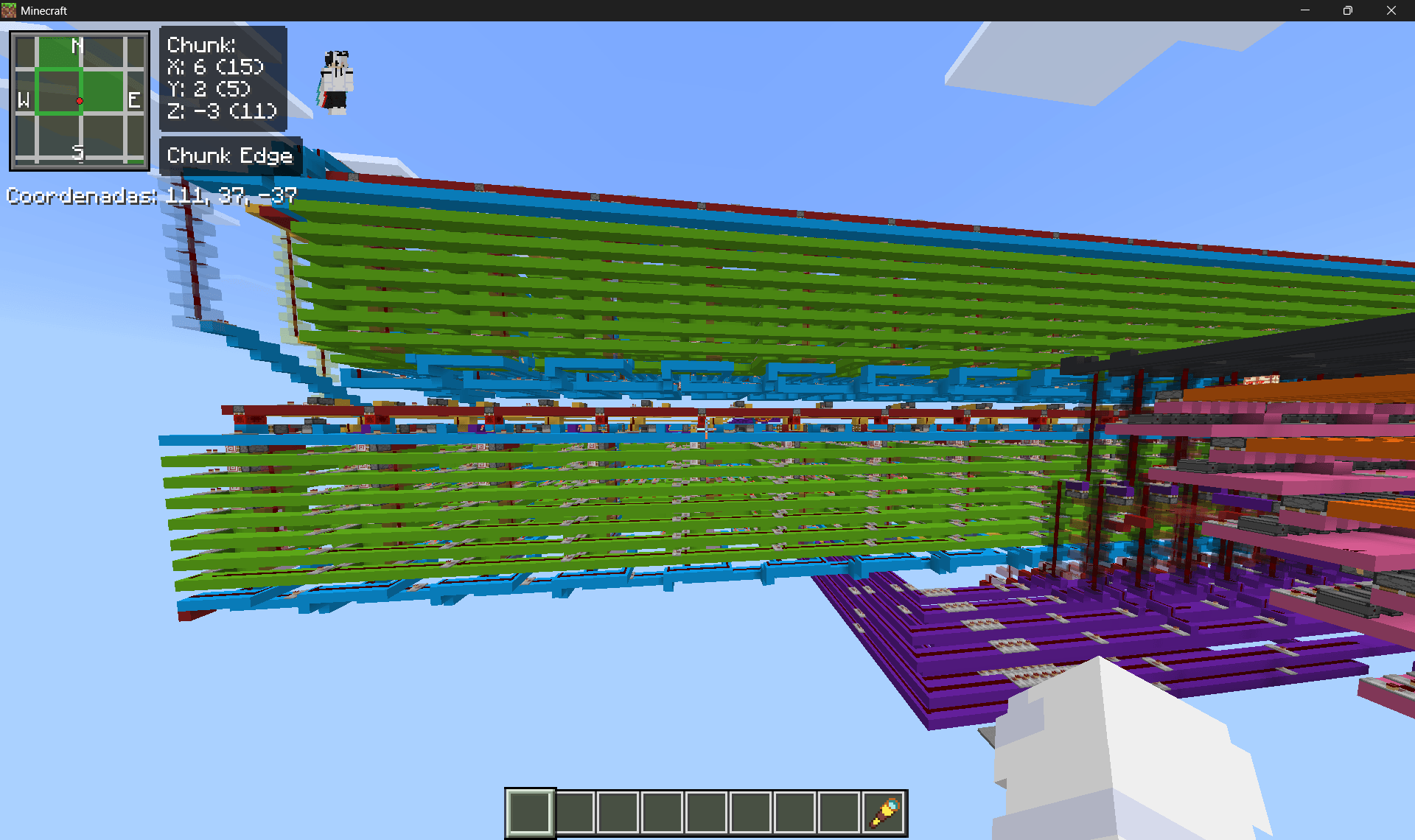
Advanced High-Speed Redstone Text Editor (100% Vanilla)
Welcome to one of the most advanced and highly optimized computational Redstone projects ever built natively in Minecraft Bedrock! Designed and perfected over 2 months, this text editor pushes the absolute technical limits of the game's engine, overcoming the lack of 0-tick mechanics through an extremely efficient logical architecture.
Key Features:
• Max Speed Processing: Transmits continuous data bursts at a maximum frequency of 1 Redstone tick per bit. The processing speed is so fast that it outpaces the physical rendering speed of the lamps!
• Serialized Compact Transmission: Instead of running 35 massive wires per layout cell, the system utilizes Time-Division Multiplexing (TDM) to compress character data into just 7 main buses (split into 14 clean, parallel lines to handle the double-row display perfectly).
• Dedicated Demultiplexer (Demux): Each of the 30 writing cells features an intelligent, modular receiver that unpacks the serial signal bit-by-bit directly into the cell's 35-pixel RAM with zero synchronization errors.
• Dynamic Text Management: Equipped with automatic line-breaking (Auto-Wrap), backspacing (Backspace), instant screen clearing (Clear All), and free cursor movement to rewrite specific letters without altering the rest of the text.
• Ultra-Compact Keyboard: A fully functional traditional QWERTY keyboard layout supporting uppercase, lowercase, special characters, and custom pixel art shapes inside a tiny 5x12 block footprint.
• Massive Database: The high-density orange ROM storage core holds a library of 70 fully mapped and functional characters.
Note: This map includes a clean, aesthetically polished user booth, bilingual setup guides, and quick debugging protocols in case of simulation lag.
- Edition: Minecraft Bedrock
- File type: .mcworld
- Minecraft version listed: 26.30
- How to install: Download the .mcworld file. → Open it — Minecraft imports it as a new world. → Find it in your Worlds list and play.
- Where to get it: Opens on CurseForge — not every file is mirrored on our own servers.
Install steps are the general flow for this file type — How to install Minecraft Bedrock maps walks through it step by step.
- Pack type: .mcworld — a ready-made world
- Manifest requires Minecraft 1.20.80 or newer
- Ships one half — this pack asks for another pack that is not included
- Download size: 444 KB
- Download link checked 5 Sept 2026 — working
These come from our own check of the pack file, not from the source page.