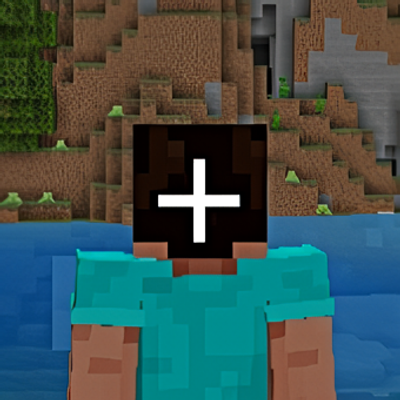
Simple Third Person Crosshair
Bedrock texture pack listed for Minecraft 26.x. Download on the author's site.
⬇ Download on CurseForge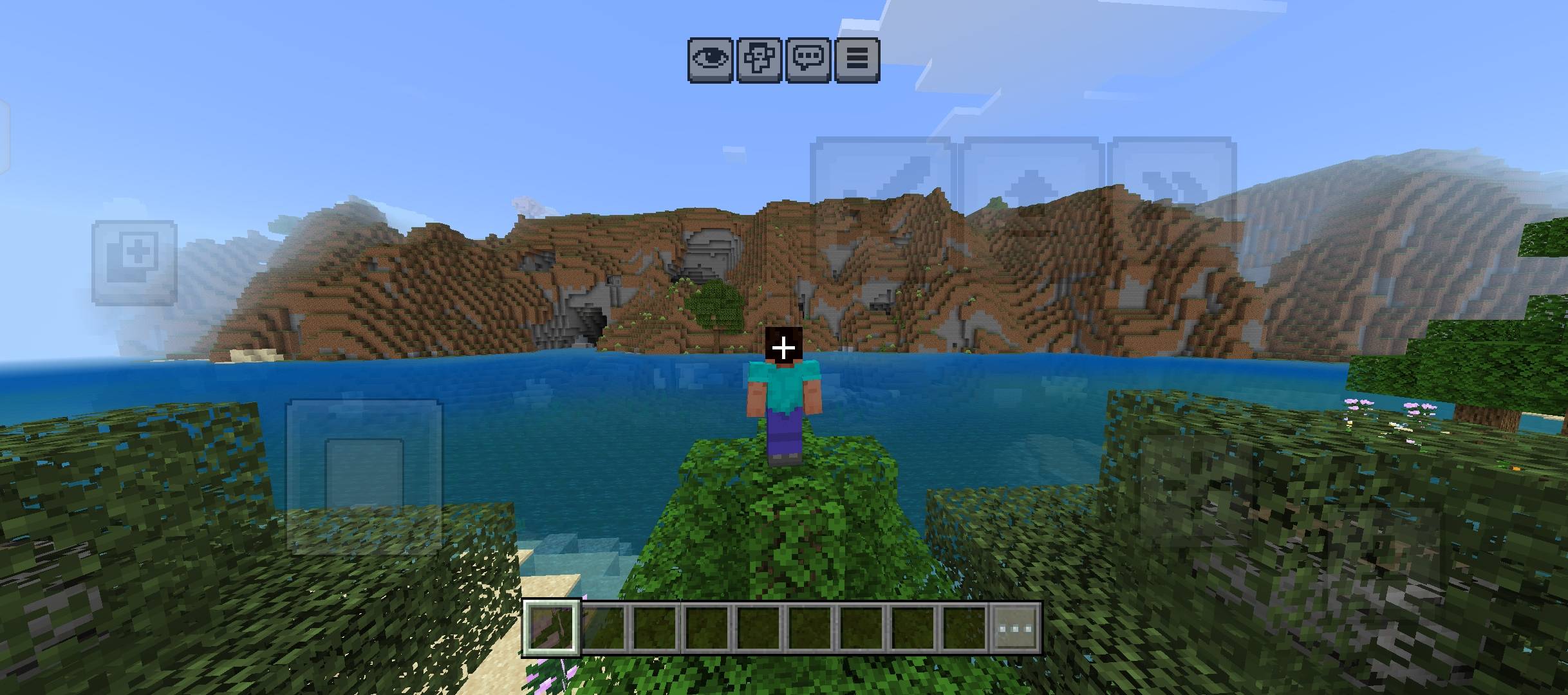
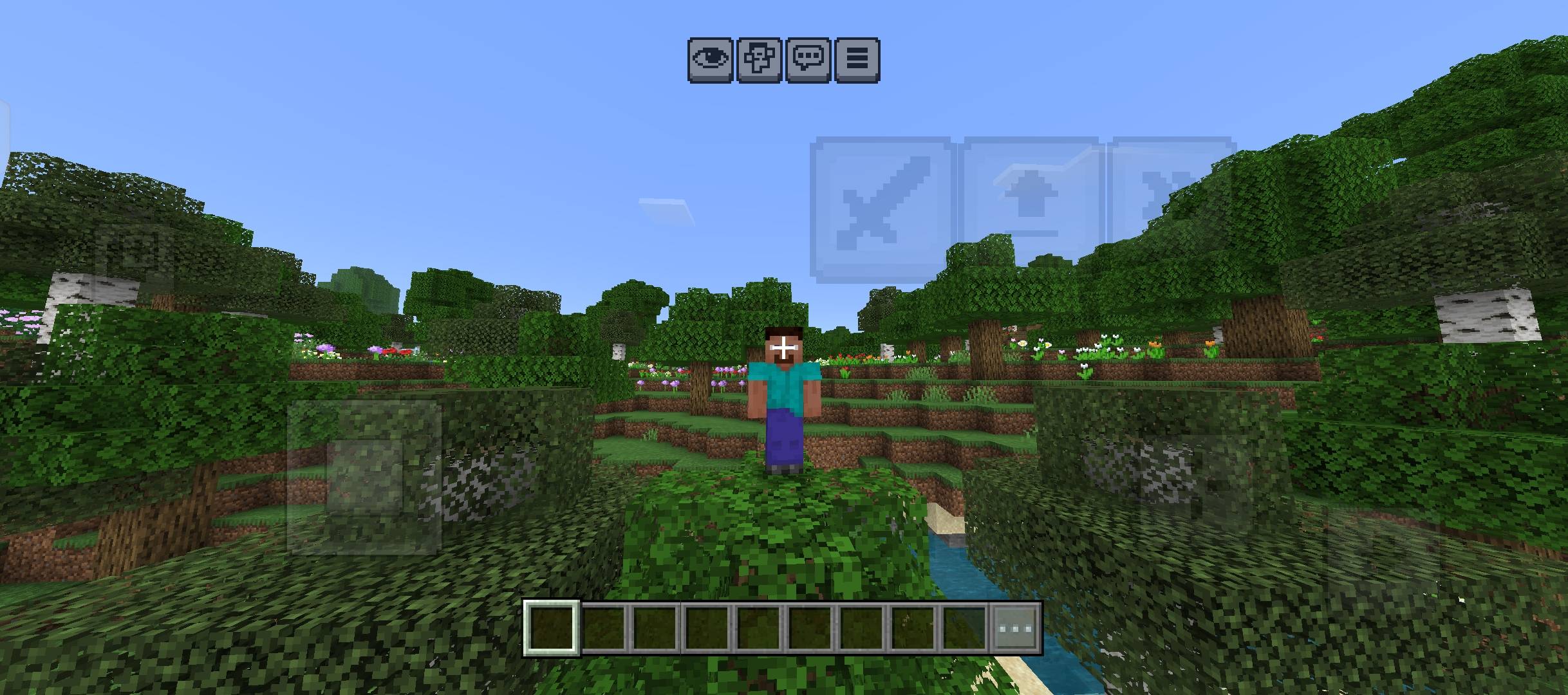
🎯 TPP Crosshair A lightweight resource pack that adds a crosshair to the center of the screen, keeping it visible even in Third-Person (TPP) mode—something Minecraft Bedrock usually hides automatically.
Features:
✅ Crosshair visible in both FPP and TPP
✅ Cross + center dot design with a white outline, ensuring visibility against any background (sky, water, forest, etc.)
✅ Perfectly sized; doesn't interfere with other HUD elements (hotbar, armor bar, etc.)
✅ Lightweight; does not impact FPS
✅ Does not alter gameplay or mechanics—purely visual
Installation:
Download the .mcpack file
Open/import it into Minecraft (it will automatically be added to your resource pack list)
Activate it in your settings (My Packs → Activate)
Done—the crosshair will appear immediately in the center of the screen
Compatibility:
Minecraft Bedrock/MCPE v1.26.30+ and later
May conflict if used alongside other resource packs that modify the HUD (hud_screen.json)—if this happens, try swapping the pack activation order.
- Edition: Minecraft Bedrock
- File type: .mcpack
- Minecraft version listed: 26.30
- How to install: Download the .mcpack. → Open it — Minecraft imports it under Resource Packs. → Activate it in Global Resources, or for one world under Resource Packs → Available.
- Where to get it: Opens on CurseForge — not every file is mirrored on our own servers.
Install steps are the general flow for this file type — How to install Minecraft Bedrock texture packs walks through it step by step.
Simple Third Person Crosshair is a free Minecraft Bedrock texture pack. Compatible with Minecraft 26.30. Downloaded 629 times (via CurseForge). Download it and open it directly in the game.