HomeBedrockTexture packsClassic Textures
Classic Textures
Texture packsBedrock

Classic Textures

by VendicatorMC · on CurseForge

⬇ Download on CurseForge
Classic Textures — screenshot 1Classic Textures — screenshot 2Classic Textures — screenshot 3Classic Textures — screenshot 4Classic Textures — screenshot 5Classic Textures — screenshot 6Classic Textures — screenshot 7Classic Textures — screenshot 8

Classic Textures (v1.0)

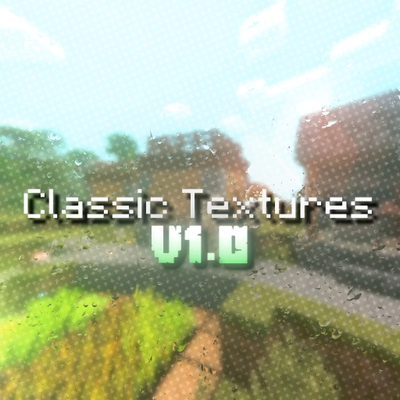
Step back into the golden era of Bedrock Edition! Classic Textures brings back the iconic visual feel, nostalgia, and classic atmosphere of 2018 Minecraft while maintaining full compatibility with modern Bedrock versions.

Whether you miss the vibrant original block palettes, classic UI elements, or simply want a clean, nostalgic look without altering vanilla gameplay, this pack is designed for you.

✨ Key Features in Version 1.0

📥 How to Install

  1. Download the .mcpack file.

  2. Tap / double-click the downloaded file to import it directly into Minecraft Bedrock.

  3. Go to Settings $\rightarrow$ Global Resources $\rightarrow$ My Packs.

  4. Activate Classic Textures and move it to the top of your active list!

Created by VendicatorMC. Feedback and suggestions for upcoming updates are always welcome!

Quick facts

Install steps are the general flow for this file type — How to install Minecraft Bedrock texture packs walks through it step by step.

Verified by MCModsHub

These come from our own check of the pack file, not from the source page.

🧩 In these setups curated mod combos that play well together

Explore more