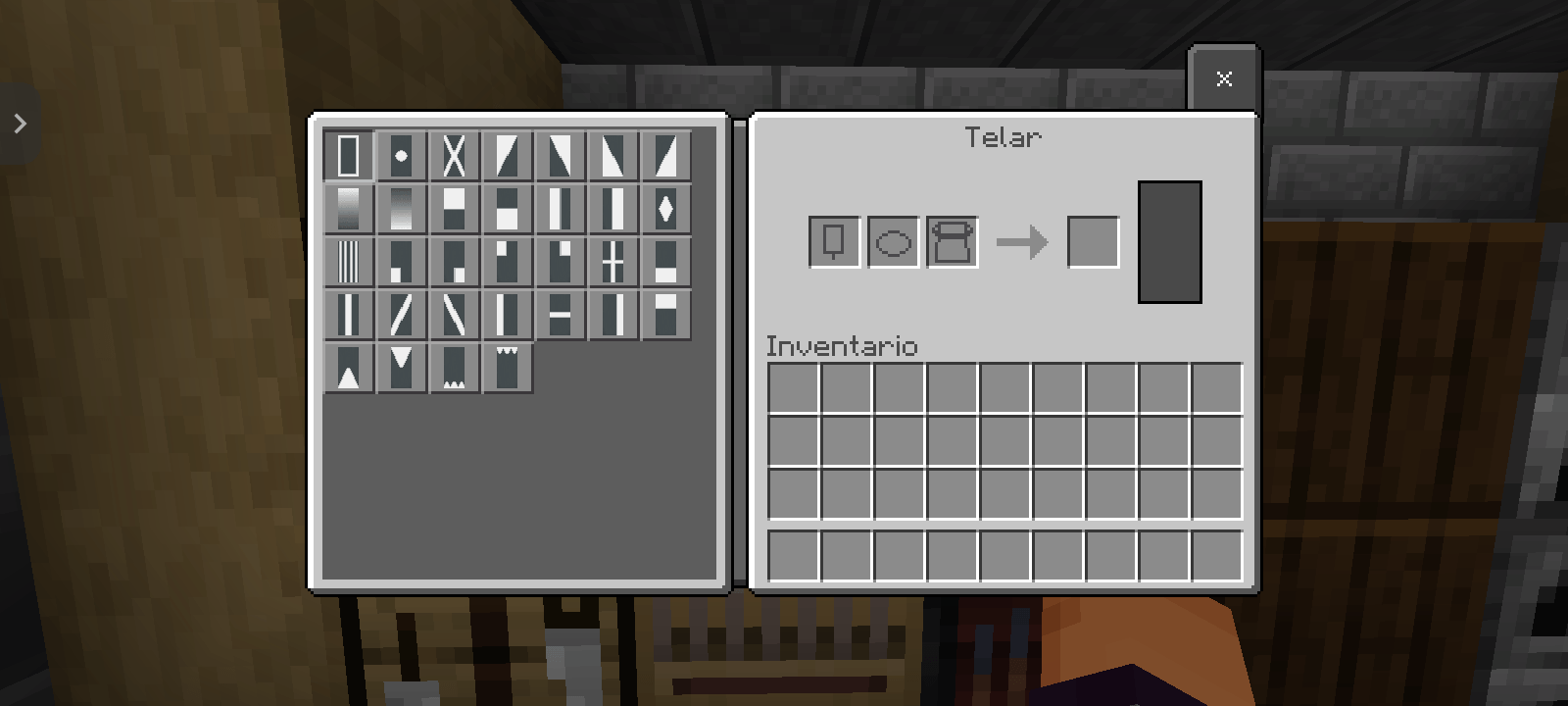
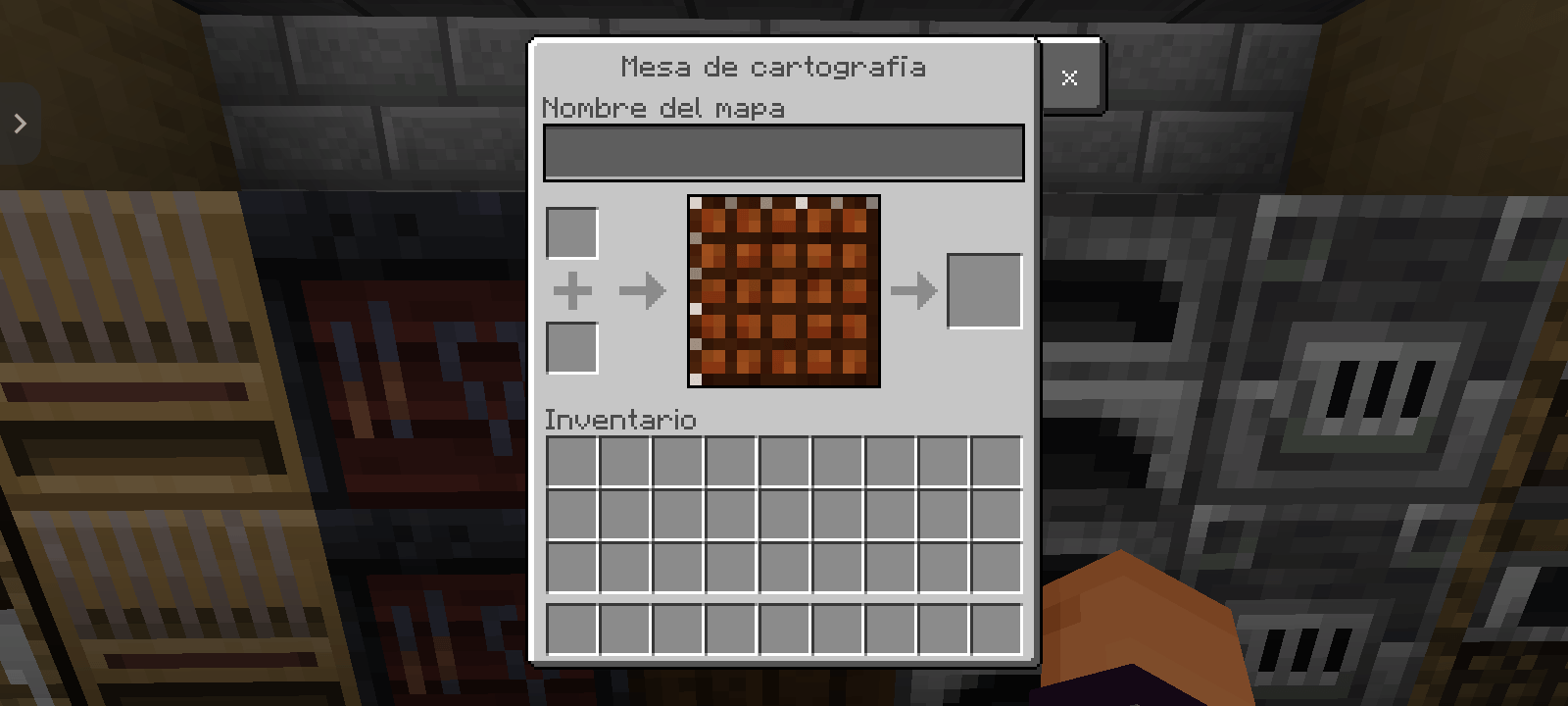
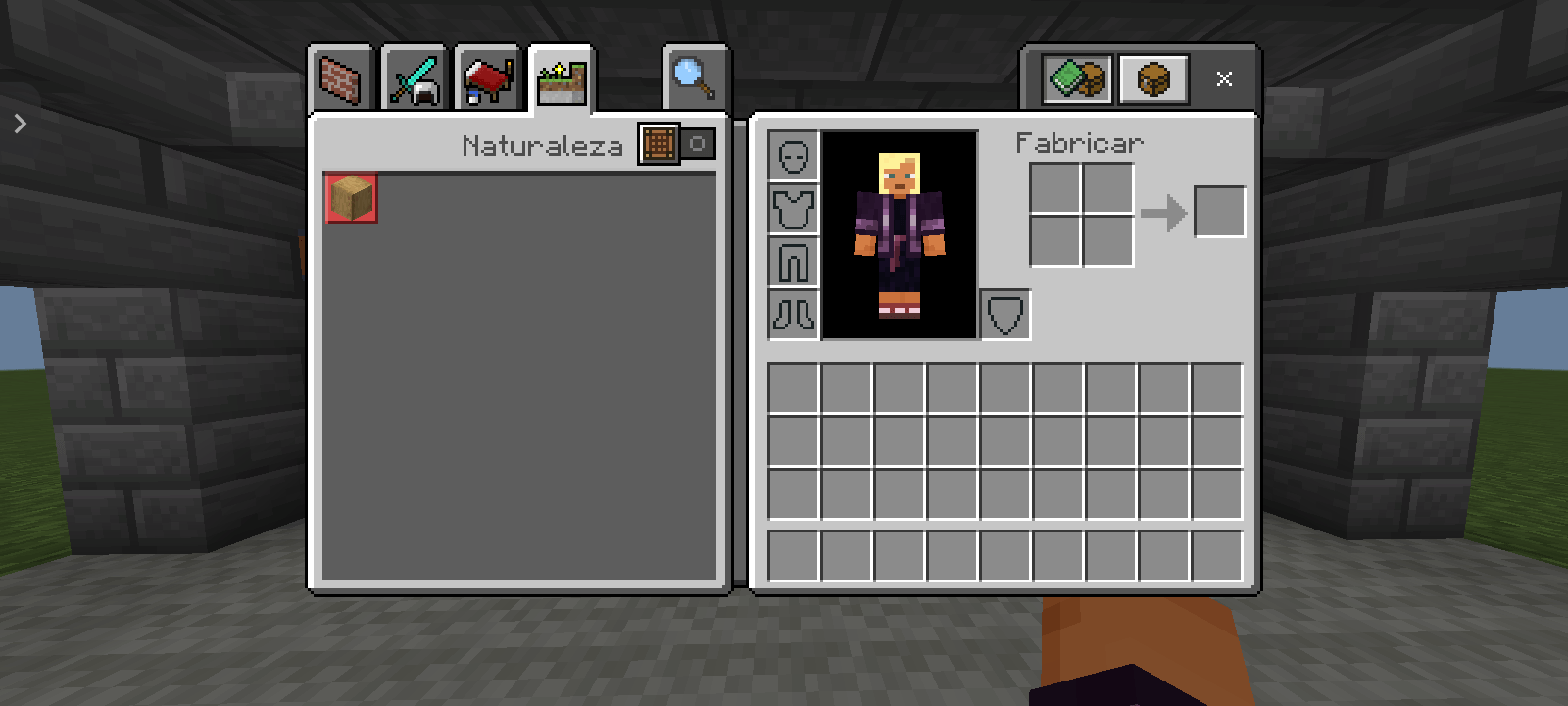
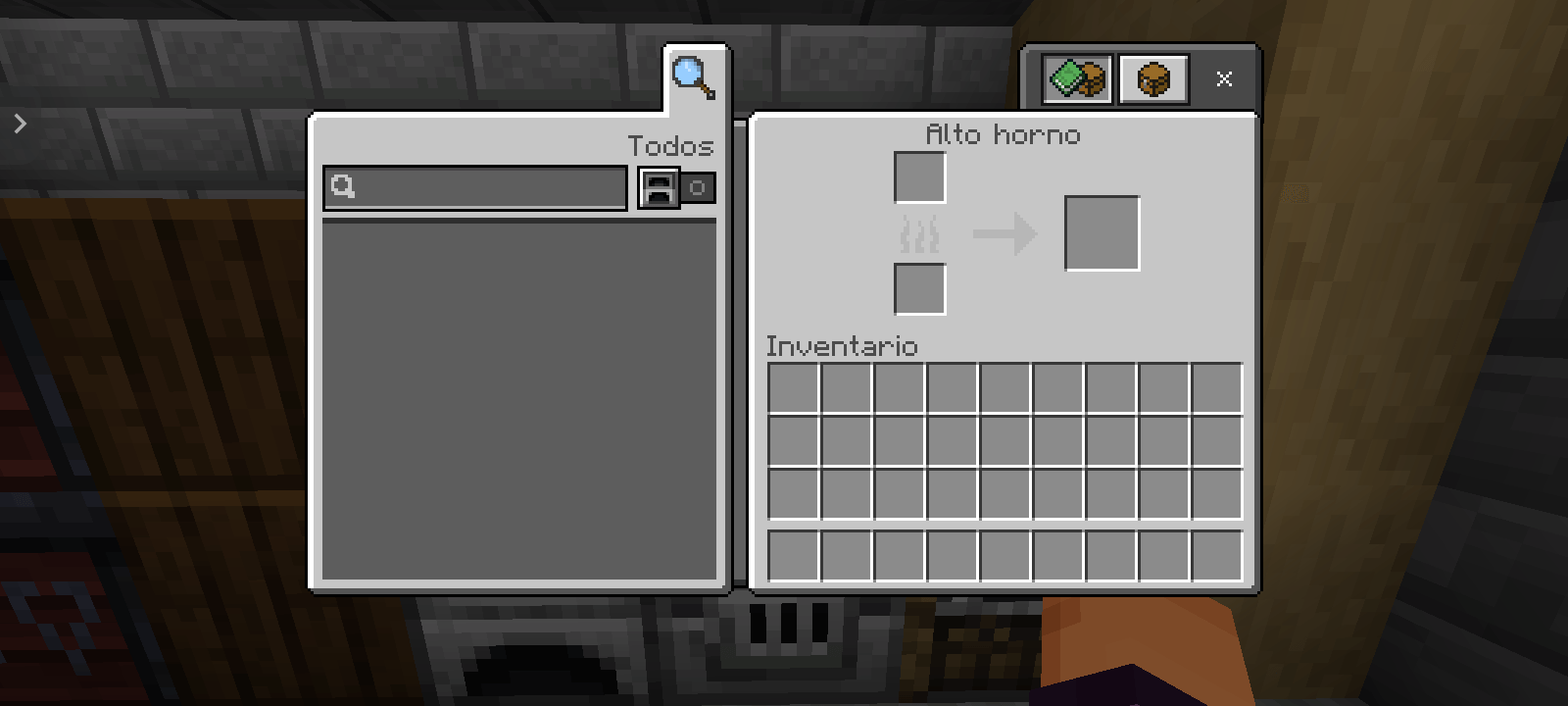
🔥 NO HELP BUTTON FOR TOUCH 🔥
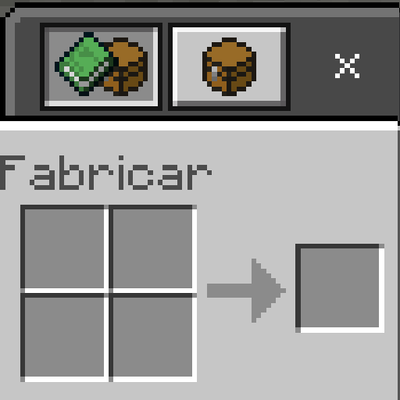
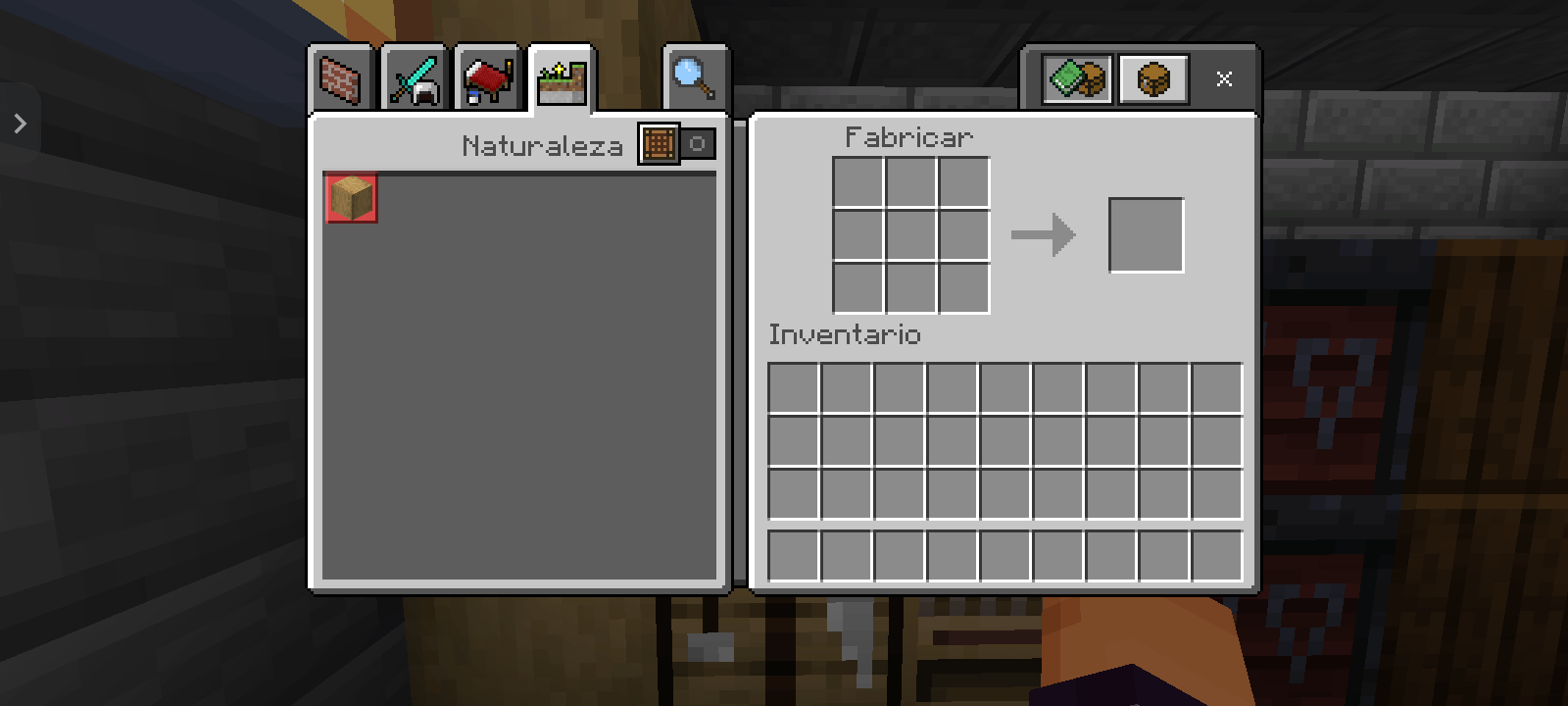
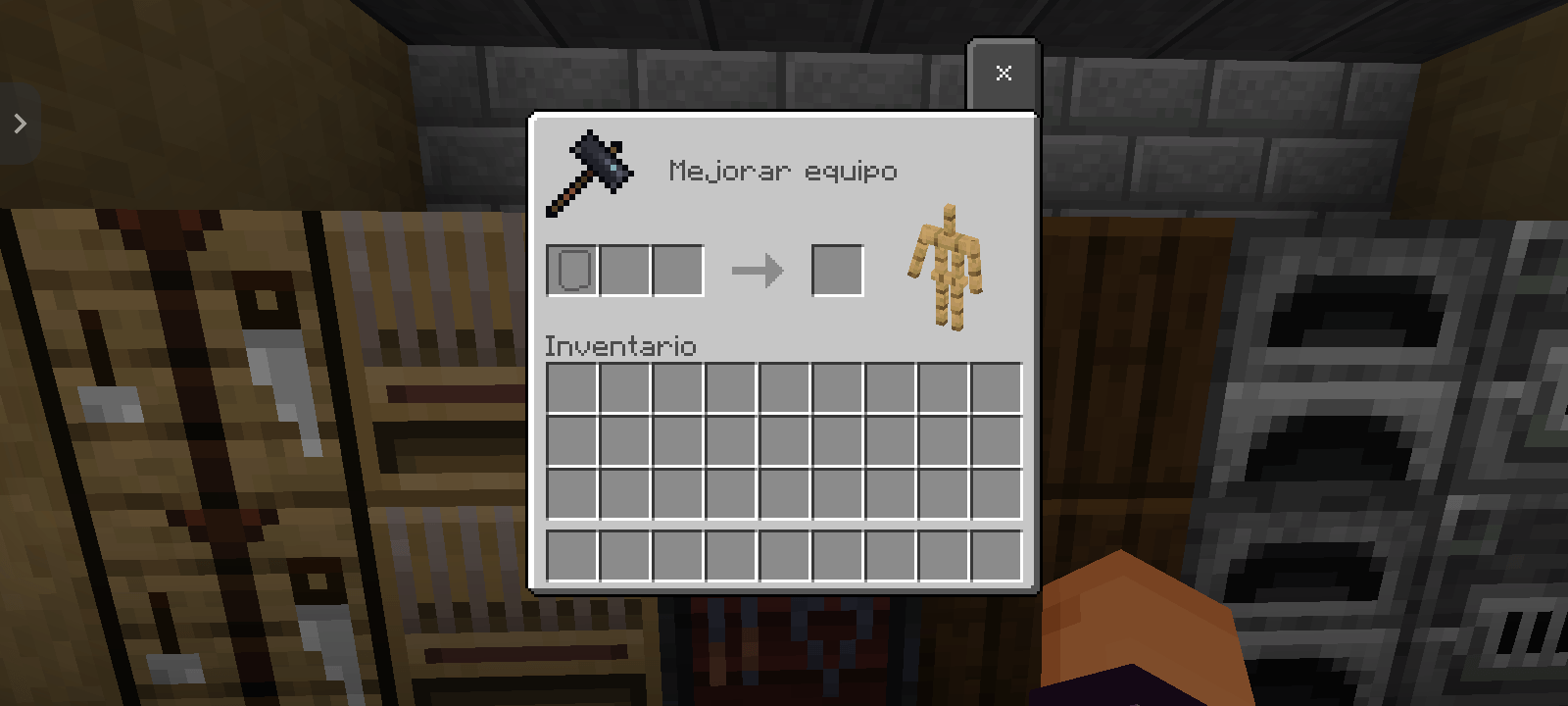
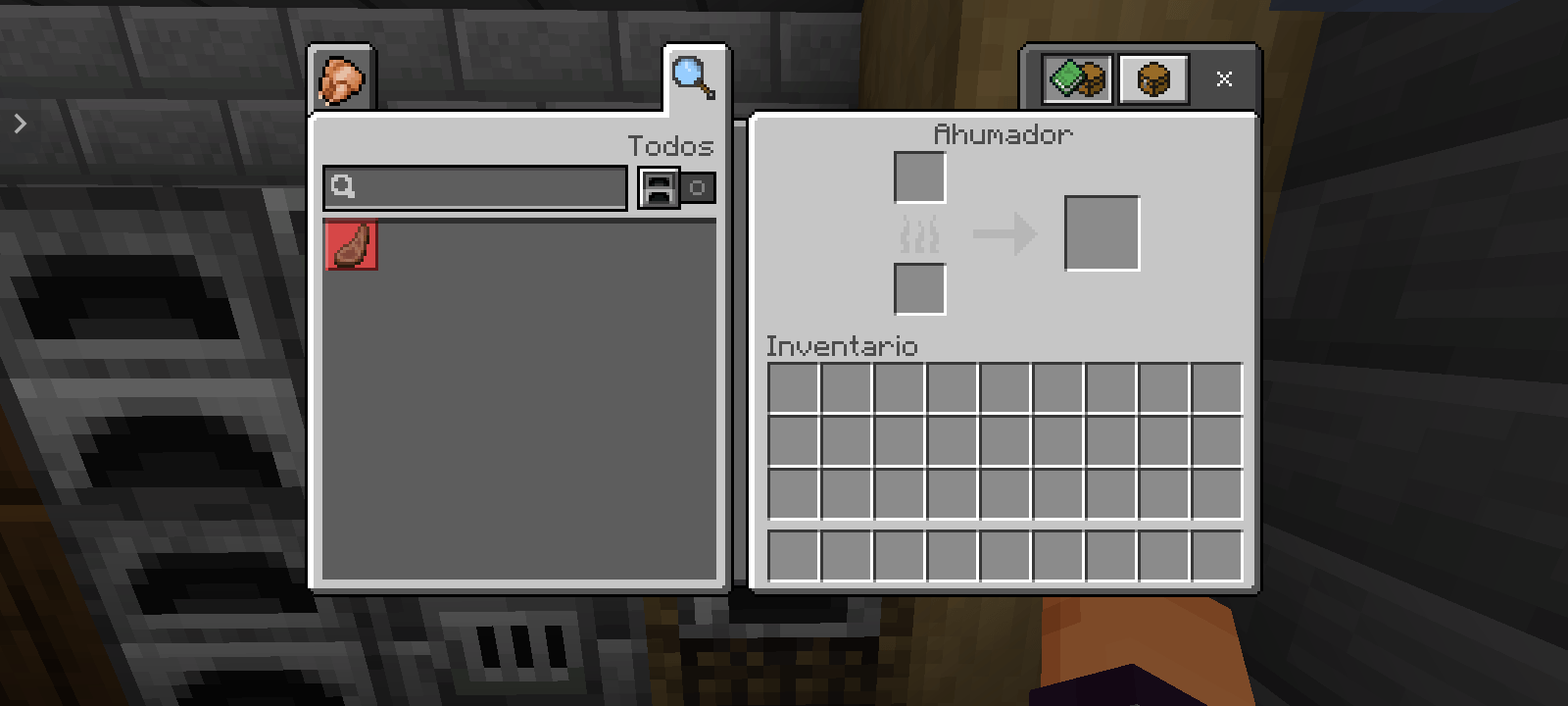
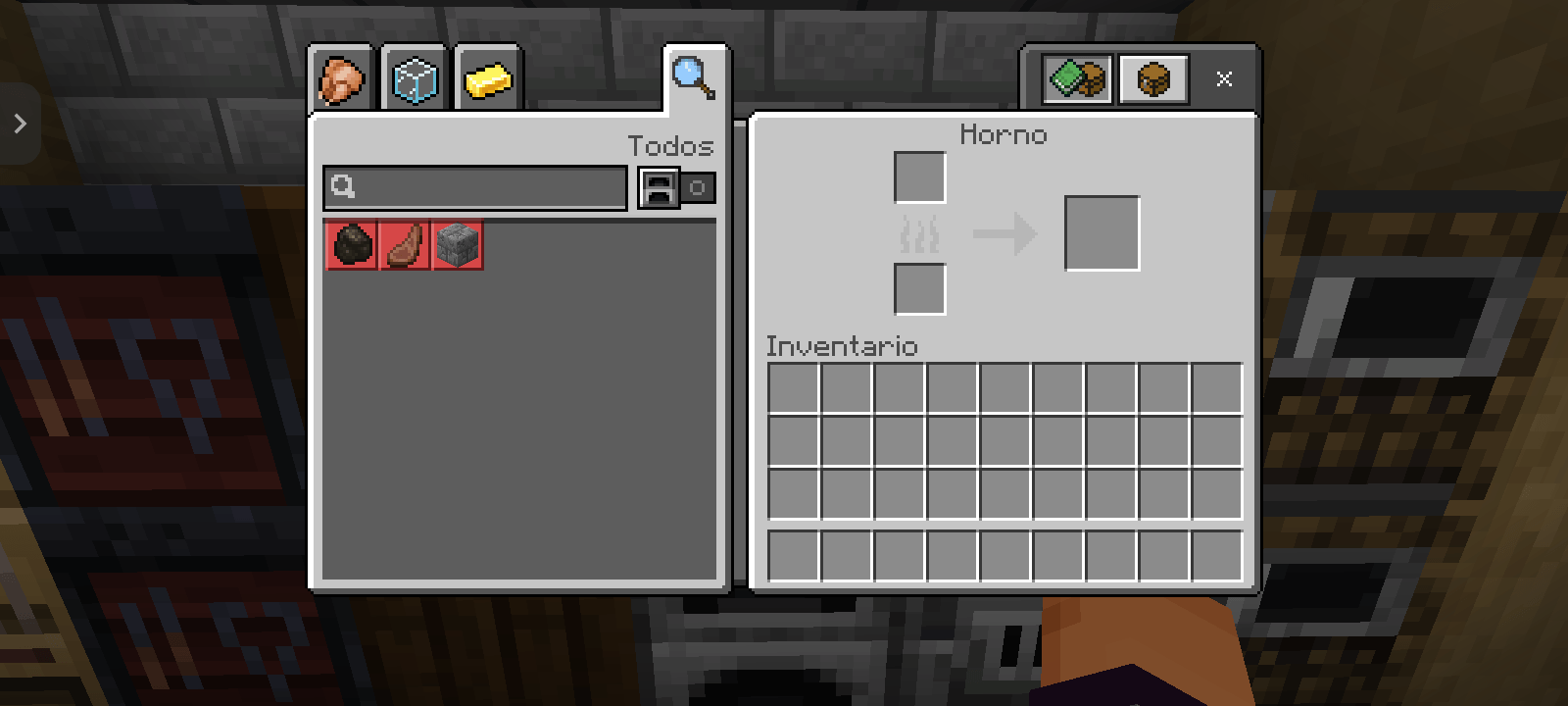
This resource pack provides a clean UI by removing the "?" help button from all menus. It is designed specifically for mobile and tablet players to provide a minimalist interface and prevent accidental clicks.
✅ What this pack does:
Removes the help button from the following interactive workstations:
• Inventory
• Crafting Table
• Furnace, Smoker, and Blast Furnace
• Loom
• Smithing Table
• Cartography Table (Fully fixed for Touch)
🎮 How to use with other Texture Packs:
This pack is 100% compatible with other resource packs (like PvP packs or Shaders). To make it work correctly, follow these steps:
1\. Go to Settings > Global Resources.
2\. Activate this pack.
3\. Ensure this pack is at the TOP of your active resources list.
Simple and effective. No more distractions.
xLoudzCL 🇨🇱
- Edition: Minecraft Bedrock
- File type: .mcpack
- Minecraft versions listed: 26.0.02, 26.0, 26.3
- How to install: Download the .mcpack. → Open it — Minecraft imports it under Resource Packs. → Activate it in Global Resources, or for one world under Resource Packs → Available.
- Where to get it: Opens on CurseForge — not every file is mirrored on our own servers.
Install steps are the general flow for this file type — How to install Minecraft Bedrock texture packs walks through it step by step.
- Pack type: .mcpack — a single pack
- Manifest requires Minecraft 1.20.0 or newer
- Complete pack — everything it depends on is inside the file
- Download size: 6 KB
- Download link checked 5 Sept 2026 — working
These come from our own check of the pack file, not from the source page.