
Newb Classic Lite
Bedrock texture pack listed for Minecraft 26.x. File opened and checked on 18 Oct 2026; installs from the MC Bedrock Mods app on Android.
An ultra-optimized hybrid shader for low-end PCs and legacy integrated graphics (Pentium/Celeron). Offers stable 40+ FPS at 17 chunks and includes vibrant…
⬇ Download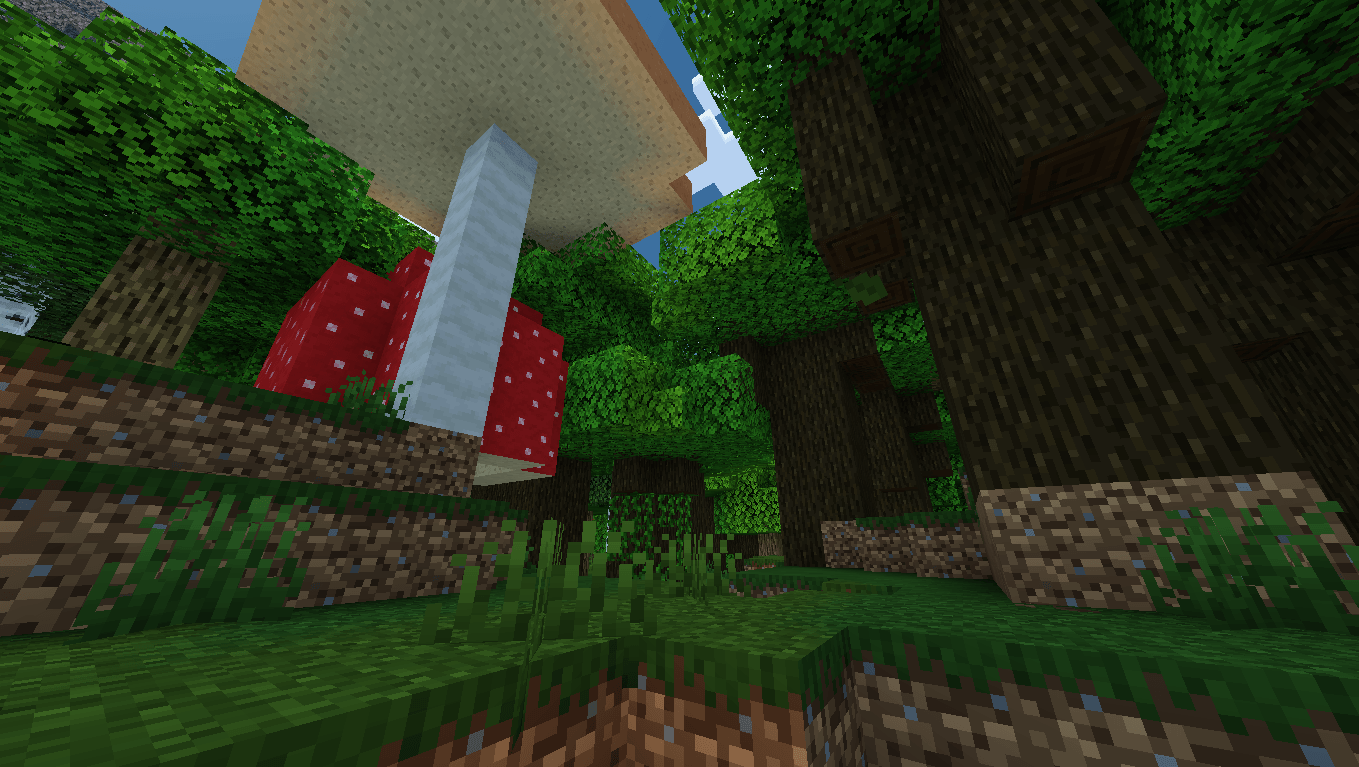
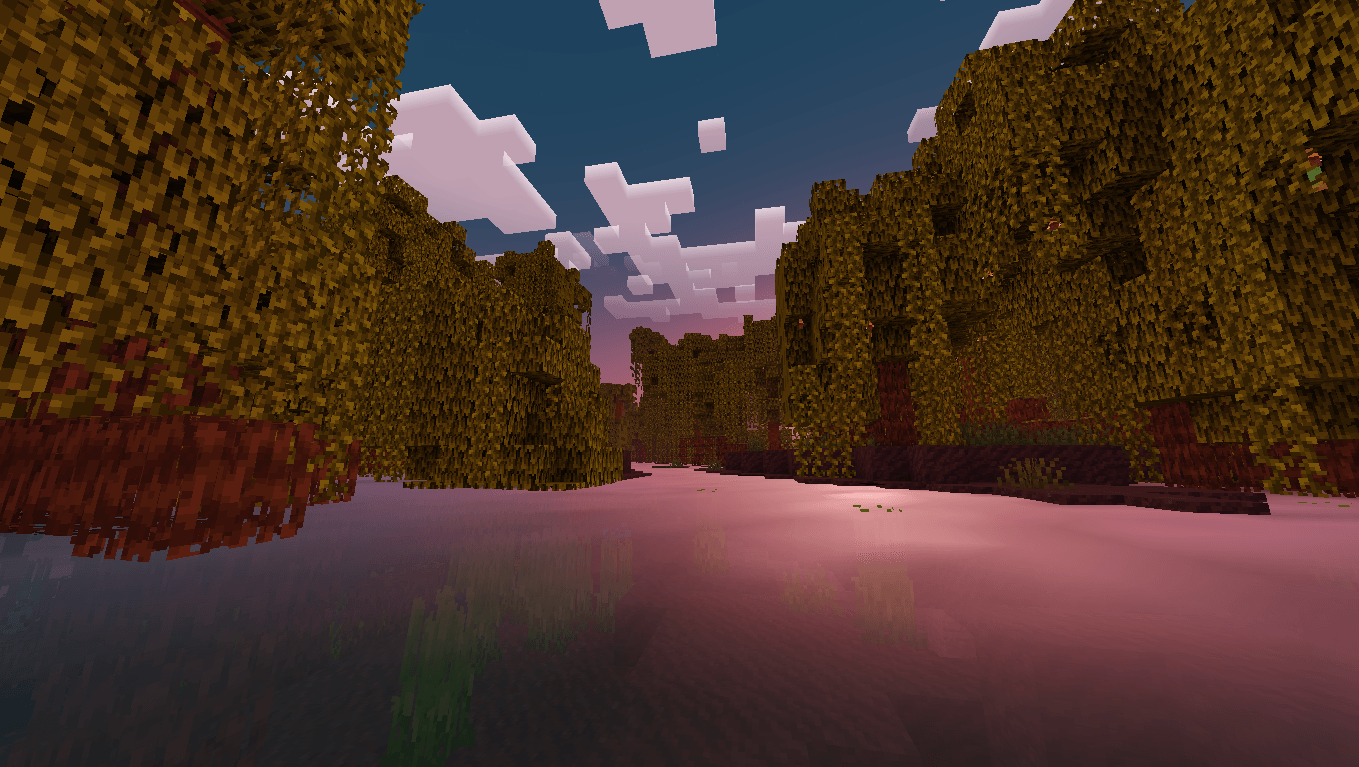
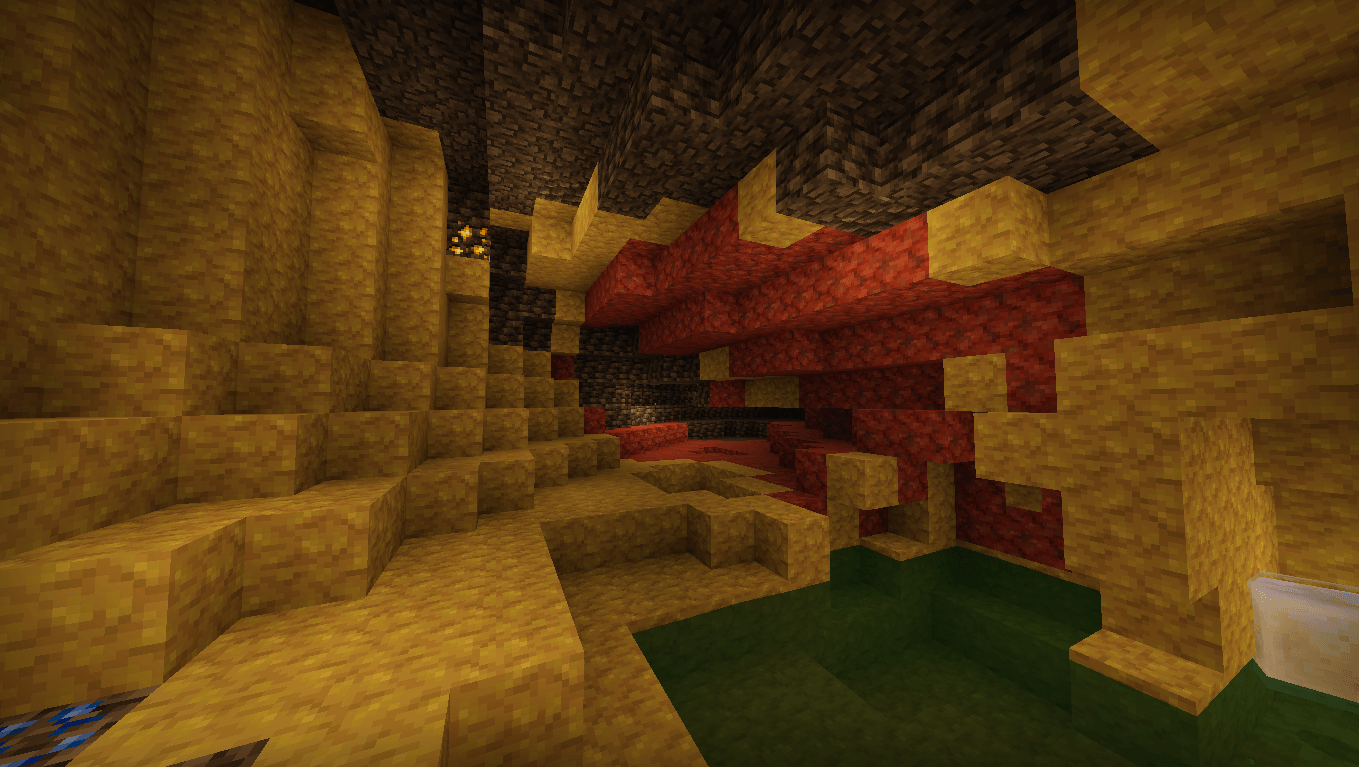
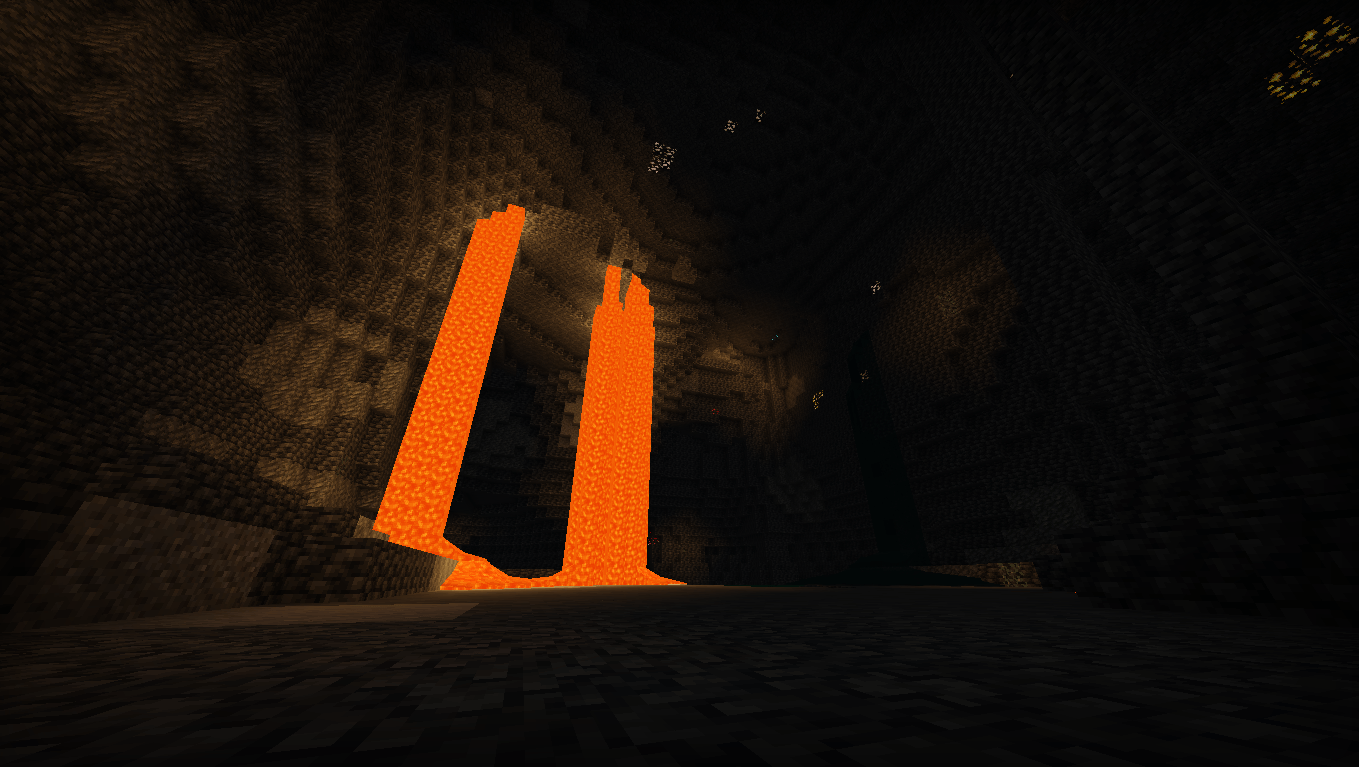
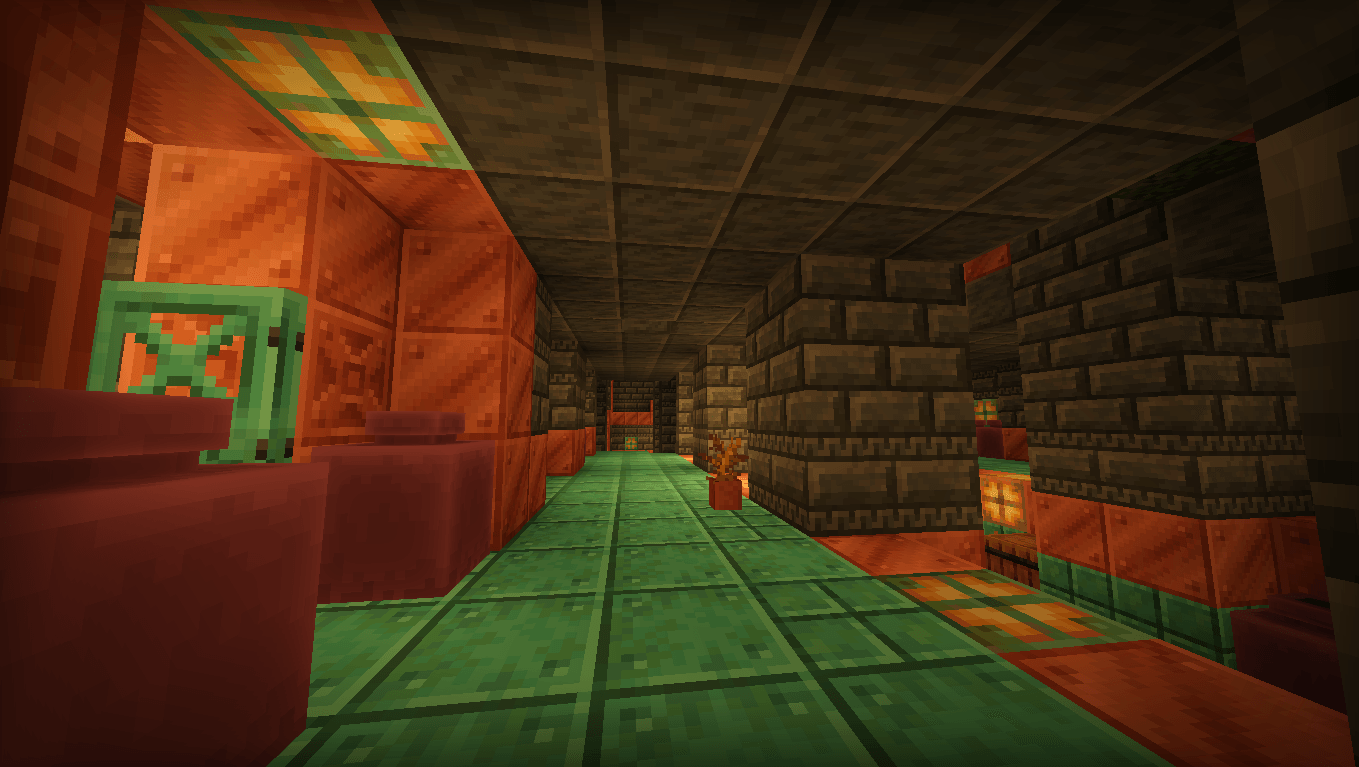
Newb Classics Lite - Performance & Vibrant Edition
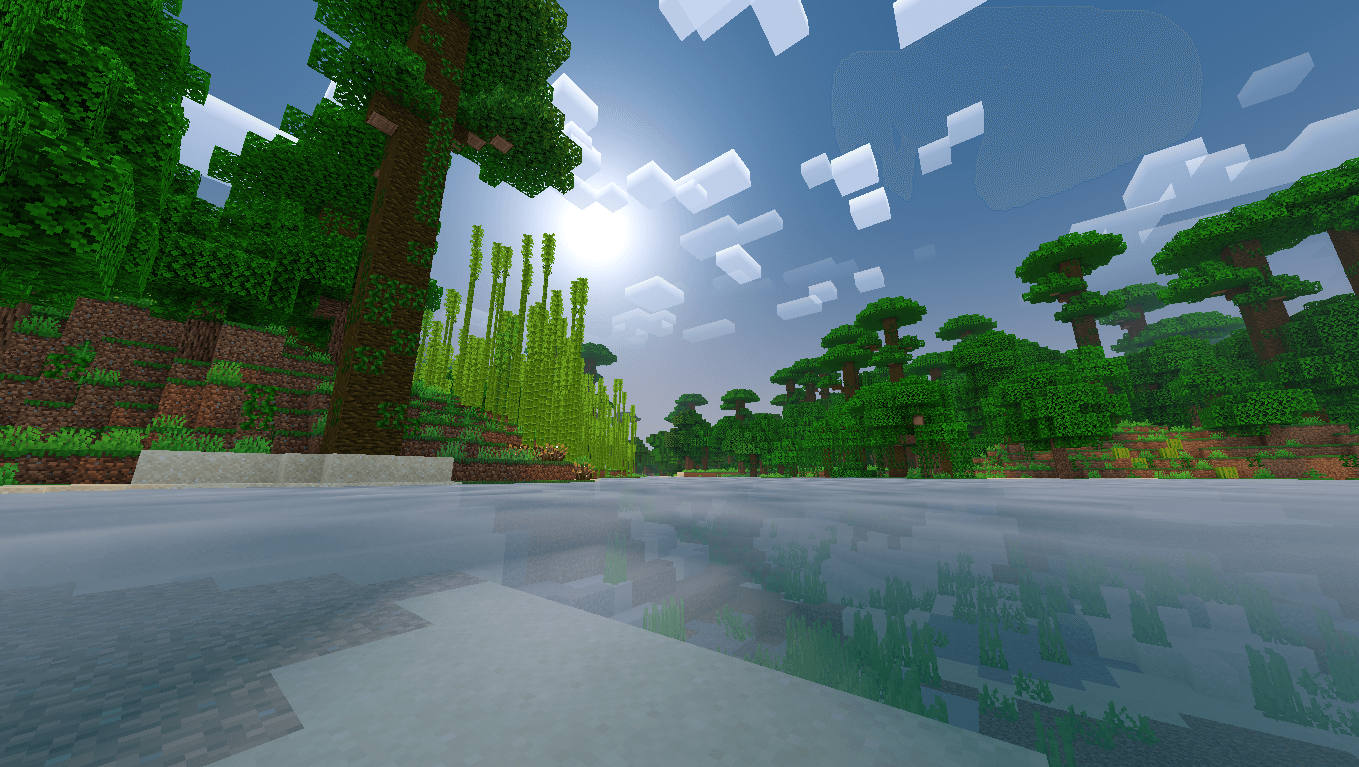
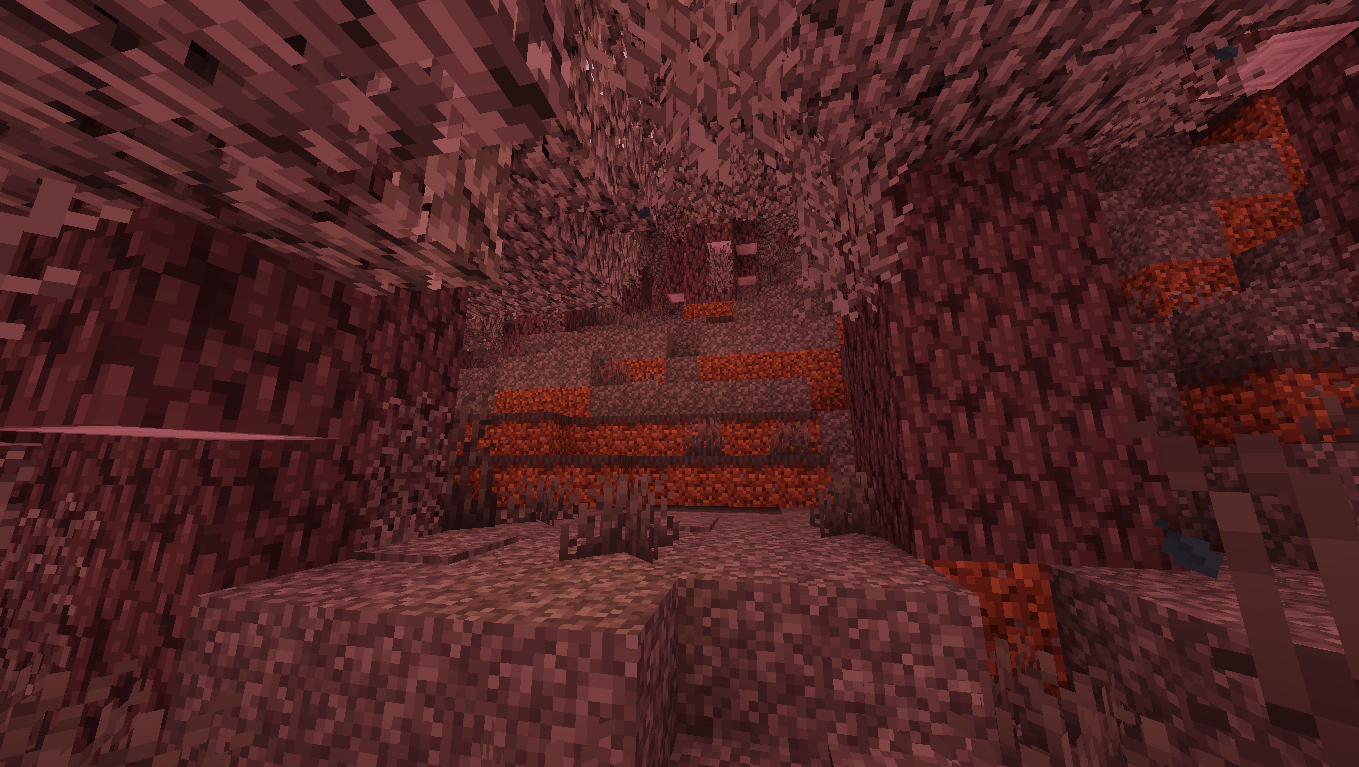
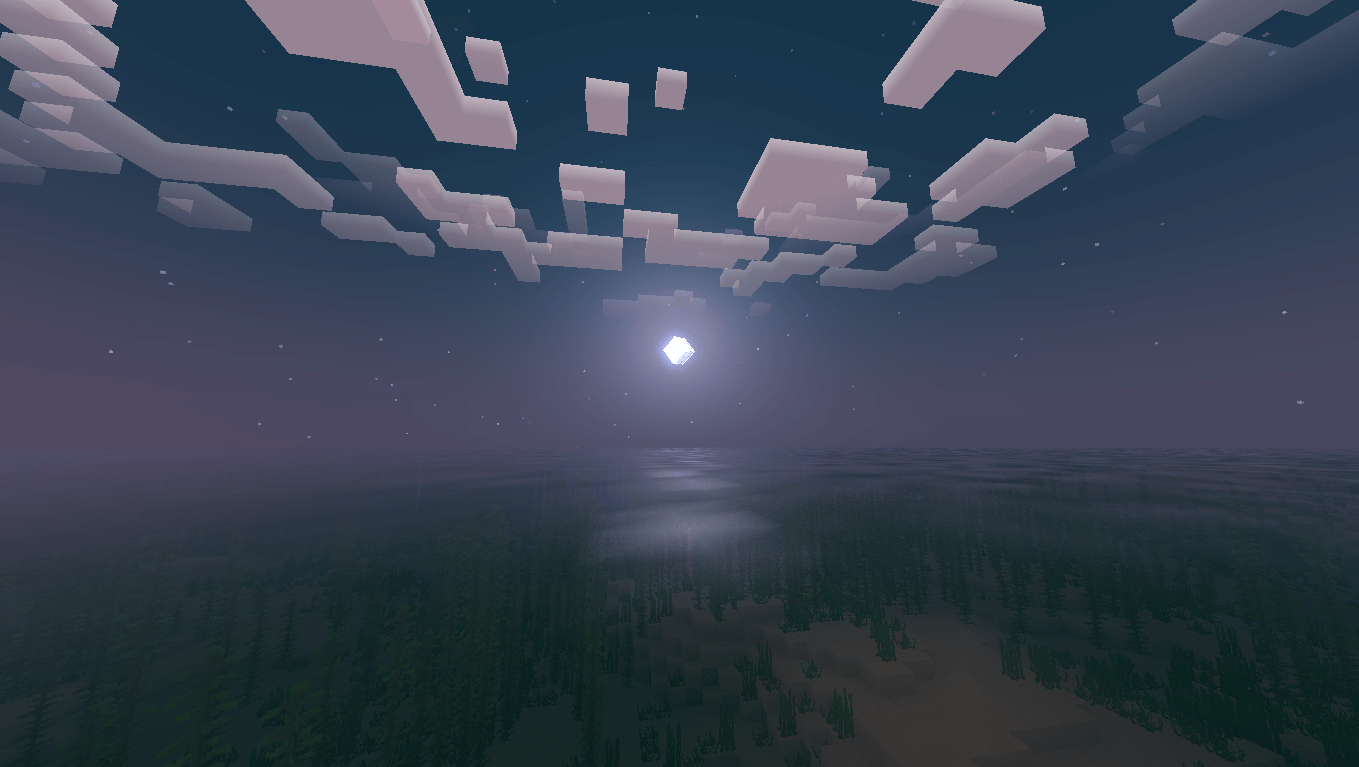
Welcome to Newb Classics Lite, an ultra-optimized hybrid shader pack custom-built for low-end laptops, older desktop PCs, and legacy integrated graphics such as Intel Pentium and Celeron chips.
The modern Render Dragon engine is notoriously heavy on potato hardware, often causing massive lag, input lag, or broken geometries. This pack solves those issues by blending lightweight, stable core definitions with premium visual upgrades, allowing you to enjoy a beautiful game at a stable 40+ FPS even with a 17-chunk render distance.
Key Features and Enhancements:
- Universal Injector Support: Rewritten material instructions that work seamlessly with any active loader, including BetterRenderDragon and MCBE.DLL.
- Global Vibrant Colormaps: Integrated high-end colormaps directly into the root directory. Grass and foliage look warm, lush, and alive across every single biome.
- Tropical Tone-Mapping: Custom-edited atmosphere maps designed via Pixlr to transform ocean and cave water into a clean, bright, and crystalline turquoise color.
- Multiple Built-In Sub-Packs: Easily customize your experience clicking the gear icon in your Global Resources. Options include Cubic Clouds (highly recommended for legacy Intel GPUs to prevent skybox bugs), No Fog Mode for clear visibility, No Leaf Waves for a max FPS boost in dense forests, and Potato Mode for maximum optimization with static textures.
Credits and Permissions:
- Based on the original Newb Classics material files compiled by devendrn.
- Color grading, performance tweaks, and environment parameters modified and optimized by tade123456ee.
- Edition: Minecraft Bedrock
- File type: .mcpack
- Minecraft versions listed: 26.20, 26.30
- How to install: Download the .mcpack. → Open it — Minecraft imports it under Resource Packs. → Activate it in Global Resources, or for one world under Resource Packs → Available.
- Where to get it: In MCModsHub, or directly above on this page.
Install steps are the general flow for this file type — How to install Minecraft Bedrock texture packs walks through it step by step.
- Pack type: .mcpack — a single pack
- Complete pack — everything it depends on is inside the file
- Download size: 2.3 MB
- Download link checked 15 Oct 2026 — working
These come from our own check of the pack file, not from the source page.