ShadersBedrock
Toggle Night Vision Shader (26.x, 1.21) – Customizable Brightness Menu
Bedrock shader pack for the Vibrant Visuals mode listed for Minecraft 1.21. File opened and checked on 22 Sep 2026; installs from the MC Bedrock Mods app on Android.
⬇ Download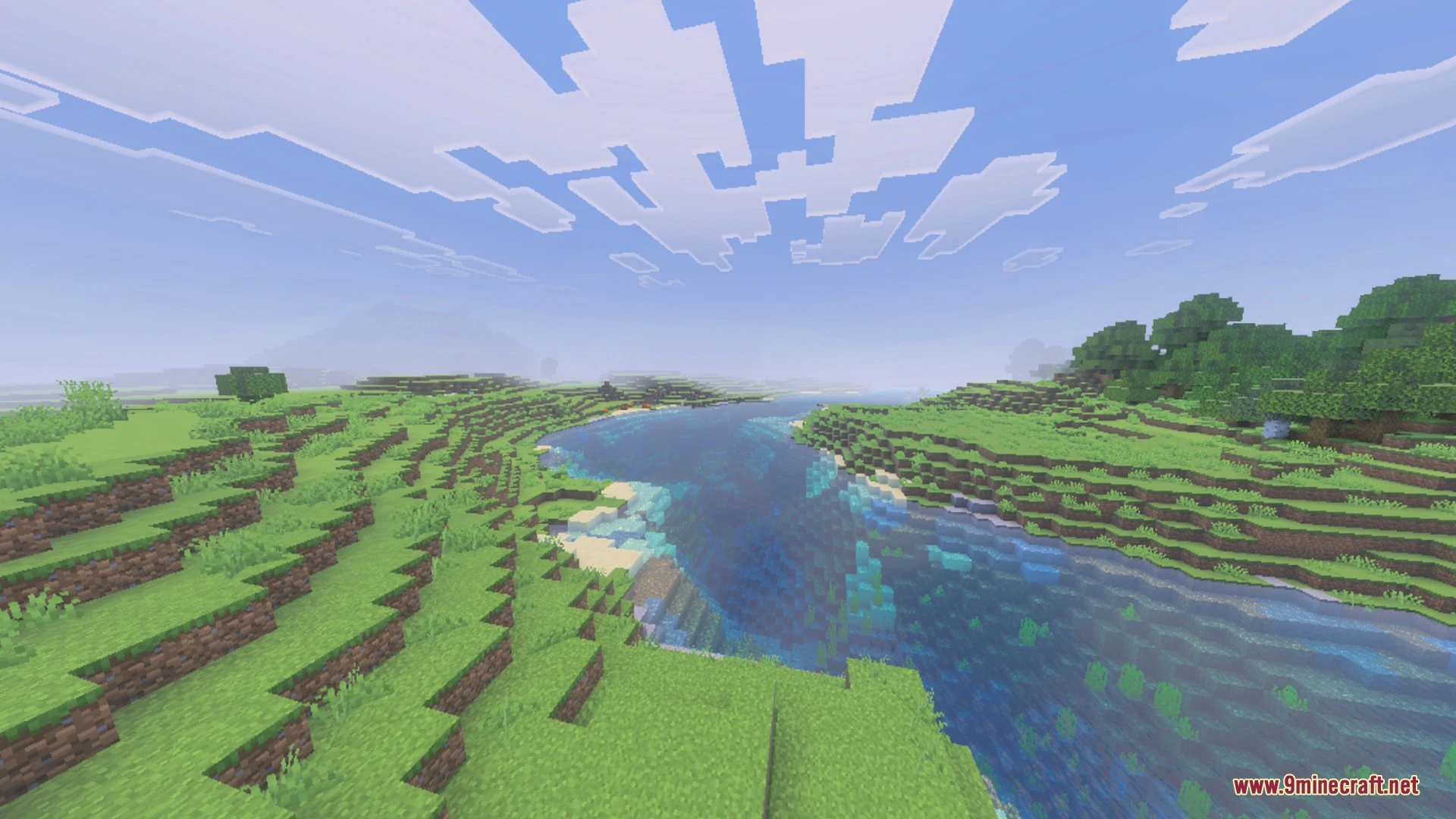
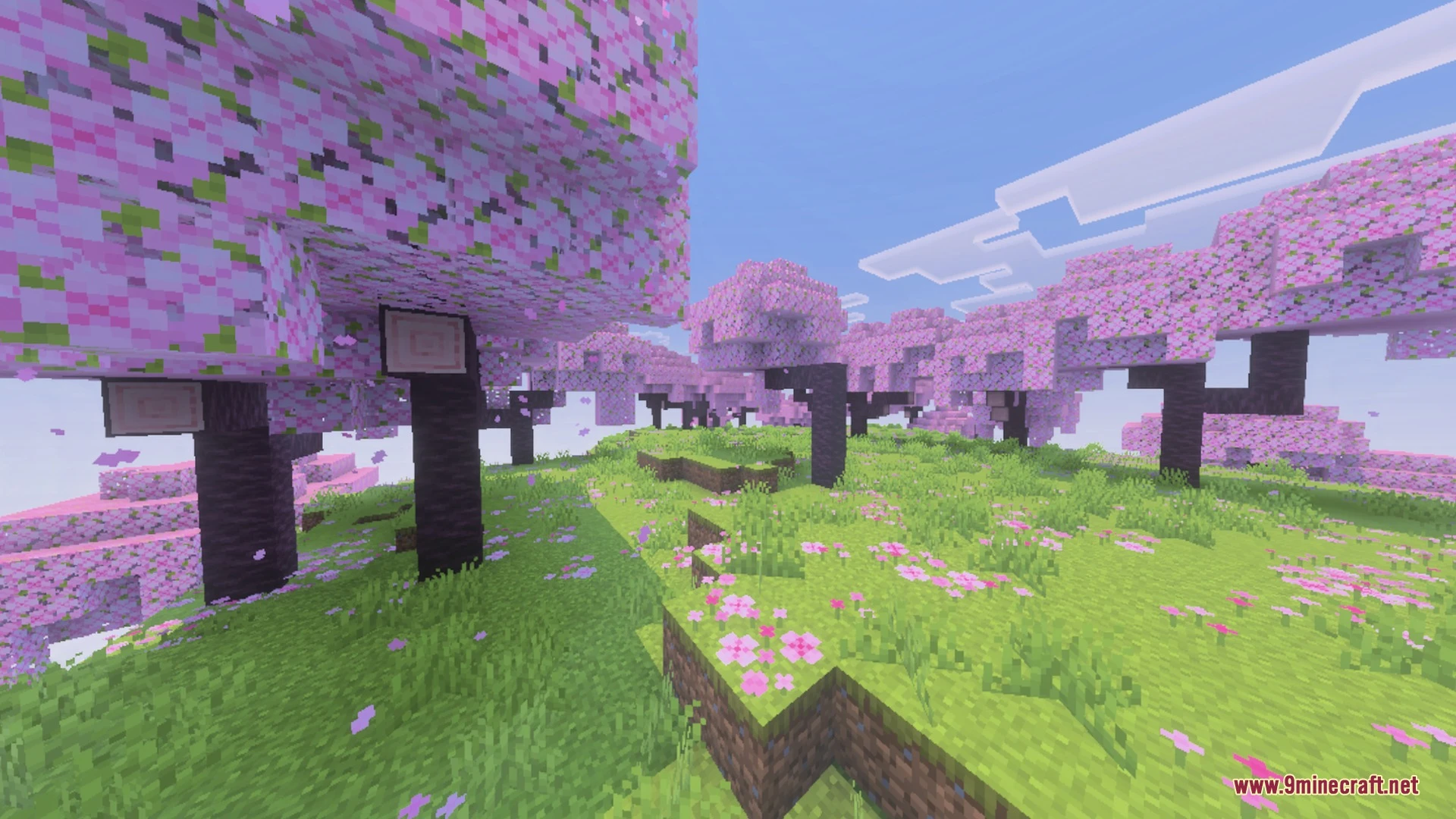
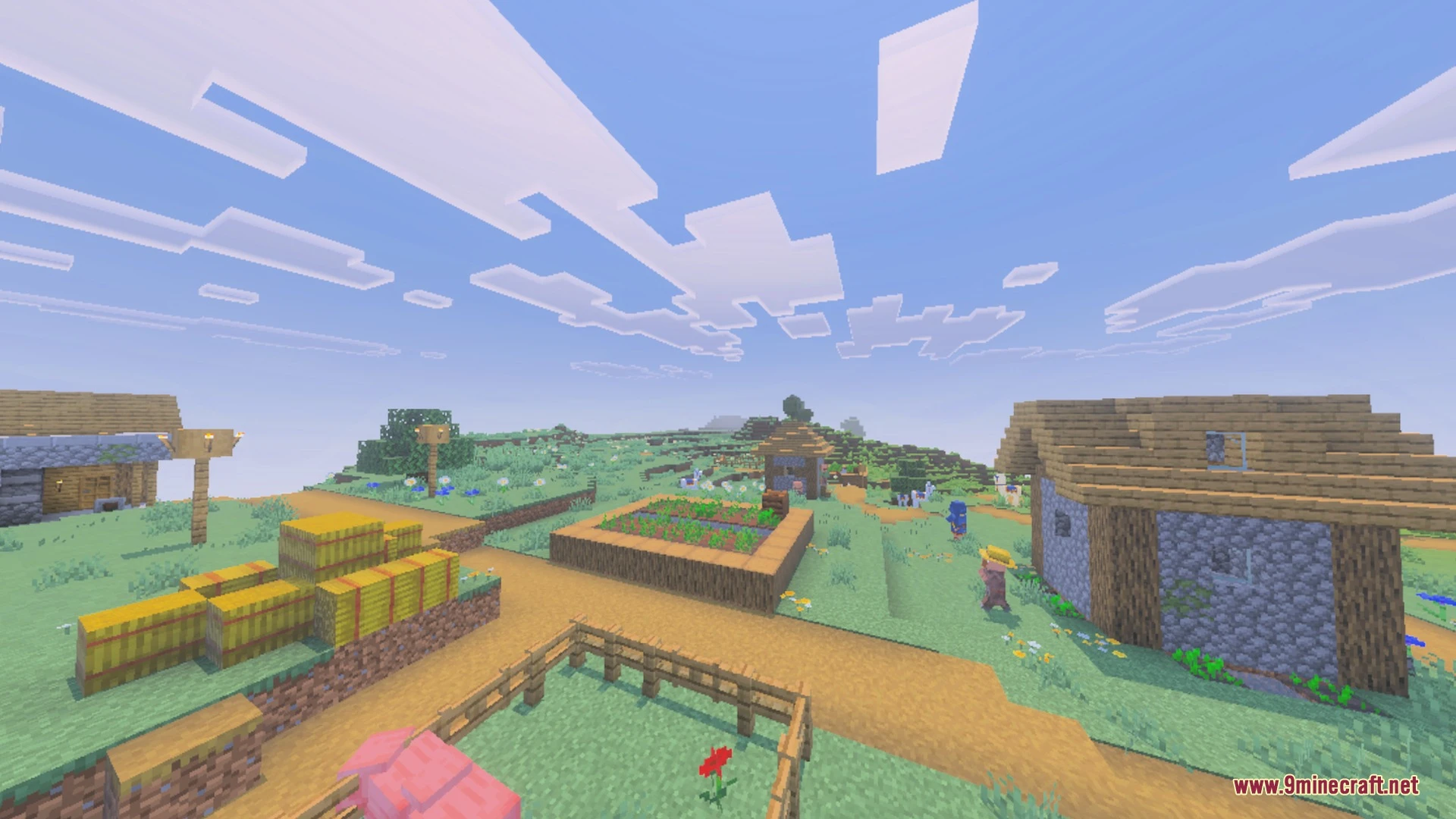
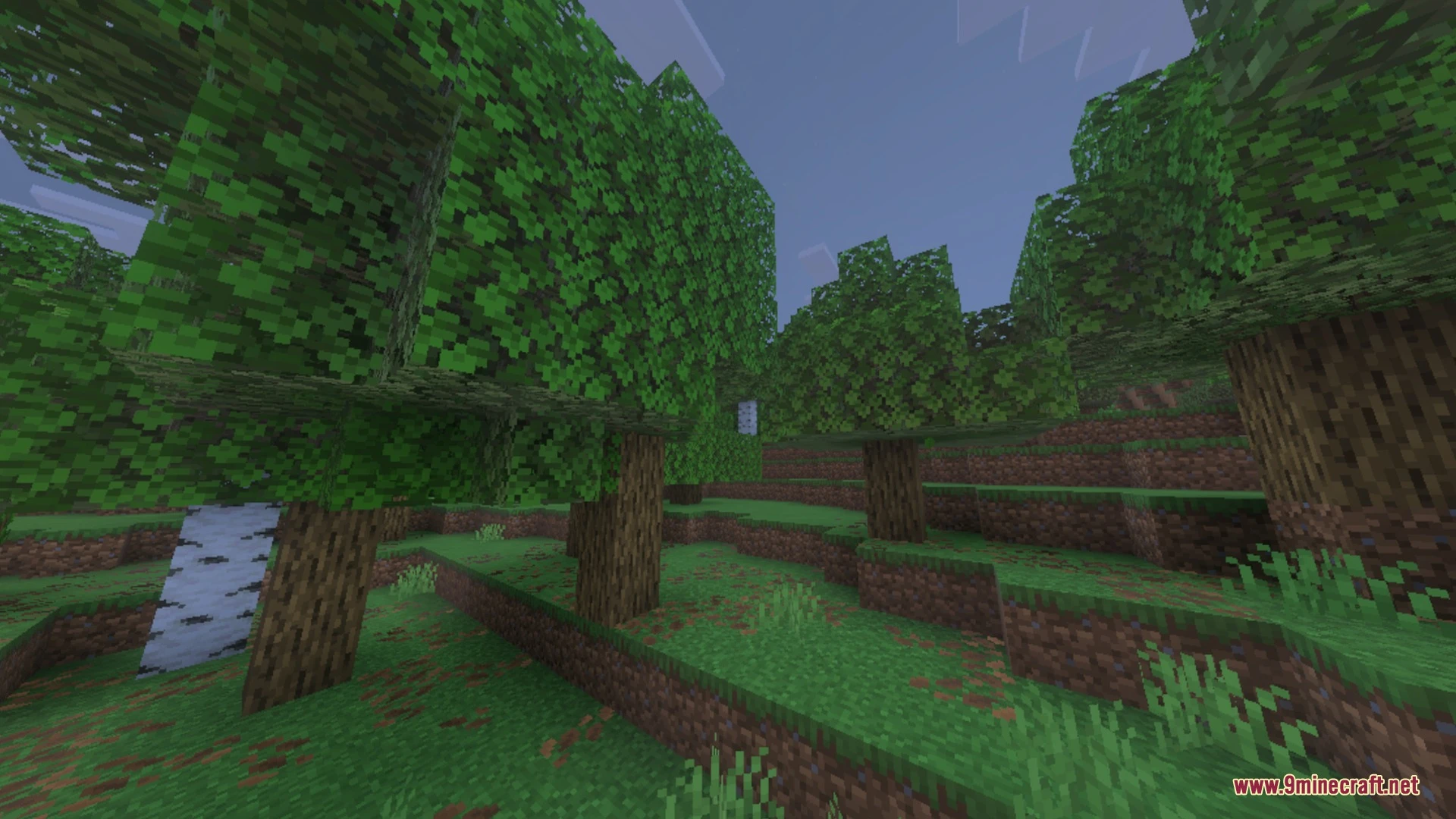
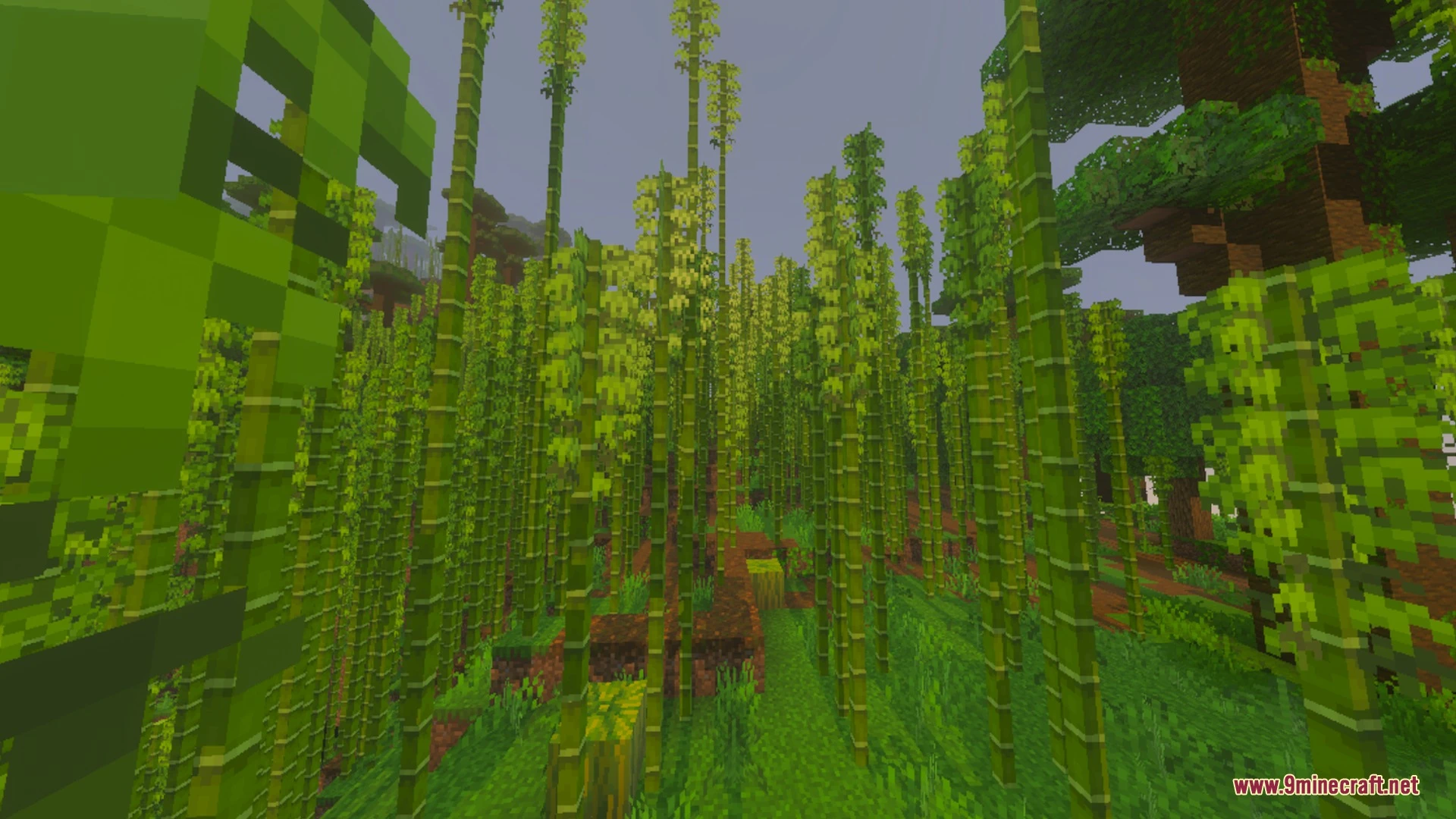
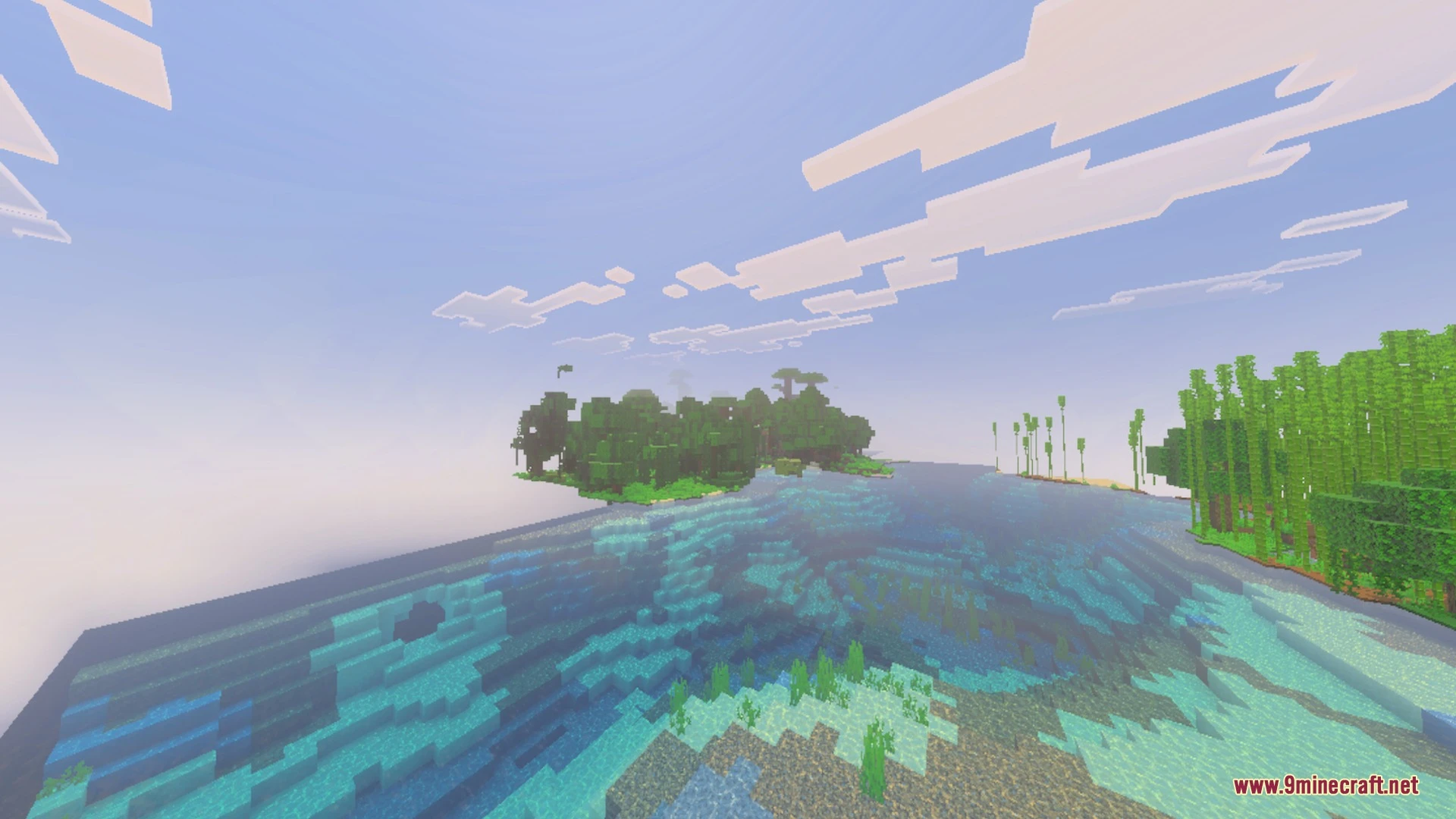
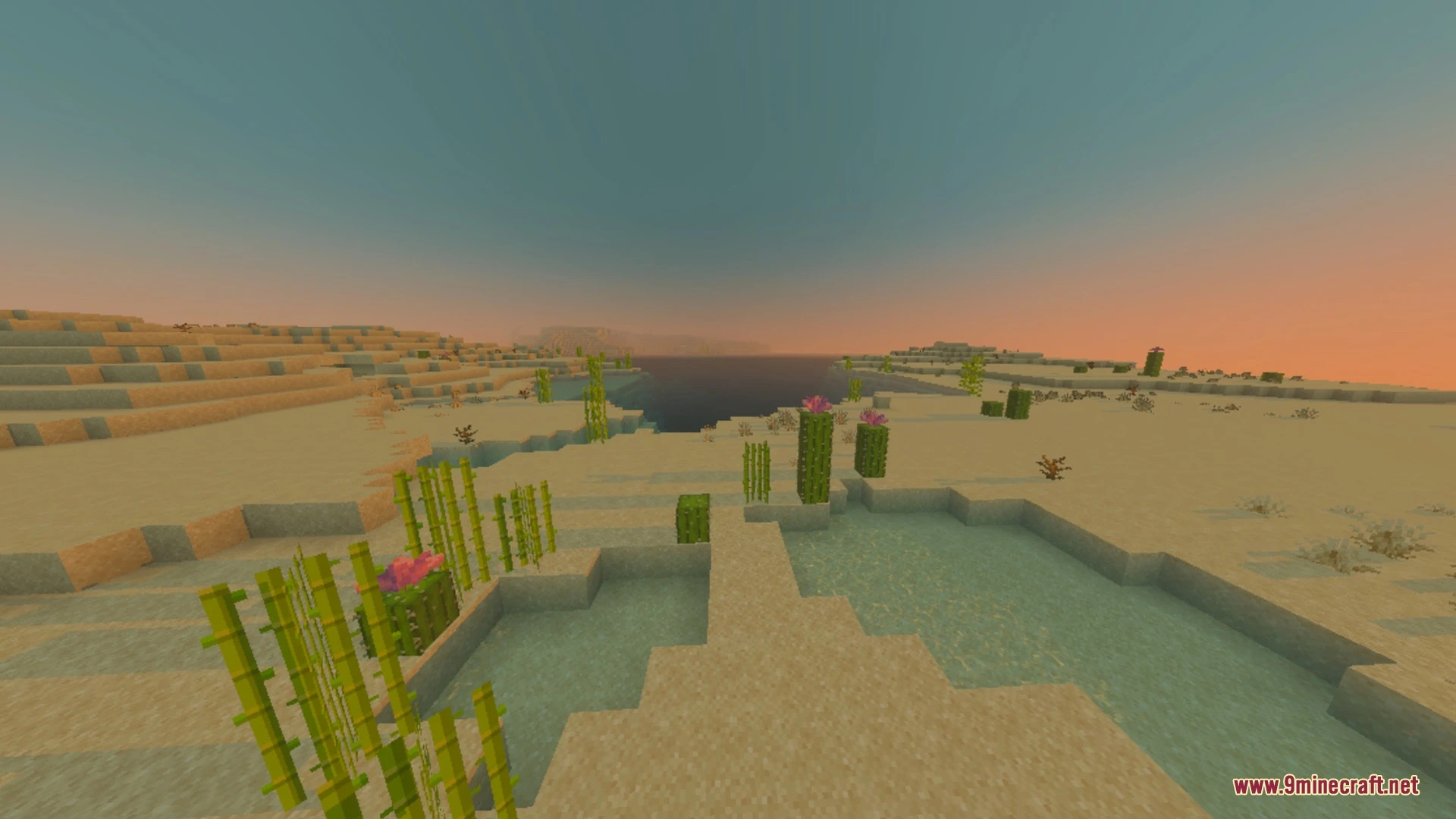
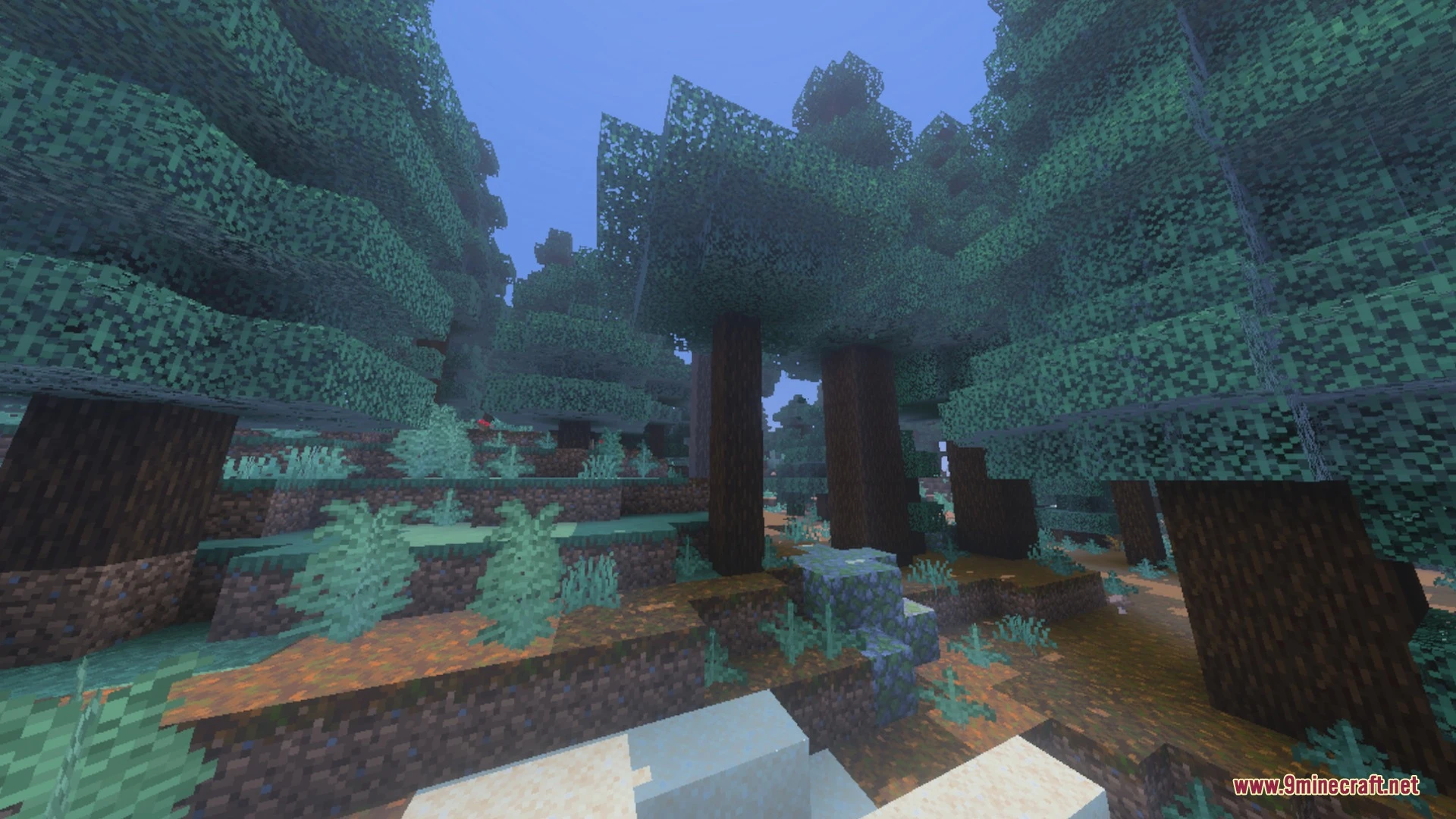
Toggle Night Vision Shader lets you see clearly in deep caves without placing any torches. This pack adds a custom menu to adjust the light brightness and color directly from your screen. It works perfectly for both mobile players and desktop users who want to explore underground areas easily.
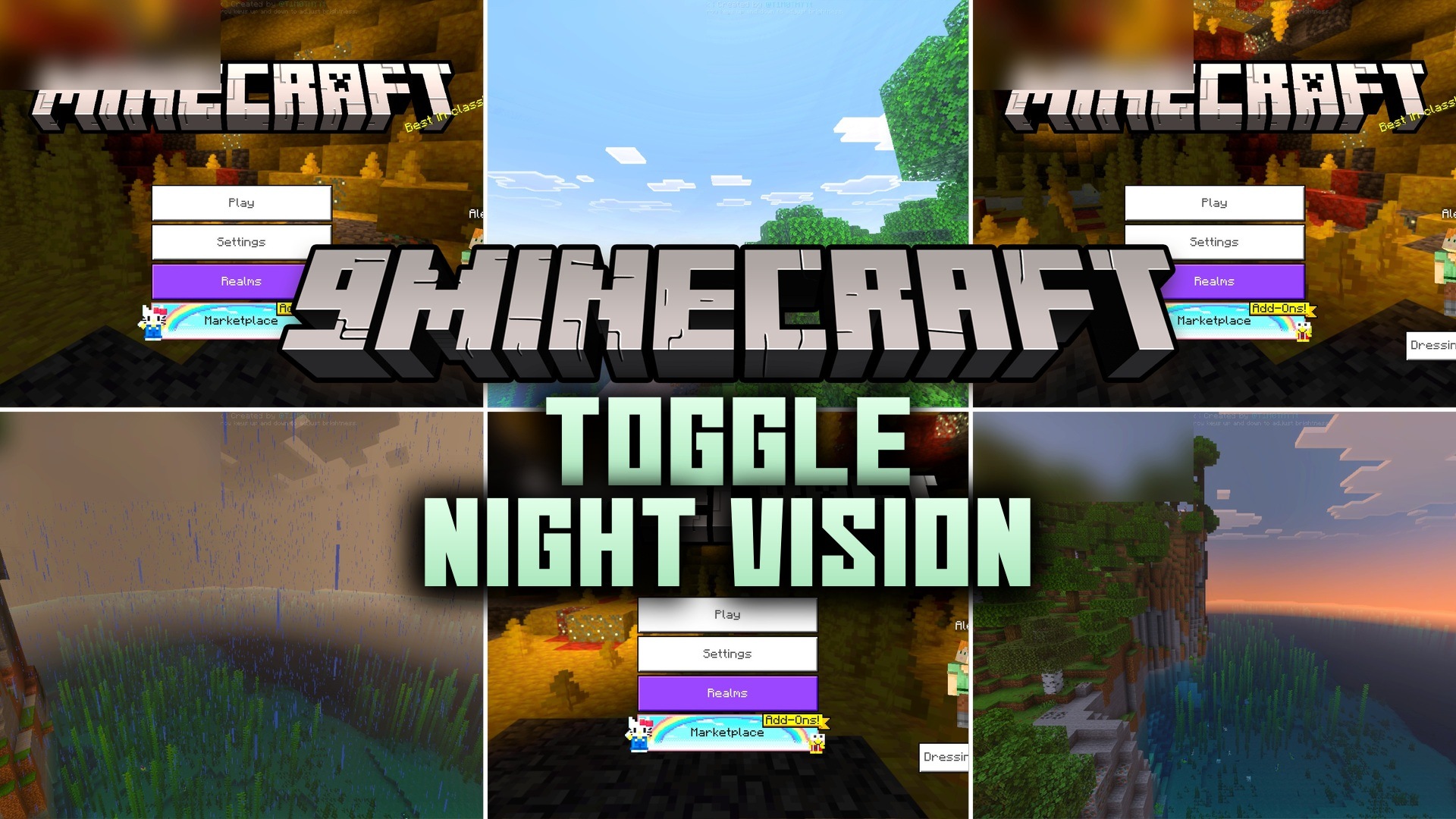
Features:
- Adds a custom lighting menu for your screen.
- Lets you change the screen brightness level easily.
- Provides four different color options for your vision.
- Includes subpacks to move the menu location around.
- Helps you find ores in deep dark ravines.
Controls:
- Tap the eye button on mobile to open the menu.
- Press F8 on a keyboard to open the menu.
- Use up and down arrows to change brightness levels.
- Press number keys 1 to 4 for different colors.
- Turn off anti-aliasing in your settings before using the menu.
Screenshots:
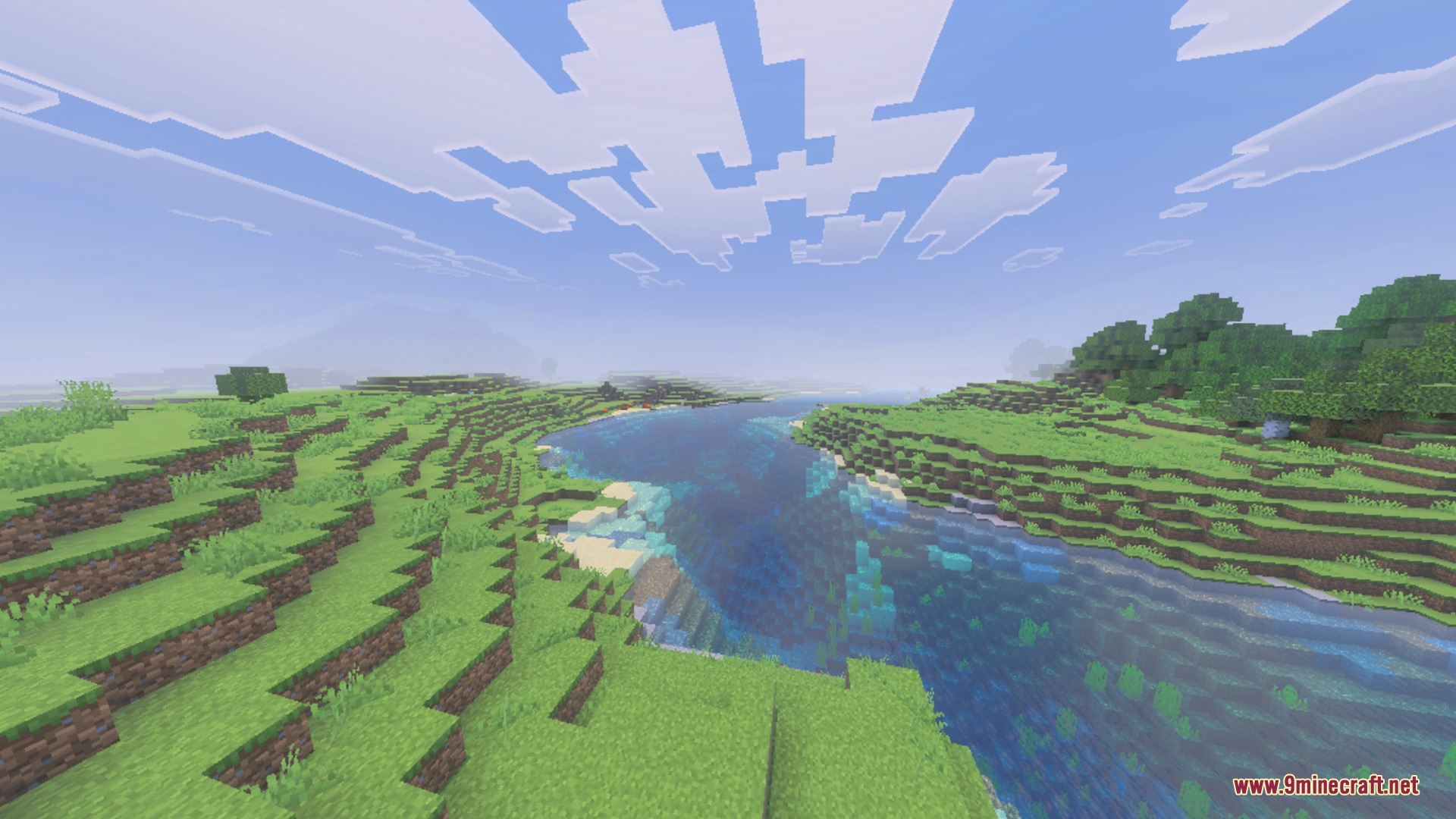
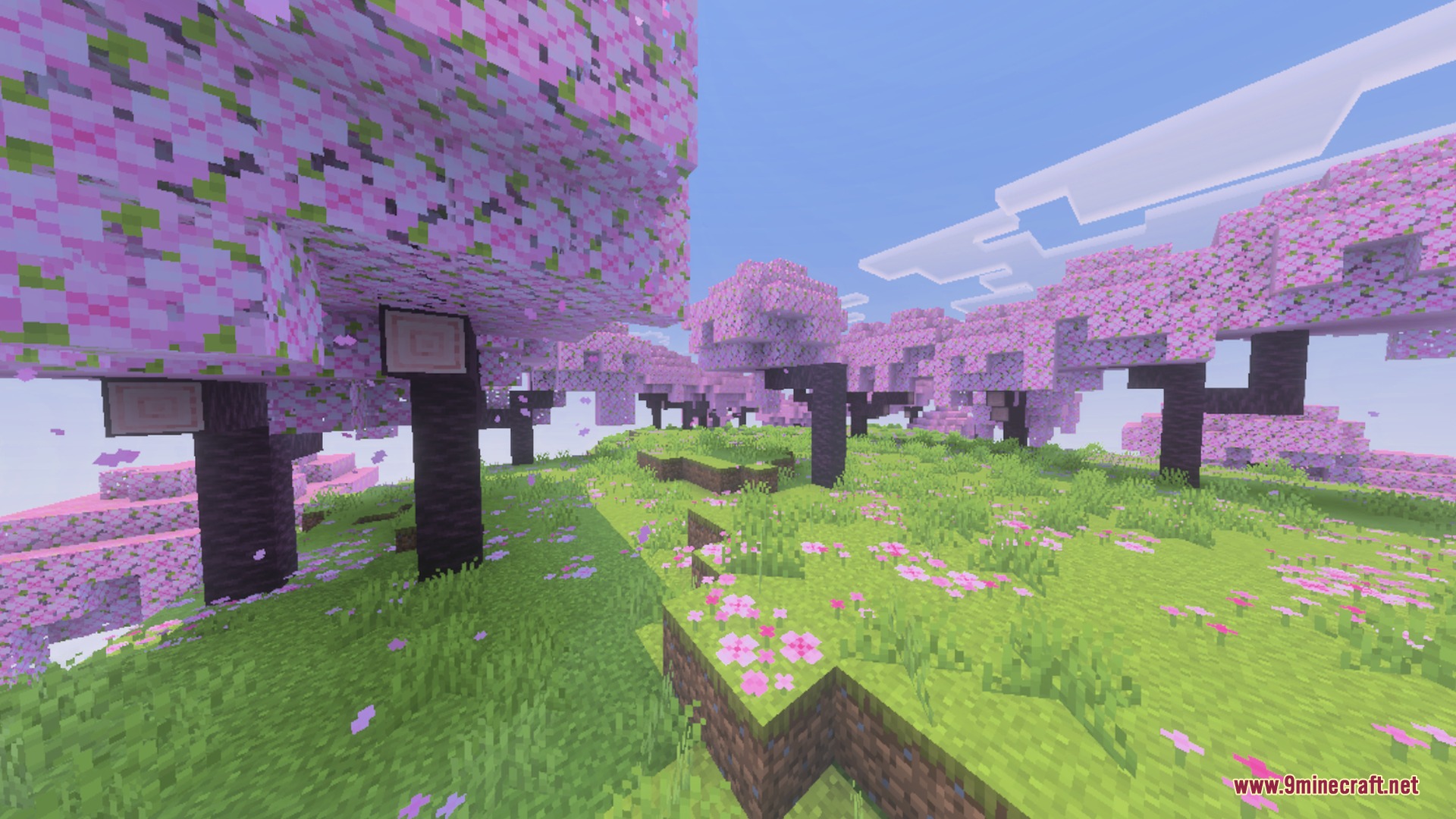
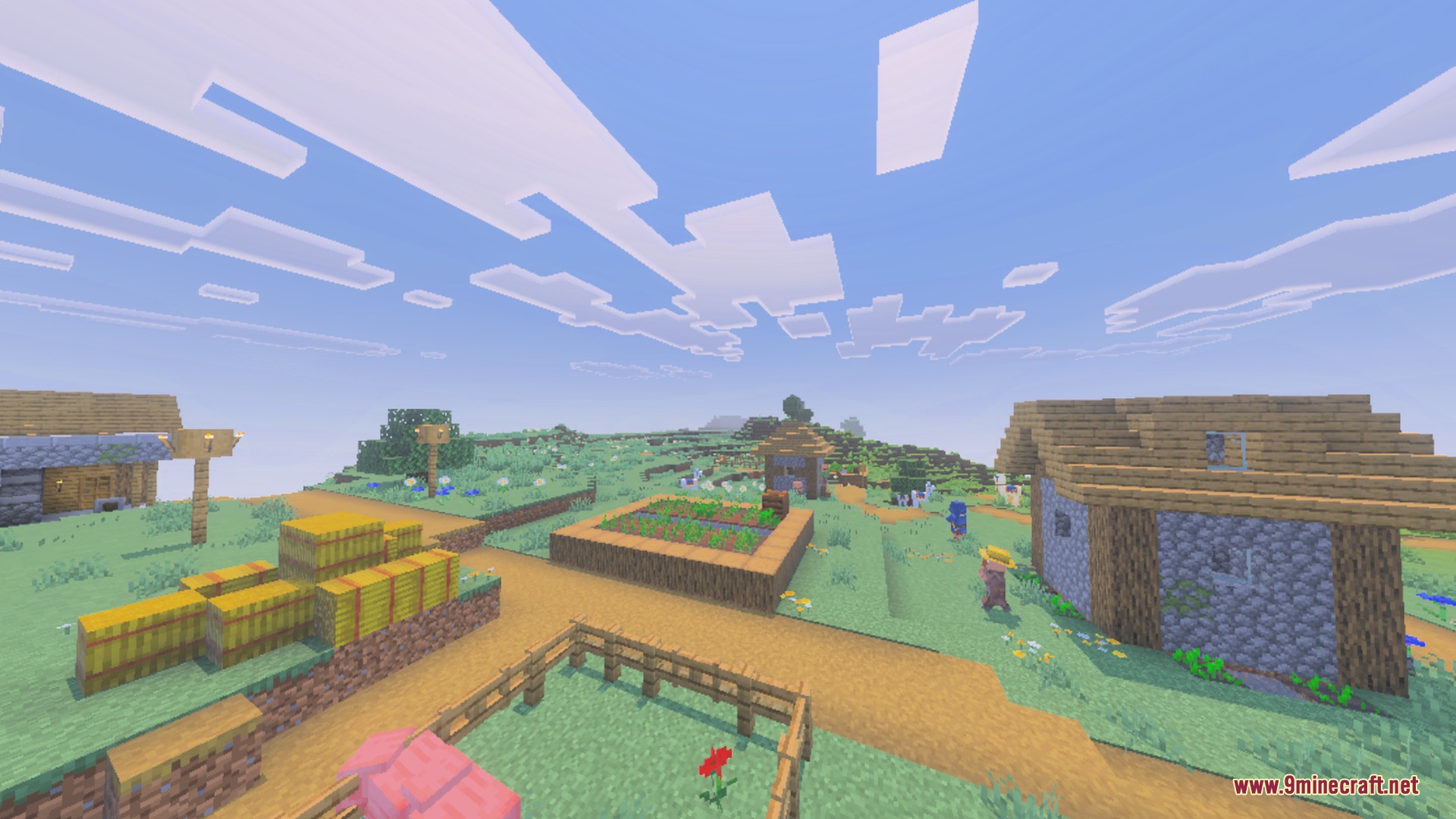
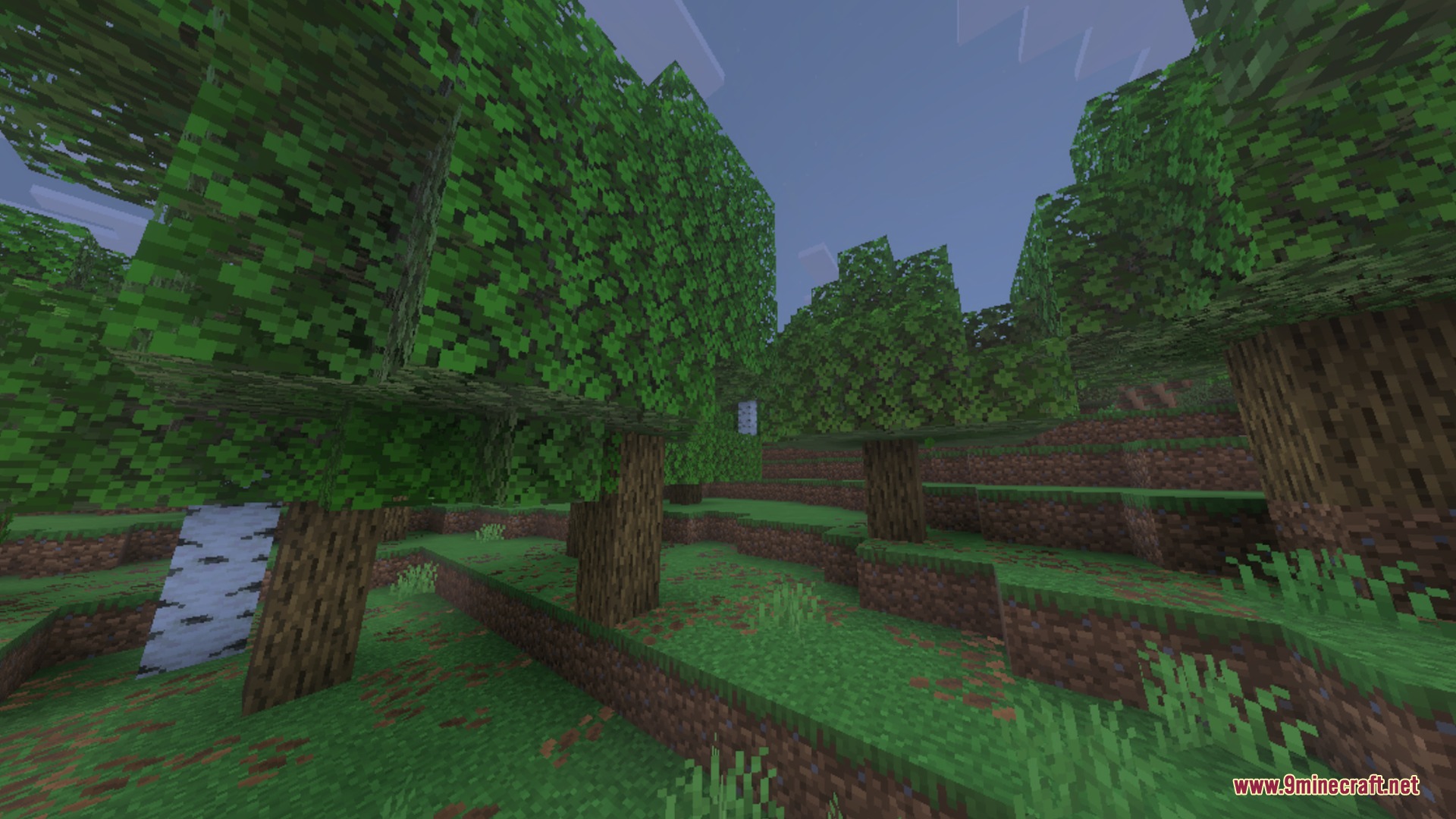
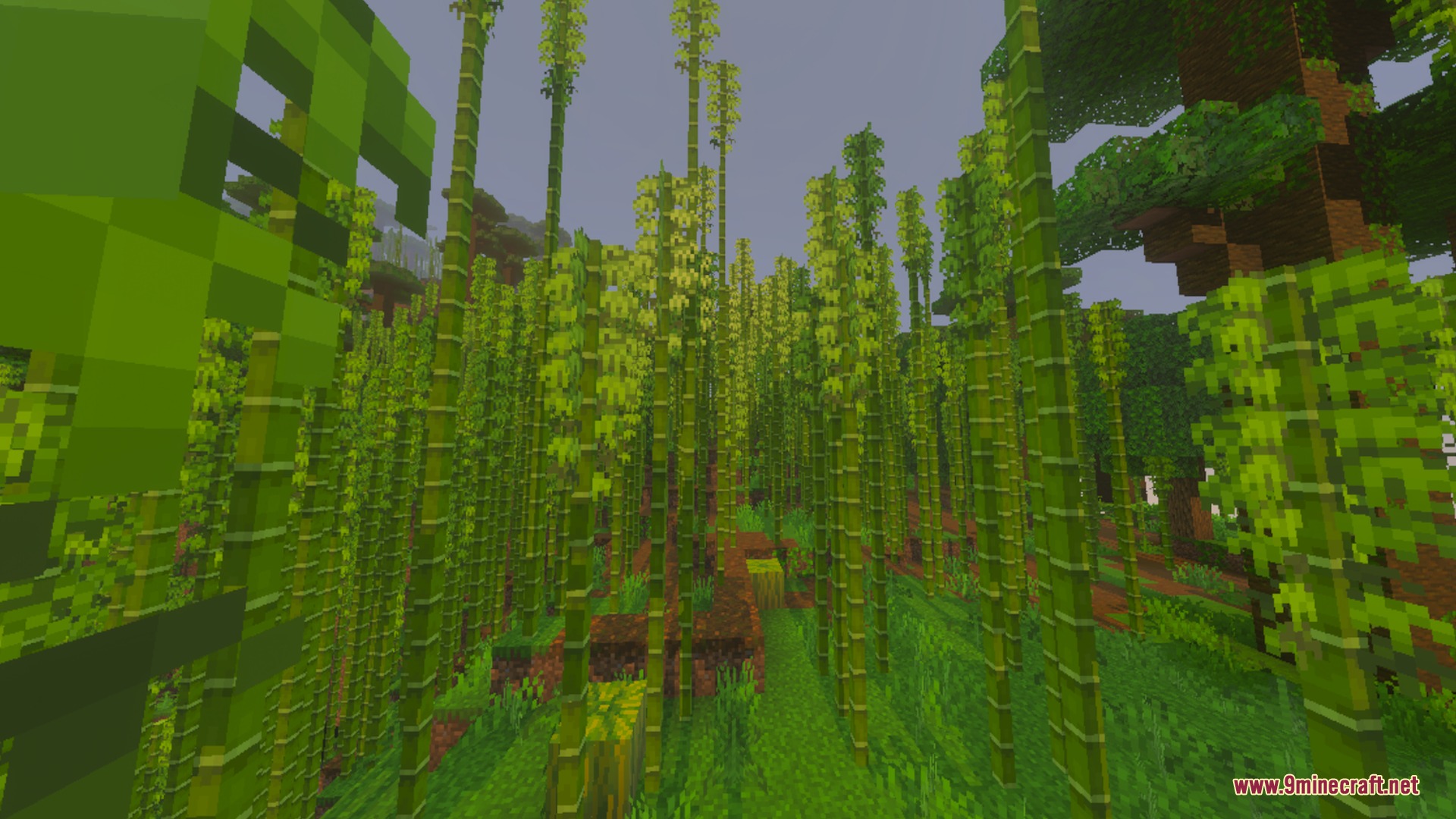
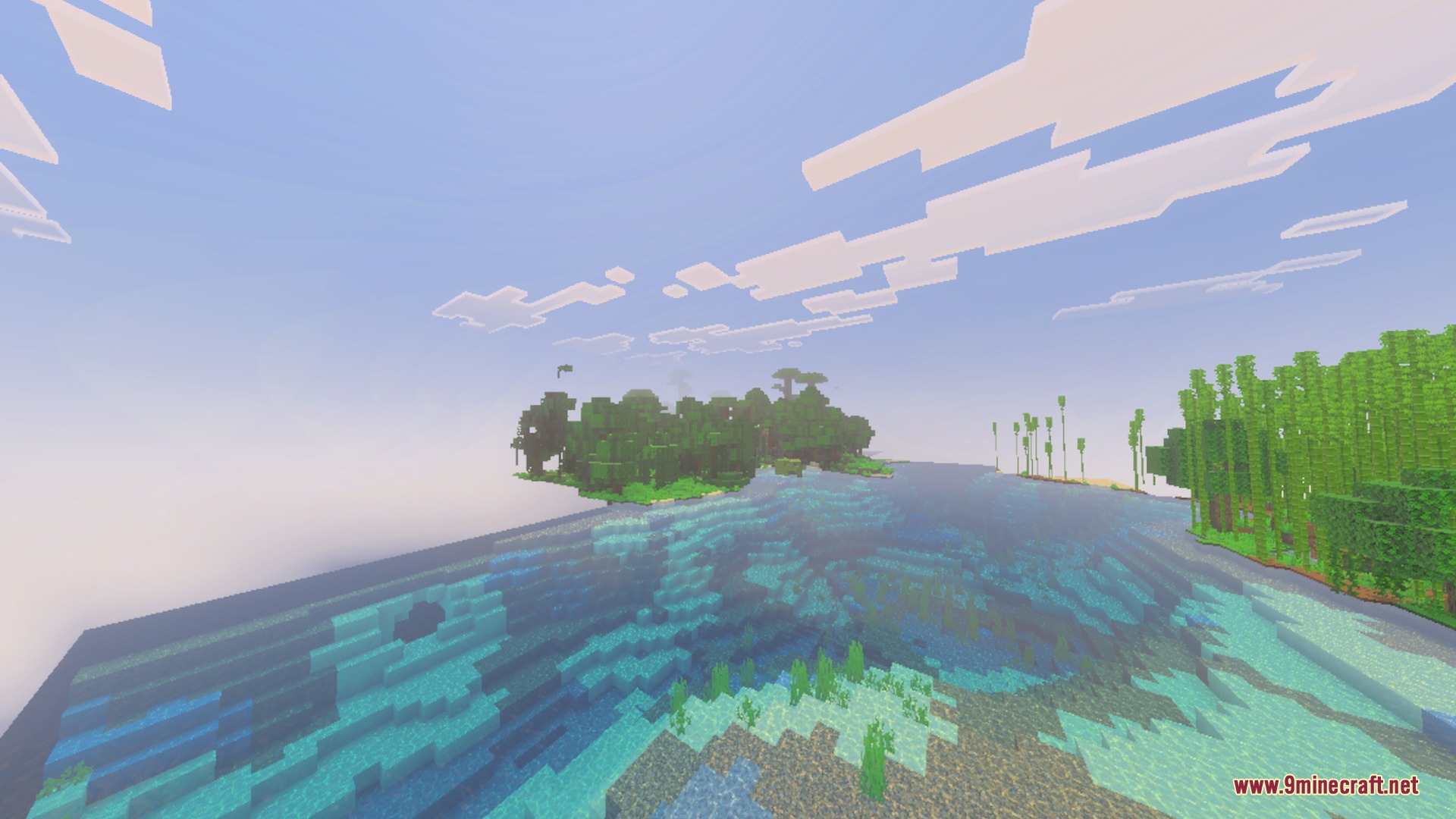
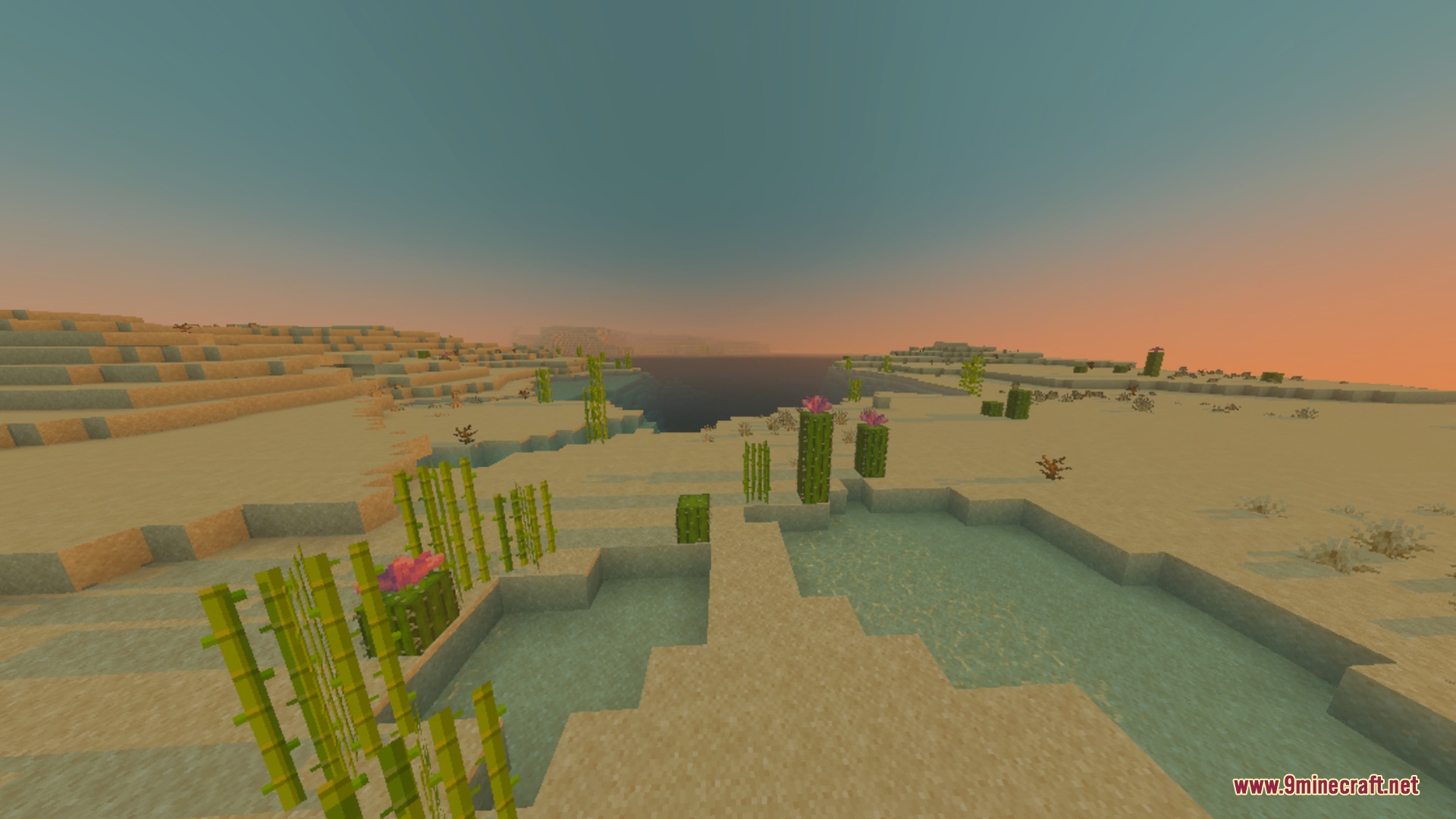
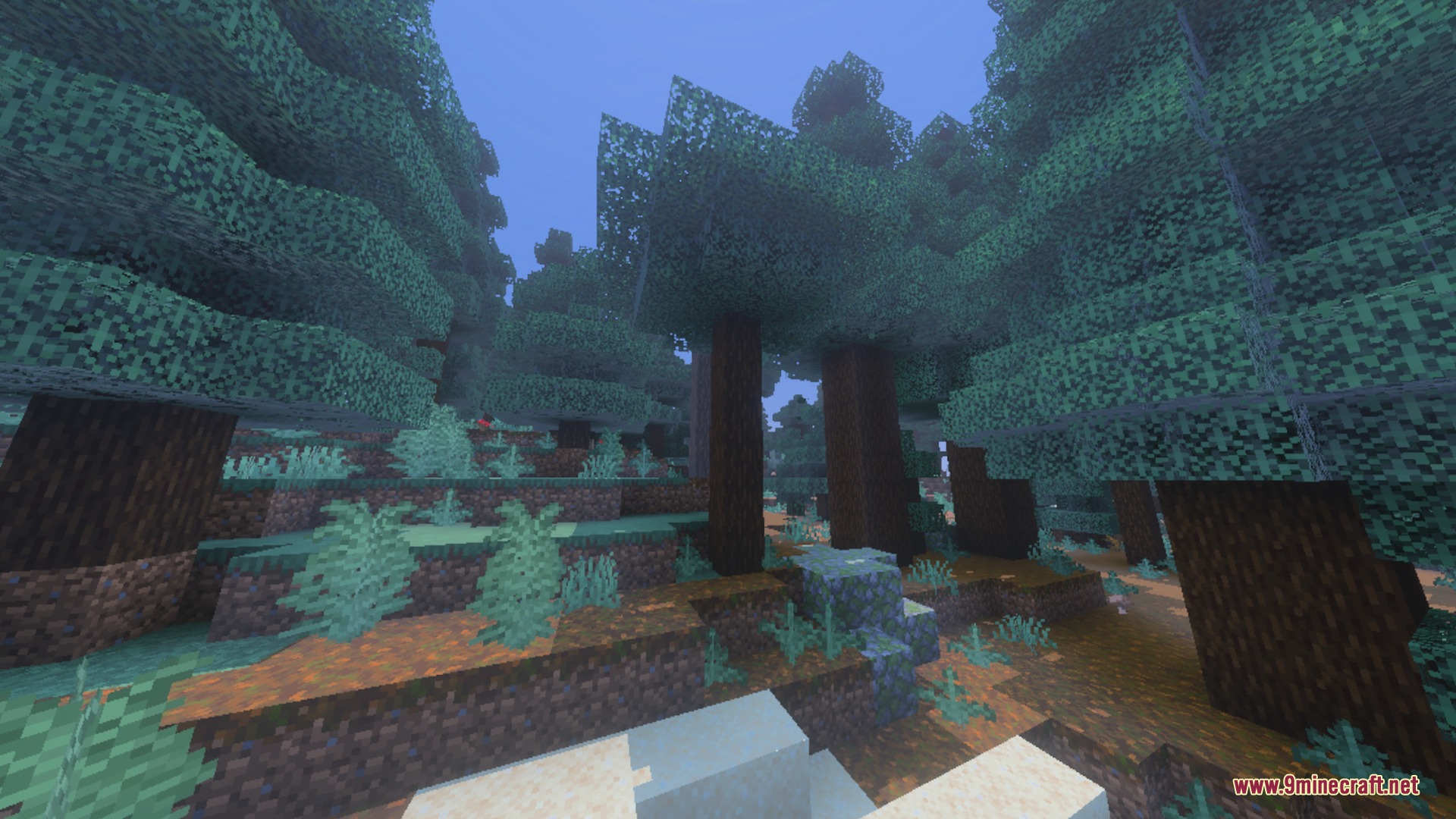
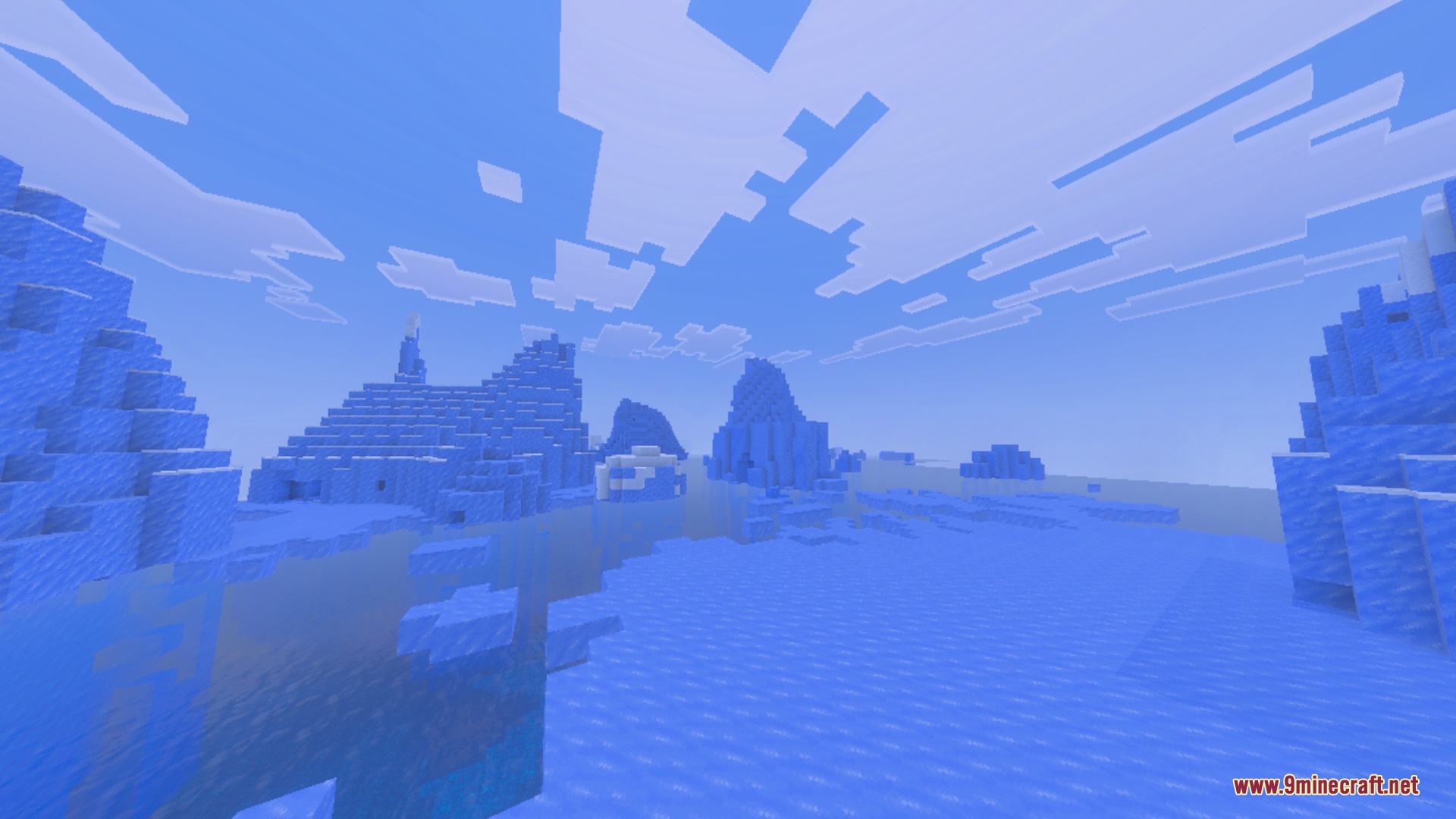
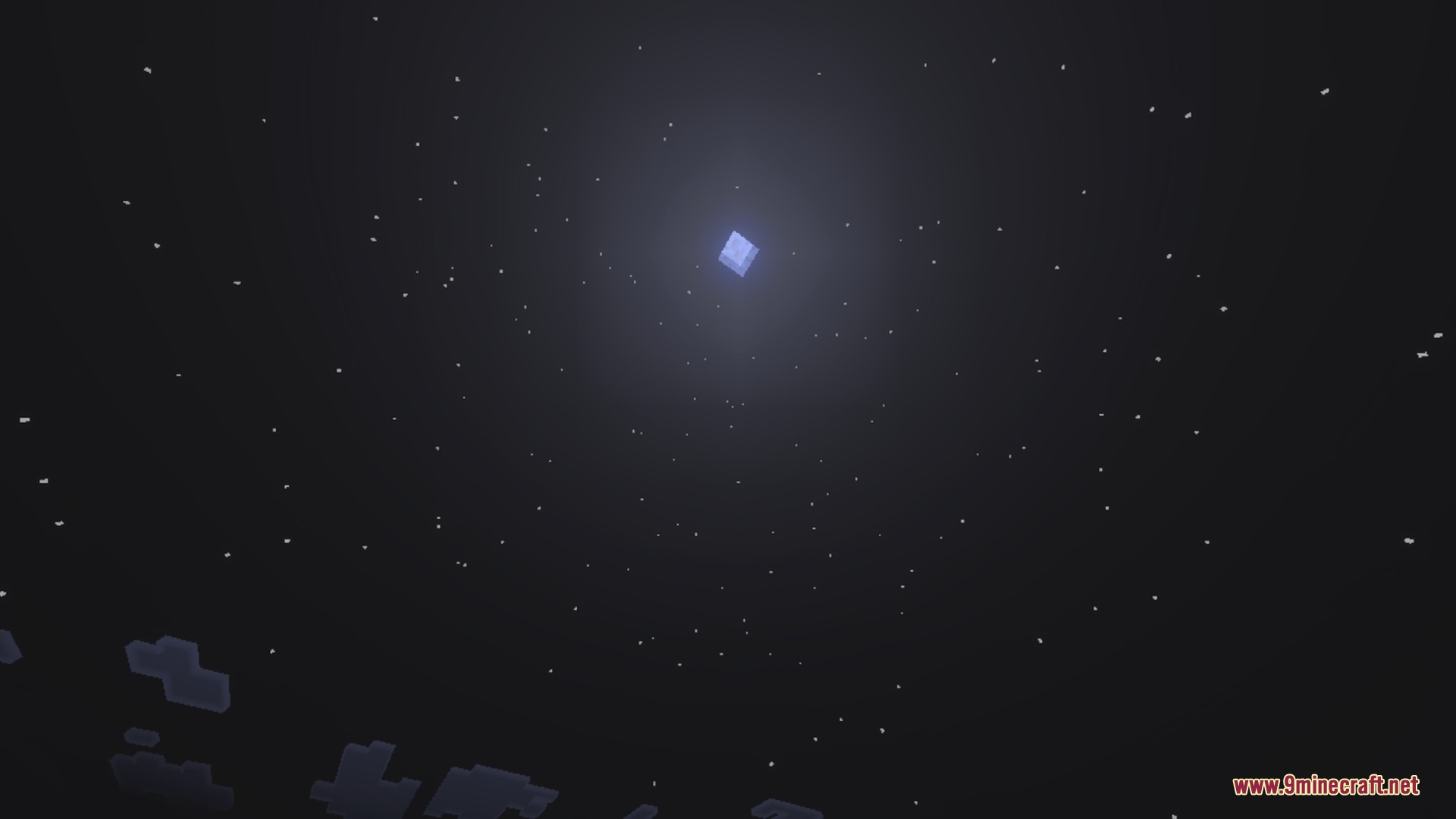
Motion:
Toggle Night Vision Shader Download Links
Quick facts
- Edition: Minecraft Bedrock
- File type: .mcpack
- Minecraft version listed: 1.21
- How to install: Download the .mcpack. → Open it — Minecraft imports it under Resource Packs. → Activate it in Global Resources, or for one world under Resource Packs → Available.
- Where to get it: In MCModsHub, or directly above on this page.
Install steps are the general flow for this file type — How to install Minecraft Bedrock texture packs walks through it step by step.
File checked by MCModsHub
- Pack type: .mcpack — a single pack
- Manifest requires Minecraft 1.21.110 or newer
- Complete pack — everything it depends on is inside the file
- Download link checked 24 Jul 2026 — working
- Mirrored on our own servers — the download does not depend on the original host
These come from our own check of the pack file, not from the source page.