Home›Bedrock›Texture packs›Classic Panorama with Shaders Texture Pack (1.21, 1.20) – Stunning Cinematic Retro Visuals
Texture packsBedrock
Classic Panorama with Shaders Texture Pack (1.21, 1.20) – Stunning Cinematic Retro Visuals
Bedrock texture pack listed for Minecraft 1.20–1.21. Download on the author's site.
⬇ Download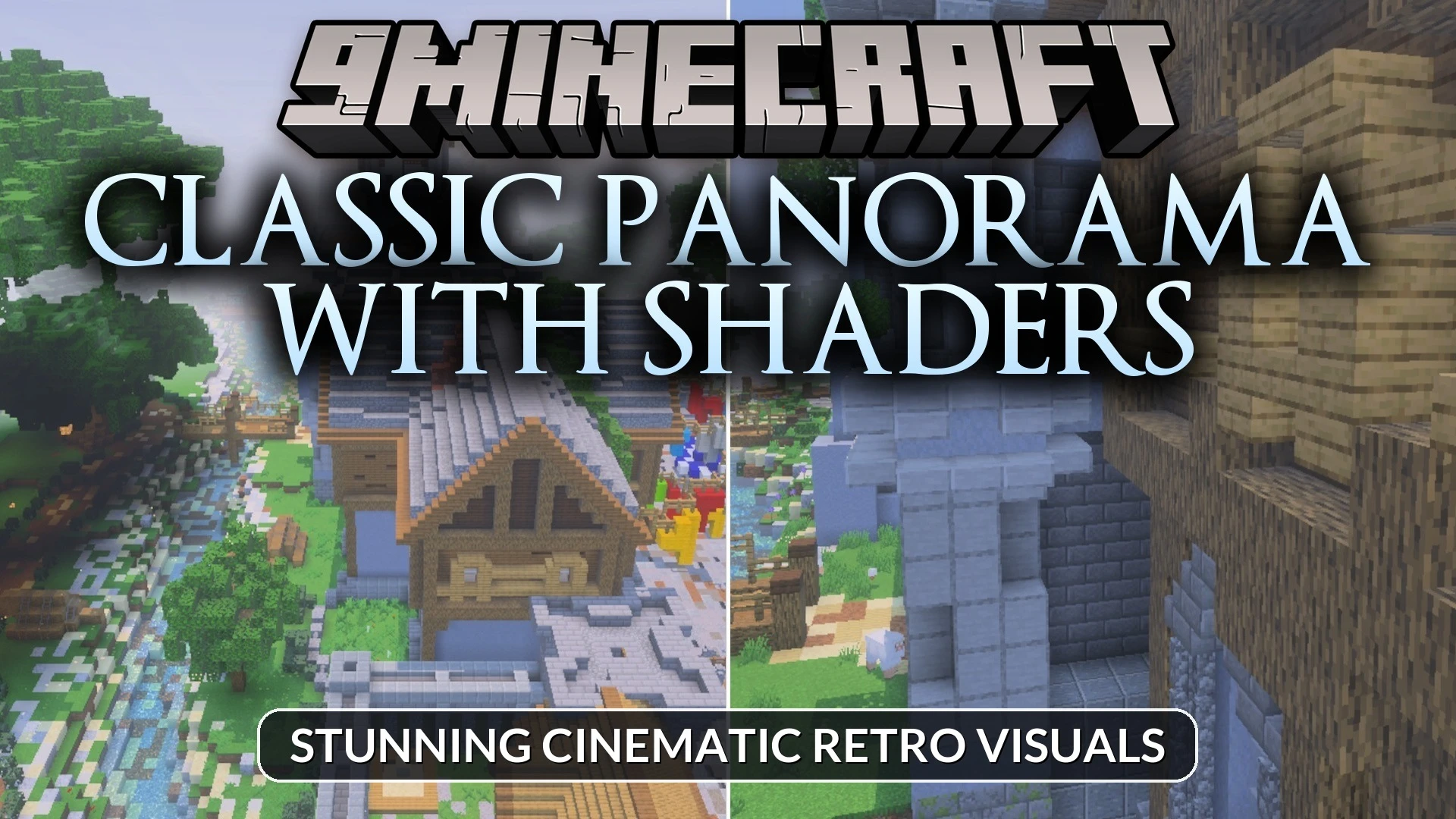
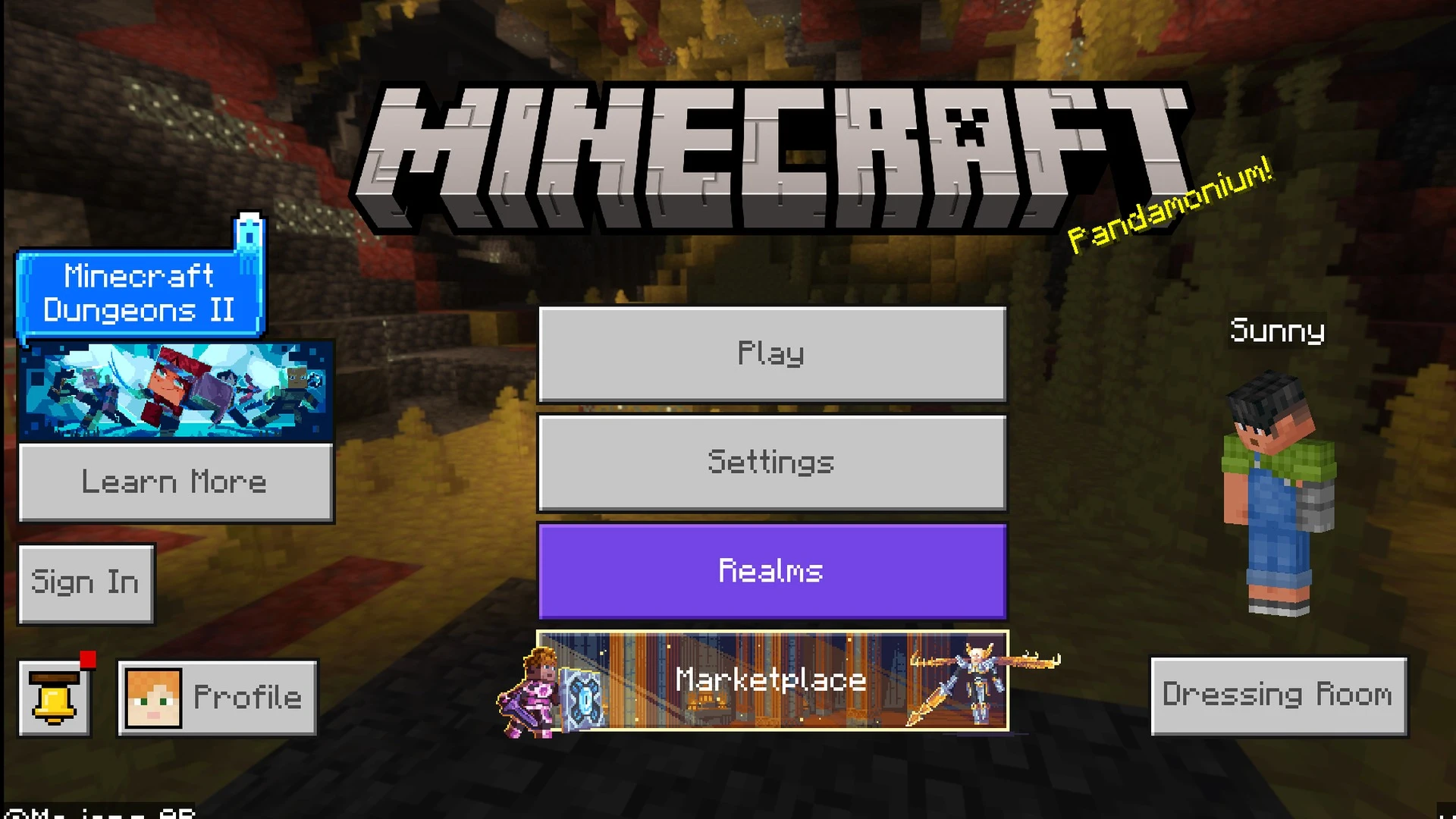
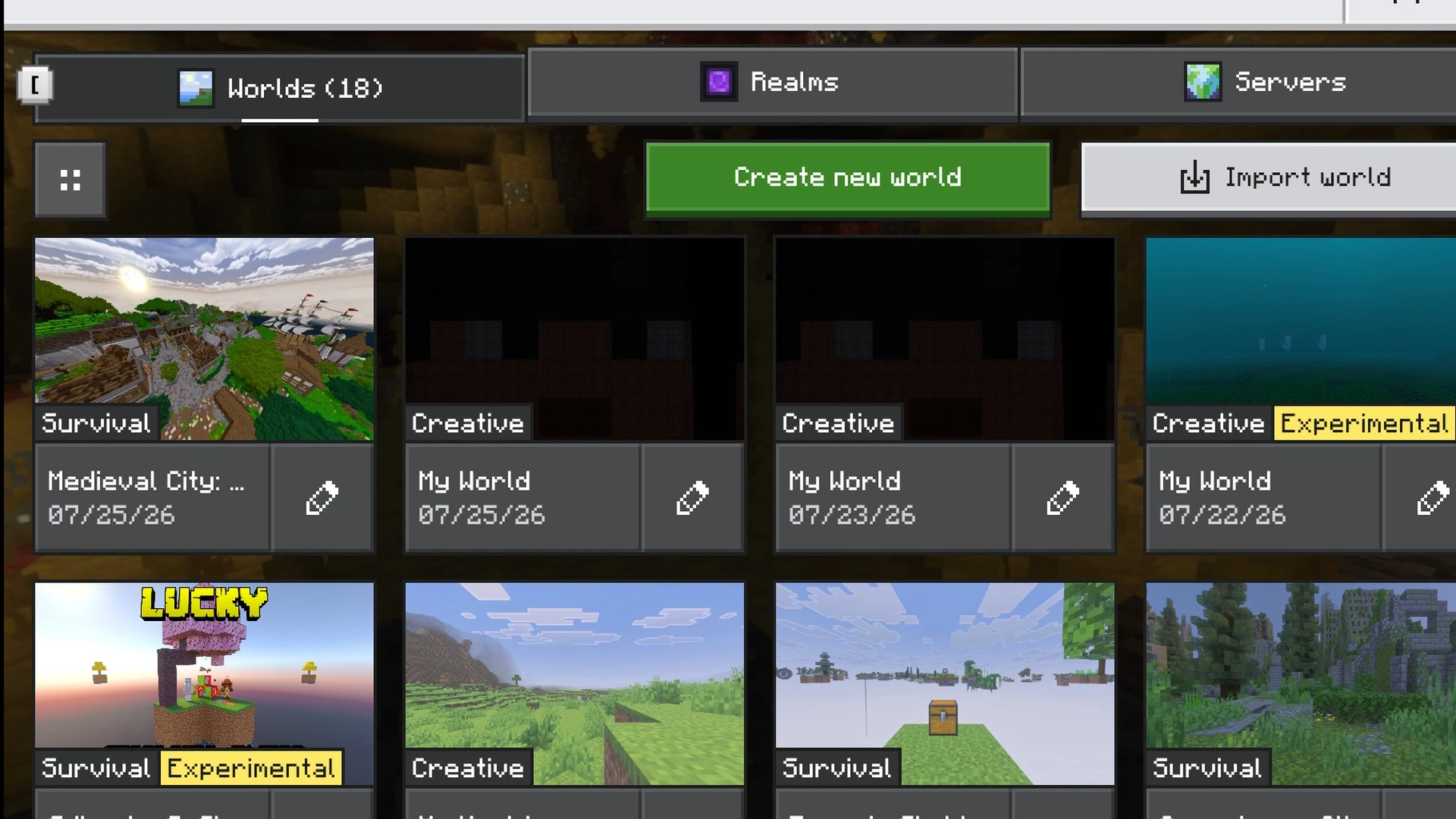
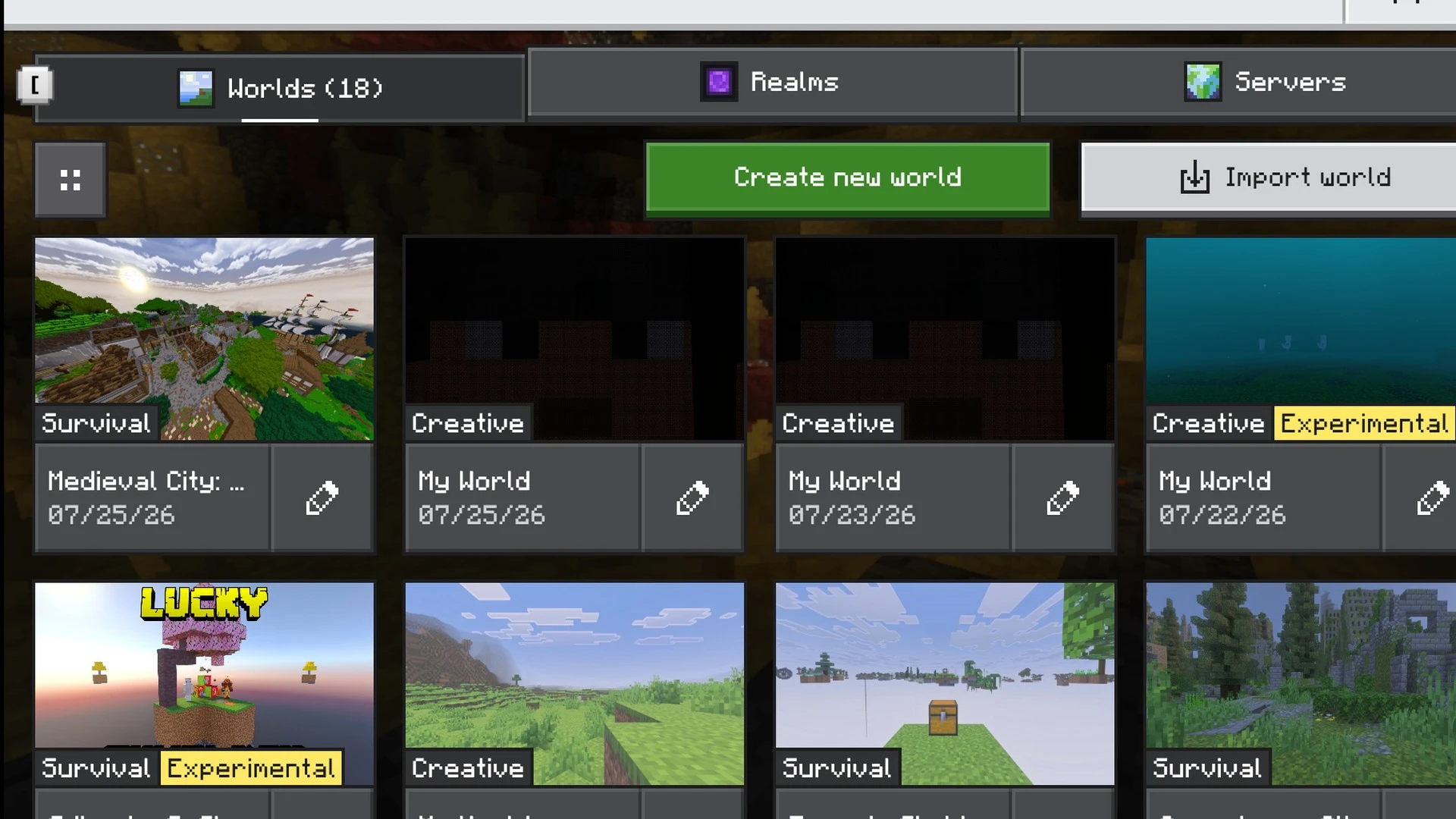
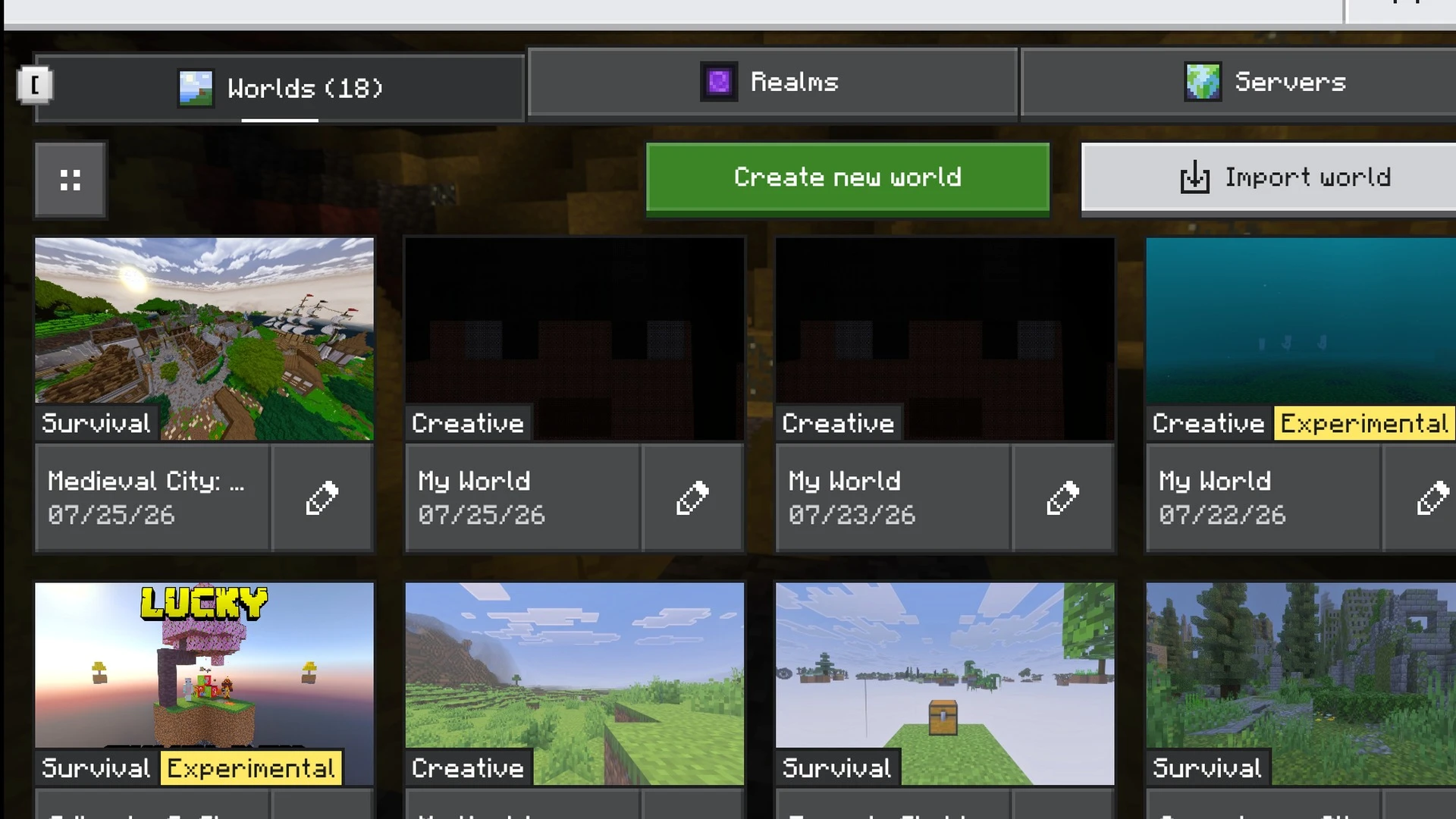
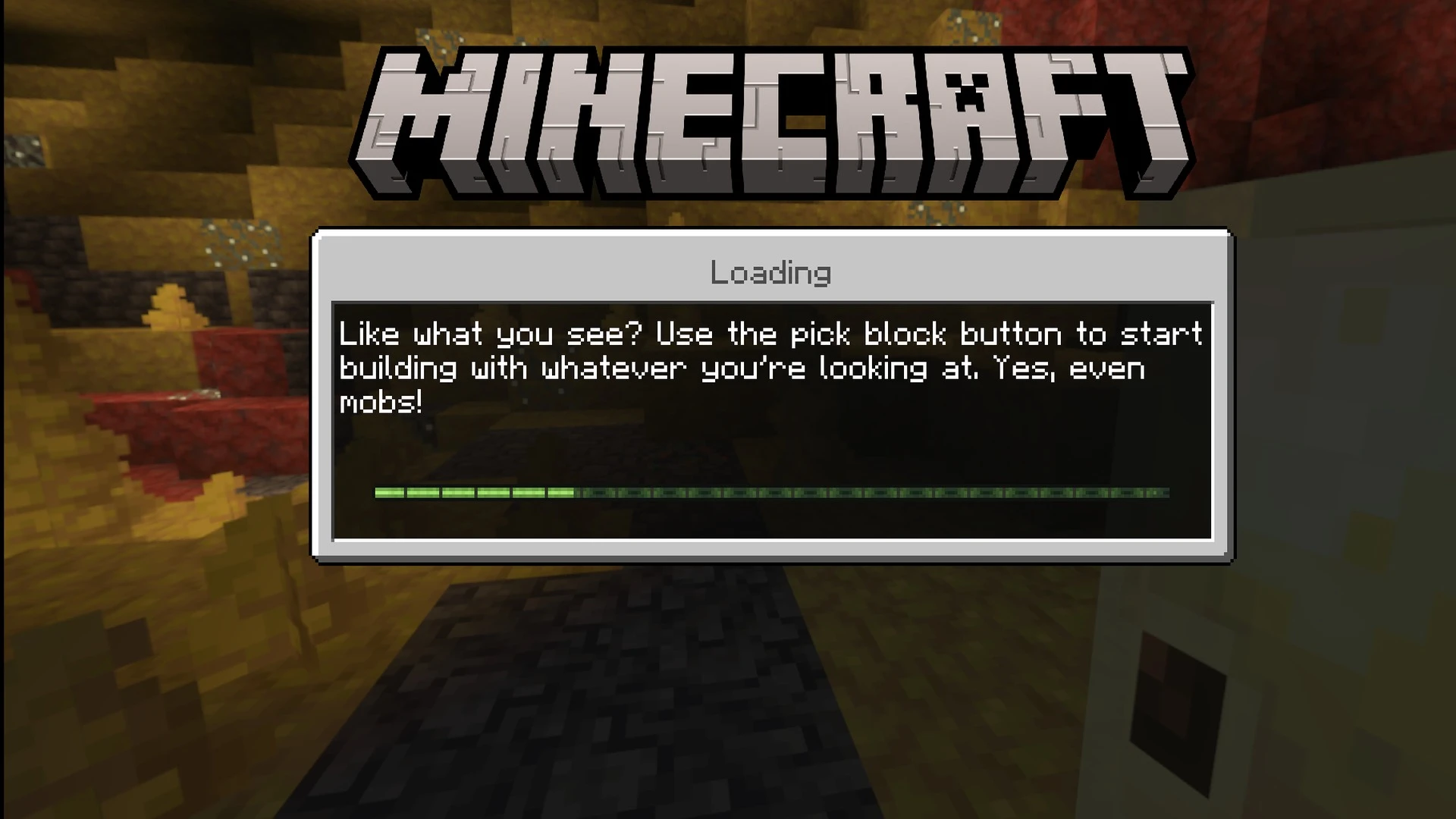
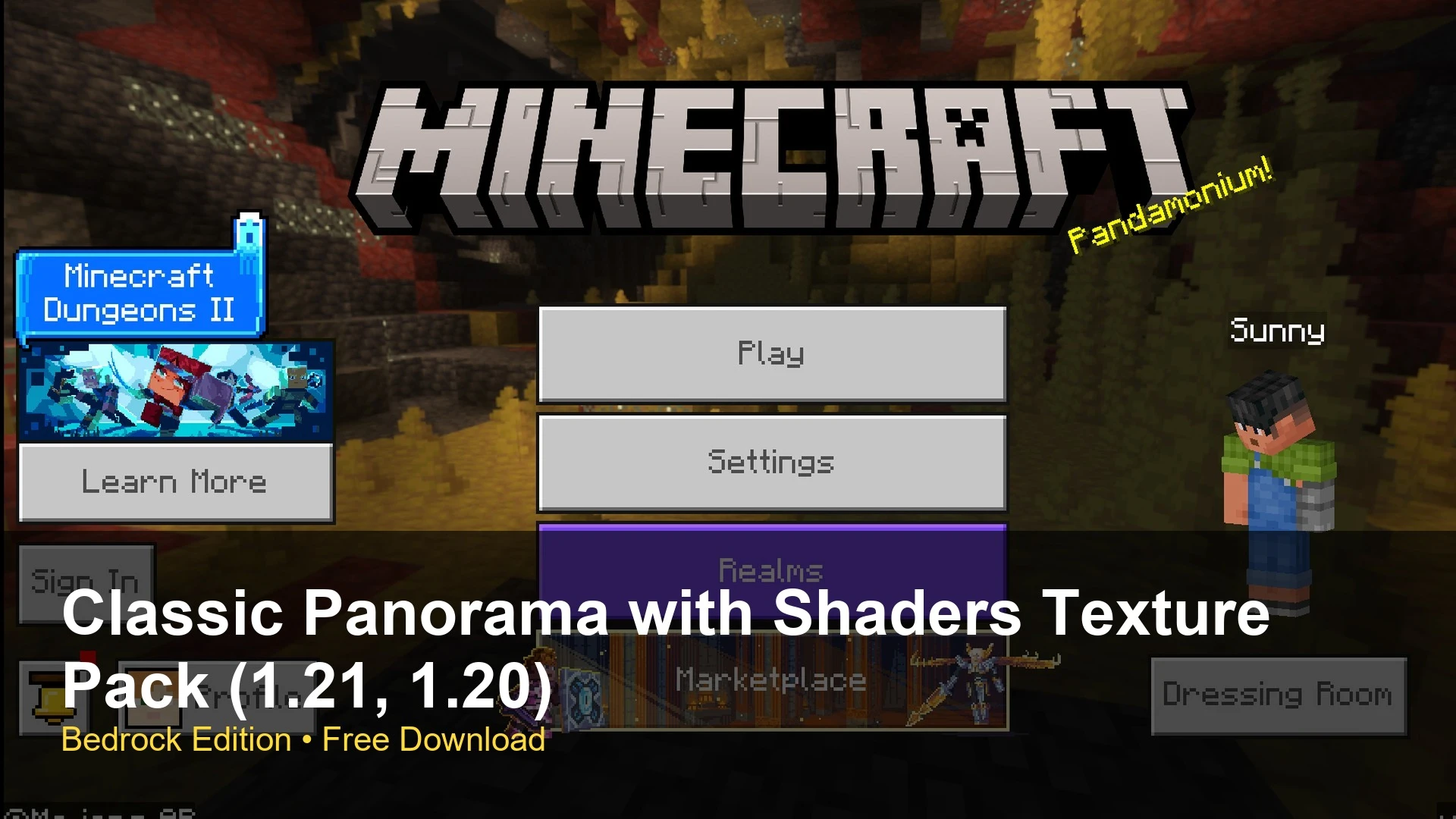
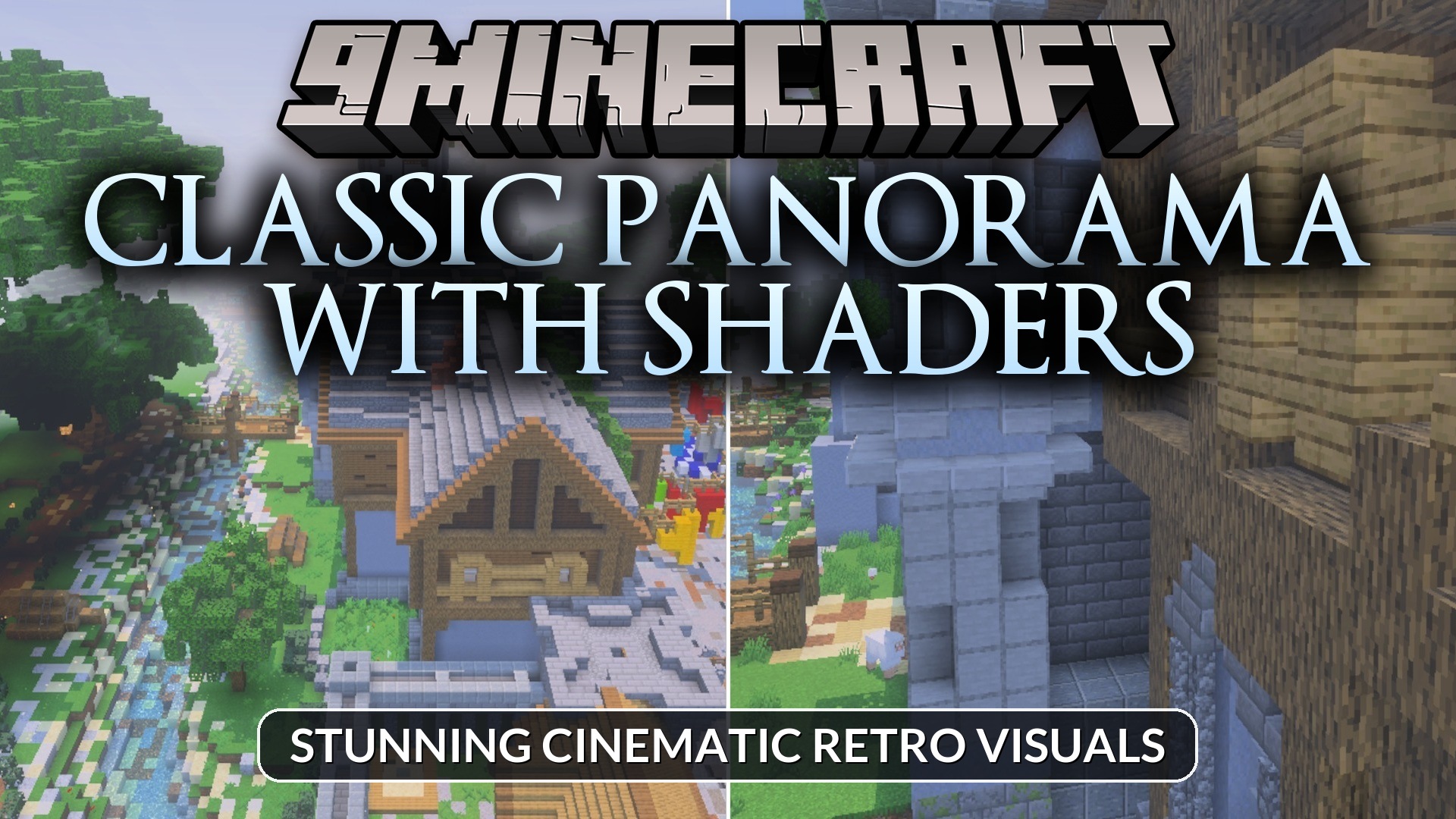
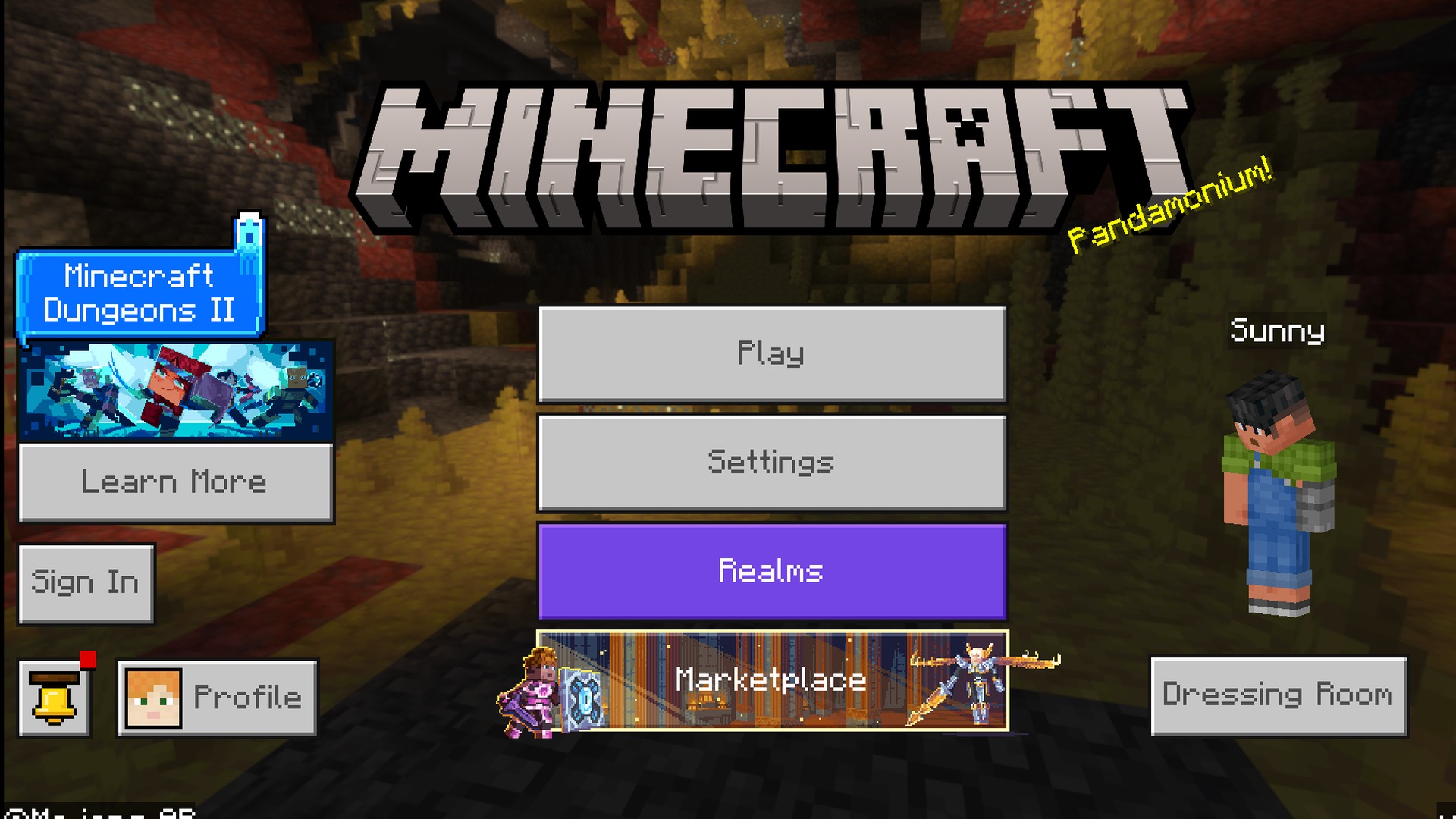
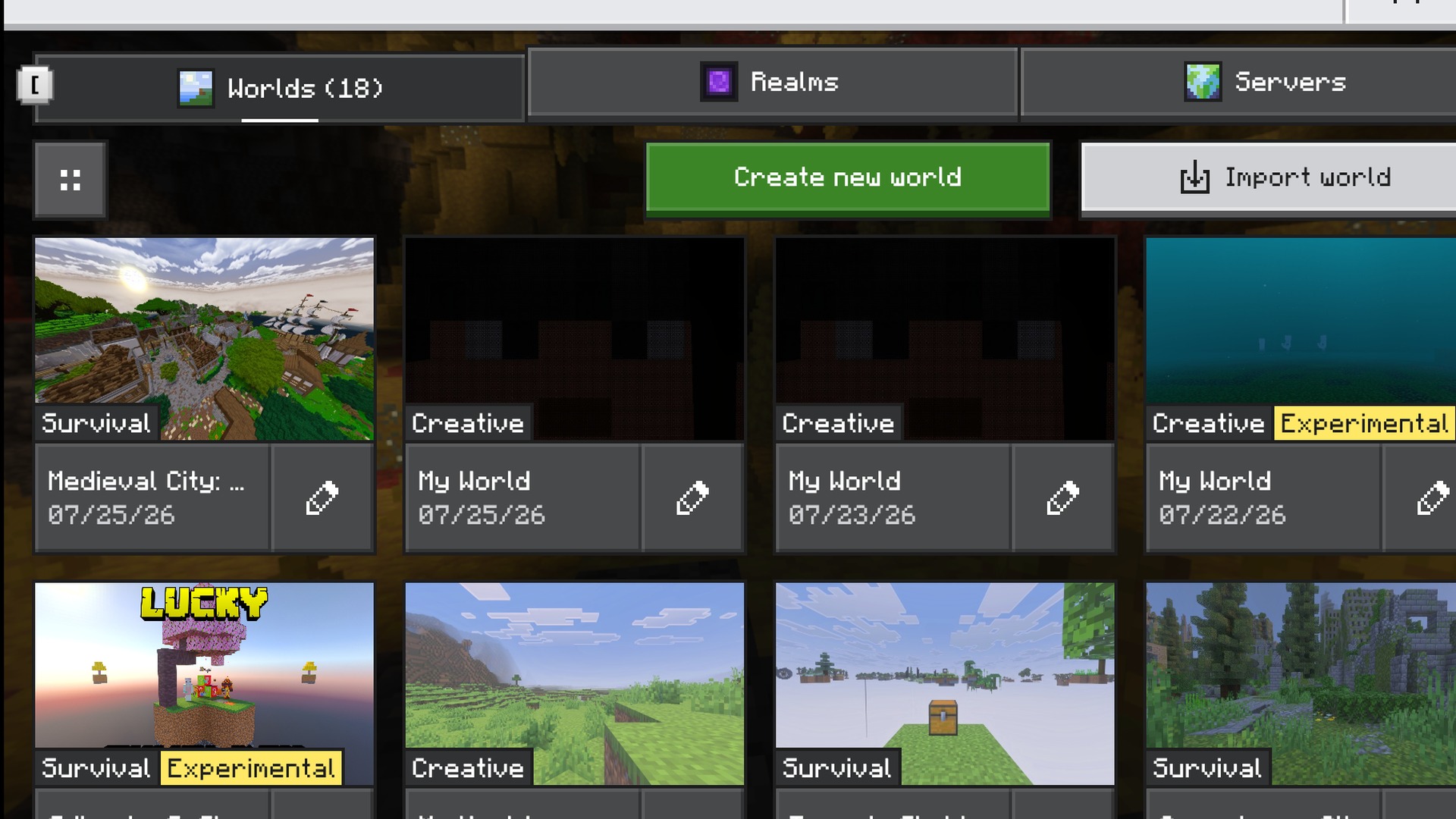
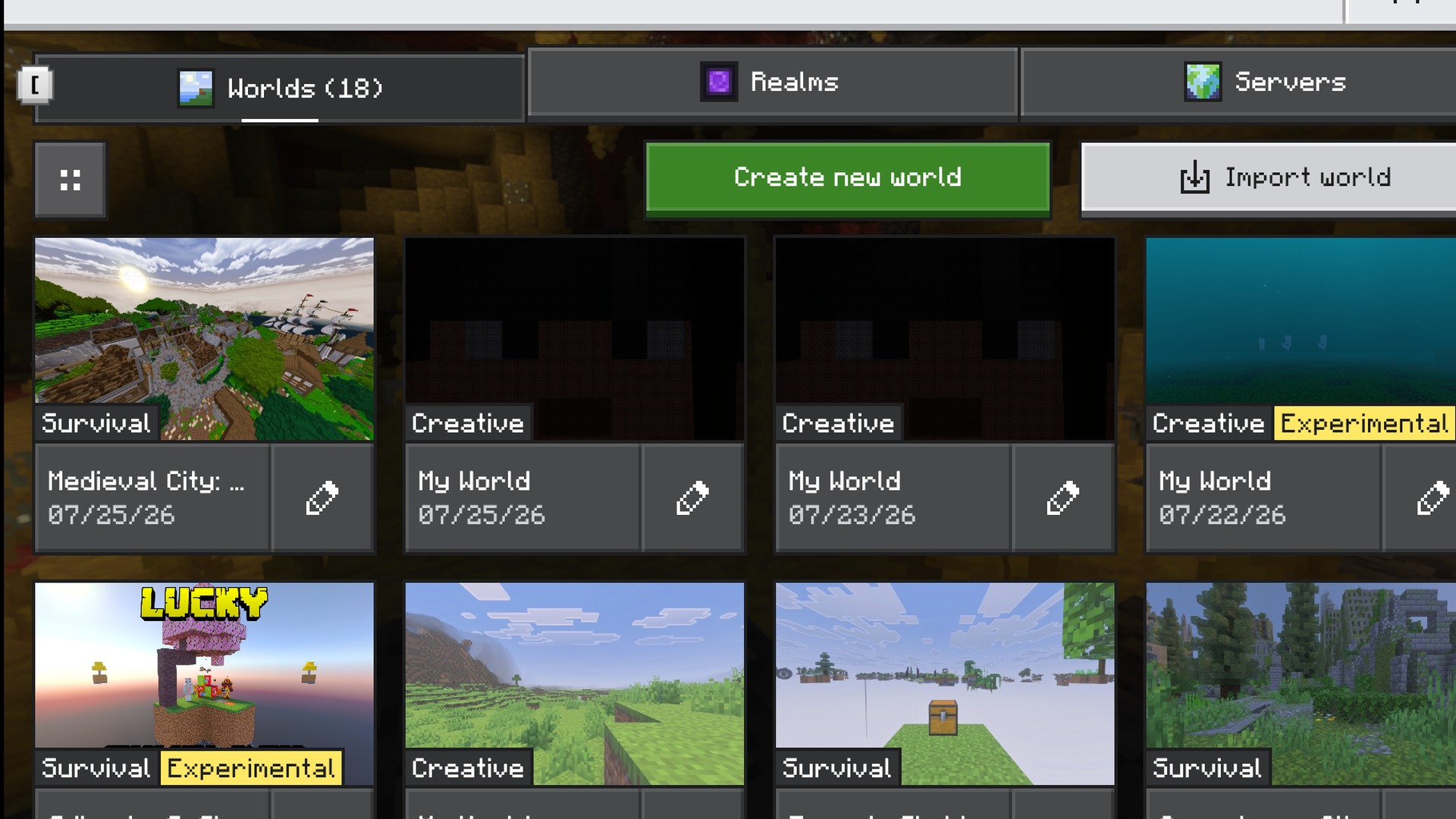
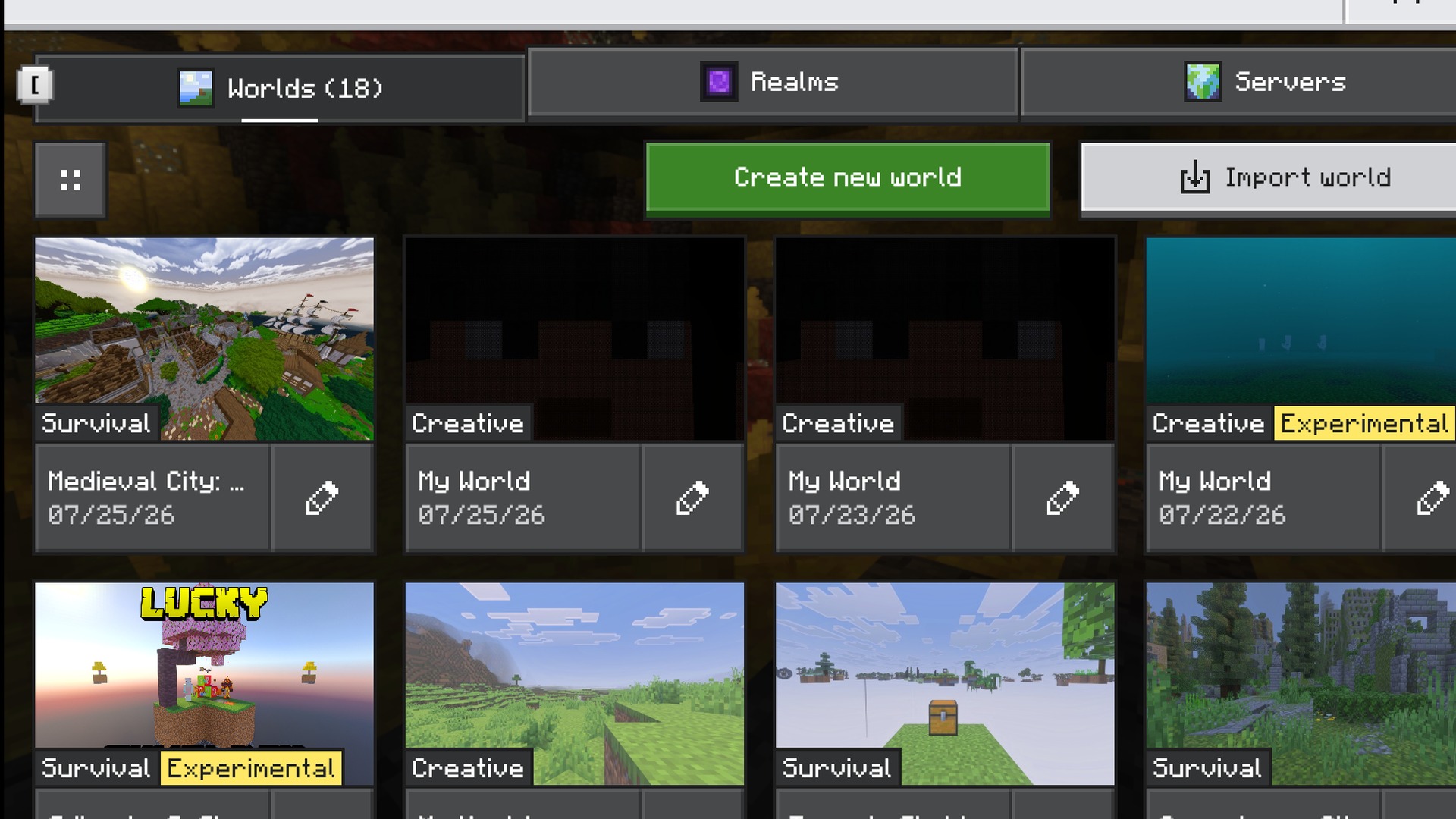
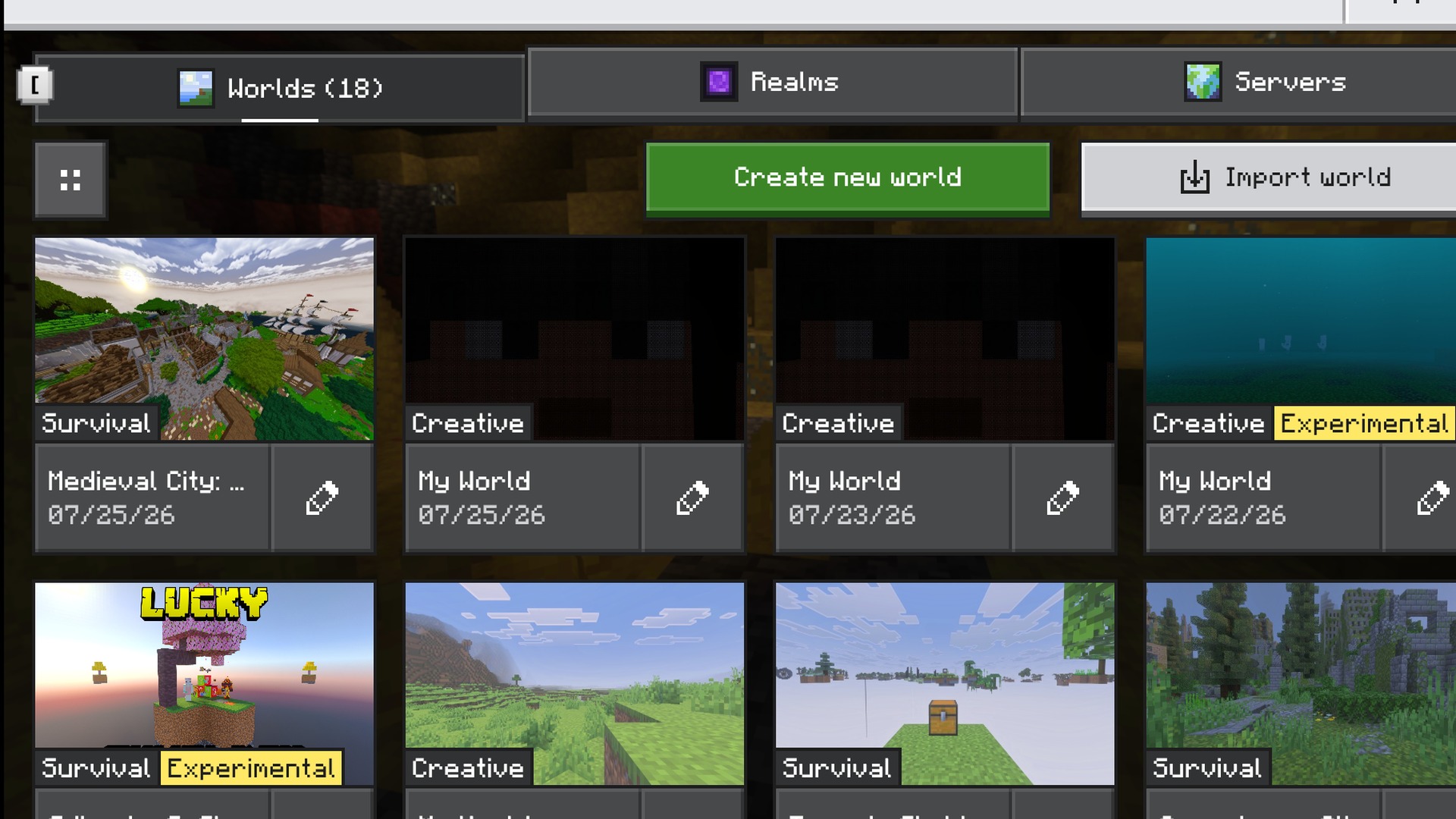
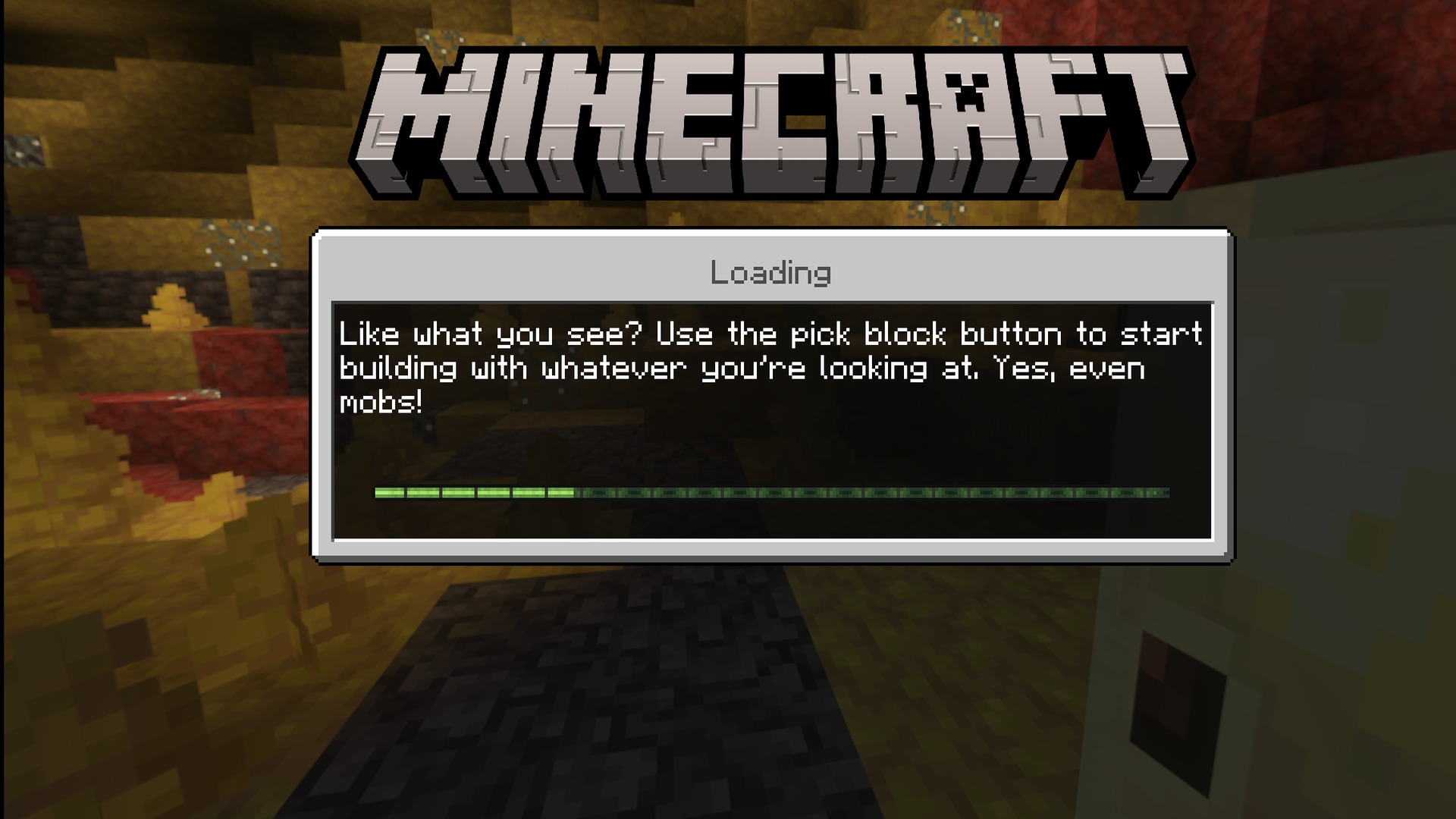
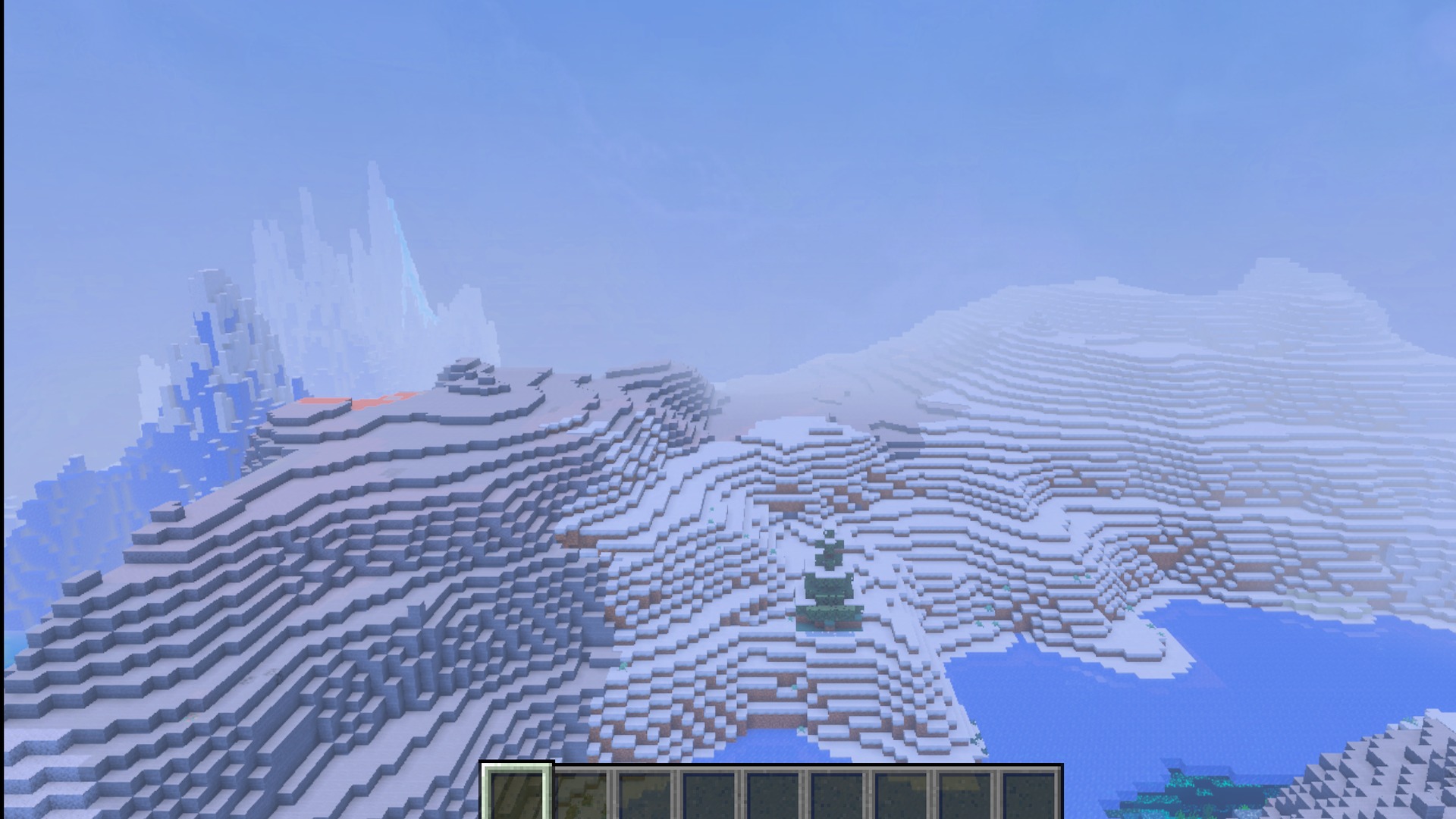
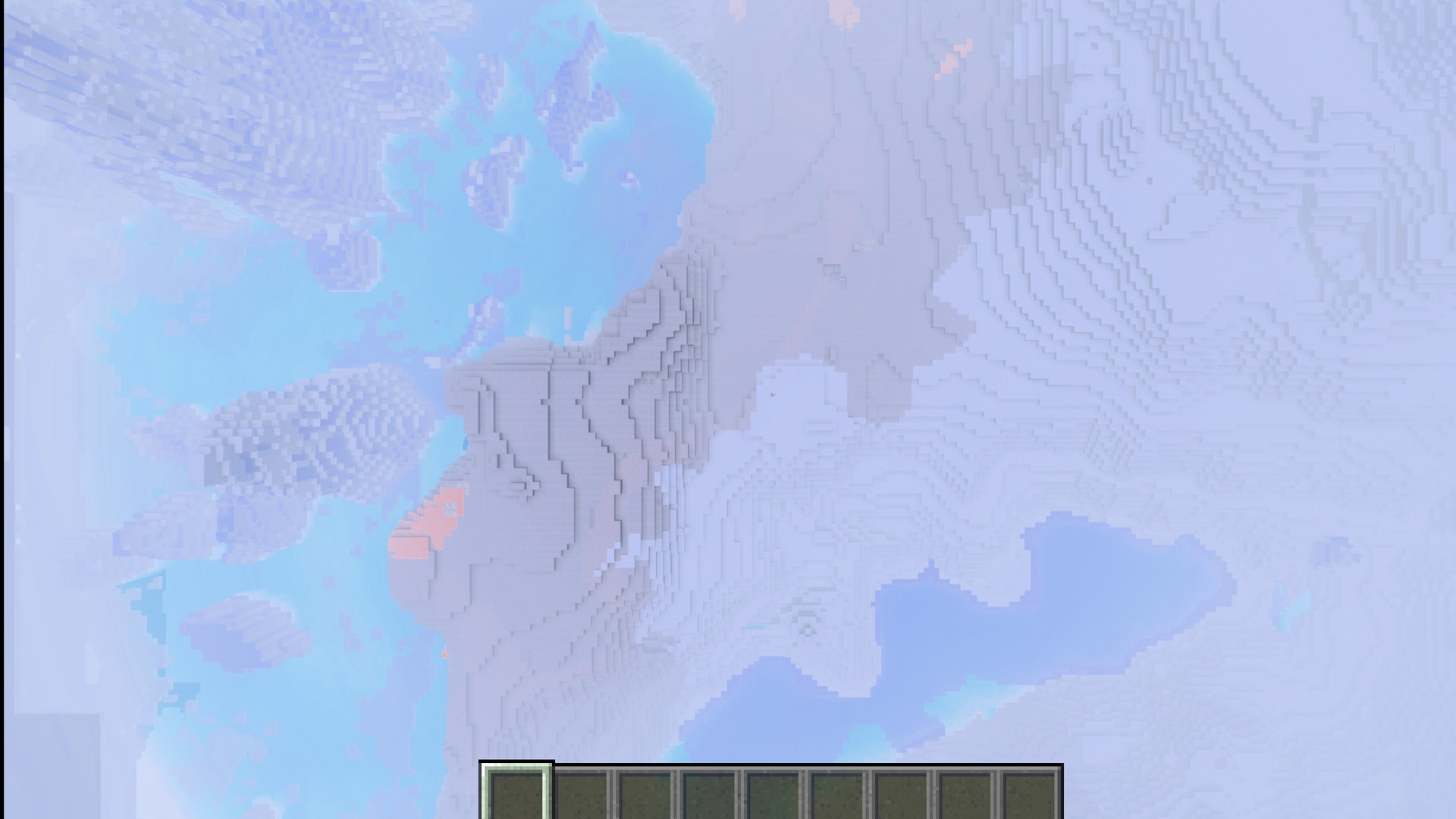
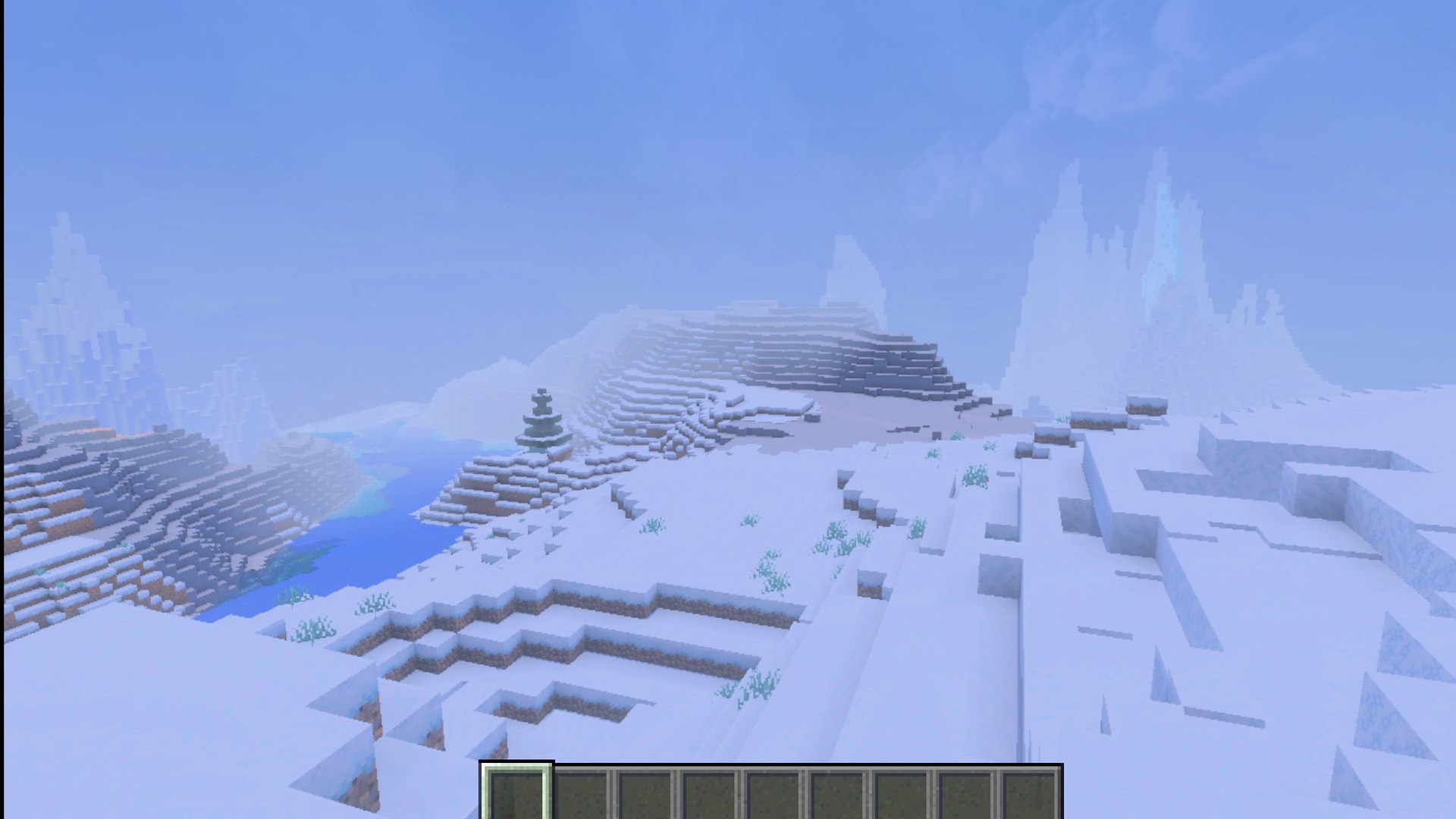
Classic Panorama with Shaders Texture Pack adds the old main menu background to your game. It gives the classic screen a fresh look by adding beautiful lighting and a nice sunrise. This pack lets you choose from different image sizes to fit your device perfectly.
Features:
- Changes the main menu background to the classic panorama.
- Adds beautiful lighting effects to the classic background image.
- Adjusts the time of day to match the original screen.
- Improves the look of the sunrise on the menu screen.
- Lets you pick between three different image quality sizes.
Screenshots:
Classic Panorama with Shaders Texture Pack Download Links
Quick facts
- Edition: Minecraft Bedrock
- File type: .mcpack
- Minecraft versions listed: 1.21, 1.20
- How to install: Download the .mcpack. → Open it — Minecraft imports it under Resource Packs. → Activate it in Global Resources, or for one world under Resource Packs → Available.
- Where to get it: Opens on the file's original source — not every file is mirrored on our own servers.
Install steps are the general flow for this file type — How to install Minecraft Bedrock texture packs walks through it step by step.
Classic Panorama with Shaders Texture Pack (1.21, 1.20) – Stunning Cinematic Retro Visuals is a free Minecraft Bedrock texture pack. Compatible with Minecraft 1.21, 1.20. Download it and open it directly in the game.